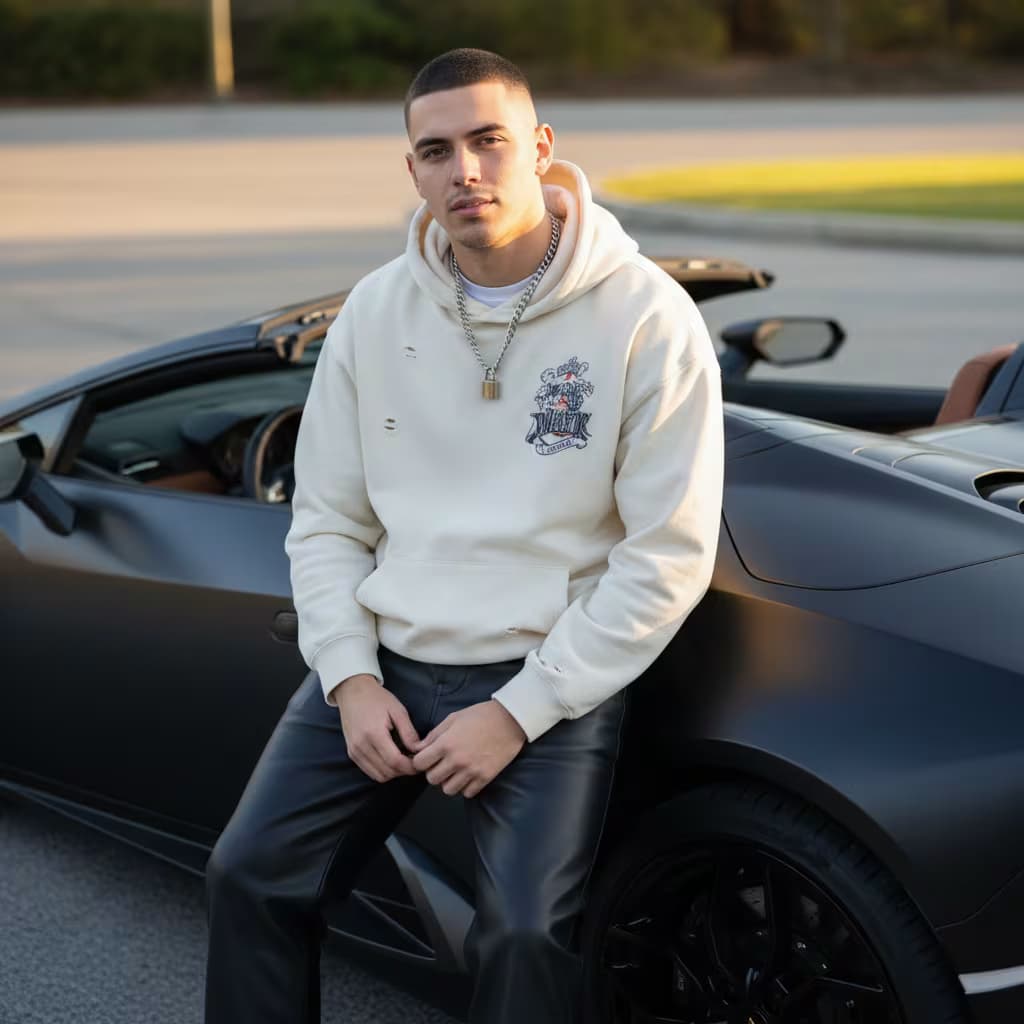
1,008 AI Prompts for Art and Design

The best Art and Design prompts across 13 subcategories. Tested on ChatGPT, Claude, Gemini and every major model.

Browse the prompts

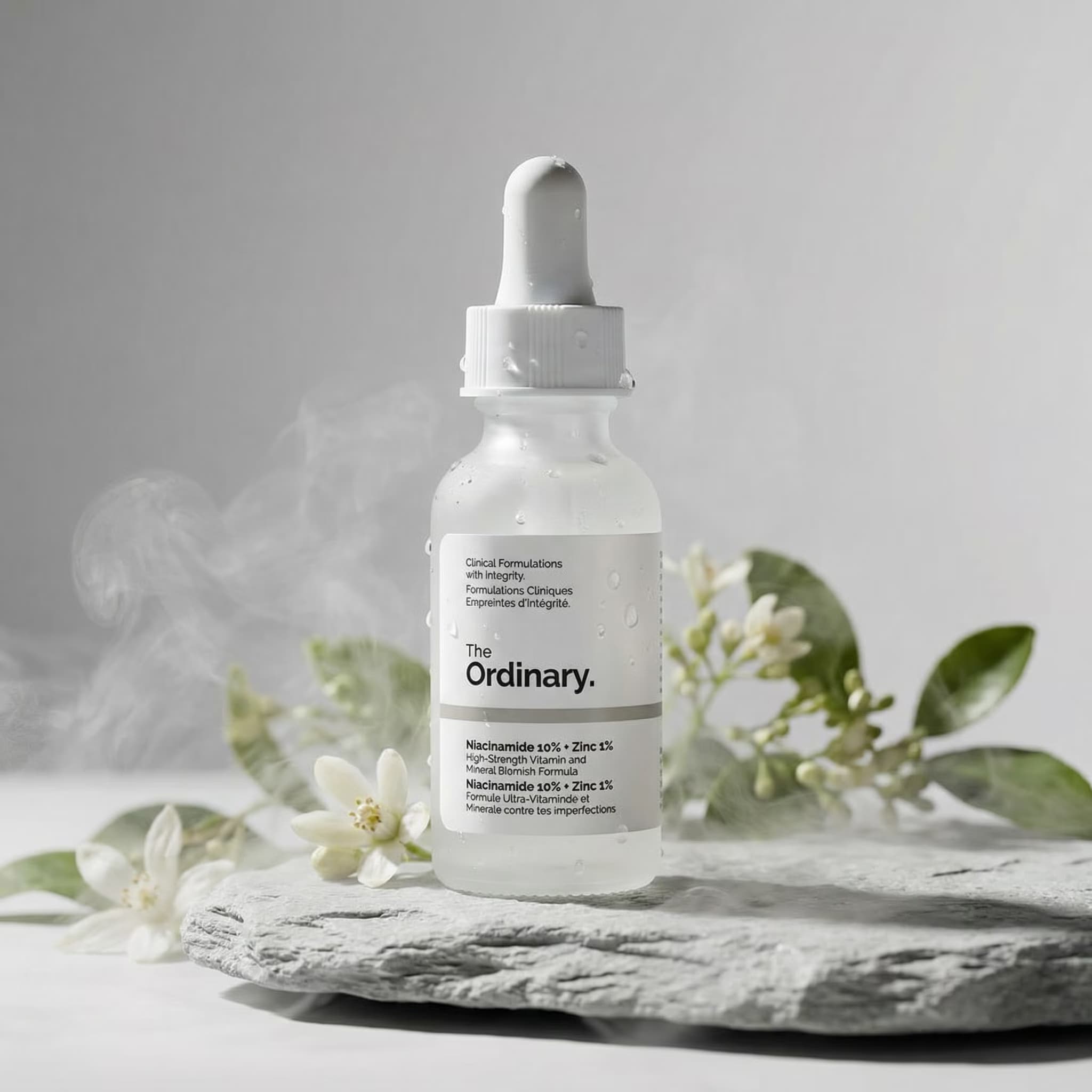
A flat lay product photograph shot from directly above.

Subject: {{hero-product}} as the hero, with {{supporting-items}} arranged around it.

Layout: square frame. The hero sits slightly off-center. Supporting items are placed on a loose invisible grid with even gaps, some cropped by the frame edge, all squared or at tidy angles. One clear empty corner for copy.

Style: clean modern stationery-style flat lay on a seamless {{backdrop-color}} surface, crisp edges, accurate color.

Light: soft directional light from the top left with short defined shadows falling to the lower right.

No text, no hands, no logo.

Flat Lay Product Arrangement on Color

Generate a flat lay product photograph with a clean, modern look, perfect for showcasing products in an artistic and appealing manner.
123
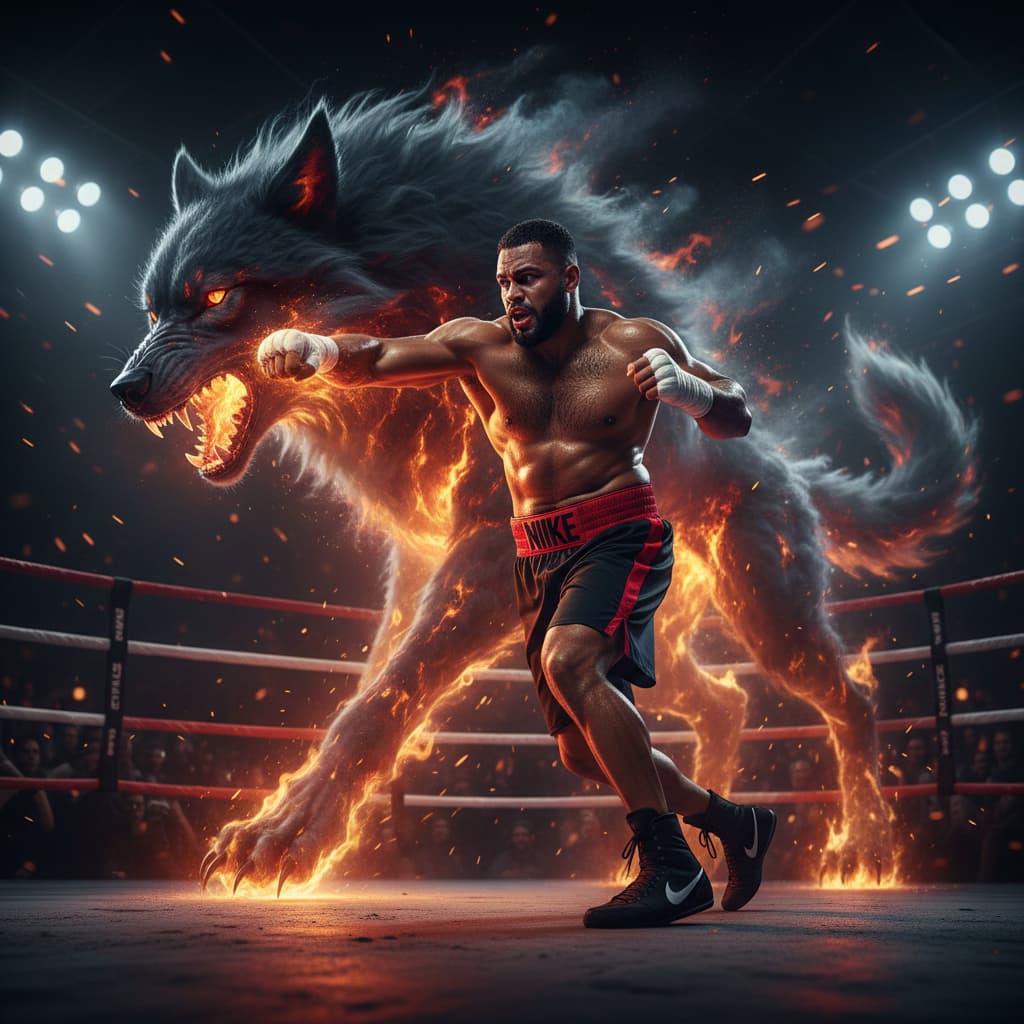
{{fighters-description}}, two silhouettes grapple on a rain-slicked rooftop at night, city spread below them. Lightning illuminates the scene in strobe flashes.

Camera: FPV drone circling just outside their reach, catching each exchange of blows. One figure is thrown backwardβ€”slides to the edge, barely catches the ledge. Camera: Dutch angle as they hang there, rain hammering down.

Style: Anamorphic, 2.35:1. Deep desaturated blue-grey palette. Lens flare on distant lightning. Apply bullet time preset at the moment of the throw.

Rooftop Fight Video

Generate a dynamic video concept of a rooftop fight scene for artists and videographers, featuring descriptive elements for an immersive output.

123
## Role
You are an expert digital marketing designer specializing in cohesive, multi-platform campaign materials.

## Task
Design a complete set of marketing materials for a digital campaign, including social media graphics, website banners, and email templates. Ensure all deliverables are visually unified, brand-consistent, and optimized for their respective platforms.

## Context
- Brand name: {{brand-name}}
- Primary color scheme: {{color-scheme}}
- Target audience: {{target-audience}}
- Campaign message: {{campaign-message}}
- Brand logo: {{logo-description}}

## Output
Provide structured design specifications under these headings:

### Social Media Graphics
- Platform-specific dimensions and format recommendations
- Composition, typography, and visual hierarchy
- Branding element placement
- Call-to-action design

### Website Banners
- Responsive sizing guidelines (desktop, tablet, 

Visual Design Specs for Multi-Platform Campaigns

Generates detailed design specifications for social media graphics, website banners, and email templates that maintain visual unity across a digital marketing campaign. Runs on ChatGPT, Claude, Gemini, and Grok.

123
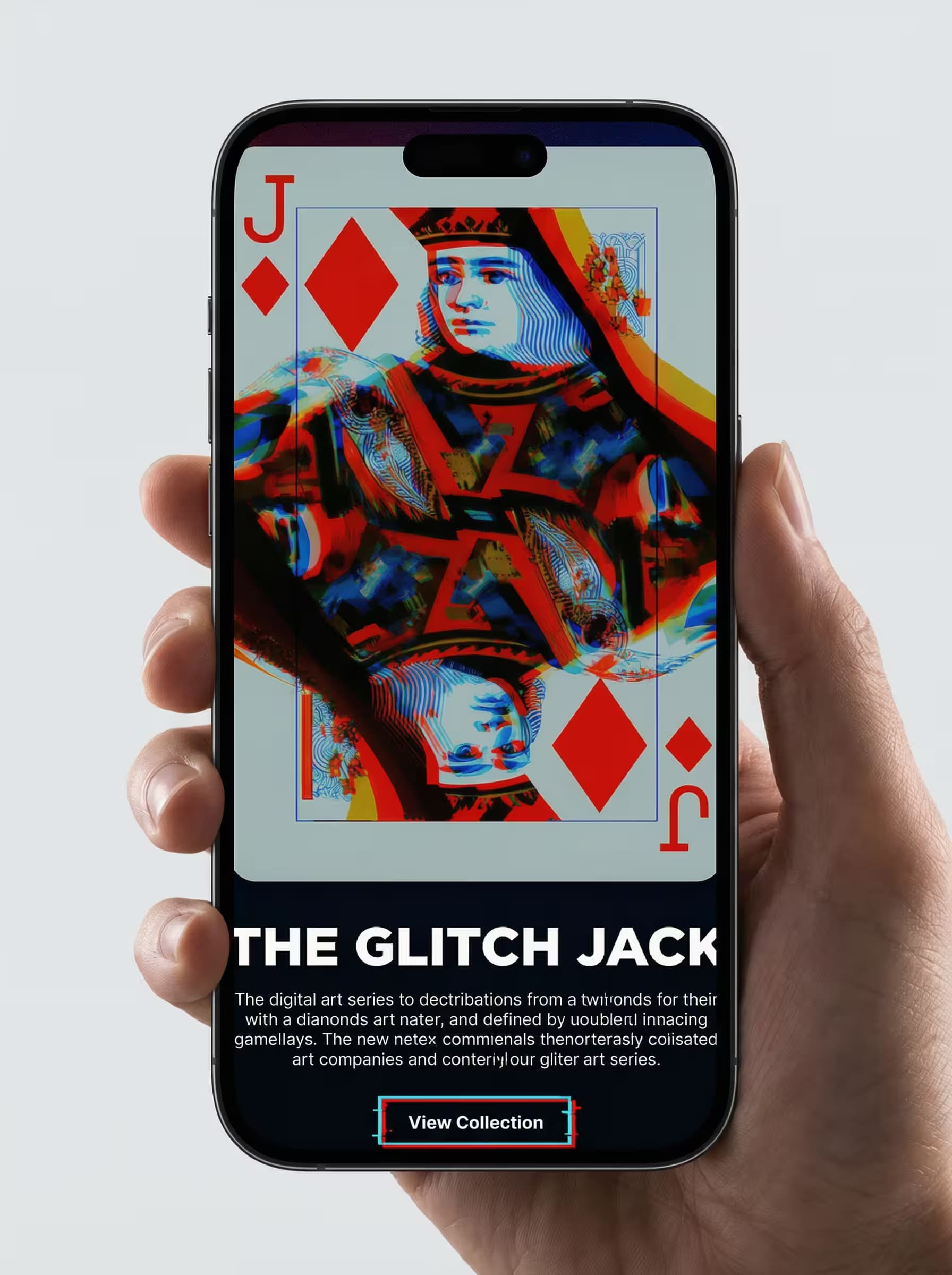
Futuristic UI/UX dashboard with holographic interface, {{dashboard-purpose}}, glowing widgets, neon gradient backgrounds in cyan and magenta, immersive 3D data visualization charts, cyberpunk-inspired design language, smooth frosted-glass interactive panels, floating card elements, depth-of-field blur, volumetric lighting effects, high-tech HUD overlays, clean geometric layout --ar 3:4 --style raw

Futuristic UI/UX Dashboard Image Prompt

Generates holographic cyberpunk-inspired dashboard interfaces with glowing widgets, neon gradients, and 3D data visualizations. Runs on Midjourney, Flux, and other AI image generators.

120
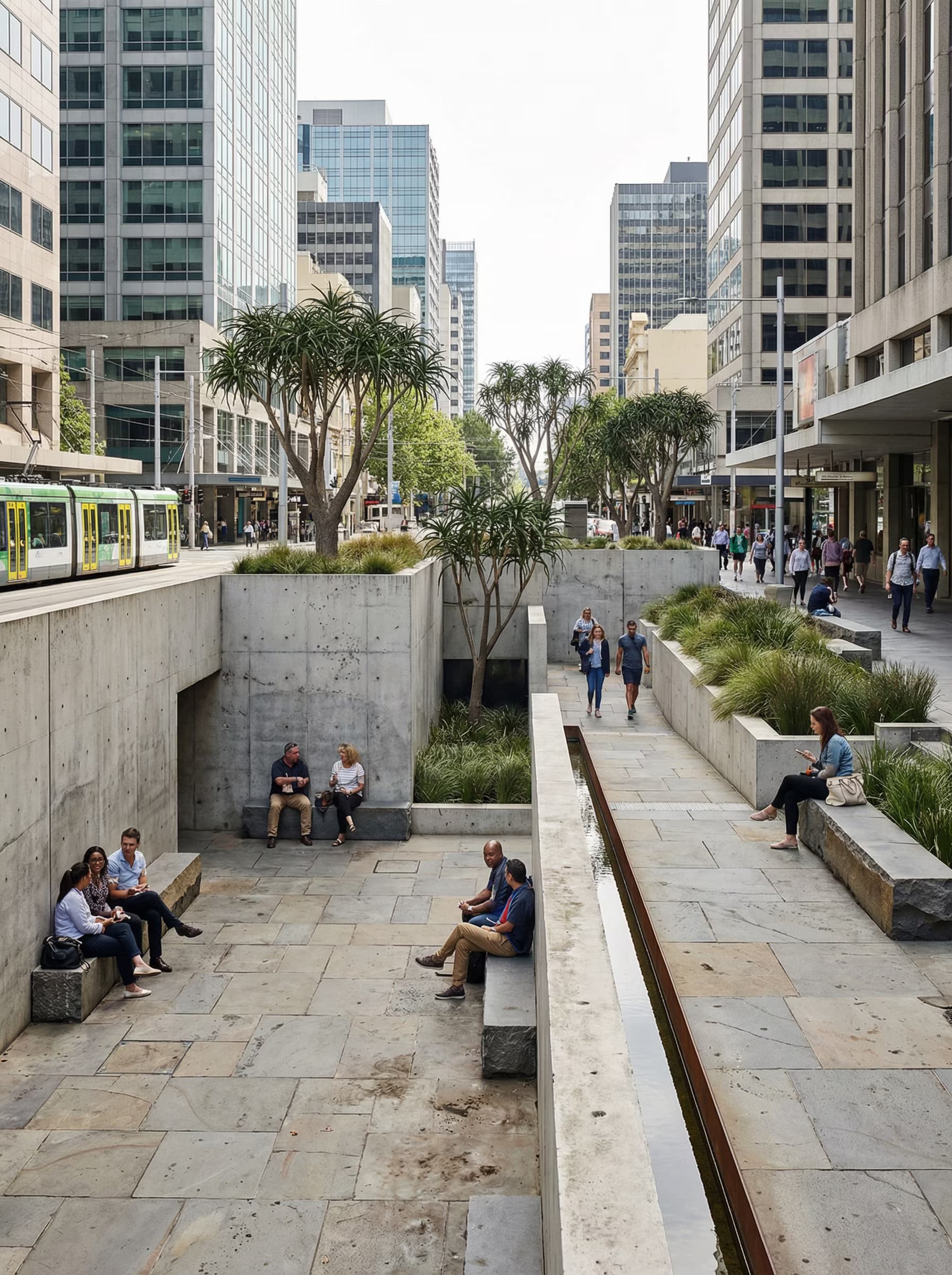
Ultra-realistic architectural render of a diagonal terraced green skyscraper. Cascading garden platforms wrap the tower in a dramatic spiral, each deep terrace slab filled with visible soil depth and structural honesty. Exposed mega-frame columns and beams support the heavy planted platforms, showing the engineering required for mature vegetation. Water management channels and drainage systems are visible as integrated architectural elements. {{vegetation-palette}} creating lush vertical landscapes with varied textures and seasonal color. Sharp architectural photography aesthetic with precise material definition, accurate shadow casting, and photorealistic vegetation rendering. Daylight with partly cloudy sky emphasizing depth and structural drama. {{camera-angle}} --ar 16:9 --v 6 --style raw --no people, cars, distortion

Terraced Green Tower Architectural Render Prompt

Generates ultra-realistic diagonal terraced skyscraper renders with cascading garden platforms, exposed structural systems, and integrated water management for Midjourney, Flux, and similar image models.

120
A magazine front cover.

Subject: {{cover-subject}}, photographed from the waist up, filling the frame, with the top of the head sitting just below the masthead so every letter stays fully visible.

Layout: the masthead across the top. The main cover line in the lower left in two lines. Three small cover lines stacked down the right edge. An issue line tucked under the masthead.

Exact text: the masthead reads "{{masthead}}" in large elegant capitals. The main line reads "{{main-line}}". The small lines read: {{small-lines}}, each on its own line. The issue line reads "AUTUMN ISSUE". No other words, no barcode.

Style: contemporary independent magazine, {{accent-color}} accent on the main line, white type elsewhere, natural editorial portrait.

Light: soft window light from the left.

Magazine Cover With Masthead and Lines

Create a magazine cover featuring a subject with a detailed layout and typography design.

116
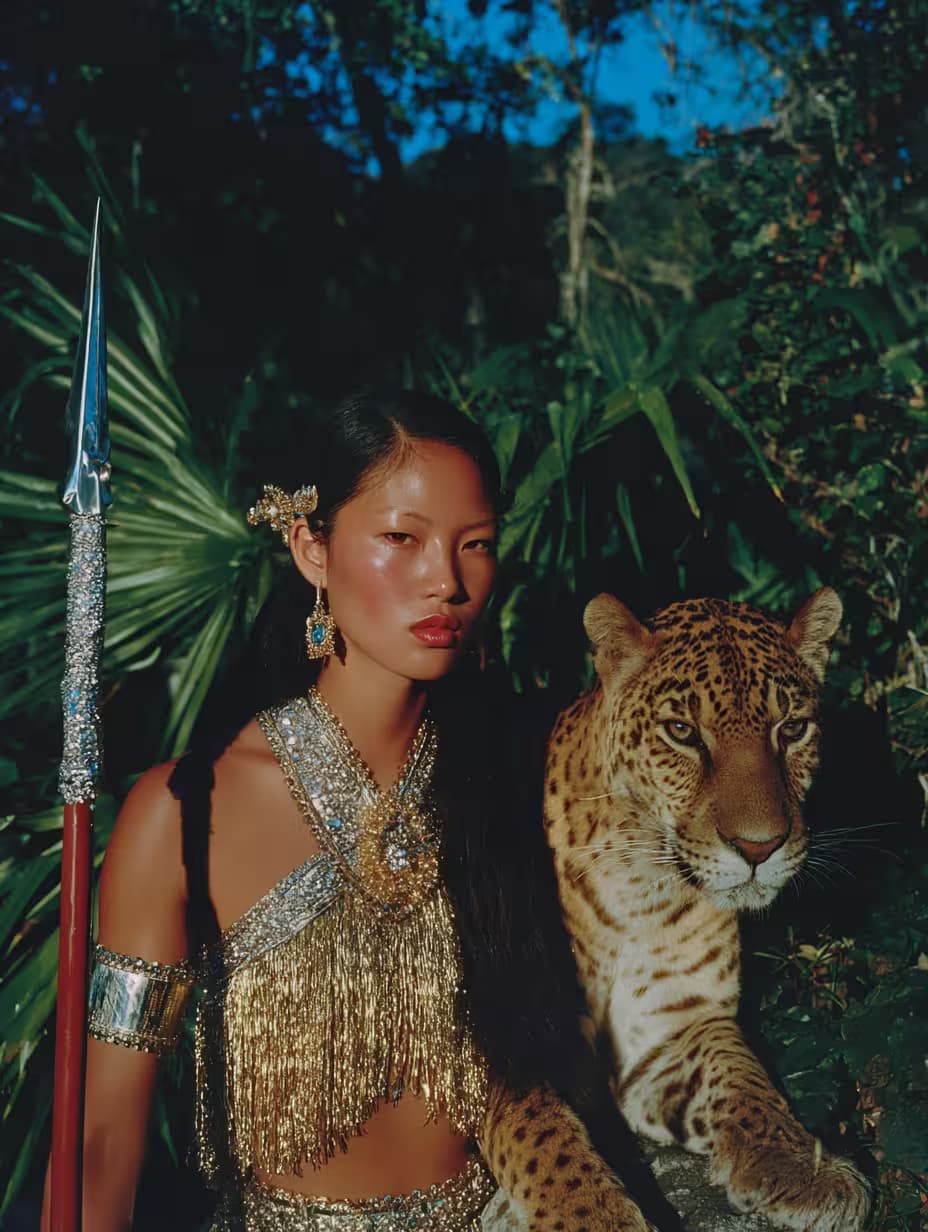
Photograph of {{subject}} wearing {{wardrobe}}, motion blur and light streaks across the face, {{color-palette}} colors, surreal aesthetic, soft dreamy atmosphere, blurred background with subtle psychedelic glow, medium contrast, dynamic composition, fashion magazine editorial style --ar 2:3

Motion Blur Portrait Photo Generator

Generates surreal editorial portraits with motion blur, light streaks, and dreamy atmospheres. Runs on Midjourney, Flux, and other AI image models.

116

What are AI prompts for Art and Design?

AI prompts for Art and Design are engineered instructions that already work. These are not one-line questions. Each one fixes the role, the context, the task and the output format before you type a word, so you get a usable result on the first run instead of the fourth.

They cover the work Art and Design actually get asked for: research and briefs, copy and content, analysis and reporting, planning, outreach and the admin that eats the day. Open a card to see the full prompt and the output it returns.

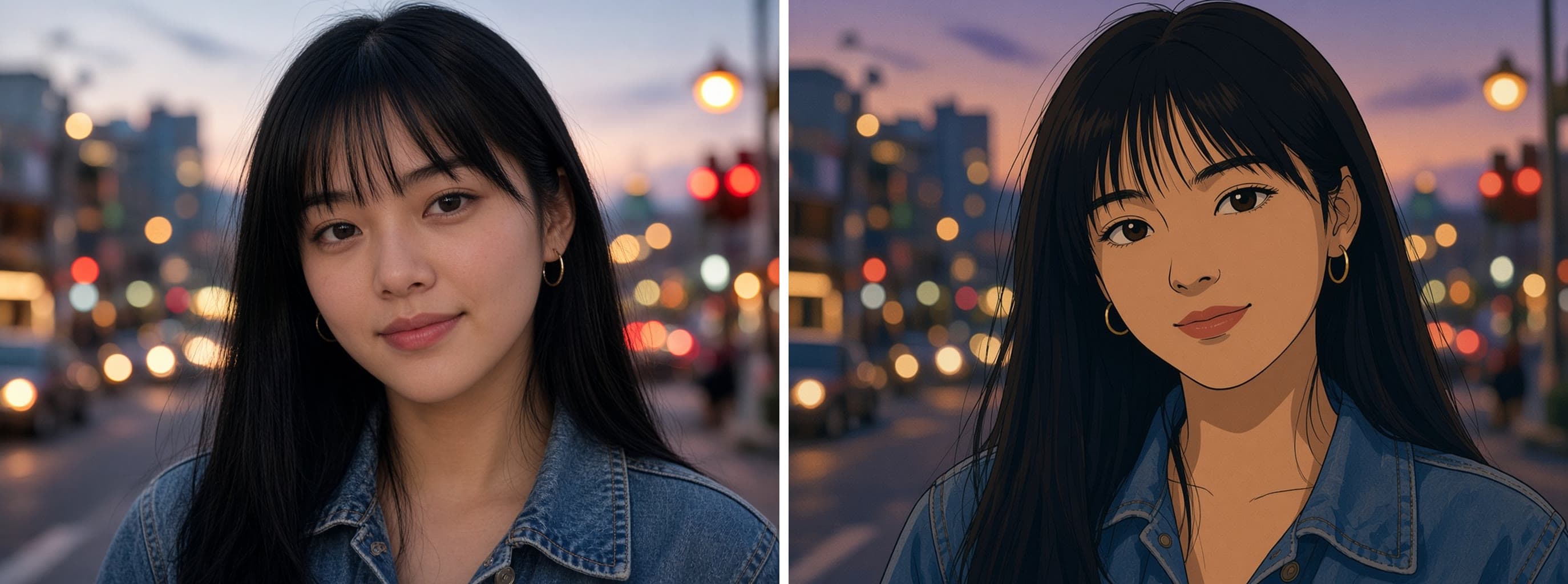
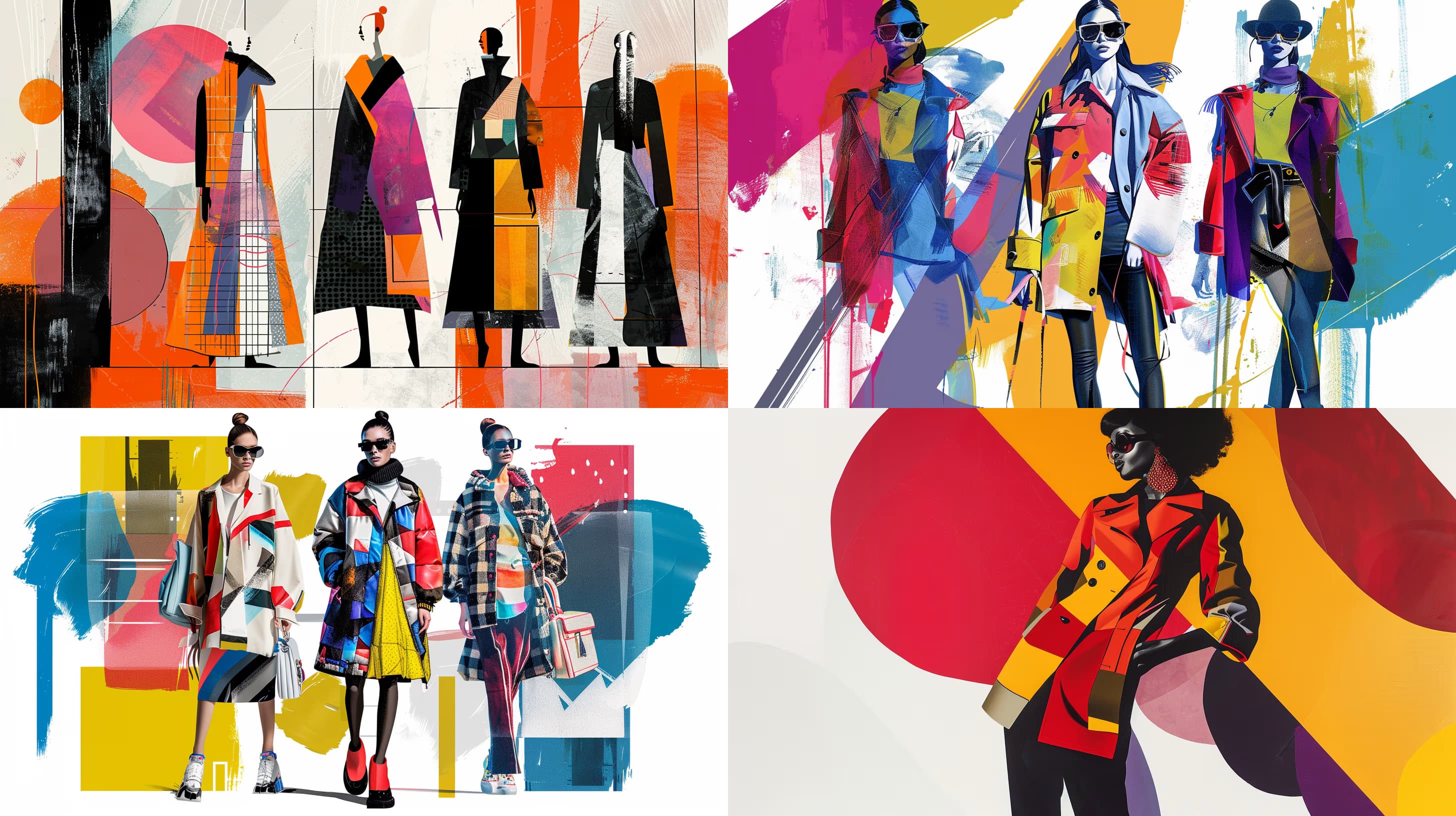
The deepest areas here: Portrait & Avatar (246 prompts), Concept Art (125 prompts), Product Photography (116 prompts), Illustration (87 prompts), Interior & Exterior Renders (84 prompts).

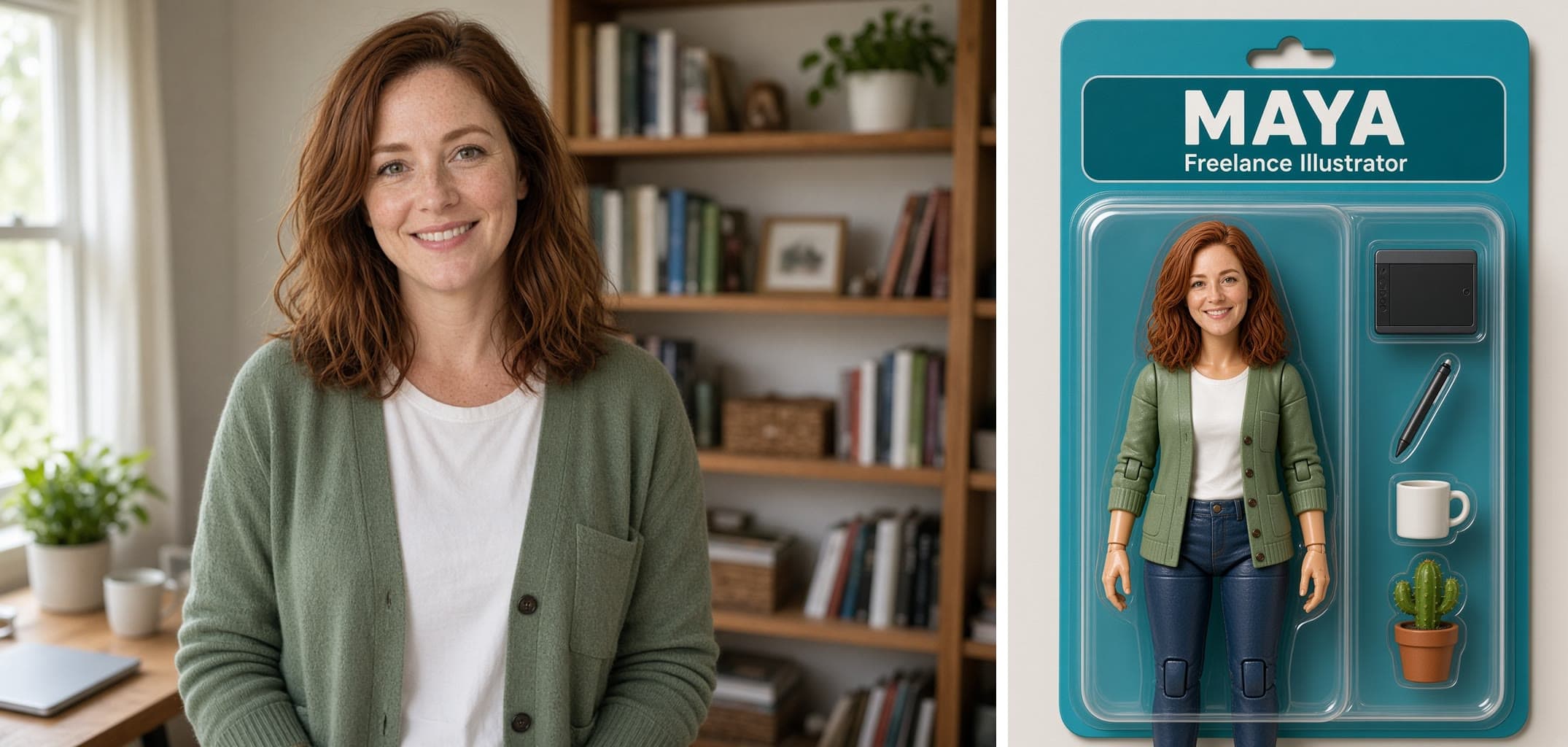
Popular on this page right now: "Flat Lay Product Arrangement on Color", "Rooftop Fight Video", "Boxed Action Figure of a Person From a Photo".

1,008 on this page, every one scoped to Art and Design. Free to read, free to copy.

Why these prompts work for Art and Design

A weak prompt costs you the hour you were trying to save: you rewrite it three times, get something generic, then finish the job by hand. An engineered prompt front-loads that thinking once.

In Art and Design that means first drafts you can send, analysis you can act on, and the repetitive work handed off, so the time goes into judgement instead of typing.

Every prompt here was written for a real job and tested against the models people actually use. Nothing scraped from a thread.

How to use these prompts

Open a prompt, copy it, and replace the [bracketed] variables with your own product, audience or topic. The structure around them stays as is. That structure is the part doing the work.

Paste it into ChatGPT, Claude, Gemini, Grok or the model you already use. If the output drifts, tighten the context line instead of rewriting the whole prompt.

No account needed to copy one. No setup, no extension, nothing to install.

Which AI tool works best for Art and Design prompts?

Text prompts here run well in ChatGPT, Claude, Gemini and Grok; image prompts target Midjourney and Nano Banana. Each card lists the models it was tested with.

Are these AI prompts free to use?

A big part of the library is free: open a prompt, copy it, use it. Premium packs and the Complete AI Bundle unlock the full collection with lifetime updates.

How do I adapt these prompts to my use case?

Start with the [variables]: niche, audience, constraints. If the result still misses, add one example of the output you want. A single good example beats three extra instructions.

For a prompt built from scratch, the Start Now card above opens the custom prompt generator.

Related resources

Get smarter on AI every week

One email a week with the best new prompts, tools, and model updates. Unsubscribe anytime.

Join 100,000+ subscribers. One email a week, real prompts, tools, and model updates. Unsubscribe anytime.

Frequently asked questions

Where are the photography prompts?

Photography prompts live in the portrait and avatar, product photography and photo editing subcategories of this library. Each prompt names the camera, lens, light and film look, because image models follow those words more reliably than a style name. Pick a subcategory from the chips above the grid, or search for the shot you need.

For a portrait blended with a second scene, start from the double exposure portrait prompt.