70 AI Prompts for Icon & UI Design

The best Icon & UI Design prompts in the Art and Design library. Tested on ChatGPT, Claude, Gemini and every major model.

Browse the prompts

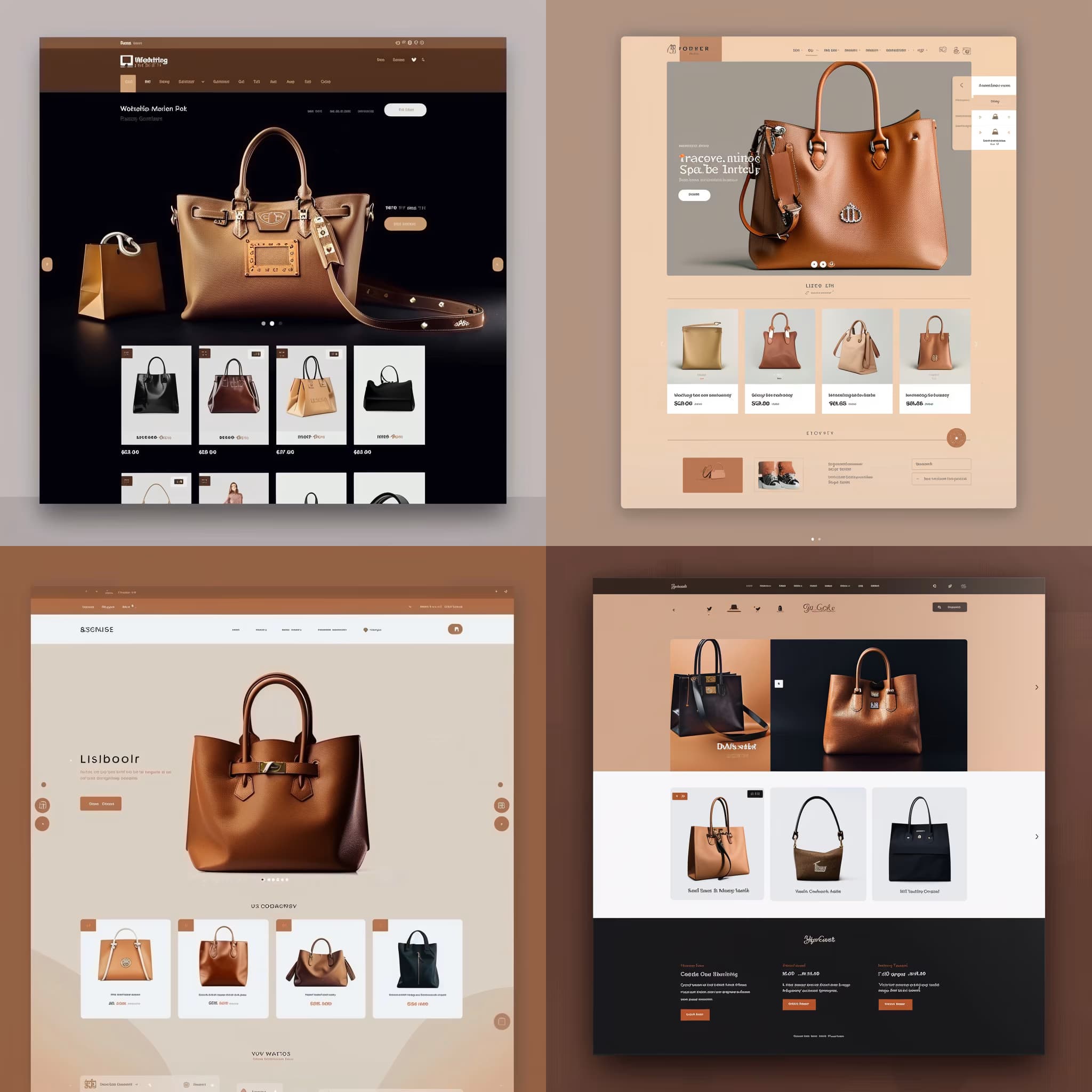
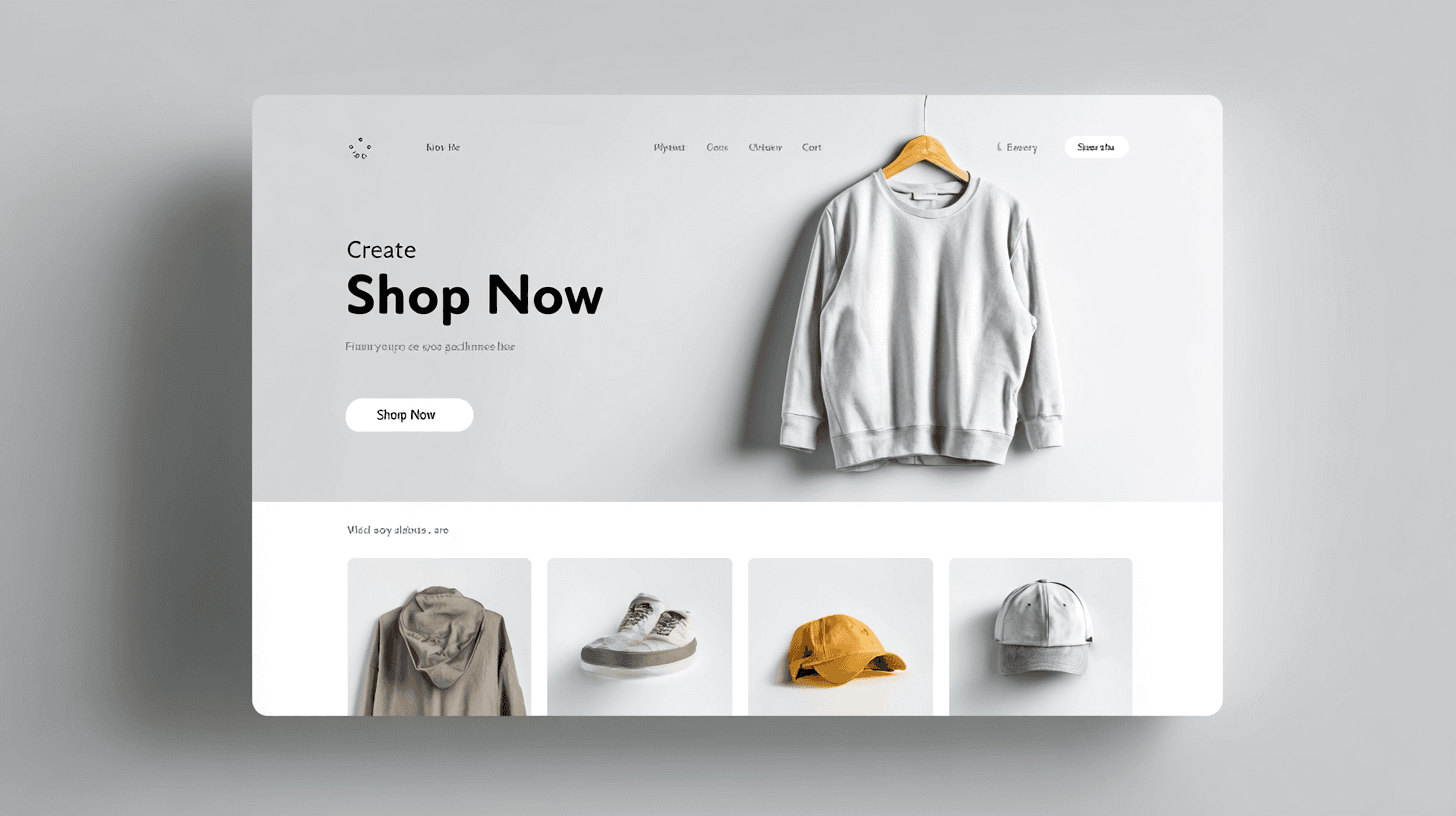
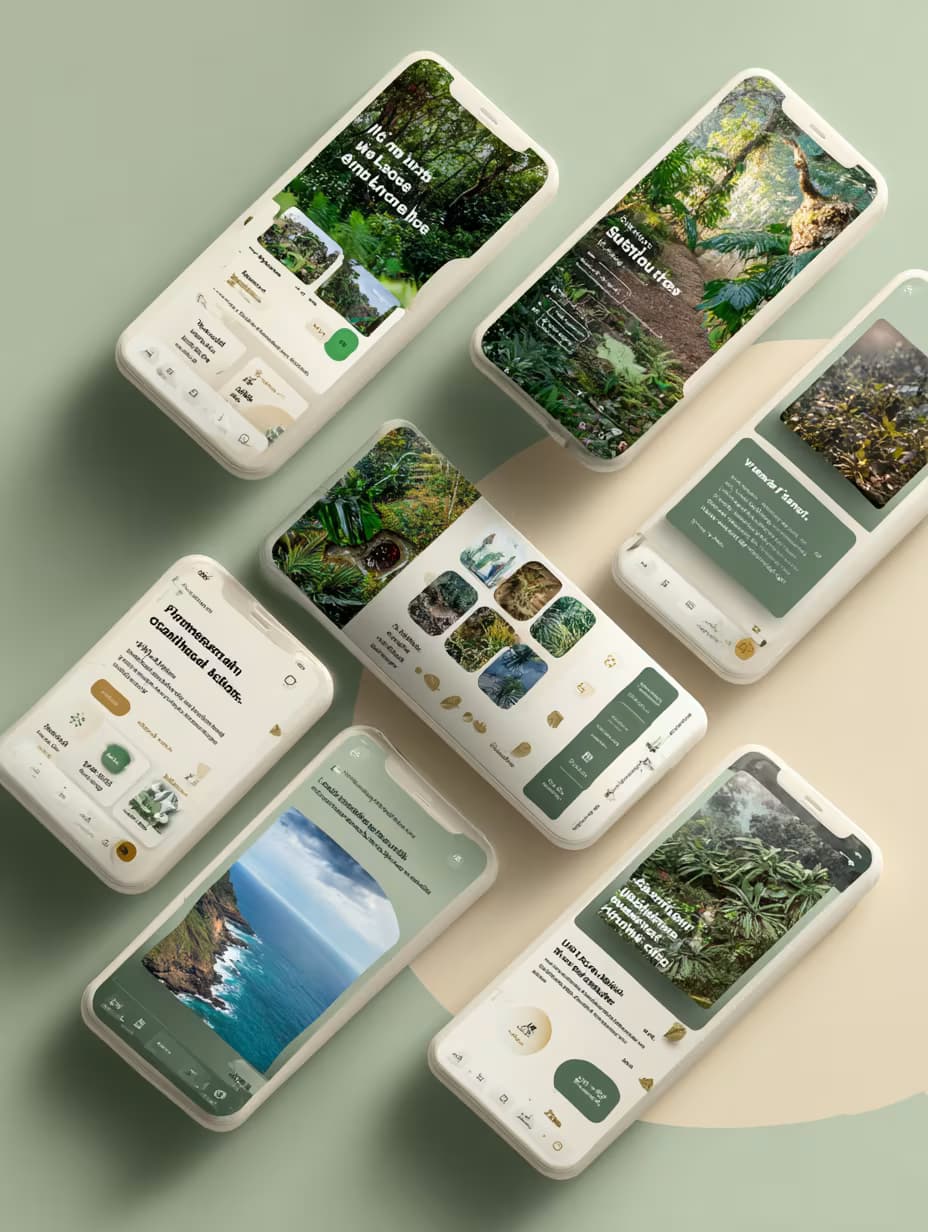
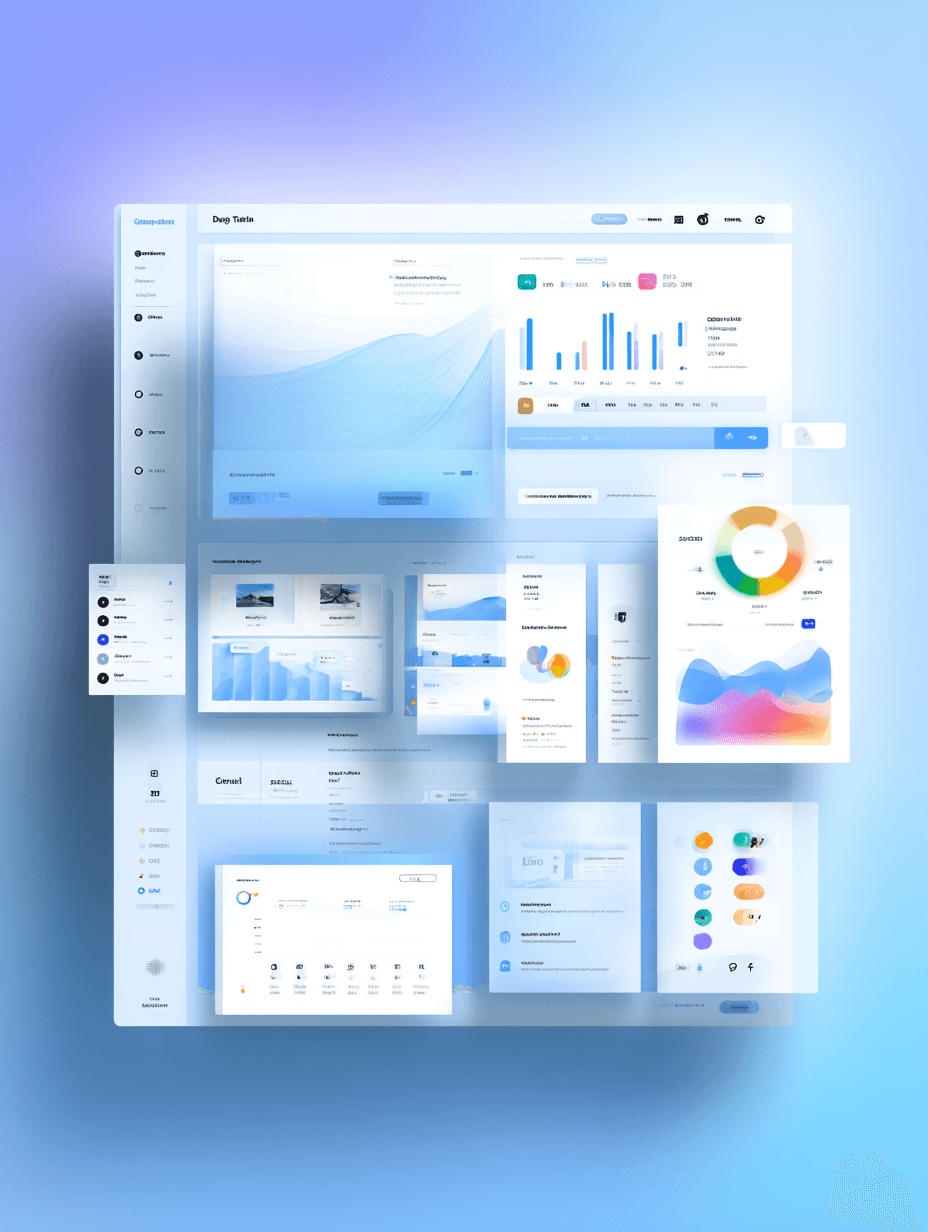
UI design of a {{app-type}}, {{platform}}, flat UI, clean UI/UX design, {{color-palette}} color palette, minimalist modern style, high resolution, white background --no device --ar 16:9 --style raw

Clean UI Design Concept Generator for Apps and Web

Generates flat, minimalist UI design mockups for websites and mobile applications with custom color palettes on a white background. Runs on Midjourney, Flux, and other AI image generators.
98
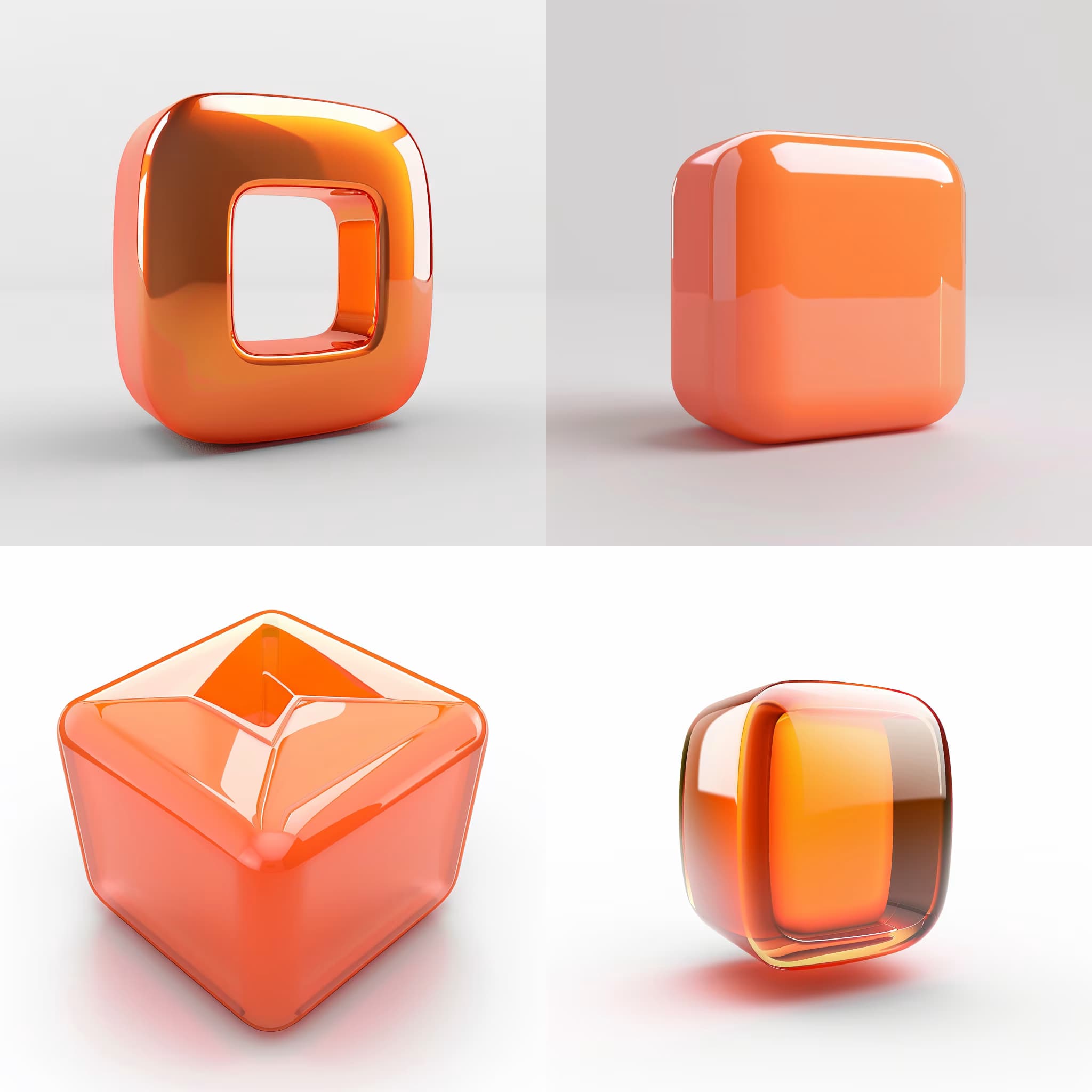
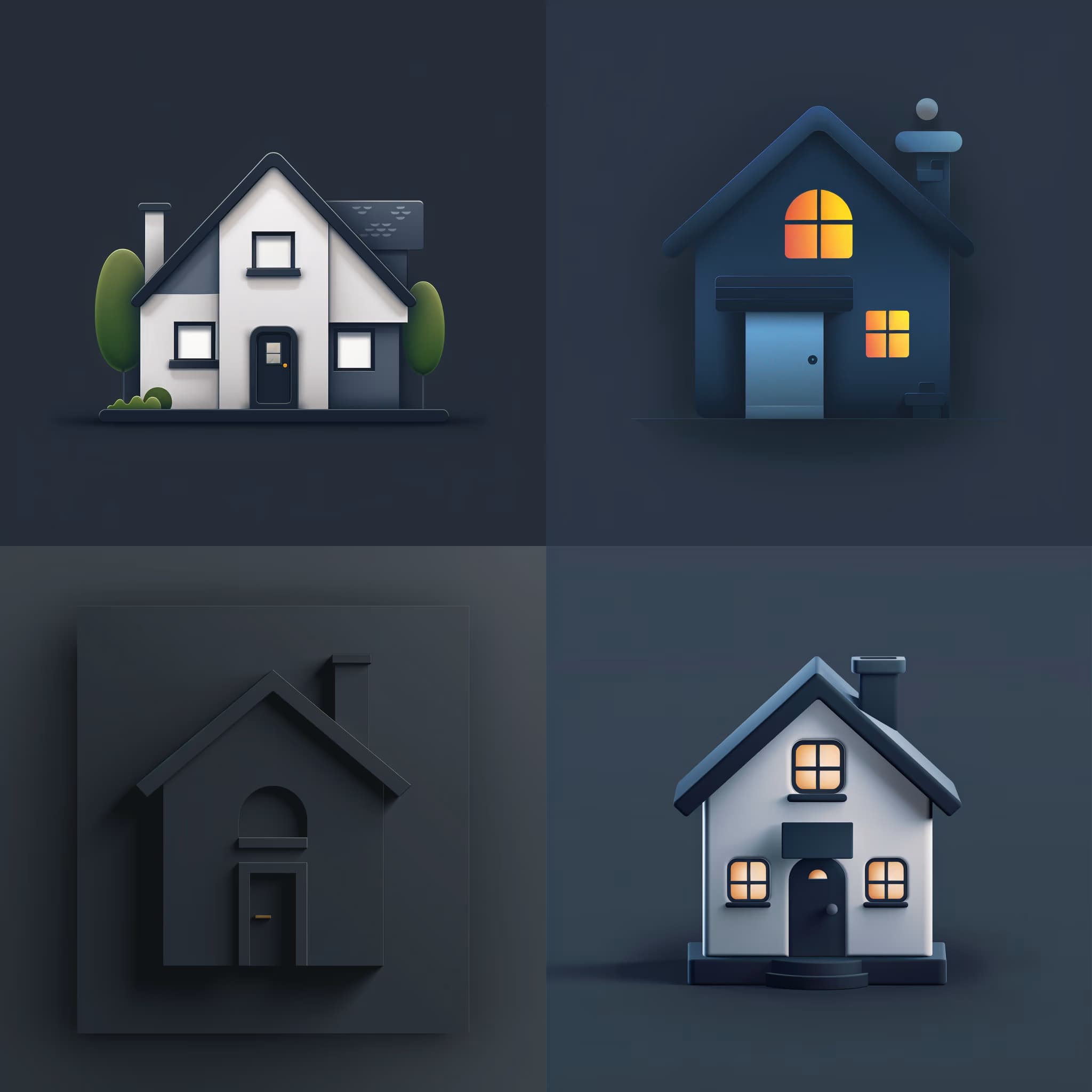
{{subject}} icon design, minimalist flat style, {{color-scheme}} color palette on {{background-color}} background, clean geometric shapes, crisp edges, professional UI-ready appearance, vector-style clarity, centered composition --ar 1:1 --v 6 --style raw --no gradients, shadows, 3d effects

Icon Design Concept Generator

Generates minimalist flat-style icon designs with custom color schemes and 1:1 aspect ratio. Runs on Midjourney, Flux, and other AI image models.

52

UI/UX Concept Generator for Digital Products

Generates five innovative UI/UX design concepts tailored to your product type and brand context. Runs on ChatGPT, Claude, and similar text models to produce trend-informed, user-centered design proposals.

48
## Role
You are a UI/UX designer experienced in user journey mapping for digital platforms.

## Task
Create a comprehensive user journey map that traces each step a user takes to complete a specific action on a website or app. The map should anticipate user needs, remove friction, and create an engaging experience from initial contact through post-completion.

## Context
{{user-action-and-platform}}

User goals, motivations, and context: {{user-context}}

## Output
Structure the journey map using these stages:

**1. Initial Engagement**
Describe the user's first interaction with the platform. What attracts them? How are they welcomed?

**2. Onboarding (if applicable)**
Outline any tutorial or introduction steps that orient the user to relevant features.

**3. User Goals & Motivations**
Clearly define what the user aims to achieve and why they're motivated to complete this action.

**4. N

User Journey Mapping Prompt for Digital Platforms

Generates a comprehensive user journey map tracing each stage from initial engagement through post-completion for any website or app action. Runs on ChatGPT, Claude, Gemini, and Grok.

36

Search Bar Interface Design Prompt

Generates a comprehensive implementation guide for designing search bars that follow e-commerce UX research principles and proven usability patterns. Runs on ChatGPT, Claude, Gemini, and Grok to produce detailed specifications, markup examples, and interaction patterns.

28
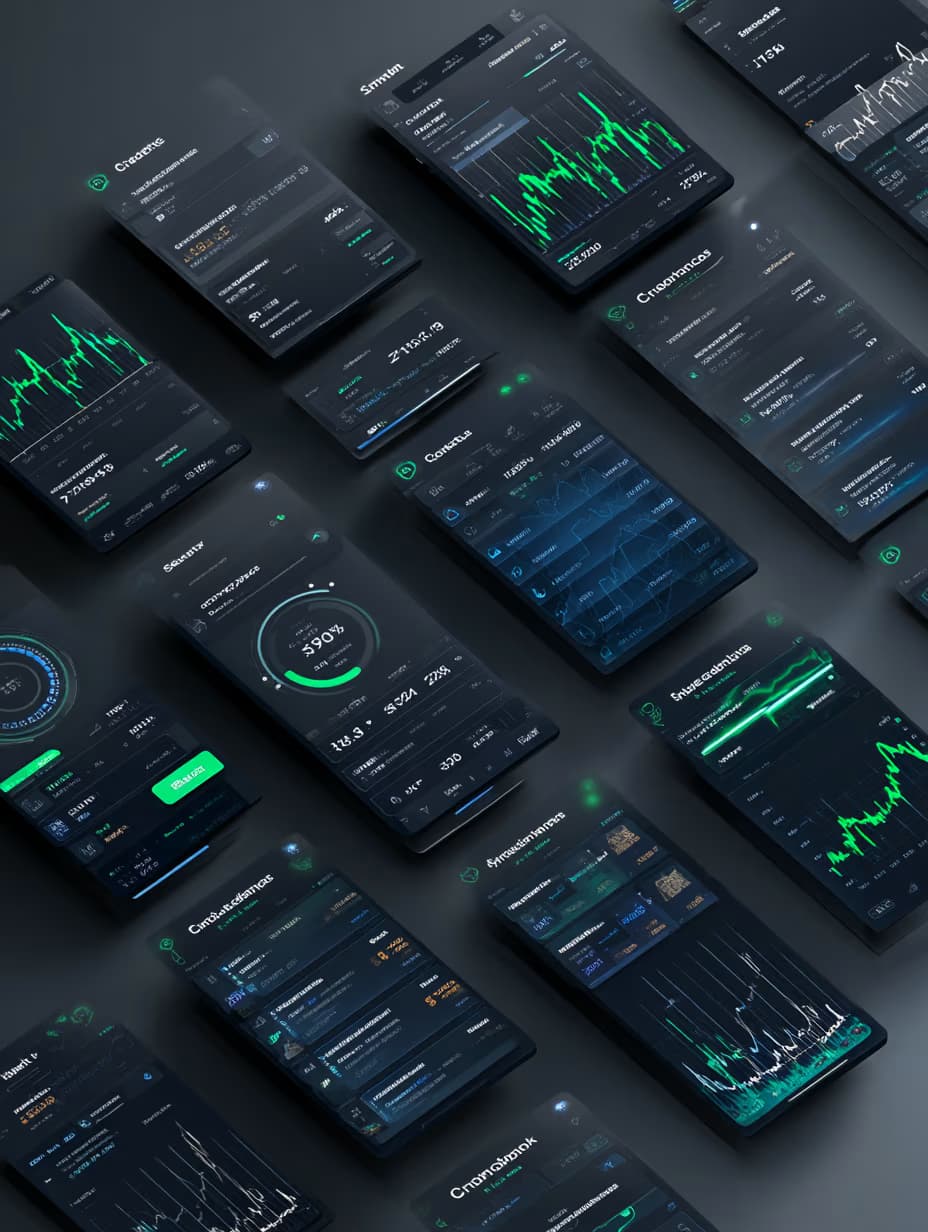
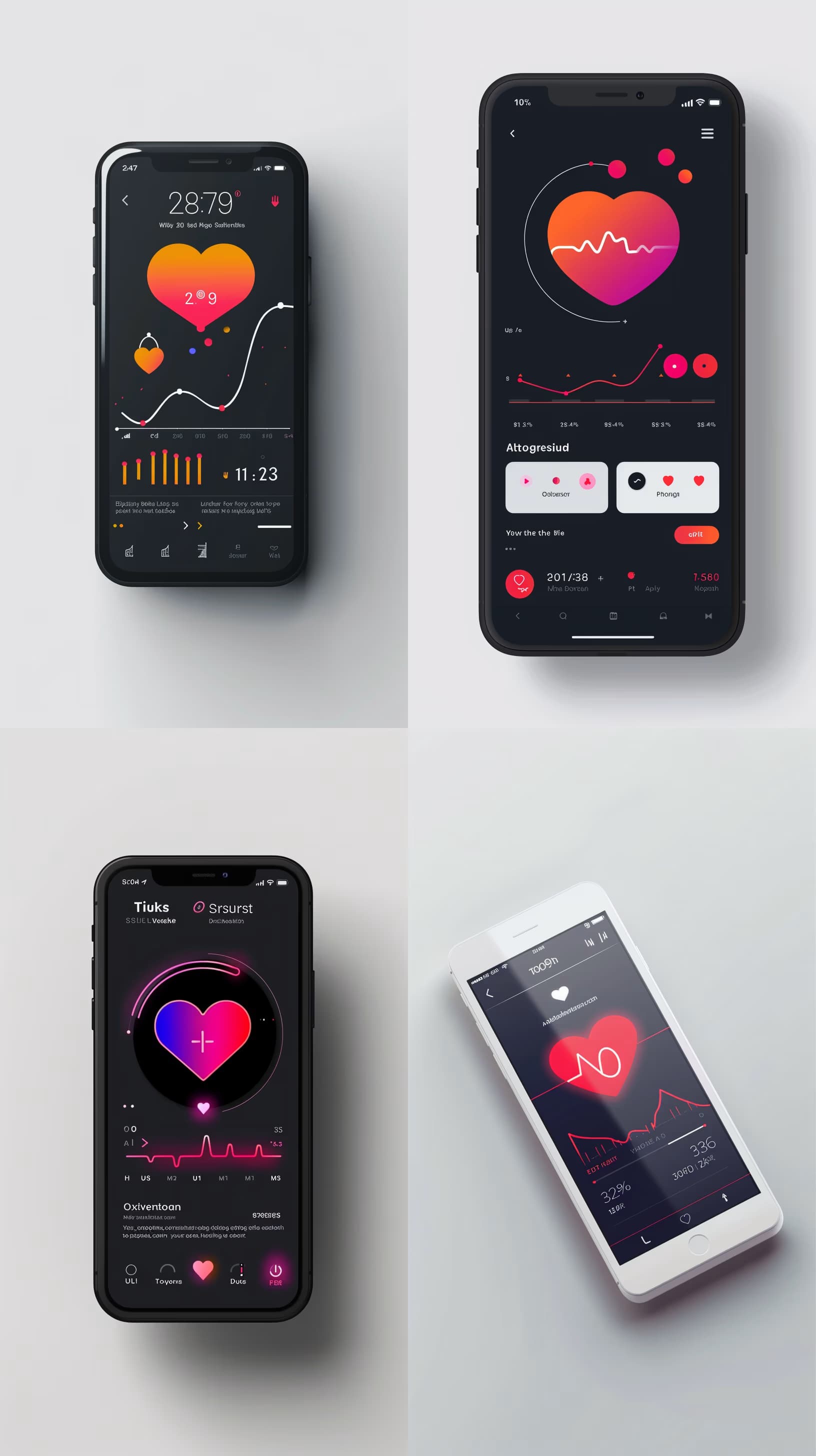
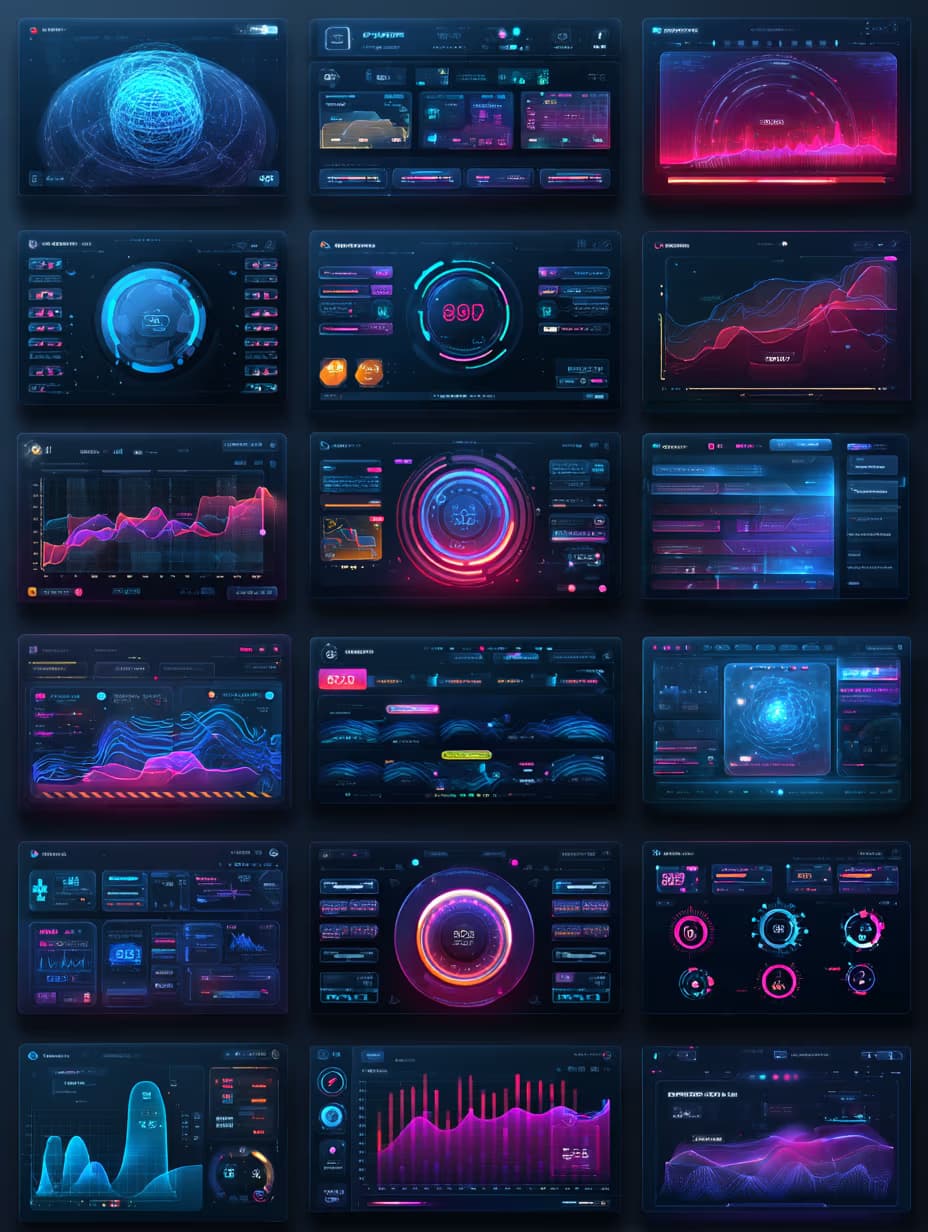
Modern finance app UI/UX dashboard in dark mode with glowing neon highlights, clean sans-serif typography, balance overview charts, recent transaction cards with icons, intuitive bottom tab navigation, futuristic yet professional aesthetic, high-fidelity mobile interface design, {{color-scheme}} accent colors, {{key-features}} prominently displayed --ar 3:4 --style raw

Modern Finance App UI Design Prompt

Generates high-fidelity mobile finance app dashboards in dark mode with neon accents, balance charts, transaction cards, and tab navigation. Runs on Midjourney, Flux, and other AI image generators.
27
Photogram aesthetic, {{subject}}, edge-lit glow, {{style-details}}, centered minimal composition, --ar 1:1 --s 250 --q 2 --c 10

Photogram Aesthetic Image Generator

Generates edge-lit photogram-style images with centered minimal composition and glowing subject outlines. Runs on Midjourney with customizable subject and style details.

26
A paper craft-style {{subject}} floating on a pure white background, handcrafted from colorful cut paper with visible textures, creases, and layered shapes, casting a soft drop shadow beneath, minimal and playful design centered in frame with ample negative space, soft studio lighting highlighting paper texture and edges --ar 1:1 --v 6 --style raw --no realistic materials, photography, photorealism

Paper Craft Icon Generator

Generates playful paper craft-style icons with layered cut-paper textures, soft shadows, and minimal composition on a clean white background. Runs on Midjourney, Flux, and Nano Banana.

20
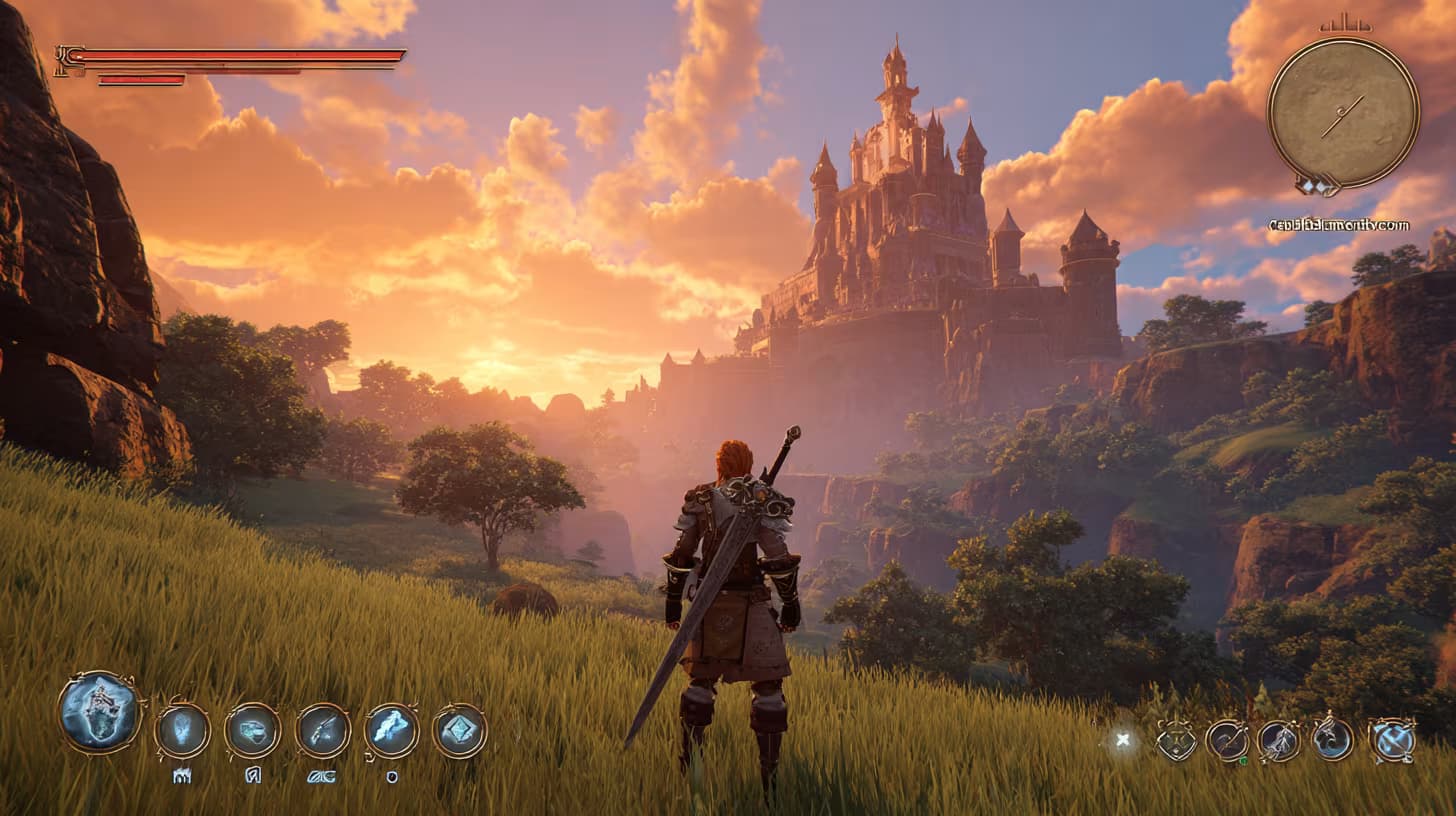
Screenshot of game UI design, {{scene-description}}, cinematic third-person adventure mood. HUD overlay shows stamina bar, compass, and item wheel. --ar 16:9 --raw

Game UI Design Screenshot Generator

Generates cinematic game interface screenshots with HUD overlays, stamina bars, compass, and item wheels in a third-person adventure style. Runs on Midjourney, Flux, and other AI image models.

20

Wireframe Design Plan Generator for User Flows

Generates a complete wireframe design plan that maps user journeys, specifies layouts, component placement, and interaction patterns for websites and apps. Runs on ChatGPT, Claude, and Gemini.

18

What are AI prompts for Icon & UI Design?

AI prompts for Icon & UI Design are engineered instructions that already work. These are not one-line questions. Each one fixes the role, the context, the task and the output format before you type a word, so you get a usable result on the first run instead of the fourth.

They cover the work Icon & UI Design actually get asked for: research and briefs, copy and content, analysis and reporting, planning, outreach and the admin that eats the day. Open a card to see the full prompt and the output it returns.

Popular on this page right now: "Clean UI Design Concept Generator for Apps and Web", "Icon Design Concept Generator", "UI/UX Concept Generator for Digital Products".

70 on this page, every one scoped to Icon & UI Design. Free to read, free to copy.

Why these prompts work for Icon & UI Design

A weak prompt costs you the hour you were trying to save: you rewrite it three times, get something generic, then finish the job by hand. An engineered prompt front-loads that thinking once.

In Icon & UI Design that means first drafts you can send, analysis you can act on, and the repetitive work handed off, so the time goes into judgement instead of typing.

Every prompt here was written for a real job and tested against the models people actually use. Nothing scraped from a thread.

How to use these prompts

Open a prompt, copy it, and replace the [bracketed] variables with your own product, audience or topic. The structure around them stays as is. That structure is the part doing the work.

Paste it into ChatGPT, Claude, Gemini, Grok or the model you already use. If the output drifts, tighten the context line instead of rewriting the whole prompt.

No account needed to copy one. No setup, no extension, nothing to install.

Which AI tool works best for Icon & UI Design prompts?

Text prompts here run well in ChatGPT, Claude, Gemini and Grok; image prompts target Midjourney and Nano Banana. Each card lists the models it was tested with.

Are these AI prompts free to use?

A big part of the library is free: open a prompt, copy it, use it. Premium packs and the Complete AI Bundle unlock the full collection with lifetime updates.

How do I adapt these prompts to my use case?

Start with the [variables]: niche, audience, constraints. If the result still misses, add one example of the output you want. A single good example beats three extra instructions.

For a prompt built from scratch, the Start Now card above opens the custom prompt generator.

Related resources

Get smarter on AI every week

One email a week with the best new prompts, tools, and model updates. Unsubscribe anytime.

Join 100,000+ subscribers. One email a week, real prompts, tools, and model updates. Unsubscribe anytime.