1,008 AI Prompts for Art and Design

The best Art and Design prompts across 13 subcategories. Tested on ChatGPT, Claude, Gemini and every major model.

Browse the prompts

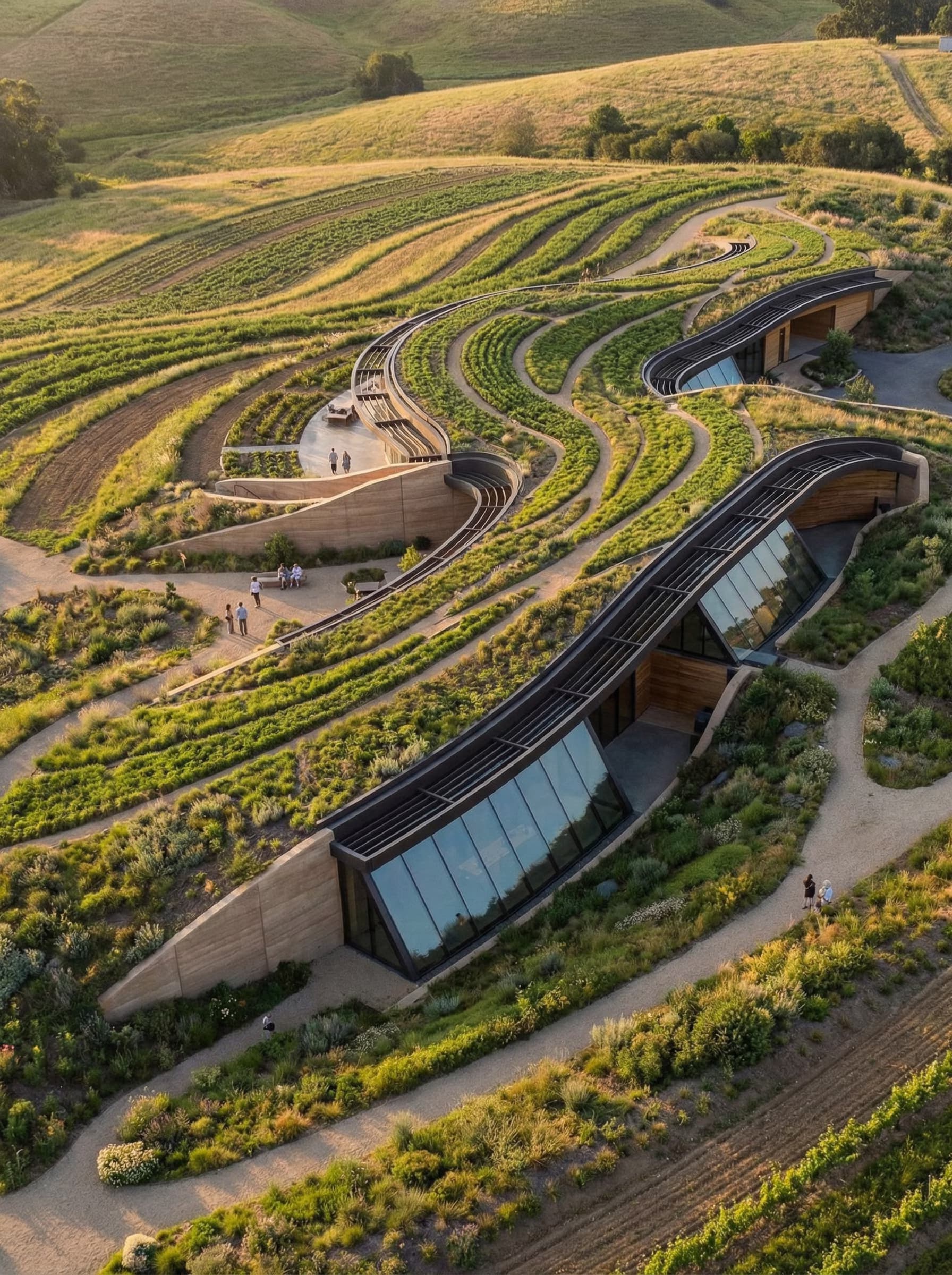
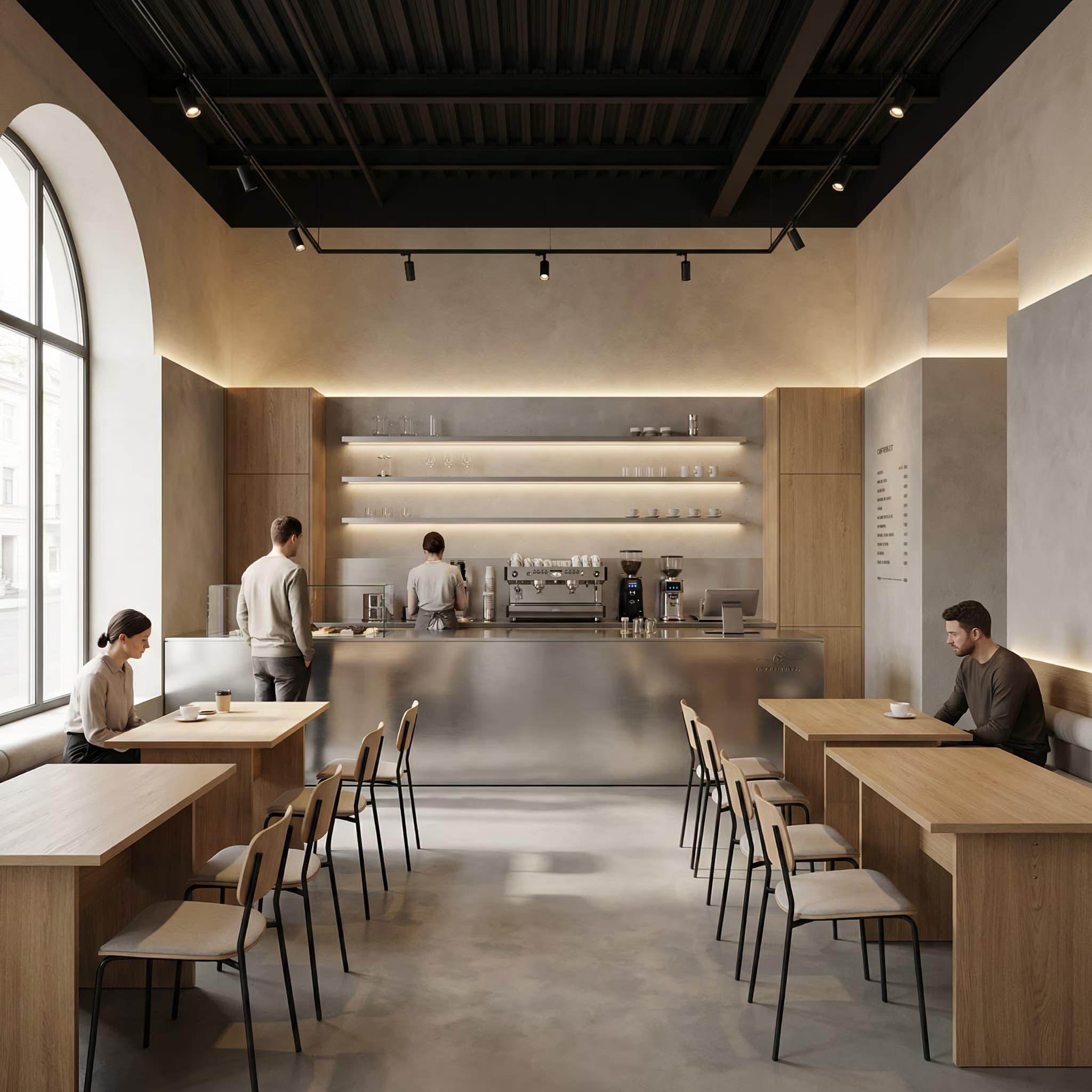
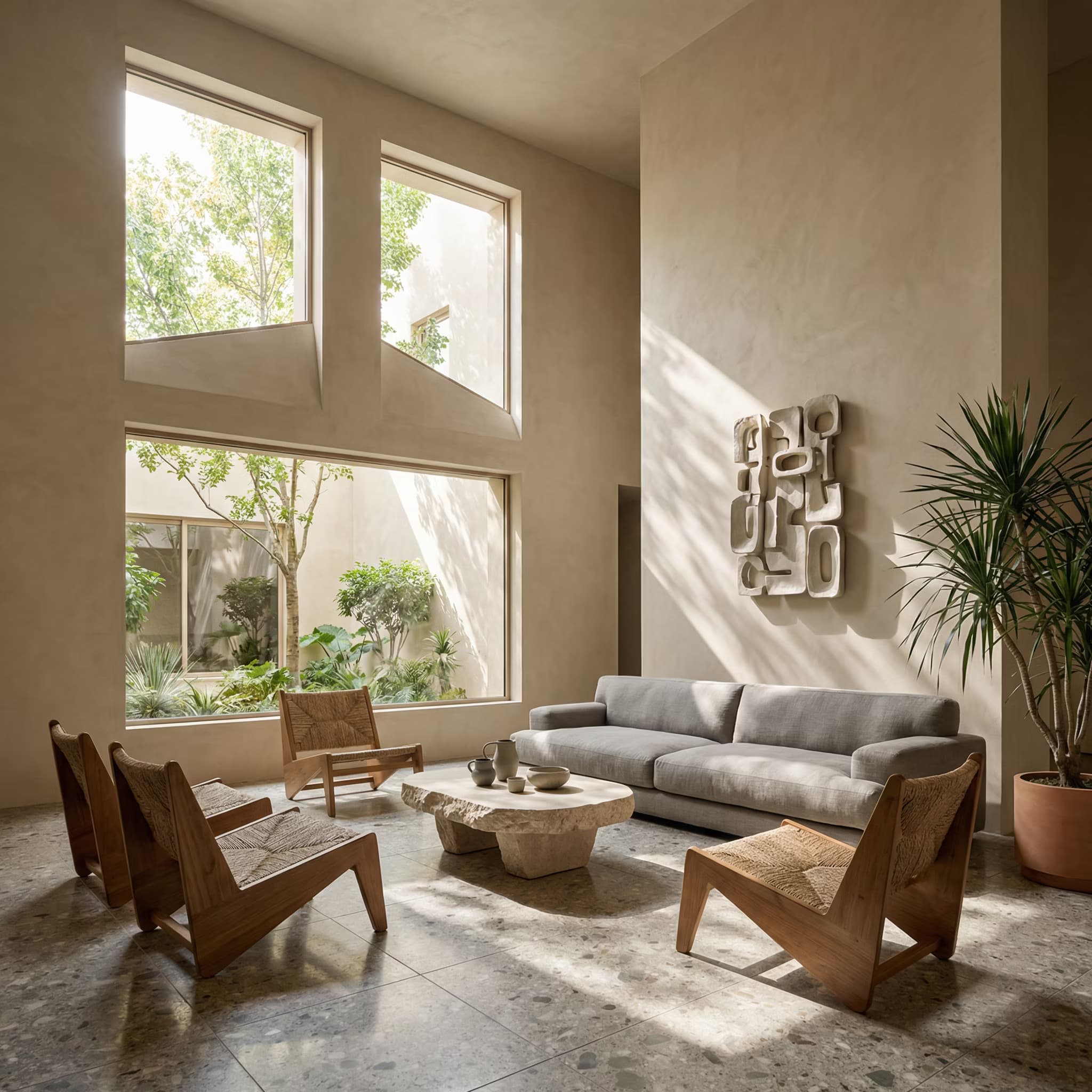
An interior design mood board for {{room}} in a {{style}} style.

Subject: a flat-lay collage of physical samples and reference images.

Layout: arranged on a neutral board, slightly overlapping like real samples pinned by a designer. One larger reference photo of the finished room in the top left. Around it: material swatches, a paint chip strip of five colors, a fabric sample with a frayed edge, a small product cut-out of a lamp and a chair, and a sprig of dried greenery.

Style: materials are {{materials}}. Realistic textures, soft shadows under every sample, everything in one coherent palette.

Light: soft overhead daylight.

No text, no labels, no handwriting, no brand names.

Interior Design Mood Board With Swatches

Generate a realistic interior design mood board visualizing a room in a specified style.
113
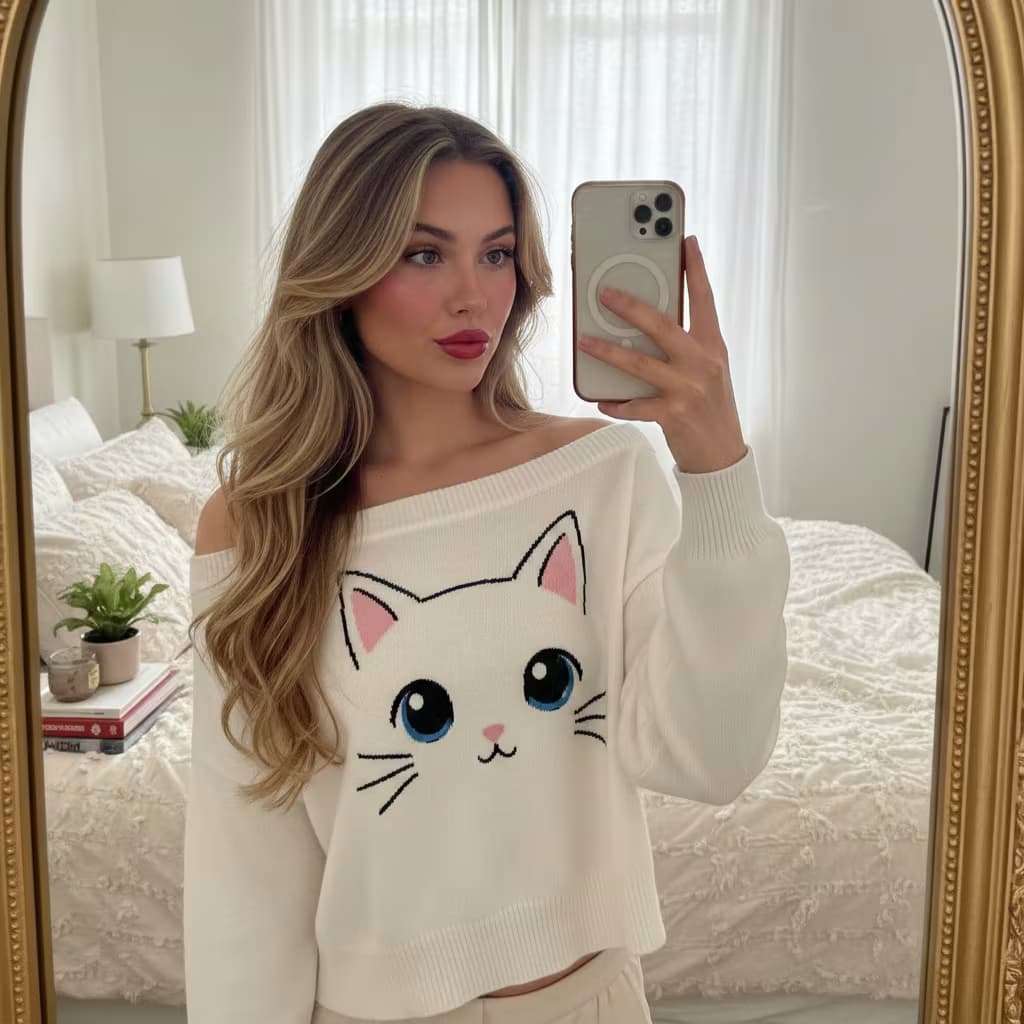
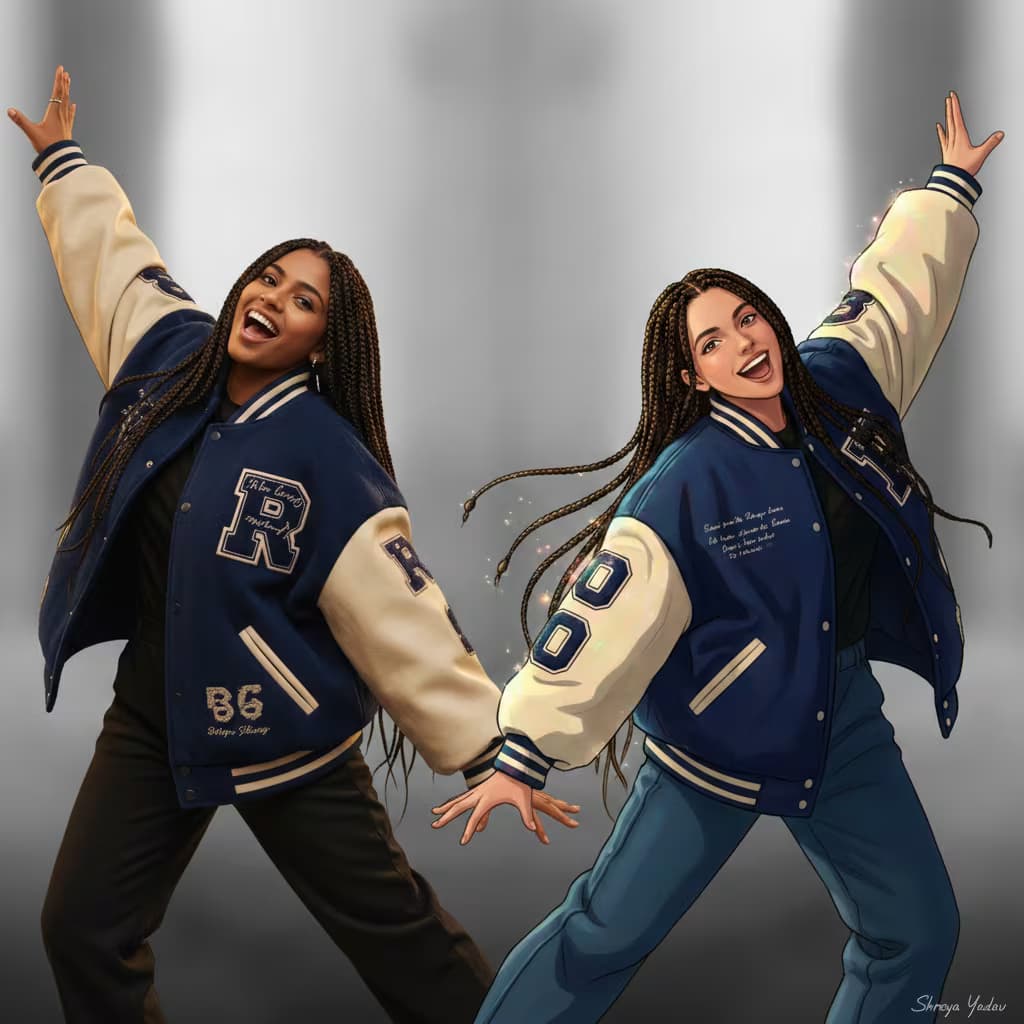
A young girl with long, wavy brown hair, puckering her lips toward the camera, holding a small husky puppy with light blue eyes looking calmly forward. {{subject-details}}. Outdoors in {{season}} scene: appropriate ground cover (grass, fallen leaves, or light snow), trees in the background, blurred silver car visible behind the girl. Clear sky with natural lighting matching the season. Soft depth of field, natural daylight, subtle seasonal color tones. Cute, natural outdoor moment. The girl's facial features, expression, and identity must remain exactly the same as the reference imageโ€”strict face match required. --ar 16:9 --v 6 --style raw

Seasonal Portrait Composition Generator

Generates consistent outdoor portrait images across different seasons while preserving the subject's facial features and identity. Runs on Midjourney, Flux, and other AI image models.

113
Close-up macro shot of a hand holding a {{gemstone}} crystal necklace, delicate minimal jewelry with a thin gold chain draped across the fingers, styled as an overhead flat lay on soft linen with warm blush and sand-neutral tones and scattered dried florals, lit by warm directional morning sunlight that catches every facet of the stone, shot on a 100mm macro lens at f/2.8 for a shallow depth of field with the pendant in razor-sharp focus and a creamy blurred background, clean soft editorial mood, luminous natural color grade, ultra-detailed high-resolution render --ar 4:5 --style raw --s 250 --q 2

Jewelry Photography Prompt for AI Image Generators

Generates a luminous macro flat-lay photograph of a crystal pendant necklace held in hand, styled with warm morning light, soft neutral tones, and dried florals. Runs on Midjourney, Flux, and Nano Banana.

109
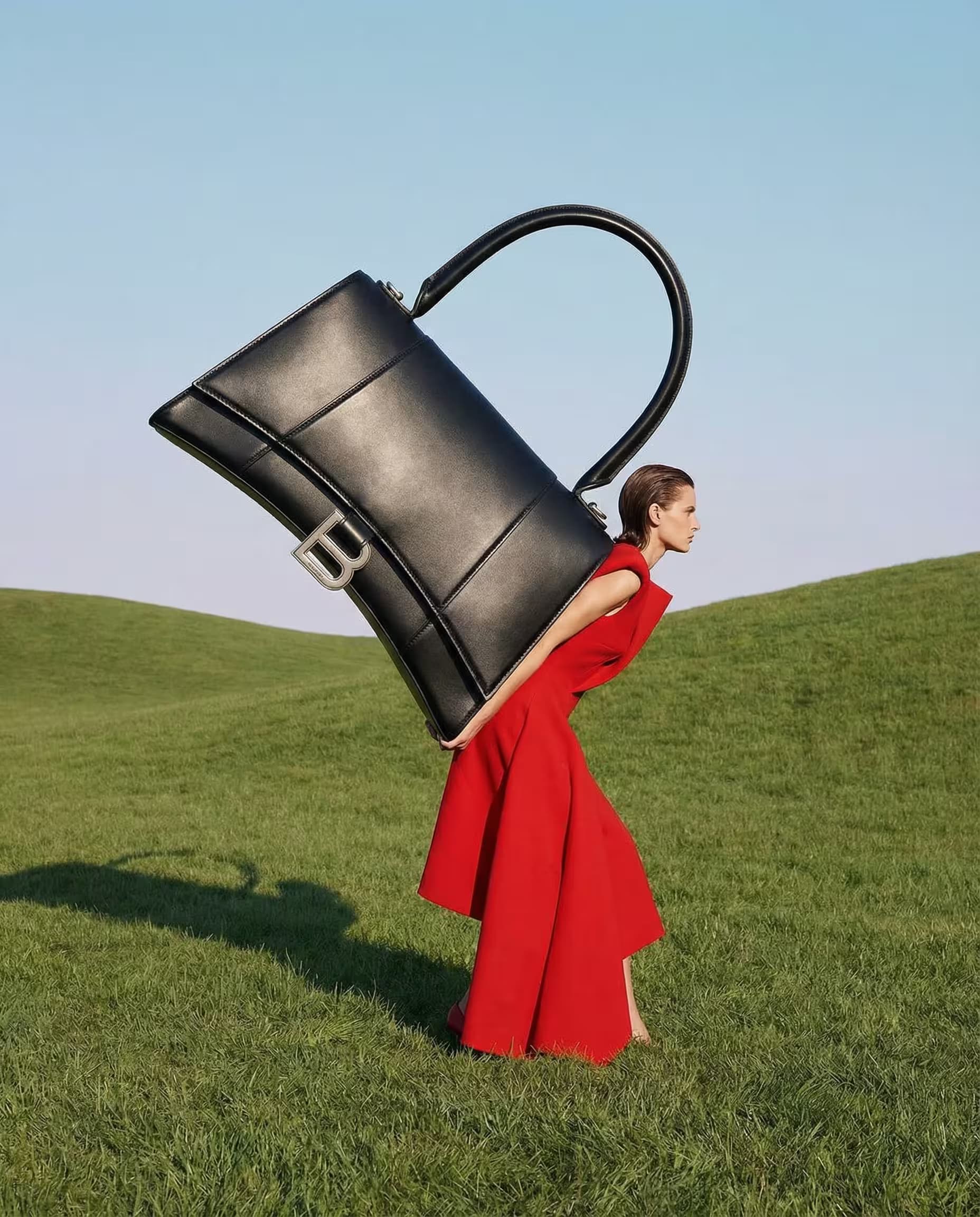
3-panel vertical fashion advertisement grid for a premium {{accessory-type}} in deep espresso brown genuine textured leather, luxury editorial photography style, sophisticated and minimal --ar 3:4 --v 6 --style raw

Top panel: hero product shot on minimalist stone pedestal, soft directional studio lighting emphasizing clean structured silhouette, hand-stitched seams, natural leather texture, shallow depth of field, elegant composition

Middle panel: extreme close-up macro of leather grain, precise stitching detail, minimal metal hardware, soft highlight grazing across surface revealing premium craftsmanship and rich texture

Bottom panel: lifestyle shot, elegant fashion model casually carrying the product while walking through urban street setting, natural daylight, editorial street fashion aesthetic, product styled in real-world use

Color palette: {{color-palette}}, typography overlay 

Minimalist Fashion Advertisement Grid Generator

Generates a 3-panel vertical fashion ad grid showcasing premium leather accessories with hero product, macro detail, and lifestyle shots in luxury editorial style. Runs on Midjourney, Flux, and other image generation models.

109

User Journey Mapping Prompt for Digital Platforms

Generates a comprehensive user journey map tracing each stage from initial engagement through post-completion for any website or app action. Runs on ChatGPT, Claude, Gemini, and Grok.

106
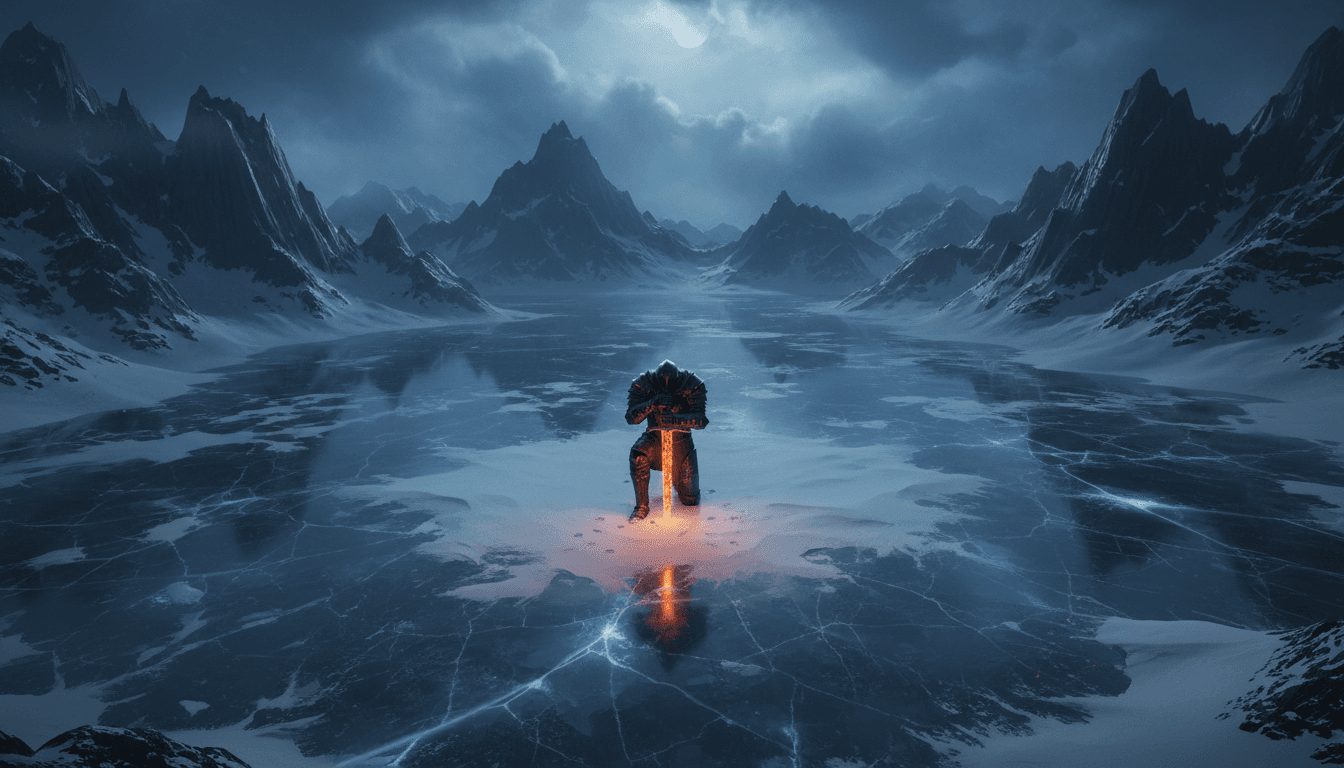
A cinematic environment concept painting.

Subject: {{location}}.

Layout: ultra-wide establishing shot. {{scale-figure}}, small in the lower third to show scale. The main structure fills the middle distance. Atmospheric perspective fades the far background.

Style: film and game concept art, painterly with confident brushwork, detailed focal area and looser edges, a restrained palette with one accent color.

Light: {{time-and-weather}}, a clear single light direction, light shafts through gaps in the structure.

No text, no logo, no border, no interface elements.

Environment Concept Art Establishing Shot

Generate a cinematic environment concept art painting with an ultra-wide establishing shot, suitable for film and game design purposes.

105
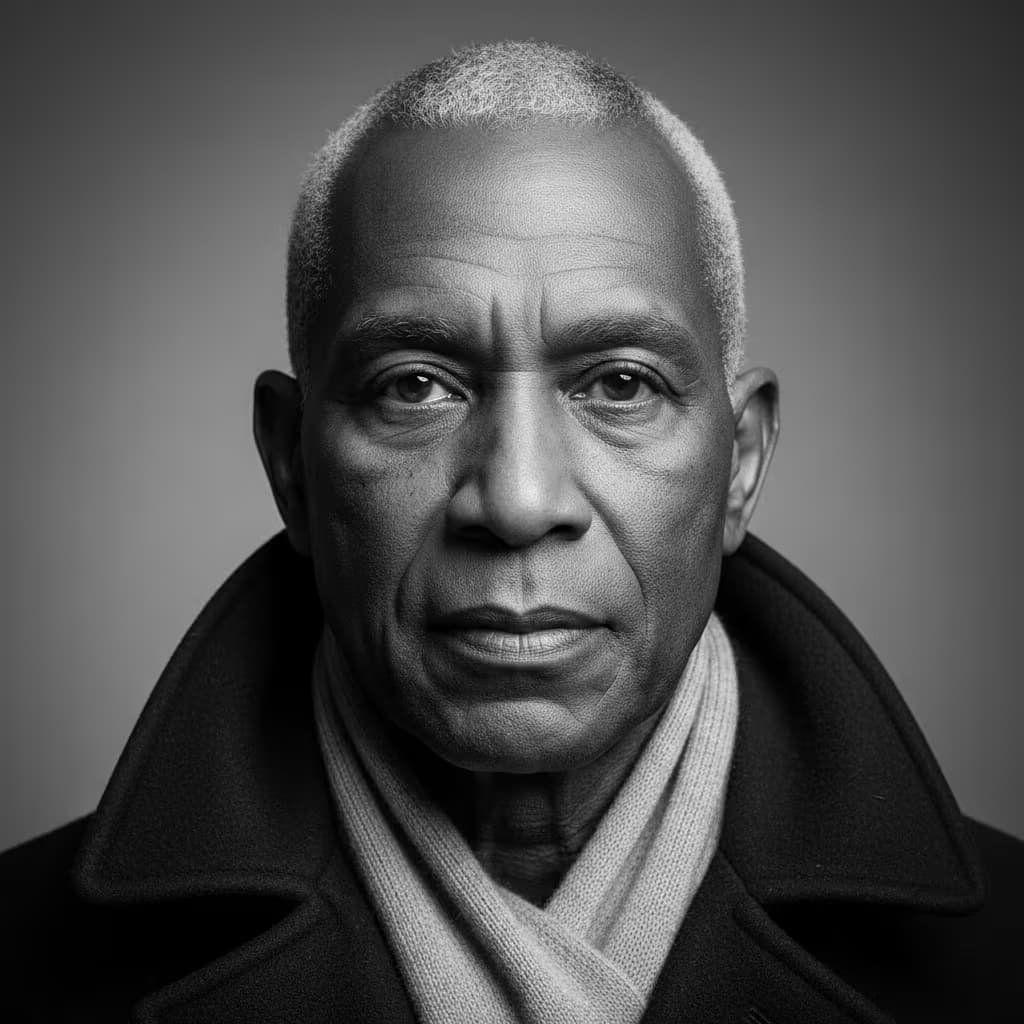
Photorealistic overhead photograph, full-frame 35mm lens, high-angle bird's-eye view directly above subject, centered diagonally performing full center split (straddle split) on floor, leaning forward with elbows resting on ground, chin in one hand. {{subject-description}}. Wearing tight-fitting black high-waisted leggings and matching black sports bra, barefoot, natural skin texture visible on arms and back. {{scene-elements}}. Luxurious interior with high-gloss polished marble floor displaying distinctive natural veining, highly reflective surface casting faint reflections of subject and objects, props positioned precisely around subject. Soft cool daylight (5600K) diffused through window, creating sharp specular highlights and soft shadows on reflective floor beneath legs and props, even shadow-softening illumination. Sharp focus on subject and immediate floor area, clean modern aesth

Photorealistic Depth-Controlled Portrait Generator

Generates photorealistic overhead portraits with precise depth-map control for pose accuracy and spatial composition. Runs on image generation models including Midjourney, Flux, and Stable Diffusion.

105

What are AI prompts for Art and Design?

AI prompts for Art and Design are engineered instructions that already work. These are not one-line questions. Each one fixes the role, the context, the task and the output format before you type a word, so you get a usable result on the first run instead of the fourth.

They cover the work Art and Design actually get asked for: research and briefs, copy and content, analysis and reporting, planning, outreach and the admin that eats the day. Open a card to see the full prompt and the output it returns.

The deepest areas here: Portrait & Avatar (246 prompts), Concept Art (125 prompts), Product Photography (116 prompts), Illustration (87 prompts), Interior & Exterior Renders (84 prompts).

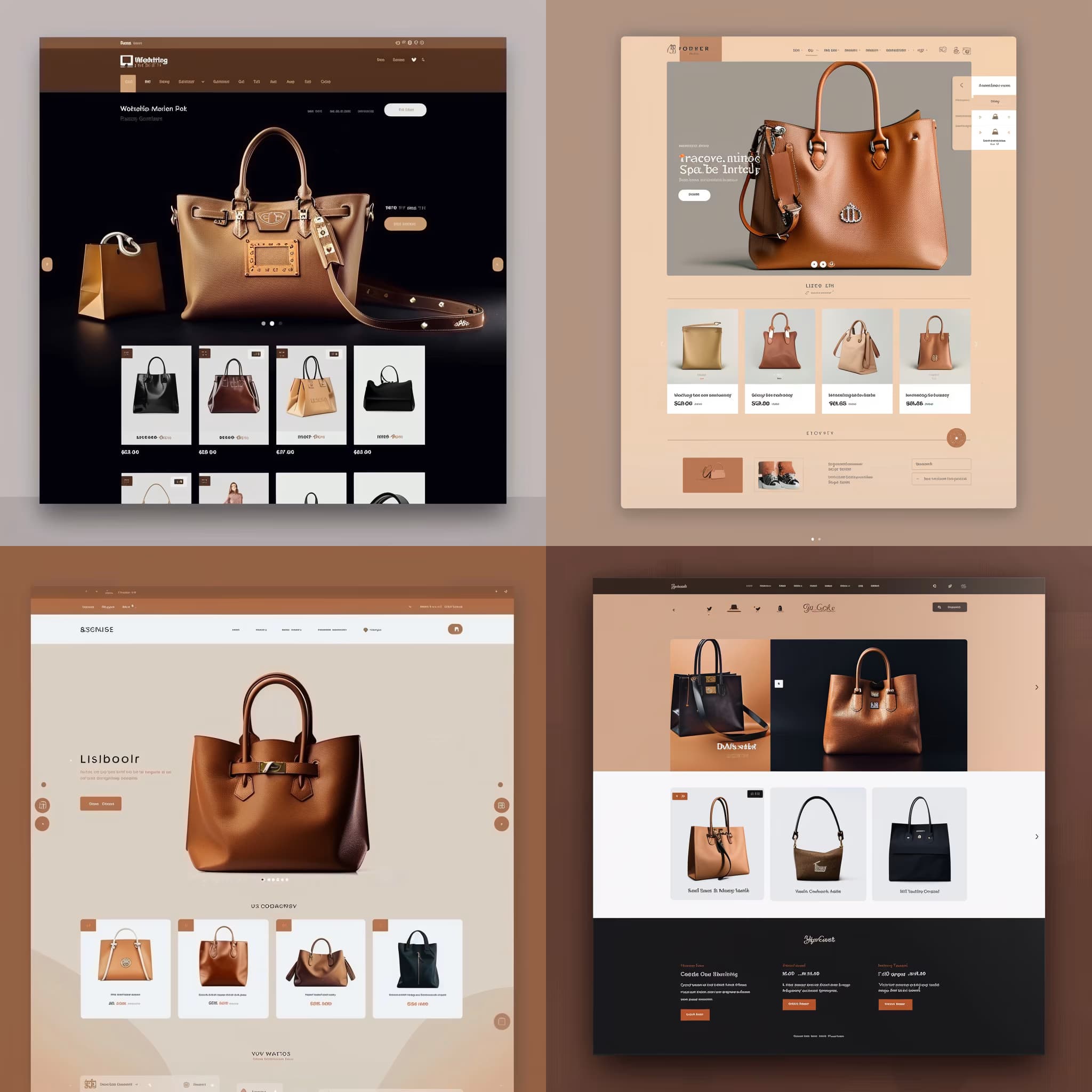
Popular on this page right now: "Interior Design Mood Board With Swatches", "Seasonal Portrait Composition Generator", "Website Hero Section Mockup With Headline".

1,008 on this page, every one scoped to Art and Design. Free to read, free to copy.

Why these prompts work for Art and Design

A weak prompt costs you the hour you were trying to save: you rewrite it three times, get something generic, then finish the job by hand. An engineered prompt front-loads that thinking once.

In Art and Design that means first drafts you can send, analysis you can act on, and the repetitive work handed off, so the time goes into judgement instead of typing.

Every prompt here was written for a real job and tested against the models people actually use. Nothing scraped from a thread.

How to use these prompts

Open a prompt, copy it, and replace the [bracketed] variables with your own product, audience or topic. The structure around them stays as is. That structure is the part doing the work.

Paste it into ChatGPT, Claude, Gemini, Grok or the model you already use. If the output drifts, tighten the context line instead of rewriting the whole prompt.

No account needed to copy one. No setup, no extension, nothing to install.

Which AI tool works best for Art and Design prompts?

Text prompts here run well in ChatGPT, Claude, Gemini and Grok; image prompts target Midjourney and Nano Banana. Each card lists the models it was tested with.

Are these AI prompts free to use?

A big part of the library is free: open a prompt, copy it, use it. Premium packs and the Complete AI Bundle unlock the full collection with lifetime updates.

How do I adapt these prompts to my use case?

Start with the [variables]: niche, audience, constraints. If the result still misses, add one example of the output you want. A single good example beats three extra instructions.

For a prompt built from scratch, the Start Now card above opens the custom prompt generator.

Related resources

Get smarter on AI every week

One email a week with the best new prompts, tools, and model updates. Unsubscribe anytime.

Join 100,000+ subscribers. One email a week, real prompts, tools, and model updates. Unsubscribe anytime.

Frequently asked questions

Where are the photography prompts?

Photography prompts live in the portrait and avatar, product photography and photo editing subcategories of this library. Each prompt names the camera, lens, light and film look, because image models follow those words more reliably than a style name. Pick a subcategory from the chips above the grid, or search for the shot you need.

For a portrait blended with a second scene, start from the double exposure portrait prompt.