142 AI Prompts for Illustration

The best Illustration prompts in the Art and Design library. Tested on ChatGPT, Claude, Gemini and every major model.

Browse the prompts

Popular
{{subject}} with illustrated googly eyes and stick-figure arms, shown in an exaggerated comedic action, playful cartoon illustration with bold outlines, vibrant colors, expressive character design, high energy pose, whimsical humor --ar 16:9 --v 6 --style raw --no realistic details, photorealism

Googly Eyes Cartoon Character Generator

Generates playful cartoon illustrations that add googly eyes and stick hands to any subject performing exaggerated comedic actions. Runs on Midjourney, Flux, and other AI image generators.
724
Popular
Editorial flat illustration, conceptual graphic aesthetic, {{theme-and-concept}}, simplified human silhouette in {{character-state}}, deep black (#0E0E11) background, white (#FFFFFF) and bright blue (#4D7CFE) accents, very high contrast, flat shading no gradients, centered subject, large negative space, oversized metaphor elements, bold simplified shapes --ar 1:1 --v 6 --style raw --no gradients, shadows, textures

Editorial Flat Illustration

Generates bold, high-contrast editorial illustrations with simplified human silhouettes and conceptual visual metaphors, designed for Midjourney, Flux, and similar image models.

393
A phone lock screen wallpaper.

Subject: {{scene}}.

Layout: very tall portrait. The top third is calm and nearly empty, with smooth tone and no detail, so the clock and date stay readable. The detail gathers in the lower half. The bottom tenth is quiet again for the swipe bar and shortcut icons.

Style: palette of {{palette}}, a smooth vertical gradient behind the scene, soft depth, fine grain rather than banding.

Light: gentle glow from the top of the scene fading downward.

No text, no clock, no icons, no interface elements, no watermark.

Phone Wallpaper With a Clear Clock Zone

Generate a phone lock screen wallpaper designed with a clear area for the clock and a cohesive visual style using specified scene and color palette.

119
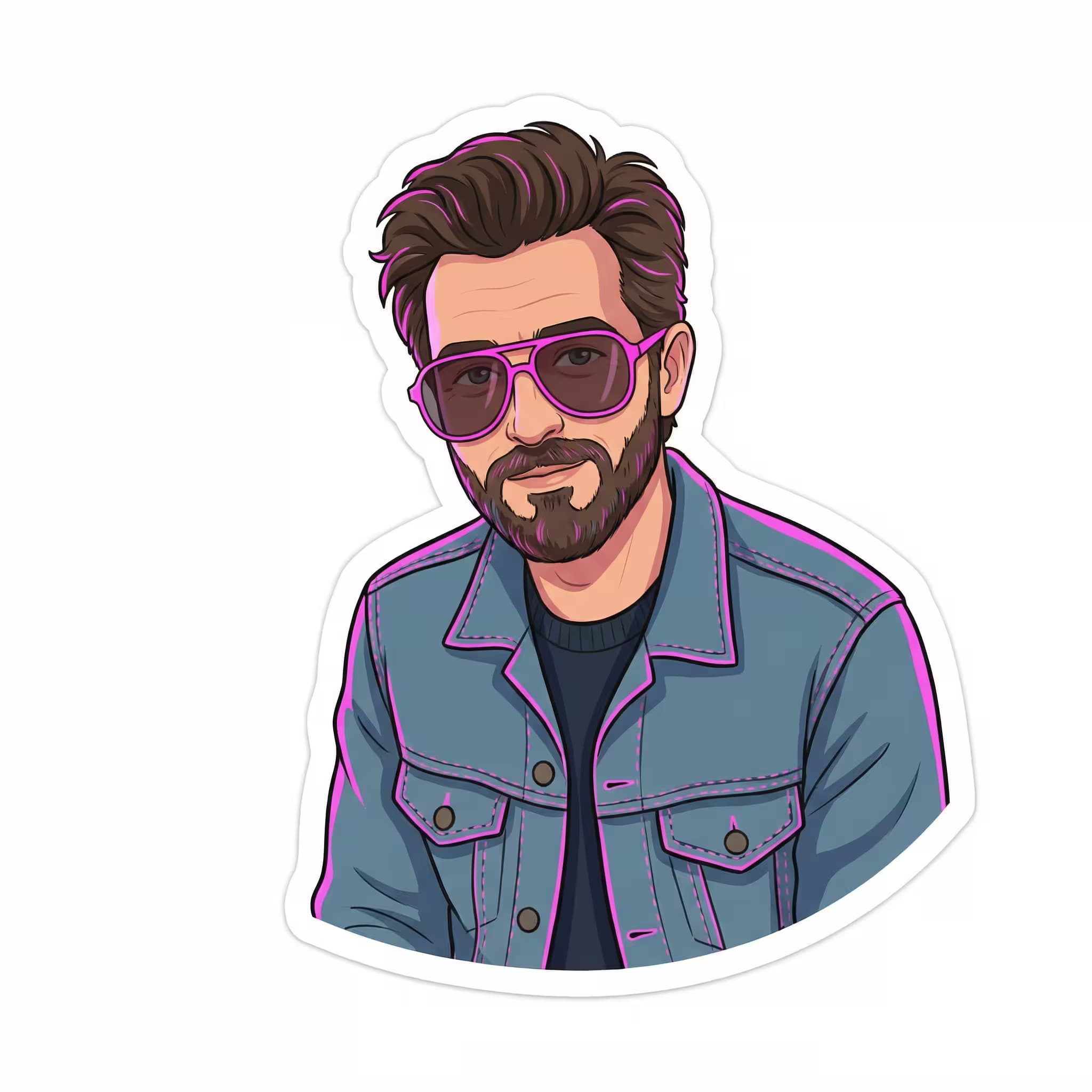
Cartoon illustration of {{subject-description}} wearing a cropped hoodie with bold text print, oval sunglasses, and shiny lipstick. Ultra-saturated {{background-style}} background with graffiti zigzag lines and glowing neon lettering. 90s retro pop vibe with clean bold outlines, smooth shading, and punchy contrast. Medium shot, centered framing. --ar 2:3 --niji 6 --q 2 --s 400

90s Retro Cartoon Character Illustration Generator

Generates vibrant cartoon character illustrations with 90s retro pop styling, bold outlines, and neon-accented backgrounds. Runs on Midjourney's Niji model for anime and illustration styles.

113
Digital illustration in a striking, high-contrast style. {{subject-and-attire}} wearing a red hooded jacket, head tilted upwards, shot from a low angle. A chaotic swirl of {{swarm-element}} takes flight around the figure, merging into a vibrant, intense red and orange glow. The lower foreground is shrouded in dark, smoky shadows. Dramatic lighting from a powerful red backlight illuminates the swarm and surrounding atmosphere. Color palette: intense red, vibrant orange, black, and smoky dark grey --ar 16:9 --v 6 --style raw

Dramatic Swarm Illustration Prompt

Generates high-contrast digital illustrations featuring a hooded figure surrounded by swirling elemental swarms with cinematic red-orange backlighting. Runs on Midjourney, Flux, and other AI image generators.

90
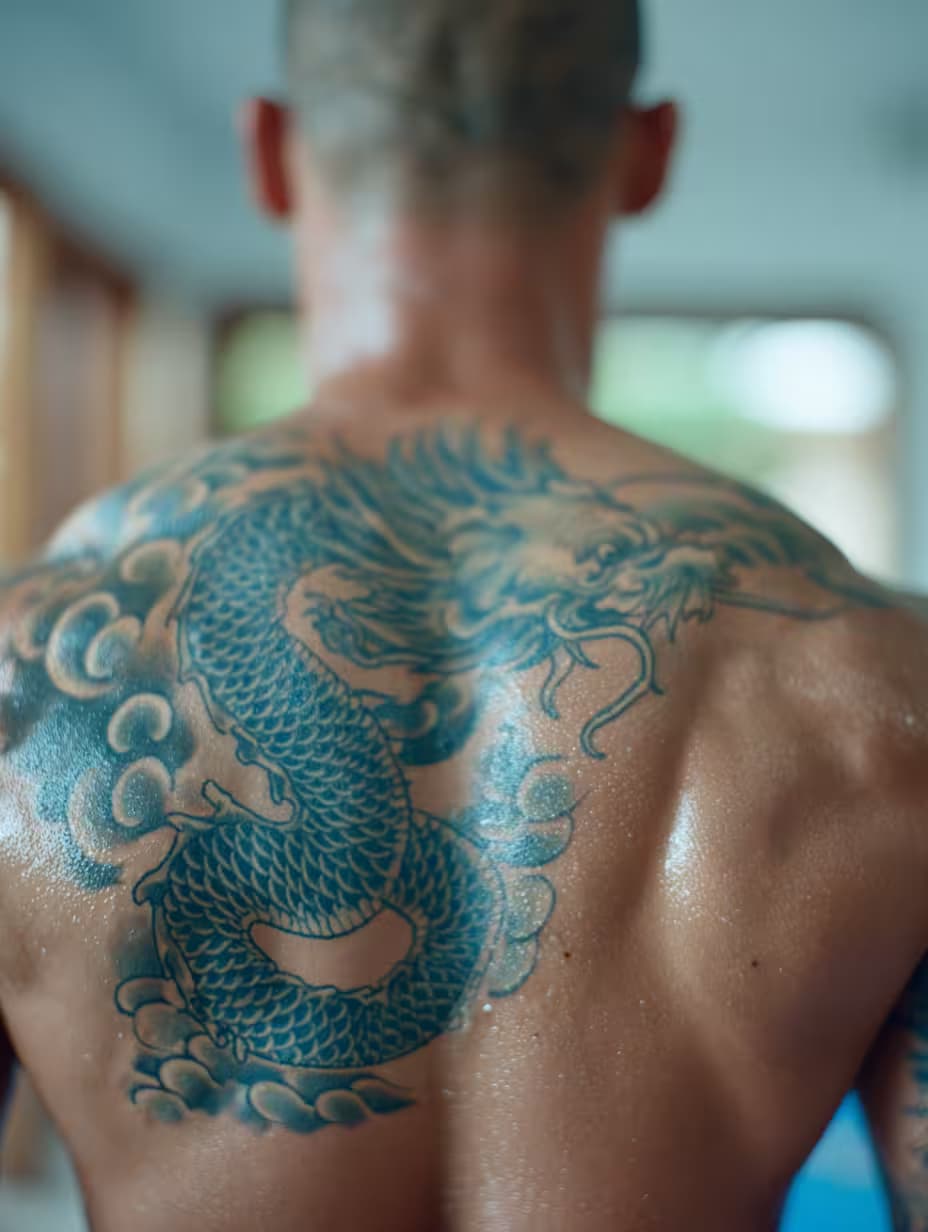
A gigantic winged angel tattoo covering the back of a woman, {{tattoo-style-details}} --chaos 30 --ar 3:4 --exp 50 --sref 1399970270 --sw 600 --stylize 500

Back Tattoo Design Generator

Generates a large-scale winged angel tattoo design that covers the entire back, with customizable style details. Runs on Midjourney with high stylization and chaos parameters for expressive, detailed results.

89

What are AI prompts for Illustration?

AI prompts for Illustration are engineered instructions that already work. These are not one-line questions. Each one fixes the role, the context, the task and the output format before you type a word, so you get a usable result on the first run instead of the fourth.

They cover the work Illustration actually get asked for: research and briefs, copy and content, analysis and reporting, planning, outreach and the admin that eats the day. Open a card to see the full prompt and the output it returns.

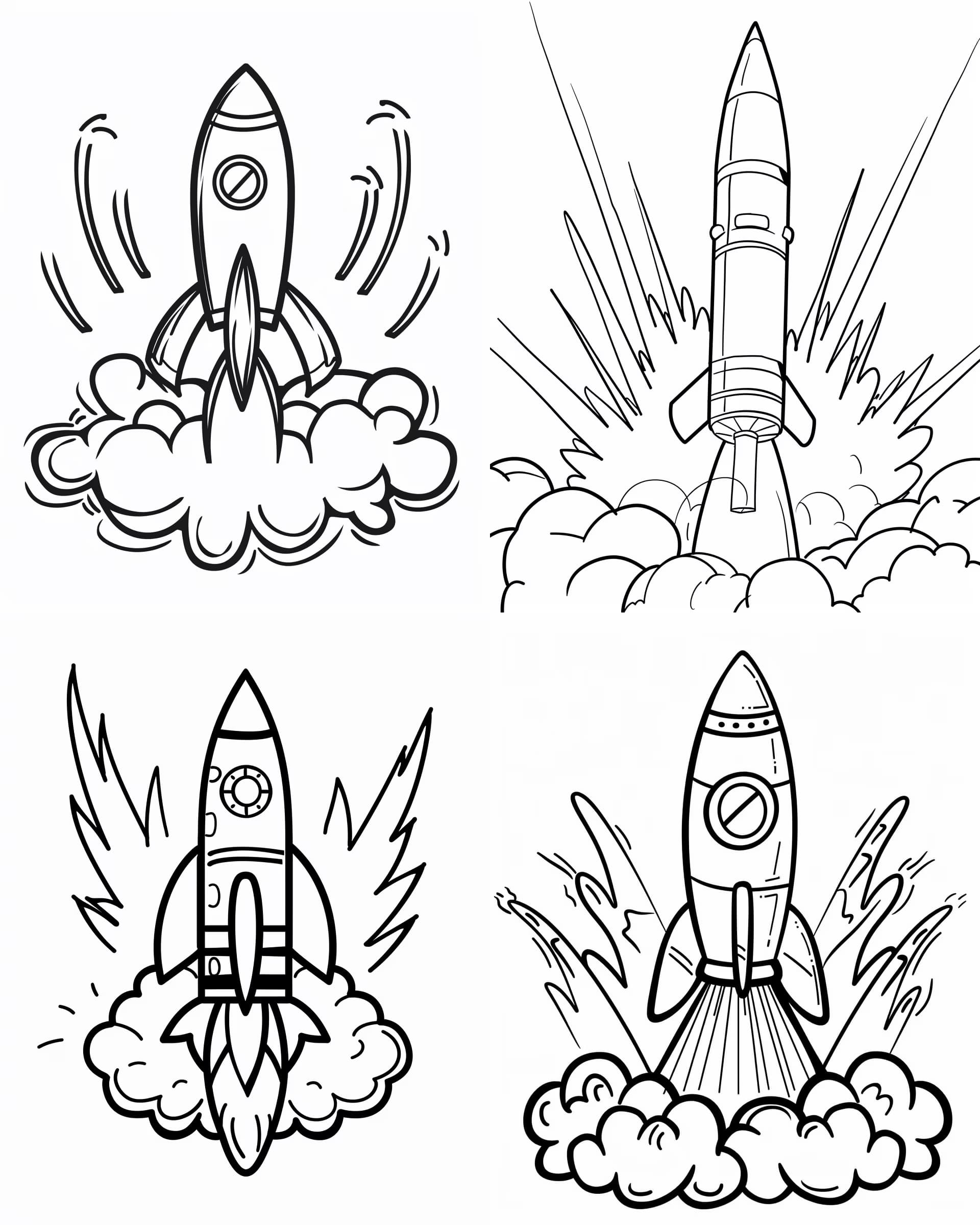
Popular on this page right now: "Googly Eyes Cartoon Character Generator", "Editorial Flat Illustration", "Black-and-White Coloring Page Generator".

142 on this page, every one scoped to Illustration. Free to read, free to copy.

Why these prompts work for Illustration

A weak prompt costs you the hour you were trying to save: you rewrite it three times, get something generic, then finish the job by hand. An engineered prompt front-loads that thinking once.

In Illustration that means first drafts you can send, analysis you can act on, and the repetitive work handed off, so the time goes into judgement instead of typing.

Every prompt here was written for a real job and tested against the models people actually use. Nothing scraped from a thread.

How to use these prompts

Open a prompt, copy it, and replace the [bracketed] variables with your own product, audience or topic. The structure around them stays as is. That structure is the part doing the work.

Paste it into ChatGPT, Claude, Gemini, Grok or the model you already use. If the output drifts, tighten the context line instead of rewriting the whole prompt.

No account needed to copy one. No setup, no extension, nothing to install.

Which AI tool works best for Illustration prompts?

Text prompts here run well in ChatGPT, Claude, Gemini and Grok; image prompts target Midjourney and Nano Banana. Each card lists the models it was tested with.

Are these AI prompts free to use?

A big part of the library is free: open a prompt, copy it, use it. Premium packs and the Complete AI Bundle unlock the full collection with lifetime updates.

How do I adapt these prompts to my use case?

Start with the [variables]: niche, audience, constraints. If the result still misses, add one example of the output you want. A single good example beats three extra instructions.

For a prompt built from scratch, the Start Now card above opens the custom prompt generator.

Related resources

Get smarter on AI every week

One email a week with the best new prompts, tools, and model updates. Unsubscribe anytime.

Join 100,000+ subscribers. One email a week, real prompts, tools, and model updates. Unsubscribe anytime.

About Illustration prompts

Illustration prompts create drawn and painted images in a named style: editorial illustration for an article, a children's book spread, a spot illustration for a landing page, a flat vector scene for a presentation. The prompts carry the style in concrete terms, such as line weight, shading, palette and medium, rather than an artist's name, because that produces a consistent look you can repeat across a series.

Writers and publishers use them for covers and chapter art, marketers for blog headers that match a brand, teachers for worksheets and story pages. The best results come from describing the moment in the scene (who is doing what, with what expression) before the style line. For a series, write the style line once, save it, and change only the scene. The illustration stays recognisably one hand across the set.