44 AI Prompts for Packaging & Mockups

The best Packaging & Mockups prompts in the Art and Design library. Tested on ChatGPT, Claude, Gemini and every major model.

Browse the prompts

Popular
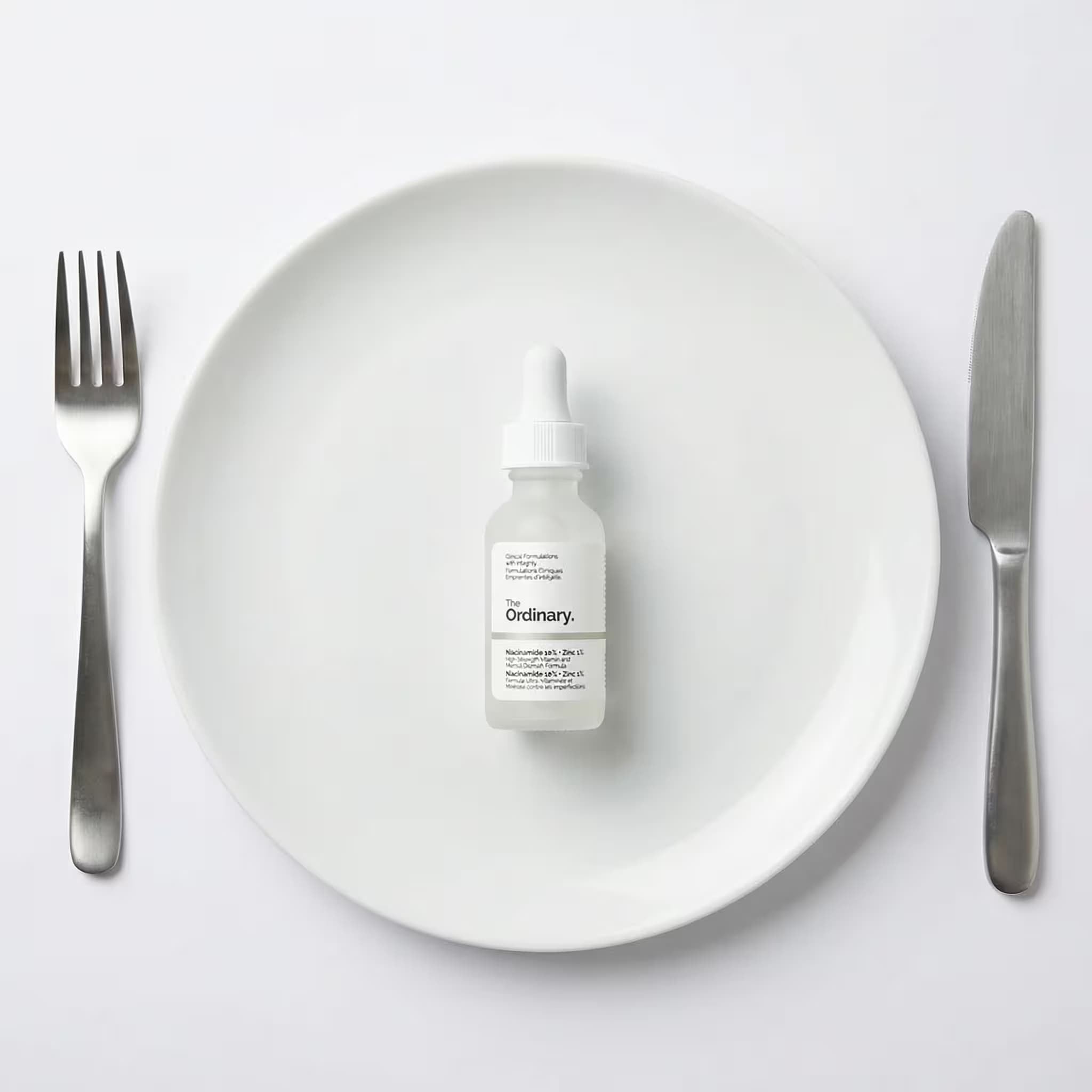
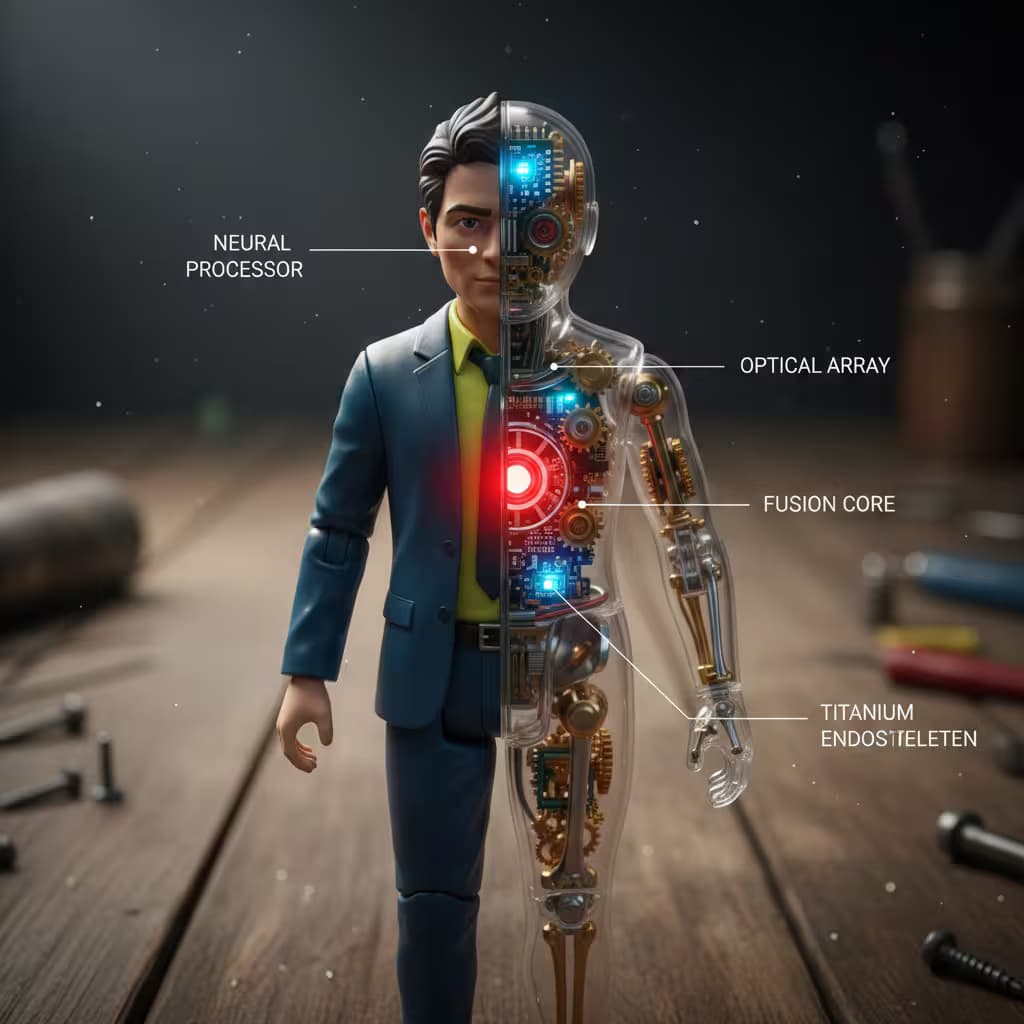
High-end industrial design product documentation layout: product centered with technical annotations, studio photography aesthetic.

Top left: brand name in modern sans-serif, subtle and elegant.

Left column: four auxiliary product views arranged vertically with even spacingβ€”primary front view, secondary side view, alternate angle or rear view, detail or top view. All views aligned, clearly visible, consistent lighting.

Right section: large hero product render, photorealistic with soft studio lighting, materials and geometry precisely matching the product, sharp detail on surfaces and edges.

Background: {{background-surface}}

Technical annotations: hairline-thin vector lines in {{line-color}}, each terminating at exact contact with one visible component. Every line connects to a label placed outside the product silhouette with consistent spacing, no overlaps. Labels describe what eac

Product Documentation Layout Generator

Generates a high-end industrial design documentation sheet with hero render, four auxiliary views, and hairline callout annotations drawn only from visible product features. Runs on Midjourney, Flux, and Nano Banana.
543
Popular
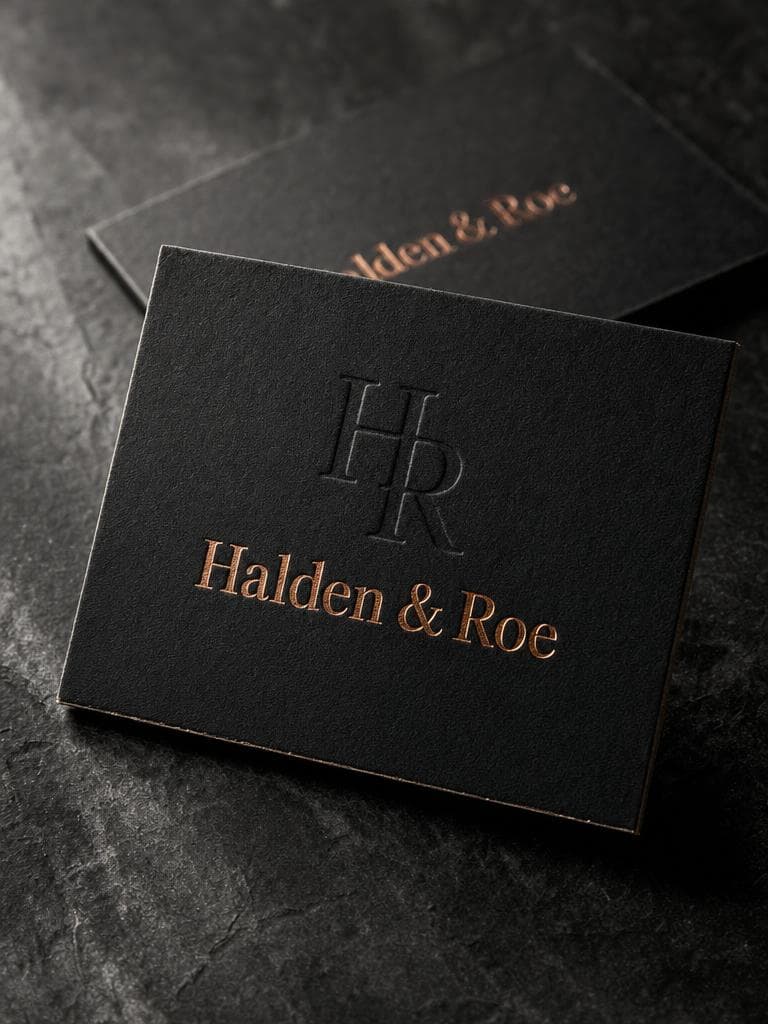
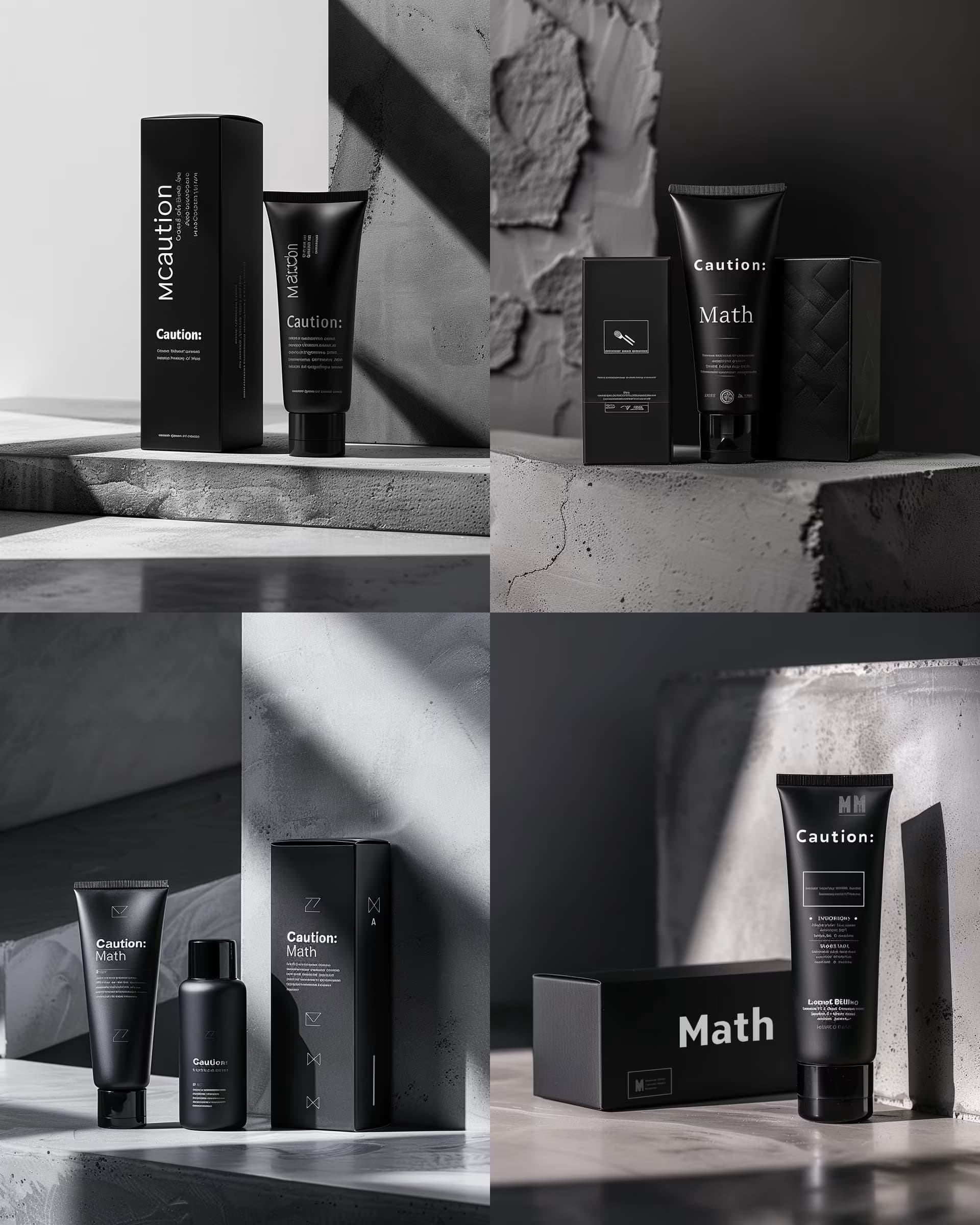
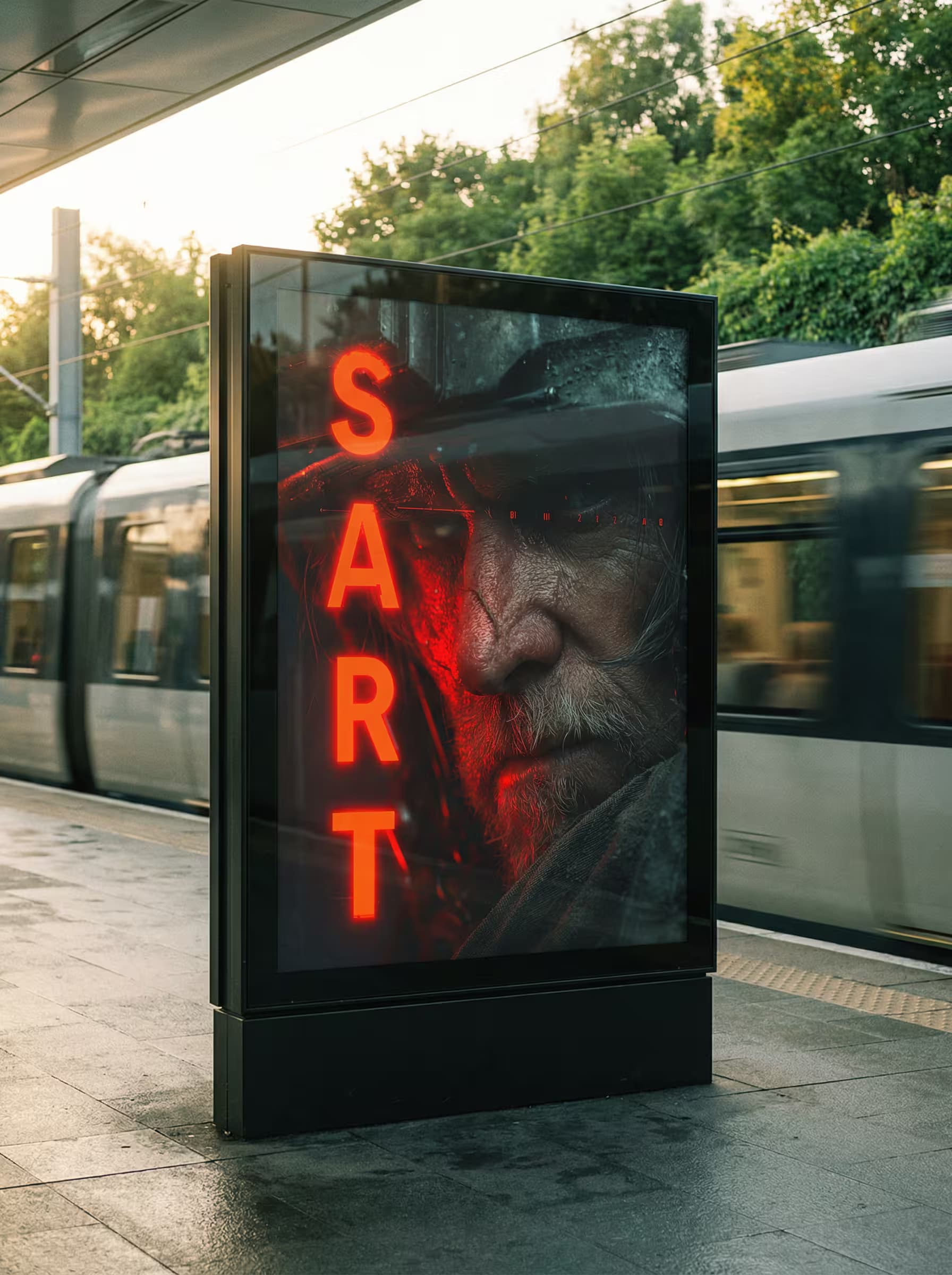
Photorealistic 3D product visualization of a {{box-type}} with {{material-finish}} finish, assembled from flat dieline. Box stands upright in refined ΒΎ perspective showing front and side panels, perfectly folded structure, accurate panel placement, sharp clean edges. Smooth surface texture with high-fidelity print rendering preserving undistorted typography and original design exactly.

Minimalist high-end studio environment: clean smooth surface, soft neutral seamless backdrop in light grey or cream, zero distractions, no props. Box casts gentle shadow with subtle soft gradient anchoring the object.

Soft commercial product lighting with global illumination: large diffused softbox key light at neutral white 5500K illuminating box face evenly and revealing material texture, white reflector fill softens shadows to ensure artwork visibility, even light distribution with ambient occlusion i

Photorealistic Packaging Mockup Generator

Generates photorealistic 3D product packaging mockups with studio lighting, accurate folds, and clean material finishes. Runs on Midjourney, Flux, and other AI image generators.

510
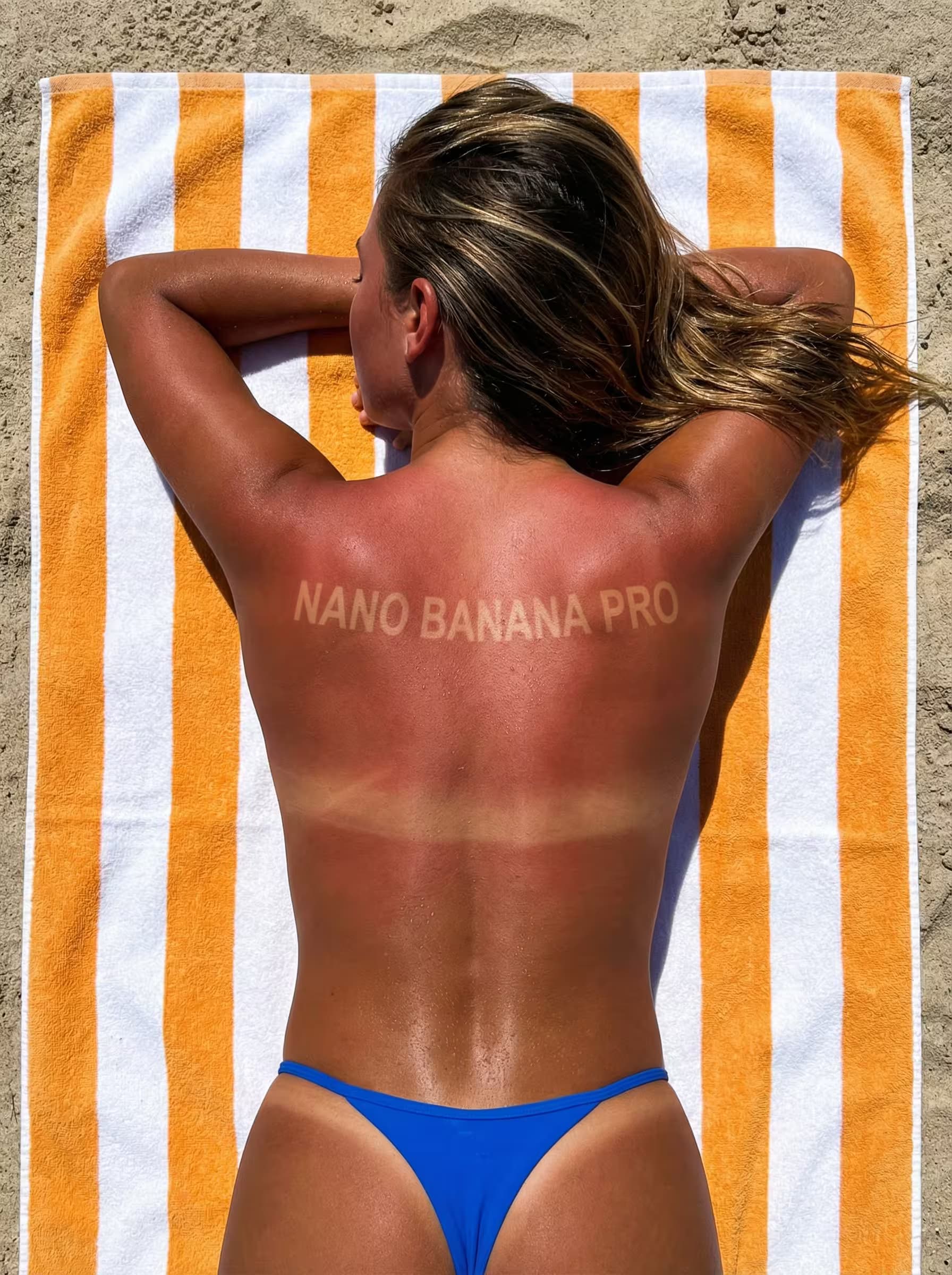
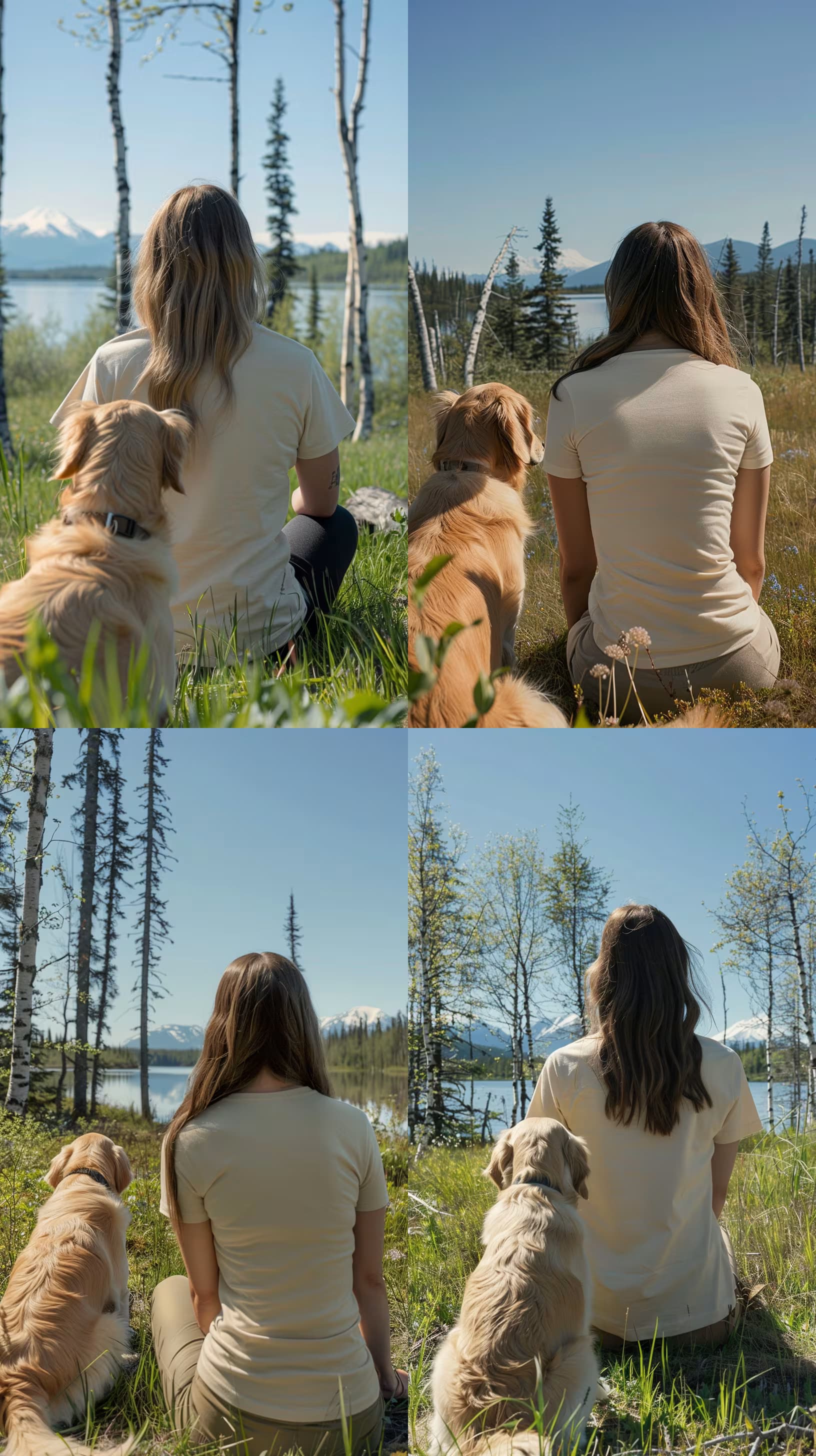
Photorealistic lifestyle product mockup, person typing on laptop placed on {{surface-and-environment}}, hands visible on keyboard, slightly elevated front-left perspective, laptop centered in frame. The uploaded image {{screen-content}} seamlessly integrated into laptop screen with realistic perspective warp matching screen tilt angle, respecting bezel boundaries, soft glass reflections and simulated LCD light emission creating authentic screen glow, content naturally embedded in display not as flat overlay. Soft natural indoor lighting, diffused window light from left as key source, subtle ambient bounce fill, warm-neutral color temperature 4500-5500K, soft realistic shadows cast by keyboard and hands, subtle background depth of field f/2.8-f/4 equivalent keeping focus on laptop and hands. Accurate hand anatomy with correct finger count and natural positioning, precise keyboard details,

Laptop Screen Mockup Generator

Generates photorealistic lifestyle product mockups that integrate custom screen content into laptop displays with accurate perspective warping, glass reflections, and natural lighting. Runs on Midjourney, Flux, and Nano Banana.
84
Restaurant menu design with illustration of {{food-item}}, elegant serif typography, {{style}} aesthetic, clean legible layout, {{color-scheme}} palette, 4k resolution, hyper-realistic rendering, --ar 2:3

Restaurant Menu Design Prompt for AI Image Generators

Generates restaurant menu designs with illustrated food items, elegant serif typography, and clean layouts. Runs on Midjourney, Flux, and other AI image generators.

82
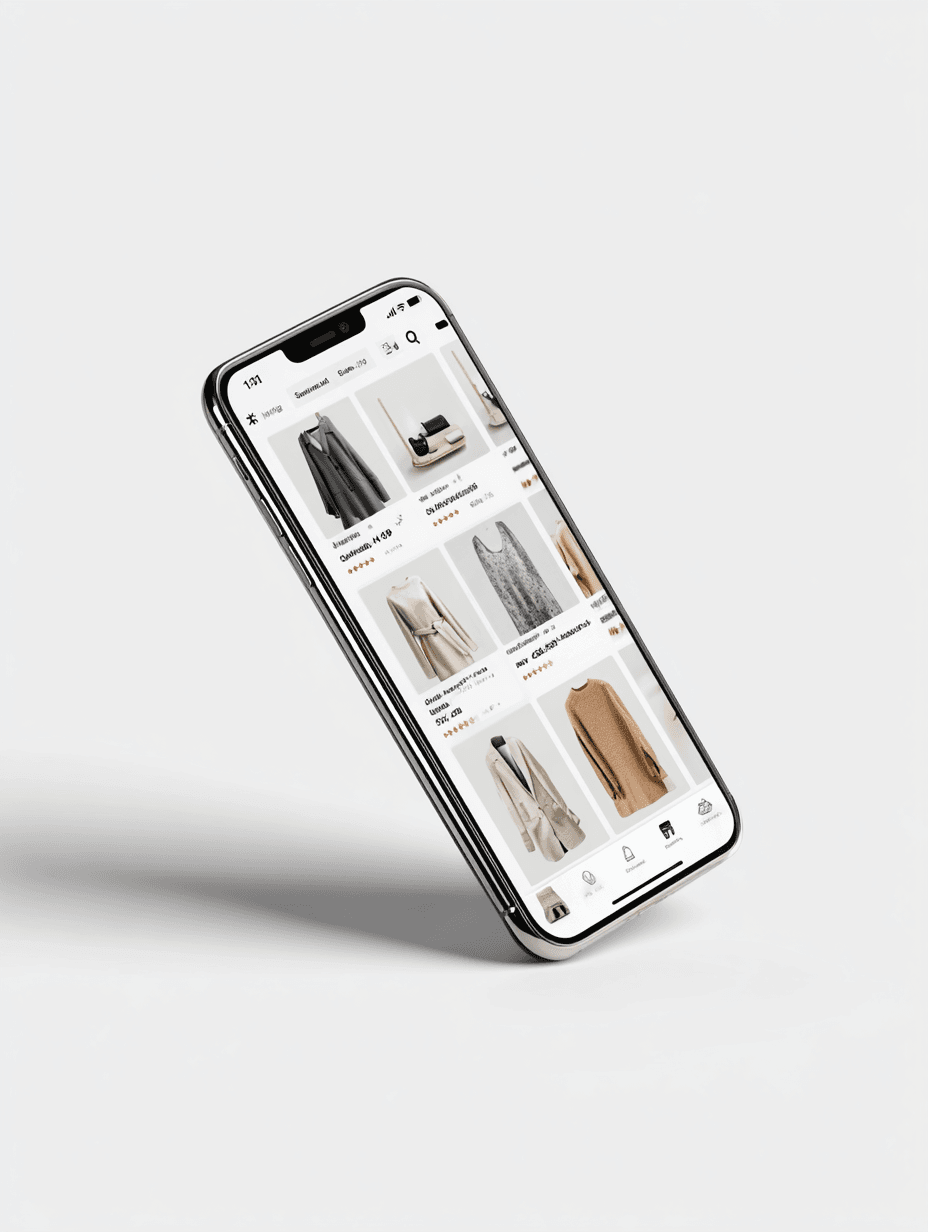
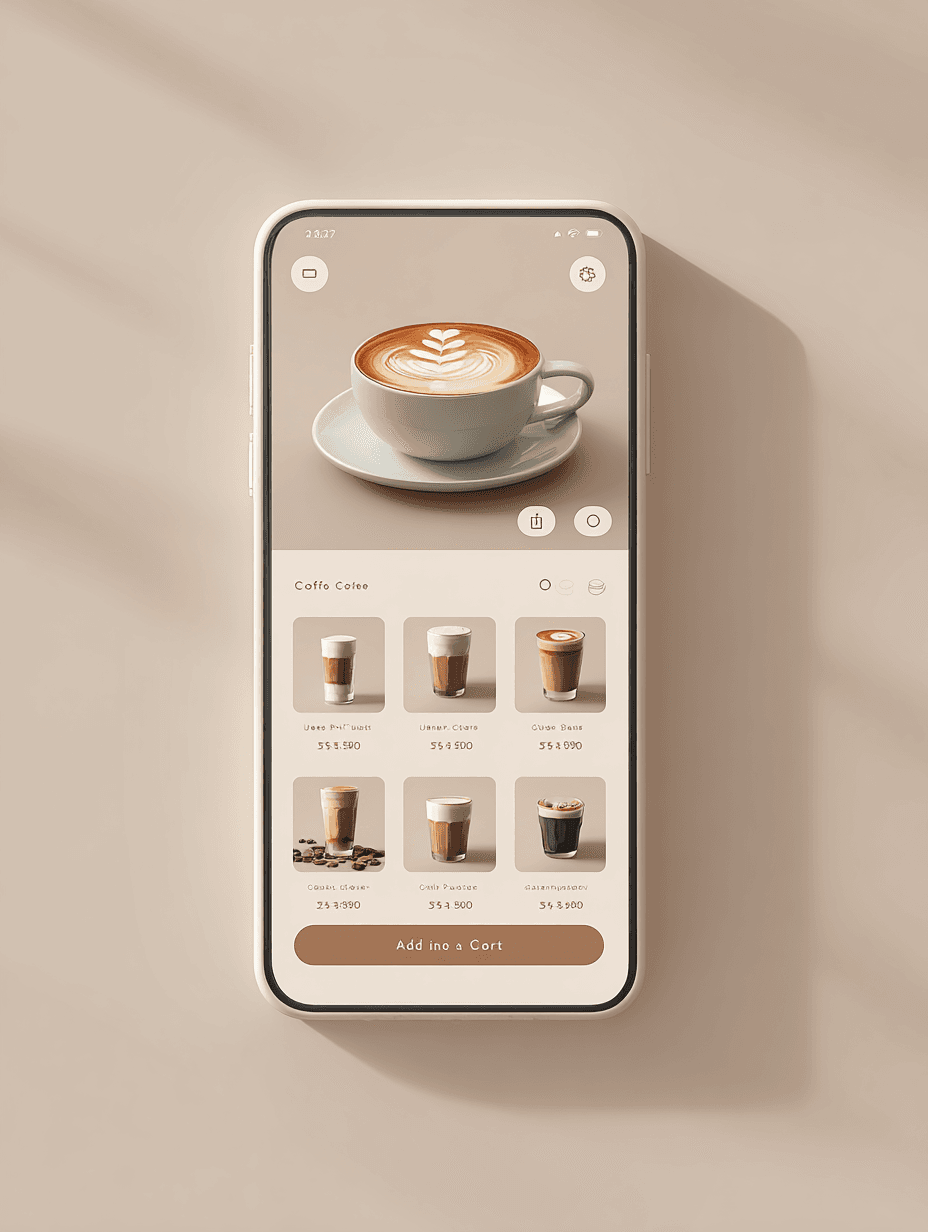
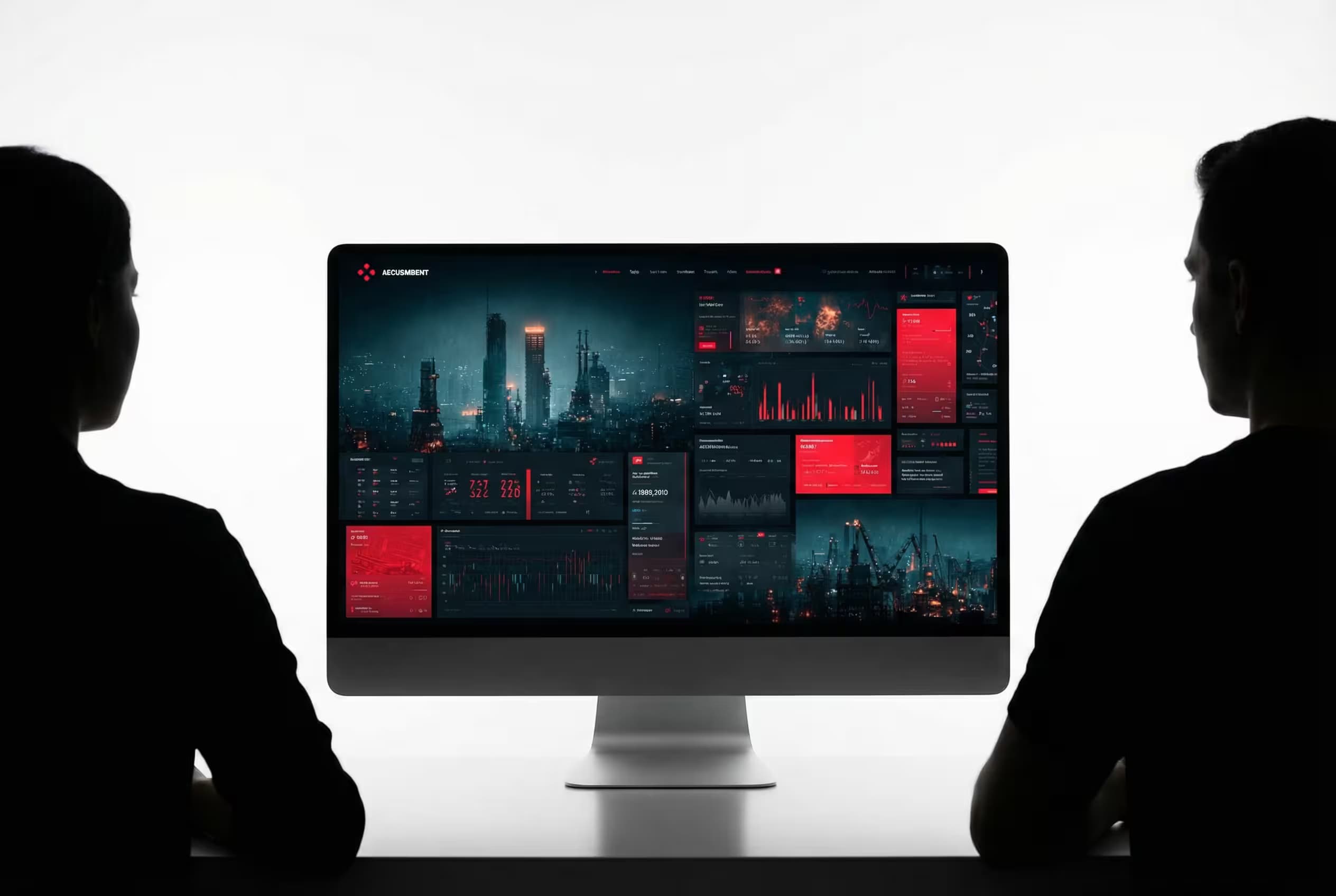
Mockup of empty, blank {{device-or-medium}} in {{scene}}, photorealistic studio lighting, clean professional composition, high-resolution product photography style, sharp focus, commercial quality, neutral color grading --ar 16:9 --v 6 --style raw --no text, logos, branding, watermarks

Blank Mockup Design Generator for Product Photography

Generates photorealistic blank mockup images of devices or surfaces in customizable scenes, using studio lighting and professional product photography composition. Runs on Midjourney, Flux, and similar image generation models.

50
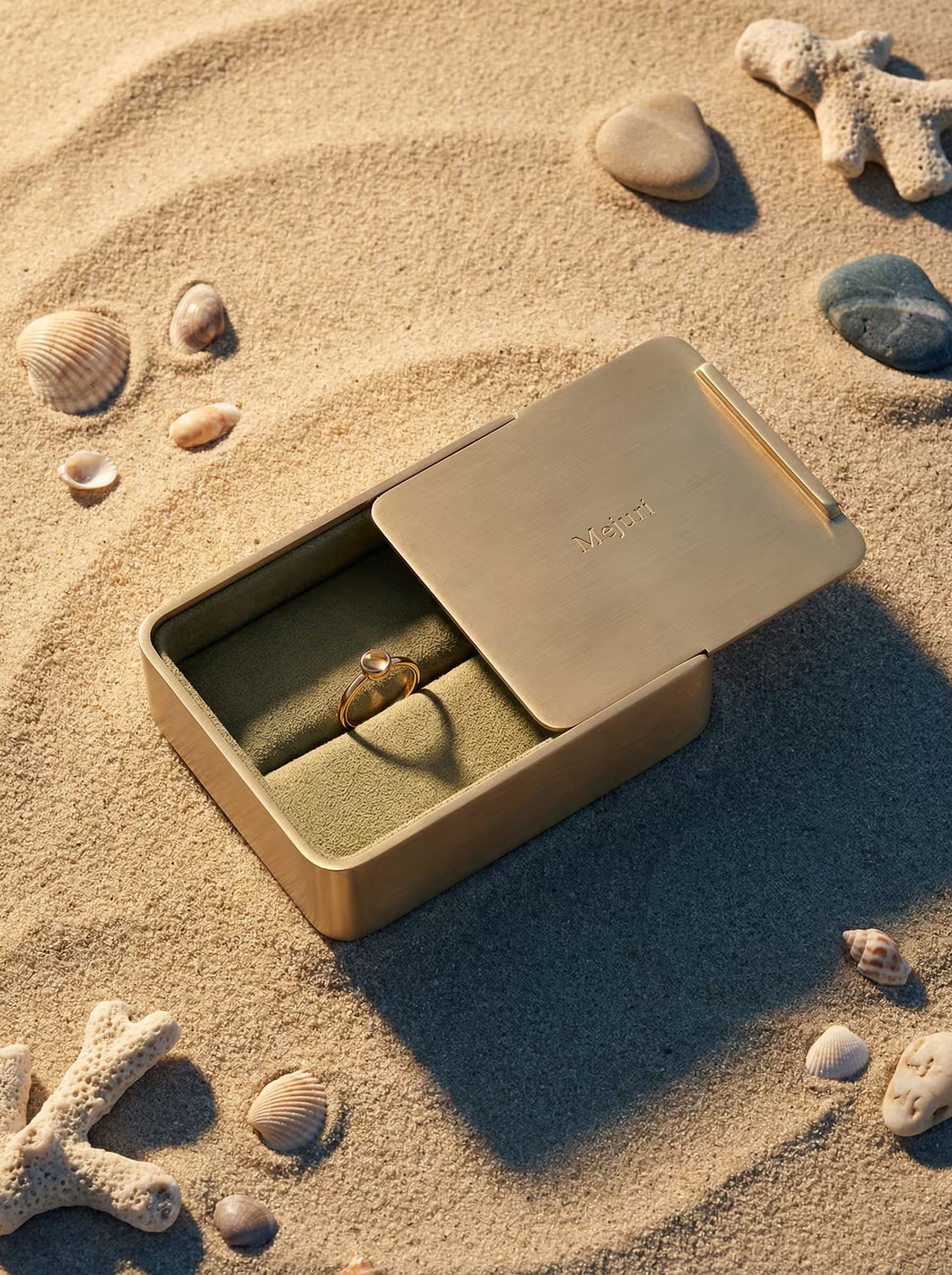
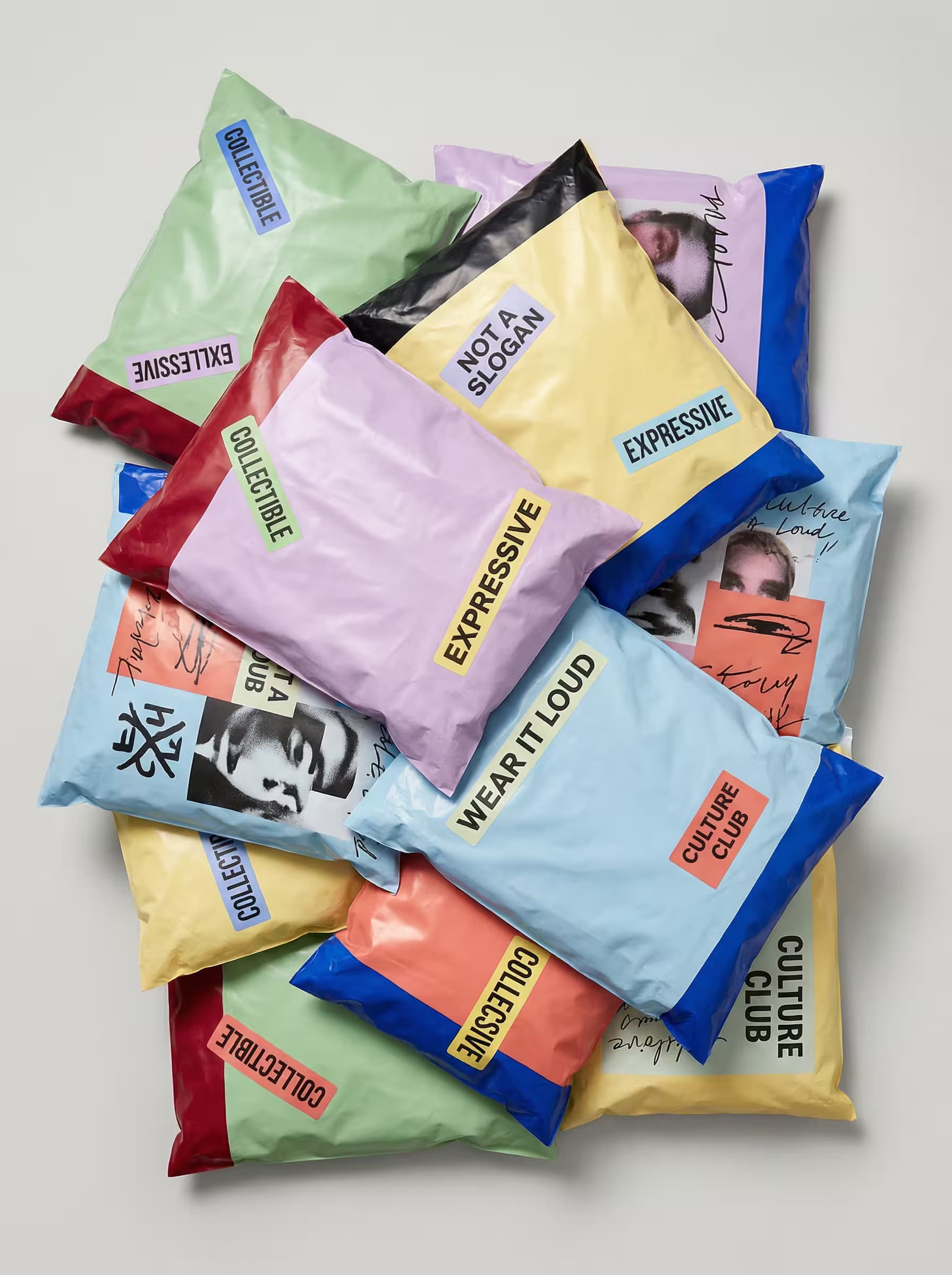
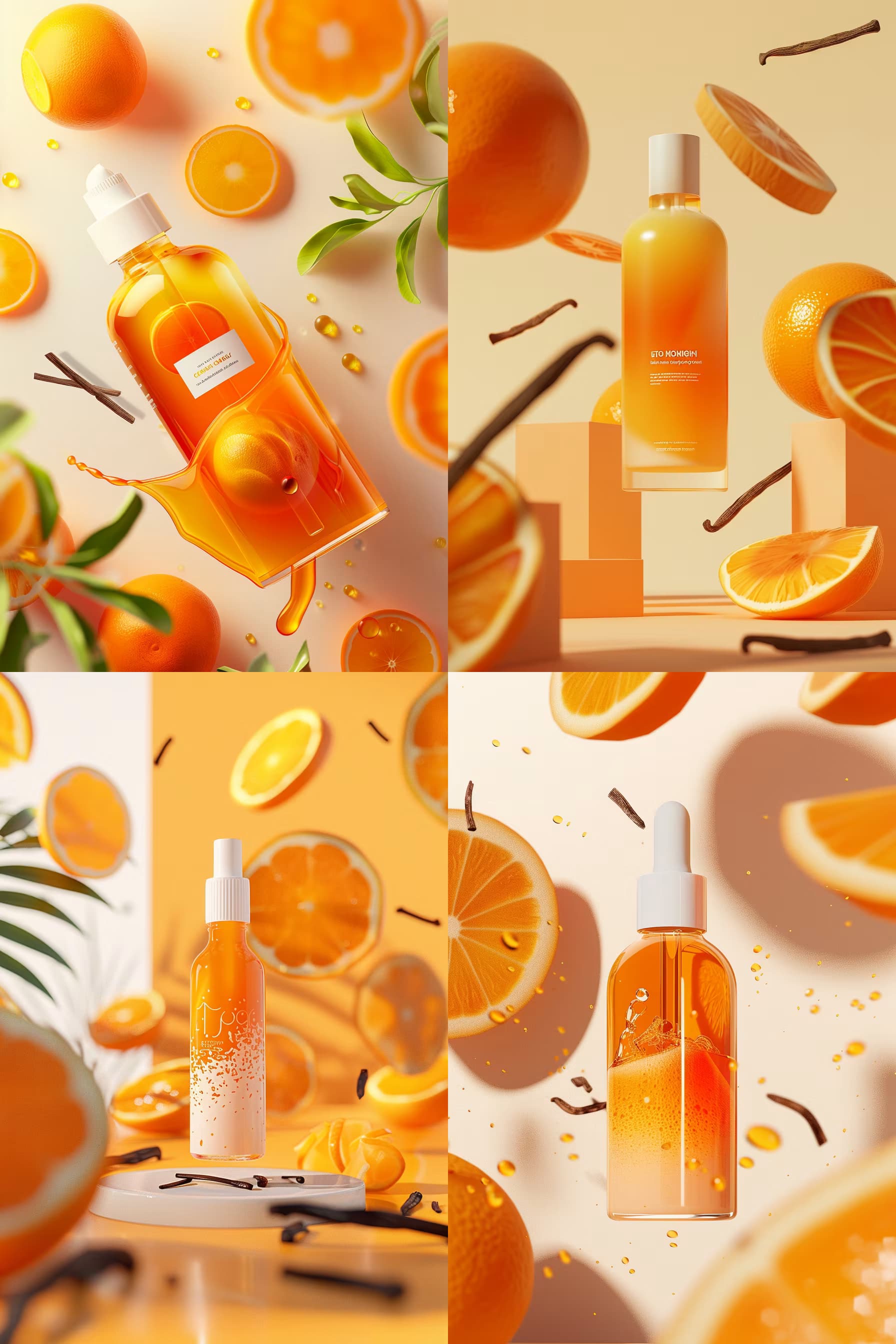
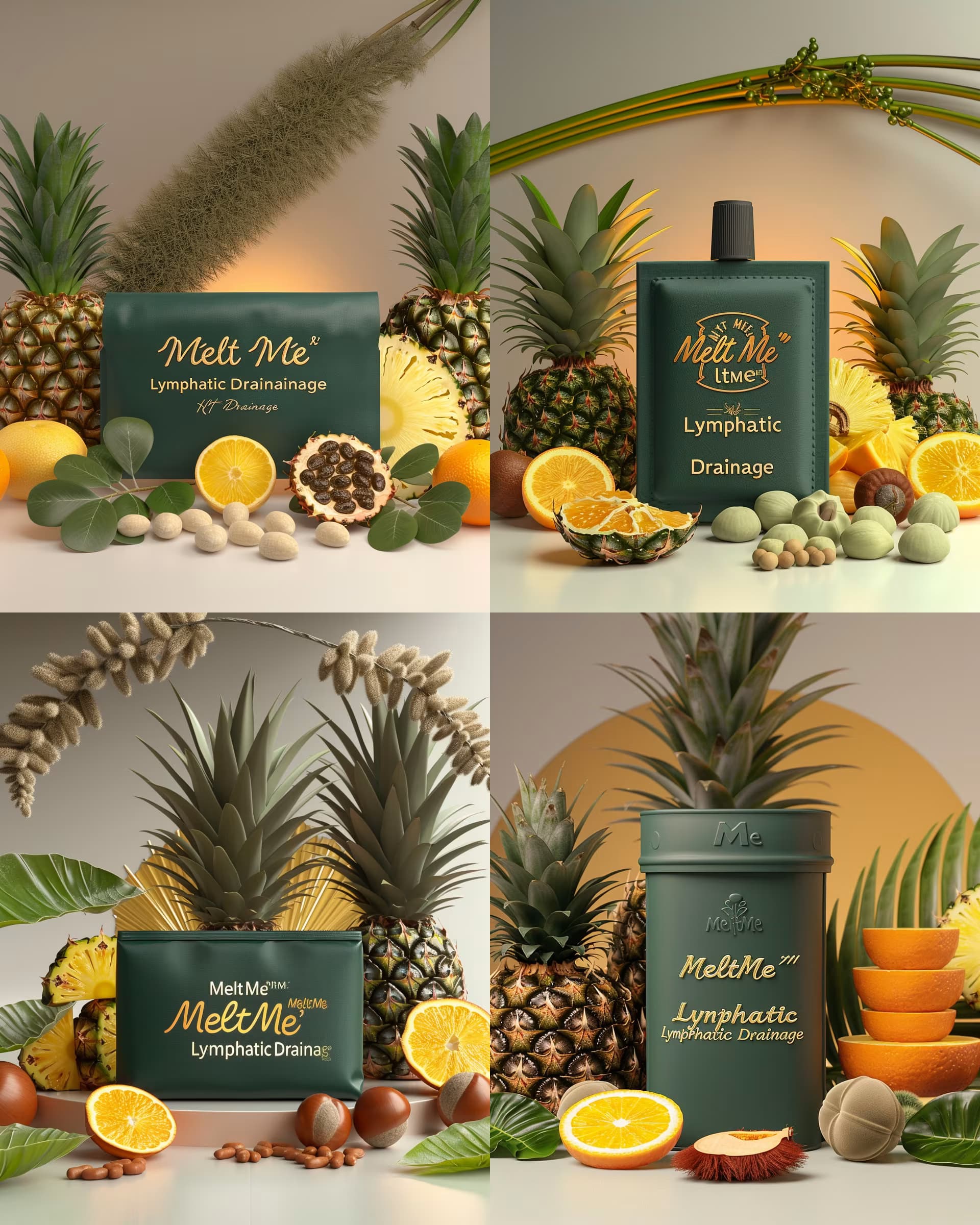
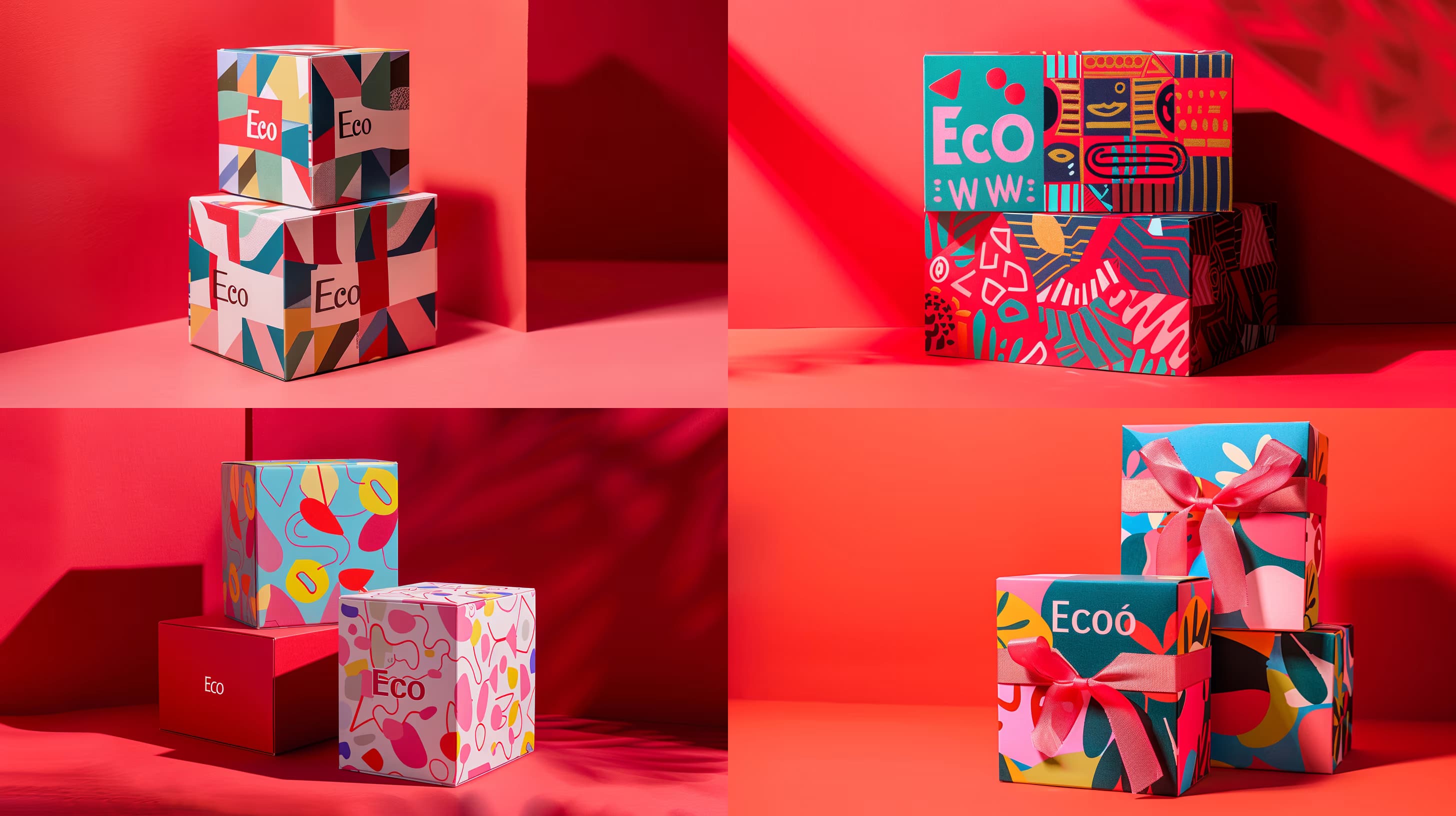
{{package-type}} packaging for {{product-context}}, featuring {{visual-style}}, --s 50, --ar 1:1

Custom Packaging Design Prompt for AI Image Generators

Generates custom product packaging designs by specifying package type, product context, and visual style. Runs on Midjourney, Flux, and other AI image generators that accept parameter flags.

50

What are AI prompts for Packaging & Mockups?

AI prompts for Packaging & Mockups are engineered instructions that already work. These are not one-line questions. Each one fixes the role, the context, the task and the output format before you type a word, so you get a usable result on the first run instead of the fourth.

They cover the work Packaging & Mockups actually get asked for: research and briefs, copy and content, analysis and reporting, planning, outreach and the admin that eats the day. Open a card to see the full prompt and the output it returns.

Popular on this page right now: "Product Documentation Layout Generator", "Photorealistic Packaging Mockup Generator", "Luxury Billboard Mockup Generator".

44 on this page, every one scoped to Packaging & Mockups. Free to read, free to copy.

Why these prompts work for Packaging & Mockups

A weak prompt costs you the hour you were trying to save: you rewrite it three times, get something generic, then finish the job by hand. An engineered prompt front-loads that thinking once.

In Packaging & Mockups that means first drafts you can send, analysis you can act on, and the repetitive work handed off, so the time goes into judgement instead of typing.

Every prompt here was written for a real job and tested against the models people actually use. Nothing scraped from a thread.

How to use these prompts

Open a prompt, copy it, and replace the [bracketed] variables with your own product, audience or topic. The structure around them stays as is. That structure is the part doing the work.

Paste it into ChatGPT, Claude, Gemini, Grok or the model you already use. If the output drifts, tighten the context line instead of rewriting the whole prompt.

No account needed to copy one. No setup, no extension, nothing to install.

Which AI tool works best for Packaging & Mockups prompts?

Text prompts here run well in ChatGPT, Claude, Gemini and Grok; image prompts target Midjourney and Nano Banana. Each card lists the models it was tested with.

Are these AI prompts free to use?

A big part of the library is free: open a prompt, copy it, use it. Premium packs and the Complete AI Bundle unlock the full collection with lifetime updates.

How do I adapt these prompts to my use case?

Start with the [variables]: niche, audience, constraints. If the result still misses, add one example of the output you want. A single good example beats three extra instructions.

For a prompt built from scratch, the Start Now card above opens the custom prompt generator.

Related resources

Get smarter on AI every week

One email a week with the best new prompts, tools, and model updates. Unsubscribe anytime.

Join 100,000+ subscribers. One email a week, real prompts, tools, and model updates. Unsubscribe anytime.