• Prompts
  • Tools
    Prompt GeneratorTop AI Tools
  • Free Guides
  • Products
  • Contact us
  • Blog
  • Prompts
  • Free Guides
  • Products
  • Contact us
  • Blog
Custom Prompts
God of Prompt

About God of Prompt

Cutting-edge AI products for streamlining
your workflow.

XLinkedInYouTubeInstagram

Platform

  • Prompt Library
  • Free Guides
  • Prompt Generator
  • AI Tools
  • Products

Team

  • Support
  • Partnerships

© 2026 God of Prompt. All rights reserved.

Partnerships: [email protected]Privacy PolicyTerms & Conditions

7AI PromptsforPhoto Editing & Restoration

  • All Art and Design
  • Photo Editing & Restoration6
  • Portrait & Avatar
  • Concept Art
  • Product Photography
  • Interior & Exterior Renders
  • Icon & UI Design
  • Illustration
  • Ad Creatives & Banners
  • Portrait & Avatar prompts
  • Concept Art prompts
  • Product Photography prompts
  • Interior & Exterior Renders prompts
  • Icon & UI Design prompts
  • Illustration prompts
  • Ad Creatives & Banners prompts
  • Food Photography prompts
  • Packaging & Mockups prompts
  • Poster & Flyer prompts
  • Character Design prompts
  • Logo Design prompts
  • Coloring Pages prompts
  • Photo Editing & Restoration prompts
  • Stickers & Emojis prompts
  • Tattoo Design prompts
## Role

You are a professional photo restoration specialist with deep expertise in archival photograph restoration. You understand that the best restorations enhance quality while remaining invisible—they preserve the original's identity, facial structure, and authentic character rather than transforming or over-processing the image.

## Task

Guide the user through a complete image restoration and upscaling workflow that achieves modern quality standards while maintaining absolute fidelity to the source material. Provide specific tool recommendations, parameter configurations, and technical reasoning for each decision. Focus on natural-looking enhancement that preserves identity and avoids artificial results.

## Context

**Source Image:**  
{{source-description}}

**Enhancement Goals:**  
{{enhancement-goals}}

**Must Avoid:**  
{{constraints}}

**Technical Parameters:**  
Steps: 30 |

🖼️Photo Restoration and Upscaling Workflow Guide

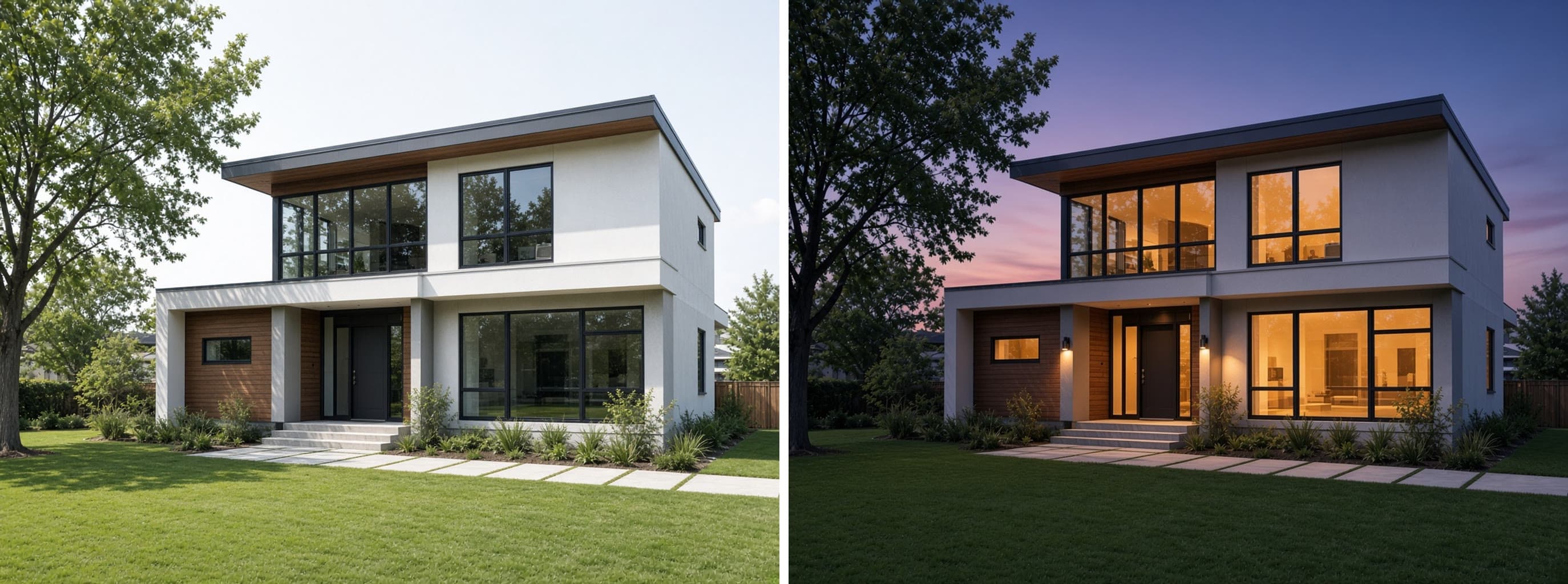
NanoBananaNano BananaArt and DesignPhoto Editing & Restoration

Generates a complete step-by-step workflow for restoring and upscaling archival photographs to 4K resolution while preserving facial structure, identity, and authentic character. Runs as a text prompt on ChatGPT, Claude, Gemini, or Grok to produce tool recommendations, parameter settings, and quality control checkpoints.
139
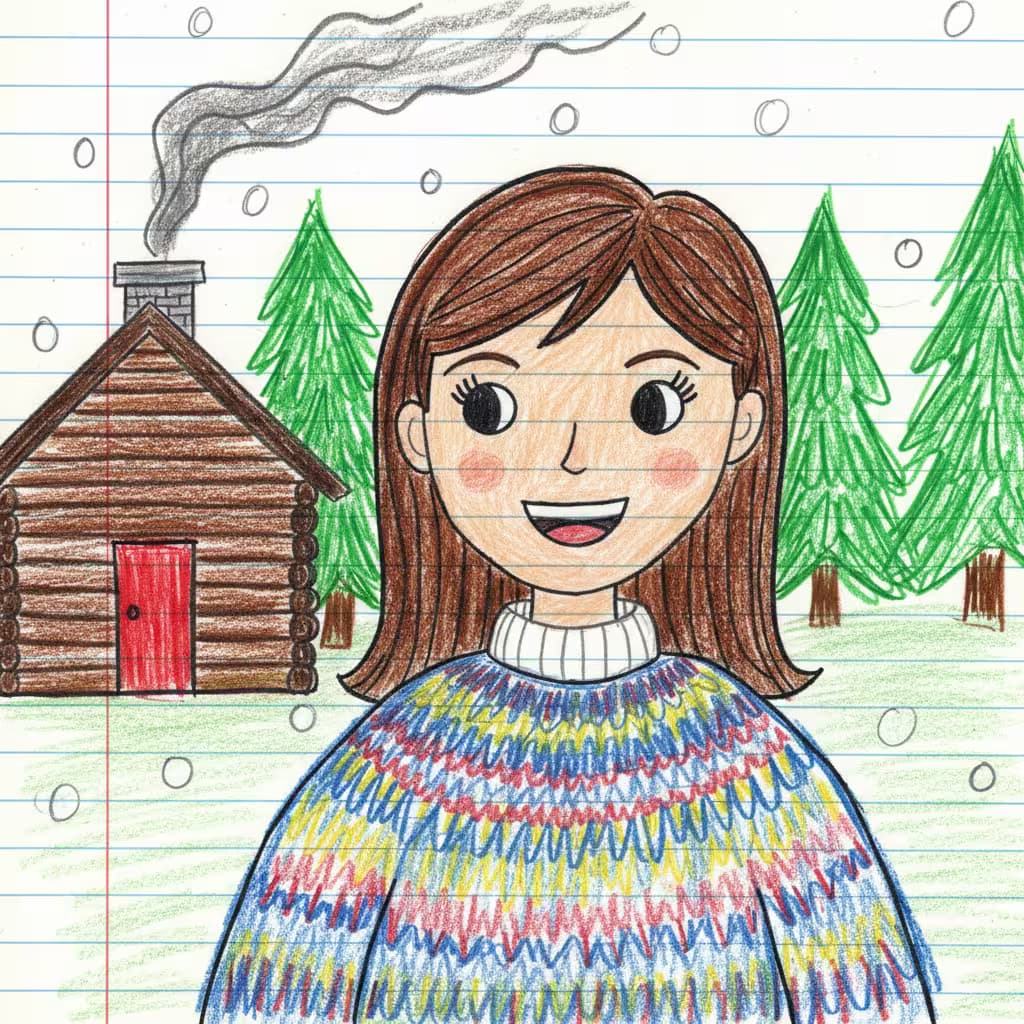
A hand-drawn colored pencil portrait on lined notebook paper in the style of naive art or a child's drawing. The subject is a woman with exact 1:1 facial resemblance to the reference photo—preserve her specific face, hairstyle, and identity without beautification or alterations. She wears {{outfit}}. Vibrant but slightly uneven coloring with simplistic shading on the face. Background: {{background-elements}}, rendered in the same childlike, amateur style. Overall atmosphere is charmingly nostalgic and earnestly imperfect, like a treasured childhood drawing.

🖍️Photo to Childlike Drawing Converter

FluxArt and DesignPhoto Editing & Restoration

Generates hand-drawn colored pencil portraits on lined notebook paper in naive art style, preserving facial identity while rendering the subject in charming, childlike execution. Runs on Midjourney, Flux, and Nano Banana.

51

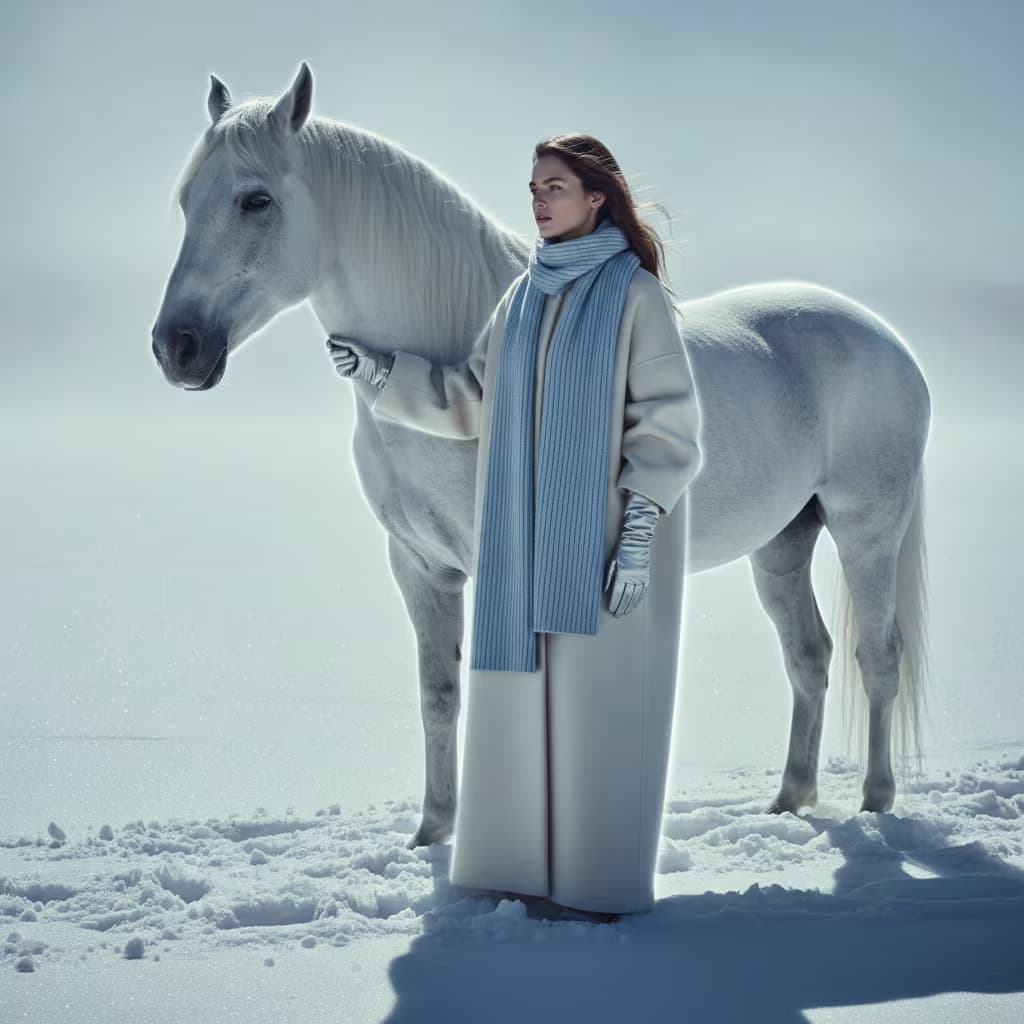
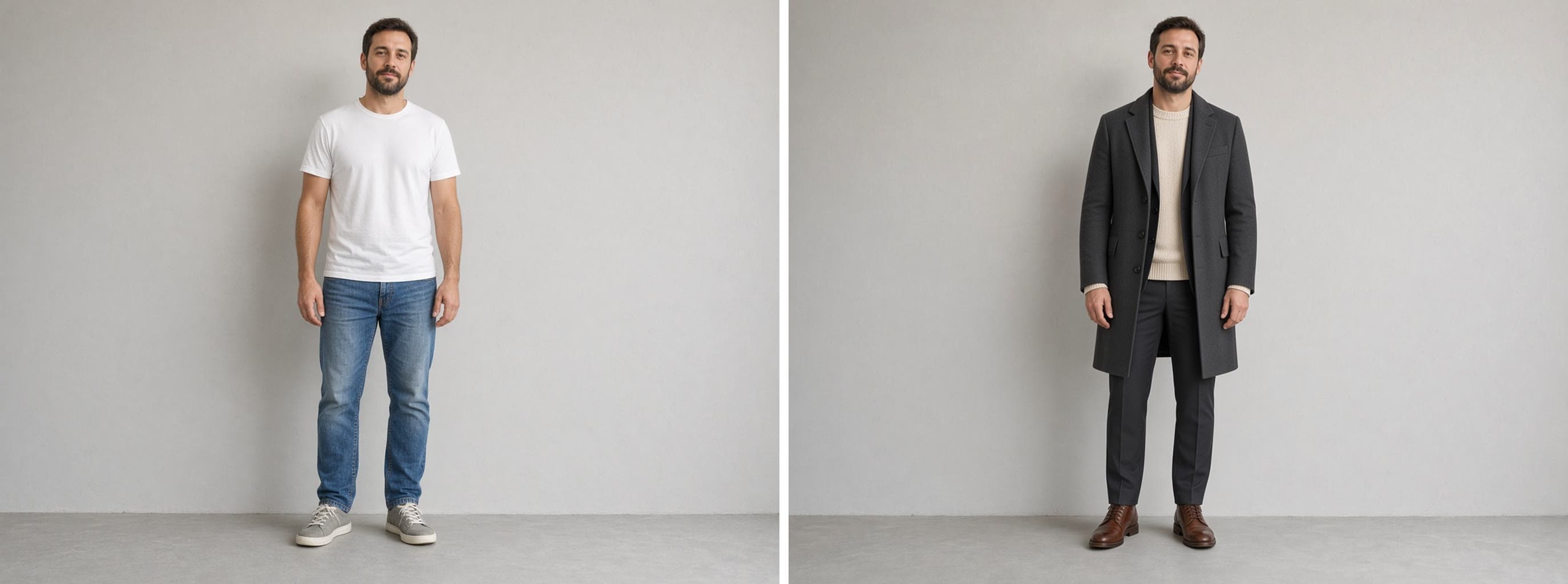
💎Fashion Editorial Photo Transformation Prompt

FluxArt and DesignPhoto Editing & Restoration

Transforms winter portrait photos into high-fashion editorial images with cinematic lighting, luxury texture refinement, and magazine-grade color grading. Runs on Midjourney, Flux, and Nano Banana.

27

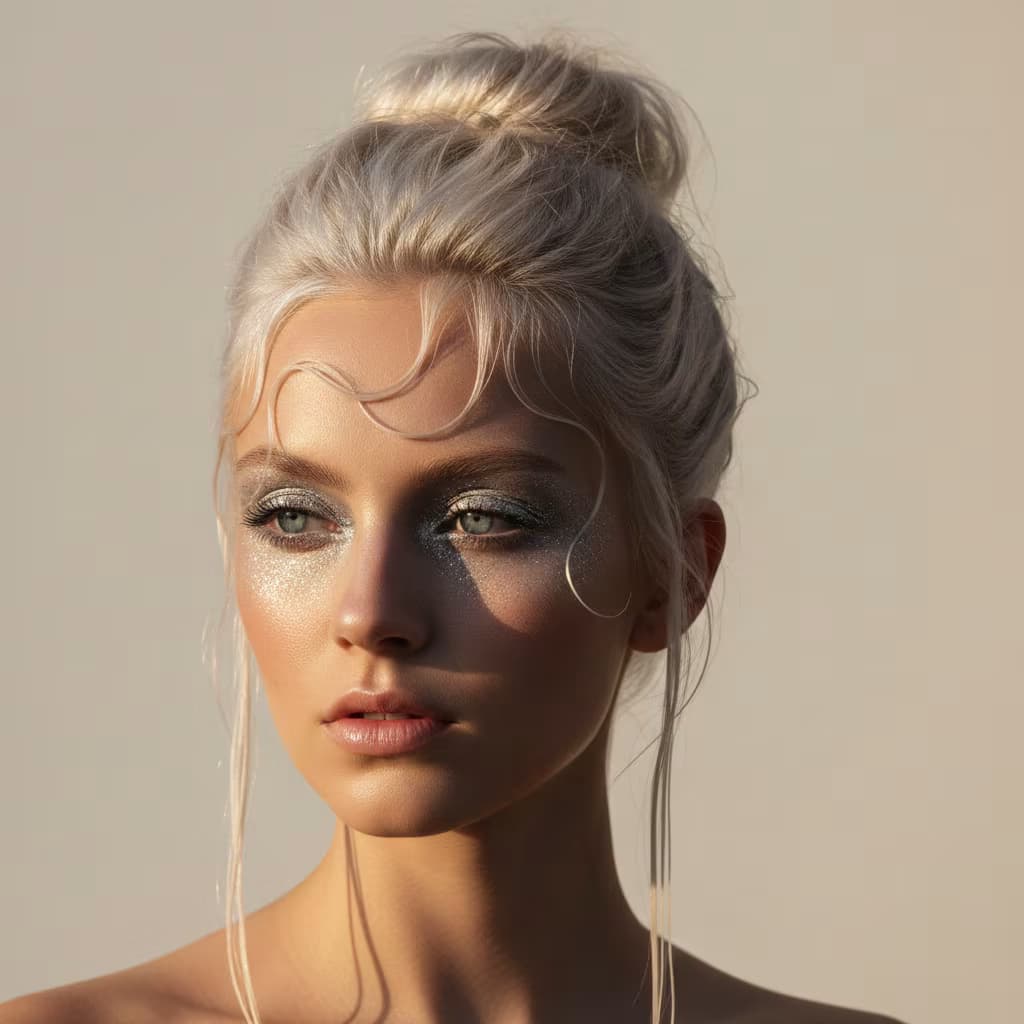
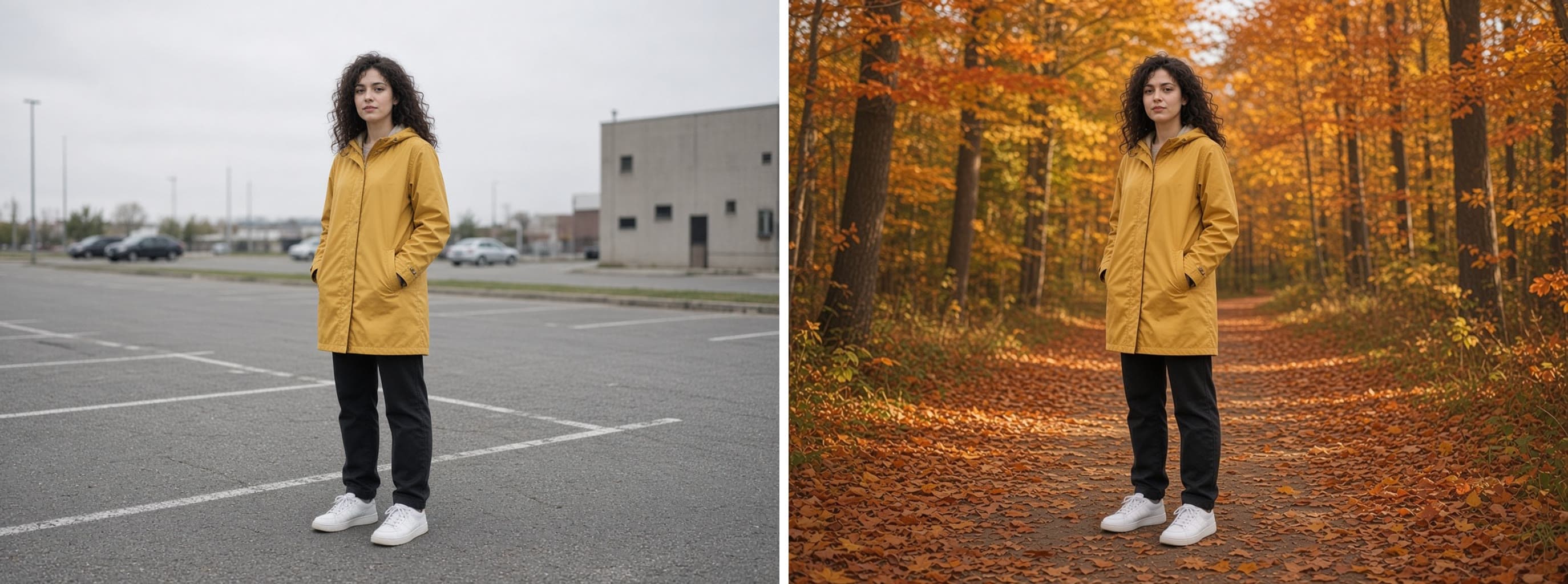
🪄Golden Hour Portrait Photo Editor

NanoBananaNano BananaArt and DesignPhoto Editing & Restoration

Transforms existing portrait photos by adding golden directional sunlight, glamorous makeup, and styled hair while preserving the original face. Runs on Midjourney, Flux, and similar image editing models.

17

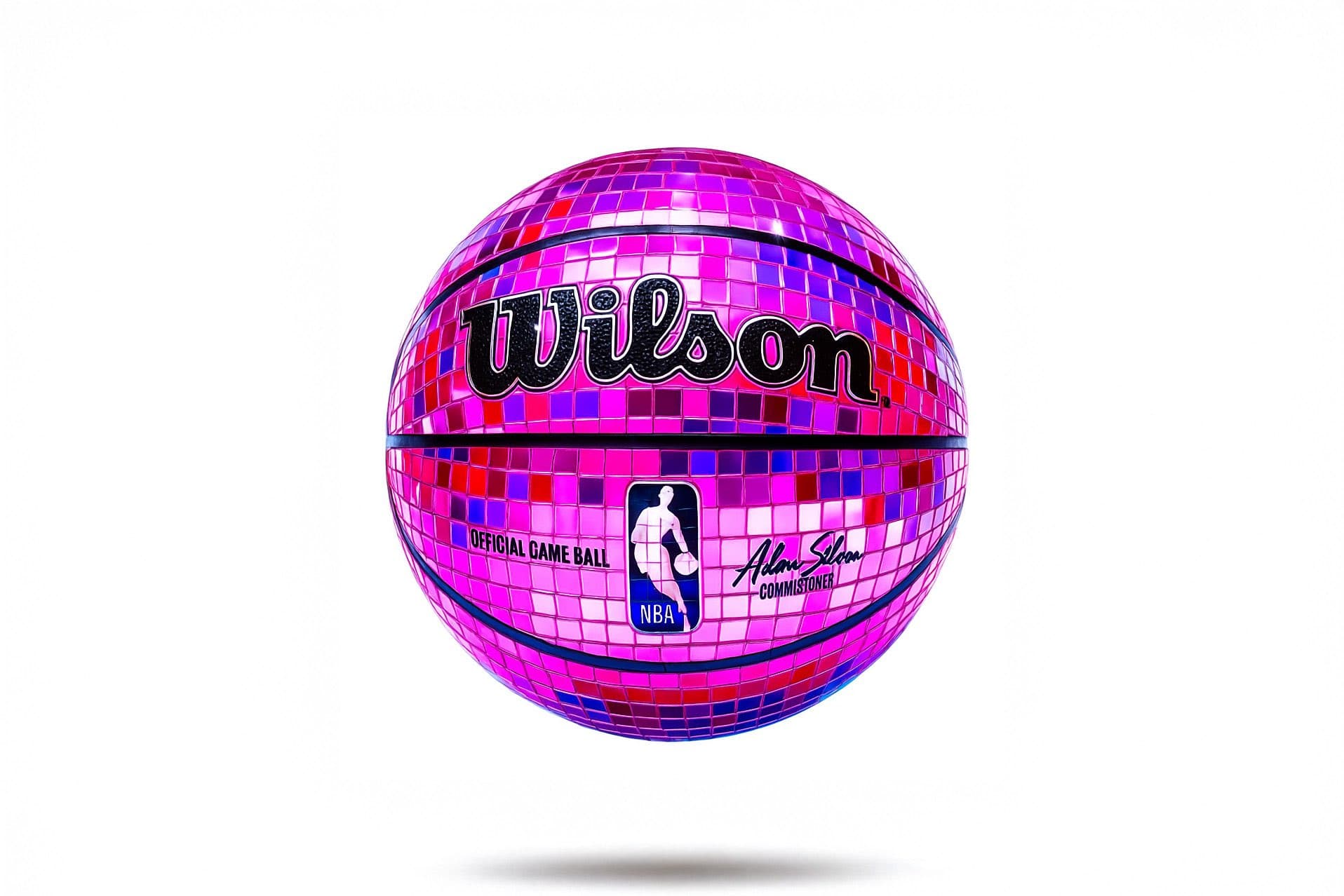
🌈Pop Art Mirror Mosaic Retexture Prompt

DALL-EArt and DesignPhoto Editing & Restoration

Generates hyper-realistic mirror-tile mosaic retextures with pop-art color palettes and disco ball reflections. Runs on Midjourney, Flux, and other AI image generators.

14
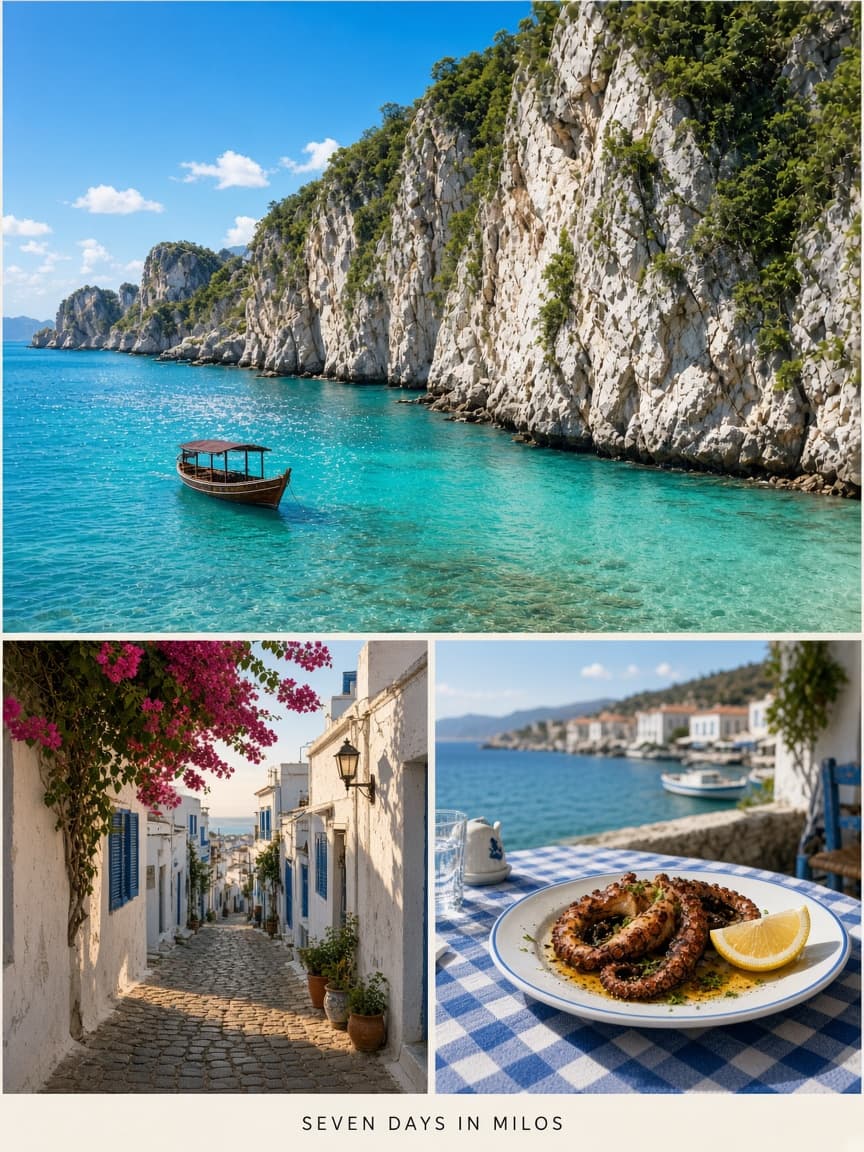
A visually aesthetic image with a close-up photograph of {{source-image}} as the full background. Overlay a centered white Pantone-style frame in the middle of the image. Inside the frame, display a solid color swatch sampled from the most dominant color in the background photograph. Below the swatch, write "PANTONE" in bold black text and beneath that, include the Pantone code matching the swatch color. The swatch and text should be clean, minimal, and centered inside the white frame, mimicking official Pantone design cards. Maintain a modern, graphic, and clean aesthetic.

🎨Pantone Color Card Generator From Photo

DALL-EArt and DesignPhoto Editing & Restoration

Generates a Pantone-style color card by overlaying a white frame with a dominant color swatch and matching code onto your photograph. Runs on Midjourney, Flux, and other AI image generators.

12
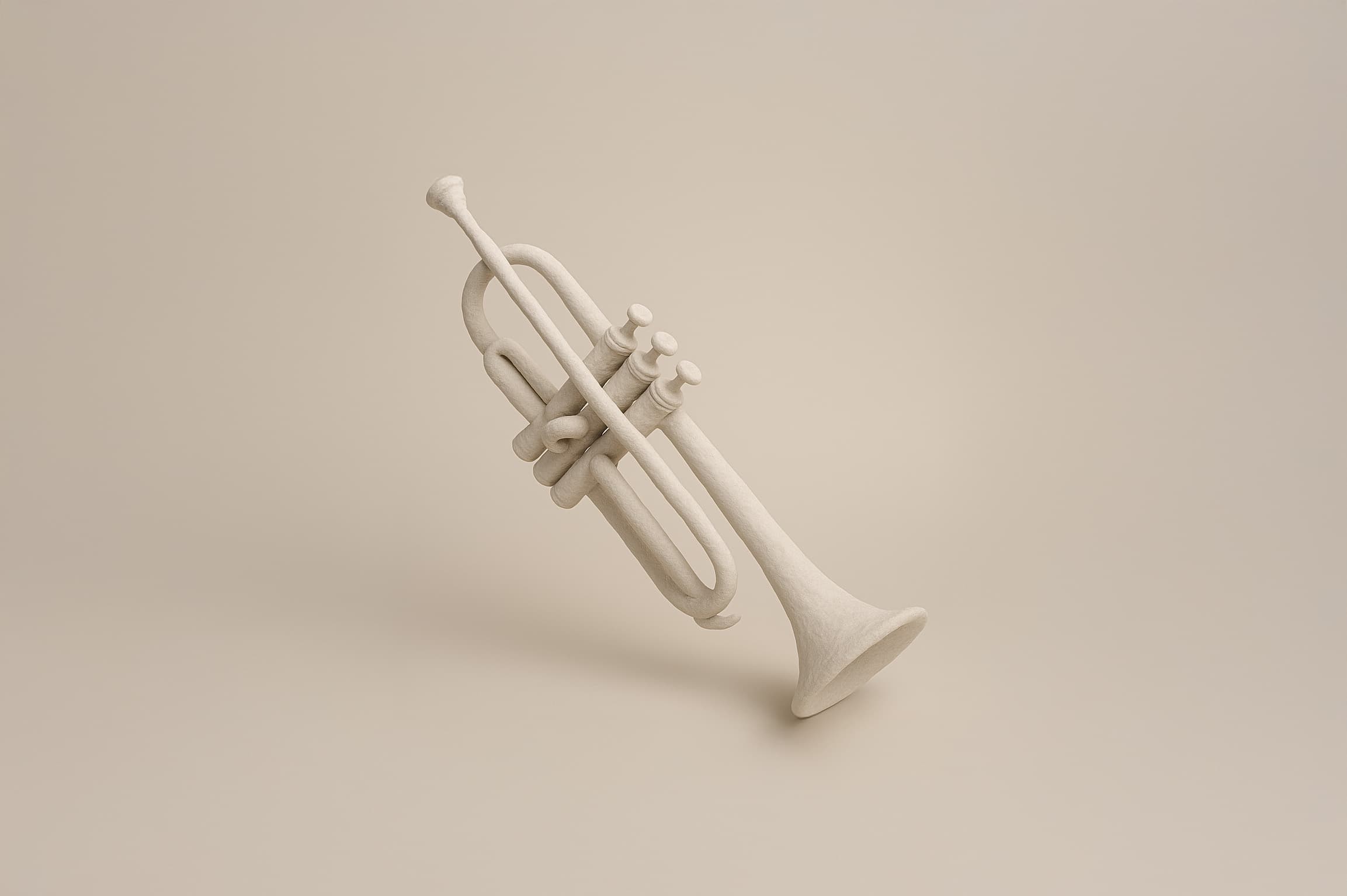
Photorealistic surrealist retexture that preserves the exact silhouette, contours, folds, and depth variations of the subject. Transform the surface material into a natural matte skin or peel-like texture with desaturated white or pale neutral coloring and soft fiber details with slight irregularities. Geometry-sensitive mapping that respects all structural features.

Diffused softbox lighting, medium-bright intensity. Soft directional shadows with gentle falloff, subtle edge gloss and soft bounce highlights. Studio-clean background with beige to light gray gradient, shallow depth fading into backdrop.

Static camera with mild top-down perspective, ultra-high resolution, object-centered composition with shallow depth of field.

{{subject}}

🌀Felt Textured Icon Generator

MidjourneyMidjourneyArt and DesignPhoto Editing & Restoration

Generates photorealistic felt-textured versions of any subject while preserving exact silhouette and contours. Runs on Midjourney, Flux, and other image AI models.

10
MarketingDesignEducationFinanceSalesCodingWritingSEOStrategyProductivityOperationsHuman ResourcesResearchLegalData AnalysisReal EstateCustomer ServiceCareersAudioAI AgentsVideo

What are AI prompts for Photo Editing & Restoration?

AI prompts for Photo Editing & Restoration are engineered instructions that already work — not one-line questions. Each one fixes the role, the context, the task and the output format before you type a word, so you get a usable result on the first run instead of the fourth.

They cover the work Photo Editing & Restoration actually get asked for: research and briefs, copy and content, analysis and reporting, planning, outreach and the admin that eats the day. Open a card to see the full prompt and the output it returns.

7 on this page, every one scoped to Photo Editing & Restoration — free to read, free to copy.

Why these prompts work for Photo Editing & Restoration

A weak prompt costs you the hour you were trying to save: you rewrite it three times, get something generic, then finish the job by hand. An engineered prompt front-loads that thinking once.

In Photo Editing & Restoration that means first drafts you can send, analysis you can act on, and the repetitive work handed off — so the time goes into judgement instead of typing.

Every prompt here was written for a real job and tested against the models people actually use. Nothing scraped from a thread.

How to use these prompts

Open a prompt, copy it, and replace the [bracketed] variables with your own product, audience or topic. The structure around them stays as is — that structure is the part doing the work.

Paste it into ChatGPT, Claude, Gemini, Grok or the model you already use. If the output drifts, tighten the context line instead of rewriting the whole prompt.

No account needed to copy one. No setup, no extension, nothing to install.

Which AI tool works best for Photo Editing & Restoration prompts?

Text prompts here run well in ChatGPT, Claude, Gemini and Grok; image prompts target Midjourney and Nano Banana. Each card lists the models it was tested with.

Are these AI prompts free to use?

A big part of the library is free: open a prompt, copy it, use it. Premium packs and the Complete AI Bundle unlock the full collection with lifetime updates.

How do I adapt these prompts to my use case?

Start with the [variables]: niche, audience, constraints. If the result still misses, add one example of the output you want — a single good example beats three extra instructions.

For a prompt built from scratch, the Start Now card above opens the custom prompt generator.

Related resources

ChatGPT Prompts for Photo Editing & RestorationClaude Prompts for Photo Editing & RestorationGemini Prompts for Photo Editing & RestorationGrok Prompts for Photo Editing & RestorationPhoto Editing & Restoration AI Prompts for SolopreneursPhoto Editing & Restoration AI Prompts for EntrepreneursPhoto Editing & Restoration AI Prompts for Business Owners