1,008 AI Prompts for Art and Design

The best Art and Design prompts across 13 subcategories. Tested on ChatGPT, Claude, Gemini and every major model.

Browse the prompts

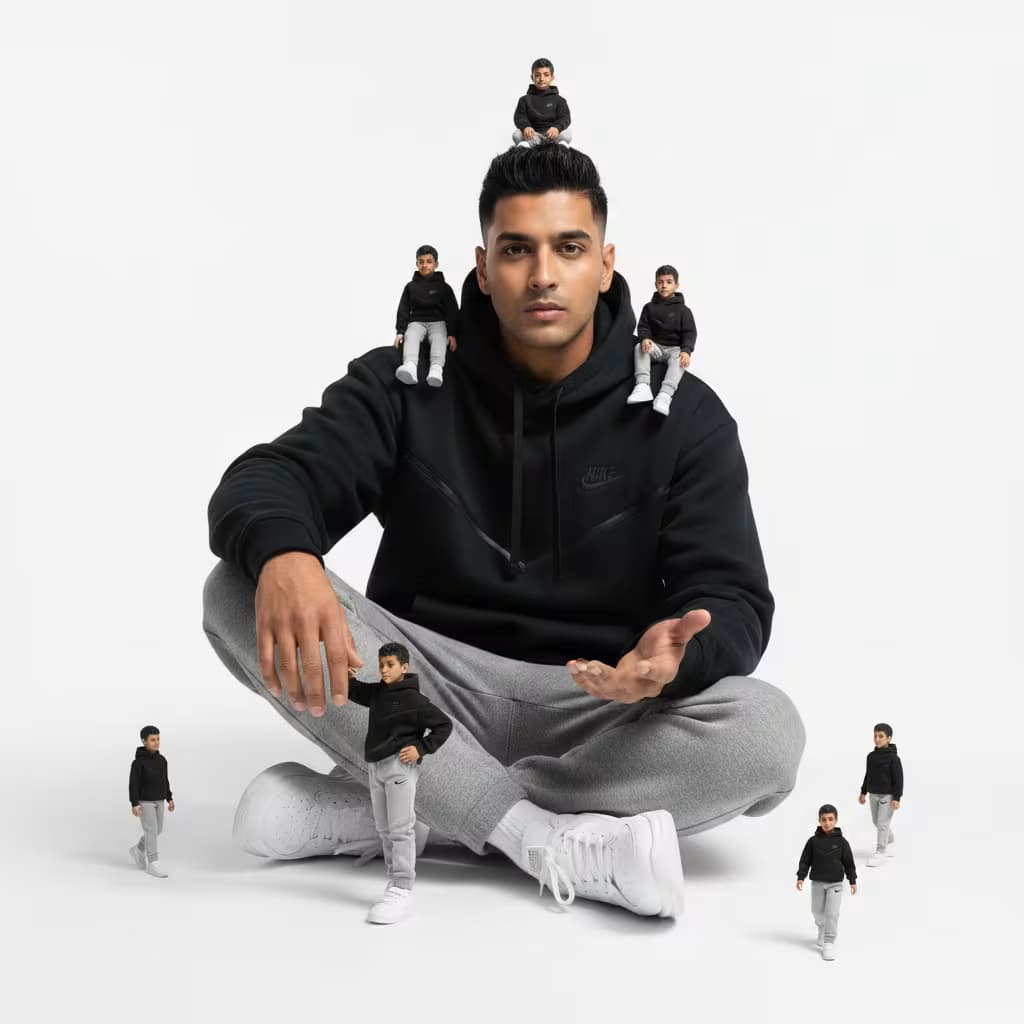
Extreme Close-Up (ECU) Dutch Angle Rack Focus of a trembling hand clutching {{key-object}}.
Knuckles white from gripping too hard, skin textured and cold.
A dimly lit vintage hallway with peeling floral wallpaper in the blurred background.
Sickly yellow-green practical light, deep crushed shadows.
1970s psychological thriller, heavy film grain, muted color palette.

Retro Thriller Detail Shot

Generate detailed concept art prompts for retro thrillers, focusing on key objects.
101
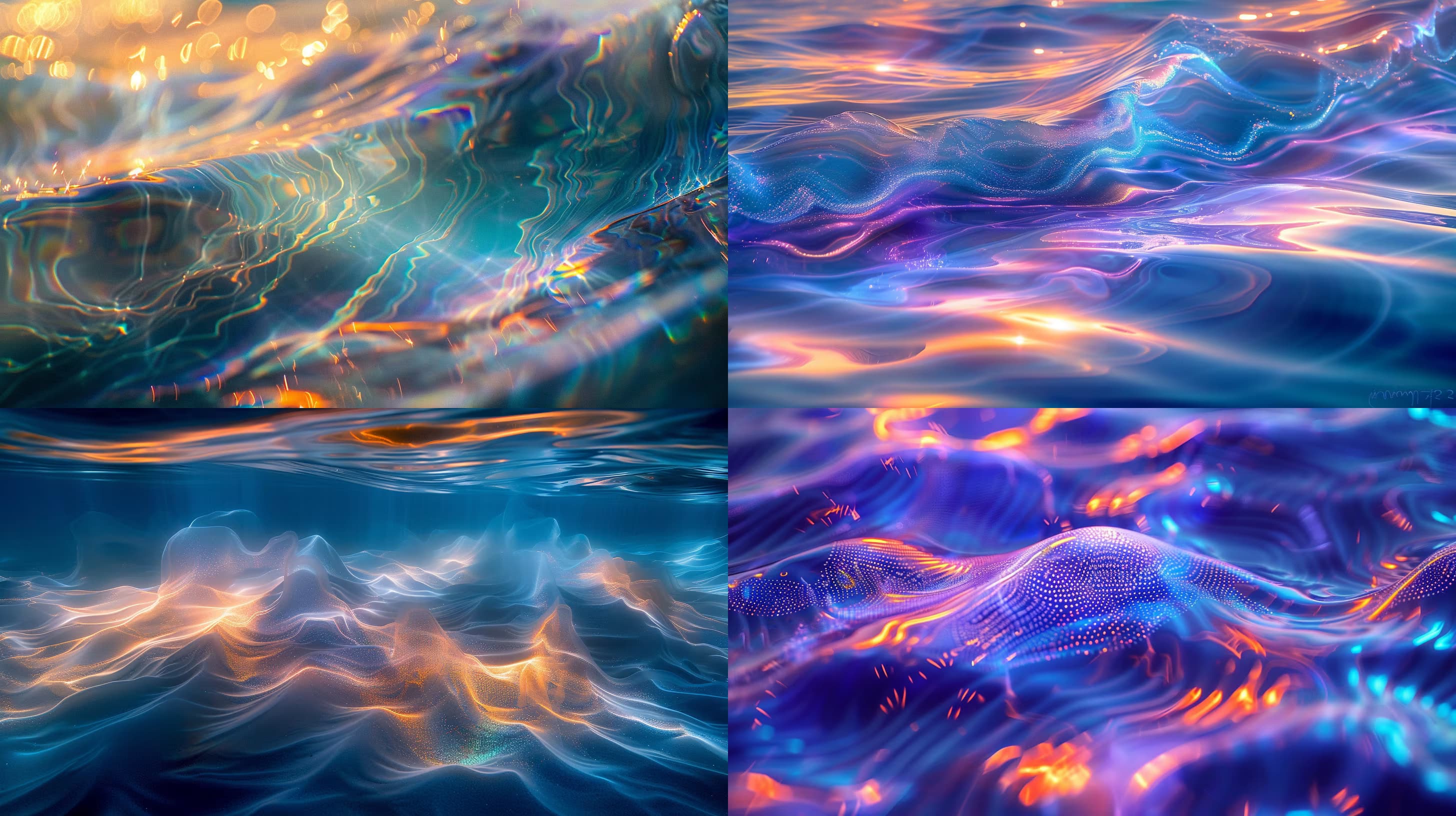
{{content-type}} of {{subject}}, {{style-and-composition}}, cinematic lighting, highly detailed, professional concept art --ar 16:9 --v 6 --style raw --no blur, grain, artifacts

Content Style Image Generator

Generates custom AI images by combining content type, subject, style, and composition variables. Runs on Midjourney, Flux, Nano Banana, and other image models.

101

Infographic Design Guide Generator for ChatGPT

Generates a step-by-step infographic design guide tailored to your topic, audience, and brand. Runs on ChatGPT, Claude, and Gemini to produce detailed layout, typography, and visual element recommendations.

95
Natural lifestyle tech advertisement in 3:4 portrait layout. Top half: large hero image showing person relaxing on couch using {{product-name}}, cozy living room with large window, soft natural daylight streaming from side window, over-the-shoulder or slightly elevated camera angle, product held in hands with natural unposed grip, soft blurred background, relaxed casual authentic mood. Bottom half: 2Γ—2 equal grid with four panels – macro close-up of product's signature surface texture and controls with material detail focus; natural shot of hands using product mid-moment showing real usage and comfort; product resting on wooden coffee table beside companion device in natural lifestyle setting; person sitting comfortably with sunlight entering room in casual everyday environment. {{product-name}} text centered at top in minimal modern sans-serif, neutral black or soft gray, with "Live Nat

Lifestyle Tech Advertisement Layout Generator

Generates a 3:4 portrait lifestyle tech ad with a hero shot and 2Γ—2 product detail grid in soft natural daylight. Runs on Midjourney, Flux, and Nano Banana.

95
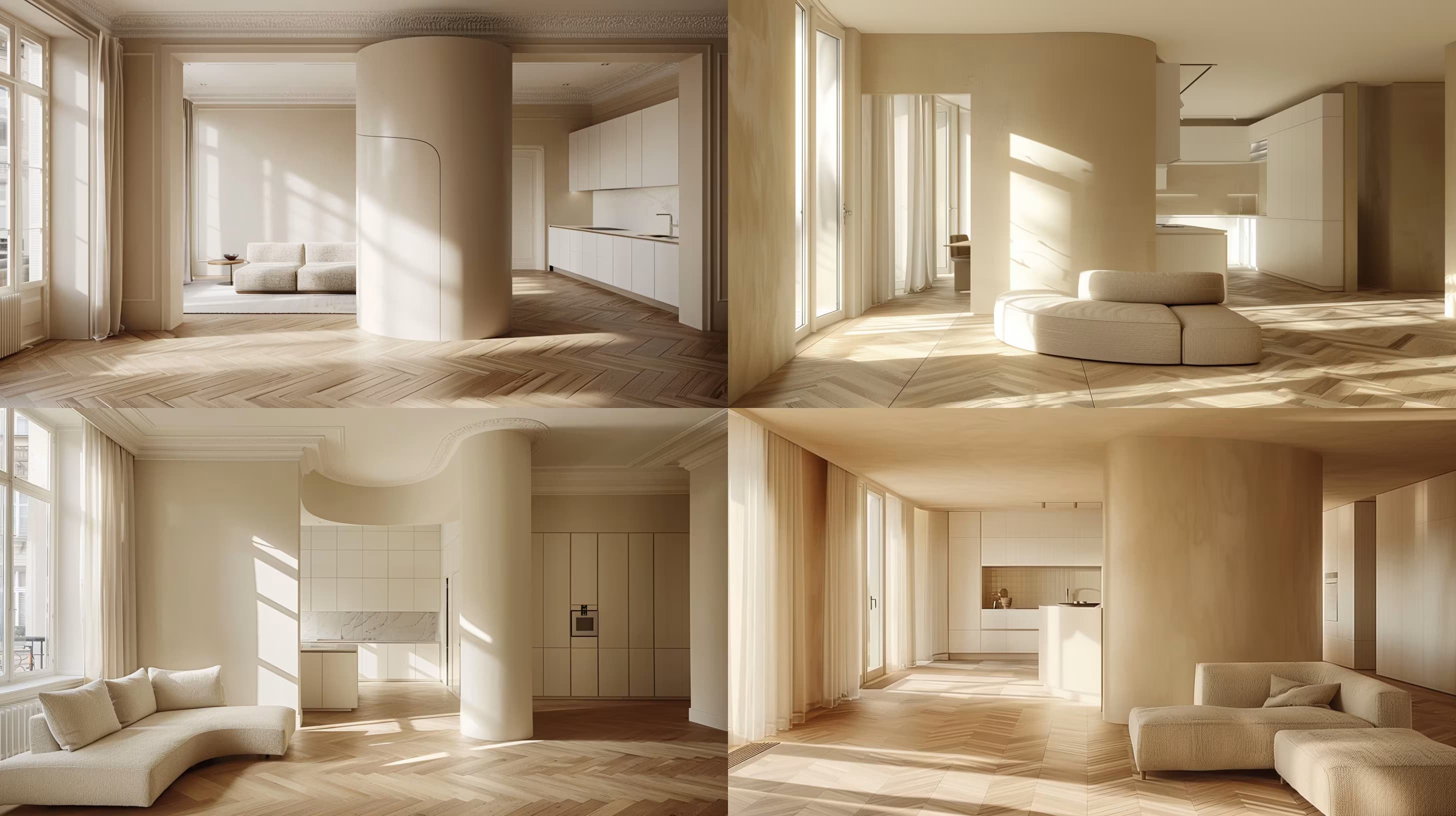
Interior architectural photograph of a {{room-description}} with {{furniture-and-materials}}, {{flooring-type}} flooring. Natural light from a large window with sheer white curtain creates soft, warm lighting for a cozy atmosphere. Clean lines, negative space, balanced symmetryβ€”shot as editorial interior photography from eye level with a 35mm lens, shallow depth of field. --ar 16:9 --s 250 --q 2 --c 10

Interior Design Photography Prompt for Midjourney

Generates editorial-style interior architectural photographs with natural lighting, balanced composition, and customizable room elements. Runs on Midjourney and similar image models.

95
## Role
You are an experienced print design strategist combining visual aesthetics with market positioning to create original, scalable printable concepts that drive engagement and sales.

## Task
Develop a series of detailed printable design concepts around {{topic}}. Each concept must be original, market-differentiating, and adaptable across multiple print formats while maintaining visual integrity.

## Context
The designs target {{target-audience}} and must communicate clearly through strategic use of color psychology, typography hierarchy, and relevant imagery. Focus on creating concepts that translate effectively from small labels to large posters.

## Process
1. **Core message**: Define the central theme for each design that aligns with {{topic}} and addresses the audience's interests or needs.
2. **Color palette**: Select colors that evoke appropriate emotions and reflect current 

Printable Design Concept Generator for Print Formats

Generates detailed, market-ready printable design concepts with color palettes, typography specs, and layout guidance. Runs on ChatGPT, Claude, Gemini, and Grok to produce execution-ready briefs for graphic designers.

93
High-detail 3D product render of {{garment-description}} adorned with intricate, vibrant floral patterns; studio lighting with soft reflections on a clean {{background}}. Realistic cloth simulation, stitch and seam fidelity, premium aesthetic. --ar 1:1 --q 2 --s 100 --no body, face, watermark, low-poly, texture stretching, color banding, heavy wrinkles

3D Product Render Prompt for Garments

Generates high-detail 3D product renders of garments with realistic cloth simulation, studio lighting, and customizable floral patterns. Designed for Midjourney, Flux, and Nano Banana image models.

92

What are AI prompts for Art and Design?

AI prompts for Art and Design are engineered instructions that already work. These are not one-line questions. Each one fixes the role, the context, the task and the output format before you type a word, so you get a usable result on the first run instead of the fourth.

They cover the work Art and Design actually get asked for: research and briefs, copy and content, analysis and reporting, planning, outreach and the admin that eats the day. Open a card to see the full prompt and the output it returns.

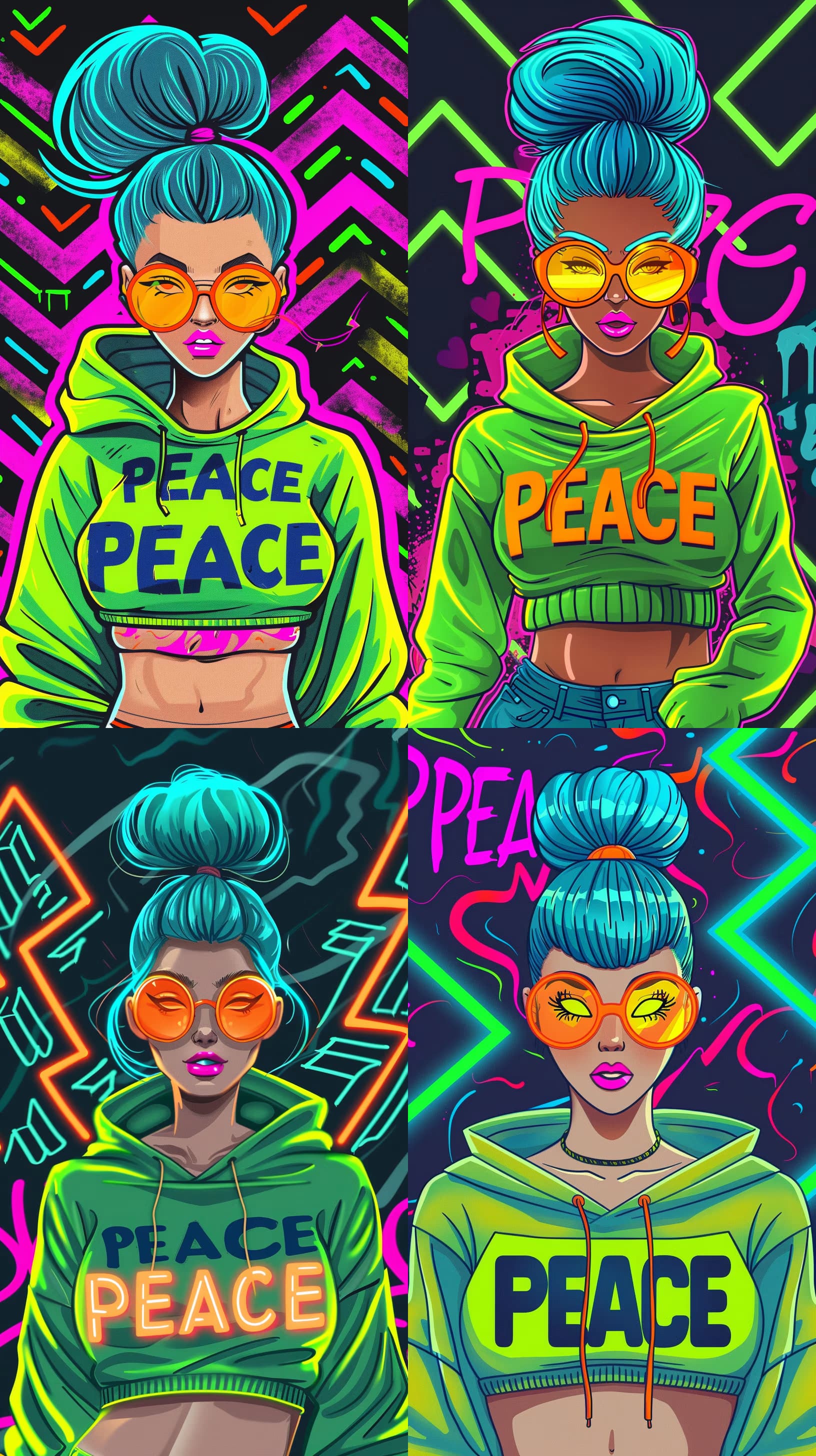
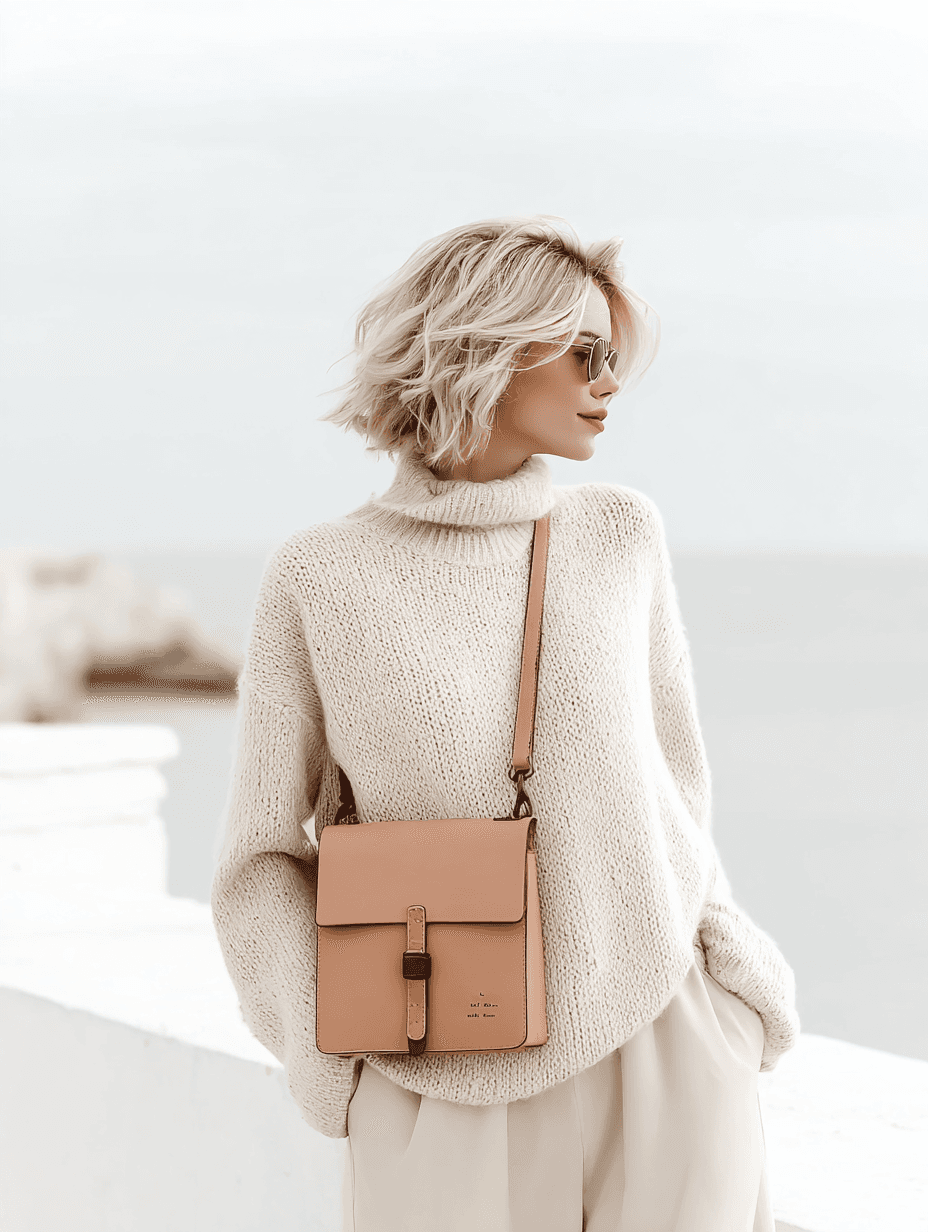
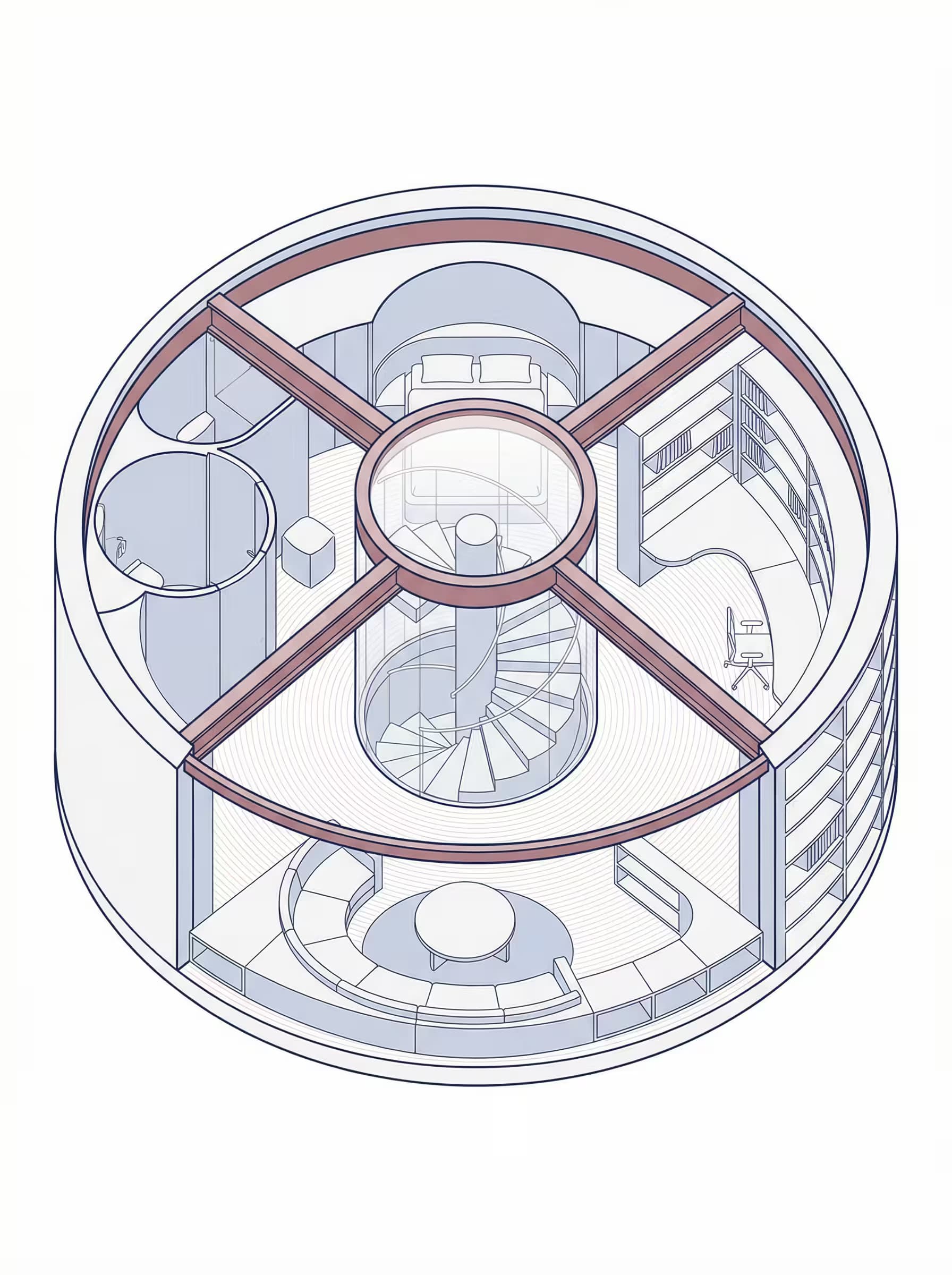
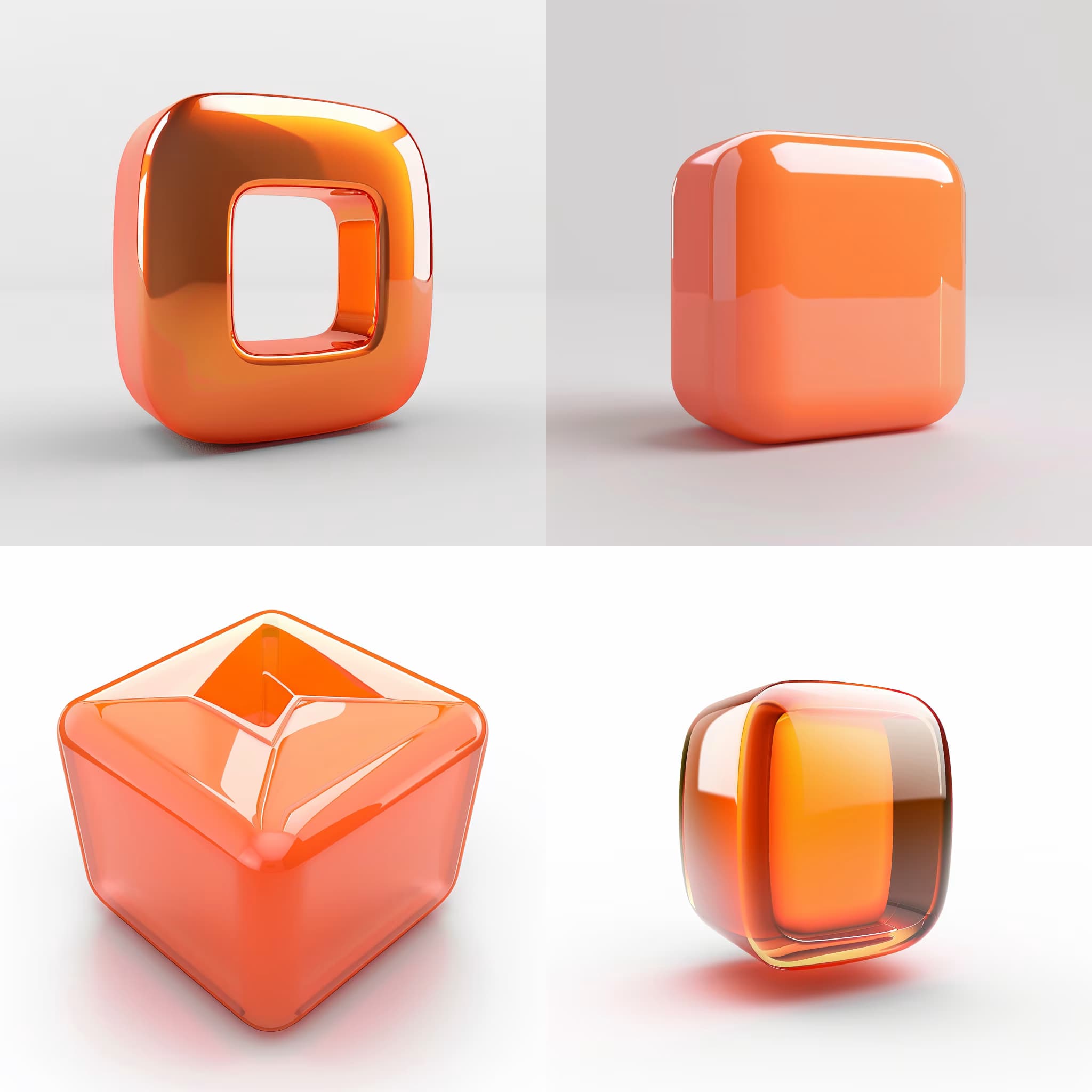
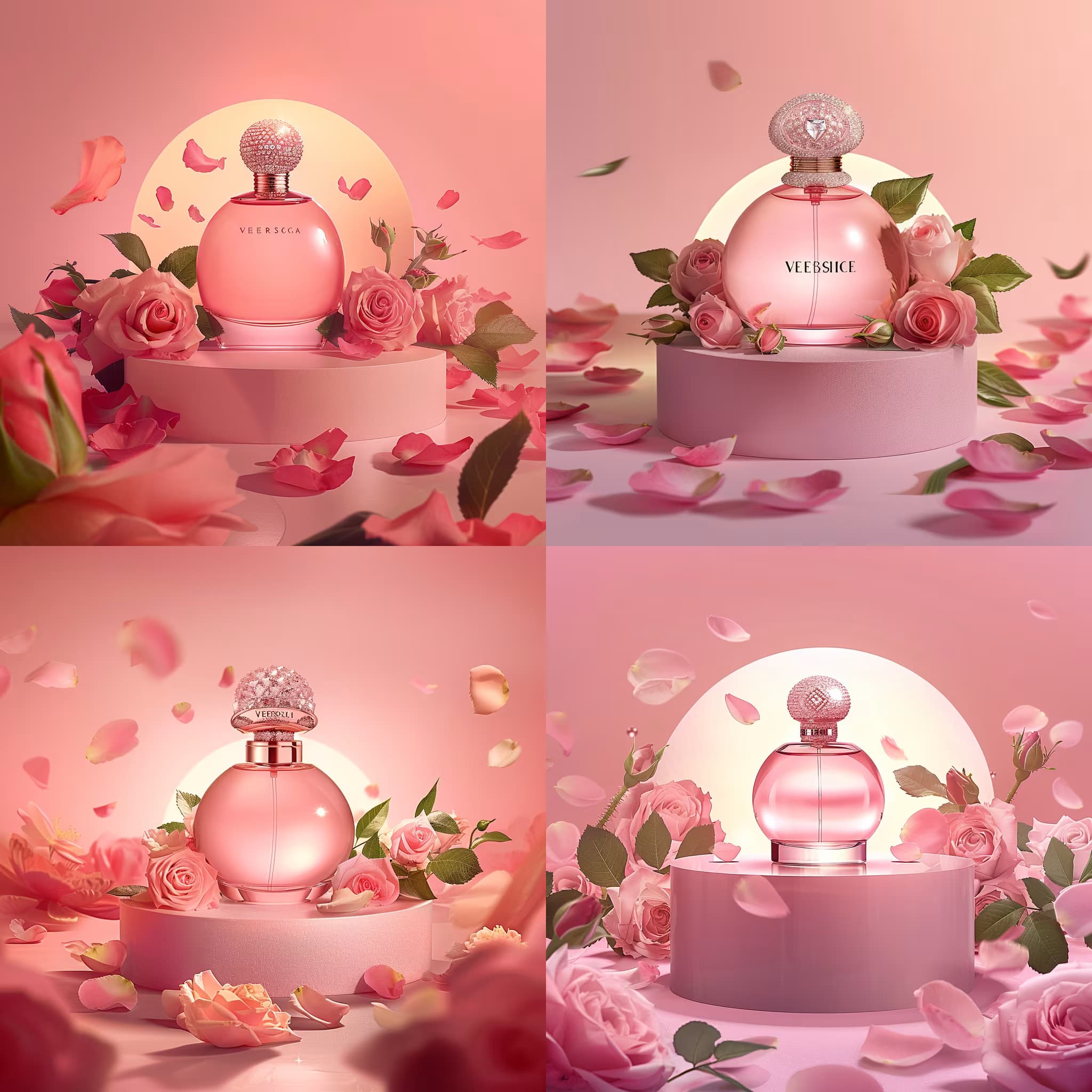
The deepest areas here: Portrait & Avatar (246 prompts), Concept Art (125 prompts), Product Photography (116 prompts), Illustration (87 prompts), Interior & Exterior Renders (84 prompts).

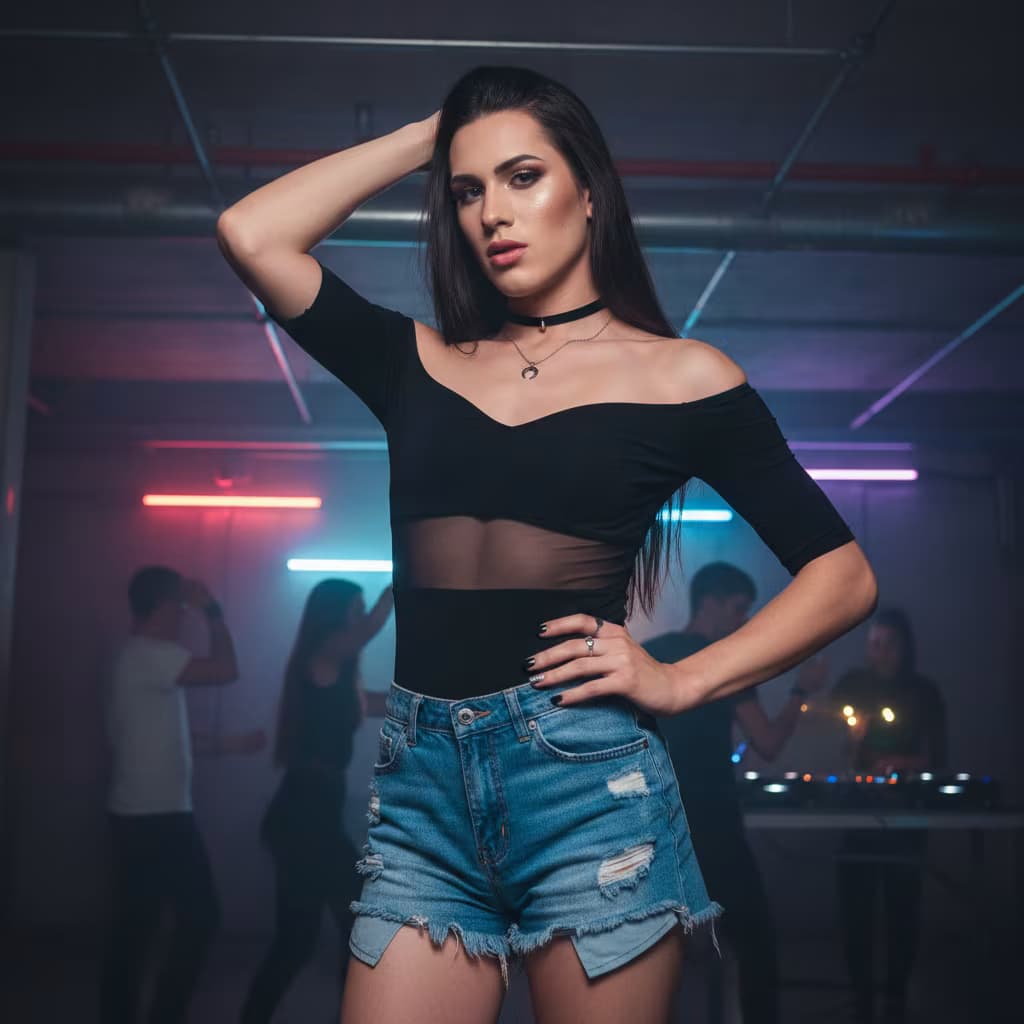
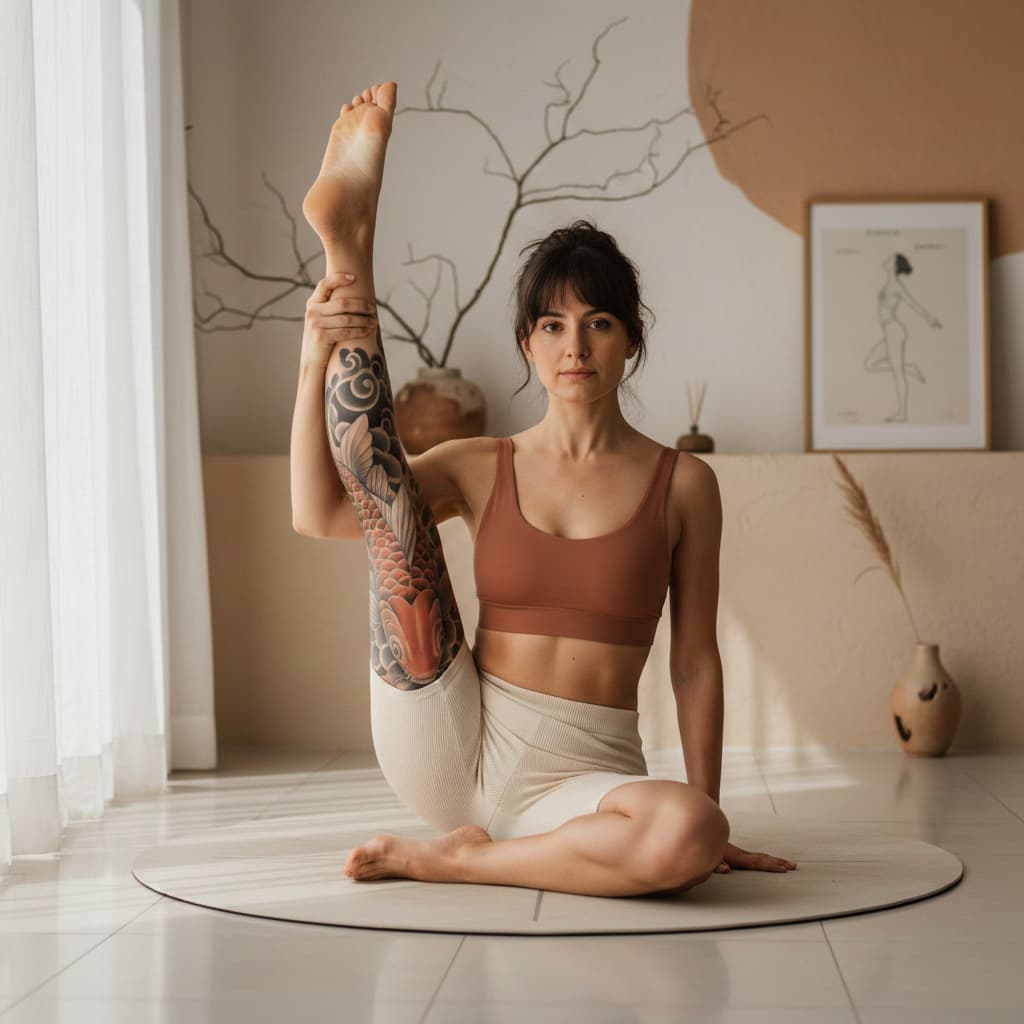
Popular on this page right now: "Retro Thriller Detail Shot", "Content Style Image Generator", "Photorealistic Yoga Portrait Generator".

1,008 on this page, every one scoped to Art and Design. Free to read, free to copy.

Why these prompts work for Art and Design

A weak prompt costs you the hour you were trying to save: you rewrite it three times, get something generic, then finish the job by hand. An engineered prompt front-loads that thinking once.

In Art and Design that means first drafts you can send, analysis you can act on, and the repetitive work handed off, so the time goes into judgement instead of typing.

Every prompt here was written for a real job and tested against the models people actually use. Nothing scraped from a thread.

How to use these prompts

Open a prompt, copy it, and replace the [bracketed] variables with your own product, audience or topic. The structure around them stays as is. That structure is the part doing the work.

Paste it into ChatGPT, Claude, Gemini, Grok or the model you already use. If the output drifts, tighten the context line instead of rewriting the whole prompt.

No account needed to copy one. No setup, no extension, nothing to install.

Which AI tool works best for Art and Design prompts?

Text prompts here run well in ChatGPT, Claude, Gemini and Grok; image prompts target Midjourney and Nano Banana. Each card lists the models it was tested with.

Are these AI prompts free to use?

A big part of the library is free: open a prompt, copy it, use it. Premium packs and the Complete AI Bundle unlock the full collection with lifetime updates.

How do I adapt these prompts to my use case?

Start with the [variables]: niche, audience, constraints. If the result still misses, add one example of the output you want. A single good example beats three extra instructions.

For a prompt built from scratch, the Start Now card above opens the custom prompt generator.

Related resources

Get smarter on AI every week

One email a week with the best new prompts, tools, and model updates. Unsubscribe anytime.

Join 100,000+ subscribers. One email a week, real prompts, tools, and model updates. Unsubscribe anytime.

Frequently asked questions

Where are the photography prompts?

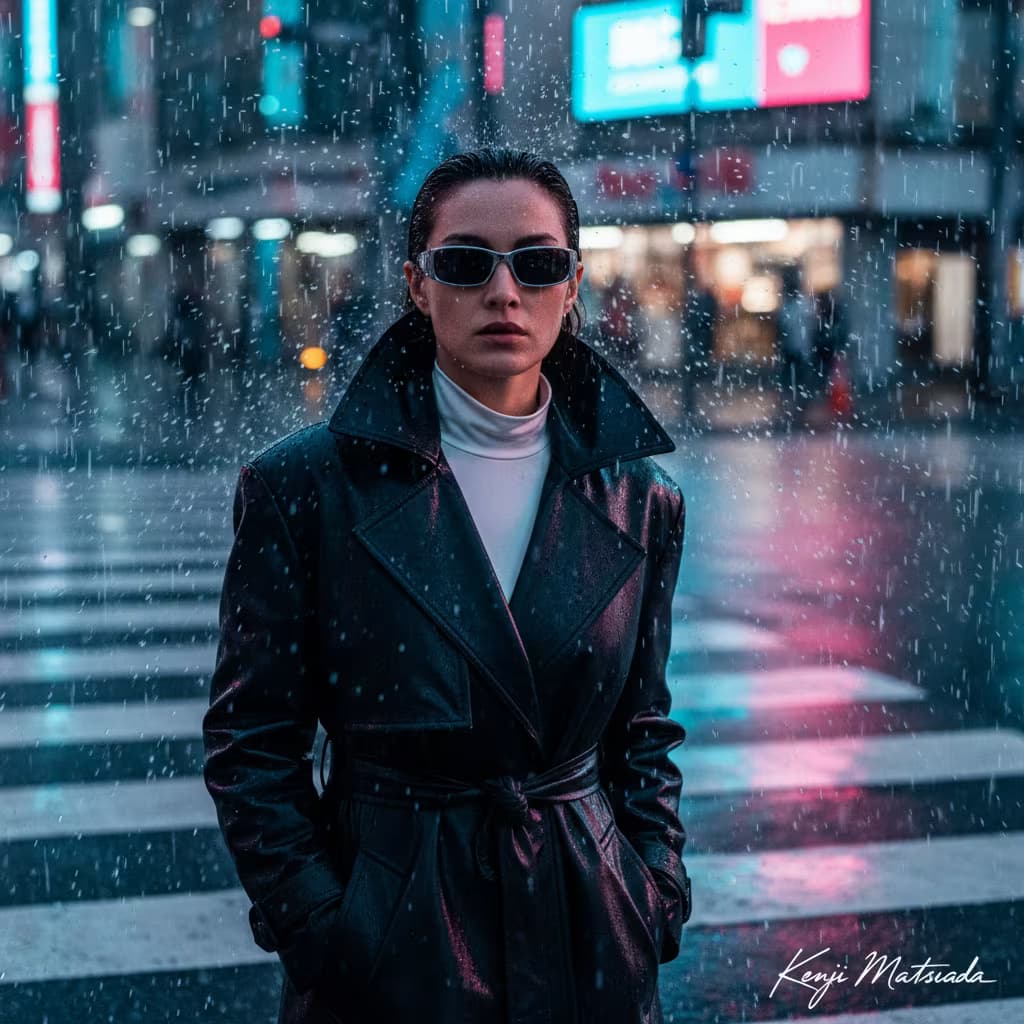
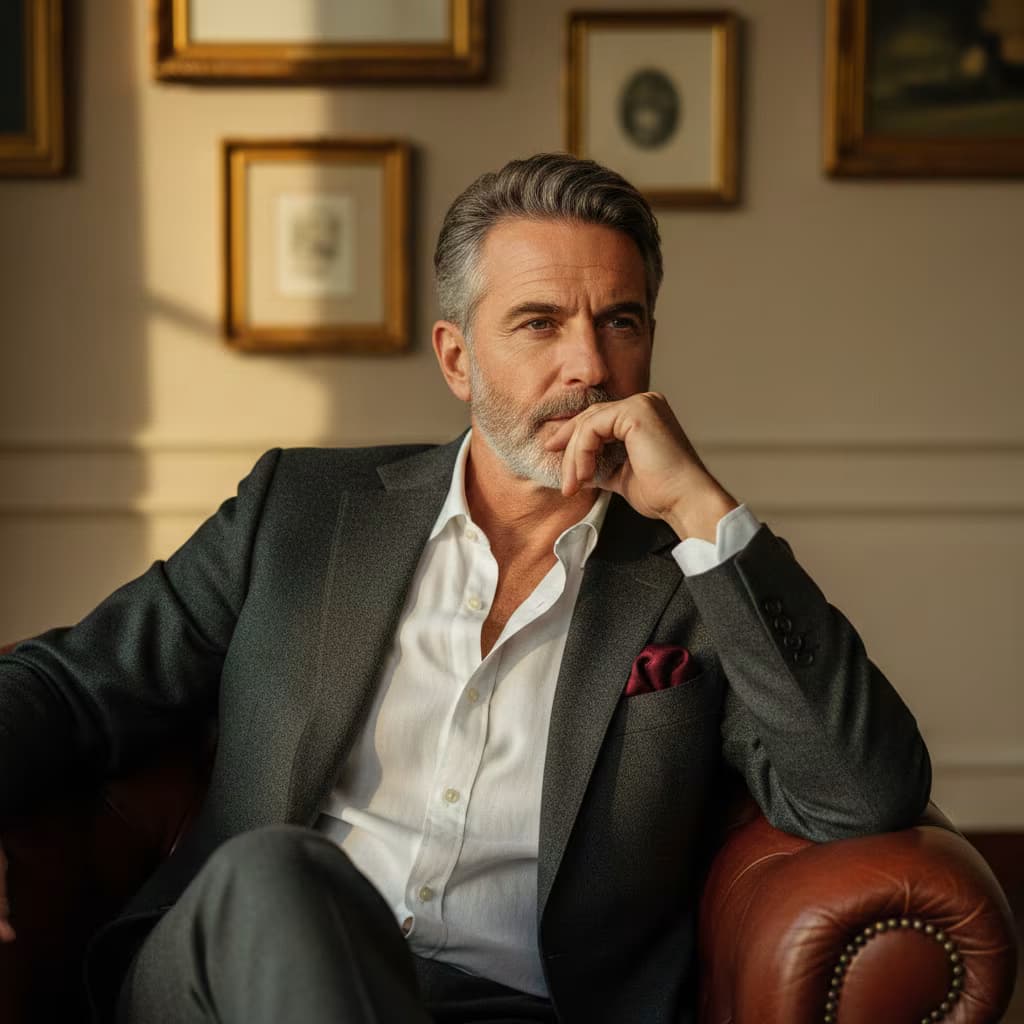
Photography prompts live in the portrait and avatar, product photography and photo editing subcategories of this library. Each prompt names the camera, lens, light and film look, because image models follow those words more reliably than a style name. Pick a subcategory from the chips above the grid, or search for the shot you need.

For a portrait blended with a second scene, start from the double exposure portrait prompt.