1,185 AI Prompts for Art and Design

The best Art and Design prompts across 13 subcategories. Tested on ChatGPT, Claude, Gemini and every major model.

Browse the prompts

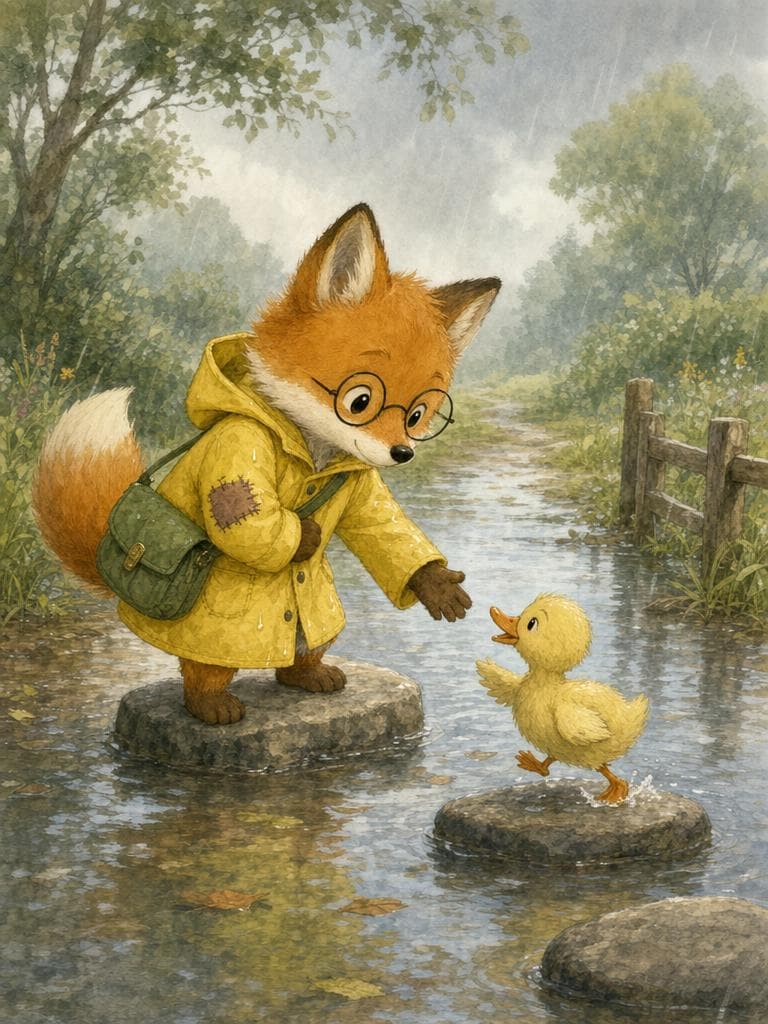
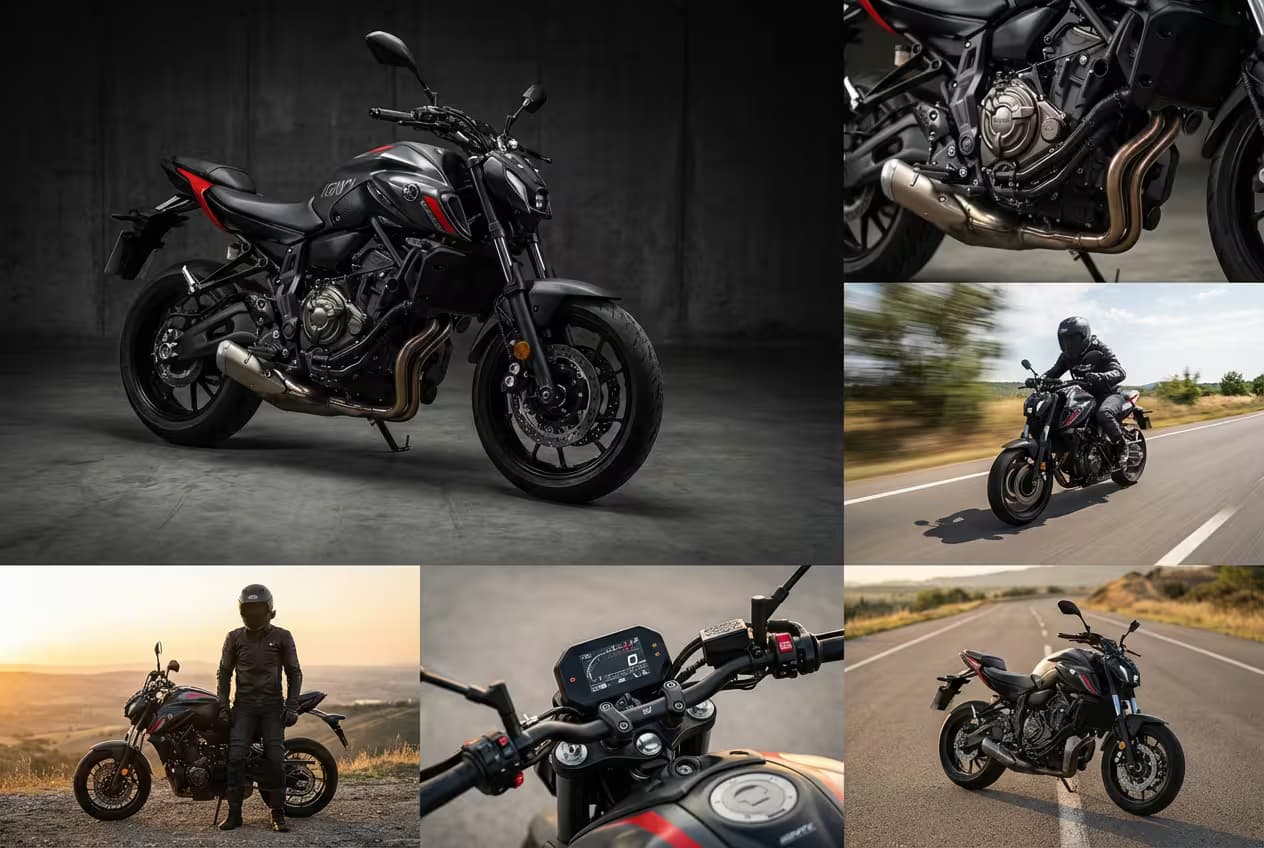
Ultra-high-resolution photorealistic editorial campaign image of a mid-20s athletic female model in powerful mid-stride running motion, extreme low angle 14mm ultra-wide perspective creating dramatic shoe-dominant composition, foot and lower body filling frame with razor-sharp focus. {{brand}} {{product-type}} featuring sculptural avant-garde performance design in engineered mesh and molded rubber with clean embossed brand mark, luxury athletic crew socks in white with bold black brand typography vertically placed on back and outer side. Black technical long-sleeve performance top with subtle chest logo, black minimalist performance running shorts with small text logo, athletic tailored fit. {{scene-setting}} with textured urban ground surface, clean architectural backdrop, soft natural daylight sky. Natural side lighting creates high contrast with crisp highlights along shoe and sock ed

Designer Product Advertisement Image Generator

Generates an ultra-high-resolution 8K photorealistic editorial product advertisement featuring athletic apparel and footwear in dramatic low-angle composition. Runs on Midjourney, Flux, and Nano Banana.
190
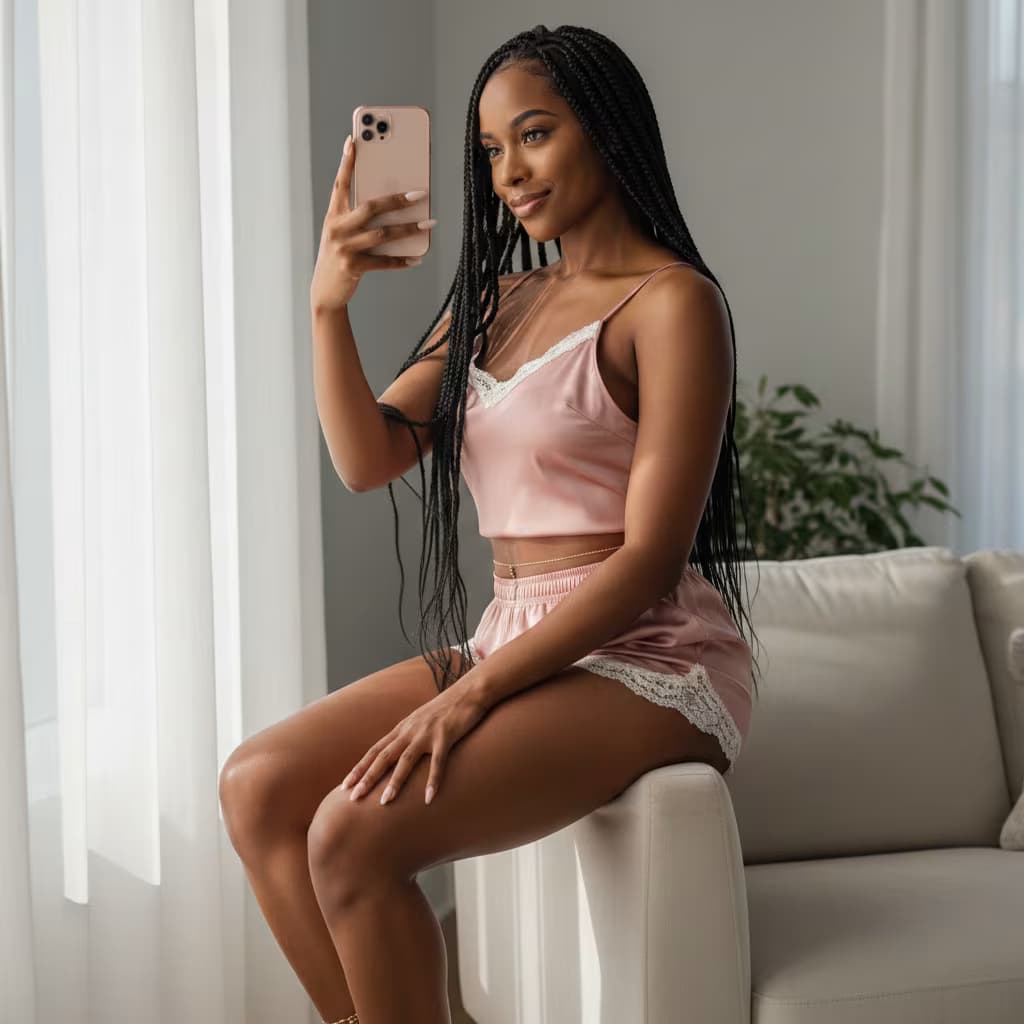
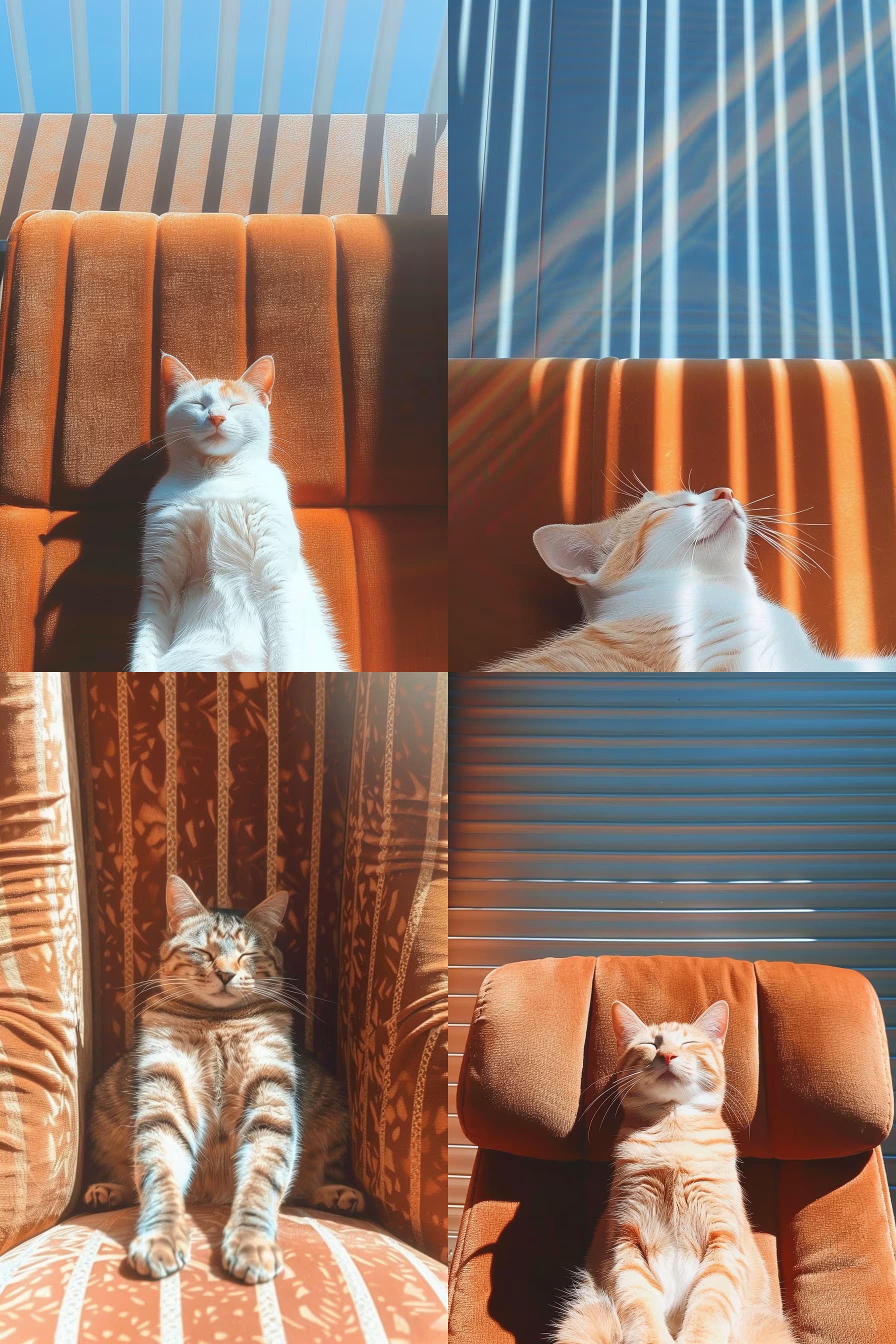
Full-body fashion photograph of {{subject}} wearing {{outfit-and-styling}}, {{pose-and-expression}}, clean white background, sharp professional studio lighting, shallow depth of field, minimal editorial composition --ar 2:3 --v 6 --style raw --no props, shadows, text, watermarks

Fashion Photography Concept Prompt

Generates full-body fashion photographs with editorial-quality lighting and clean backgrounds. Runs on Midjourney, Flux, and other AI image generators.

190
## Role
You are an expert book cover designer creating a complete design concept for publication.

## Task
Develop a detailed, professional book cover design that is visually compelling, genre-appropriate, and effectively communicates the book's theme to capture readers' attention.

## Context
**Book details:**
{{book-details}}

Consider genre conventions, target audience expectations, and current market trends while honoring the author's creative vision. Balance imagery, typography, and color to create a cover that stands out in both physical and thumbnail formats.

## Output
Provide a step-by-step design concept as a detailed list covering:

1. **Overall concept** – the visual metaphor or central image that anchors the design
2. **Imagery** – specific illustration/photography direction, composition, focal points
3. **Color palette** – primary and accent colors with rationale for mood a

Book Cover Design Concept Prompt

Generates a complete, publication-ready book cover design concept including imagery direction, typography specifications, color palette, and layout composition. Runs on ChatGPT, Claude, Gemini, and Grok.

181
## Context
Generate a high-contrast futuristic sports photograph. Two separate inputs define the scene:

- {{sport-action}}: the specific sport and action being performed (e.g. "skateboarding a half-pipe transition", "speed skating through a banked curve", "snowboarding a carved turn")
- {{athlete-description}}: the athlete's appearance, gear, and outfit details (e.g. "female athlete in matte black helmet and cyan accents, reflective visor", "male skater in aerodynamic silver suit with magenta stripes")

## Image
High-contrast futuristic sports photograph of {{sport-action}}, captured mid-turn, body leaning dramatically toward the surface, athlete slicing through the terrain in a deep high-speed carve, one knee bent sharply, one leg extended, arms angled outward for balance, {{athlete-description}}, ground surface smooth and slightly reflective beneath them, dramatic neon rim light in el

Neon Sports Action Photography Generator

Generates high-contrast, neon-lit sports action photographs of athletes mid-motion with dramatic magenta and cyan rim lighting in a cinematic futuristic style. Runs on Midjourney with experimental color grading and dynamic diagonal composition.

176
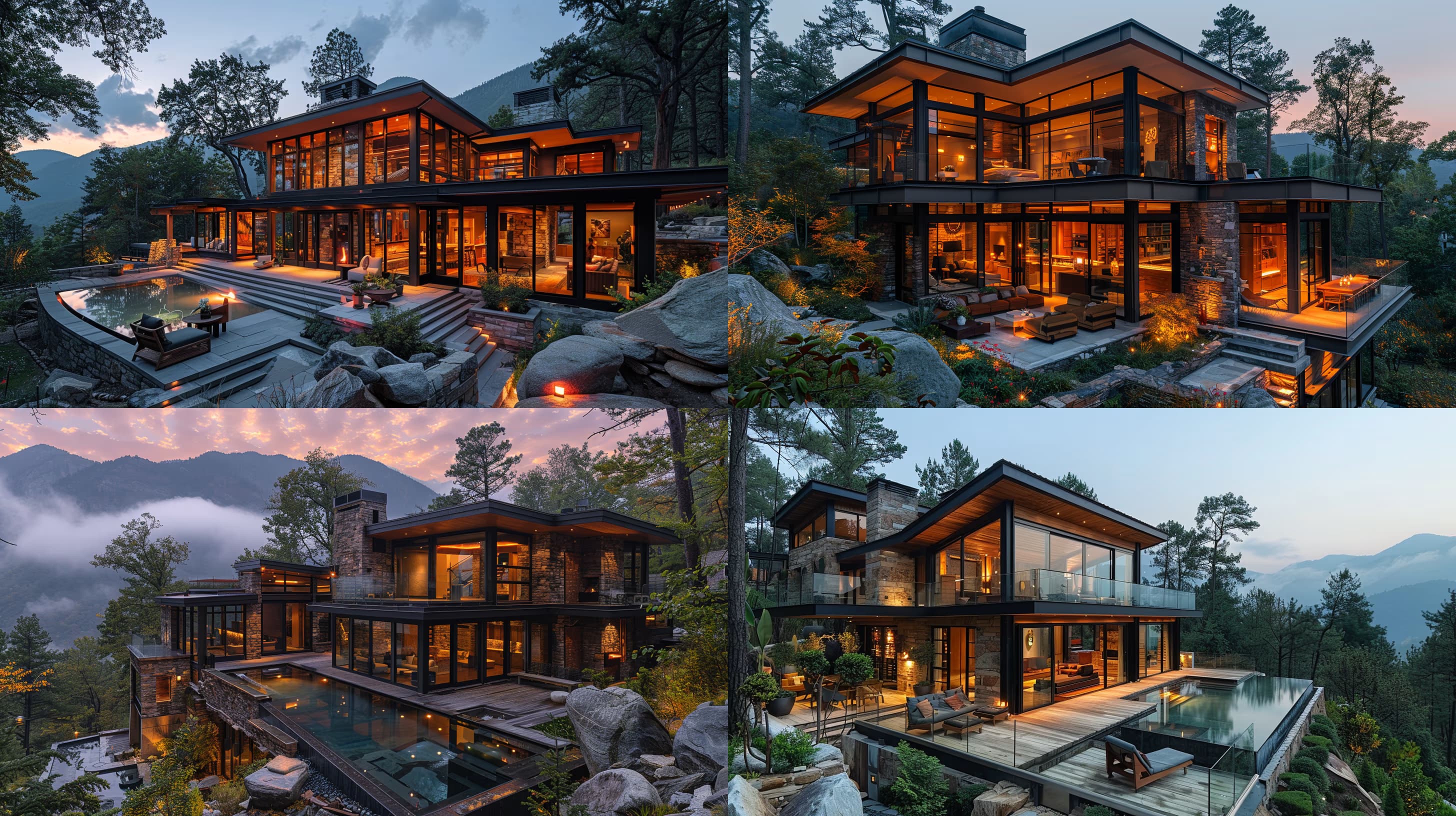
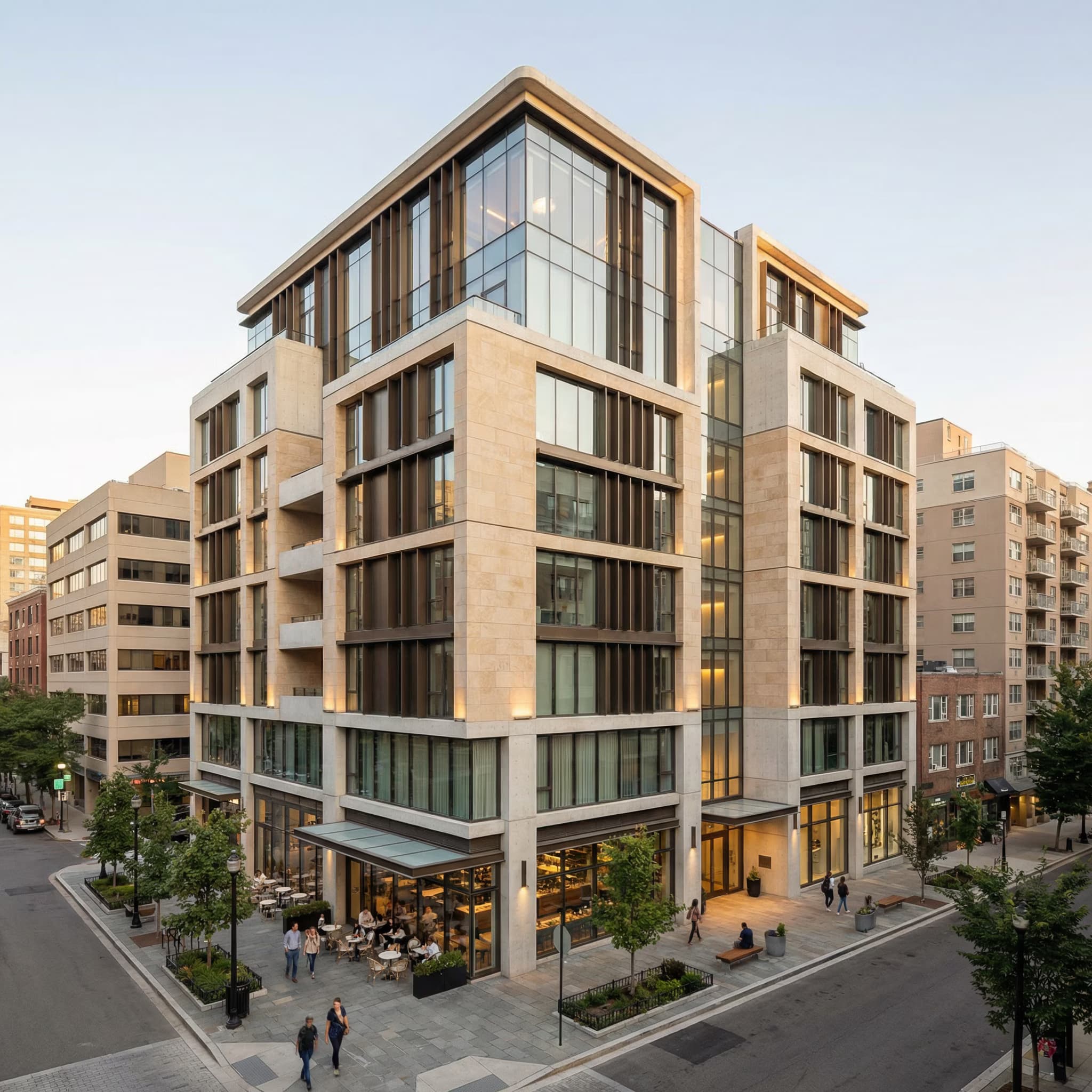
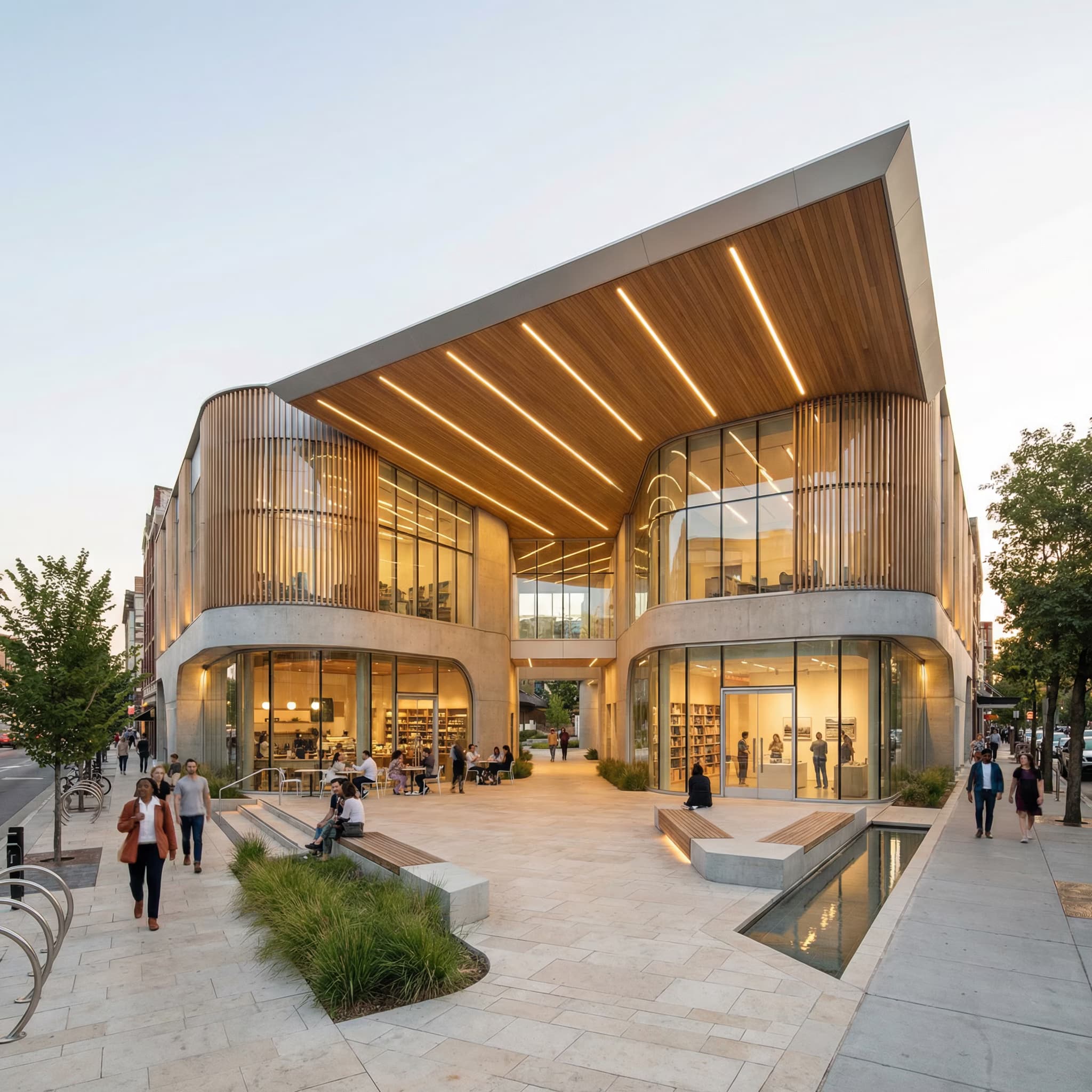
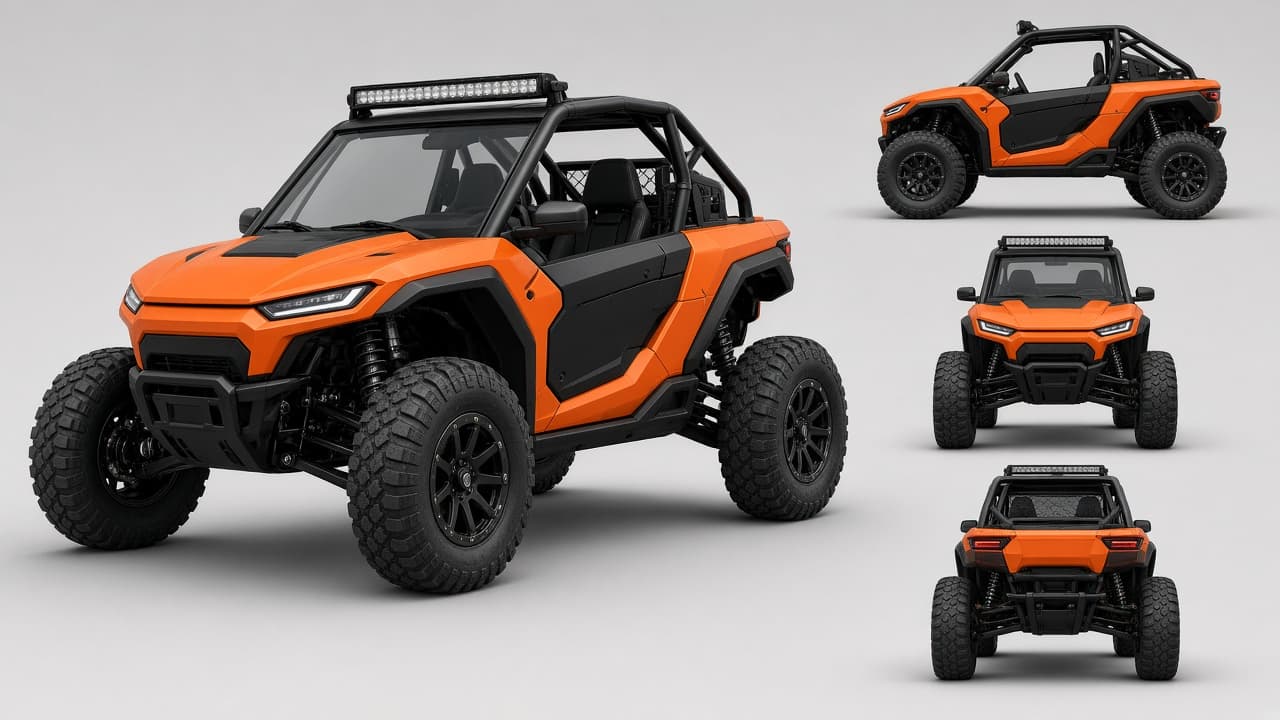
Ultra-realistic architectural visualization of a high-rise Vertical Ecosystem Tower. Each level operates as a different microclimate zone with stepped and slightly spiraled massing featuring deep ecological terraces. Exposed structural frame supports heavy soil loads and mature trees. {{vegetation-palette}} integrated throughout the terraces. Rainwater cascade system flows visibly between levels.

Primary materials: light concrete, glass, and natural stone with realistic structural thickness and soil depth. {{urban-context}}. {{lighting-condition}}. Clean, breathable urban future atmosphere.

Ultra photoreal architectural render, very high resolution, 4:5 aspect ratio --ar 4:5

Vertical Ecosystem Tower Architectural Render

Generates ultra-realistic architectural visualizations of high-rise vertical ecosystem towers with stepped terraces, integrated vegetation zones, and visible rainwater systems. Runs on Midjourney, Flux, and other AI image generators.

175
Futuristic UI/UX dashboard with holographic interface, {{dashboard-purpose}}, glowing widgets, neon gradient backgrounds in cyan and magenta, immersive 3D data visualization charts, cyberpunk-inspired design language, smooth frosted-glass interactive panels, floating card elements, depth-of-field blur, volumetric lighting effects, high-tech HUD overlays, clean geometric layout --ar 3:4 --style raw

Futuristic UI/UX Dashboard Image Prompt

Generates holographic cyberpunk-inspired dashboard interfaces with glowing widgets, neon gradients, and 3D data visualizations. Runs on Midjourney, Flux, and other AI image generators.

167
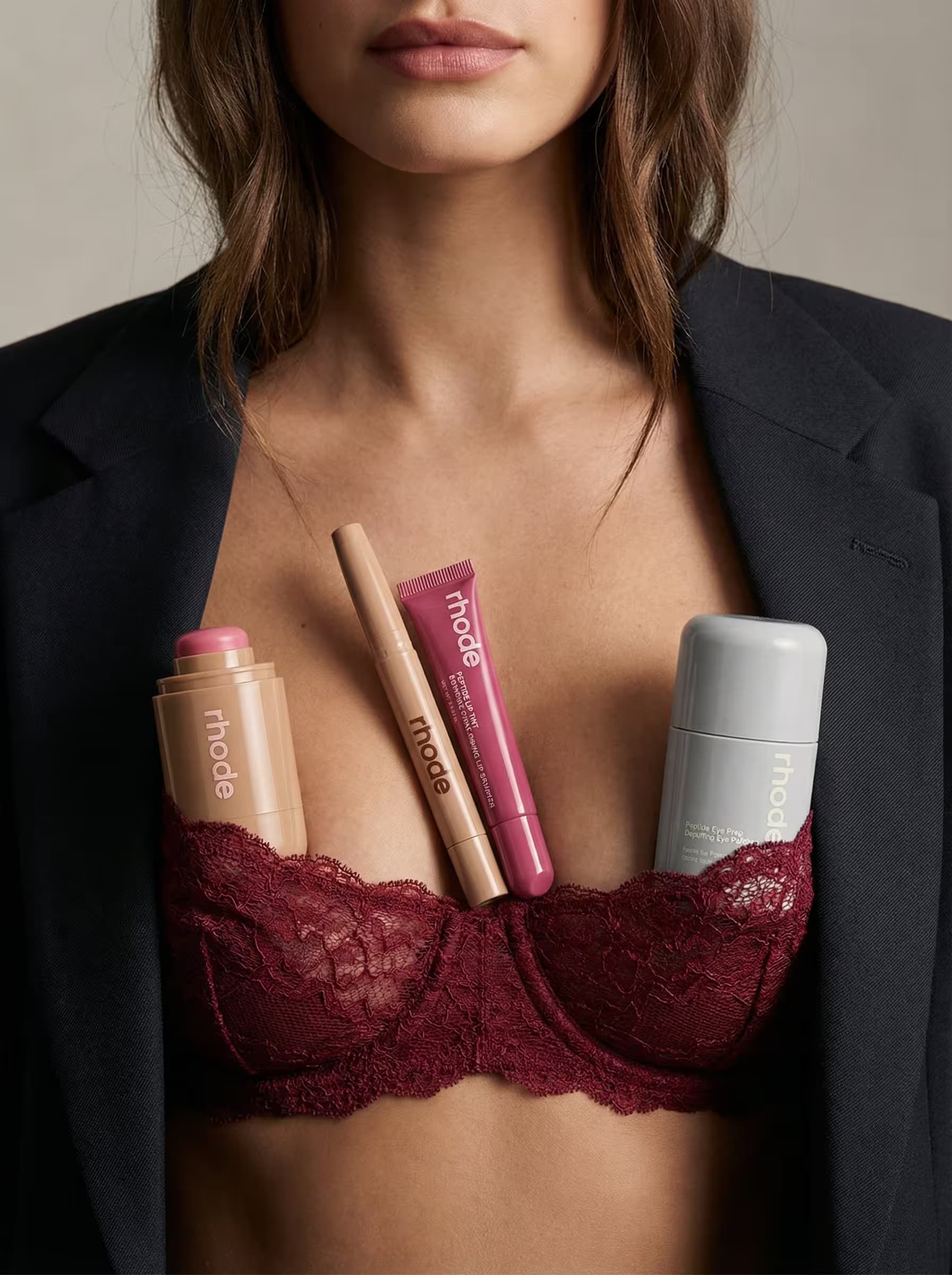
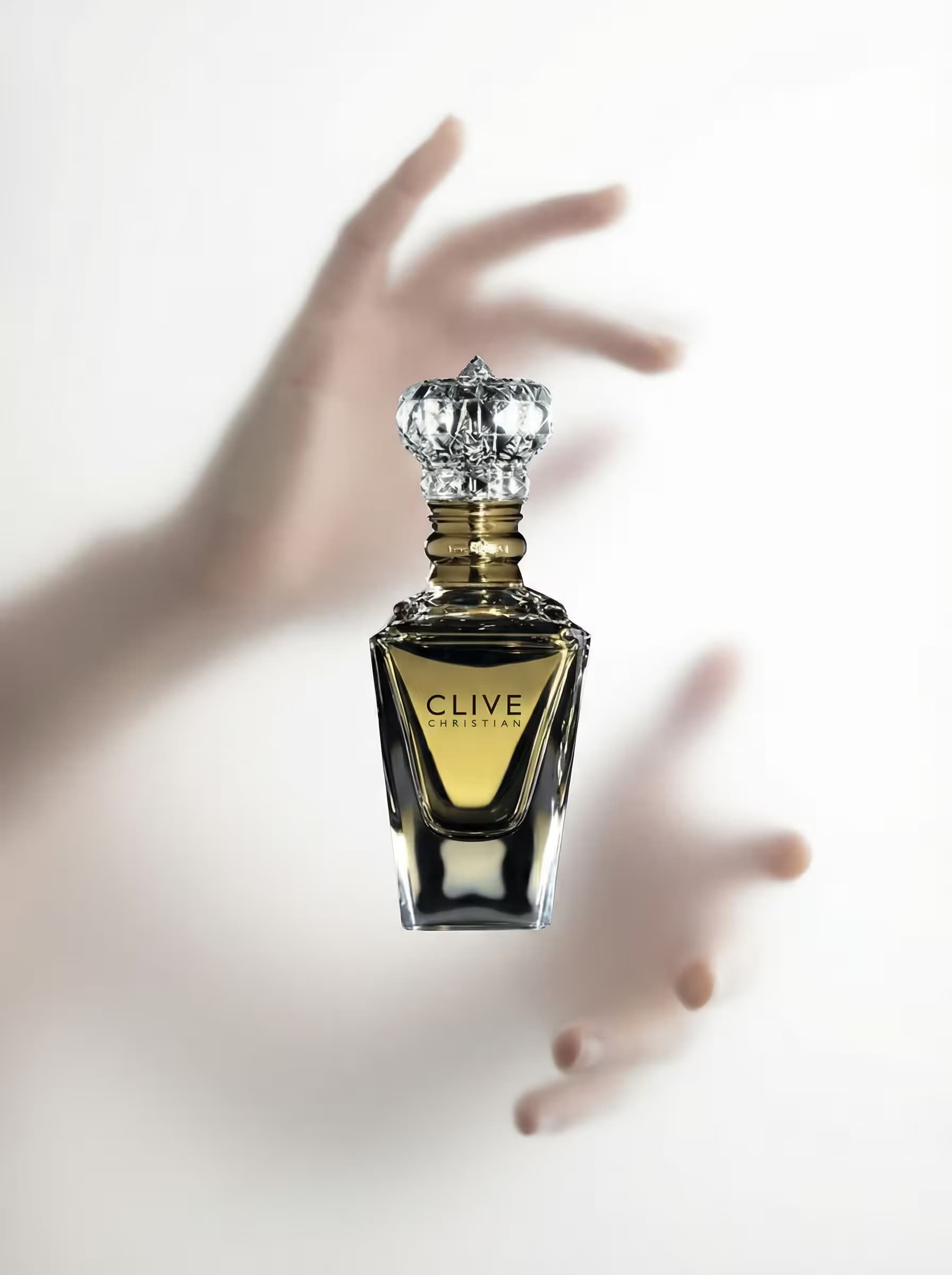
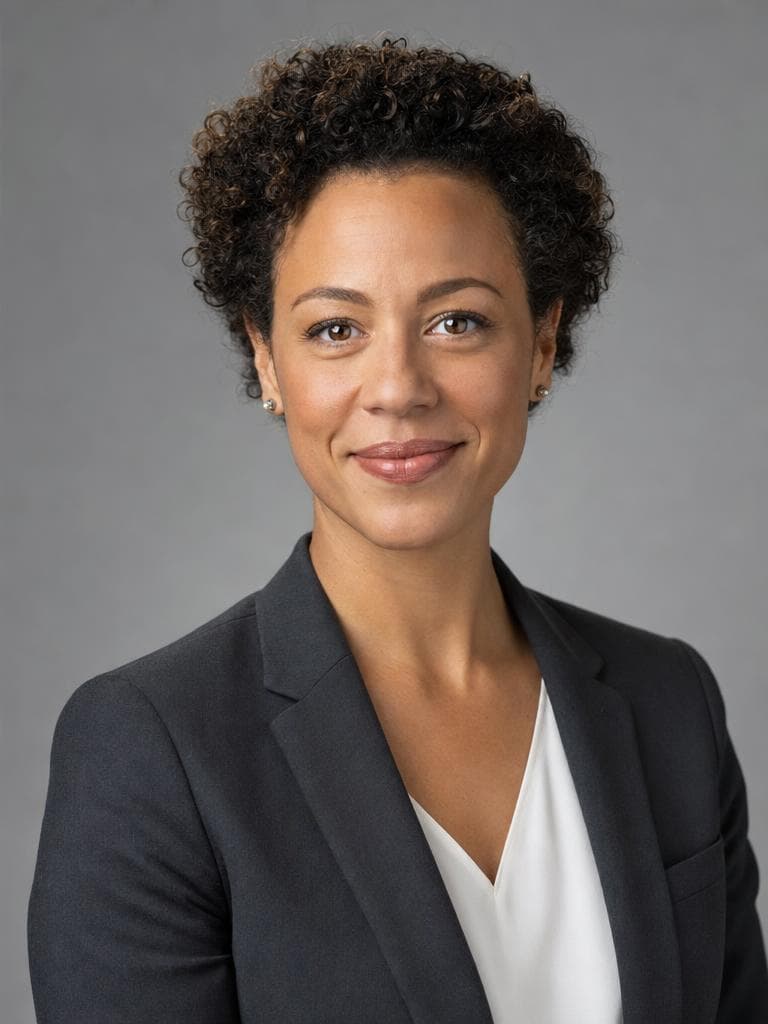
High-end beauty editorial photograph: a confident female model in her early 20s leaning casually against a massively oversized {{product-brand}} {{product-description}}, treating the giant beauty product like furniture. The product towers beside her—its height matching or exceeding her shoulder level—closed with cap attached in realistic retail form, brand text clearly legible and correctly proportioned. Single product only, no stacks or abstractions.

Model: slim athletic build, light natural skin tone, dark brown hair in high ponytail with loose front strands framing her face. Soft jawline, refined nose, expressive eyes with confident editorial gaze. Upper body relaxed, elbow and forearm resting naturally on the oversized product, fingers near lips, thoughtful pose. Wearing {{wardrobe-style}} outfit—coordinated top, bottom, socks, and shoes all matching the style.

Minimal luxury photo

Oversized Product Ad Visual Generator

Generates a photorealistic beauty editorial image of a fashion model posed against a towering, furniture-scale version of your product in a luxury studio. Runs on Midjourney, Flux, and Nano Banana.
167

What are AI prompts for Art and Design?

AI prompts for Art and Design are engineered instructions that already work. These are not one-line questions. Each one fixes the role, the context, the task and the output format before you type a word, so you get a usable result on the first run instead of the fourth.

They cover the work Art and Design actually get asked for: research and briefs, copy and content, analysis and reporting, planning, outreach and the admin that eats the day. Open a card to see the full prompt and the output it returns.

The deepest areas here: Portrait & Avatar (246 prompts), Concept Art (125 prompts), Product Photography (116 prompts), Illustration (87 prompts), Interior & Exterior Renders (84 prompts).

Popular on this page right now: "Designer Product Advertisement Image Generator", "Fashion Photography Concept Prompt", "Visual Art Specification Generator for AI Images".

1,185 on this page, every one scoped to Art and Design. Free to read, free to copy.

Why these prompts work for Art and Design

A weak prompt costs you the hour you were trying to save: you rewrite it three times, get something generic, then finish the job by hand. An engineered prompt front-loads that thinking once.

In Art and Design that means first drafts you can send, analysis you can act on, and the repetitive work handed off, so the time goes into judgement instead of typing.

Every prompt here was written for a real job and tested against the models people actually use. Nothing scraped from a thread.

How to use these prompts

Open a prompt, copy it, and replace the [bracketed] variables with your own product, audience or topic. The structure around them stays as is. That structure is the part doing the work.

Paste it into ChatGPT, Claude, Gemini, Grok or the model you already use. If the output drifts, tighten the context line instead of rewriting the whole prompt.

No account needed to copy one. No setup, no extension, nothing to install.

Which AI tool works best for Art and Design prompts?

Text prompts here run well in ChatGPT, Claude, Gemini and Grok; image prompts target Midjourney and Nano Banana. Each card lists the models it was tested with.

Are these AI prompts free to use?

A big part of the library is free: open a prompt, copy it, use it. Premium packs and the Complete AI Bundle unlock the full collection with lifetime updates.

How do I adapt these prompts to my use case?

Start with the [variables]: niche, audience, constraints. If the result still misses, add one example of the output you want. A single good example beats three extra instructions.

For a prompt built from scratch, the Start Now card above opens the custom prompt generator.

Related resources

Get smarter on AI every week

One email a week with the best new prompts, tools, and model updates. Unsubscribe anytime.

Join 100,000+ subscribers. One email a week, real prompts, tools, and model updates. Unsubscribe anytime.

Frequently asked questions

Where are the photography prompts?

Photography prompts live in the portrait and avatar, product photography and photo editing subcategories of this library. Each prompt names the camera, lens, light and film look, because image models follow those words more reliably than a style name. Pick a subcategory from the chips above the grid, or search for the shot you need.

For a portrait blended with a second scene, start from the double exposure portrait prompt.