1,008 AI Prompts for Art and Design

The best Art and Design prompts across 13 subcategories. Tested on ChatGPT, Claude, Gemini and every major model.

Browse the prompts

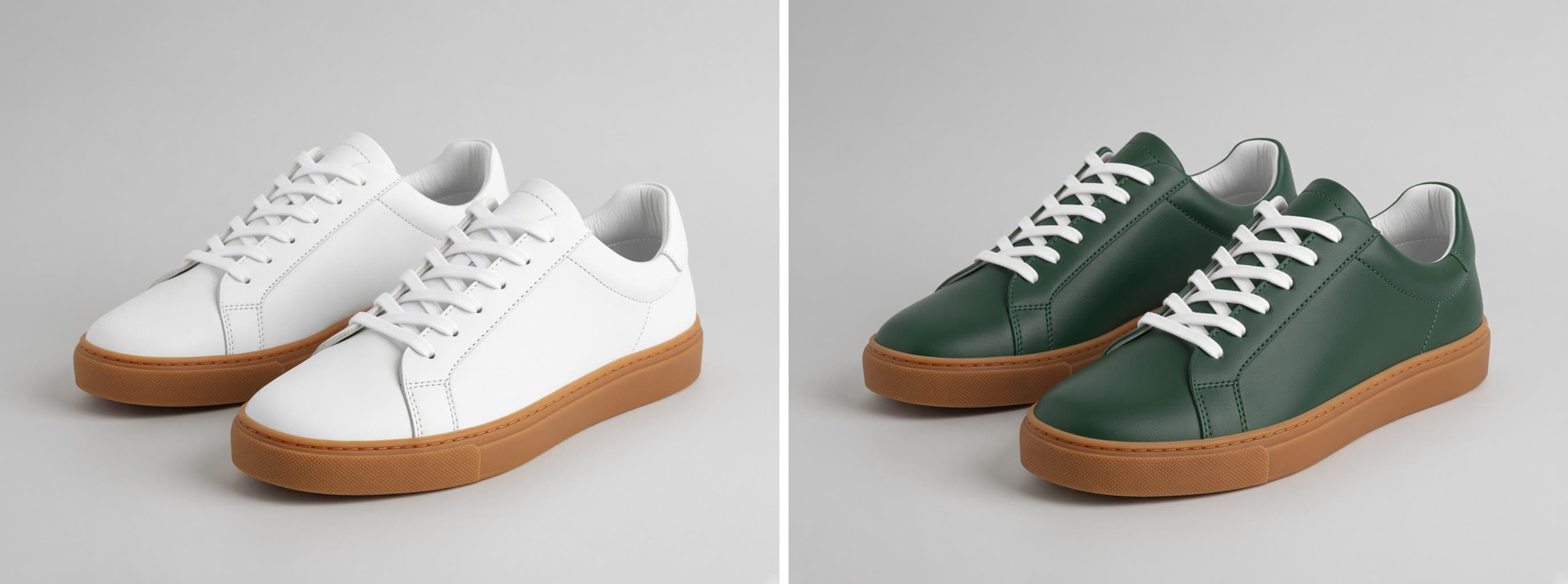
Turn the attached product snapshot into a marketplace main listing image.

Keep: the product's exact shape, proportions, color, material, and any label or logo. Do not redesign it and do not add parts it does not have.

Change: remove everything else from the frame. Place the product alone on a seamless pure white background, shown from a {{angle}}, centered, filling about {{fill-percent}} percent of a square frame.

Light: even softbox light from both sides, a soft natural contact shadow directly under the product, no harsh reflections.

Style: crisp commercial product photography, true-to-life color, sharp edge to edge. No props, no text, no badges, no watermark, no border.

Marketplace Listing Photo From a Product Snapshot

Generate a clean and professional marketplace list image from a product snapshot, ensuring the product's features are accurately represented.
7
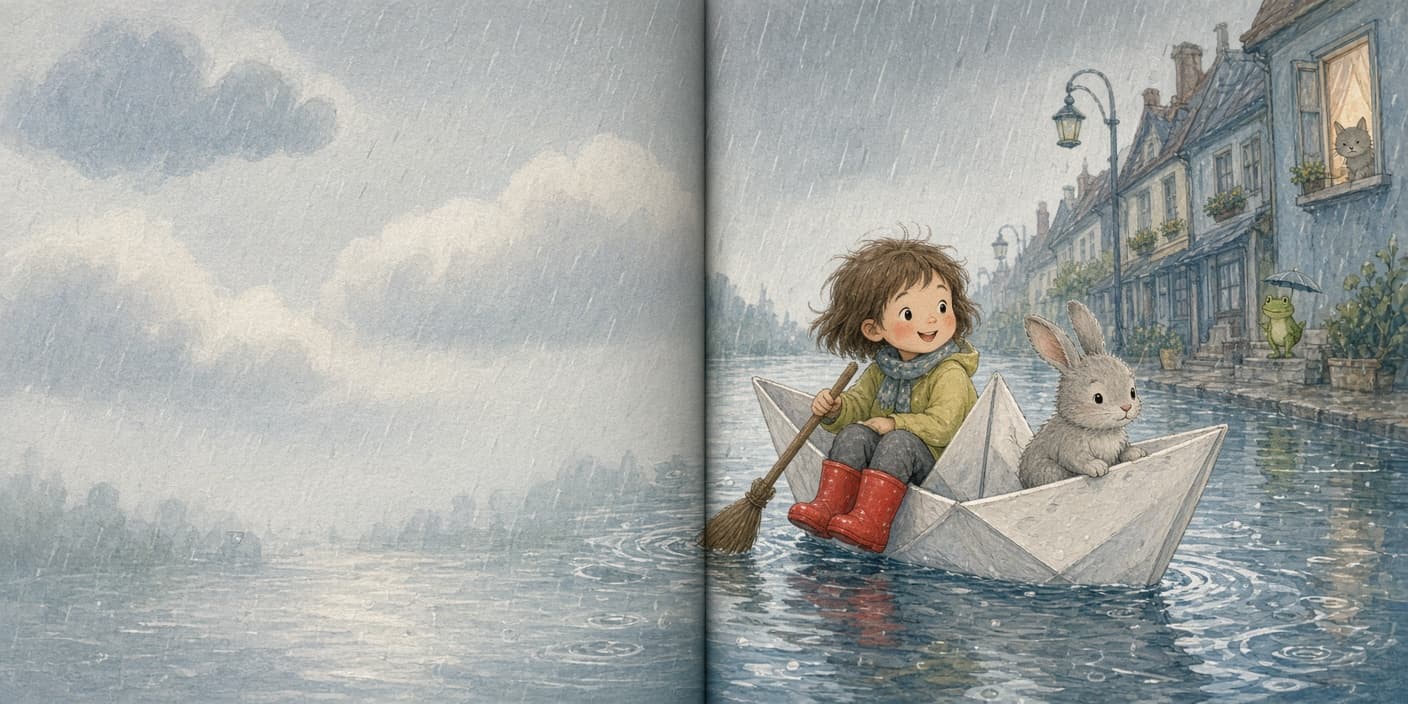
A six-panel storyboard for this scene: {{scene}}.

Subject: {{character}}, who looks the same in every panel: same clothing, same colors, same build.

Layout: two rows of three equal widescreen panels with thin white gutters, read left to right, top to bottom. Panel 1 wide establishing shot. Panel 2 medium shot of the character. Panel 3 close-up on a key detail. Panel 4 action shot from a low angle. Panel 5 over-the-shoulder shot of the destination. Panel 6 closing shot.

Style: loose greyscale marker storyboard sketches with one spot color reserved for the character, confident line work, simple backgrounds.

Light: indicate the main light direction with simple tonal shading.

No captions, no panel numbers, no arrows, no text.

Six-Panel Storyboard for a Short Scene

Generate a six-panel storyboard featuring key scenes and character movements in a short illustrative layout.

7
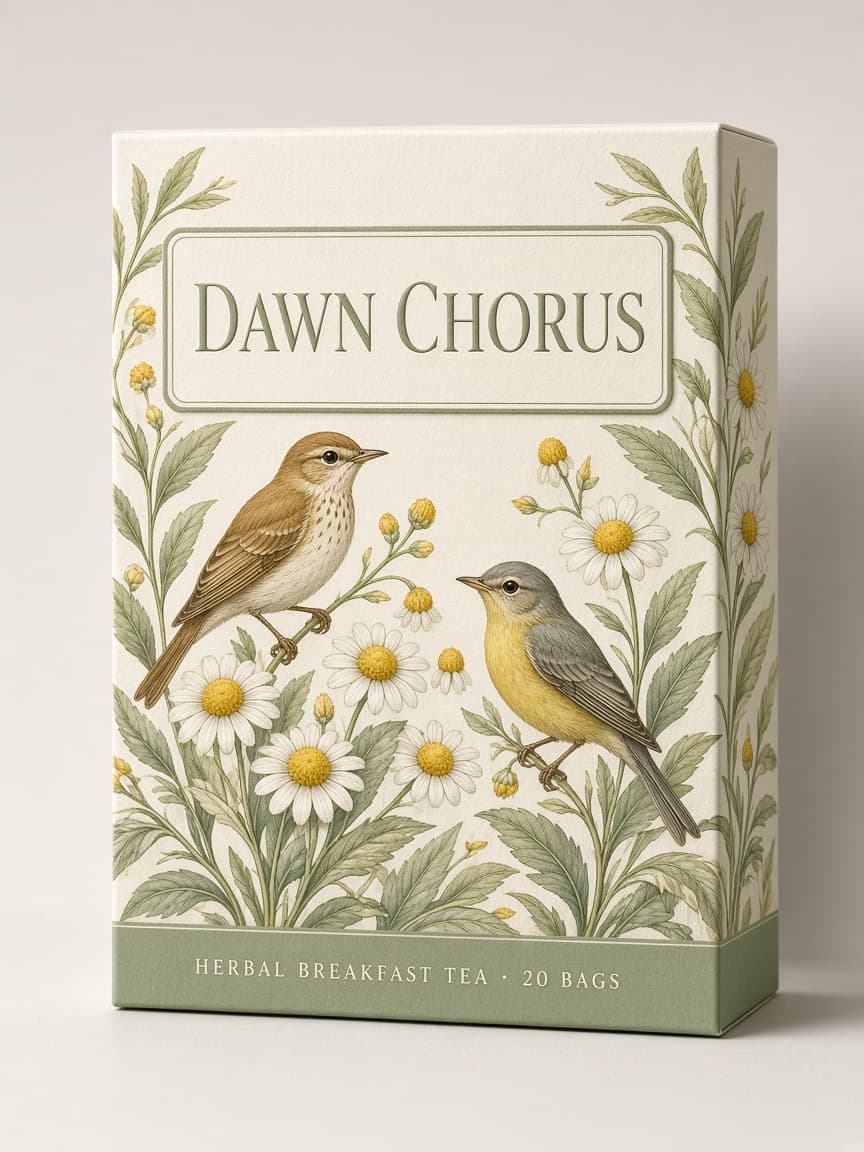
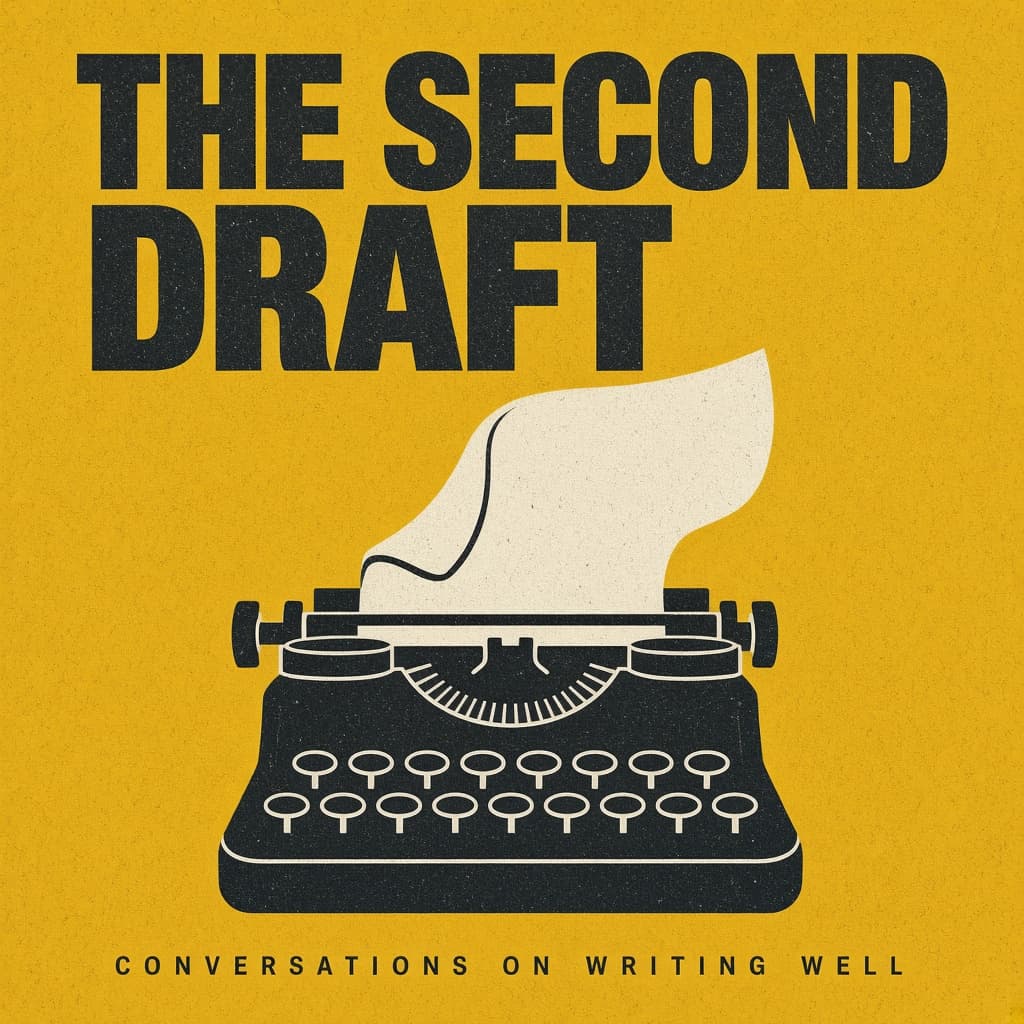
A magazine-style product poster in portrait orientation.

Subject: {{product}}, shown large and slightly below center, standing on a simple plinth.

Layout: the headline sits across the top third, the product owns the middle, and one short line of supporting copy sits at the bottom with generous margin all around.

Exact text: the headline reads "{{headline}}" in a bold condensed serif. The bottom line reads "{{subline}}" in a small clean sans-serif. No other words anywhere.

Style: editorial print ad, flat color-blocked background in {{palette}}, a few props that belong with the product arranged sparingly, subtle paper grain.

Light: hard directional sunlight from the upper right, crisp long shadow falling to the lower left.

Editorial Product Poster With Headline

Generate a magazine-style product poster in portrait orientation featuring a product with a headline and subline using specific design elements and lighting.

6
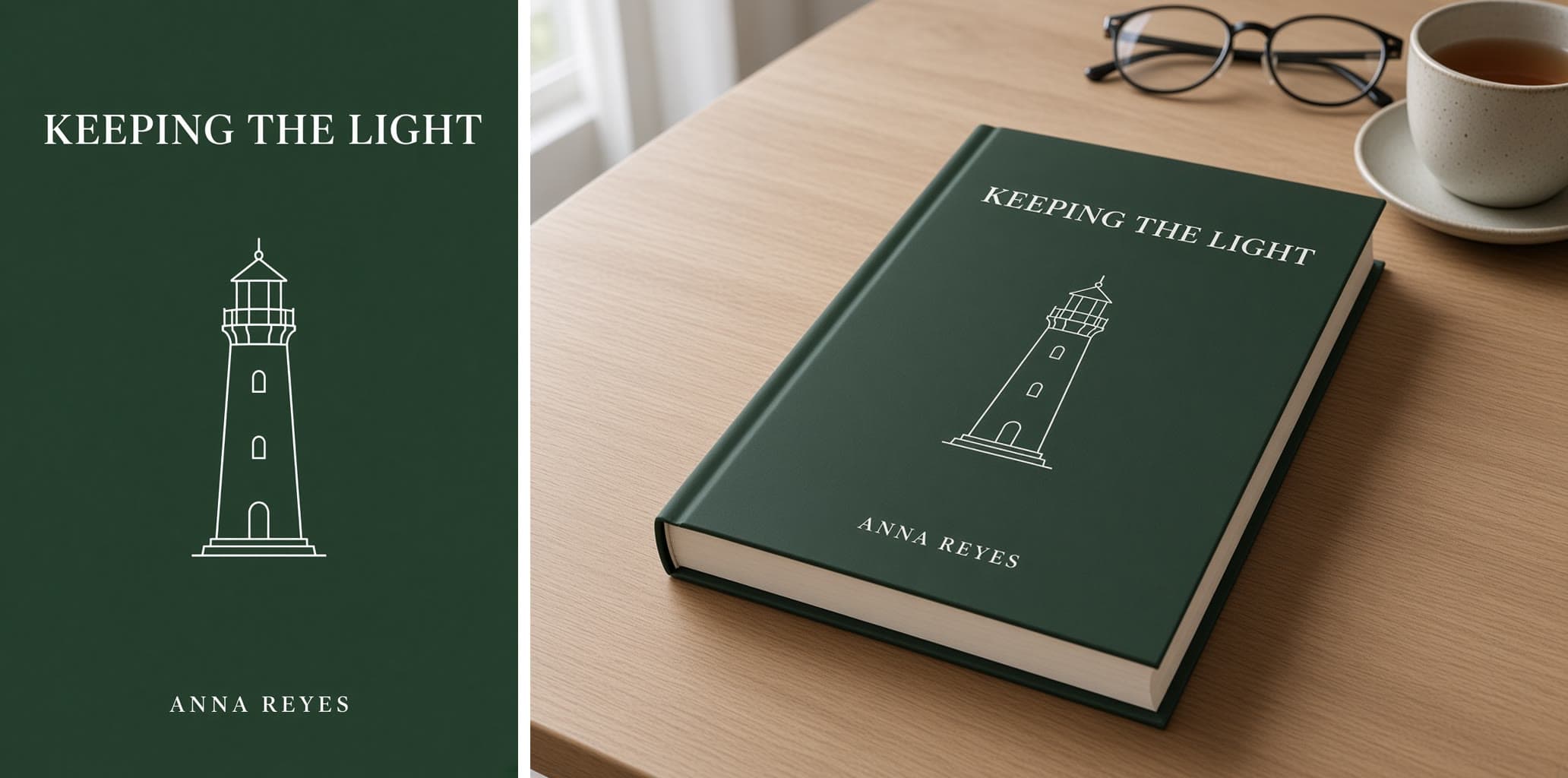
A front cover for a novel in portrait format.

Subject: {{genre-scene}}, composed so the main figure is small against a large landscape.

Layout: the title sits in the upper third in large type. The author name sits at the bottom in smaller type. The illustration runs full bleed behind both, with calm areas of sky or ground under the text so it stays readable.

Exact text: the title reads "{{title}}" in an elegant high-contrast serif. The author name reads "{{author}}" in widely spaced small capitals. No other words, no quote, no badge.

Style: painterly literary fiction cover, textured brushwork, palette of {{palette}}.

Light: low dusk light from the horizon, long shadows.

Novel Cover With Title and Author Name

Generate a front cover for a novel illustration, providing a painterly and atmospheric visual with specified title and author name placements.

6
A portrait flyer for a local event.

Subject: {{illustration}}, filling the middle of the page.

Layout: the event name runs across the top quarter. The illustration takes the centre. One details line sits in a solid band along the bottom.

Exact text: the event name reads "{{event-name}}" in tall bold display type. The bottom band reads "{{details-line}}" in a clean sans-serif, small and evenly spaced. No other words, no fake fine print.

Style: screen-print poster look, flat shapes, visible ink texture, palette limited to {{palette}}.

Light: glow from the lights within the illustration, deep shadow elsewhere.

Local Event Flyer With Date and Venue

Generate a screen-print style flyer for local events, focusing on simplicity and a bold aesthetic.

5
A landscape certificate ready to print.

Subject: a formal certificate with a decorative border and a seal.

Layout: the issuer name small at the top centre. The heading beneath it. The recipient name large in the middle. One line of description below. Two short signature lines at the bottom left and right, left empty. A round seal at the bottom centre.

Exact text: the issuer reads "{{issuer}}". The heading reads "CERTIFICATE OF COMPLETION". The name reads "{{recipient}}" in an elegant script. The description reads "{{course-line}}". No other words.

Style: classic and restrained, cream paper, fine guilloche border in {{accent}}, serif typography.

Light: flat, as a print-ready page.

Certificate of Completion Design

Generate a print-ready, formal certificate of completion in a classic and restrained style.

5

What are AI prompts for Art and Design?

AI prompts for Art and Design are engineered instructions that already work. These are not one-line questions. Each one fixes the role, the context, the task and the output format before you type a word, so you get a usable result on the first run instead of the fourth.

They cover the work Art and Design actually get asked for: research and briefs, copy and content, analysis and reporting, planning, outreach and the admin that eats the day. Open a card to see the full prompt and the output it returns.

The deepest areas here: Portrait & Avatar (246 prompts), Concept Art (125 prompts), Product Photography (116 prompts), Illustration (87 prompts), Interior & Exterior Renders (84 prompts).

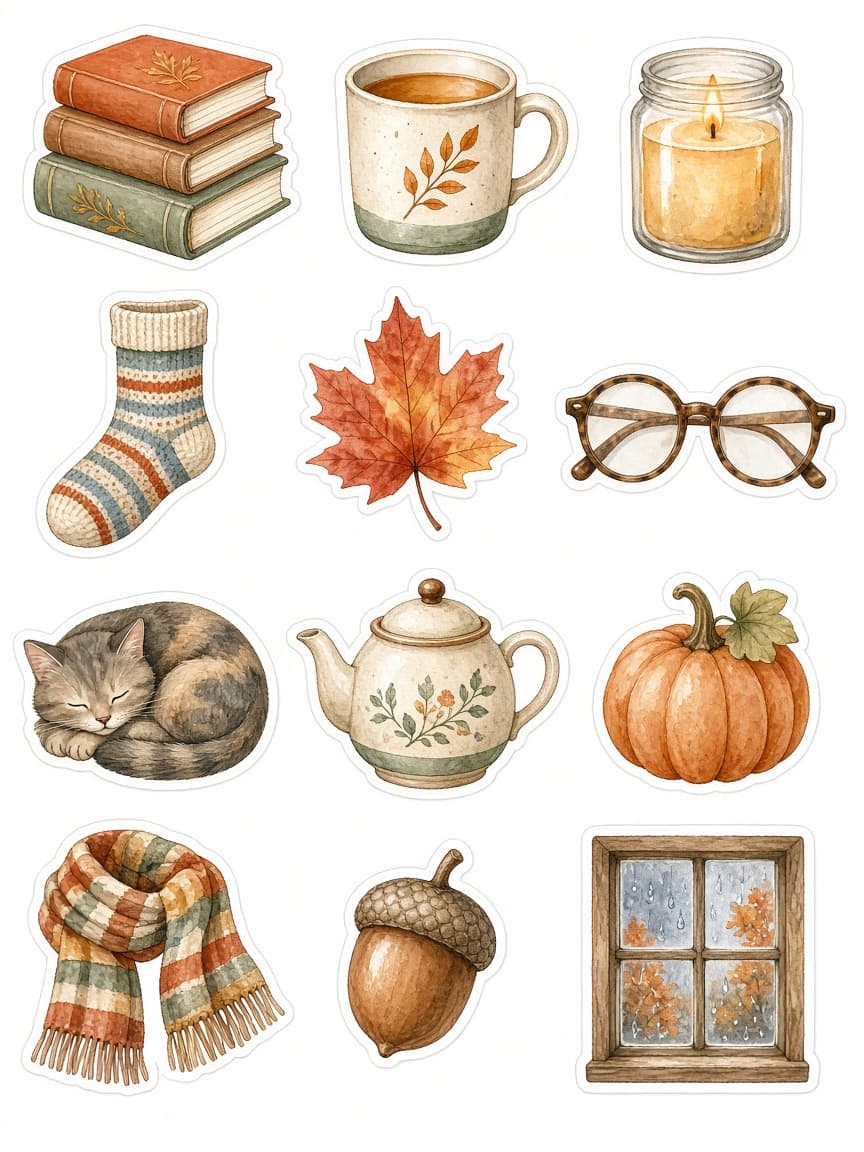
Popular on this page right now: "Marketplace Listing Photo From a Product Snapshot", "Six-Panel Storyboard for a Short Scene", "Watercolor Sticker Sheet for Planners".

1,008 on this page, every one scoped to Art and Design. Free to read, free to copy.

Why these prompts work for Art and Design

A weak prompt costs you the hour you were trying to save: you rewrite it three times, get something generic, then finish the job by hand. An engineered prompt front-loads that thinking once.

In Art and Design that means first drafts you can send, analysis you can act on, and the repetitive work handed off, so the time goes into judgement instead of typing.

Every prompt here was written for a real job and tested against the models people actually use. Nothing scraped from a thread.

How to use these prompts

Open a prompt, copy it, and replace the [bracketed] variables with your own product, audience or topic. The structure around them stays as is. That structure is the part doing the work.

Paste it into ChatGPT, Claude, Gemini, Grok or the model you already use. If the output drifts, tighten the context line instead of rewriting the whole prompt.

No account needed to copy one. No setup, no extension, nothing to install.

Which AI tool works best for Art and Design prompts?

Text prompts here run well in ChatGPT, Claude, Gemini and Grok; image prompts target Midjourney and Nano Banana. Each card lists the models it was tested with.

Are these AI prompts free to use?

A big part of the library is free: open a prompt, copy it, use it. Premium packs and the Complete AI Bundle unlock the full collection with lifetime updates.

How do I adapt these prompts to my use case?

Start with the [variables]: niche, audience, constraints. If the result still misses, add one example of the output you want. A single good example beats three extra instructions.

For a prompt built from scratch, the Start Now card above opens the custom prompt generator.

Related resources

Get smarter on AI every week

One email a week with the best new prompts, tools, and model updates. Unsubscribe anytime.

Join 100,000+ subscribers. One email a week, real prompts, tools, and model updates. Unsubscribe anytime.

Frequently asked questions

Where are the photography prompts?

Photography prompts live in the portrait and avatar, product photography and photo editing subcategories of this library. Each prompt names the camera, lens, light and film look, because image models follow those words more reliably than a style name. Pick a subcategory from the chips above the grid, or search for the shot you need.

For a portrait blended with a second scene, start from the double exposure portrait prompt.