1,008 AI Prompts for Art and Design

The best Art and Design prompts across 13 subcategories. Tested on ChatGPT, Claude, Gemini and every major model.

Browse the prompts

A realistic mobile app UI mockup for {{app-purpose}}, displayed inside a modern iPhone frame on a plain light background, 4:5 portrait orientation.

Screen content: {{screen-contents}}. The interface is practical and easy to use, with clear visual hierarchy and realistic placeholder content appropriate to the app's function.

Design specifications: white app background, one subtle accent color, clean typography scaled correctly for mobile screens, consistent 8-point spacing grid, professional icon set. The mockup should appear as a polished, production-ready application, not a wireframe or prototype.

Text requirements: all UI labels, buttons, and content must use real words with correct spelling and remain fully readable at screen size.

Exclusions: no lorem ipsum placeholder text, no blurred or illegible text, no additional devices in frame, no hands or human elements, no watermarks or

Mobile App Screen Mockup in Phone Frame

Generate a mobile app UI mockup inside an iPhone frame with accurate screen details and design specifications.
60
Hyperrealistic 8K photograph of {{subject-description}} standing in a modern interior, taking a mirror selfie with smartphone held at chest height, screen facing them. Subject positioned in front of main furniture piece, body slightly angled, one hip popped, relaxed confident expression with slight smile, eyes toward phone.

Behind them stands their partner: a tall, attractive humanoid robot with highly muscular athletic build, entirely robotic with no human skin. Detailed mechanical anatomy with layered metallic plates in {{robot-finish}} finish, visible cable-bundle muscles, complex joints, smooth armor across shoulders/chest/arms/legs. Angular robotic face with strong jawline, glowing eyes matching the metallic finish, subtle wear and micro-scratches for realism. V-shaped torso, narrow waist, powerful but aesthetically beautiful proportions. One sleek metallic arm wrapped gently aroun

Hyperrealistic Robot Selfie Photo Generator

Generates 8K hyperrealistic mirror selfie photographs featuring you alongside a detailed humanoid robot companion in modern interior settings. Runs on Midjourney, Flux, and other AI image generators.

60
Full-body studio shot of {{garment-description}} worn by {{model-and-pose}} against a clean white backdrop; large abstract pattern motifs, patterned portraiture aesthetic with bold textile emphasis, soft diffused studio lighting, natural fabric drape and movement; captured with medium format camera, 85mm lens at f/2.8; crisp detail, editorial fashion aesthetic --ar 4:5

Fashion Photography Concept Generator

Generates full-body studio fashion photographs with editorial detail and bold textile patterns. Runs on Midjourney, Flux, and other AI image models.

59
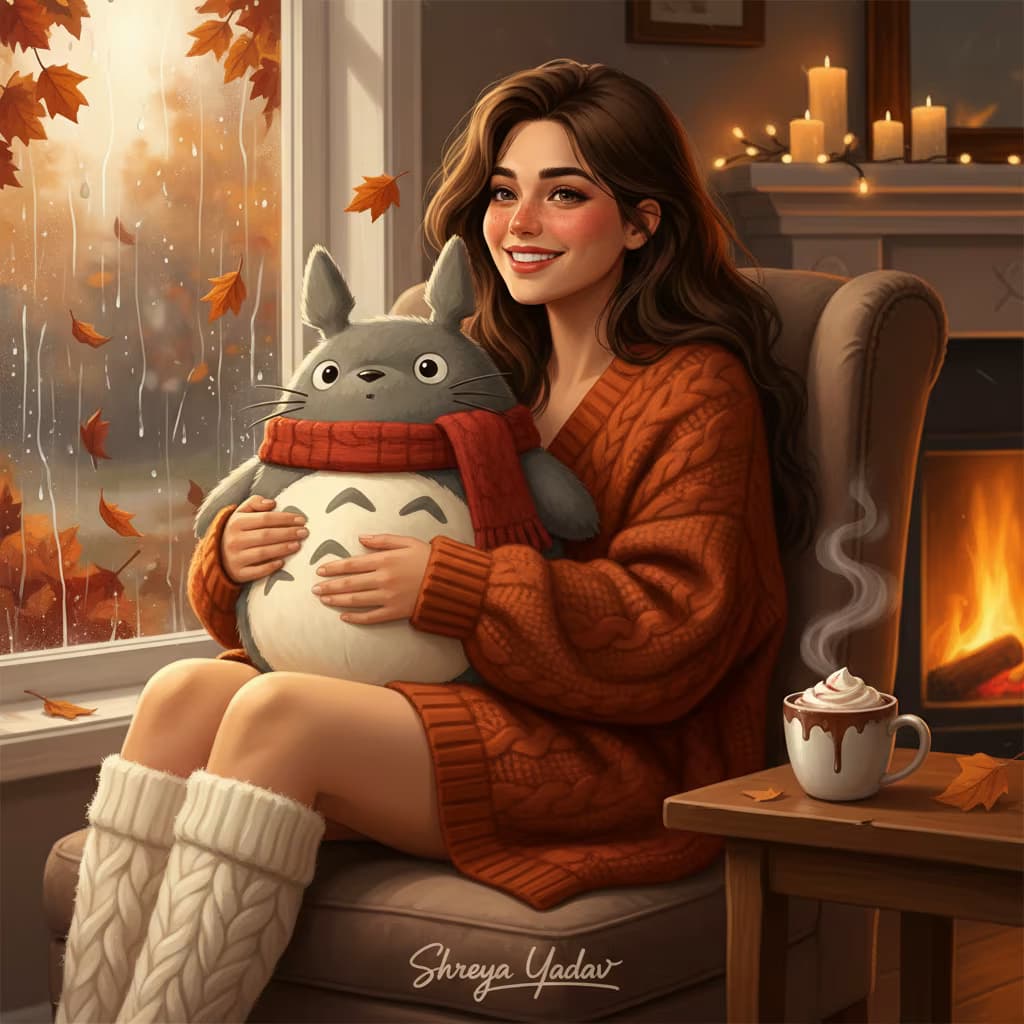
A stylized digital illustration of a young woman in full-body profile, standing and facing left with a pensive expression and slightly upward gaze, dark skin tone, thick voluminous curly hair cascading over shoulders, wearing a loose oversized shirt with rolled sleeves and high-waisted trousers, casual but confident posture, slender build, natural relaxed stance, {{background-treatment}}, dramatic side lighting, high contrast, slight grain, cinematic color grading with muted earth tones and pops of warm amber, introspective mysterious mood with intellectual intensity --ar 2:3 --v 6 --style raw --no text, watermark

Stylized Portrait Illustration Generator

Generates full-body stylized portrait illustrations with dramatic side lighting, cinematic color grading, and customizable backgrounds. Runs on Midjourney, Flux, and other AI image models.

59
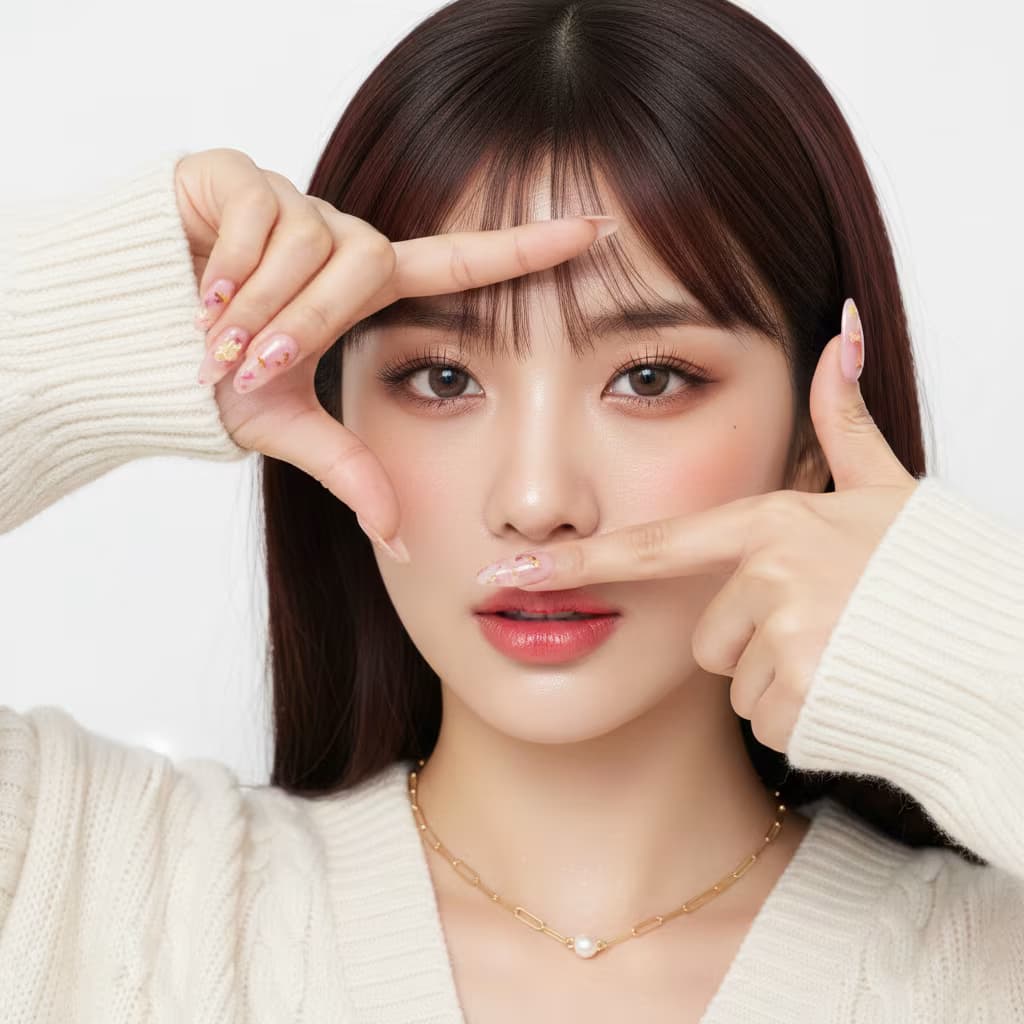
High-fashion magazine editorial portrait, paparazzi-style direct flash photography. Hard flash creating sharp shadows and high contrast against dark background. Glamorous, bold nightlife aesthetic.

**Subject:** {{subject-description}} — hair, makeup, expression, gaze direction. Perched elegantly on an armchair, torso twisted to look back over shoulder.

**Styling:** {{styling}} — garments, footwear, accessories.

**Setting:** {{environment}} — location, furniture, props, background elements. Night scene.

**Technical:** Portrait photography, sharp focus, high detail, dramatic lighting, cinematic quality --ar 1:1 --style raw --v 6

High-Fashion Editorial Portrait Generator

Generates paparazzi-style fashion portraits with direct flash lighting, dramatic contrast, and customizable subject styling. Runs on Midjourney, Flux, and Nano Banana.

59
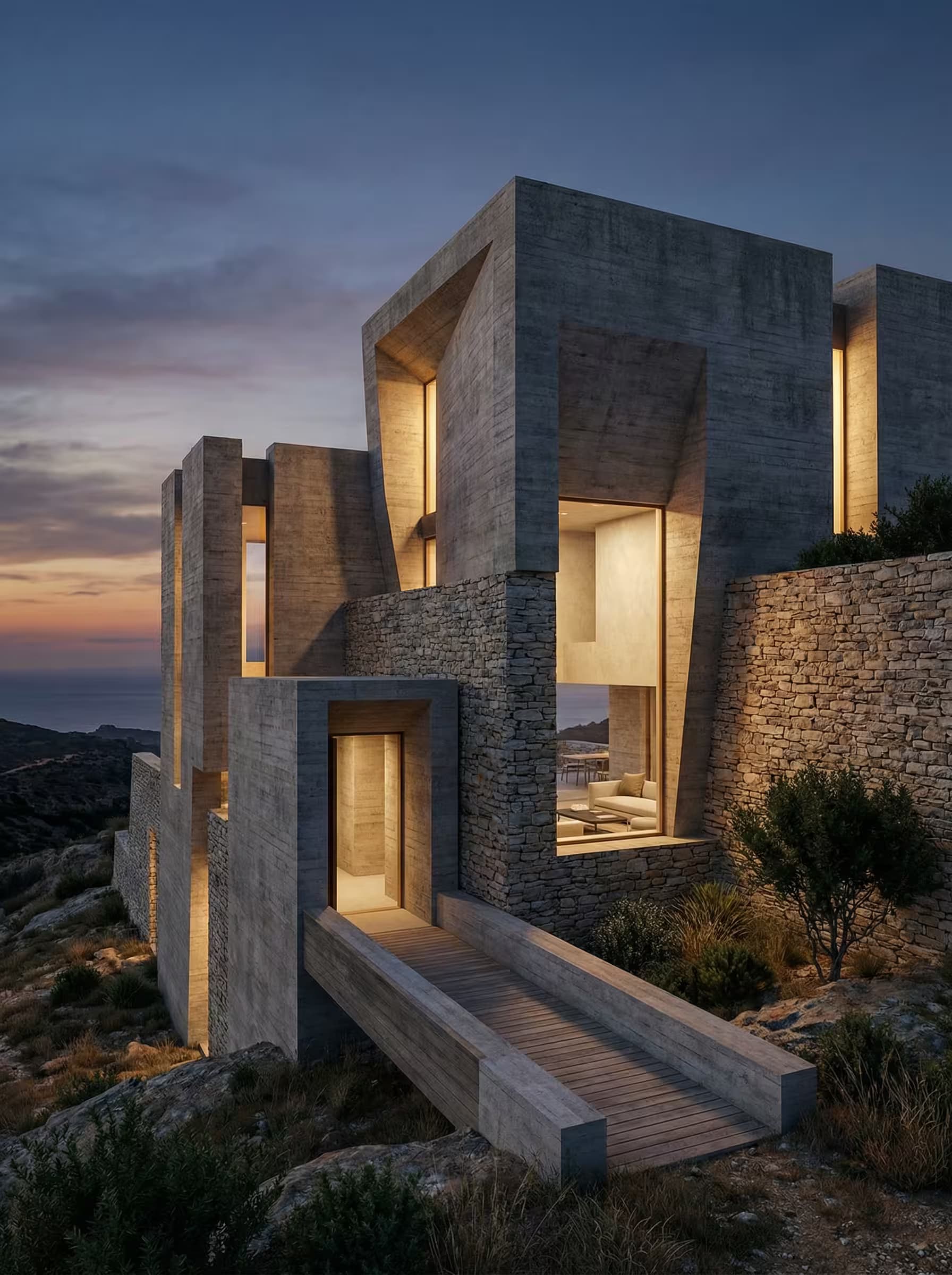
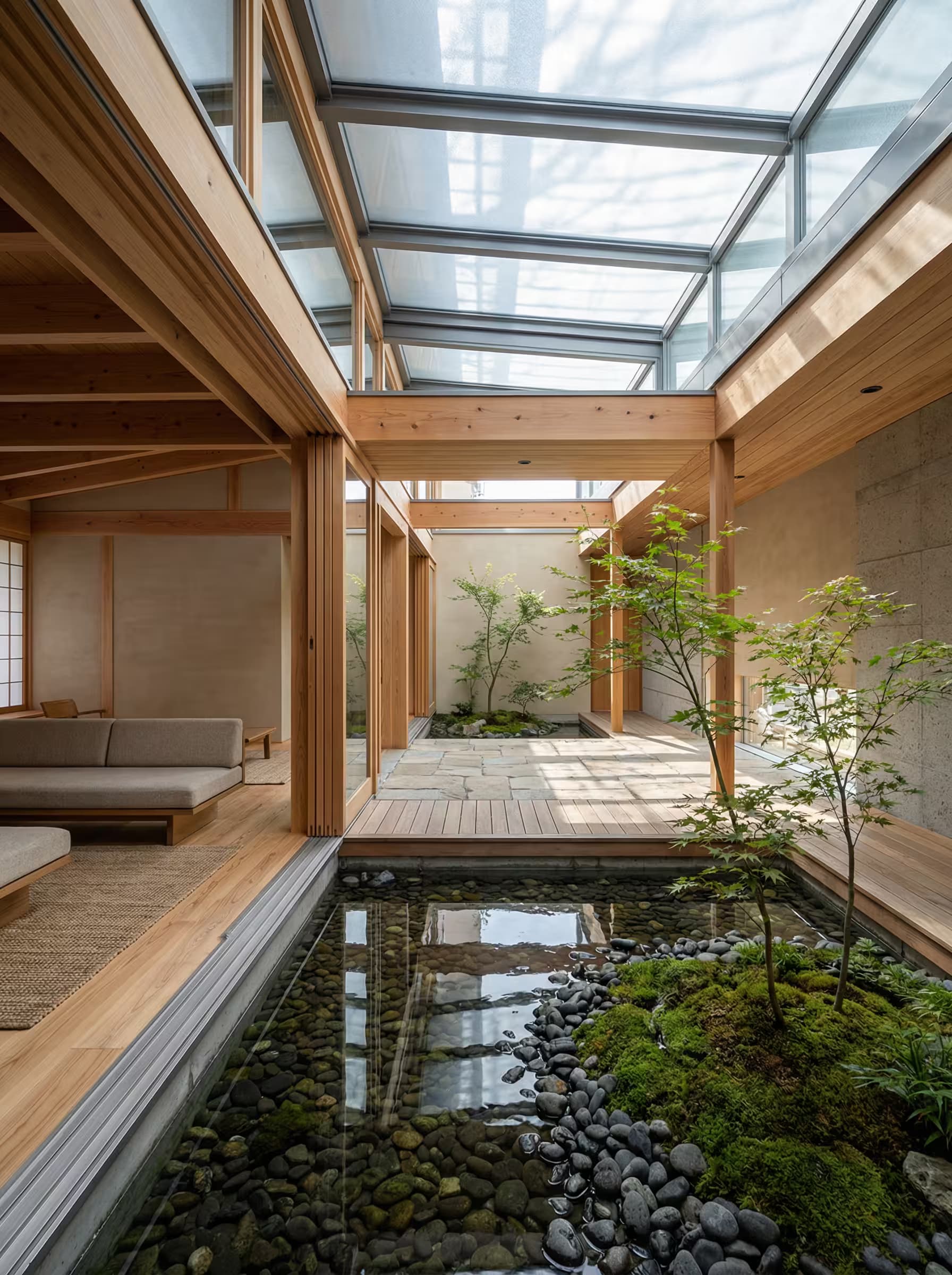
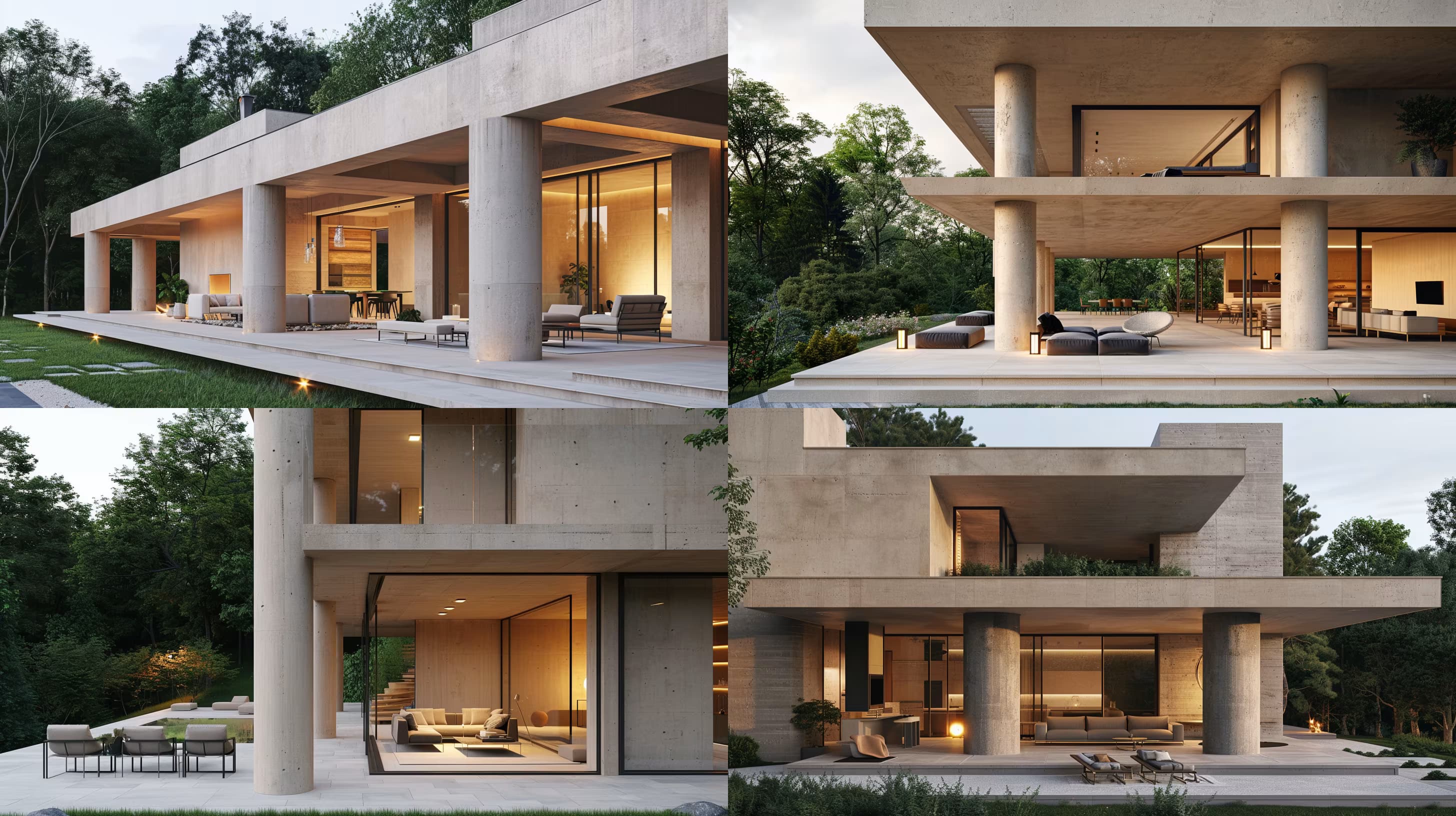
Photo-realistic architectural render from street-level perspective. Modern {{building-type}} designed for flexibility, community, and adaptive reuse within an existing urban block. Exterior features large floor-to-ceiling windows with warm interior lighting visible from the street, creating a welcoming presence connected to street life. Ground-floor entrance is transparent and inviting. Materials: exposed concrete, reclaimed brick, steel frames, warm wood accents. Setting: dense mixed-use neighborhood with realistic urban wear, glass reflections, and pedestrian activity. Interior spaces visible through windows showcase creative, social, energetic atmosphere. {{lighting-condition}} highlights the interplay between interior warmth and street context --ar 16:9 --v 6 --style raw --no corporate lobbies, closed facades, sterile finishes

Adaptive Workspace Architecture Render Generator

Generates photo-realistic street-level renders of modern commercial buildings designed for community connection and adaptive reuse. Runs on Midjourney, Flux, and other AI image generators.

59

What are AI prompts for Art and Design?

AI prompts for Art and Design are engineered instructions that already work. These are not one-line questions. Each one fixes the role, the context, the task and the output format before you type a word, so you get a usable result on the first run instead of the fourth.

They cover the work Art and Design actually get asked for: research and briefs, copy and content, analysis and reporting, planning, outreach and the admin that eats the day. Open a card to see the full prompt and the output it returns.

The deepest areas here: Portrait & Avatar (246 prompts), Concept Art (125 prompts), Product Photography (116 prompts), Illustration (87 prompts), Interior & Exterior Renders (84 prompts).

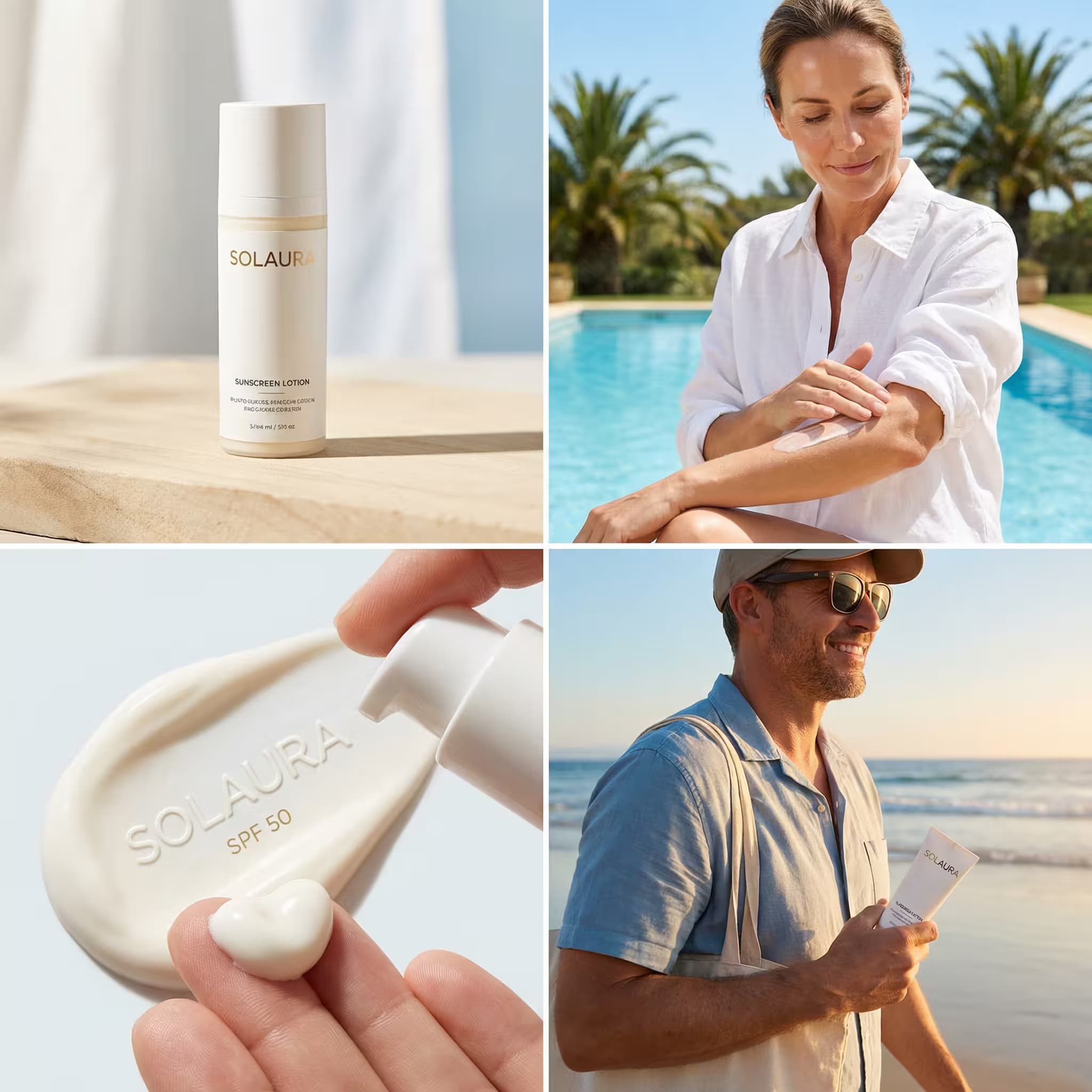
Popular on this page right now: "Mobile App Screen Mockup in Phone Frame", "Hyperrealistic Robot Selfie Photo Generator", "Premium Skincare Advertisement Grid Generator".

1,008 on this page, every one scoped to Art and Design. Free to read, free to copy.

Why these prompts work for Art and Design

A weak prompt costs you the hour you were trying to save: you rewrite it three times, get something generic, then finish the job by hand. An engineered prompt front-loads that thinking once.

In Art and Design that means first drafts you can send, analysis you can act on, and the repetitive work handed off, so the time goes into judgement instead of typing.

Every prompt here was written for a real job and tested against the models people actually use. Nothing scraped from a thread.

How to use these prompts

Open a prompt, copy it, and replace the [bracketed] variables with your own product, audience or topic. The structure around them stays as is. That structure is the part doing the work.

Paste it into ChatGPT, Claude, Gemini, Grok or the model you already use. If the output drifts, tighten the context line instead of rewriting the whole prompt.

No account needed to copy one. No setup, no extension, nothing to install.

Which AI tool works best for Art and Design prompts?

Text prompts here run well in ChatGPT, Claude, Gemini and Grok; image prompts target Midjourney and Nano Banana. Each card lists the models it was tested with.

Are these AI prompts free to use?

A big part of the library is free: open a prompt, copy it, use it. Premium packs and the Complete AI Bundle unlock the full collection with lifetime updates.

How do I adapt these prompts to my use case?

Start with the [variables]: niche, audience, constraints. If the result still misses, add one example of the output you want. A single good example beats three extra instructions.

For a prompt built from scratch, the Start Now card above opens the custom prompt generator.

Related resources

Get smarter on AI every week

One email a week with the best new prompts, tools, and model updates. Unsubscribe anytime.

Join 100,000+ subscribers. One email a week, real prompts, tools, and model updates. Unsubscribe anytime.

Frequently asked questions

Where are the photography prompts?

Photography prompts live in the portrait and avatar, product photography and photo editing subcategories of this library. Each prompt names the camera, lens, light and film look, because image models follow those words more reliably than a style name. Pick a subcategory from the chips above the grid, or search for the shot you need.

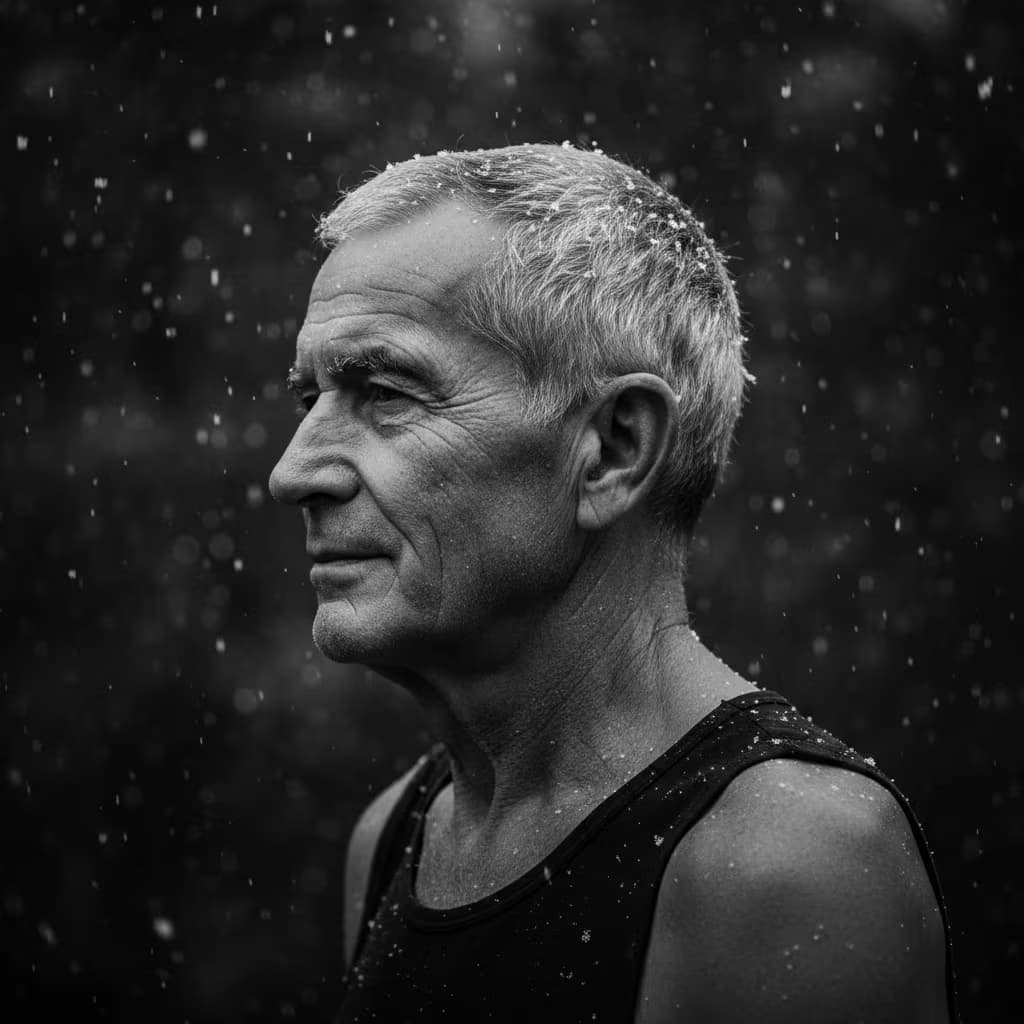
For a portrait blended with a second scene, start from the double exposure portrait prompt.