1,008 AI Prompts for Art and Design

The best Art and Design prompts across 13 subcategories. Tested on ChatGPT, Claude, Gemini and every major model.

Browse the prompts

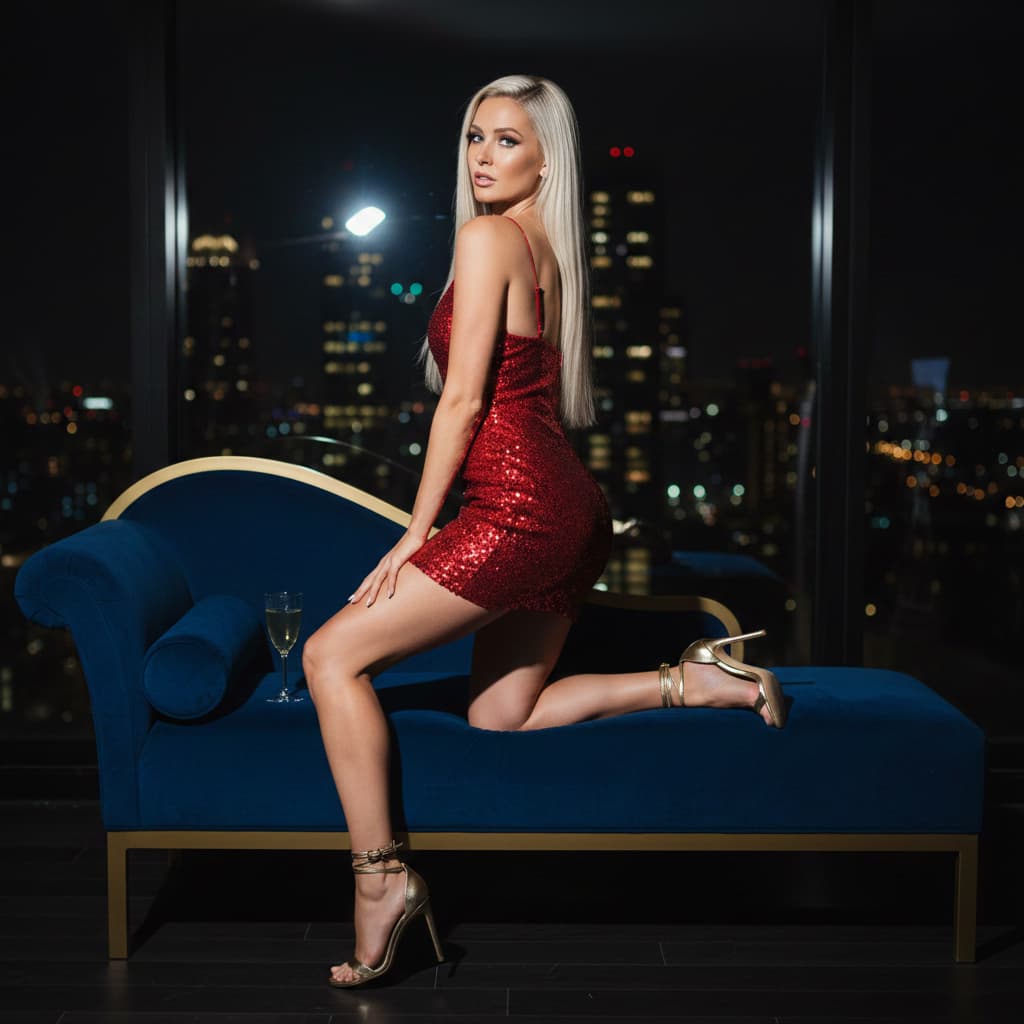
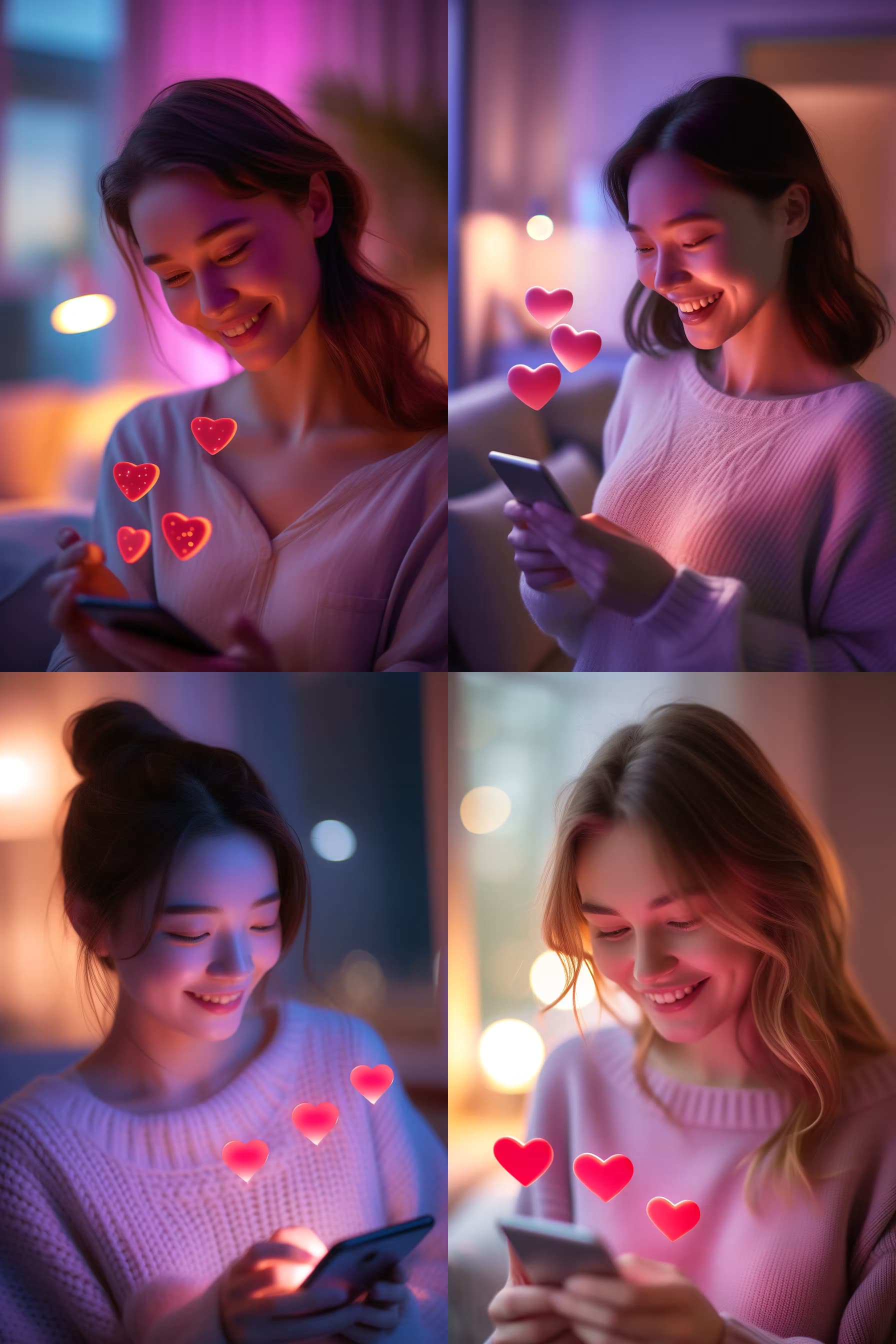
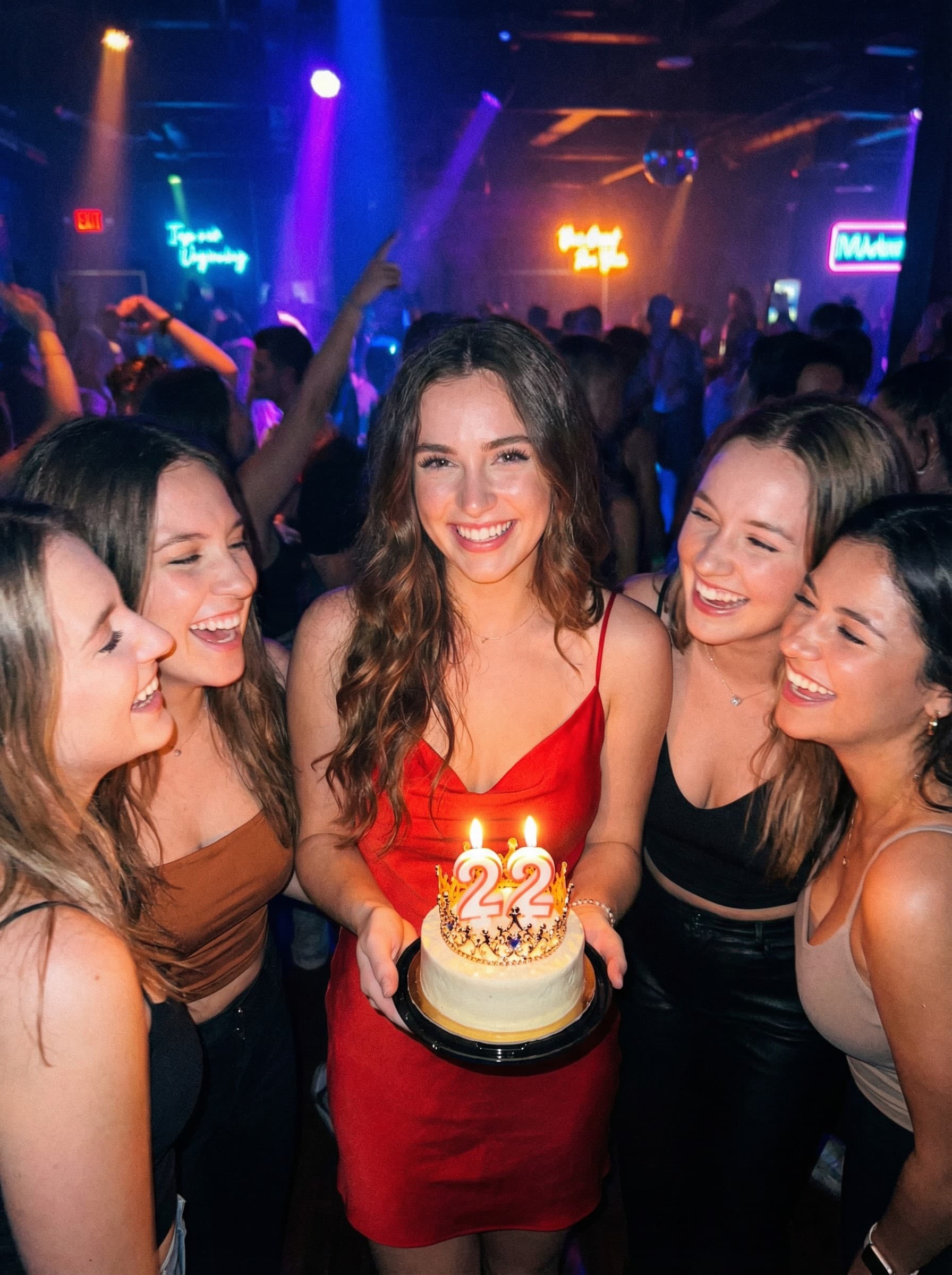
Y2K digital camera portrait photographed with a Canon IXY/IXUS. Strong direct flash creates bright white light hitting the face, producing radiant, shiny skin with a rosy glow. High contrast with a slight cool blue tone for a mysterious, sharp atmosphere. Early 2000s Cyber Ulzzang aestheticβ€”retro Japan-Korea digital photo look.

{{subject-description}}

{{scene-element}}

Bright eyes, smooth complexion. Keep all facial features exactly as shown in the referenceβ€”preserve face 100% without any alterations, (Y2K aesthetic:1.3), (flash photography:1.2), sharp focus, high detail --ar 3:4 --v 6 --style raw --no soft lighting, natural lighting, dim lighting

Y2K Digital Camera Portrait Generator

Generates early 2000s-style portraits with Canon IXY/IXUS flash photography effects, cool blue tones, and cyber ulzzang aesthetics. Runs on Midjourney, Flux, and Nano Banana.
56
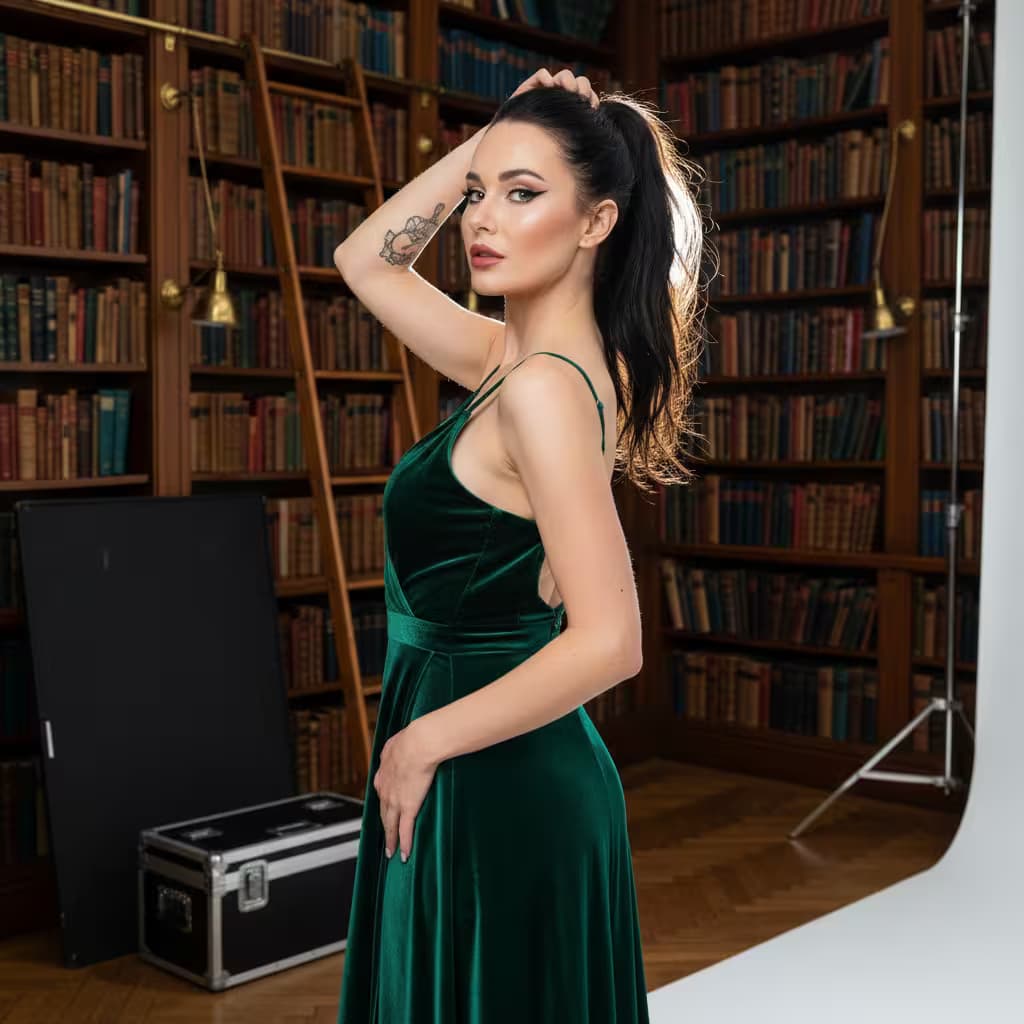
Casual selfie taken with a phone front camera, soft window light, slight lens distortion, 26mm simulated smartphone lens, natural skin texture, {{expression-and-subject}}. --no studio lighting --ar 9:16 --quality 2

Natural Selfie Portrait Generator

Generates realistic smartphone selfie portraits with soft window lighting and authentic front-camera lens distortion. Runs on Midjourney, Flux, and Nano Banana.
56
Close-up outdoor selfie taken at night during heavy snowfall. {{subject-description}}, holding camera with left hand positioned slightly below eye level, capturing face from confident upward angle. Lips softly parted, expression calm yet intense. Natural skin tone with visible realistic texture, cheeks slightly flushed from cold. Snowflakes resting on lashes and hair. Winter clothingβ€”{{winter-outfit}}β€”dusted and covered with fresh snow across shoulders, collar, and headwear.

Dark winter night sky background, faint lightly frosted tree branches barely visible. Soft cold night lighting from above and slightly in front, creating subtle glow on cheeks and gentle highlights on jacket. Cold cinematic raw winter energy, stylish modern snowy portrait with natural texture and detail, photorealistic --ar 4:5 --v 6 --style raw --no blurry face, altered facial features, distorted proportions, extra

Cinematic Winter Selfie Portrait Generator

Generates close-up outdoor selfie portraits taken at night during heavy snowfall with realistic snow effects, natural skin texture, and cold cinematic lighting. Runs on Midjourney, Flux, and other AI image models.

56
{{subject}} taking a mirror selfie in a Disney store, wearing {{outfit}} and a fluffy orange Nick Wilde fox-ear hat with green eyes, holding a yellow iPhone, playful wink expression. Life-size Judy Hopps police plush in uniform standing beside them in the reflection. Bright Zootopia merchandise section, shelves packed with character plushies, festive string lights, warm retail lighting. Cute and flirty Disney selfie aesthetic, sharp focus on mirror reflection, soft bokeh background --ar 3:4 --v 6 --style raw --no blurry, distorted hands, multiple faces

Disney Store Mirror Selfie Scene Generator

Generates playful mirror selfie images set in a Disney store Zootopia section, complete with character accessories and plush companions. Runs on Midjourney, Flux, and other AI image models.

56
Black-and-white line art coloring page, {{subject-and-action}}, {{line-style}} outlines, simple clear background, no shading, designed for easy coloring --ar {{aspect-ratio}}

Black-and-White Coloring Page Generator

Generates black-and-white line art coloring pages with customizable subjects, line styles, and aspect ratios. Runs on Midjourney, Flux, and other AI image generators.

55
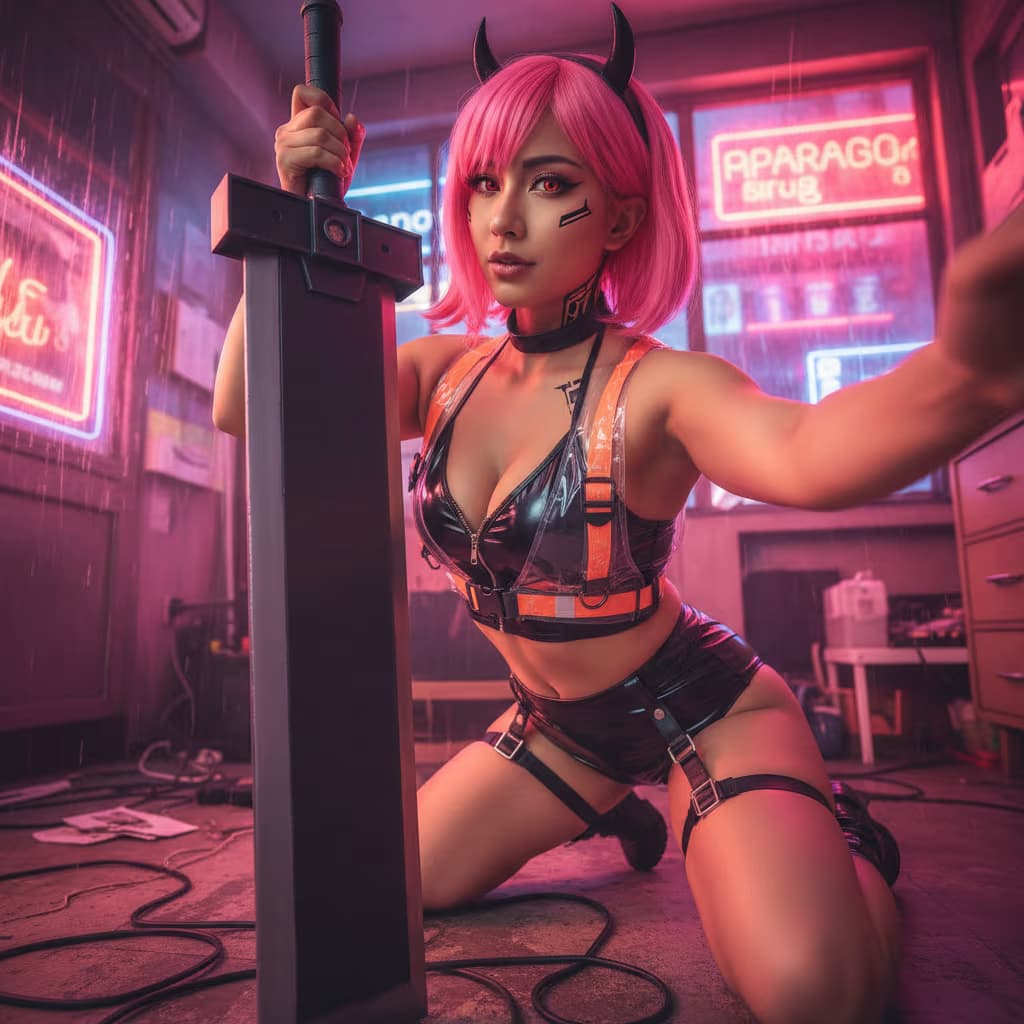
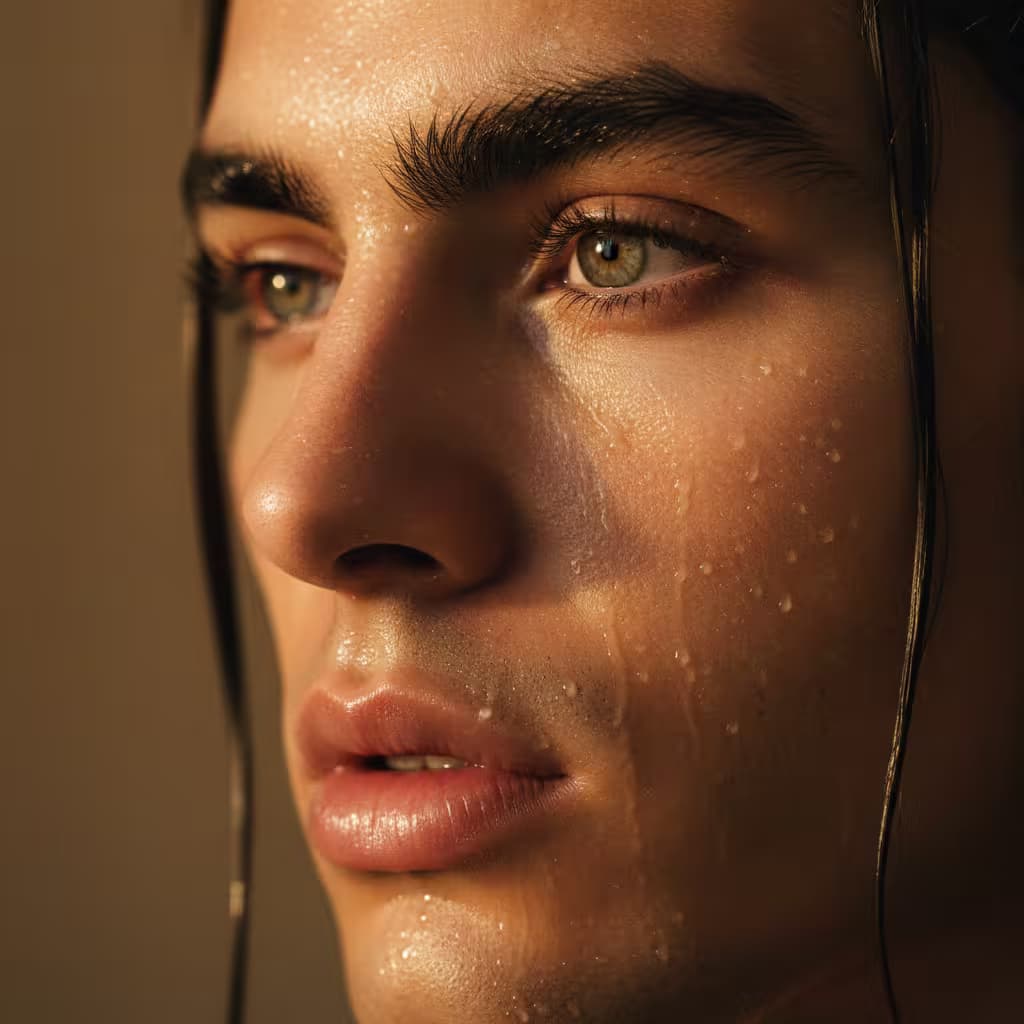
Hyper-realistic full-body portrait of a female cosplayer wearing {{costume-details}}, featuring subtle embossed patterns and a matching emblem on the chest. {{hairstyle-and-makeup}} with soft bangs framing her face, dramatic smoky eyes, and deep glossy red lips. She poses {{pose-description}}, fingers lightly positioned, gaze intense and direct. Soft studio-quality lighting highlights the glossy texture of the suit and vibrant hair color. Subject stands in front of a plain white or light gray wall with a slight reflection, suggesting a mirror selfie aesthetic. Professional cosplay photography, photorealistic, 8K resolution with detailed skin and texture rendering --ar 9:16 --v 6 --style raw --no low quality, blurry, deformed hands, out of focus, cartoon style, drawing style, oversaturated colors, poorly rendered body, floating elements, distorted anatomy, grainy textures

Hyperrealistic Cosplay Portrait Generator

Generates studio-quality, full-body cosplay portraits with custom costumes, dramatic makeup, and photorealistic texture rendering. Runs on Midjourney, Flux, and Nano Banana.
55

What are AI prompts for Art and Design?

AI prompts for Art and Design are engineered instructions that already work. These are not one-line questions. Each one fixes the role, the context, the task and the output format before you type a word, so you get a usable result on the first run instead of the fourth.

They cover the work Art and Design actually get asked for: research and briefs, copy and content, analysis and reporting, planning, outreach and the admin that eats the day. Open a card to see the full prompt and the output it returns.

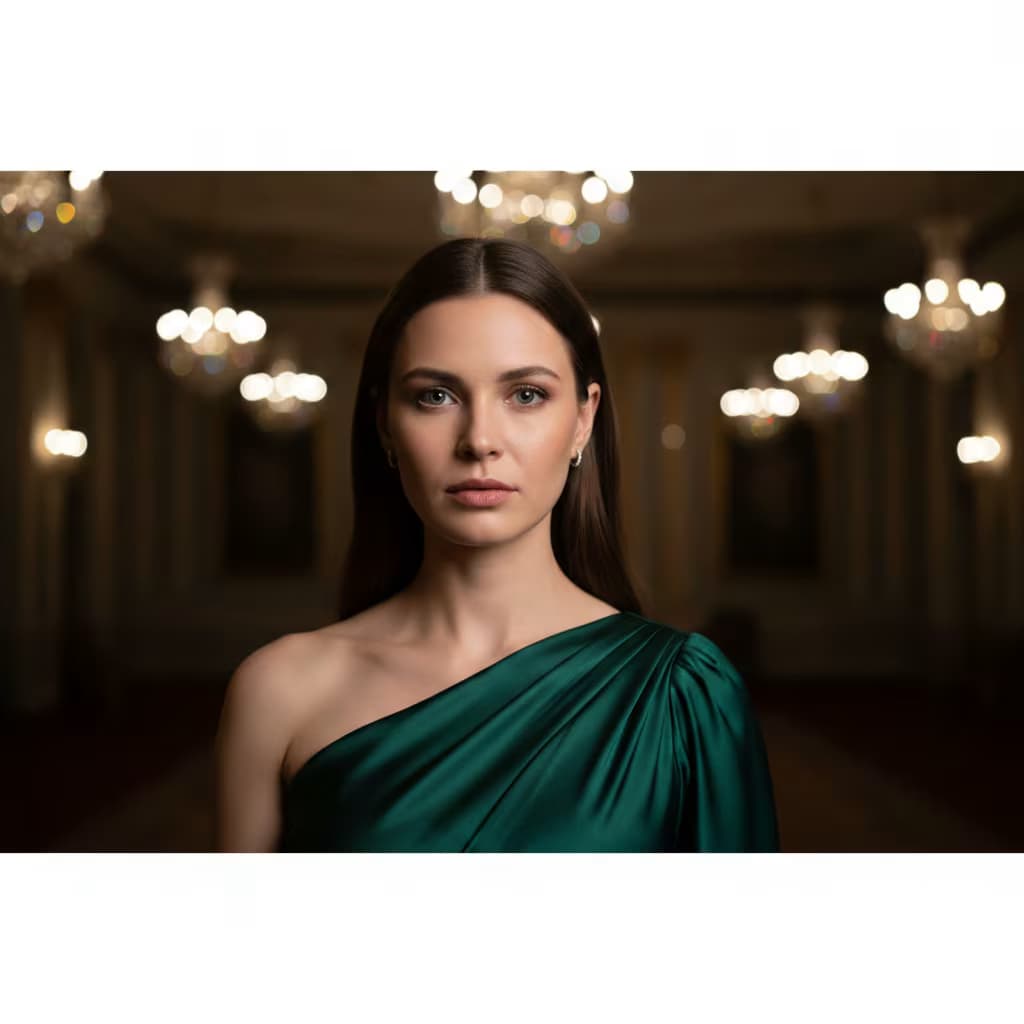
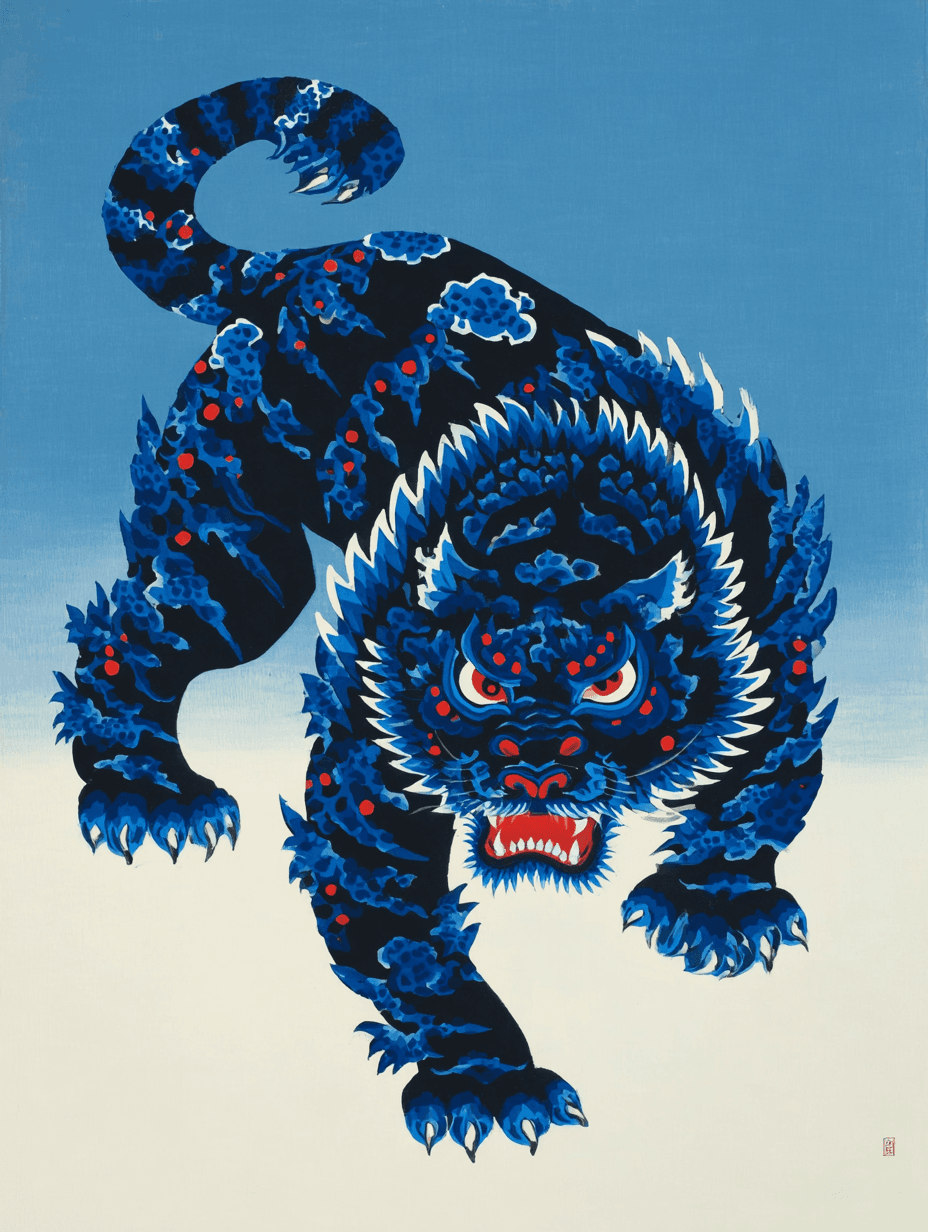
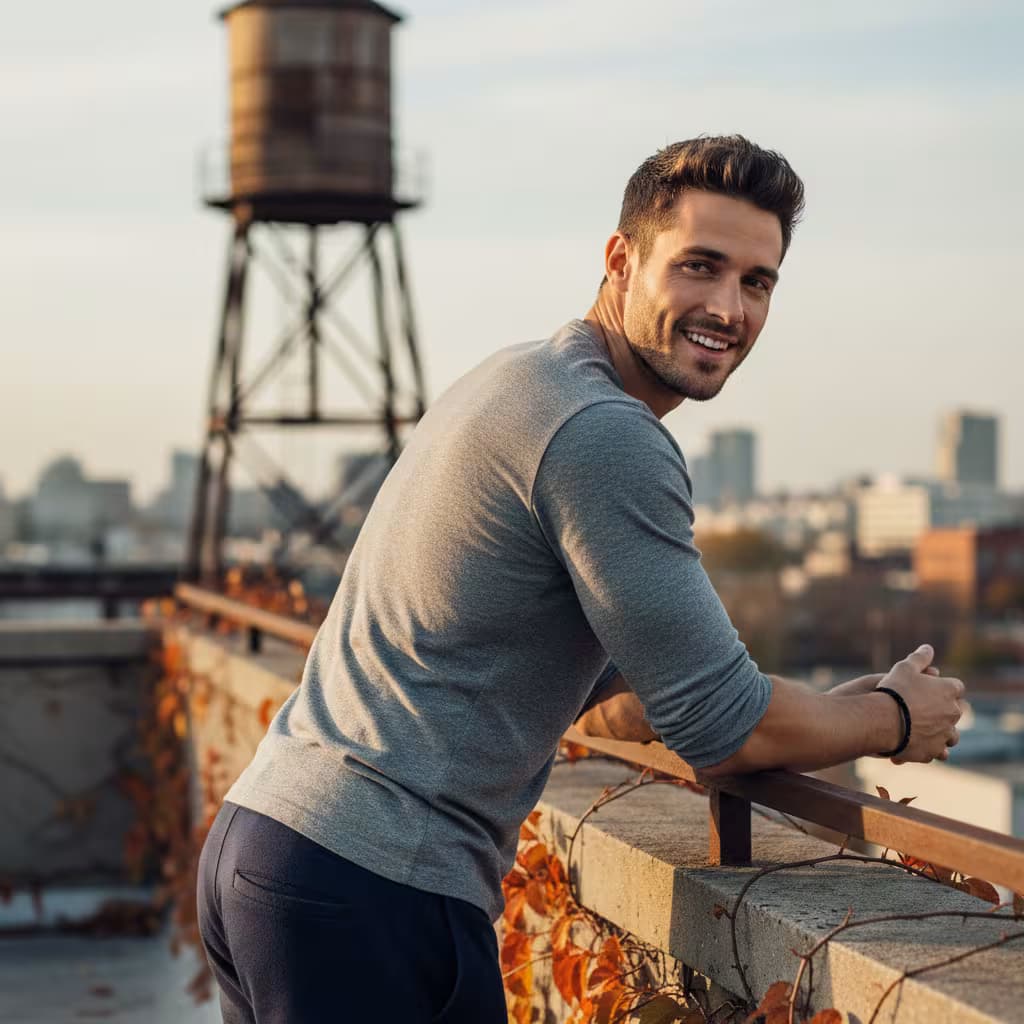
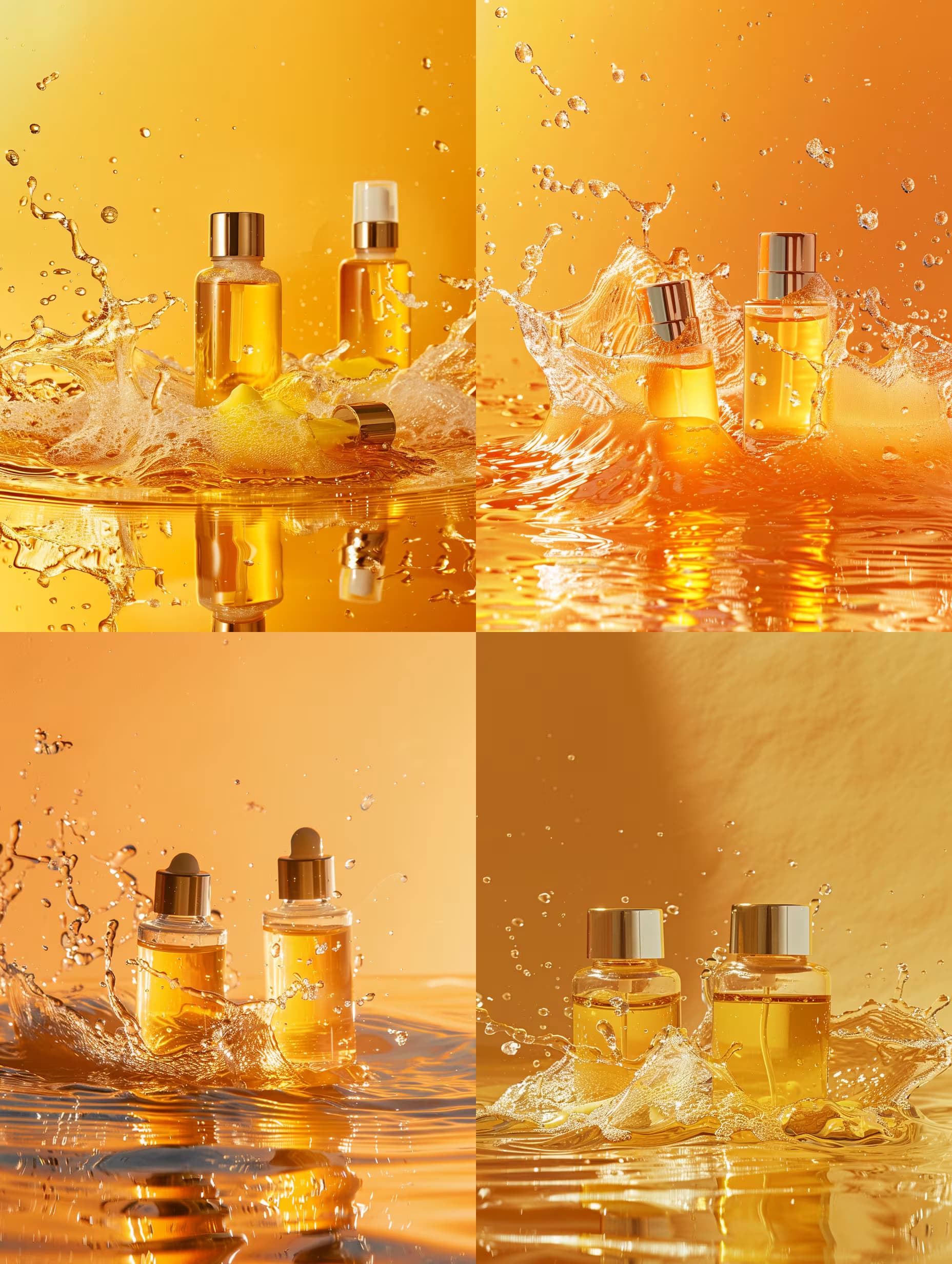
The deepest areas here: Portrait & Avatar (246 prompts), Concept Art (125 prompts), Product Photography (116 prompts), Illustration (87 prompts), Interior & Exterior Renders (84 prompts).

Popular on this page right now: "Y2K Digital Camera Portrait Generator", "Natural Selfie Portrait Generator", "Ultra-Realistic Phone Portrait Generator".

1,008 on this page, every one scoped to Art and Design. Free to read, free to copy.

Why these prompts work for Art and Design

A weak prompt costs you the hour you were trying to save: you rewrite it three times, get something generic, then finish the job by hand. An engineered prompt front-loads that thinking once.

In Art and Design that means first drafts you can send, analysis you can act on, and the repetitive work handed off, so the time goes into judgement instead of typing.

Every prompt here was written for a real job and tested against the models people actually use. Nothing scraped from a thread.

How to use these prompts

Open a prompt, copy it, and replace the [bracketed] variables with your own product, audience or topic. The structure around them stays as is. That structure is the part doing the work.

Paste it into ChatGPT, Claude, Gemini, Grok or the model you already use. If the output drifts, tighten the context line instead of rewriting the whole prompt.

No account needed to copy one. No setup, no extension, nothing to install.

Which AI tool works best for Art and Design prompts?

Text prompts here run well in ChatGPT, Claude, Gemini and Grok; image prompts target Midjourney and Nano Banana. Each card lists the models it was tested with.

Are these AI prompts free to use?

A big part of the library is free: open a prompt, copy it, use it. Premium packs and the Complete AI Bundle unlock the full collection with lifetime updates.

How do I adapt these prompts to my use case?

Start with the [variables]: niche, audience, constraints. If the result still misses, add one example of the output you want. A single good example beats three extra instructions.

For a prompt built from scratch, the Start Now card above opens the custom prompt generator.

Related resources

Get smarter on AI every week

One email a week with the best new prompts, tools, and model updates. Unsubscribe anytime.

Join 100,000+ subscribers. One email a week, real prompts, tools, and model updates. Unsubscribe anytime.

Frequently asked questions

Where are the photography prompts?

Photography prompts live in the portrait and avatar, product photography and photo editing subcategories of this library. Each prompt names the camera, lens, light and film look, because image models follow those words more reliably than a style name. Pick a subcategory from the chips above the grid, or search for the shot you need.

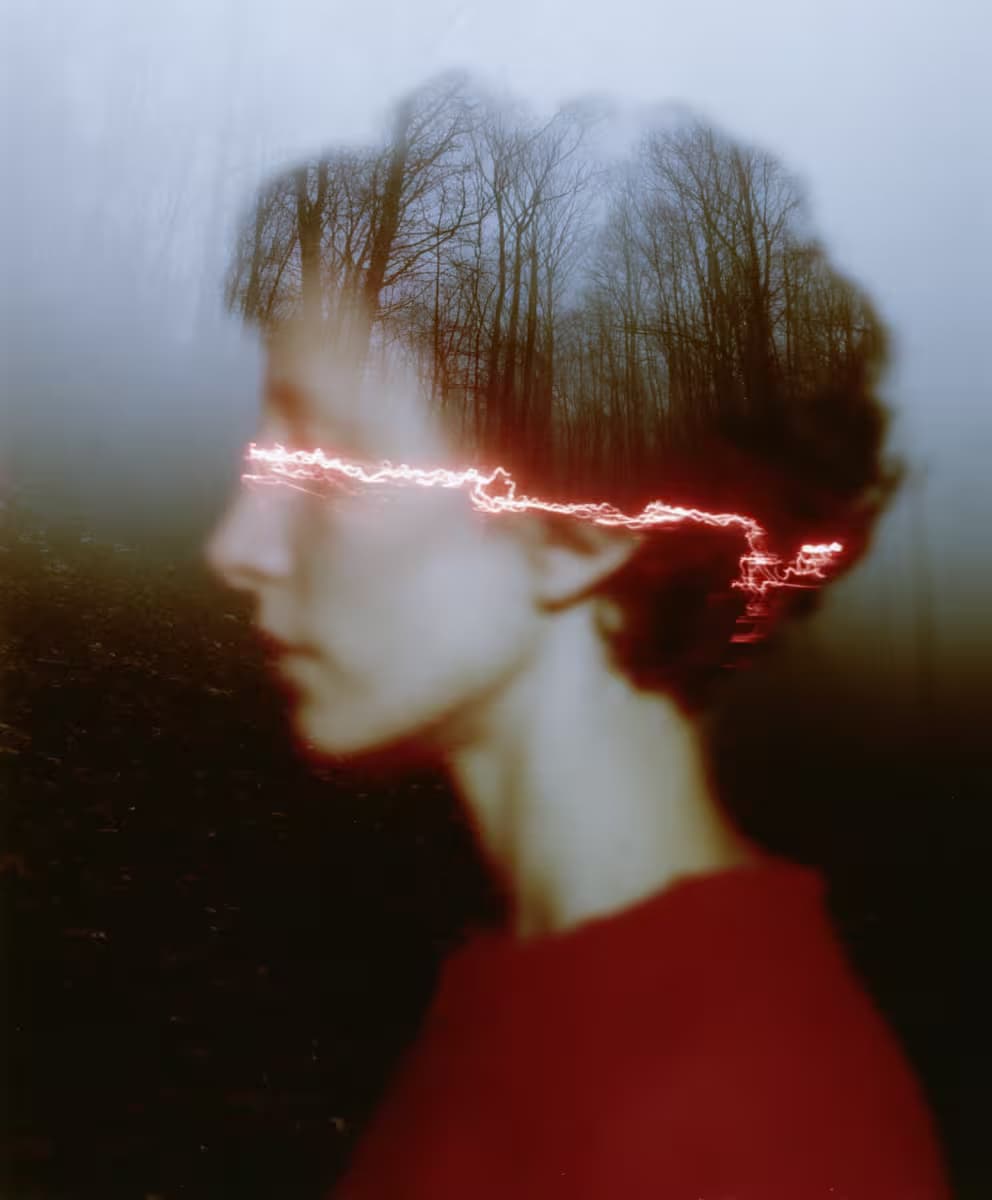
For a portrait blended with a second scene, start from the double exposure portrait prompt.