1,008 AI Prompts for Art and Design

The best Art and Design prompts across 13 subcategories. Tested on ChatGPT, Claude, Gemini and every major model.

Browse the prompts

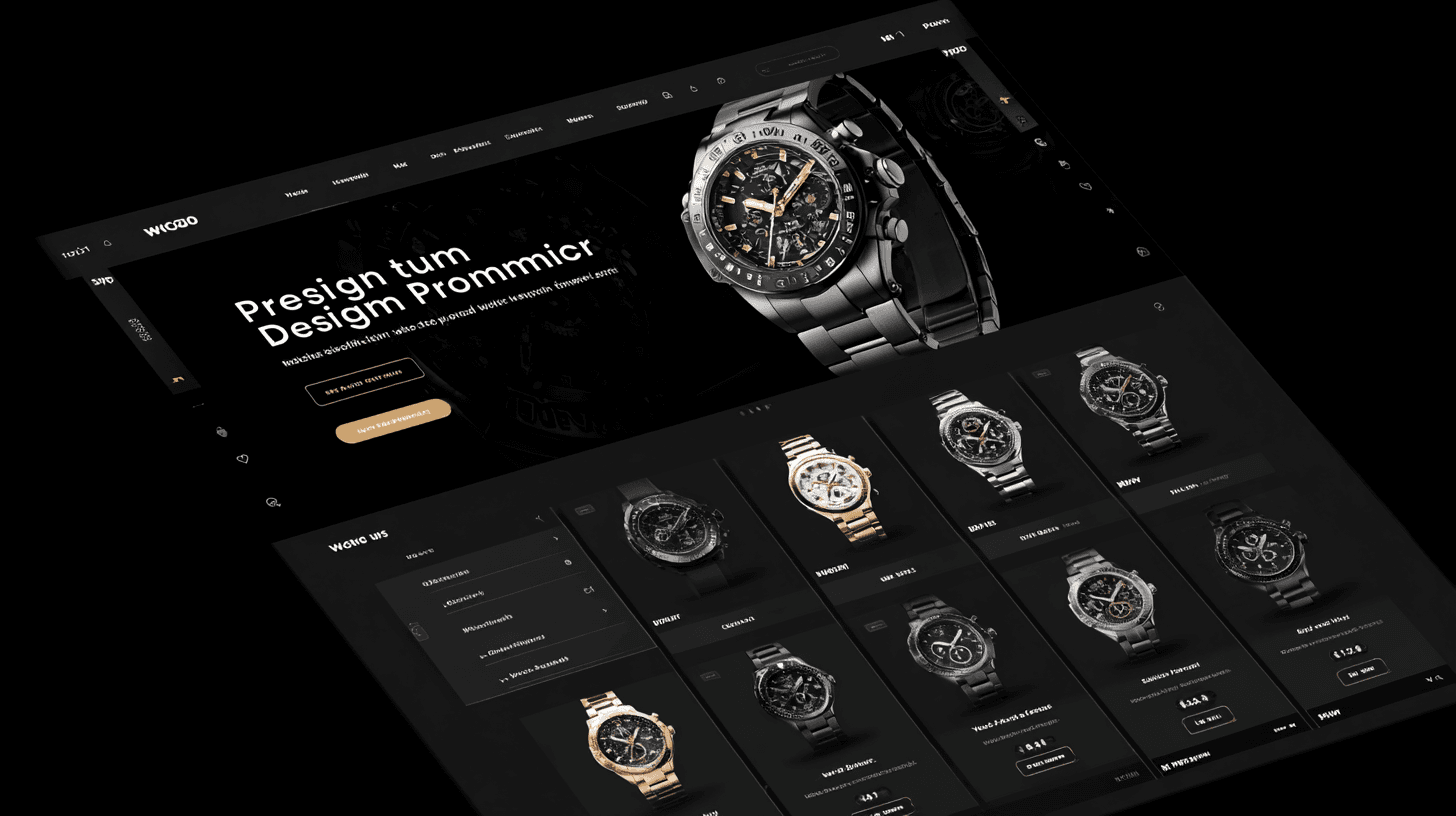
Front view food delivery app UI mockup, straight-on phone screen, fresh green and orange palette, hero section with {{hero-dish}} photo, product grid displaying multiple dishes with prices, bold "Order Now" CTA button, clean tab navigation at bottom, friendly and appetizing design --ar 3:4 --style raw

Food Delivery App UI Mockup Generator

Generates a front-view mobile food delivery app interface mockup with hero section, product grid, pricing, and order CTA in a green and orange palette. Runs on Midjourney, Flux, and Nano Banana.
37
Cinematic sci-fi concept art of {{subject}} standing on {{alien-landscape}}, gazing at a distant celestial body encircled by an orange ring of fire in the sky; mood of awe and wonder, dramatic rim lighting and backlit atmosphere, swirling dust and nebula haze, rich saturated color palette with deep blues and fiery oranges; wide shot composition from a low angle, high detail with painterly finish, fantastical cinematic style --ar 16:9

Cinematic Sci-Fi Concept Art Generator

Generates wide-angle sci-fi concept art featuring a subject on an alien landscape gazing at dramatic celestial phenomena, with rich atmospheric lighting and color. Runs on Midjourney, Flux, and Nano Banana.
37
Photorealistic food photograph of {{dessert-details}}: served in a {{serving-vessel}}, garnished with {{garnish}}; isolated on clean white background, professional studio lighting with soft shadows, shot from 45-degree angle --ar 1:1 --no text, watermarks, artificial props

Realistic Dessert Photography Prompt

Generates photorealistic dessert images with professional studio lighting and clean backgrounds. Runs on Midjourney, Flux, and other AI image models.

36
## Role

You are a conversion optimization architect specializing in e-commerce review UX. You design review layouts that balance authentic social proof with strategic placement, filtering, and trust signals to reduce cart abandonment and increase purchase confidence.

## Task

Generate 3–4 distinct review layout options tailored to the provided product context. Each layout must combine overall rating summaries, filtering mechanisms, highlighted testimonials, verified purchase indicators, and trust-building features in a cohesive, conversion-focused design.

## Context

{{business-context}}

Provide the product category, target audience, current review volume, main customer objections, and brand visual style. Include any relevant constraints (technical limitations, stakeholder priorities, competitive positioning).

## Output

For each layout option, provide:

**Layout Name & Primary Goal

E-Commerce Review Layout Design Prompt

Generates 3-4 conversion-focused review layout options that combine rating summaries, filtering systems, trust badges, and highlighted testimonials tailored to your product context. Runs on ChatGPT, Claude, Gemini, and Grok.

36
You are an expert brand designer conducting a structured discovery process to create a minimal logo concept. Your goal is to gather essential information through **yes/no questions only**, then deliver a reasoned logo design brief.

## Brand Colors (Fixed Palette)
- Primary: #3a7eab (blue)
- Accent: #cf4832 (red)
- Neutral: #d1d3d4 (gray)

## Discovery Process

**Phase 1: Initial Questions**
Begin by explaining you'll ask 10 yes/no questions to understand the project. Ask these sequentially, covering:
- Industry/field (tech, creative, health, finance, etc.)
- Target audience characteristics (professional vs. casual, age, sector)
- Aesthetic preference (geometric vs. organic, bold vs. subtle)
- Symbolic direction (abstract, literal, text-based, icon-based)
- Initials/letterforms vs. pure symbols
- Desired emotional tone (serious, energetic, trustworthy, innovative)
- Context of use (digit

Conversational Logo Design Process

Generate a structured conversational process to design a minimal logo by gathering project details through yes/no questions, then delivering a detailed logo concept brief.

36
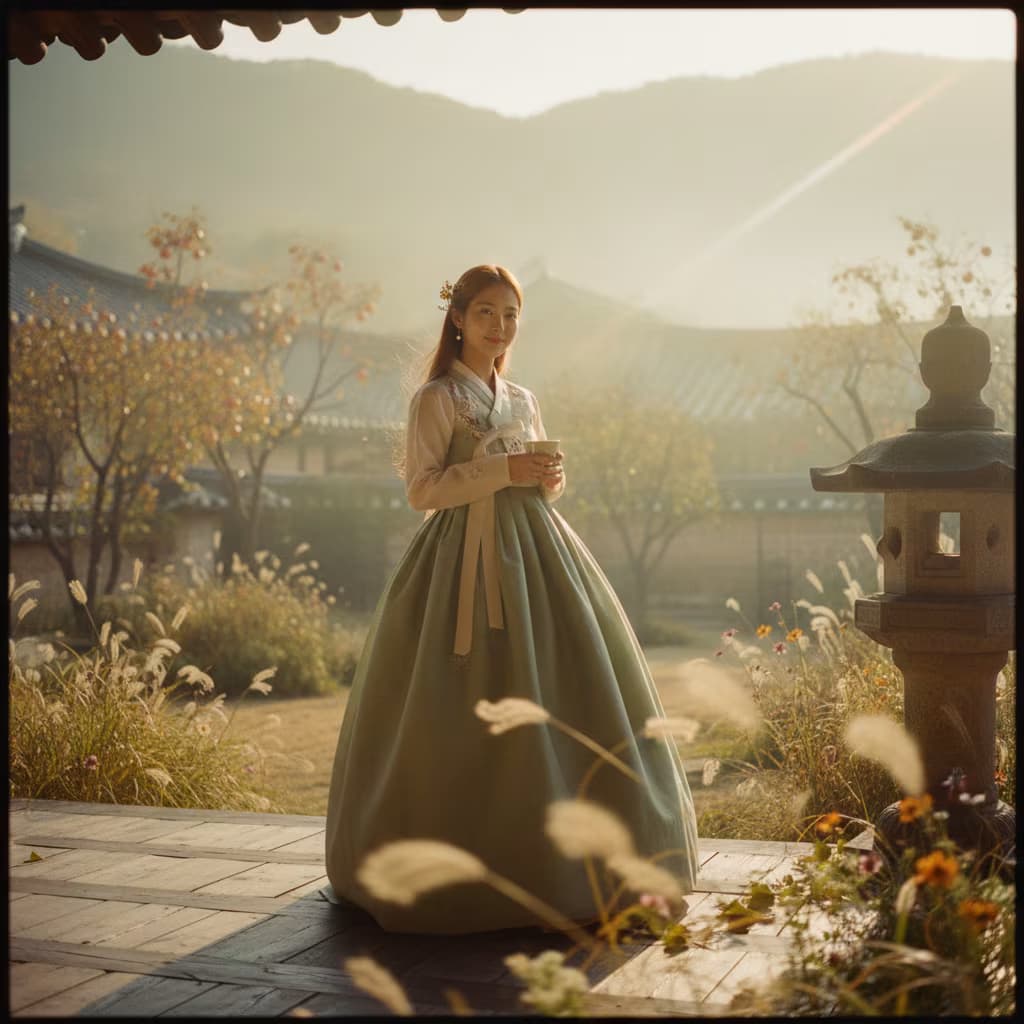
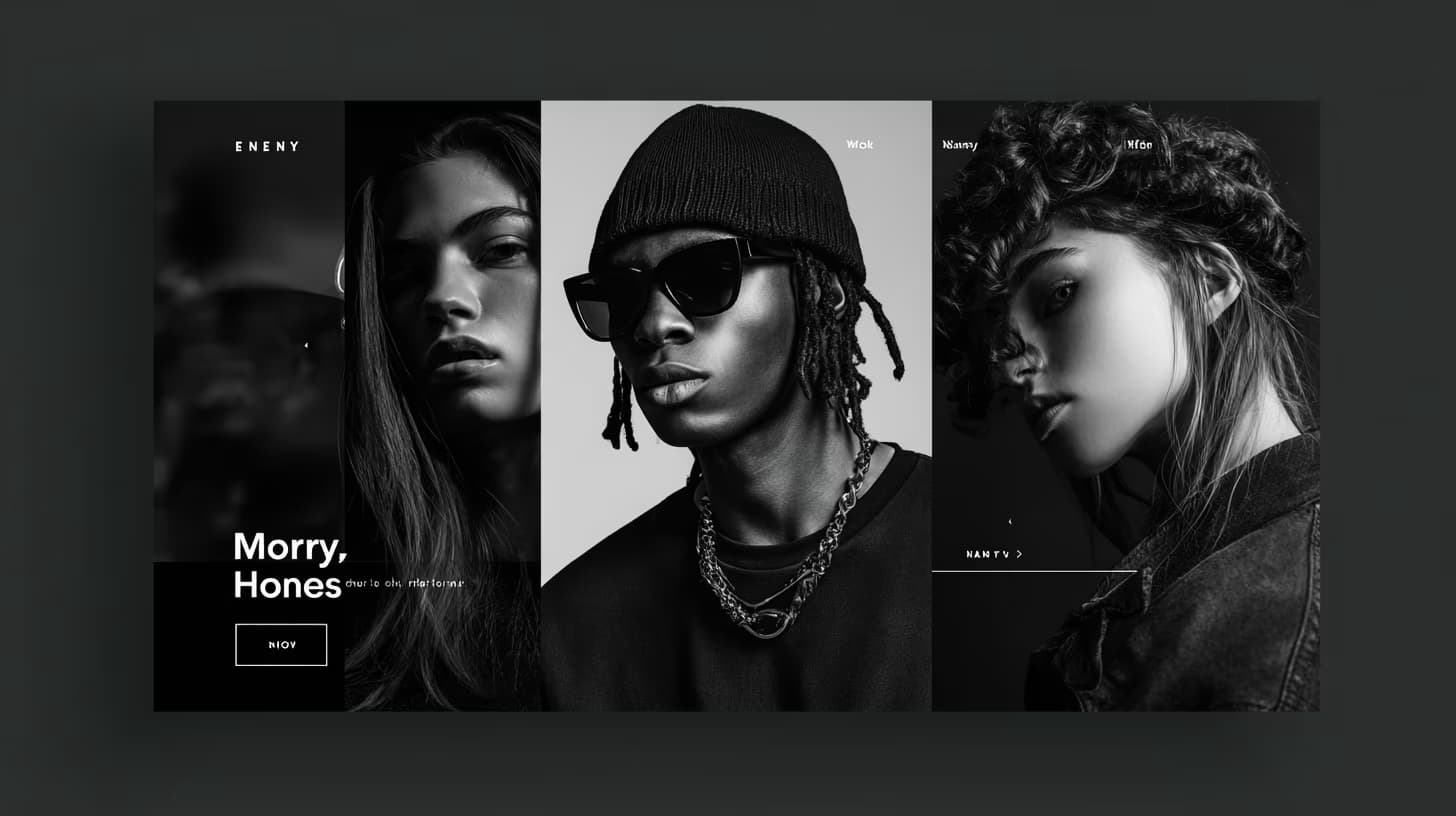
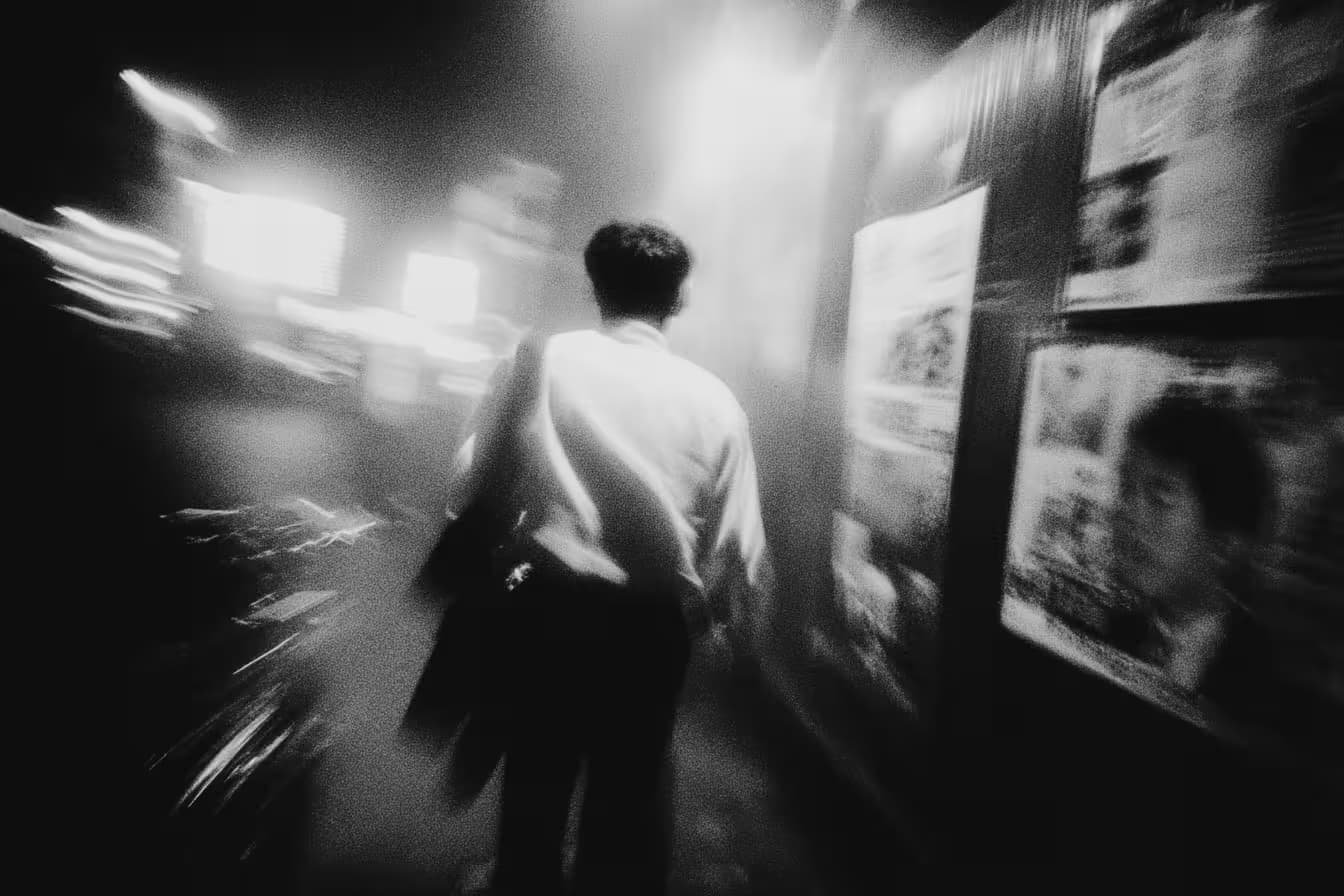
High-contrast black-and-white portrait of {{subject}}, photographed in the style of Peter Lindbergh. Natural light only, dramatic shadows, raw authentic expression. Shot on a 35mm f/2 lens, grainy Kodak Tri-X vibe, deep texture, cinematic realism. --ar 3:2 --quality 2 --stylize 40

Cinematic Black and White Portrait Generator

Generates high-contrast black-and-white portraits in the style of Peter Lindbergh with dramatic shadows and natural light. Runs on Midjourney, Flux, and Nano Banana with cinematic 35mm film aesthetics.

36
{{main-character}}, a man in his 40s, walks slowly down a hospital corridor. Fluorescent lights flicker above him.
He stops at a door. Hand on the handle. He doesn't open it.
Camera: slow dolly in from behind, stopping just over his shoulder as he stands still.
His head drops slightly. A long exhale.
Style: Cinematic. Desaturated, cool blue-white light. 16:9.

Hospital Corridor Drama Video

Generate a cinematic video concept of a hospital corridor drama scene involving a main character.

36

What are AI prompts for Art and Design?

AI prompts for Art and Design are engineered instructions that already work. These are not one-line questions. Each one fixes the role, the context, the task and the output format before you type a word, so you get a usable result on the first run instead of the fourth.

They cover the work Art and Design actually get asked for: research and briefs, copy and content, analysis and reporting, planning, outreach and the admin that eats the day. Open a card to see the full prompt and the output it returns.

The deepest areas here: Portrait & Avatar (246 prompts), Concept Art (125 prompts), Product Photography (116 prompts), Illustration (87 prompts), Interior & Exterior Renders (84 prompts).

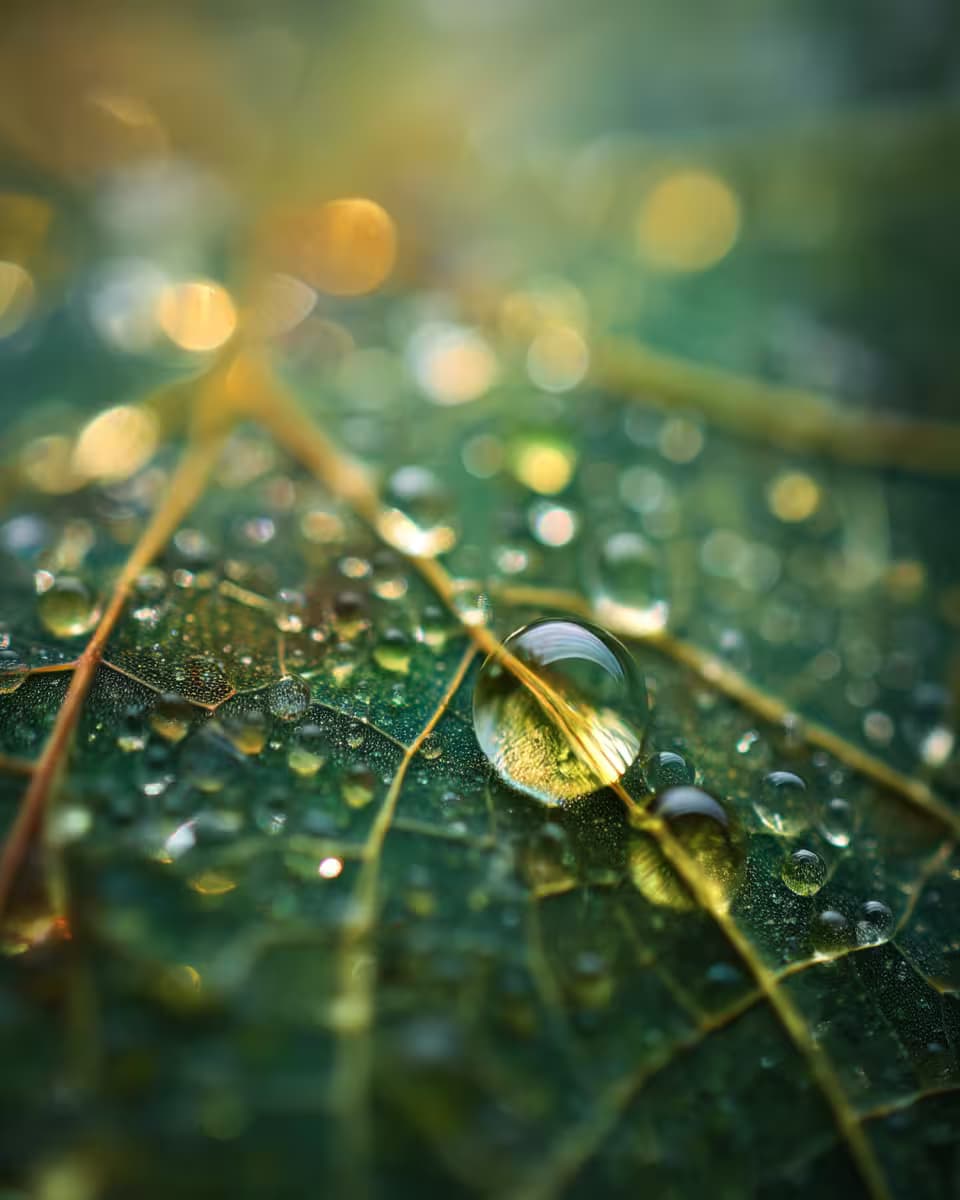
Popular on this page right now: "Food Delivery App UI Mockup Generator", "Cinematic Sci-Fi Concept Art Generator", "Extreme Macro Photography Prompt for Product Shots".

1,008 on this page, every one scoped to Art and Design. Free to read, free to copy.

Why these prompts work for Art and Design

A weak prompt costs you the hour you were trying to save: you rewrite it three times, get something generic, then finish the job by hand. An engineered prompt front-loads that thinking once.

In Art and Design that means first drafts you can send, analysis you can act on, and the repetitive work handed off, so the time goes into judgement instead of typing.

Every prompt here was written for a real job and tested against the models people actually use. Nothing scraped from a thread.

How to use these prompts

Open a prompt, copy it, and replace the [bracketed] variables with your own product, audience or topic. The structure around them stays as is. That structure is the part doing the work.

Paste it into ChatGPT, Claude, Gemini, Grok or the model you already use. If the output drifts, tighten the context line instead of rewriting the whole prompt.

No account needed to copy one. No setup, no extension, nothing to install.

Which AI tool works best for Art and Design prompts?

Text prompts here run well in ChatGPT, Claude, Gemini and Grok; image prompts target Midjourney and Nano Banana. Each card lists the models it was tested with.

Are these AI prompts free to use?

A big part of the library is free: open a prompt, copy it, use it. Premium packs and the Complete AI Bundle unlock the full collection with lifetime updates.

How do I adapt these prompts to my use case?

Start with the [variables]: niche, audience, constraints. If the result still misses, add one example of the output you want. A single good example beats three extra instructions.

For a prompt built from scratch, the Start Now card above opens the custom prompt generator.

Related resources

Get smarter on AI every week

One email a week with the best new prompts, tools, and model updates. Unsubscribe anytime.

Join 100,000+ subscribers. One email a week, real prompts, tools, and model updates. Unsubscribe anytime.

Frequently asked questions

Where are the photography prompts?

Photography prompts live in the portrait and avatar, product photography and photo editing subcategories of this library. Each prompt names the camera, lens, light and film look, because image models follow those words more reliably than a style name. Pick a subcategory from the chips above the grid, or search for the shot you need.

For a portrait blended with a second scene, start from the double exposure portrait prompt.