1,008 AI Prompts for Art and Design

The best Art and Design prompts across 13 subcategories. Tested on ChatGPT, Claude, Gemini and every major model.

Browse the prompts

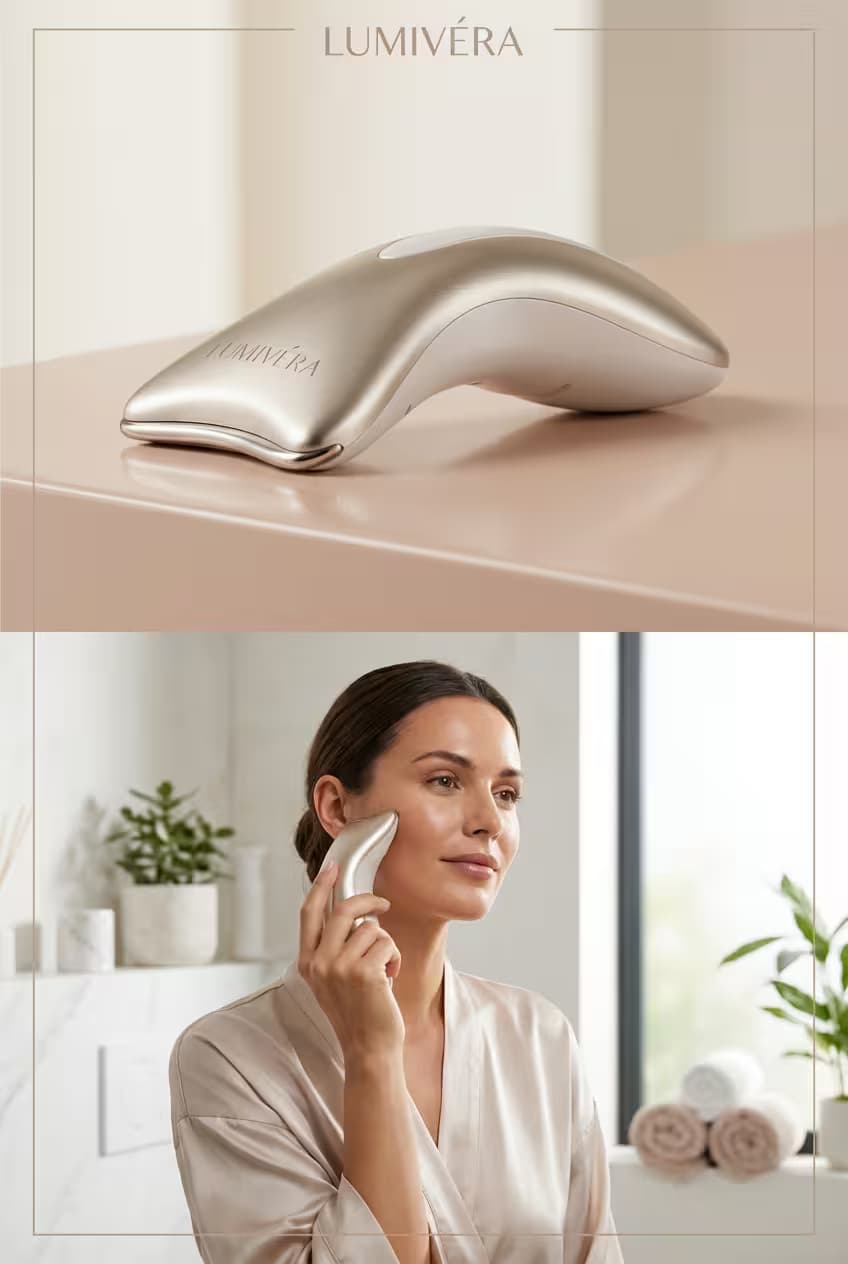
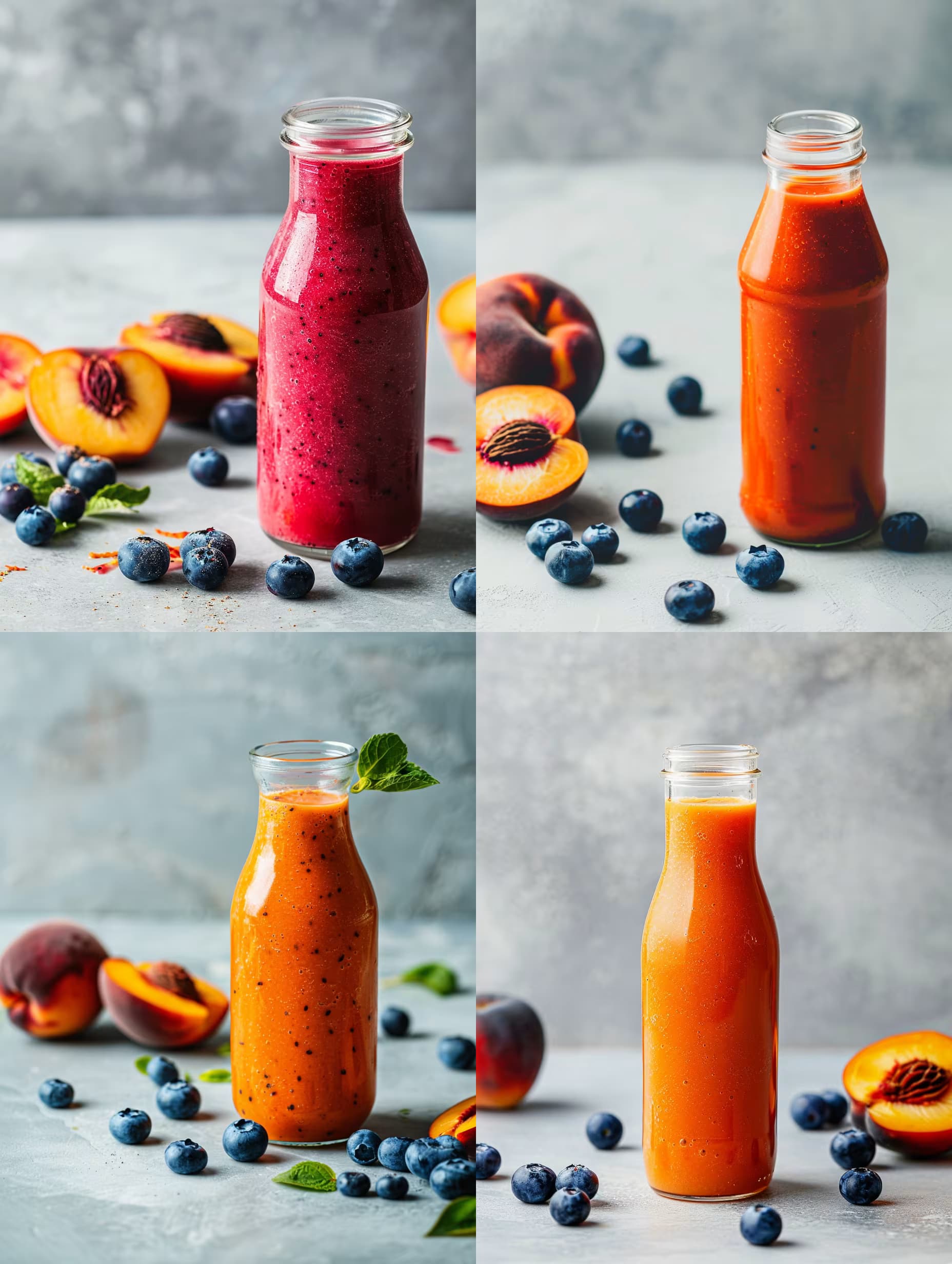
Floating {{product-bottle}} labeled "{{label-text}}" above a soft pastel gradient background, surrounded by clear glass spheres filled with shimmering serum and delicate micro-bubbles, minimalist product design, high-end cosmetic photography, studio lighting with soft diffused key light and subtle rim highlights --ar 1:1

Luxury Serum Bottle Photography Prompt

Generates floating luxury serum bottle product shots on soft pastel gradients with glass spheres and studio lighting. Runs on Midjourney, Flux, and other AI image generators.
40
Generate Front View Music Streaming App Mockup flat front mobile screen, black background with glowing purple accents, fullscreen album art hero at the top, floating play button, clean tab bar navigation, immersive yet minimal UI aesthetic. --ar 3:4 --raw

Music Streaming App Mockup Generator

Generates a flat front-view mobile mockup of a music streaming app with fullscreen album art, glowing purple accents, and minimal UI. Runs on Midjourney, Flux, and other image models.

40
A paper craft-style {{subject}} floating on a pure white background, handcrafted from colorful cut paper with visible textures, creases, and layered shapes, casting a soft drop shadow beneath, minimal and playful design centered in frame with ample negative space, soft studio lighting highlighting paper texture and edges --ar 1:1 --v 6 --style raw --no realistic materials, photography, photorealism

Paper Craft Icon Generator

Generates playful paper craft-style icons with layered cut-paper textures, soft shadows, and minimal composition on a clean white background. Runs on Midjourney, Flux, and Nano Banana.

39
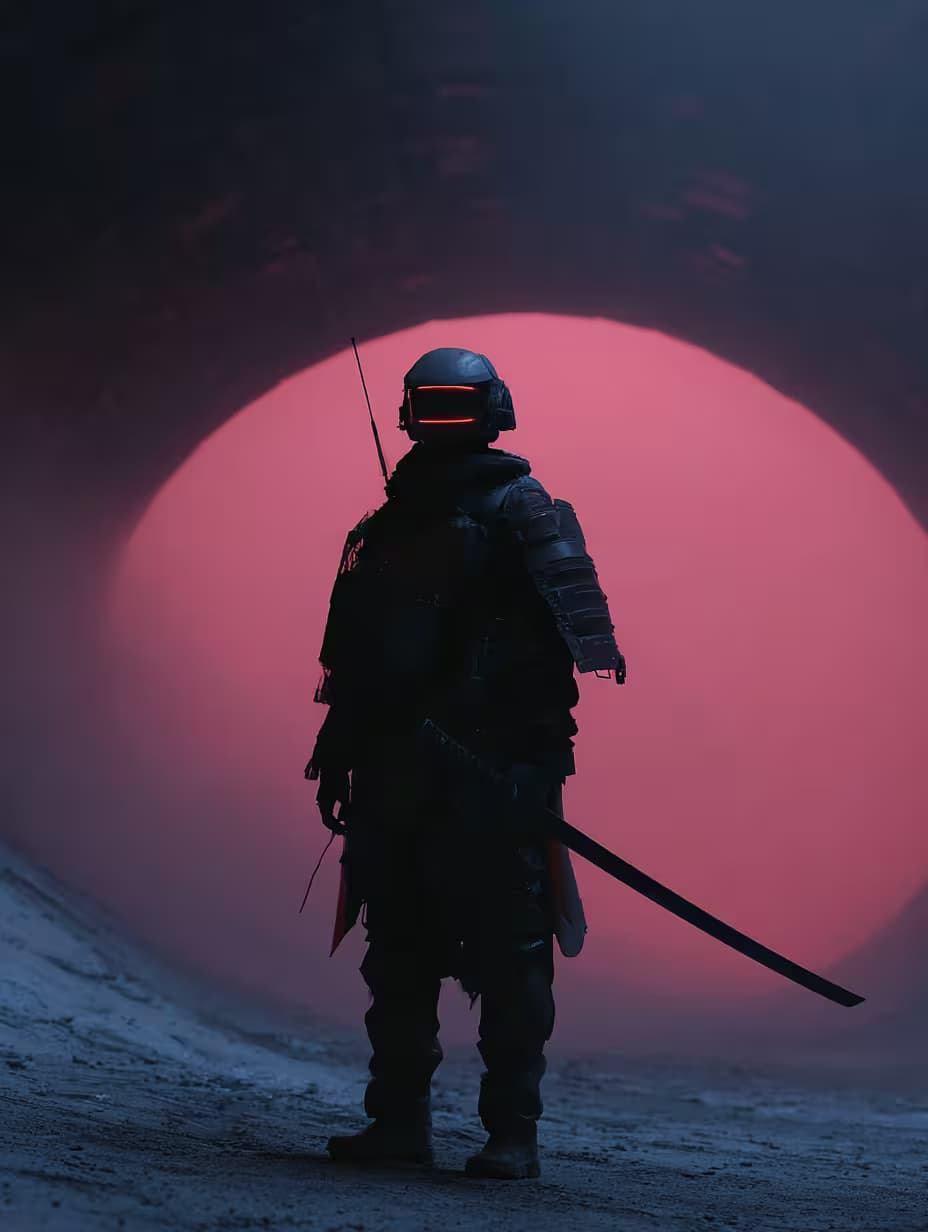
{{character-concept}} with glowing katana, futuristic armor, neon Tokyo city background, bold cinematic lighting, vibrant purple + blue palette, collectible PFP style, high-detail vector artwork. --ar 3:4 --raw --sref 970460098

NFT Character Design Generator

Generates collectible NFT character artwork in high-detail vector style with cinematic lighting and customizable concepts. Runs on Midjourney, Flux, and Nano Banana.

39
Cinematic close-up portrait of a young woman with smooth fair skin, large sharp eyes, slightly flushed pink cheeks, and glossy red lips. Her long hair is styled in {{hairstyle}} with layered volume, looking slightly messy with a few strands framing her face. She is wearing {{outfit}}, emphasizing a slim waist, with low-rise white jeans and a brown suede belt. She has on a {{character}}-themed headband and matching character earrings. She is holding two {{character}} plush dolls in her left arm. She faces the camera with a slight, bright, and lively smile. The background is a dense display of stacked {{character}} plush toys, suggesting a prize booth or vendor stall in an amusement park. Strong film grain, vintage old-lens filter, color palette inspired by Fuji Film Pro 400H with slightly saturated yet soft and natural colors. Natural bright lighting --ar 4:5 --v 6 --style raw

Vintage Film Portrait Photography Generator

Generates cinematic close-up portrait photos styled with analog film grain, Fuji Film Pro 400H color grading, and customizable character-themed accessories. Runs on Midjourney, Flux, and Nano Banana.

39
Close-up shot of {{flower-type}}, double-exposure technique, pastel color palette, soft gradient background, translucent petals with ethereal light veins and dewdrops, soft diffused lighting, fantasy style, subtle glowing edges, shallow depth of field with creamy bokeh, 100mm macro look --ar {{aspect-ratio}}

Ethereal Flower Photography Prompt

Generates close-up floral images with double-exposure effects, pastel gradients, and glowing translucent petals. Runs on Midjourney, Flux, and Nano Banana to produce dreamy, macro-style flower photography.

39

What are AI prompts for Art and Design?

AI prompts for Art and Design are engineered instructions that already work. These are not one-line questions. Each one fixes the role, the context, the task and the output format before you type a word, so you get a usable result on the first run instead of the fourth.

They cover the work Art and Design actually get asked for: research and briefs, copy and content, analysis and reporting, planning, outreach and the admin that eats the day. Open a card to see the full prompt and the output it returns.

The deepest areas here: Portrait & Avatar (246 prompts), Concept Art (125 prompts), Product Photography (116 prompts), Illustration (87 prompts), Interior & Exterior Renders (84 prompts).

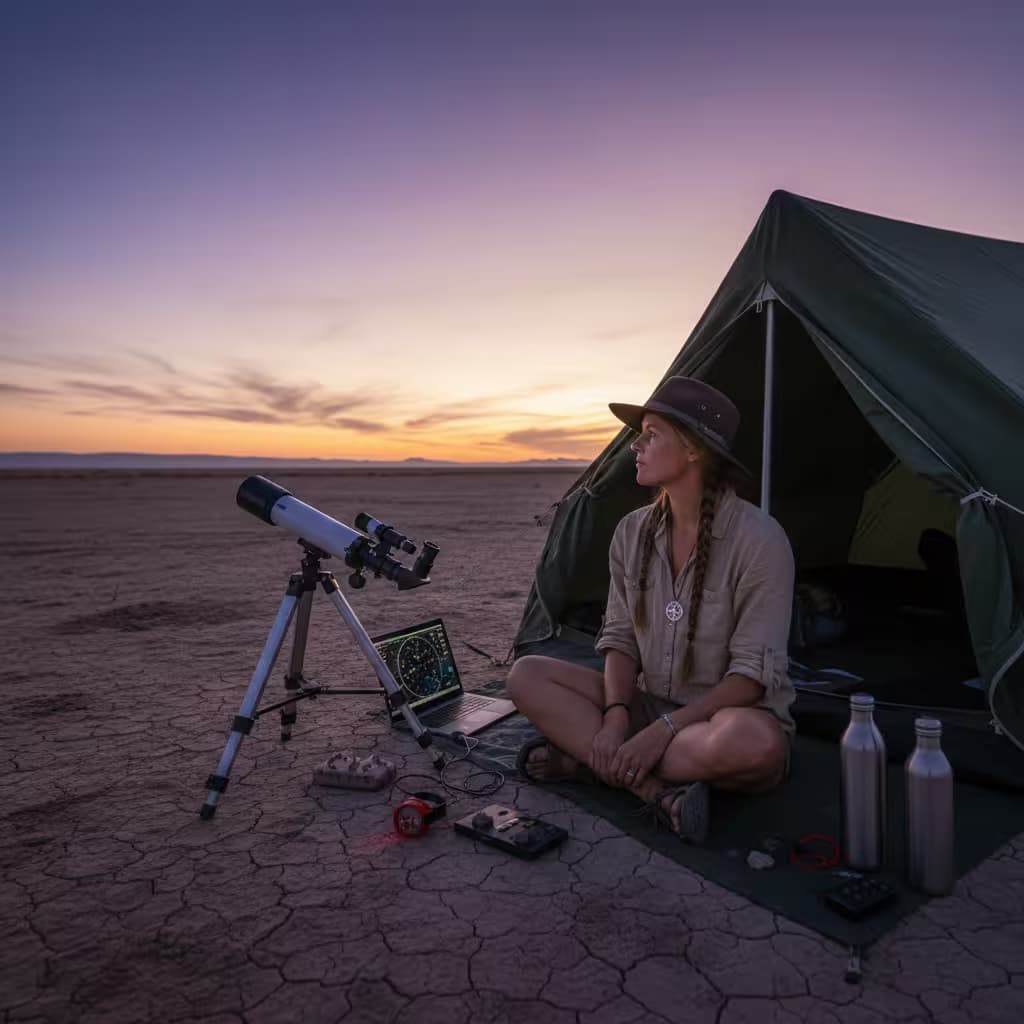
Popular on this page right now: "Luxury Serum Bottle Photography Prompt", "Music Streaming App Mockup Generator", "Realistic Camping Scene Image Prompt".

1,008 on this page, every one scoped to Art and Design. Free to read, free to copy.

Why these prompts work for Art and Design

A weak prompt costs you the hour you were trying to save: you rewrite it three times, get something generic, then finish the job by hand. An engineered prompt front-loads that thinking once.

In Art and Design that means first drafts you can send, analysis you can act on, and the repetitive work handed off, so the time goes into judgement instead of typing.

Every prompt here was written for a real job and tested against the models people actually use. Nothing scraped from a thread.

How to use these prompts

Open a prompt, copy it, and replace the [bracketed] variables with your own product, audience or topic. The structure around them stays as is. That structure is the part doing the work.

Paste it into ChatGPT, Claude, Gemini, Grok or the model you already use. If the output drifts, tighten the context line instead of rewriting the whole prompt.

No account needed to copy one. No setup, no extension, nothing to install.

Which AI tool works best for Art and Design prompts?

Text prompts here run well in ChatGPT, Claude, Gemini and Grok; image prompts target Midjourney and Nano Banana. Each card lists the models it was tested with.

Are these AI prompts free to use?

A big part of the library is free: open a prompt, copy it, use it. Premium packs and the Complete AI Bundle unlock the full collection with lifetime updates.

How do I adapt these prompts to my use case?

Start with the [variables]: niche, audience, constraints. If the result still misses, add one example of the output you want. A single good example beats three extra instructions.

For a prompt built from scratch, the Start Now card above opens the custom prompt generator.

Related resources

Get smarter on AI every week

One email a week with the best new prompts, tools, and model updates. Unsubscribe anytime.

Join 100,000+ subscribers. One email a week, real prompts, tools, and model updates. Unsubscribe anytime.

Frequently asked questions

Where are the photography prompts?

Photography prompts live in the portrait and avatar, product photography and photo editing subcategories of this library. Each prompt names the camera, lens, light and film look, because image models follow those words more reliably than a style name. Pick a subcategory from the chips above the grid, or search for the shot you need.

For a portrait blended with a second scene, start from the double exposure portrait prompt.