1,008 AI Prompts for Art and Design

The best Art and Design prompts across 13 subcategories. Tested on ChatGPT, Claude, Gemini and every major model.

Browse the prompts

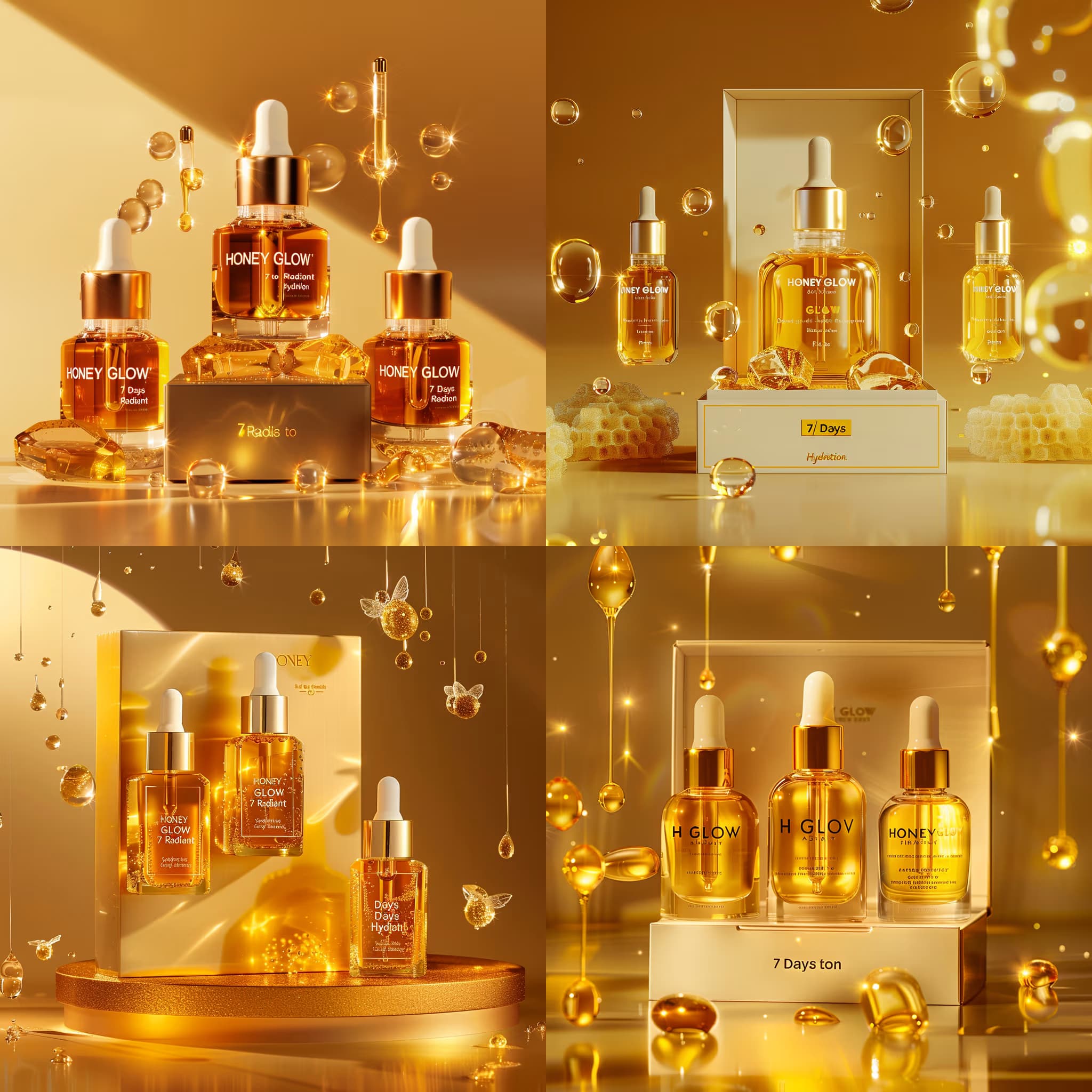
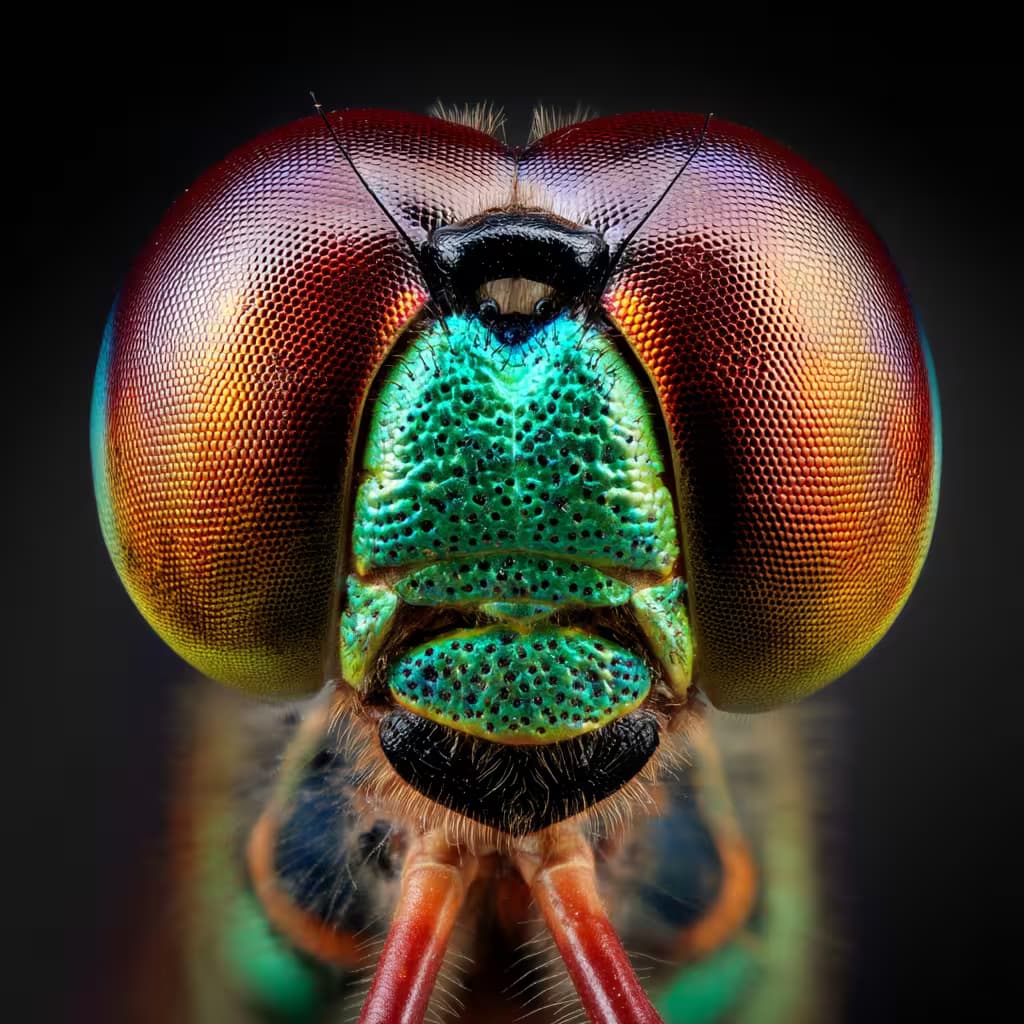
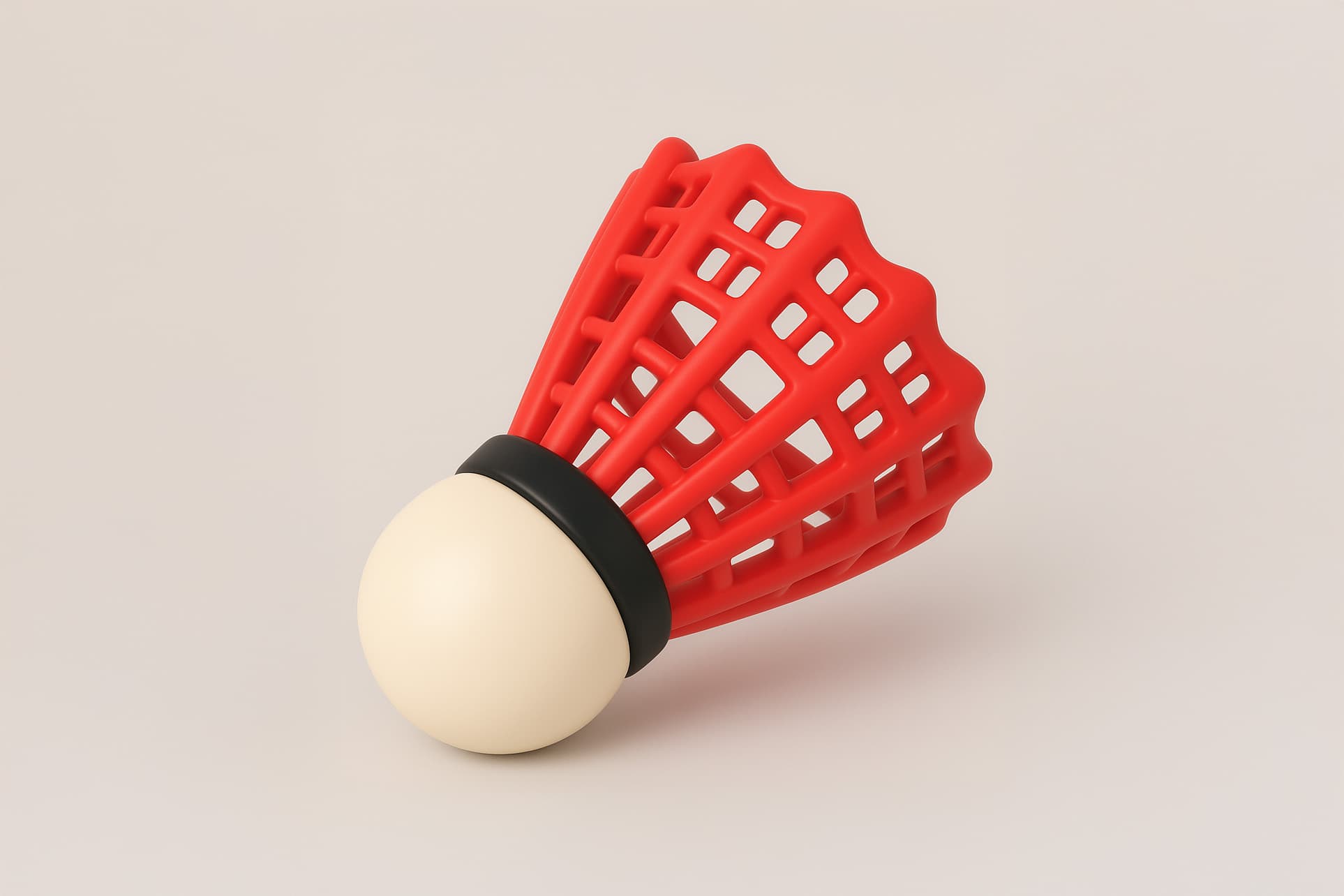
Close-up product photograph of {{keyboard-description}} keyboard on {{surface}} tabletop; soft natural light from above; eye-level perspective, sharp focus with shallow depth of field capturing fine details β€” minimal, clean studio aesthetic --ar 16:9

Product Photography Concept Generator

Generates close-up product photographs with clean studio aesthetics, running on Midjourney, Flux, and other image models. Perfect for showcasing physical products with natural lighting and professional composition.
32
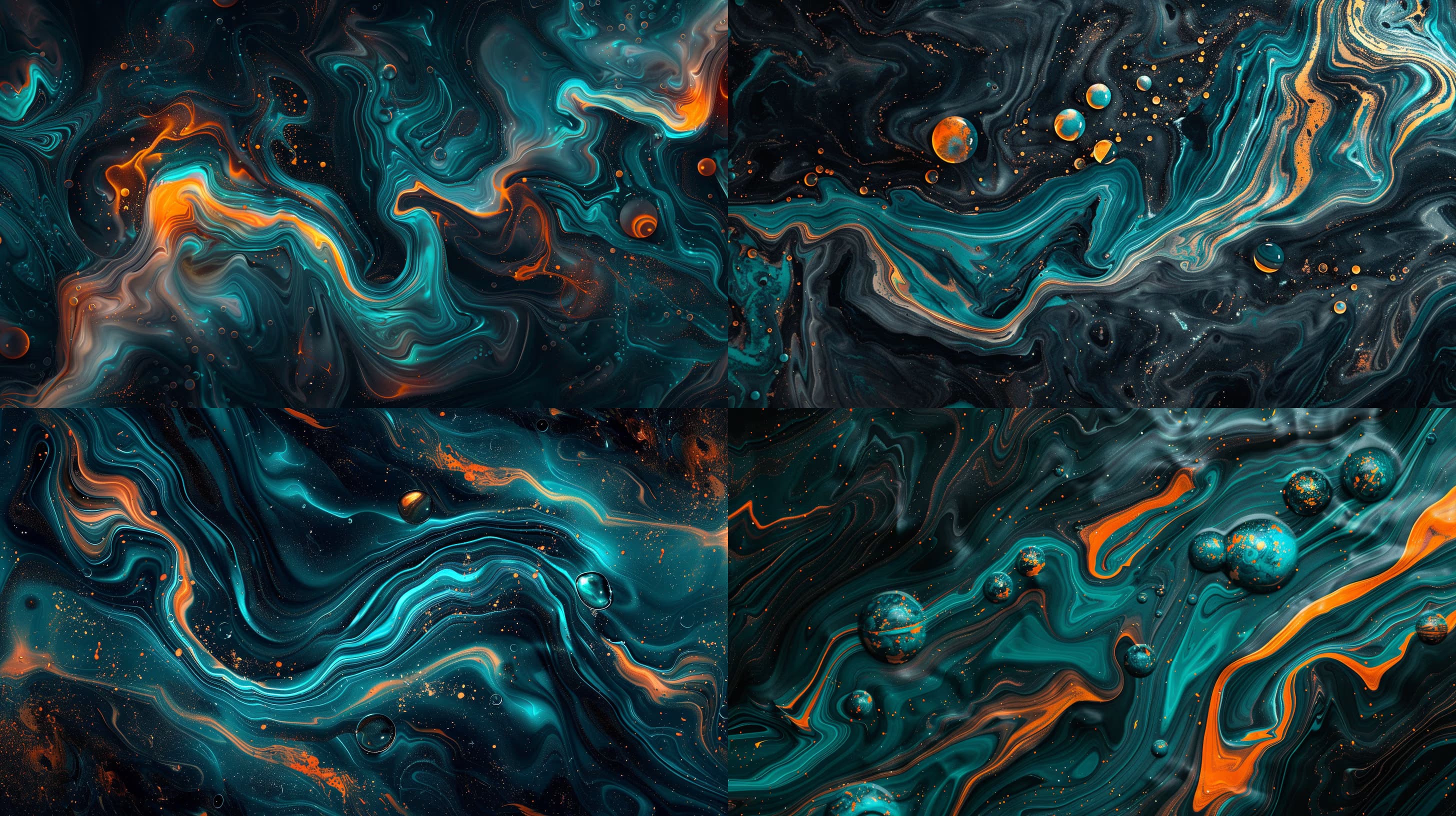
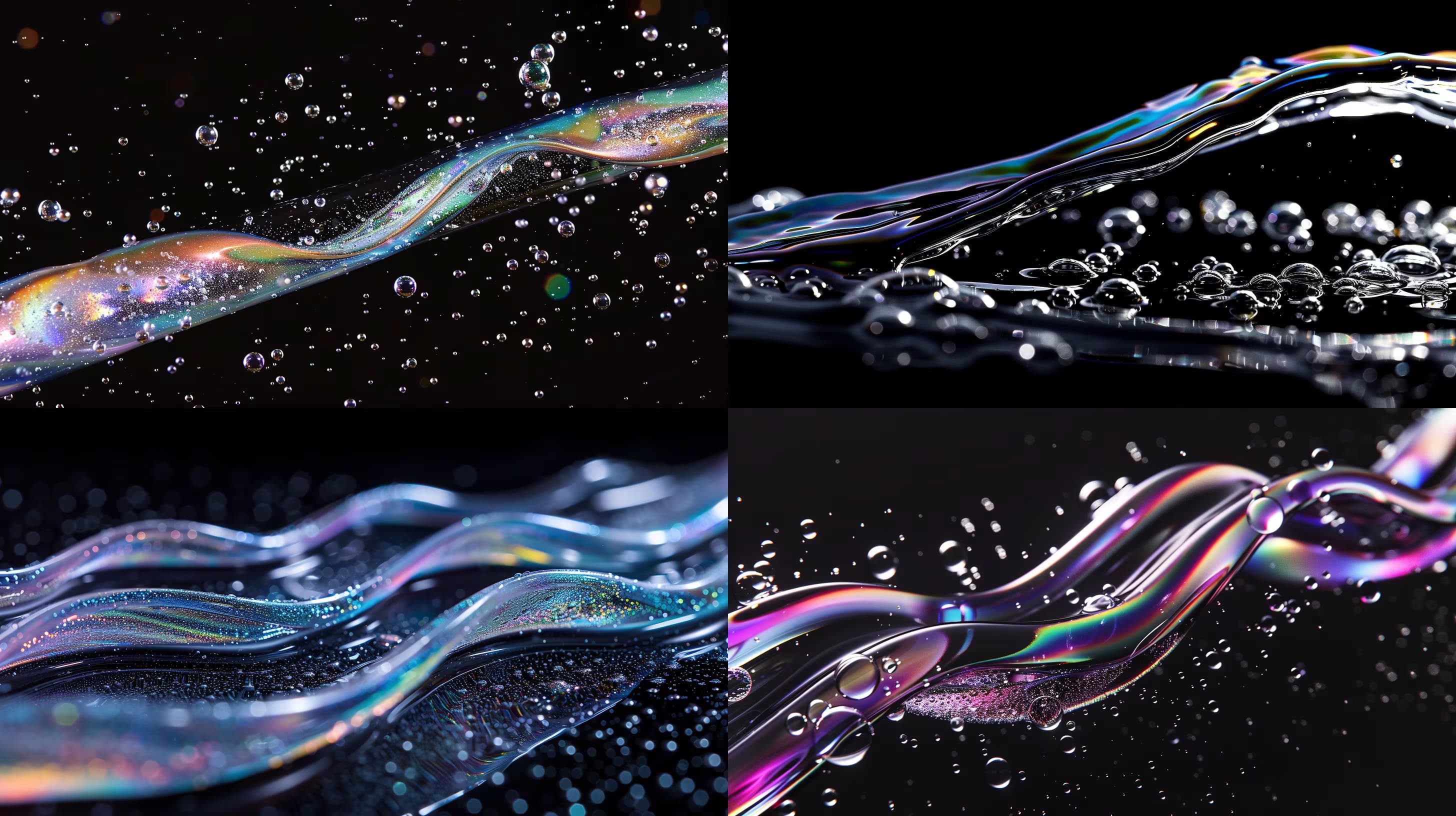
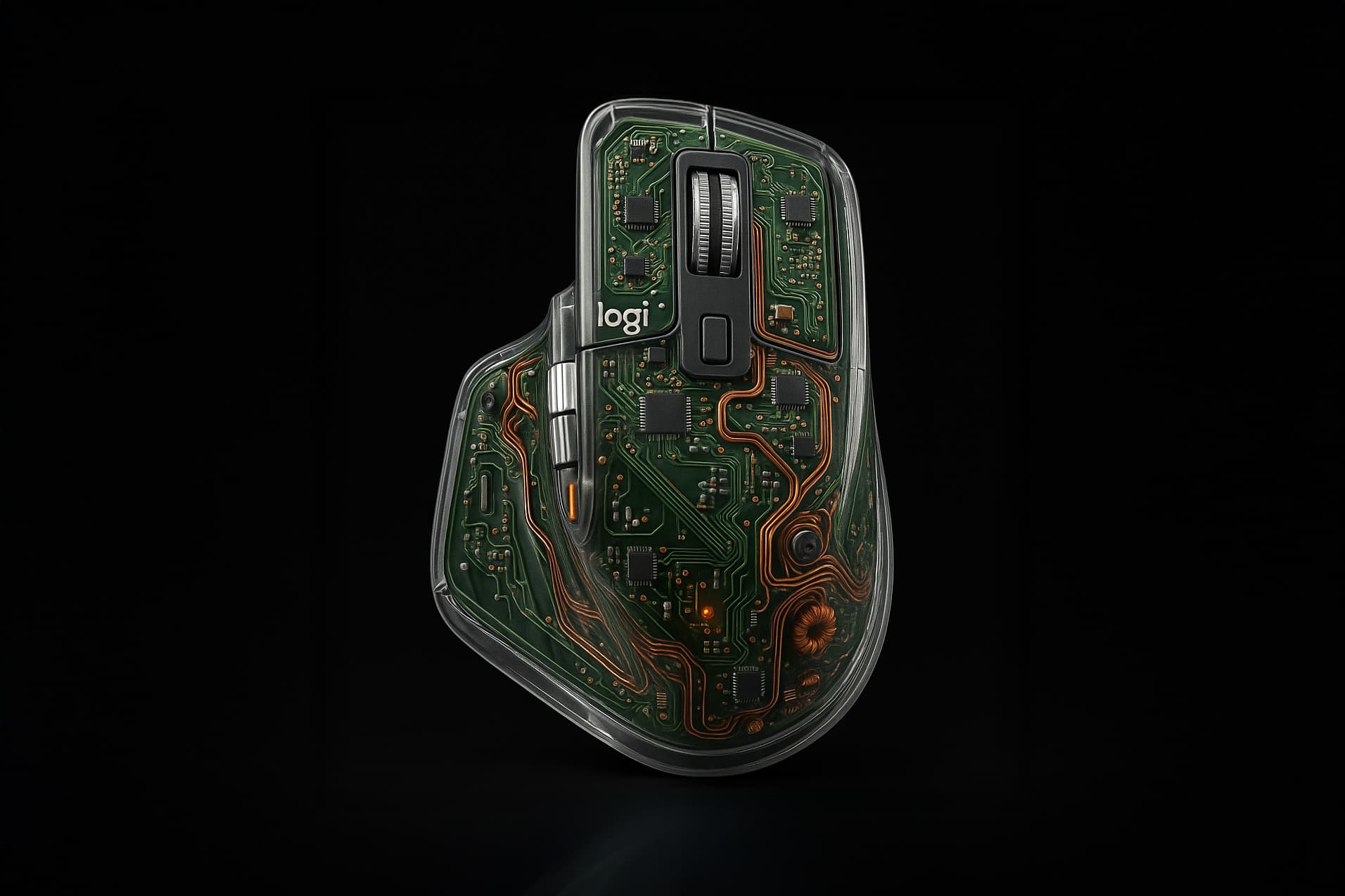
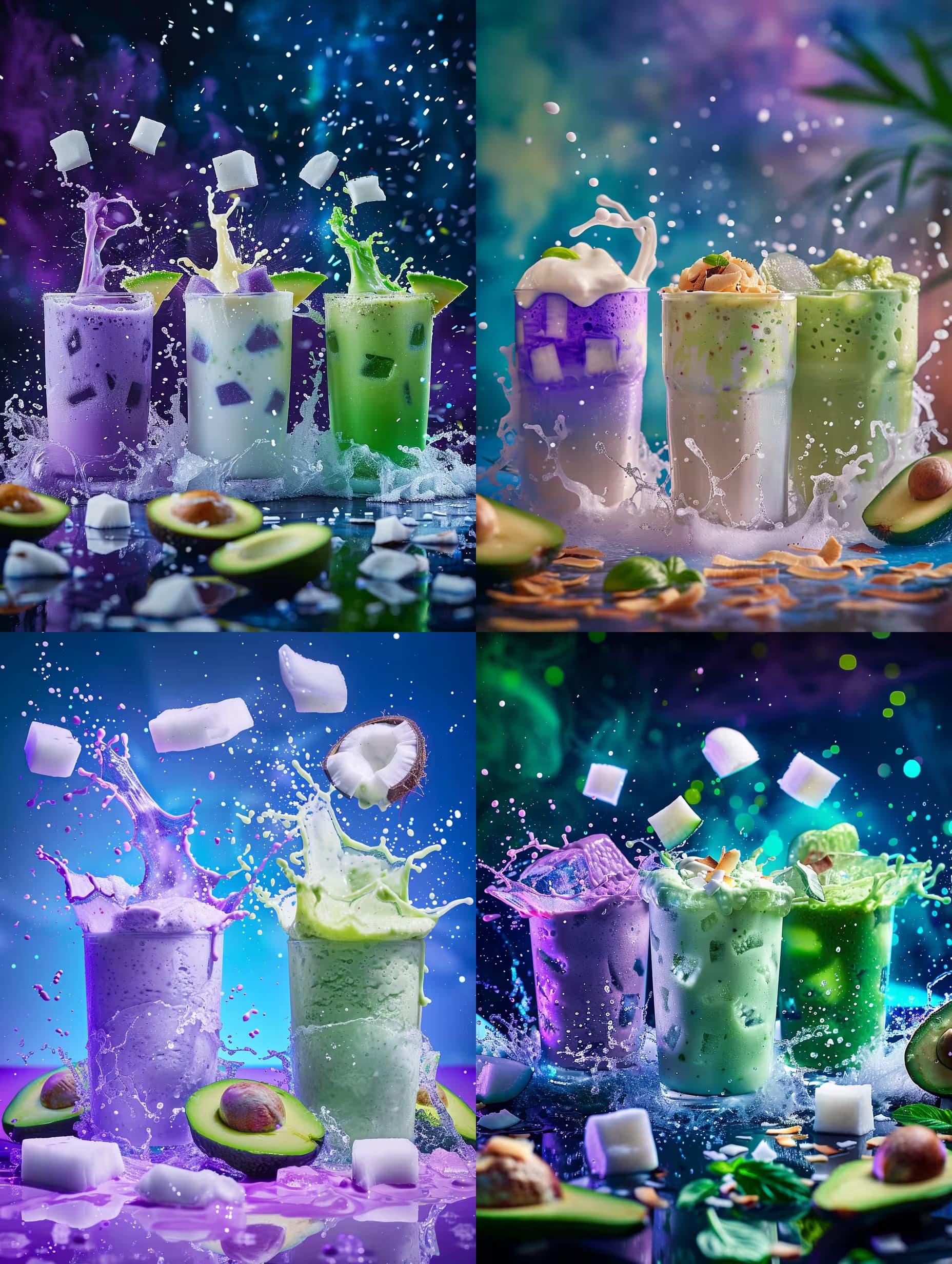
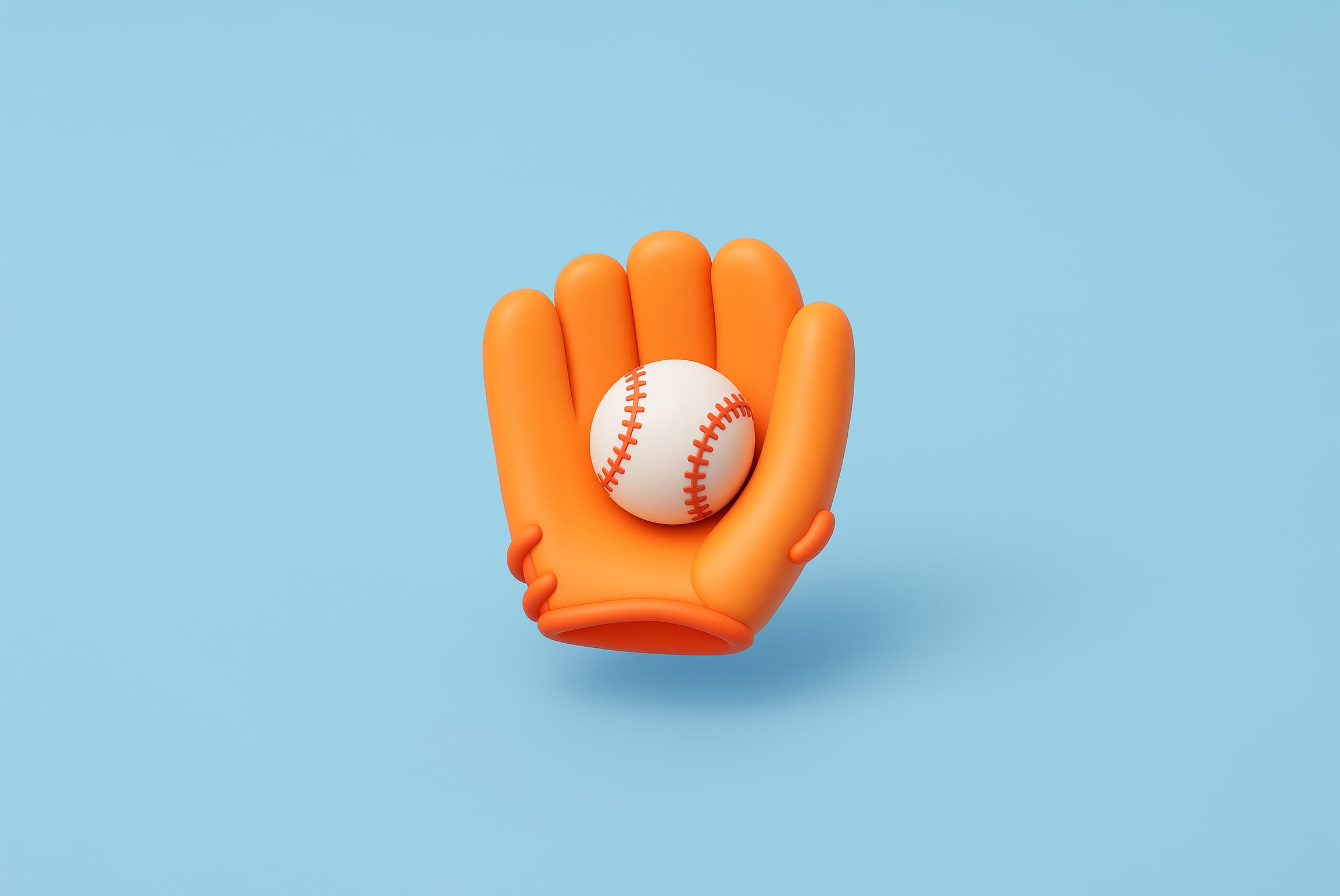
Retexture the attached image in floating glassy neon 3D style, preserving the original silhouette, contours, volumes, and layering with geometry-sensitive mapping.

Material: translucent neon glass-gel with semi-gloss finish and soft glow edges, high transparency with gentle light refraction creating subtle halos on curves, internal light scatter and edge neon glow embedded throughout.

Color: aqua, electric blue, and neon violet gradient flowing top-left to bottom-right with very smooth transitions.

Lighting: softbox HDRI from overhead and slightly front, soft and bright intensity, gentle bloom highlights with glass sparkle on reflective surfaces.

Shadow: extremely soft, blurred elliptical contact shadow below the floating object, neutral gray at 7% opacity, moderate distance.

Background: solid white, no glow or gradient.

Camera: slightly above object, frontal view, subtle depth of 

Floating Glassy Neon Icon Retexture Prompt

Generates translucent neon glass-gel 3D icons by retexturing uploaded images while preserving their original silhouette and contours. Runs on Midjourney, Flux, and Nano Banana to produce high-resolution product branding assets.

32
Retexture the attached image as a high-fidelity satin embroidery patch. Lock the original shape and silhouette exactly; rebuild all details with dense satin stitch patterns, horizontal and curved thread flow that follows object contours, and bold dark-thread outlines.

Material: High-gloss satin thread, dense embroidery floss, tight needlepoint yarn. Surface shows visible thread direction, relief texture from thread buildup, and stitch segmentation. Include threaded logos or small fabric tags if present in the original.

Color palette: Vibrant cherry red, deep crimson, canary yellow, pure white, charcoal black as primaries; mustard gold, tomato red, cocoa brown, lettuce green as accents. Background is solid matte black textile or seamless void.

Lighting and finish: Flat frontal studio lighting with mild thread glisten depending on stitch direction. Tight, barely visible inner thread sha

Satin Embroidery Patch Icon Generator

Generates high-fidelity satin embroidery patch renderings from any uploaded image, preserving silhouettes while rebuilding edges with dense stitch patterns and thread textures. Runs on Midjourney, Flux, and Nano Banana.

31
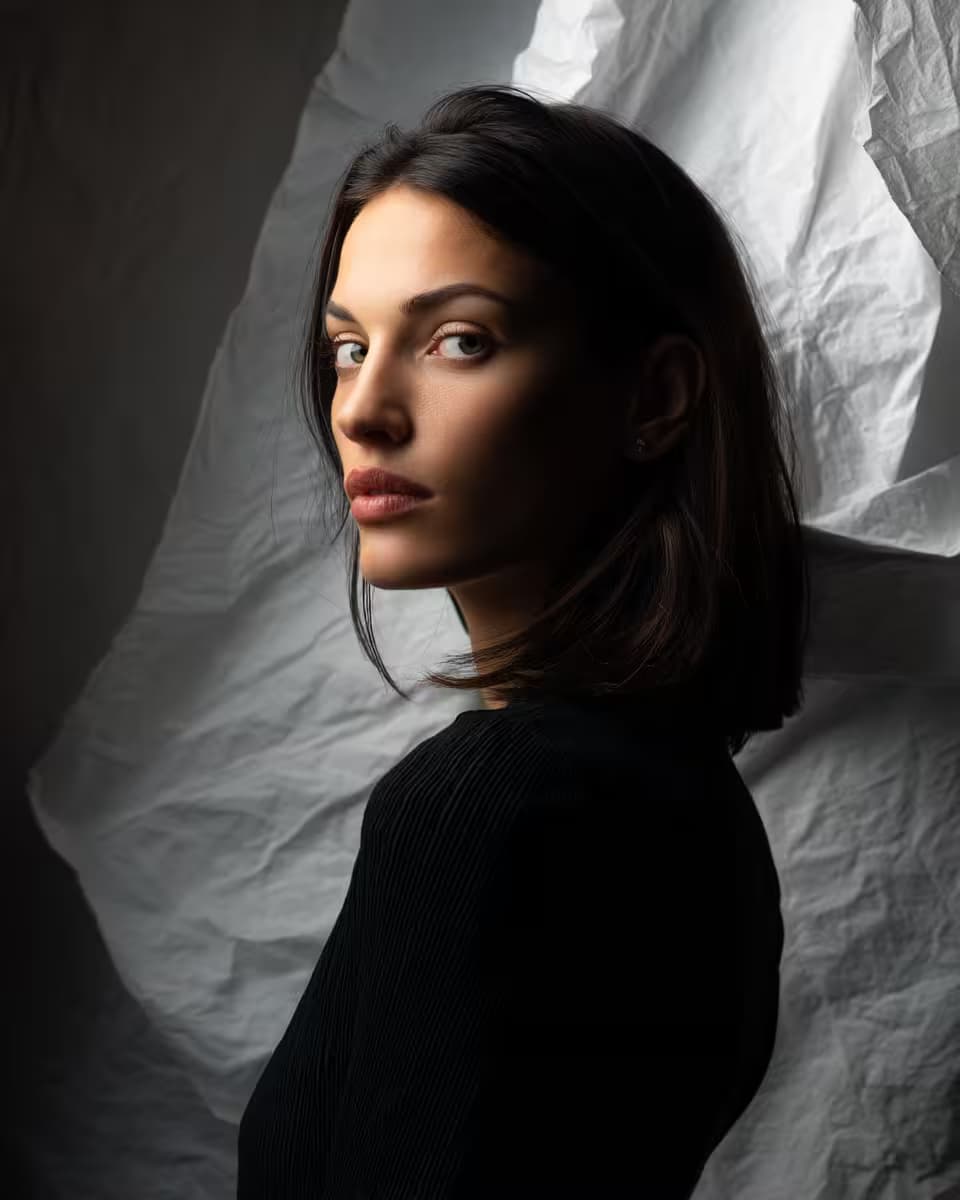
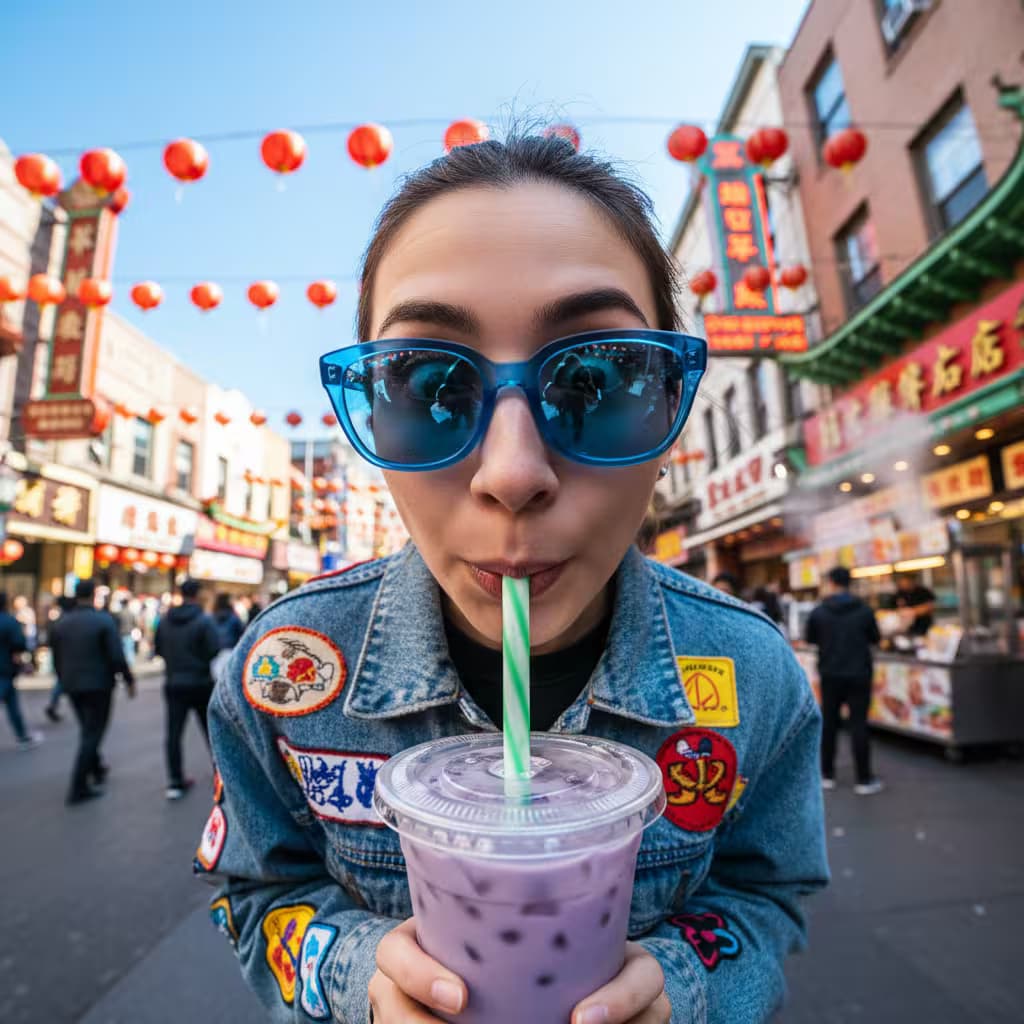
Fashion editorial, ambient daylight, low-angle shot of {{subject-description}} wearing {{outfit-details}}, photographed from below as if {{motion-concept}}, blue-sky background, blurred green trees in the foreground (shallow depth), analog film grain, Kodak Gold aesthetic --ar 3:4

Fashion Editorial Low-Angle Shot Generator

Generates fashion editorial images with ambient daylight and dramatic low-angle perspectives, rendered in analog film aesthetics. Runs on Midjourney, Flux, and other AI image models.

31
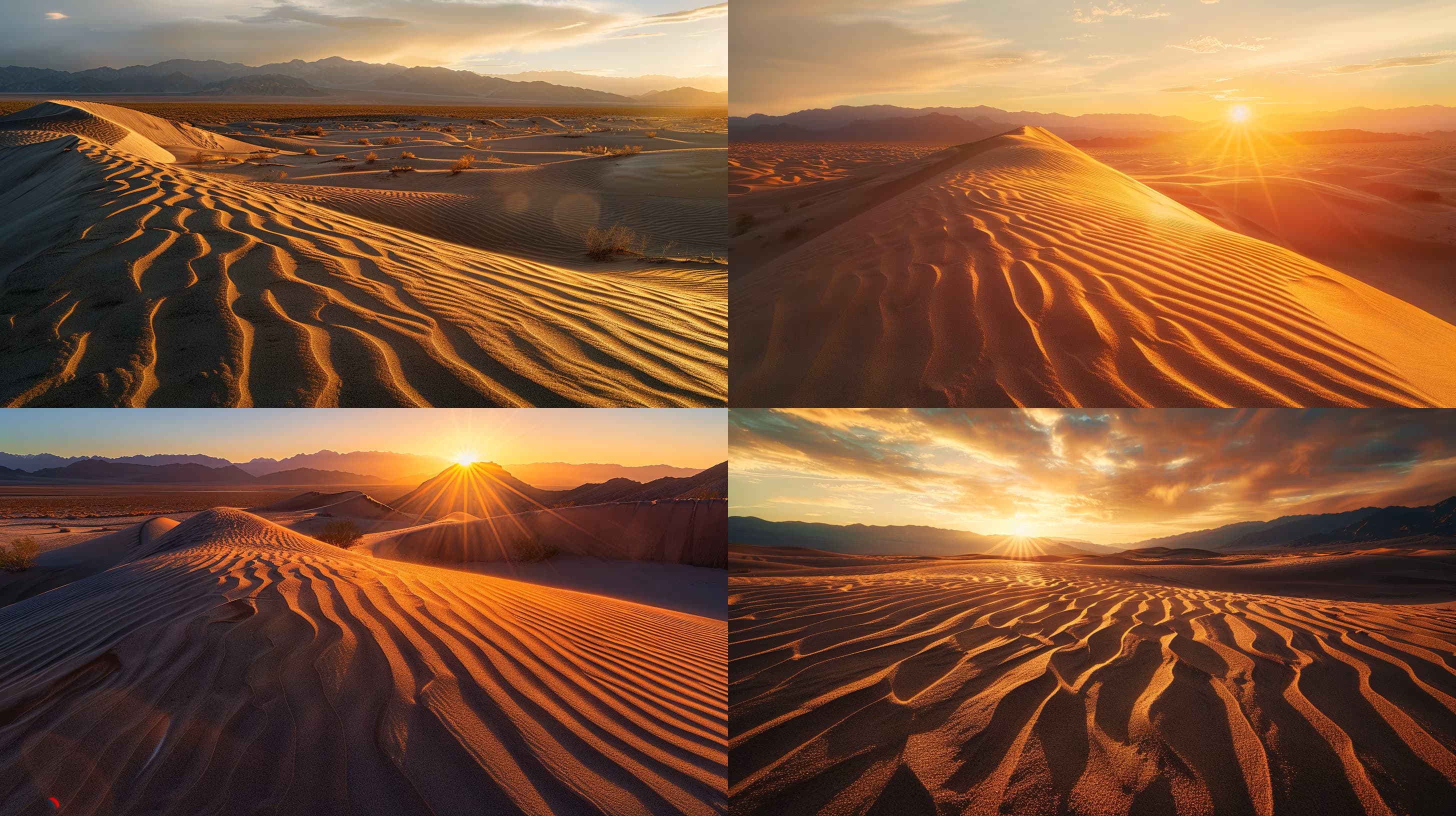
Minimalist geometric composition with clean shapes arranged in balanced harmony, muted earth tones and soft pastels creating high-contrast visual interest, {{subject-description}} positioned as the focal point, dramatic directional light casting crisp defined shadows for a sophisticated atmosphere, commercial photography aesthetic with professional color grading, clean matte backdrop in neutral gray, studio-quality rendering with sharp focus --ar 16:9

Minimalist Geometric Design Prompt for AI Image Tools

Generates clean, high-contrast compositions built from geometric shapes, dramatic lighting, and a commercial studio aesthetic. Runs on Midjourney, Flux, and similar AI image generators.

31
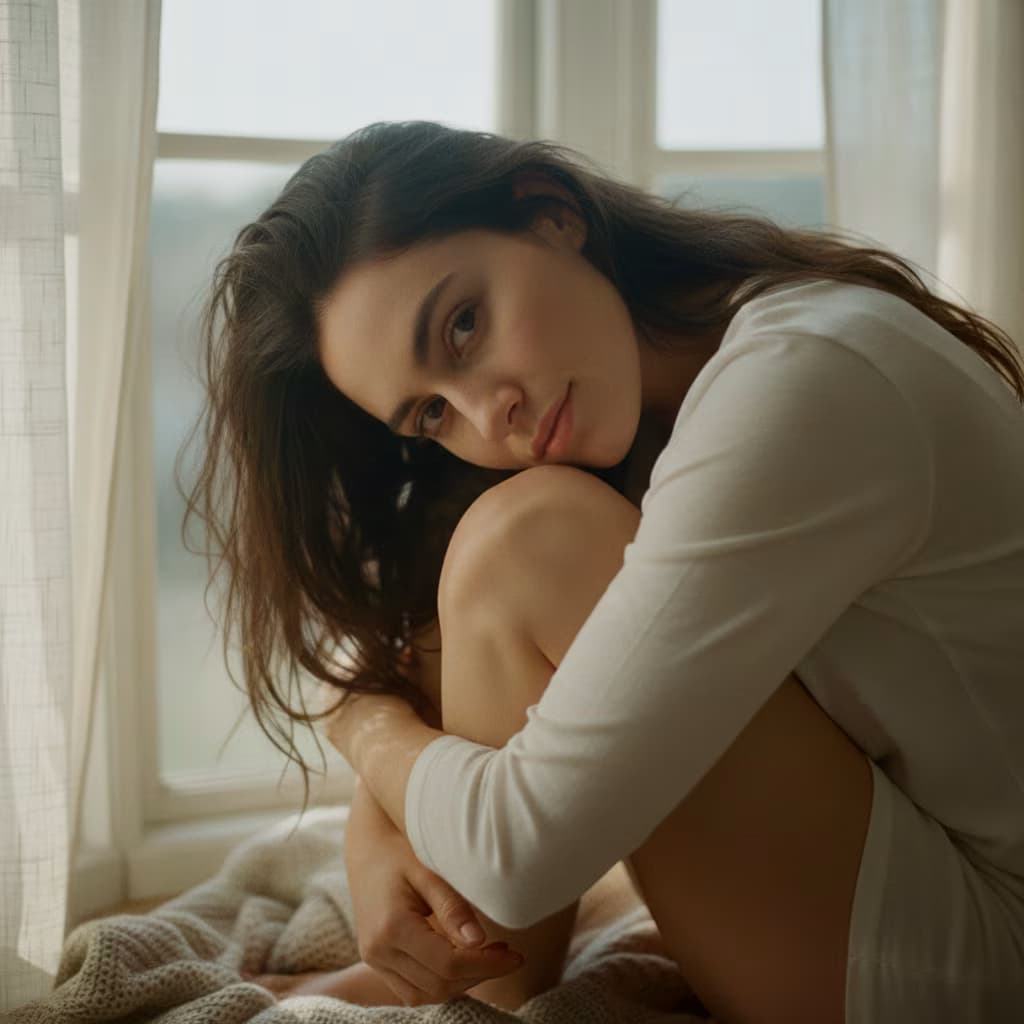
{{subject}} takes a cinematic mirror selfie in a bathroom lit by warm golden-hour light streaming through a small window. {{wardrobe-and-styling}}. Their silhouette glows with warm rim-light. Steam from a recent shower adds a hazy, atmospheric layer. The bathroom features tan stone tiles, a backlit mirror, and soft dust particles glowing in the light. Dramatic, moody, film-like with rich contrast, cinematic photography style --ar 9:16 --v 6 --style raw --no blurry, grainy, flat lighting, low detail, bad reflections, distorted hands, cartoon, watercolor, overexposed highlights, washed-out colors

Cinematic Mirror Selfie Portrait Generator

Generates atmospheric bathroom mirror selfie portraits with golden-hour lighting, steam, and film-grade contrast. Runs on Midjourney, Flux, and Nano Banana.

30

What are AI prompts for Art and Design?

AI prompts for Art and Design are engineered instructions that already work. These are not one-line questions. Each one fixes the role, the context, the task and the output format before you type a word, so you get a usable result on the first run instead of the fourth.

They cover the work Art and Design actually get asked for: research and briefs, copy and content, analysis and reporting, planning, outreach and the admin that eats the day. Open a card to see the full prompt and the output it returns.

The deepest areas here: Portrait & Avatar (246 prompts), Concept Art (125 prompts), Product Photography (116 prompts), Illustration (87 prompts), Interior & Exterior Renders (84 prompts).

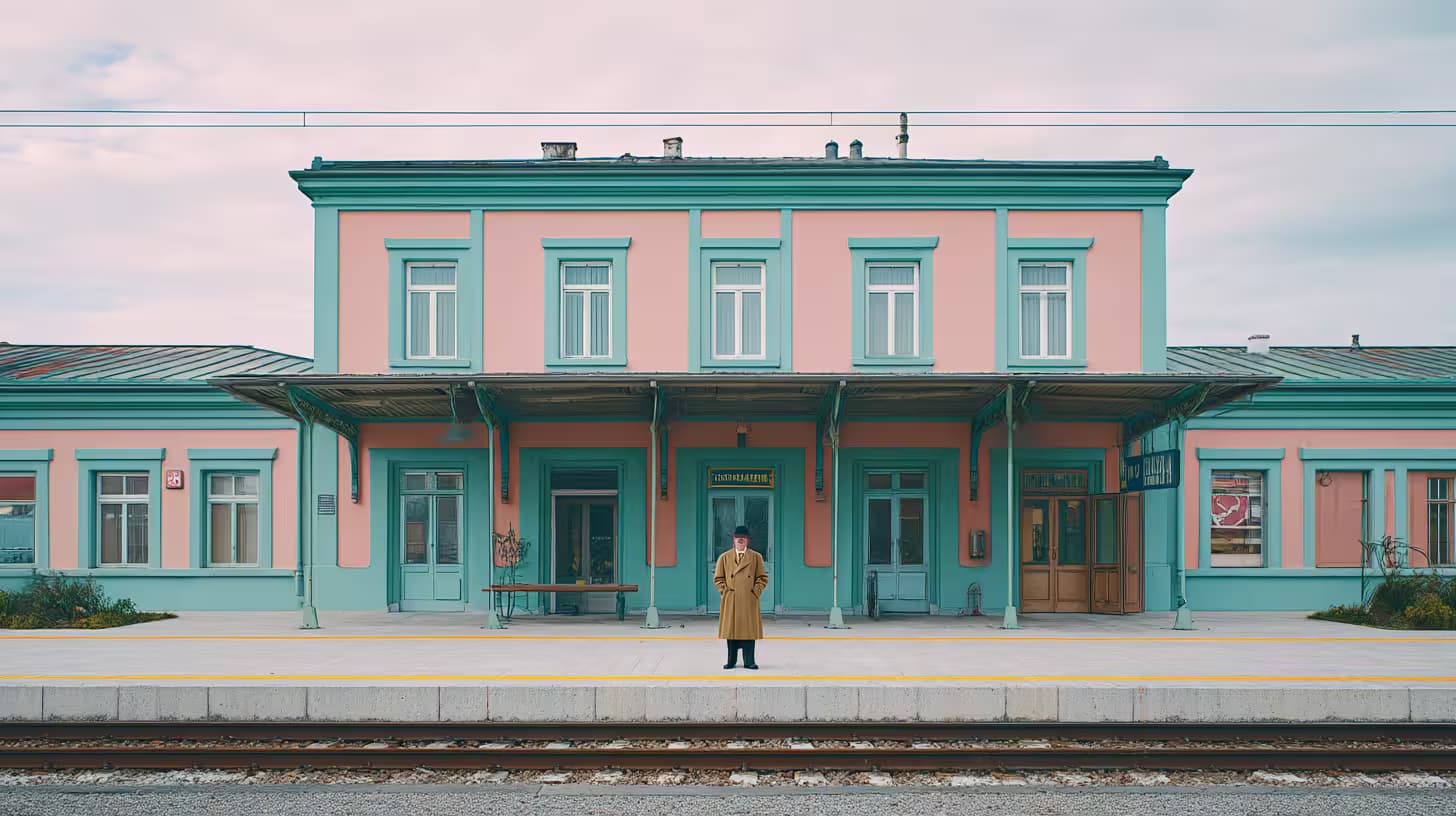
Popular on this page right now: "Product Photography Concept Generator", "Floating Glassy Neon Icon Retexture Prompt", "Wes Anderson Style Image Generator".

1,008 on this page, every one scoped to Art and Design. Free to read, free to copy.

Why these prompts work for Art and Design

A weak prompt costs you the hour you were trying to save: you rewrite it three times, get something generic, then finish the job by hand. An engineered prompt front-loads that thinking once.

In Art and Design that means first drafts you can send, analysis you can act on, and the repetitive work handed off, so the time goes into judgement instead of typing.

Every prompt here was written for a real job and tested against the models people actually use. Nothing scraped from a thread.

How to use these prompts

Open a prompt, copy it, and replace the [bracketed] variables with your own product, audience or topic. The structure around them stays as is. That structure is the part doing the work.

Paste it into ChatGPT, Claude, Gemini, Grok or the model you already use. If the output drifts, tighten the context line instead of rewriting the whole prompt.

No account needed to copy one. No setup, no extension, nothing to install.

Which AI tool works best for Art and Design prompts?

Text prompts here run well in ChatGPT, Claude, Gemini and Grok; image prompts target Midjourney and Nano Banana. Each card lists the models it was tested with.

Are these AI prompts free to use?

A big part of the library is free: open a prompt, copy it, use it. Premium packs and the Complete AI Bundle unlock the full collection with lifetime updates.

How do I adapt these prompts to my use case?

Start with the [variables]: niche, audience, constraints. If the result still misses, add one example of the output you want. A single good example beats three extra instructions.

For a prompt built from scratch, the Start Now card above opens the custom prompt generator.

Related resources

Get smarter on AI every week

One email a week with the best new prompts, tools, and model updates. Unsubscribe anytime.

Join 100,000+ subscribers. One email a week, real prompts, tools, and model updates. Unsubscribe anytime.

Frequently asked questions

Where are the photography prompts?

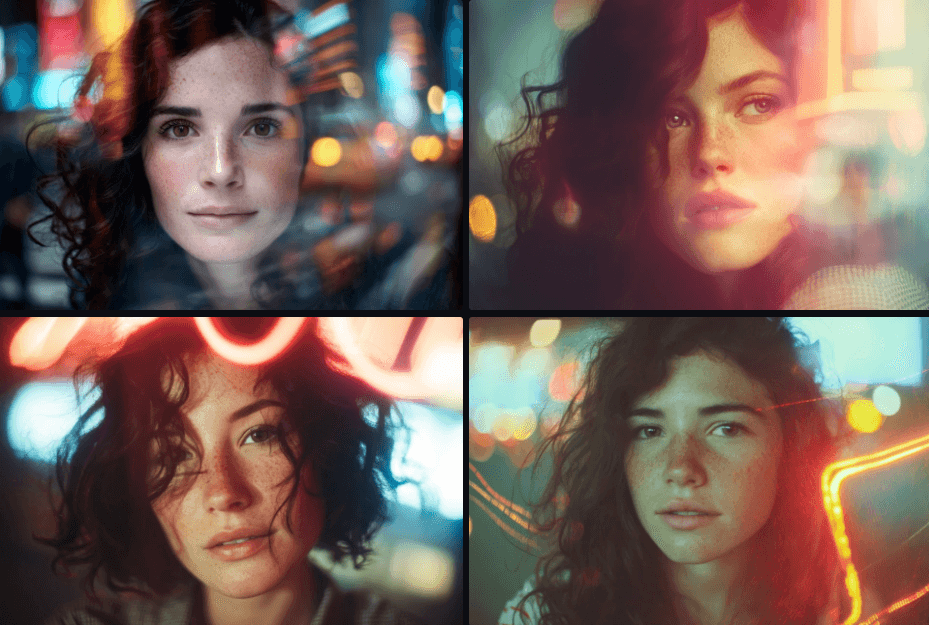
Photography prompts live in the portrait and avatar, product photography and photo editing subcategories of this library. Each prompt names the camera, lens, light and film look, because image models follow those words more reliably than a style name. Pick a subcategory from the chips above the grid, or search for the shot you need.

For a portrait blended with a second scene, start from the double exposure portrait prompt.