1,008 AI Prompts for Art and Design

The best Art and Design prompts across 13 subcategories. Tested on ChatGPT, Claude, Gemini and every major model.

Browse the prompts

A playful, high-key studio portrait of {{subject}} running joyfully across a seamless light gray background, captured mid-stride with one leg lifted and a wide genuine smile. The subject wears a casual oversized outfit in {{outfit-style}}, creating a dynamic sense of motion. Behind them, a simple black hand-drawn cartoon stick figure grabs and stretches the back of their shirt, making the fabric appear elastically pulled as if trying to stop them. The doodle character is integrated naturally into the scene with expressive motion lines and a humorous facial expression. The subject holds {{prop}}, enhancing the playful storytelling. Minimalist composition, clean studio lighting with soft shadows, ultra-sharp focus, realistic skin texture, vibrant yet natural colors, whimsical editorial photography, premium children's fashion campaign aesthetic, highly detailed, photorealistic, 8K.

Playful Cartoon Doodle Portrait Photography

Generate a playful cartoon doodle portrait with expressive motion and vibrant colors, perfect for editorial photography.
15
A portrait composed entirely of motion trails, where the figure of **{{legendary-dancer}}** emerges from luminous bands tracing their signature movement vocabulary in darkness.

**COMPOSITION**
The dancer's likeness is constructed purely from movement paths: arabesque trails weave the contours of the skull, grand jeté arcs form cheekbones and brow, arm sweeps create the jawline and shoulders. Stillness exists only as negative space between the glowing trajectories. The portrait coalesces from choreography itself—no solid body, only the luminous history of motion frozen across time.

**MATERIAL & TECHNIQUE**
Blackened silver gelatin print aesthetic with faint chemical bloom and edge residue. Subtle motion blur softens the trails. Glowing filament traces reminiscent of Étienne-Jules Marey's chronophotography wheels and stroboscopic studies—each movement phase captured as a separate exposur

Motion Trail Dancer Portrait

Create a striking image of a dancer using motion trails to form their portrait, perfect for artists and dance enthusiasts.

15

Neon Logo Design for Streaming Platform

Generate a circular neon logo for modern streaming platforms with a cyberpunk aesthetic and minimalist design elements.

14
Arrange the attached photos into one collage.

Keep: every photo's content, color, and people exactly as they are. Crop to fit, never redraw or restyle.

Layout: portrait format with a {{frame-color}} border and equal gutters. Image 1 fills the top half as the hero. Images 2 and 3 sit side by side in the lower half. A thin title strip runs along the very bottom.

Exact text: the title strip reads "{{title}}" in small, widely spaced capitals, centered. No other text.

Style: clean editorial photo layout, straight edges, no rounded corners, no drop shadows, no stickers.

Light: leave each photo's own lighting untouched.

Three-Photo Collage With a Title Strip

Generate a neatly arranged three-photo collage with a customizable frame color and title strip for editorial designs. Produces an image maintaining each photo's original characteristics.

14
A cinematic, ultra-realistic close-up portrait of a stylish man with {{subject-details}}. Preserve his natural facial identity, realistic proportions, and authentic skin texture with visible pores, subtle imperfections, and individual beard hairs.

STYLING & WARDROBE:
Sophisticated round vintage amber-brown sunglasses with natural lens reflections, eyes subtly visible behind slightly tinted lenses. Premium deep burgundy suede jacket over a fitted black silk-knit shirt. Rich fabric texture with dimensional depth. Refined luxury fashion aesthetic with understated elegance.

LIGHTING & ATMOSPHERE:
Warm cinematic studio lighting: soft amber-golden key light illuminating the face from front-left at 45°, complemented by a subtle crimson-red rim light outlining the hair and shoulders. Elegant warm highlights contrast against dark clothing. Professional three-point lighting setup with controlled

Cinematic Male Fashion Portrait Closeup

Generate a cinematic, ultra-realistic close-up portrait image of a stylish man with customizable details and mood direction.

14
Create a photorealistic third-person video game screenshot in the style of modern open-world action games (GTA, Red Dead Redemption). Over-the-shoulder perspective showing a male protagonist from behind wearing a grey tank top with "{{shirt-text}}" printed on the back and camouflage cargo shorts.

Setting: Sun-drenched tropical coastal town on a dirt road under blue sky with scattered clouds. Cinematic depth of field with the character sharp in foreground.

Left side: Weathered wooden welcome sign reading "Welcome to {{location-name}} YOUR PARADISE" with a pink plastic flamingo at its base, lush tropical foliage, water tower visible in distance.

Center: Faded green building with hand-painted "FISH" sign and marlin graphic, secondary sign advertising "BAIT TACKLE ICE BEER WINE", 2-3 pedestrian NPCs walking naturally.

Right side: Two-story wooden structure labeled "Brian's Boat Works & M

Video Game Screenshot Mockup Tropical Town

Generate a third-person video game screenshot set in a tropical town with a variety of UI elements and realistic lighting details.

13
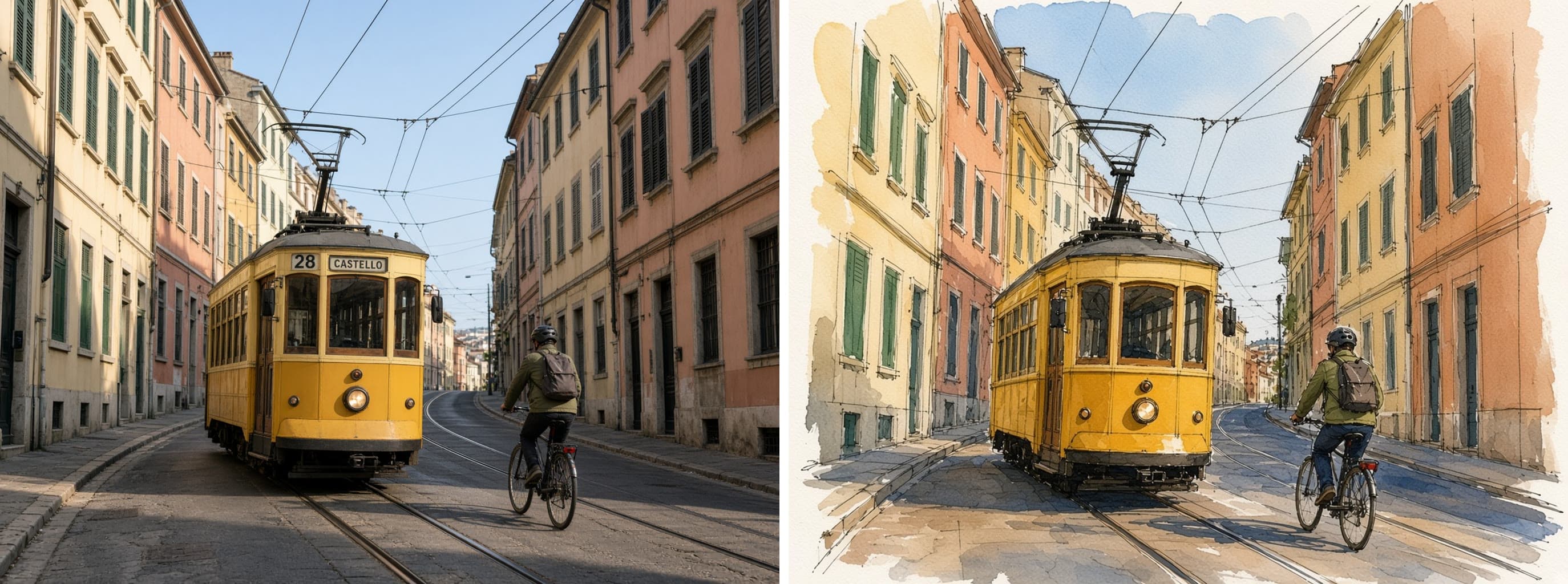
Remove one thing from the attached photo and leave no trace.

Change: remove {{object-to-remove}}, including its shadow and any reflection. Fill the space with {{fill-with}}.

Keep: everything else exactly as it is: every other object, the horizon, the colors, the grain, the framing, and the light.

Style: the repaired area continues the surrounding pattern, texture, and perspective so the edit cannot be found. No smudging, no repeated patches, no blur.

Light: the filled area takes the same light direction and shadow softness as its surroundings.

No text, no new objects.

Unwanted Object Removed From a Photo

Generate a refined image by removing an unwanted object without leaving any trace. Suitable for detailed photo editing to maintain seamless quality.

13
A realistic vertical smartphone photo of a spilled {{drink-type}} on outdoor stone pavement. A transparent disposable plastic cup lies on its side inside the puddle, clear plastic lid nearby, scattered ice cubes floating in the liquid, small foam bubbles on the surface. The drink spreads naturally across rough square floor tiles.

Strong midday sunlight with harsh realistic shadows. A dark human shadow silhouette is cast across the ground and partially over the spill, suggesting the photographer's presence.

Capture the accidental street moment with urban documentary photography style: handheld phone camera perspective, slightly top-down angle looking down at the spill, natural colors, realistic pavement texture with weathering and imperfections, raw unedited photo look with high detail.

9:16 vertical composition, authentic everyday scene.

### Avoid
Cartoon, illustration, anime, CGI, 3

Spilled Iced Drink Smartphone Photo

Generate a realistic vertical smartphone photo of a spilled iced drink on outdoor stone pavement, capturing the accidental street moment with urban documentary photography style.

13

What are AI prompts for Art and Design?

AI prompts for Art and Design are engineered instructions that already work. These are not one-line questions. Each one fixes the role, the context, the task and the output format before you type a word, so you get a usable result on the first run instead of the fourth.

They cover the work Art and Design actually get asked for: research and briefs, copy and content, analysis and reporting, planning, outreach and the admin that eats the day. Open a card to see the full prompt and the output it returns.

The deepest areas here: Portrait & Avatar (246 prompts), Concept Art (125 prompts), Product Photography (116 prompts), Illustration (87 prompts), Interior & Exterior Renders (84 prompts).

Popular on this page right now: "Playful Cartoon Doodle Portrait Photography", "Motion Trail Dancer Portrait", "Fashion Catalog Collage Layout".

1,008 on this page, every one scoped to Art and Design. Free to read, free to copy.

Why these prompts work for Art and Design

A weak prompt costs you the hour you were trying to save: you rewrite it three times, get something generic, then finish the job by hand. An engineered prompt front-loads that thinking once.

In Art and Design that means first drafts you can send, analysis you can act on, and the repetitive work handed off, so the time goes into judgement instead of typing.

Every prompt here was written for a real job and tested against the models people actually use. Nothing scraped from a thread.

How to use these prompts

Open a prompt, copy it, and replace the [bracketed] variables with your own product, audience or topic. The structure around them stays as is. That structure is the part doing the work.

Paste it into ChatGPT, Claude, Gemini, Grok or the model you already use. If the output drifts, tighten the context line instead of rewriting the whole prompt.

No account needed to copy one. No setup, no extension, nothing to install.

Which AI tool works best for Art and Design prompts?

Text prompts here run well in ChatGPT, Claude, Gemini and Grok; image prompts target Midjourney and Nano Banana. Each card lists the models it was tested with.

Are these AI prompts free to use?

A big part of the library is free: open a prompt, copy it, use it. Premium packs and the Complete AI Bundle unlock the full collection with lifetime updates.

How do I adapt these prompts to my use case?

Start with the [variables]: niche, audience, constraints. If the result still misses, add one example of the output you want. A single good example beats three extra instructions.

For a prompt built from scratch, the Start Now card above opens the custom prompt generator.

Related resources

Get smarter on AI every week

One email a week with the best new prompts, tools, and model updates. Unsubscribe anytime.

Join 100,000+ subscribers. One email a week, real prompts, tools, and model updates. Unsubscribe anytime.

Frequently asked questions

Where are the photography prompts?

Photography prompts live in the portrait and avatar, product photography and photo editing subcategories of this library. Each prompt names the camera, lens, light and film look, because image models follow those words more reliably than a style name. Pick a subcategory from the chips above the grid, or search for the shot you need.

For a portrait blended with a second scene, start from the double exposure portrait prompt.