1,008 AI Prompts for Art and Design

The best Art and Design prompts across 13 subcategories. Tested on ChatGPT, Claude, Gemini and every major model.

Browse the prompts

A mascot character sheet for {{brand}}.

Subject: {{creature}}, designed with simple bold shapes, a large readable head, and one signature accessory that ties it to the brand.

Layout: four full-body poses in a single row on a plain off-white background, evenly spaced, same size and proportions in each: waving hello, giving a thumbs up, running, and holding a blank sign.

Style: flat vector illustration with clean thick outlines, a limited palette of {{palette}}, no gradients, no texture. The character must stay identical across all four poses: same colors, same accessory, same face.

Light: flat even lighting, one soft oval shadow under each pose.

No text, no logo, no labels, no background scenery.

Brand Mascot Character in Four Poses

Generate a mascot character sheet featuring four poses for a brand, designed in a flat vector style.
9
Three die-cut vinyl stickers photographed together.

Subject: stickers for {{theme}}, one each of: {{subjects}}.

Layout: the three stickers laid flat in a loose row on a plain grey surface, slightly rotated at different angles, none overlapping. Each has a thick white die-cut border that follows its outline.

Style: bold cartoon illustration with thick dark outlines, palette of {{palette}}, glossy vinyl finish with a faint highlight sweep.

Light: soft overhead light, each sticker casting a thin shadow that shows it is a real object.

No text, no lettering on any sticker.

Die-Cut Vinyl Sticker Trio

Generate vivid die-cut vinyl sticker designs with a bold cartoon style for various themes and subjects.

9
Top-down ultra-wide hyper-realistic photograph of four real people seated at a square dining table, camera pulled far back to create a wide ring of empty floor surrounding the entire scene for a clean, minimal composition.

**Scene Atmosphere & Wardrobe:**
The four people are styled in {{wardrobe-style}}.

**Individual Actions:**
{{person-actions}}

**The Instagram Table Prop:**
The table itself is a physical set piece designed to replicate an Instagram post viewed from above:
- Solid white bands run along the TOP and BOTTOM edges only (no white on left or right sides)
- Top band includes: small hand-drawn profile avatar with {{account-branding}}, username handle with tiny blue verified checkmark beside it, and "⋯" menu icon on the far right
- Bottom band features: red heart, comment bubble, and share arrow icons painted on the left; bookmark icon on the right
- The center of the table i

Instagram Table Overhead Styled Photo

Generate a hyper-realistic styled photo for Instagram to create engaging product content.

8
A blank reaction image made to be captioned.

Subject: {{scene}}, with an expression of {{emotion}} that reads instantly.

Layout: square frame. The subject sits in the lower two thirds. The top quarter is a clean plain white band left completely empty for a caption to be added later.

Style: candid photographic look, slightly awkward everyday framing, sharp focus on the face, ordinary colors, nothing polished.

Light: plain indoor light from overhead.

No text anywhere, no caption, no watermark, no border other than the white band.

Reaction Meme Template With Caption Space

Generate a blank reaction image designed for adding captions, with a focus on capturing a clear expression of the designated subject and emotion.

8
A game asset sheet for {{game-theme}}.

Subject: a matching set of props and interface pieces. Props: a wooden chest, a health potion, a gold coin, a key, a sword, and a lantern. Interface pieces: a blank rectangular button in normal and pressed states, an empty health bar and a full one, a blank dialog panel, and a round inventory slot.

Layout: props in the top half, interface pieces in the bottom half, each item separate with clear empty space around it, arranged on a neat grid over a plain dark slate background.

Style: {{style}}. Every item shares the same outline weight, the same palette, and the same level of detail so they look cut from one game.

Light: consistent light from the top left on every item.

No words, no numbers, no labels on any button or panel.

Game Props and UI Kit Sheet

Generate a comprehensive game asset sheet for specific themes and art styles, featuring props and UI elements.

8
Transform the described scene into a travel souvenir enamel pin badge with classic cloisonnƩ styling.

**Scene to depict:** {{subject-description}}

**Composition hierarchy:**
The defining landscape, terrain, or landmark forms the main body of the badge and occupies most of its area. If a person appears in the scene, include them as a small, simplified figure at true relative scale within the landscape—the person is an accent, the landscape is the hero. Preserve the original spatial relationship and scale between figure and surroundings.

**Figure rendering (when present):**
- Flat enamel color blocks matching real clothing and hair color
- Face rendered as a smooth, plain area of light warm skin-tone enamel with zero facial features—no eyes, nose, or mouth
- Skin must read as clearly lighter than clothing; never use dark silhouette or blacked-out head
- Simplified posture that conveys t

Travel Souvenir Enamel Pin Scene

Generate a travel souvenir enamel pin scene from a reference photo, emphasizing the landscape over figures.

7

Vintage Travel Poster City Park

Generate a vintage-style travel illustration featuring a grand city park and a recognizable Manhattan skyline, using watercolor and ink techniques.

7
Create a graphic illustration optimized for screen-printed t-shirt apparel in a monochromatic cool blue-and-white color palette on a dark navy background.

COMPOSITION:
- Center the design for chest placement on a t-shirt
- Side profile view of an astronaut seated on the lunar surface
- The astronaut leans casually against a small lunar rock formation, holding a steaming mug as if taking a contemplative break
- Earth dominates the background directly in front of the astronaut—large, majestic, rendered in white, light blue, and navy with prominent swirling cloud formations

STYLE & TECHNICAL REQUIREMENTS:
- Clean, iconic line work suitable for screen printing (2-3 color separations maximum)
- Detailed but not overly complex: the spacesuit should read as authentically bulky with helmet, life-support pack, and joints clearly defined
- Textured lunar ground with craters and dust to anchor th

Astronaut Moon Coffee T-Shirt Graphic

Generate a monochromatic graphic illustration for a t-shirt featuring an astronaut on the moon, optimized for screen-printing.

7
The front of a greeting card in portrait format.

Subject: {{illustration}}, centered slightly above the middle.

Layout: the illustration takes the upper two thirds. The message sits beneath it, centered, with wide margins all around.

Exact text: "{{message}}" in a relaxed hand-lettered script. No other words.

Style: {{style}}, palette of {{palette}}, on textured cream card stock. Handmade and warm, nothing clip-art.

Light: flat, as if the card were scanned.

Greeting Card Front With a Short Message

Generate a greeting card front illustration with a specified subject and message, styled in a warm, handmade fashion.

7

What are AI prompts for Art and Design?

AI prompts for Art and Design are engineered instructions that already work. These are not one-line questions. Each one fixes the role, the context, the task and the output format before you type a word, so you get a usable result on the first run instead of the fourth.

They cover the work Art and Design actually get asked for: research and briefs, copy and content, analysis and reporting, planning, outreach and the admin that eats the day. Open a card to see the full prompt and the output it returns.

The deepest areas here: Portrait & Avatar (246 prompts), Concept Art (125 prompts), Product Photography (116 prompts), Illustration (87 prompts), Interior & Exterior Renders (84 prompts).

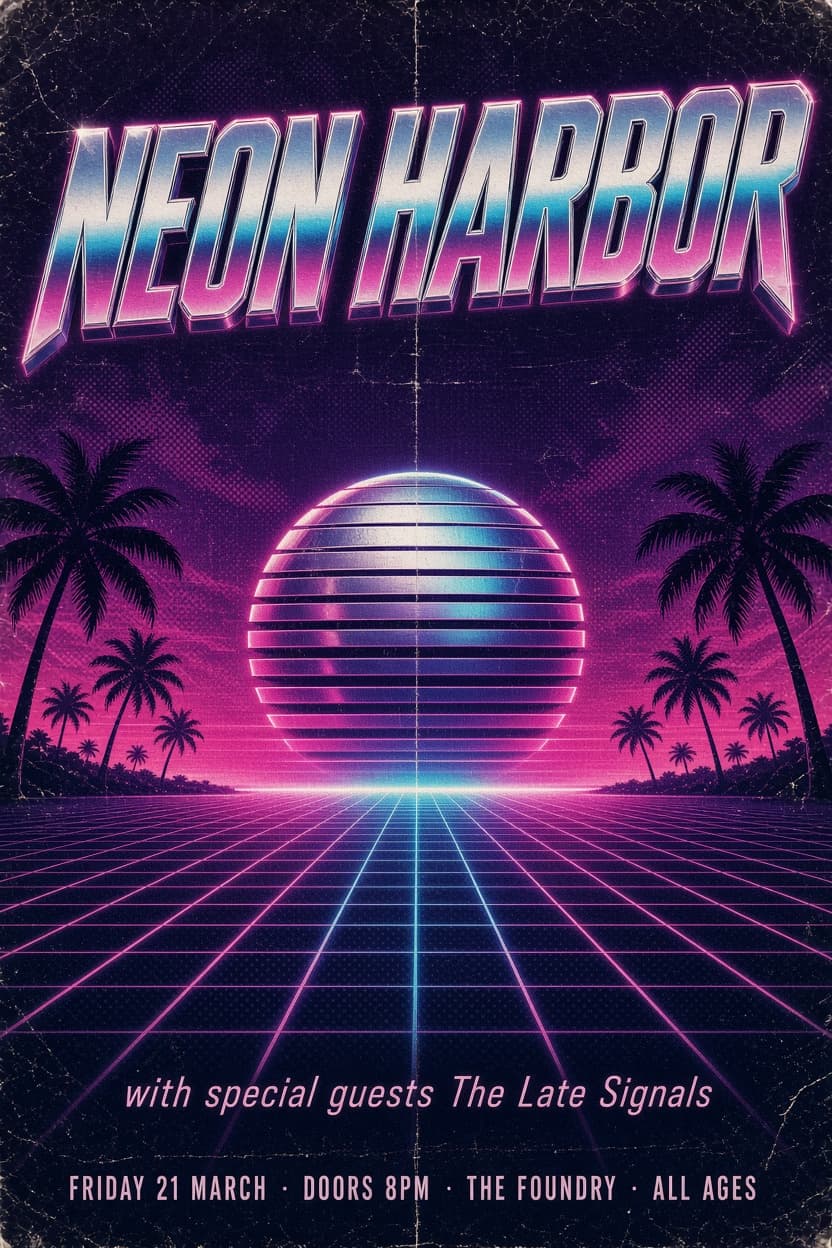
Popular on this page right now: "Brand Mascot Character in Four Poses", "Die-Cut Vinyl Sticker Trio", "Retro Gig Poster With Sharp Small Print".

1,008 on this page, every one scoped to Art and Design. Free to read, free to copy.

Why these prompts work for Art and Design

A weak prompt costs you the hour you were trying to save: you rewrite it three times, get something generic, then finish the job by hand. An engineered prompt front-loads that thinking once.

In Art and Design that means first drafts you can send, analysis you can act on, and the repetitive work handed off, so the time goes into judgement instead of typing.

Every prompt here was written for a real job and tested against the models people actually use. Nothing scraped from a thread.

How to use these prompts

Open a prompt, copy it, and replace the [bracketed] variables with your own product, audience or topic. The structure around them stays as is. That structure is the part doing the work.

Paste it into ChatGPT, Claude, Gemini, Grok or the model you already use. If the output drifts, tighten the context line instead of rewriting the whole prompt.

No account needed to copy one. No setup, no extension, nothing to install.

Which AI tool works best for Art and Design prompts?

Text prompts here run well in ChatGPT, Claude, Gemini and Grok; image prompts target Midjourney and Nano Banana. Each card lists the models it was tested with.

Are these AI prompts free to use?

A big part of the library is free: open a prompt, copy it, use it. Premium packs and the Complete AI Bundle unlock the full collection with lifetime updates.

How do I adapt these prompts to my use case?

Start with the [variables]: niche, audience, constraints. If the result still misses, add one example of the output you want. A single good example beats three extra instructions.

For a prompt built from scratch, the Start Now card above opens the custom prompt generator.

Related resources

Get smarter on AI every week

One email a week with the best new prompts, tools, and model updates. Unsubscribe anytime.

Join 100,000+ subscribers. One email a week, real prompts, tools, and model updates. Unsubscribe anytime.

Frequently asked questions

Where are the photography prompts?

Photography prompts live in the portrait and avatar, product photography and photo editing subcategories of this library. Each prompt names the camera, lens, light and film look, because image models follow those words more reliably than a style name. Pick a subcategory from the chips above the grid, or search for the shot you need.

For a portrait blended with a second scene, start from the double exposure portrait prompt.