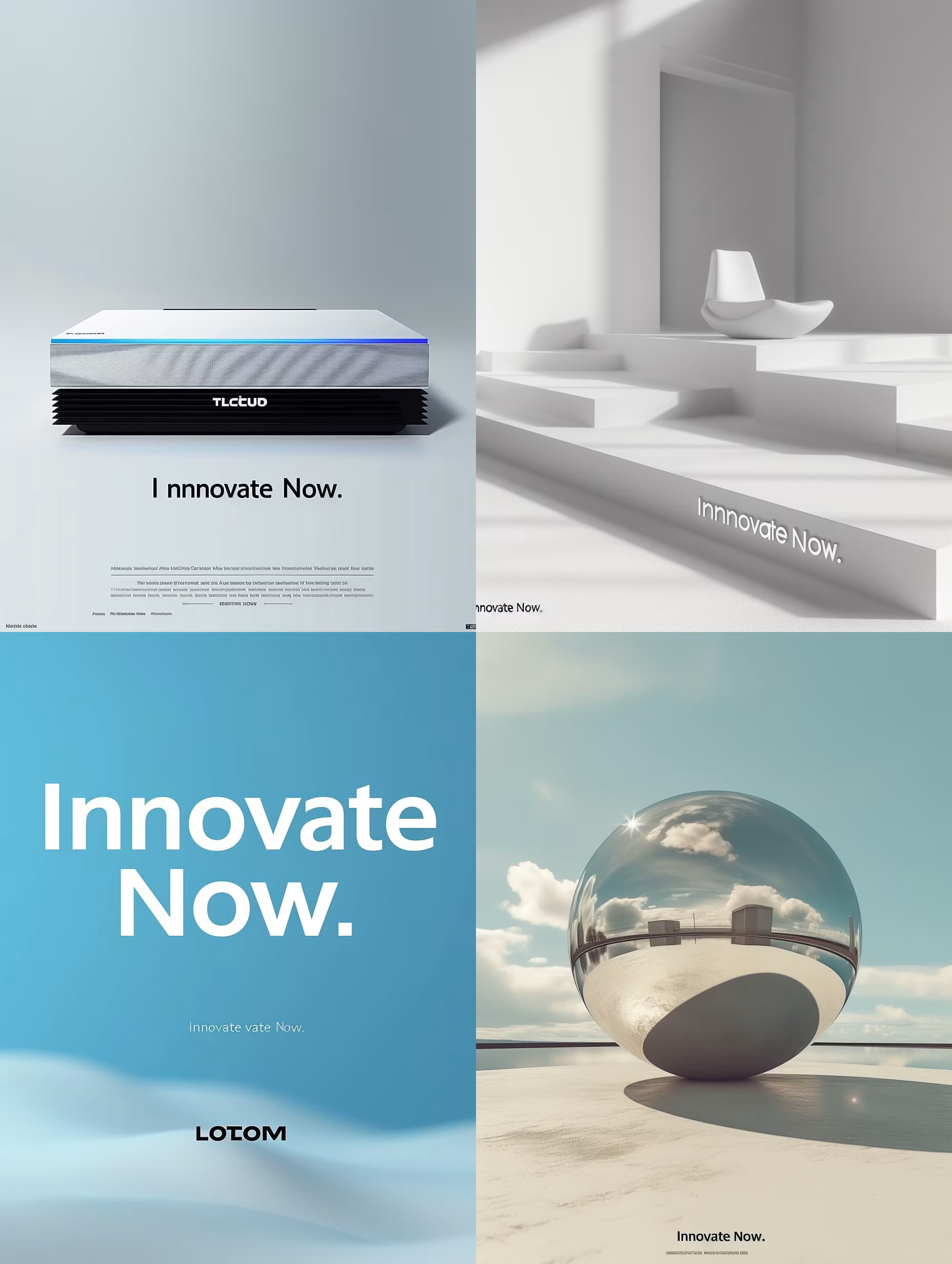
1,008 AI Prompts for Art and Design

The best Art and Design prompts across 13 subcategories. Tested on ChatGPT, Claude, Gemini and every major model.

Browse the prompts

Luxurious jewelry e-commerce website UI: black velvet background with central spotlight on {{hero-product}}, golden serif typography, elegant product grid with hover sparkle animation, minimalist navigation bar, "Shop Collection" CTA button, cinematic premium feel --ar 16:9 --style raw

Luxury Jewelry E-Commerce Website Design Prompt

Generates a high-end jewelry e-commerce UI mockup with black velvet backdrop, golden serif typography, and spotlighted product display. Runs on Midjourney, Flux, and Nano Banana image models.
71
A wedding invitation suite photographed as a styled flat lay in 4:5 portrait orientation. The main invitation card is centered, with an RSVP card and an envelope featuring a wax seal tucked beside it. All pieces rest on a natural linen surface with two sprigs of eucalyptus or olive greenery.

The main card displays exactly "{{invitation-text}}" with correct spelling, set in an elegant serif typeface with script accent for proper names. The RSVP card reads only "Kindly reply" in matching typography.

Design style: {{design-style}}. Letterpress impression visible on all type, thick cotton paper with deckled edges, soft natural window light from the left casting gentle shadows.

Constraints: no additional text beyond what is specified, no dates or names other than those in the invitation text, no watermarks, no hands or props in frame.

Wedding Invitation Suite Design

Generate a wedding invitation suite design with a styled flat lay that is visually captivating and personalized.

71
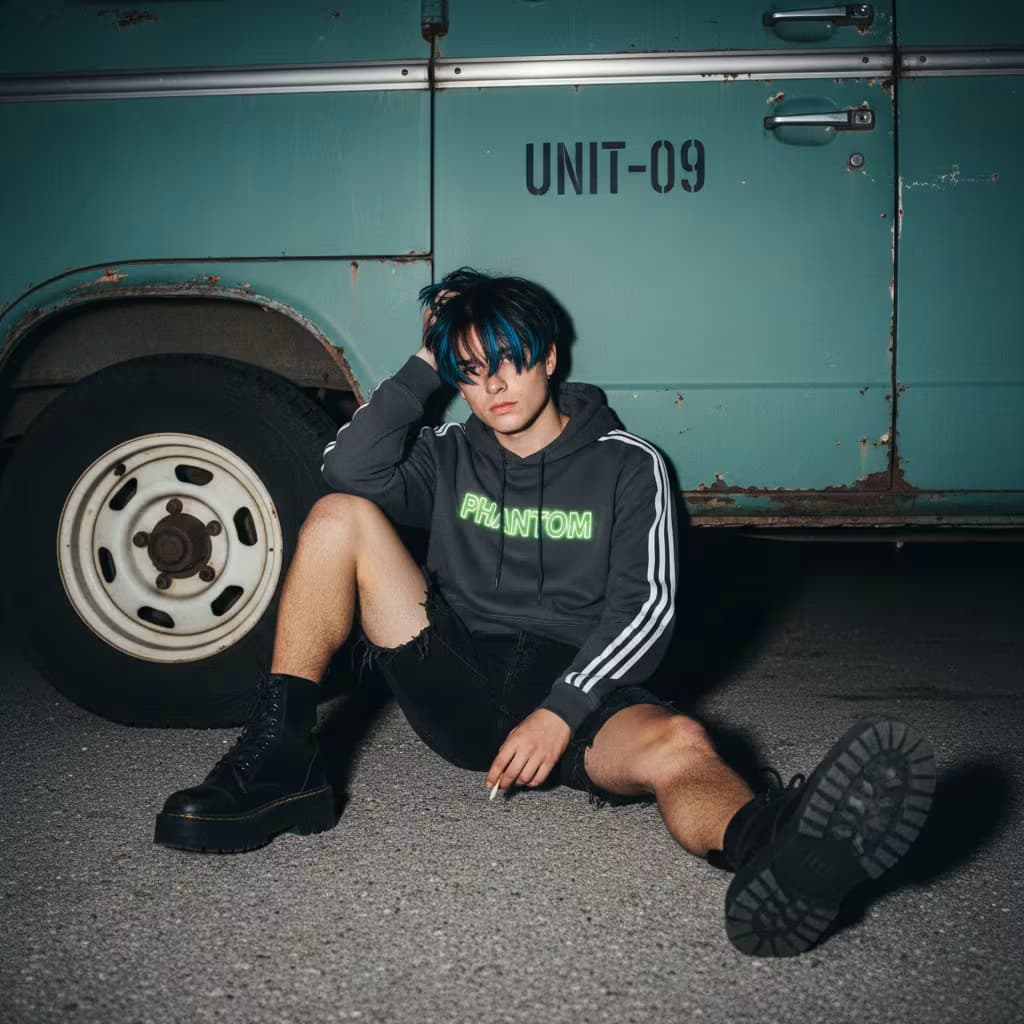
Photorealistic studio shot of vibrant fashion apparel packaging stacked casually with abundance and movement, soft plastic mailer bags with semi-gloss finish, natural wrinkles and organic irregular stacking creating visible compression and subtle inner shadows through slightly opaque material, {{brand-name}} prominently featured across packages, {{graphic-style}} applied with asymmetrical placement where each package uses a different non-uniform design, {{color-palette}} as base colors combined with deep red electric blue and black accents with each package using a different color combination that pops against neutral studio surface, small bold text blocks mixed with visual stickers in playful confident ironic tone showing short phrases or single words rotated and offset with imperfect alignment, labels feel personal and collectible not generic retail, top-down or slight angle view with 

Streetwear Packaging Mockup Generator

Generates photorealistic studio shots of stacked fashion mailer bags with asymmetrical branding, vibrant color blocking, and editorial-style composition. Runs on Midjourney, Flux, and Nano Banana.

70
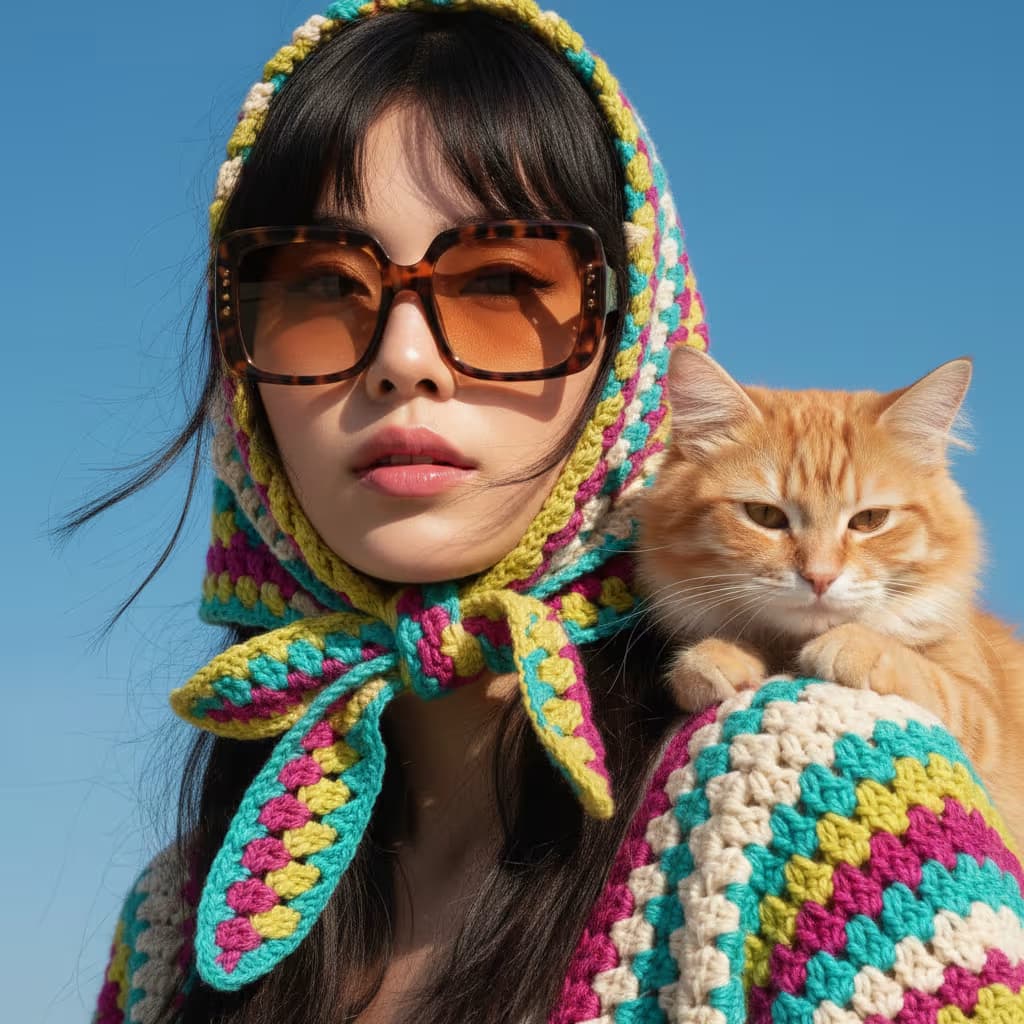
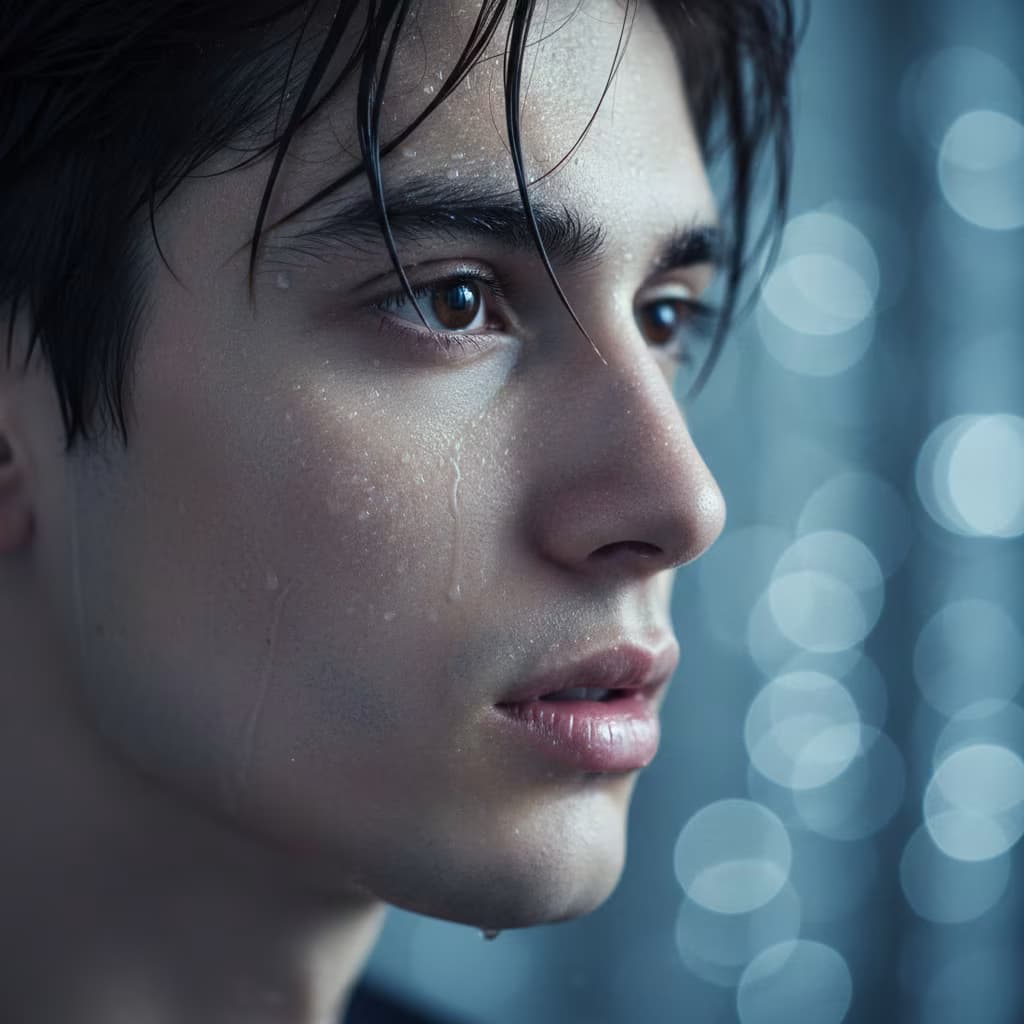
{{subject-description}}, hyper-symmetrical doll-like features with bunny tongue and puppy eye aesthetic, extreme close-up selfie framing cutting off top of forehead to focus on eyes and lips, direct confronting gaze toward camera. Pale cool-toned porcelain complexion with zero texture, reflecting flash for mochi glass skin effect, soft translucent high-key brightness on T-zone. Large round eyes with slight downward tilt at outer corners, prominent aegyosal under-eye fat bands highlighted for youthfulness, soft brown irises with large diameter. Eyelashes in manhwa idol style: distinct vertical clumps of mascara-coated lashes separated by space, not dense fan. Petite low-bridge nose with small rounded tip, lighting minimizes nostril definition. Heart-shaped lips with gradient lip technique, {{lip-color}} saturated and glossy at center fading outward to blurred pale nude at vermilion border

Douyin Flash Selfie Portrait Generator

Generates hyper-idealized flash selfie portraits with glass skin, puppy eyes, gradient lips, and creamy bokeh backgrounds in the Douyin aesthetic. Runs on Midjourney, Flux, and Nano Banana.

70
## Role
You are an expert infographic designer specializing in visually compelling, information-dense templates.

## Task
Create a series of reusable infographic templates for {{subject}}. Each template should be tailored to a different communication goal (overview, comparison, process, data story, timeline, or hierarchy) and include strategically positioned placeholders for text, images, and data visualizations that maximize clarity and impact.

## Output
Generate 3โ€“5 distinct templates, each optimized for a different use case within the subject domain.

For each template, provide:

- A descriptive template name
- The template's primary communication purpose in one sentence
- A table listing 3โ€“5 design elements (header, chart area, callout boxes, icon grid, data panel, timeline axis, etc.) with the specific purpose each element serves in that layout

After all templates, cite any source

Infographic Template Generator for Any Subject

Generates 3โ€“5 reusable infographic templates optimized for different communication goals - overview, comparison, process, or data story - complete with design-element tables and placeholders. Runs on ChatGPT, Claude, and Gemini.

68
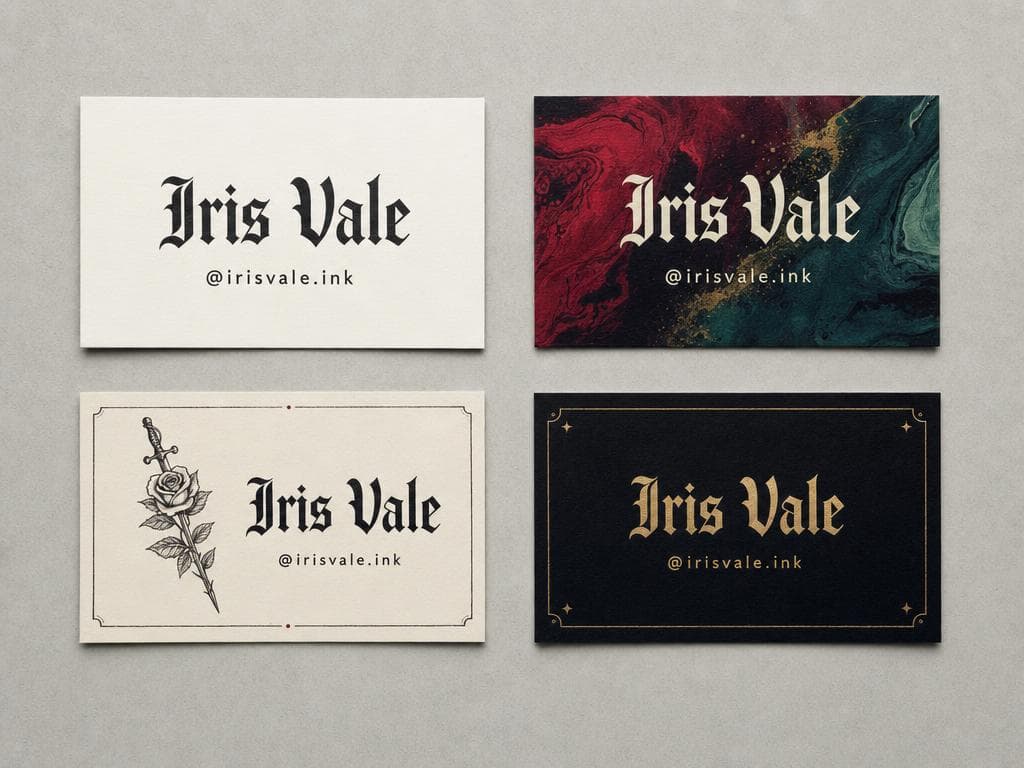
A print-ready business card design shown as two flat cards side by side on a plain neutral surface, front on the left and back on the right, 3:2 landscape photograph, each card in standard 3.5 ร— 2 inch proportions with 0.125 inch safe margin.

Front card: render exactly this contact text with correct spelling and clear hierarchyโ€”name largest, then title, then contact lines:
{{card-text}}
Nothing else may appear on the front.

Back card: a single centered logo mark or monogram derived from the name on the card, no text.

Brand style: {{brand-style}}

Design specifications: clean grid alignment, one typeface family at two weights, generous whitespace, realistic paper texture, soft studio shadow under each card.

Constraints: no QR code, no mockup hands, no extra words, no watermark, no bleed marks.

Business Card Front and Back Print Layout

Generate a print-ready business card design displaying both the front and back sides, showcasing contact information and a logo monogram.

68

What are AI prompts for Art and Design?

AI prompts for Art and Design are engineered instructions that already work. These are not one-line questions. Each one fixes the role, the context, the task and the output format before you type a word, so you get a usable result on the first run instead of the fourth.

They cover the work Art and Design actually get asked for: research and briefs, copy and content, analysis and reporting, planning, outreach and the admin that eats the day. Open a card to see the full prompt and the output it returns.

The deepest areas here: Portrait & Avatar (246 prompts), Concept Art (125 prompts), Product Photography (116 prompts), Illustration (87 prompts), Interior & Exterior Renders (84 prompts).

Popular on this page right now: "Luxury Jewelry E-Commerce Website Design Prompt", "Wedding Invitation Suite Design", "Industry Business Card Concept Set".

1,008 on this page, every one scoped to Art and Design. Free to read, free to copy.

Why these prompts work for Art and Design

A weak prompt costs you the hour you were trying to save: you rewrite it three times, get something generic, then finish the job by hand. An engineered prompt front-loads that thinking once.

In Art and Design that means first drafts you can send, analysis you can act on, and the repetitive work handed off, so the time goes into judgement instead of typing.

Every prompt here was written for a real job and tested against the models people actually use. Nothing scraped from a thread.

How to use these prompts

Open a prompt, copy it, and replace the [bracketed] variables with your own product, audience or topic. The structure around them stays as is. That structure is the part doing the work.

Paste it into ChatGPT, Claude, Gemini, Grok or the model you already use. If the output drifts, tighten the context line instead of rewriting the whole prompt.

No account needed to copy one. No setup, no extension, nothing to install.

Which AI tool works best for Art and Design prompts?

Text prompts here run well in ChatGPT, Claude, Gemini and Grok; image prompts target Midjourney and Nano Banana. Each card lists the models it was tested with.

Are these AI prompts free to use?

A big part of the library is free: open a prompt, copy it, use it. Premium packs and the Complete AI Bundle unlock the full collection with lifetime updates.

How do I adapt these prompts to my use case?

Start with the [variables]: niche, audience, constraints. If the result still misses, add one example of the output you want. A single good example beats three extra instructions.

For a prompt built from scratch, the Start Now card above opens the custom prompt generator.

Related resources

Get smarter on AI every week

One email a week with the best new prompts, tools, and model updates. Unsubscribe anytime.

Join 100,000+ subscribers. One email a week, real prompts, tools, and model updates. Unsubscribe anytime.

Frequently asked questions

Where are the photography prompts?

Photography prompts live in the portrait and avatar, product photography and photo editing subcategories of this library. Each prompt names the camera, lens, light and film look, because image models follow those words more reliably than a style name. Pick a subcategory from the chips above the grid, or search for the shot you need.

For a portrait blended with a second scene, start from the double exposure portrait prompt.