246 AI Prompts for Portrait & Avatar

The best Portrait & Avatar prompts in the Art and Design library. Tested on ChatGPT, Claude, Gemini and every major model.

Browse the prompts

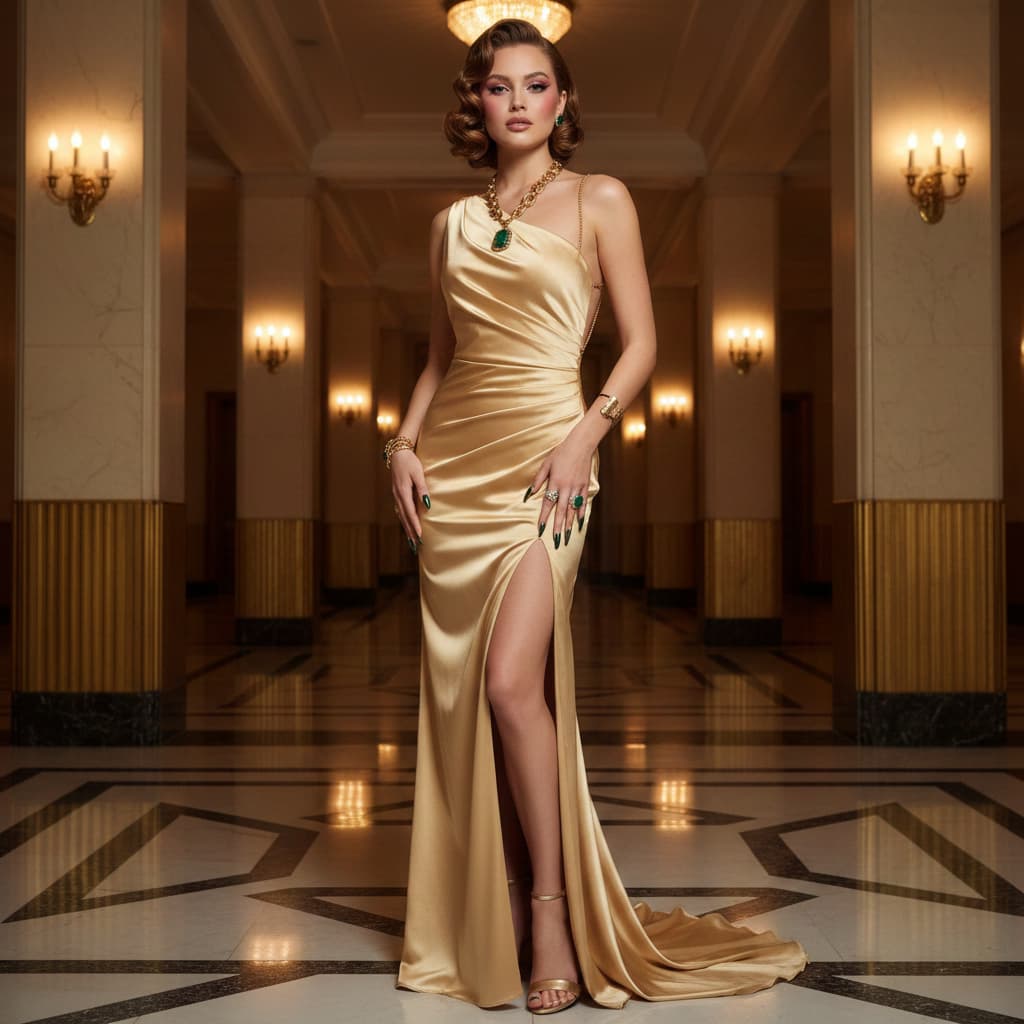
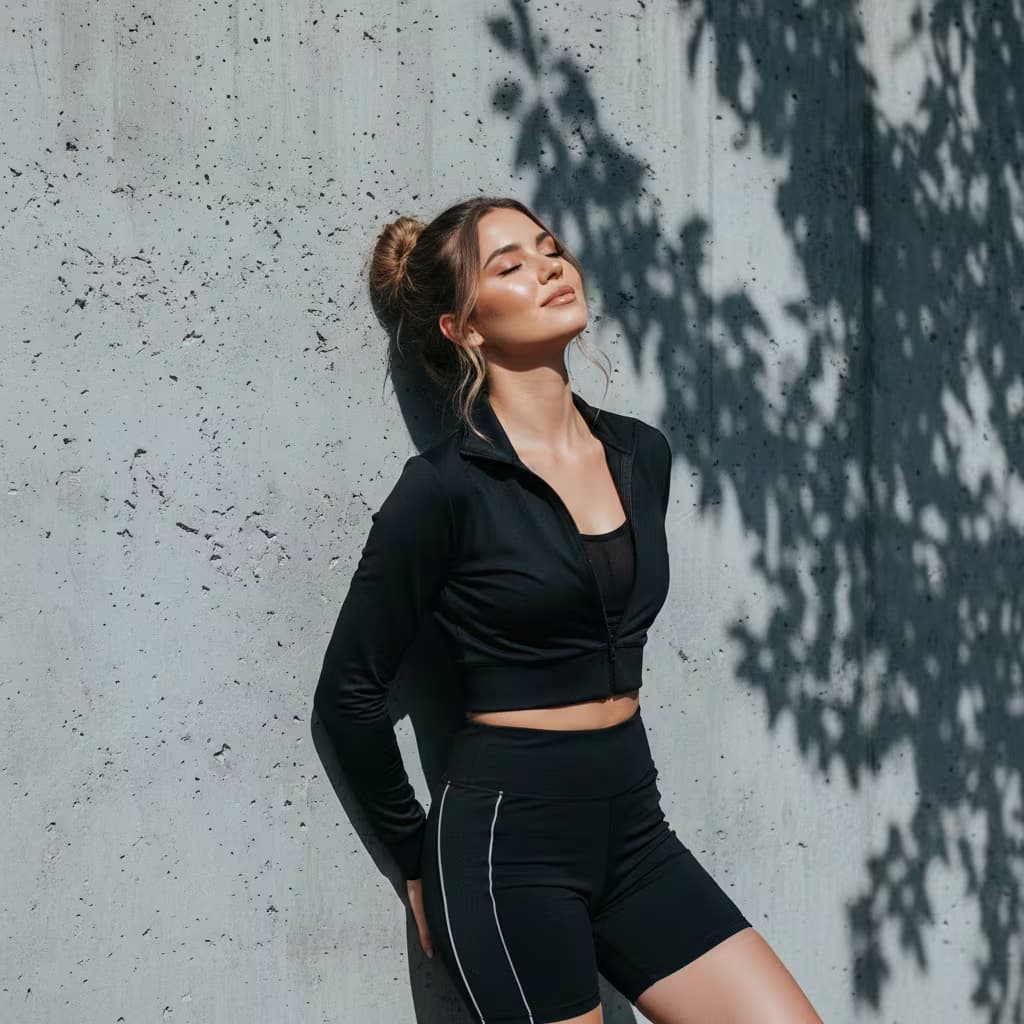
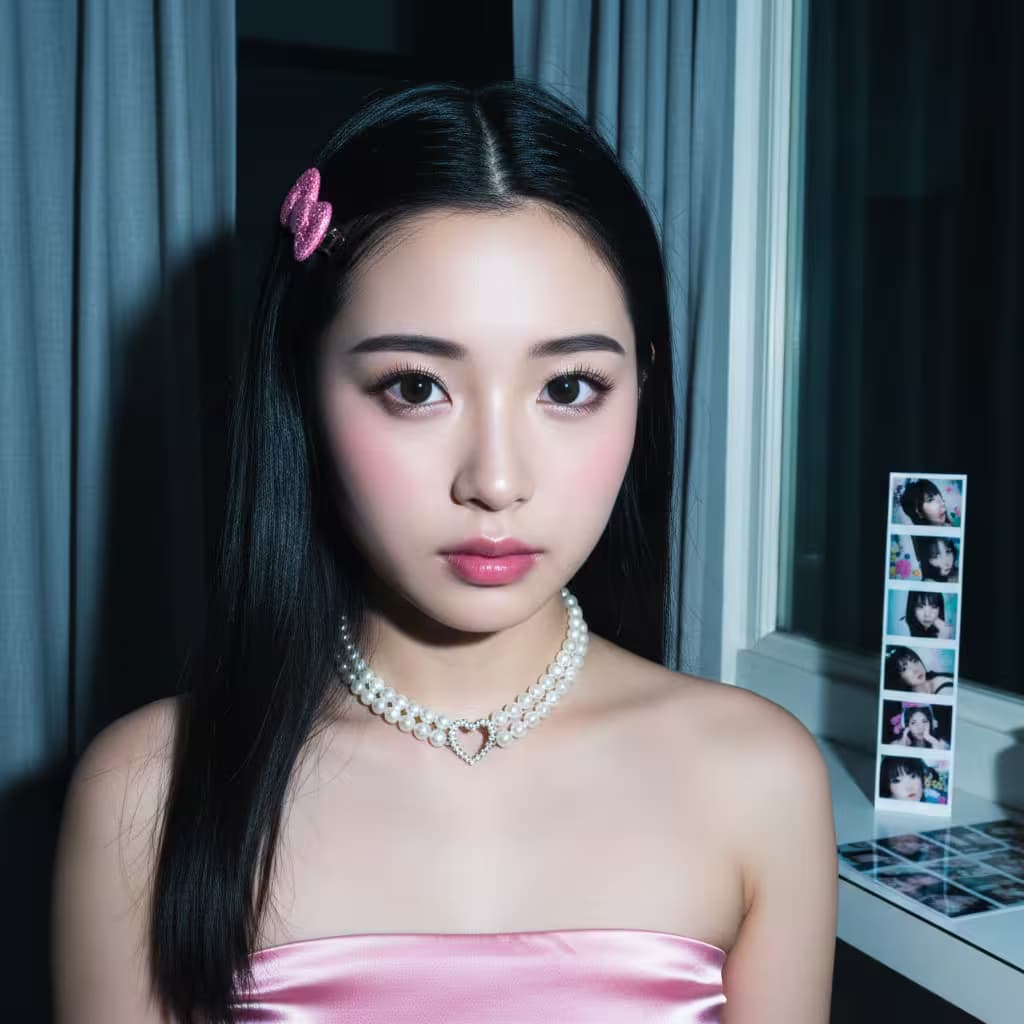
Professional studio portrait photography, 32k resolution, clean bright white background with studio lighting creating realistic shadows and lustrous highlights.

Subject sitting, one arm pushing the floor, torso in professional pose, looking straight at camera with {{expression}}. Face reference 100% consistentβ€”preserve exact ear, nose, mouth, and facial proportions unchanged.

Healthy skin with natural luster, defined clavicle and shoulders, tapered neck. Hair styled in tall heart-shaped boxing bun at middle of head, two thin straight tresses framing face, moisturizing texture, no bangs, {{hair-color}}. Twinkle Petch Slash makeup style.

Attire: {{outfit-color}} strapless corset top with matching very short skirt, cross-ties on front and sides, large floral decoration made of matching fabric at hip level adding volume and romantic aesthetic. Accessorized with fancy diamond necklace, tin

Studio Portrait Variations Generator

Generates high-resolution studio portrait photographs with consistent facial features and customizable expression, hair color, and outfit color. Runs on Midjourney, Flux, and other image models.
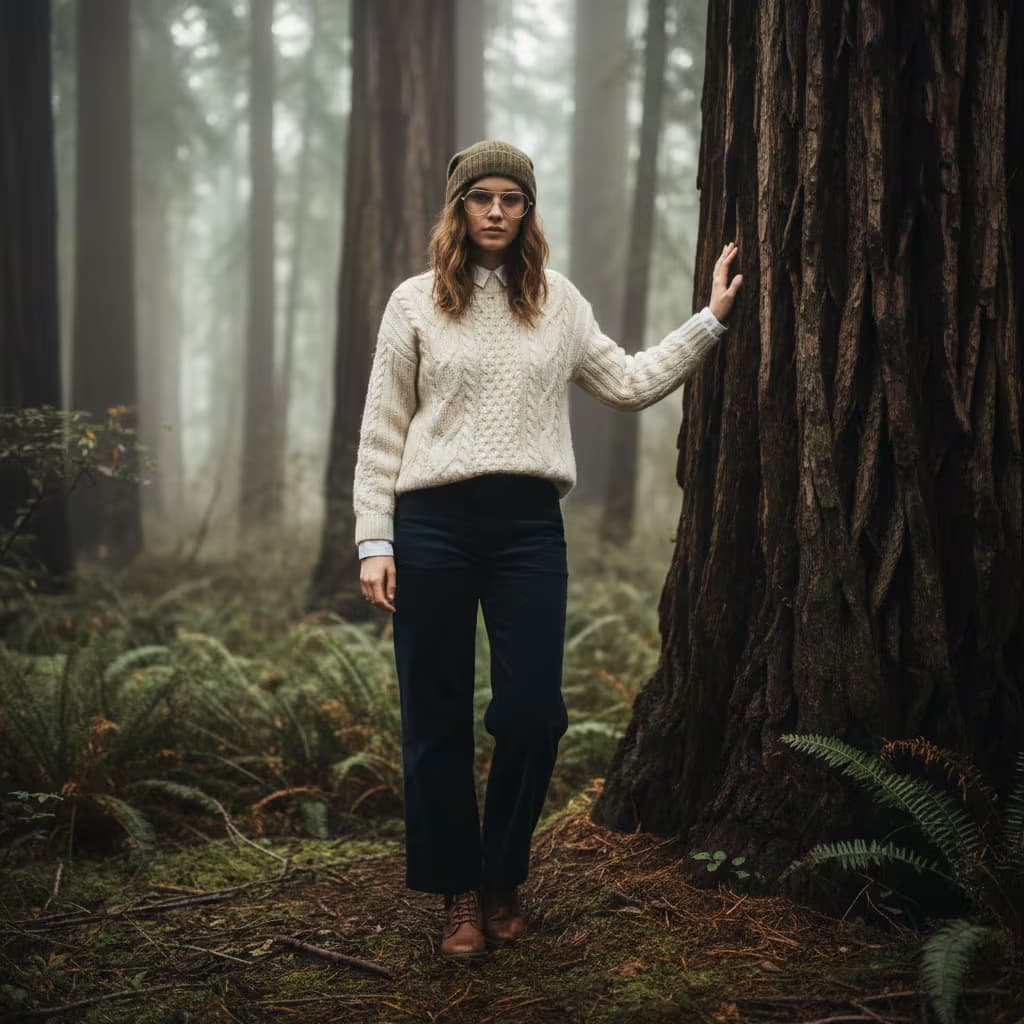
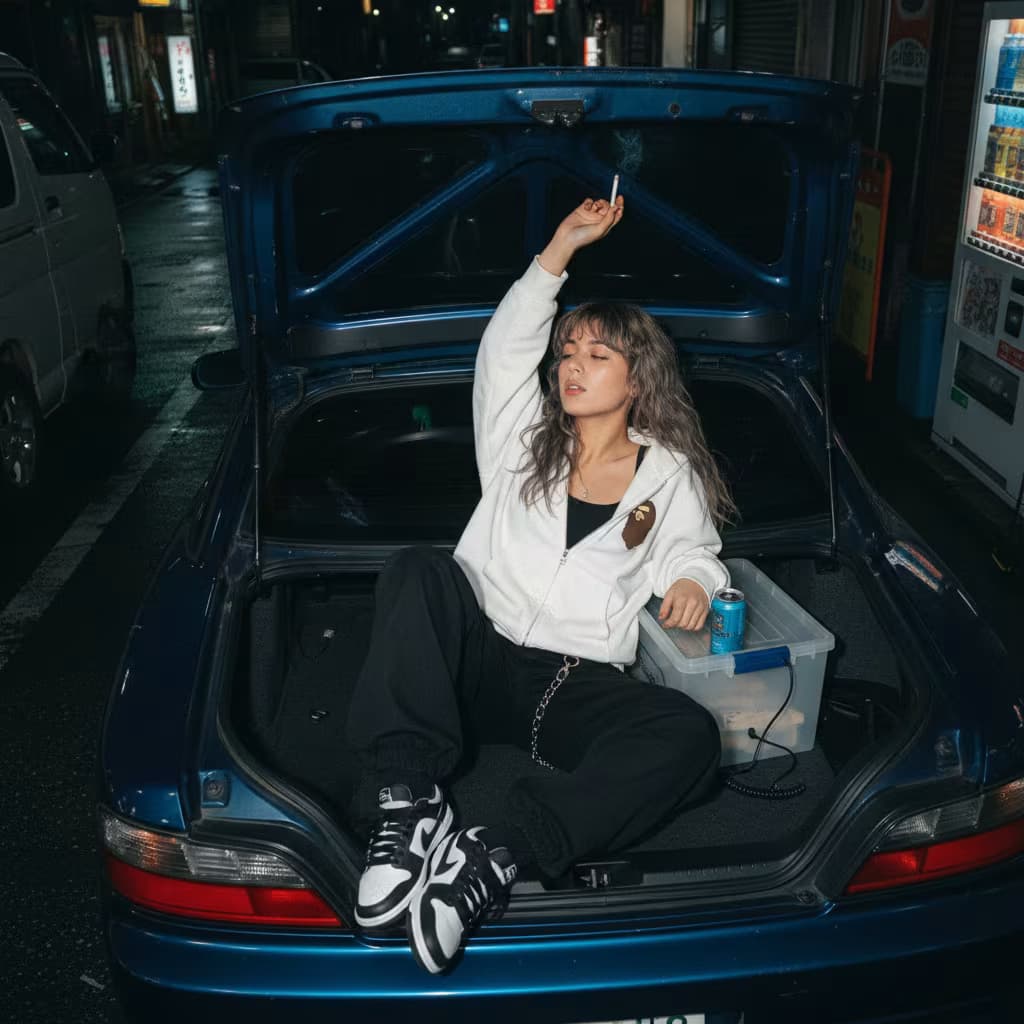
64
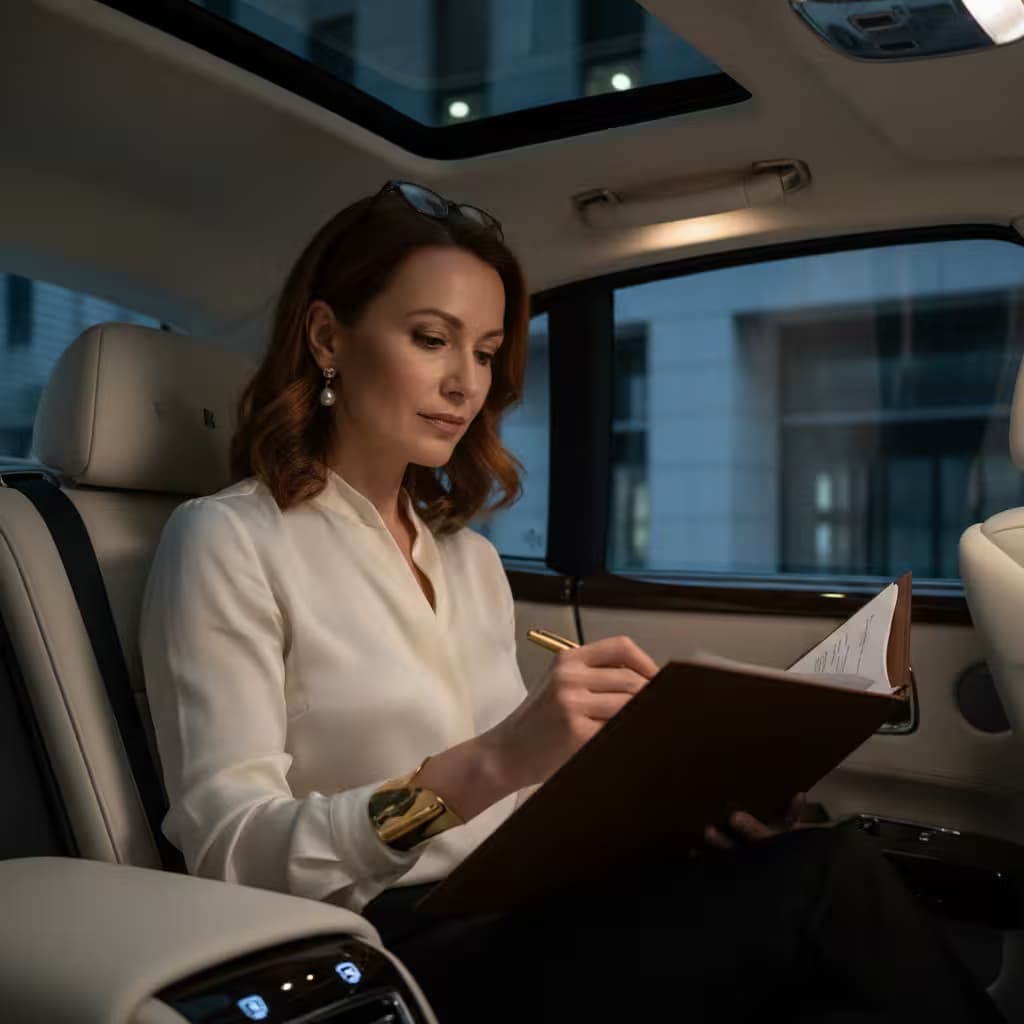
{{subject-description}}, professional headshot portrait, corporate LinkedIn profile photo, neutral solid background, soft diffused studio lighting, sharp focus on eyes, shallow depth of field, upper body framing, confident expression, business attire, clean and polished appearance, shot with 85mm lens, high resolution, professional photography, modern and approachable aesthetic --ar 1:1 --v 6 --style raw --no harsh shadows, cluttered background, distracting elements

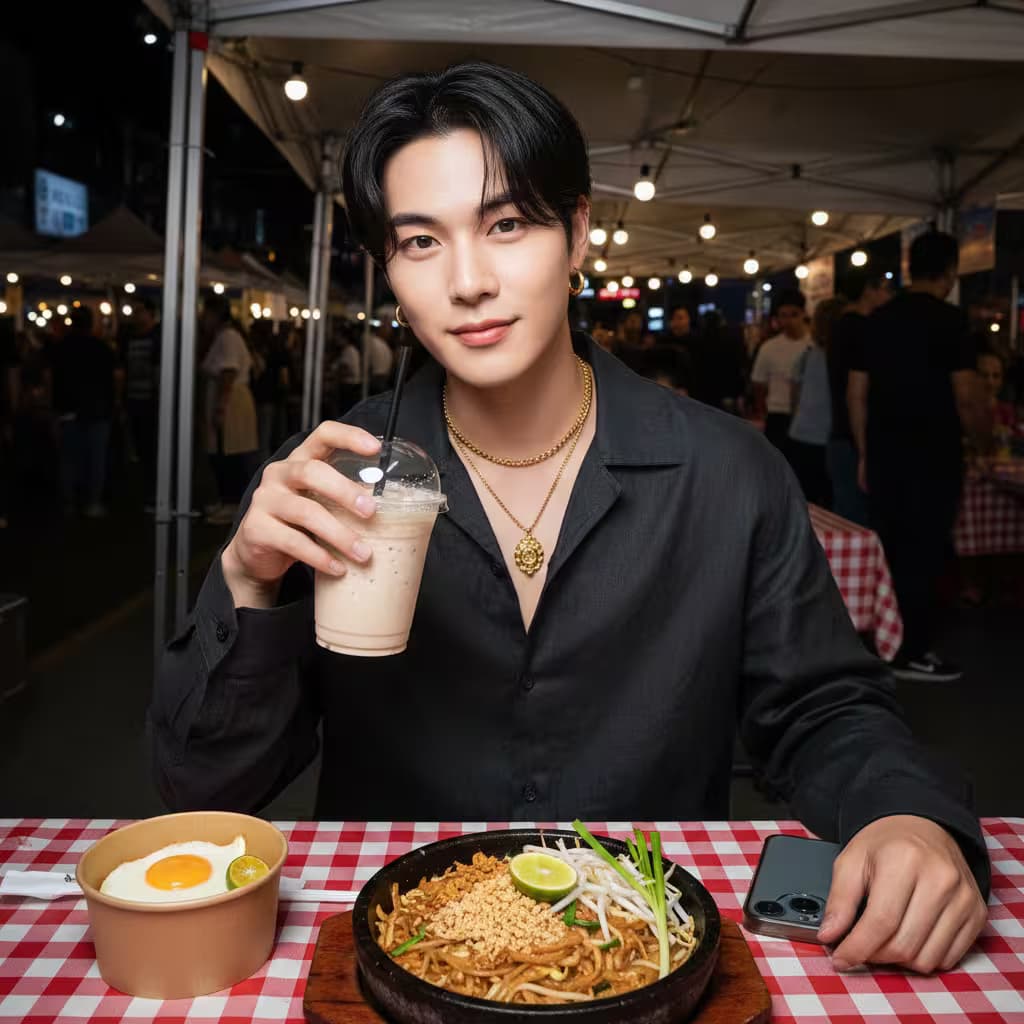
Generate Golden Hour Selfie Portraits

Generate personalized outdoor selfie images with this AI prompt, featuring custom expressions, outfits, golden hour lighting, and picnic scene elements.

64
Result: a photorealistic candid photograph for an editorial feature, 3:2 landscape.

Subject: {{subject-description}}, mid-action, not posing, eyes on the work rather than the camera. Full upper body visible, hands in frame.

Scene: {{setting}}. One clear focal point, background people kept soft and unposed.

Details: shot like a 35mm film photograph, medium close-up at eye level, 50mm lens, soft diffused daylight, shallow depth of field, subtle film grain, natural color balance. Real skin texture, worn fabric, everyday clutter left in.

Constraints: honest and unretouched, no glamorization, no dramatic color grading, no text, no watermark.

Candid Documentary Portrait Photo

Generate a photorealistic candid portrait photograph with editorial quality featuring a subject in action within a specific setting.

62
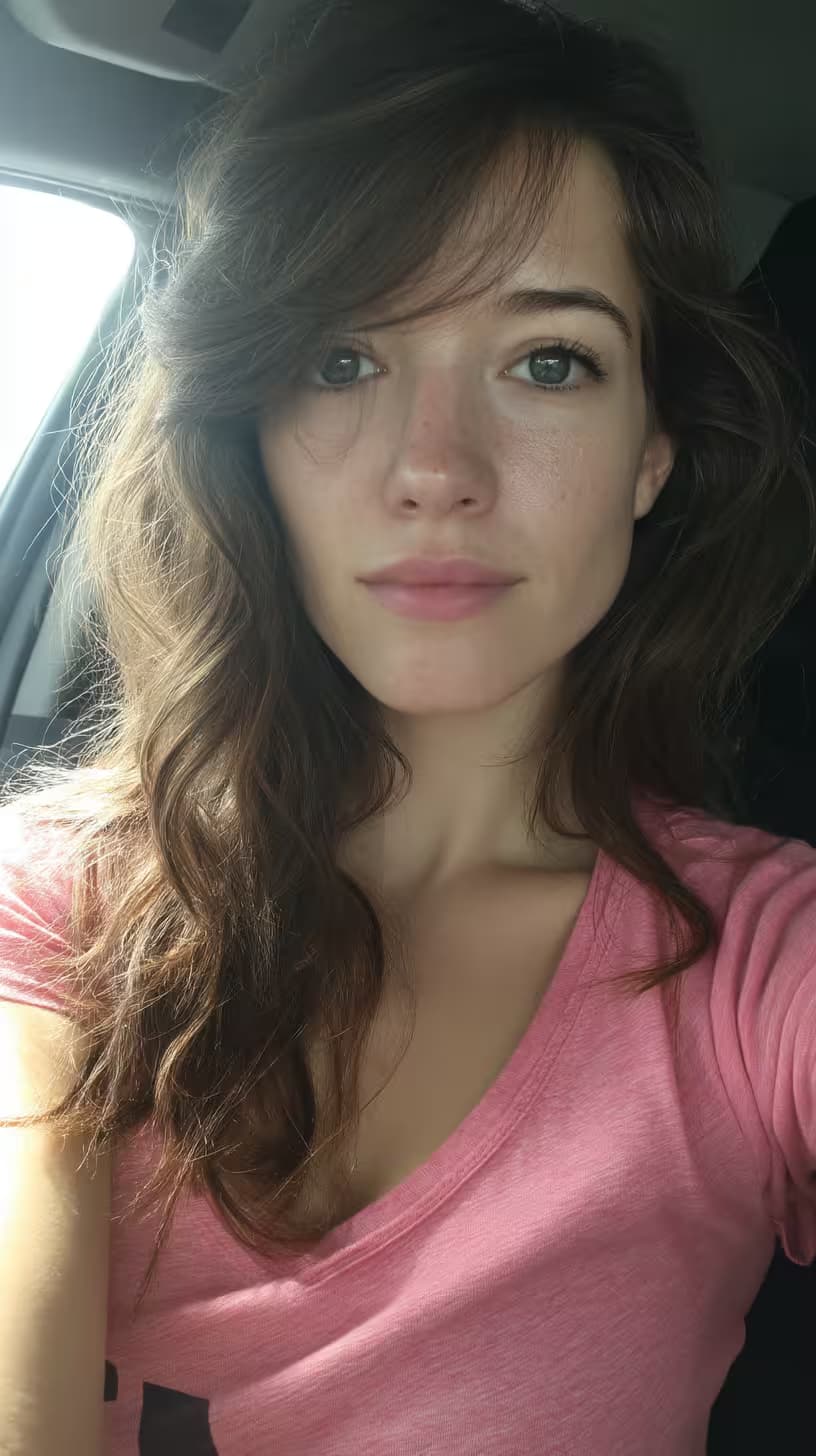
Hyper-realistic close-up portrait of a woman, face and upper body, {{outfit-description}}, {{background-setting}}, intimate indoor atmosphere, soft subtle lighting emphasizing facial details, natural skin texture, photorealistic rendering, sharp focus on eyes and expression --ar 2:3 --v 6 --style raw --no artificial lighting, harsh shadows

Hyperrealistic Portrait Variation Generator

Generates hyperrealistic close-up portrait images that preserve exact facial features, expressions, and eye color from a reference photo while letting you customize wardrobe and background settings. Runs on Midjourney, Flux, and Nano Banana.

62
A cute woman with rosy cheeks, sitting by a window, warmly hugging a large {{companion}} with a red scarf around its neck, hot chocolate mug beside her, {{season-weather}} day visible through the window, wearing {{outfit-description}}. Warm, soft window lighting, cozy atmosphere, photorealistic portrait, 8k detail, consistent facial features --ar 4:5 --v 6 --style raw --no distortion, face changes, multiple faces

Cozy Window Portrait Scene Generator

Generates warm, photorealistic portraits of a woman by a window with seasonal weather, customizable outfits, and a companion, rendered in 8k. Runs on Midjourney, Flux, and Stable Diffusion.

60
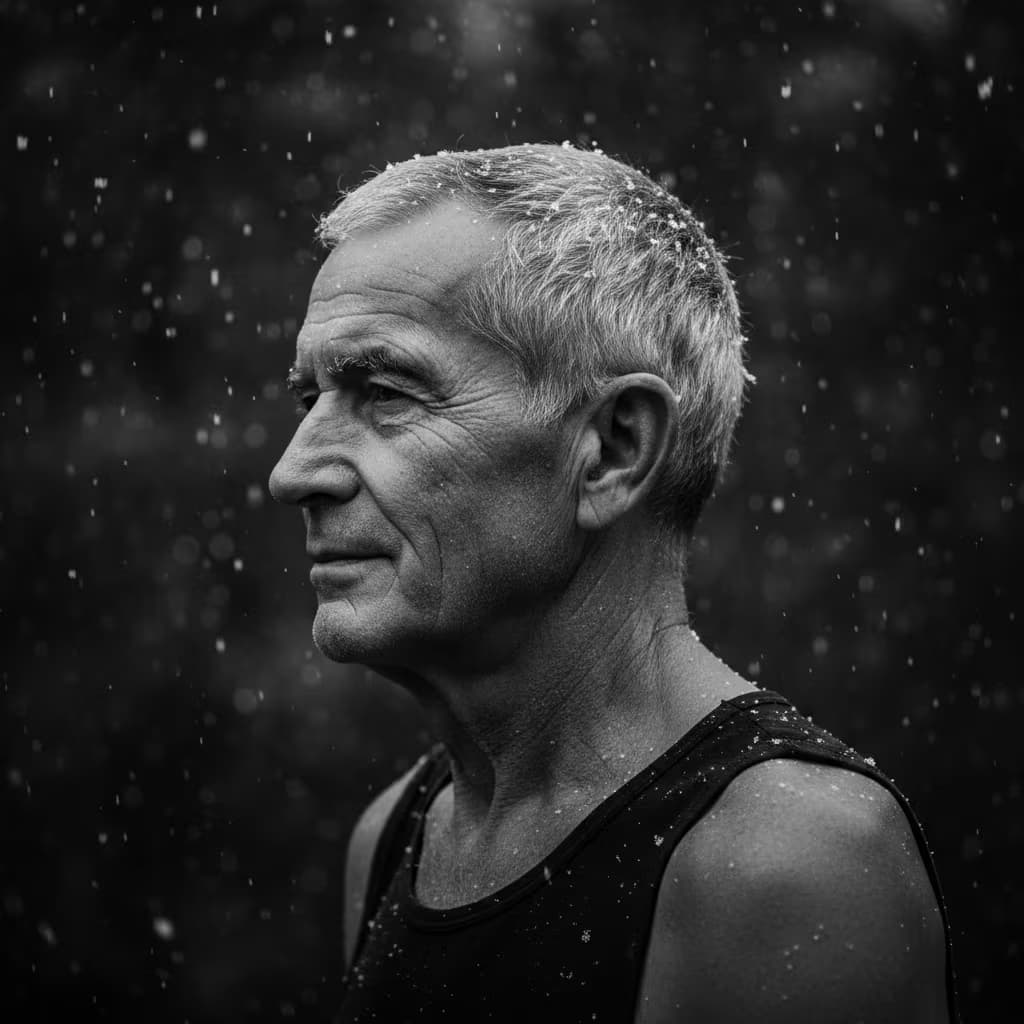
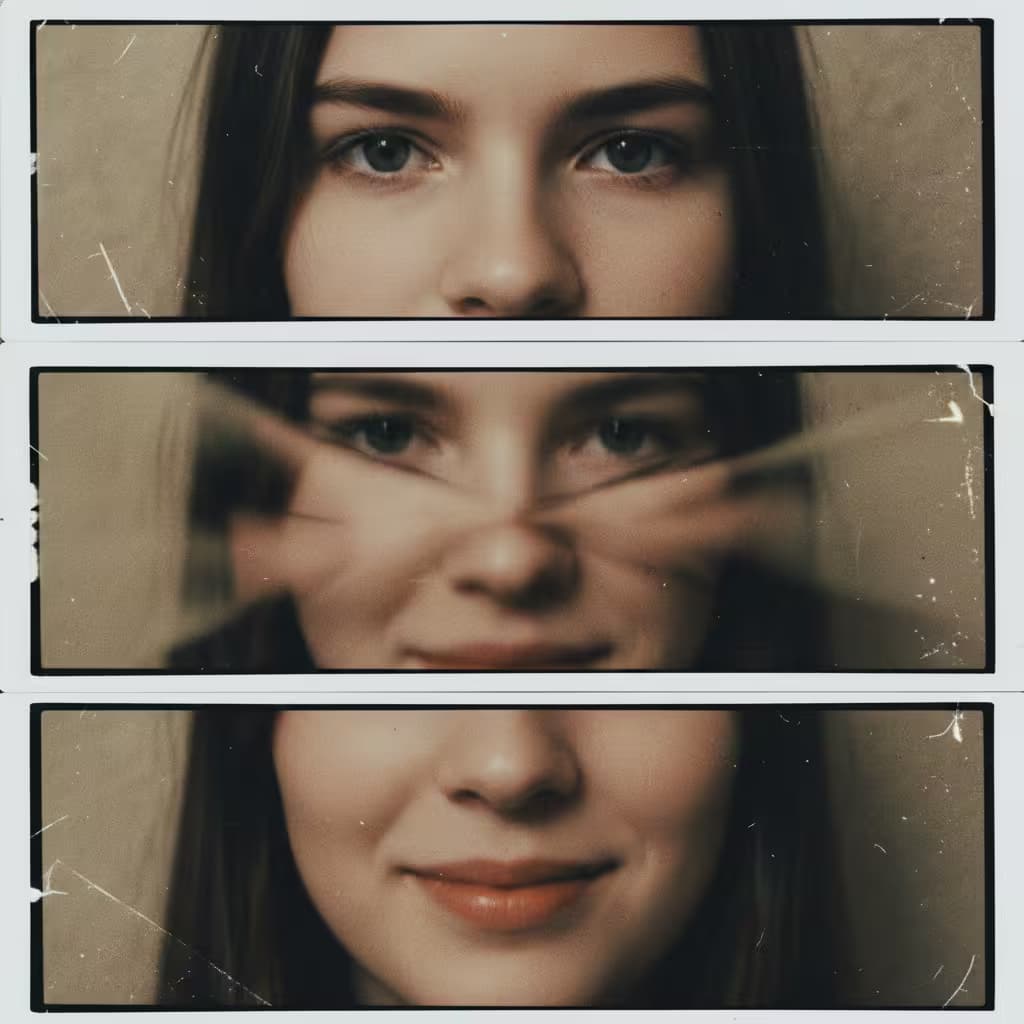
Hyper-realistic close-up portrait of {{subject-description}}, capturing only the left side of the face with thick well-defined eyebrow, long wet lashes, full slightly parted lips, wet strands of hair clinging to skin. Shot on Hasselblad H6D-400c, 100mm f/2.2 lens, 8K resolution, extremely shallow depth of field, eye in absolute focus with crisp catchlight. {{lighting-mood}} light from large side softbox combined with gold reflector, soft yet intense glow creates vivid specular highlights and deep shadows. Skin covered with water droplets running down naturally, ultra-detailed micro-texture with visible pores, freckles, natural wet skin texture, moist reflections on lips and nose, vivid specular highlights on droplets, cinematic effect with {{lighting-mood}} tones throughout --ar 4:5 --v 6 --style raw --no blur, soft focus, artificial skin smoothing

Hyperrealistic Wet Portrait Photography Prompt

Generates ultra-detailed close-up portrait photography featuring wet skin, water droplets, and cinematic shallow depth-of-field lighting. Runs on Midjourney, Flux, and Nano Banana to simulate Hasselblad 8K resolution shots.

60

What are AI prompts for Portrait & Avatar?

AI prompts for Portrait & Avatar are engineered instructions that already work. These are not one-line questions. Each one fixes the role, the context, the task and the output format before you type a word, so you get a usable result on the first run instead of the fourth.

They cover the work Portrait & Avatar actually get asked for: research and briefs, copy and content, analysis and reporting, planning, outreach and the admin that eats the day. Open a card to see the full prompt and the output it returns.

Popular on this page right now: "Studio Portrait Variations Generator", "Generate Golden Hour Selfie Portraits", "Cinematic Environmental Portrait Generator".

246 on this page, every one scoped to Portrait & Avatar. Free to read, free to copy.

Why these prompts work for Portrait & Avatar

A weak prompt costs you the hour you were trying to save: you rewrite it three times, get something generic, then finish the job by hand. An engineered prompt front-loads that thinking once.

In Portrait & Avatar that means first drafts you can send, analysis you can act on, and the repetitive work handed off, so the time goes into judgement instead of typing.

Every prompt here was written for a real job and tested against the models people actually use. Nothing scraped from a thread.

How to use these prompts

Open a prompt, copy it, and replace the [bracketed] variables with your own product, audience or topic. The structure around them stays as is. That structure is the part doing the work.

Paste it into ChatGPT, Claude, Gemini, Grok or the model you already use. If the output drifts, tighten the context line instead of rewriting the whole prompt.

No account needed to copy one. No setup, no extension, nothing to install.

Which AI tool works best for Portrait & Avatar prompts?

Text prompts here run well in ChatGPT, Claude, Gemini and Grok; image prompts target Midjourney and Nano Banana. Each card lists the models it was tested with.

Are these AI prompts free to use?

A big part of the library is free: open a prompt, copy it, use it. Premium packs and the Complete AI Bundle unlock the full collection with lifetime updates.

How do I adapt these prompts to my use case?

Start with the [variables]: niche, audience, constraints. If the result still misses, add one example of the output you want. A single good example beats three extra instructions.

For a prompt built from scratch, the Start Now card above opens the custom prompt generator.

Related resources

Get smarter on AI every week

One email a week with the best new prompts, tools, and model updates. Unsubscribe anytime.

Join 100,000+ subscribers. One email a week, real prompts, tools, and model updates. Unsubscribe anytime.

Face swap prompt: what the models allow

A face swap prompt has to work inside the rules of the model. Most image models refuse to put a real person's face on another body, and the ones that allow it need a reference image, not a description. What works in every model is keeping the same face across a series: generate one portrait, then ask for the same person in new settings using the reference. The portrait prompts here are written for that workflow.

Using the attached photo as the only face reference, generate the same person as [a chef in a kitchen / an astronaut / a 1970s film still]. Keep the face, hair and skin tone identical to the reference. Change only the clothes, setting and light. Photorealistic, 85mm lens, soft key light.

AI prompt for a professional headshot

A headshot prompt needs four decisions made for the model: the framing, the background, the light and the clothing. Leave one out and you get a stock photo. This prompt produces a LinkedIn-ready portrait from a casual phone photo.

Turn the attached photo into a professional headshot. Head and shoulders, centered, looking at the camera with a slight smile. Plain [light grey / dark navy] studio background. Soft light from the front left, no harsh shadows. [Navy blazer, white shirt]. Keep my face, hair and features exactly as in the photo. Sharp, 4:5 ratio, no retouching that changes my age.