44 AI Prompts for Packaging & Mockups

The best Packaging & Mockups prompts in the Art and Design library. Tested on ChatGPT, Claude, Gemini and every major model.

Browse the prompts

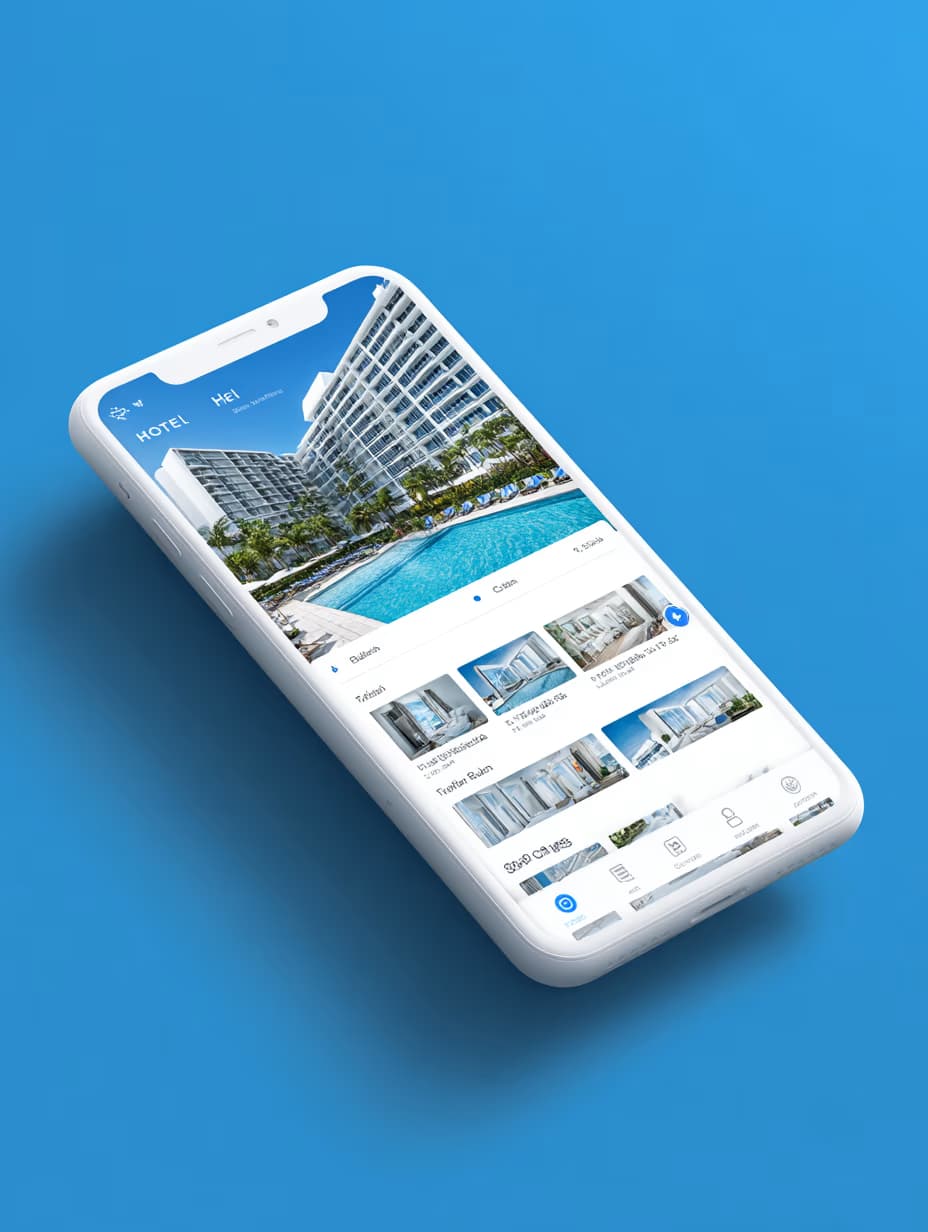
Design front-view banking app mockup, straight-on mobile screen perspective, {{color-scheme}}, dashboard displaying account balance and financial charts, clean sans-serif typography, rounded transaction cards, minimal tab bar at bottom, futuristic yet professional UX aesthetic. --ar 3:4 --raw

Banking App Mockup Design Prompt

Generates a front-view mobile banking app interface mockup with dashboard, transaction cards, and customizable color scheme. Runs on Midjourney, Flux, and other AI image generators.
52
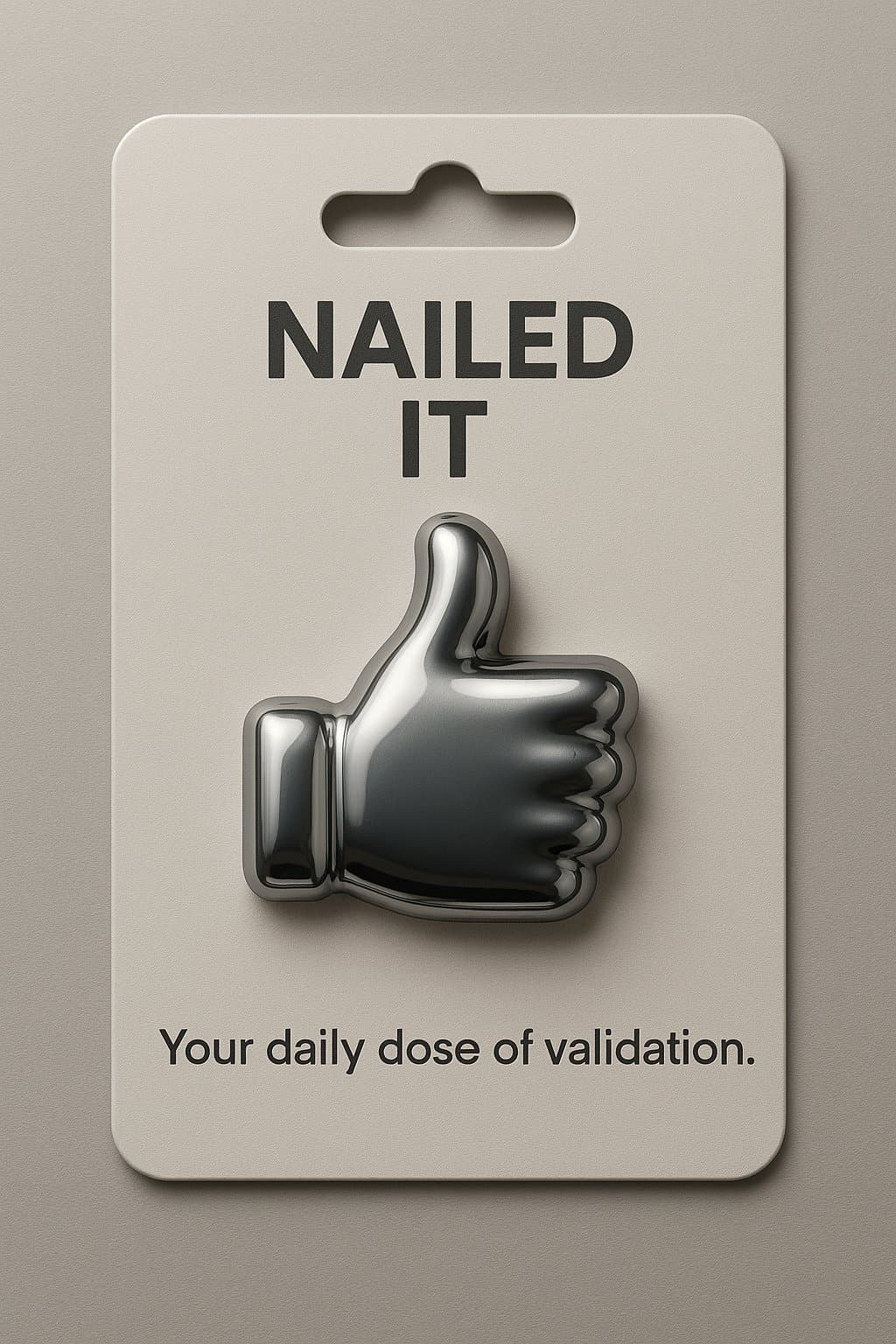
A premium product photograph of a collectible figure in sealed blister packaging on a retail hook, 4:5 aspect ratio.

Subject: {{collectible-description}}, posed inside a clear blister on a printed cardboard backing card with a small illustrated scene behind it.

Details: premium toy photography, realistic plastic and painted metal textures, studio lighting with soft top light and subtle reflection on the blister, shallow depth of field, sharp printing on the card, high-end retail presentation.

Text: include ONLY this packaging text, verbatim, once: "{{packaging-text}}". Spell it exactly as provided.

Constraints: original design only, no real brand names, no trademarks, no barcodes with real numbers, no watermark.

Collectible Toy in Retail Blister Packaging

Generate a high-quality image of a collectible toy in blister packaging using AI tools.

48
Crypto wallet app mockup, {{device-type}} screen centered straight-on view, dark mode interface with glowing teal highlights, hero dashboard displaying live coin prices, card layout showing wallet balances, bold futuristic sans-serif typography, clean bottom navigation bar with icons, sleek fintech aesthetic, {{ui-style}}, professional product photography lighting, sharp focus, modern minimalist composition --ar 16:9 --v 6 --style raw --no clutter, outdated design, skeuomorphism

Crypto Wallet App Mockup Generator

Generates dark-mode crypto wallet app interface mockups with live coin prices, card-based balance layouts, and glowing teal highlights. Runs on Midjourney, Flux, and other AI image generators.
43
A tall realistic cheerful capsule floating horizontally in clean studio lighting, left half soft opaque material in {{brand-color}} labeled with {{brand-name-and-logo}} in signature style, right half transparent glass filled with floating {{product-elements}} representing the brand's essence or key ingredients, photorealistic rendering, commercial advertising style, white background, sharp focus, professional product photography aesthetic --ar 16:9 --v 6 --style raw --no blur, shadows, clutter

Branded Capsule Product Photography Prompt

Generates photorealistic images of horizontal floating capsules with branded opaque left halves and transparent right halves containing product elements. Runs on Midjourney, Flux, and Nano Banana.

39
Raw smartphone photograph taken from high angle looking down at a laptop screen on a desk at night. Camera positioned as if someone is standing and casually shooting downward. Frame composition: the glowing laptop display fills 85% of the frame, with a thin strip of black keyboard and trackpad visible along the bottom edge.

CRITICAL REALISM REQUIREMENTS โ€” this must look like an actual phone photo of a physical screen, NOT a screenshot:
- Visible RGB subpixel grid texture across the entire display surface
- Subtle moirรฉ interference bands (the rainbow shimmer effect phones create when photographing screens)
- Small dust specks and faint fingerprint smudges on the glass
- Uneven reflections and glare spots from overhead lighting
- Handheld camera shake blur and slight perspective keystoning
- Natural phone sensor noise and grain (ISO 800โ€“1600 look)
- Imperfect focus, slightly soft edges
-

Laptop Screen Smartphone Photo Mockup

Generate a realistic smartphone photo of a laptop screen, focusing on detailed physical attributes and natural imperfections.

17
Show the attached ad on an outdoor billboard.

Keep: the ad artwork exactly as it is, including every word, color, and the position of each element.

Change: display it on {{structure}} in {{location}}, photographed from street level at a slight upward angle.

Style: realistic out-of-home advertising mockup, the artwork following the billboard's perspective, slight print texture and panel seams, real surroundings softly out of focus.

Light: the billboard is evenly lit by its own lamps, while the surrounding scene takes the ambient light of the location.

No extra text, no other advertisements, no people in the foreground.

Billboard Mockup From a Finished Ad

Generate realistic billboard mockups using your existing ad artwork placed onto various structures in different locations, with a professional photographic finish.

13
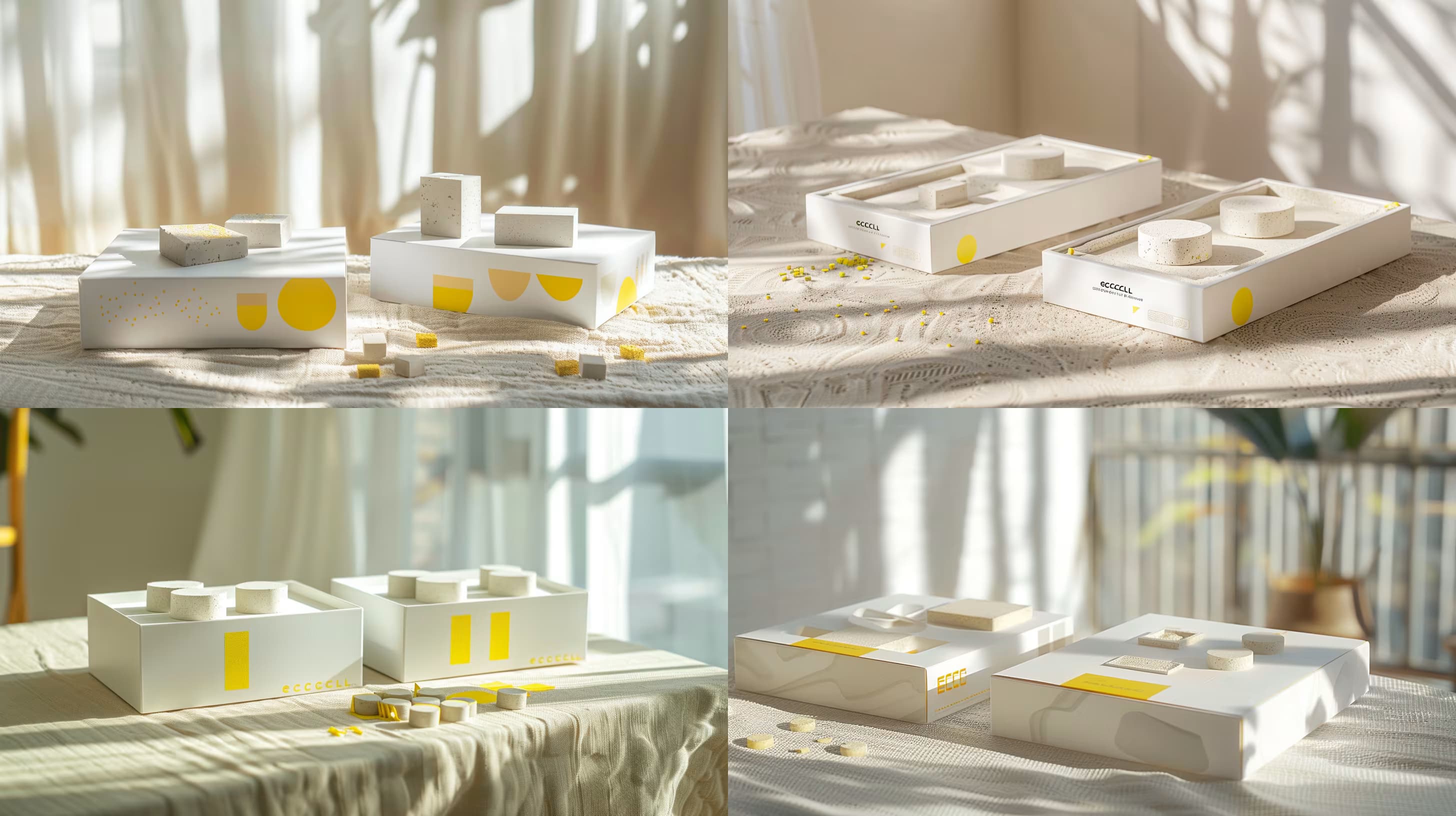
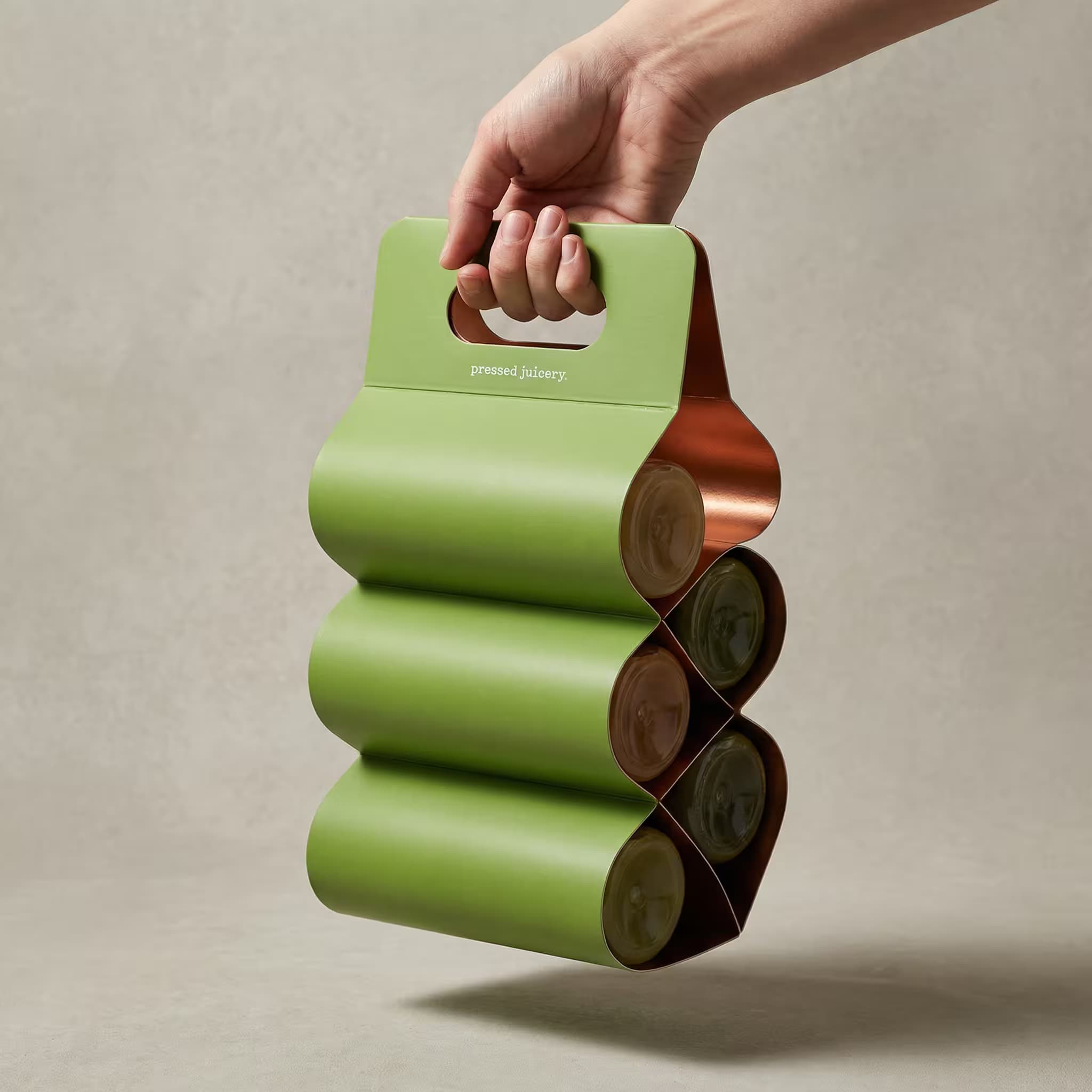
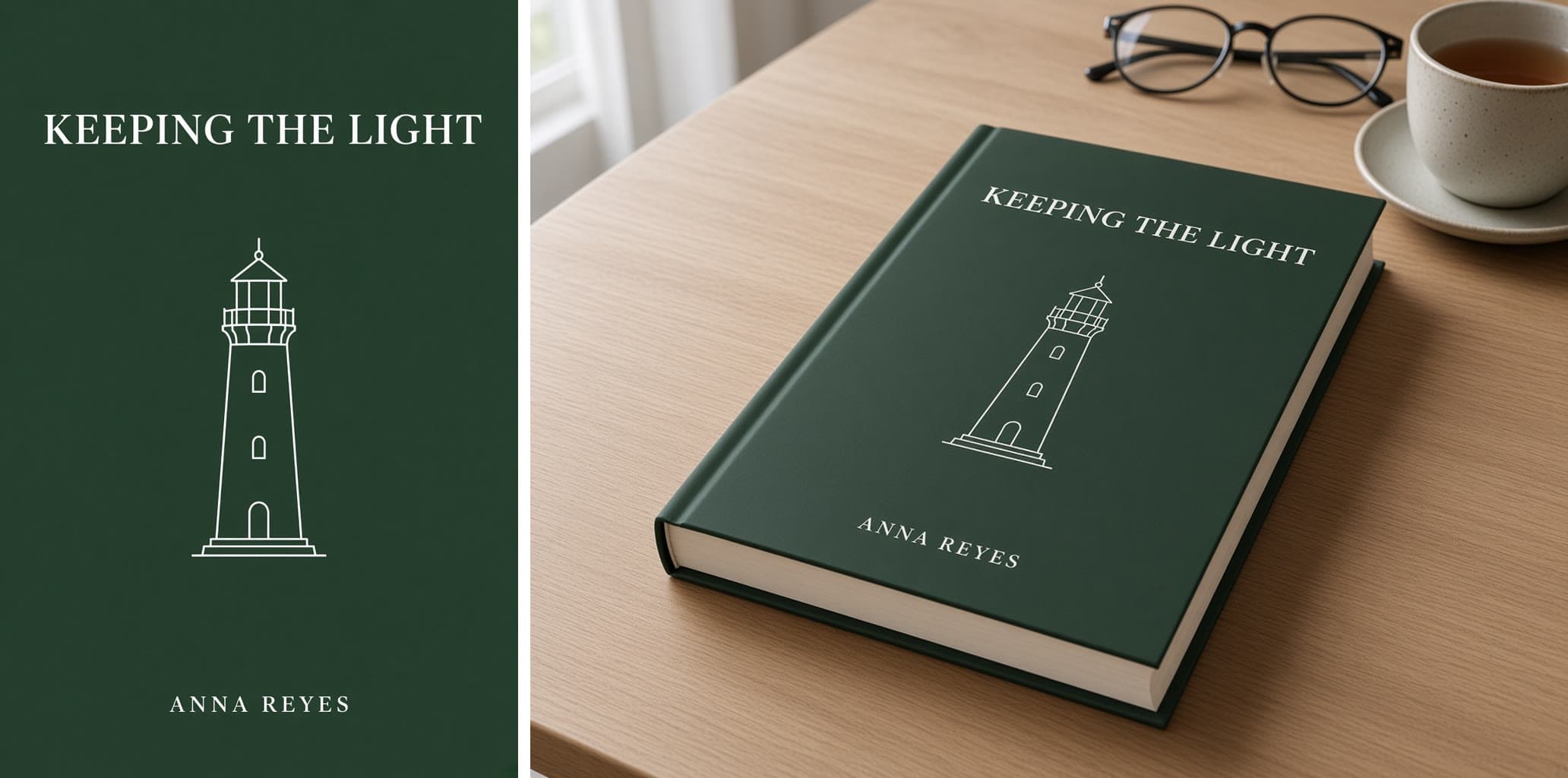
A retail product box shown straight on.

Subject: a rectangular carton with a full-wrap illustration of {{illustration}}.

Layout: the box stands upright, centered, front face toward the camera with a sliver of the right side visible. The product name sits in a clean panel in the upper third of the front. The descriptor sits in a narrow band near the bottom.

Exact text: the name reads "{{product-name}}" in an elegant serif. The band reads "{{descriptor}}" in small capitals. No other words, no barcode, no fake fine print.

Style: premium packaging design, matte paper stock with a fine emboss on the name, palette of {{palette}}.

Light: soft studio light on a plain light background, gentle shadow to the right.

Product Box Packaging Design Front View

Generate a realistic product box packaging design in a front view with customizable elements including the illustration, product name, descriptor, and color palette.

12

What are AI prompts for Packaging & Mockups?

AI prompts for Packaging & Mockups are engineered instructions that already work. These are not one-line questions. Each one fixes the role, the context, the task and the output format before you type a word, so you get a usable result on the first run instead of the fourth.

They cover the work Packaging & Mockups actually get asked for: research and briefs, copy and content, analysis and reporting, planning, outreach and the admin that eats the day. Open a card to see the full prompt and the output it returns.

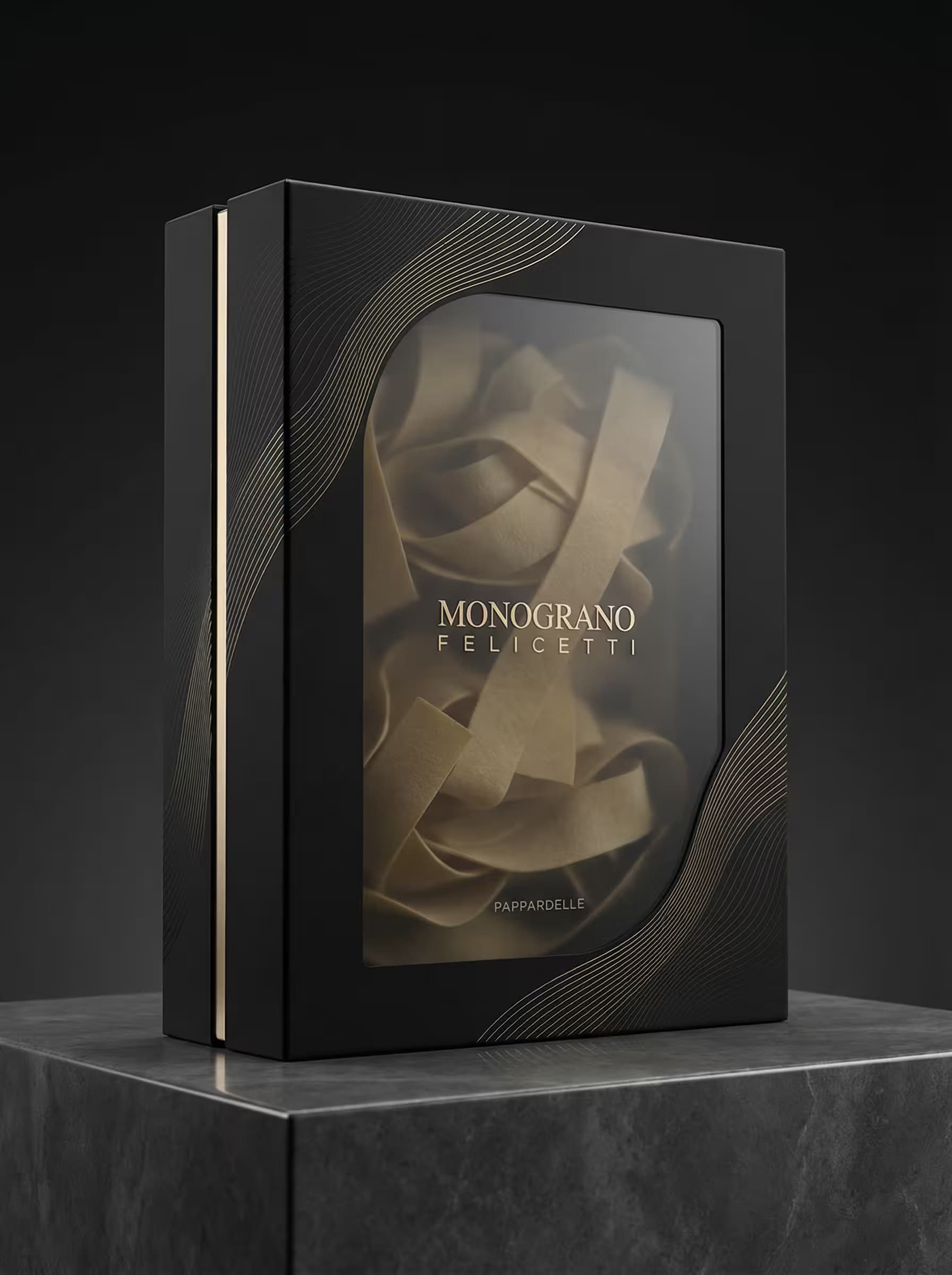
Popular on this page right now: "Banking App Mockup Design Prompt", "Collectible Toy in Retail Blister Packaging", "Futuristic Luxury Pasta Packaging Design Prompt".

44 on this page, every one scoped to Packaging & Mockups. Free to read, free to copy.

Why these prompts work for Packaging & Mockups

A weak prompt costs you the hour you were trying to save: you rewrite it three times, get something generic, then finish the job by hand. An engineered prompt front-loads that thinking once.

In Packaging & Mockups that means first drafts you can send, analysis you can act on, and the repetitive work handed off, so the time goes into judgement instead of typing.

Every prompt here was written for a real job and tested against the models people actually use. Nothing scraped from a thread.

How to use these prompts

Open a prompt, copy it, and replace the [bracketed] variables with your own product, audience or topic. The structure around them stays as is. That structure is the part doing the work.

Paste it into ChatGPT, Claude, Gemini, Grok or the model you already use. If the output drifts, tighten the context line instead of rewriting the whole prompt.

No account needed to copy one. No setup, no extension, nothing to install.

Which AI tool works best for Packaging & Mockups prompts?

Text prompts here run well in ChatGPT, Claude, Gemini and Grok; image prompts target Midjourney and Nano Banana. Each card lists the models it was tested with.

Are these AI prompts free to use?

A big part of the library is free: open a prompt, copy it, use it. Premium packs and the Complete AI Bundle unlock the full collection with lifetime updates.

How do I adapt these prompts to my use case?

Start with the [variables]: niche, audience, constraints. If the result still misses, add one example of the output you want. A single good example beats three extra instructions.

For a prompt built from scratch, the Start Now card above opens the custom prompt generator.

Related resources

Get smarter on AI every week

One email a week with the best new prompts, tools, and model updates. Unsubscribe anytime.

Join 100,000+ subscribers. One email a week, real prompts, tools, and model updates. Unsubscribe anytime.