87 AI Prompts for Illustration

The best Illustration prompts in the Art and Design library. Tested on ChatGPT, Claude, Gemini and every major model.

Browse the prompts

Reimagine the attached photo as {{medium}}.

Keep: the composition, the position and proportions of every main element, and the overall perspective. Someone who knows the original should recognise it instantly.

Change: the rendering only. Redraw every surface in the new medium, with visible marks that belong to it, such as brush strokes, pen lines, paper texture, or print grain.

Style: {{palette}}, simplified detail in the far background, confident handmade quality rather than a filter laid over a photo.

Light: keep the original light direction, translated into the new medium.

No text, no signature, no border.

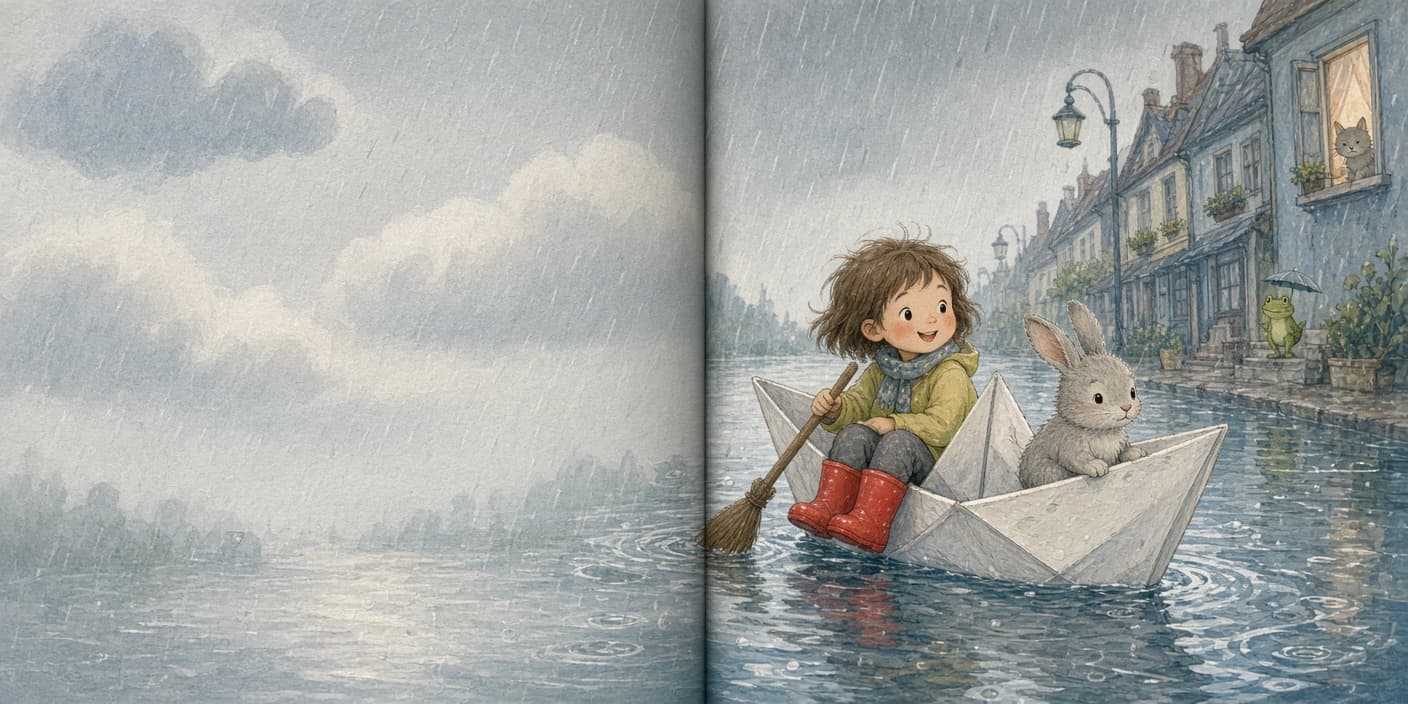
Photo Restyled Into a New Art Medium

Generate a new artistic version of a photo by transforming it into a different art medium while maintaining its original composition and perspective.
21
The front of a greeting card in portrait format.

Subject: {{illustration}}, centered slightly above the middle.

Layout: the illustration takes the upper two thirds. The message sits beneath it, centered, with wide margins all around.

Exact text: "{{message}}" in a relaxed hand-lettered script. No other words.

Style: {{style}}, palette of {{palette}}, on textured cream card stock. Handmade and warm, nothing clip-art.

Light: flat, as if the card were scanned.

Greeting Card Front With a Short Message

Generate a greeting card front illustration with a specified subject and message, styled in a warm, handmade fashion.

21
A front cover for a novel in portrait format.

Subject: {{genre-scene}}, composed so the main figure is small against a large landscape.

Layout: the title sits in the upper third in large type. The author name sits at the bottom in smaller type. The illustration runs full bleed behind both, with calm areas of sky or ground under the text so it stays readable.

Exact text: the title reads "{{title}}" in an elegant high-contrast serif. The author name reads "{{author}}" in widely spaced small capitals. No other words, no quote, no badge.

Style: painterly literary fiction cover, textured brushwork, palette of {{palette}}.

Light: low dusk light from the horizon, long shadows.

Novel Cover With Title and Author Name

Generate a front cover for a novel illustration, providing a painterly and atmospheric visual with specified title and author name placements.

14
A letter-learning coloring page.

Subject: {{animal}}, drawn large and friendly.

Layout: portrait page. A big hollow outline capital letter in the top left corner. The animal in the centre. The word in hollow outline capitals along the bottom.

Exact text: the letter is "{{letter}}". The word reads "{{word}}". Both drawn as thick hollow outlines that can be colored in. No other text.

Style: black outlines on white, thick uniform line weight, rounded simple shapes, big closed areas, no shading, no grey, no solid black fills.

Light: none.

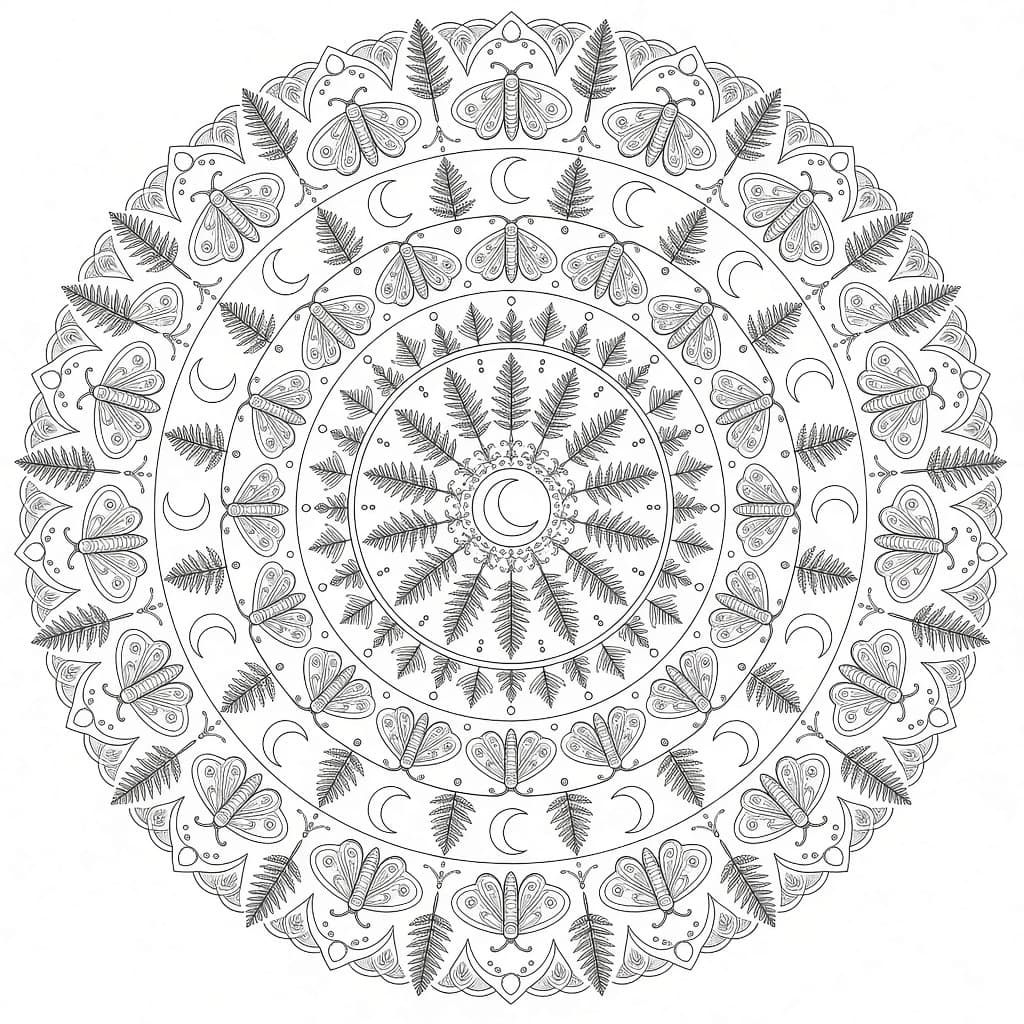
Animal Alphabet Coloring Page

Generate a customized animal alphabet coloring page with large and friendly illustrations, perfect for kids learning their ABCs. The output is an image ready to print and color.

14

What are AI prompts for Illustration?

AI prompts for Illustration are engineered instructions that already work. These are not one-line questions. Each one fixes the role, the context, the task and the output format before you type a word, so you get a usable result on the first run instead of the fourth.

They cover the work Illustration actually get asked for: research and briefs, copy and content, analysis and reporting, planning, outreach and the admin that eats the day. Open a card to see the full prompt and the output it returns.

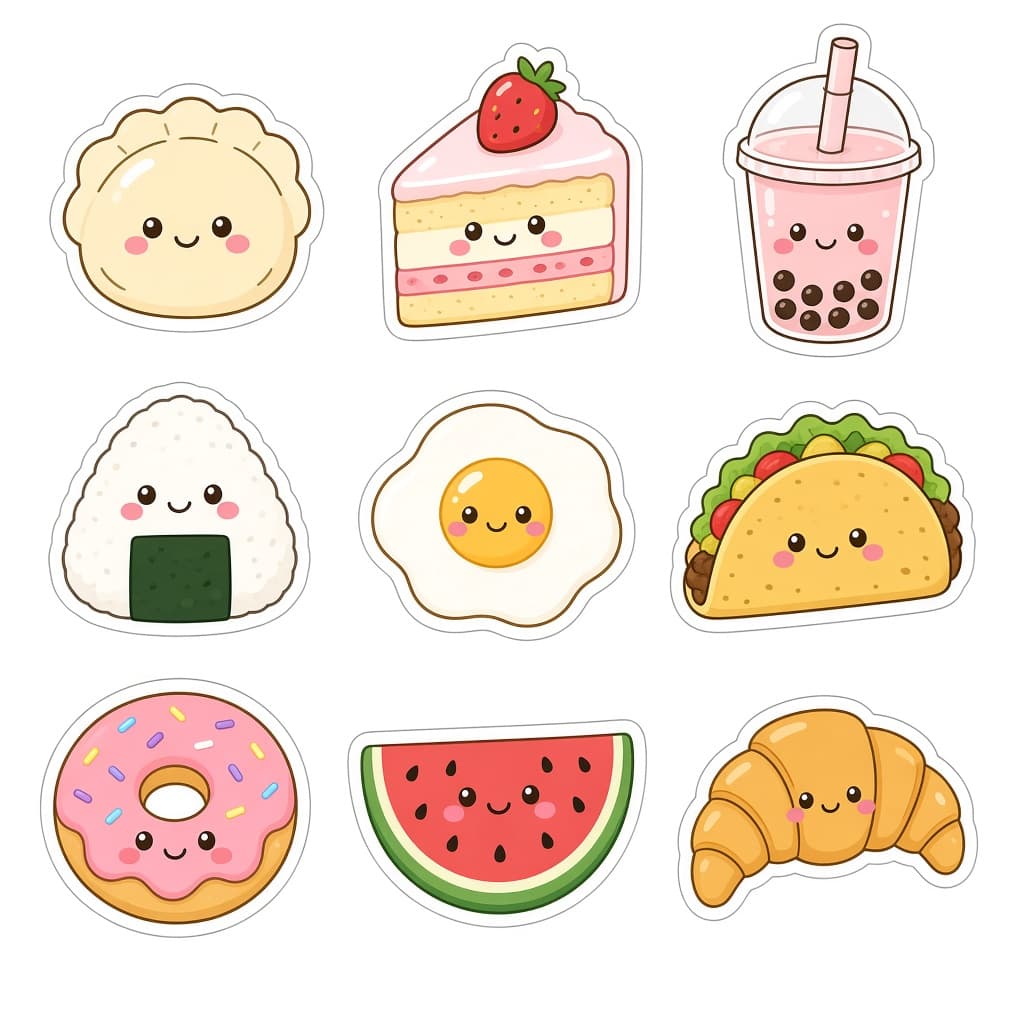
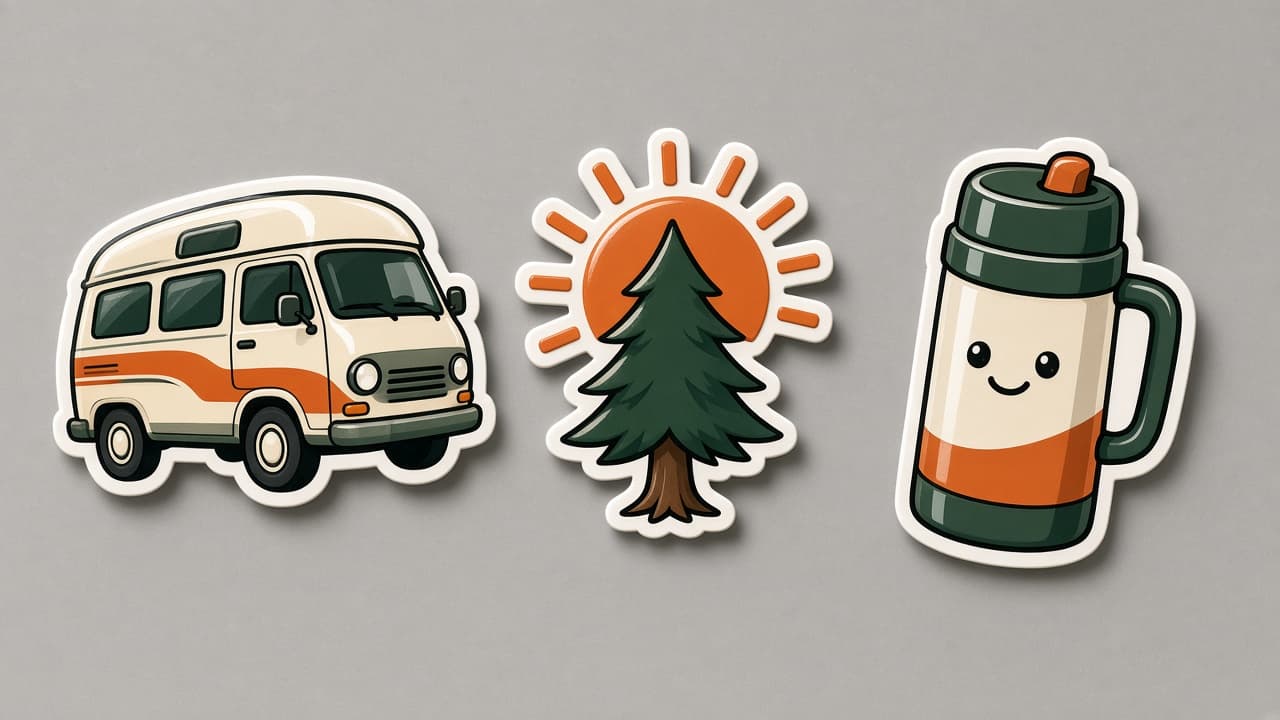
Popular on this page right now: "Photo Restyled Into a New Art Medium", "Greeting Card Front With a Short Message", "Die-Cut Vinyl Sticker Trio".

87 on this page, every one scoped to Illustration. Free to read, free to copy.

Why these prompts work for Illustration

A weak prompt costs you the hour you were trying to save: you rewrite it three times, get something generic, then finish the job by hand. An engineered prompt front-loads that thinking once.

In Illustration that means first drafts you can send, analysis you can act on, and the repetitive work handed off, so the time goes into judgement instead of typing.

Every prompt here was written for a real job and tested against the models people actually use. Nothing scraped from a thread.

How to use these prompts

Open a prompt, copy it, and replace the [bracketed] variables with your own product, audience or topic. The structure around them stays as is. That structure is the part doing the work.

Paste it into ChatGPT, Claude, Gemini, Grok or the model you already use. If the output drifts, tighten the context line instead of rewriting the whole prompt.

No account needed to copy one. No setup, no extension, nothing to install.

Which AI tool works best for Illustration prompts?

Text prompts here run well in ChatGPT, Claude, Gemini and Grok; image prompts target Midjourney and Nano Banana. Each card lists the models it was tested with.

Are these AI prompts free to use?

A big part of the library is free: open a prompt, copy it, use it. Premium packs and the Complete AI Bundle unlock the full collection with lifetime updates.

How do I adapt these prompts to my use case?

Start with the [variables]: niche, audience, constraints. If the result still misses, add one example of the output you want. A single good example beats three extra instructions.

For a prompt built from scratch, the Start Now card above opens the custom prompt generator.

Related resources

Get smarter on AI every week

One email a week with the best new prompts, tools, and model updates. Unsubscribe anytime.

Join 100,000+ subscribers. One email a week, real prompts, tools, and model updates. Unsubscribe anytime.