78 AI Prompts for Icon & UI Design

The best Icon & UI Design prompts in the Art and Design library. Tested on ChatGPT, Claude, Gemini and every major model.

Browse the prompts

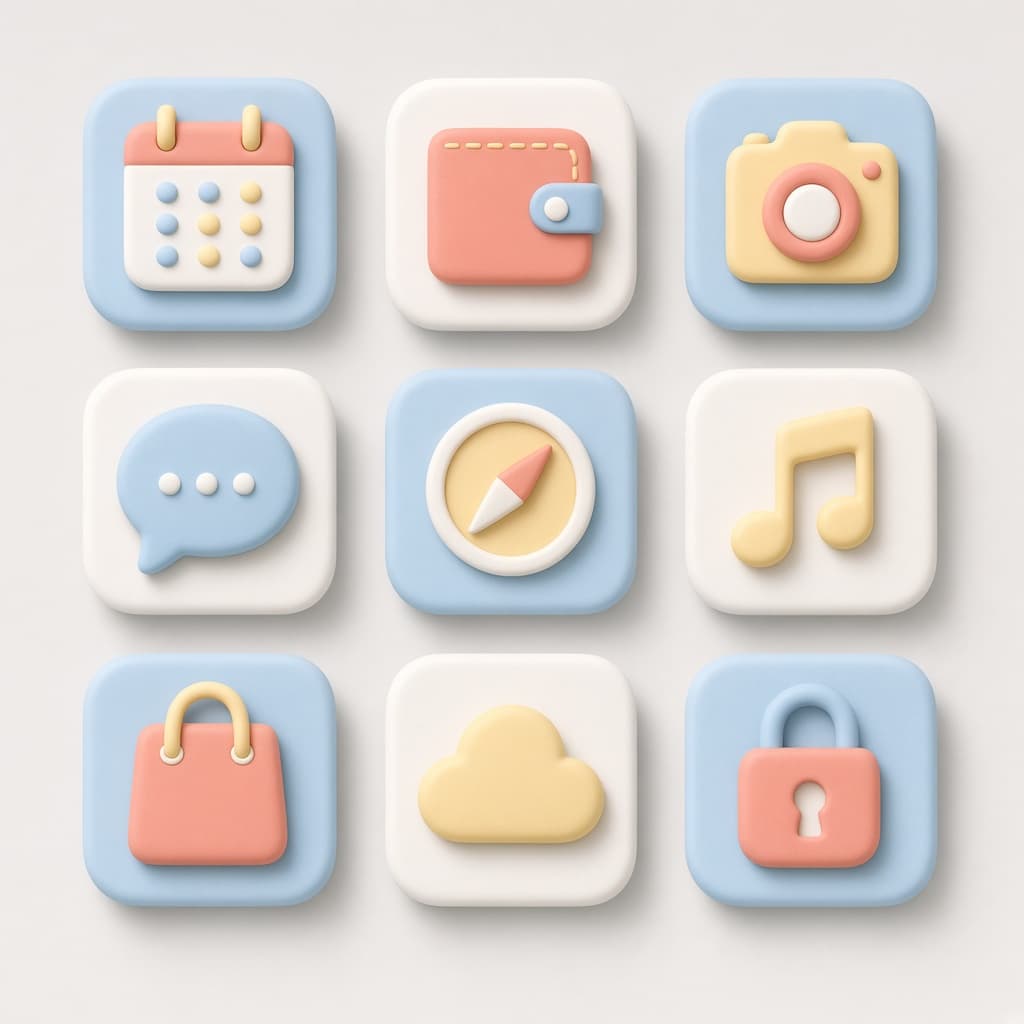
Retexture the attached image into a playful 3D matte icon with soft, rounded volumetric geometry. Preserve the original silhouette and main contours while applying smooth, rounded edges and soft shadows.

**Material & Surface**
Matte plastic or soft polymer with a semi-matte, soft-touch finish. Minimal reflection, soft ambient shading, rubberized coating texture. No branding elements.

**Color Palette**
Primary: #FF3B3B, #FFFFFF  
Accents: #F55A5A, #FFEDED, #CCCCCC  
Moderate contrast throughout.

**Lighting & Shadows**
Soft shadow casting with ambient occlusion at medium intensity. Shadows consistent with object grounding, creating a subtle floating effect.

**Composition**
Centered object on a flat light gray or soft pastel background. Faint drop shadow beneath. Scale slightly exaggerated for visual clarity.

--ar 1:1 --v 6 --style raw --no reflections, glossy surfaces, text, logos

Playful 3D Matte Icon Retexture Prompt

Generates volumetric 3D matte icons by retexturing uploaded images with soft polymer finishes, rounded contours, and ambient occlusion shadows. Runs on Midjourney, Flux, and Nano Banana.
29
Retexture the attached image in a soft minimal 3D plastic aesthetic while preserving the original object's silhouette and shape. Smooth matte plastic base with metallic edge trim in satin finish, semi-reflective black screen surfaces, subtle color gradients, rounded bevels at all corners, soft transitions between surfaces, complex details flattened into simplified geometry blocks. Soft gradient ambient light, minimal soft-edged shadows, diffused low-intensity reflections, isometric 3D render style, high resolution, slight bloom, sharp focus on central object, no depth blur. Primary colors: cool grey, steel blue, soft charcoal; accents: light lavender, pastel yellow. Pastel gradient background from blue to cream, smooth and untextured. {{additional-requirements}} --ar 1:1 --v 6 --style raw --no texture, grain, noise, depth of field

Soft Minimal 3D Plastic Icon Generator

Generates soft minimal 3D plastic renderings of uploaded images while preserving their original silhouette and shape. Runs on Midjourney, Nano Banana, and Flux to produce high-resolution isometric renders with matte plastic surfaces, metallic trims, and pastel gradient backgrounds.

21

What are AI prompts for Icon & UI Design?

AI prompts for Icon & UI Design are engineered instructions that already work. These are not one-line questions. Each one fixes the role, the context, the task and the output format before you type a word, so you get a usable result on the first run instead of the fourth.

They cover the work Icon & UI Design actually get asked for: research and briefs, copy and content, analysis and reporting, planning, outreach and the admin that eats the day. Open a card to see the full prompt and the output it returns.

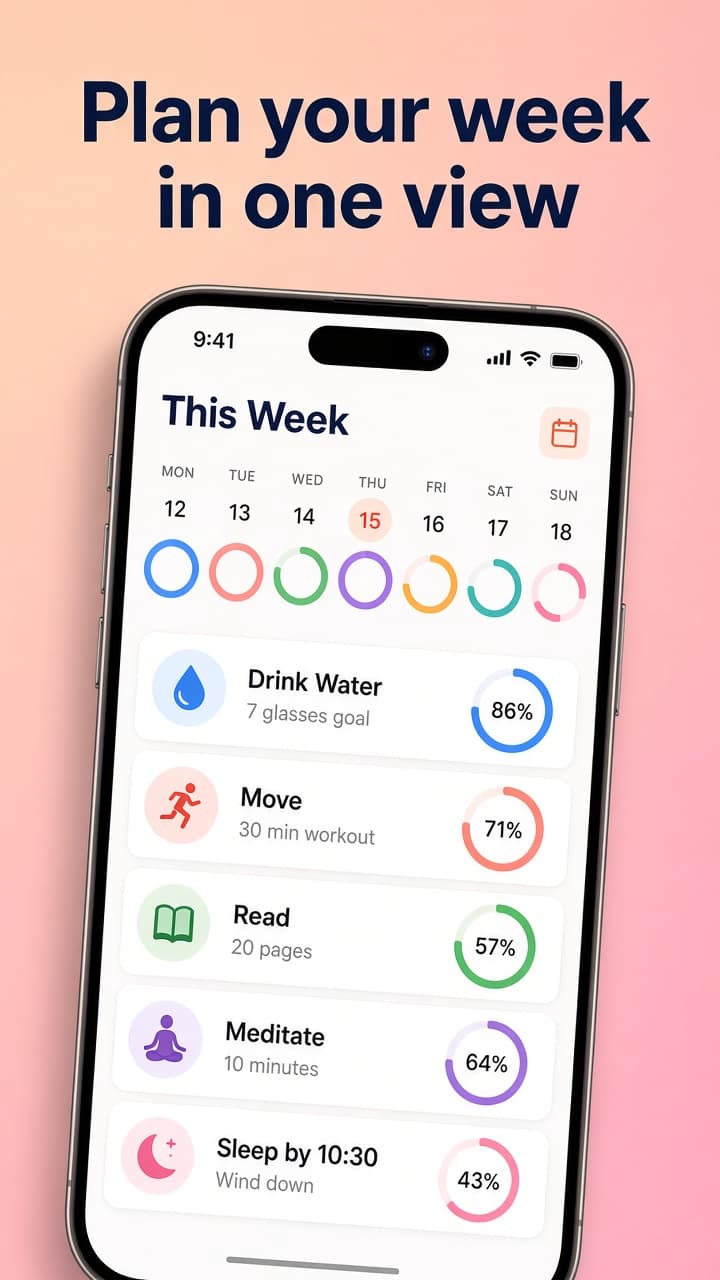
Popular on this page right now: "Playful 3D Matte Icon Retexture Prompt", "Soft Minimal 3D Plastic Icon Generator", "App Store Screenshot With Caption".

78 on this page, every one scoped to Icon & UI Design. Free to read, free to copy.

Why these prompts work for Icon & UI Design

A weak prompt costs you the hour you were trying to save: you rewrite it three times, get something generic, then finish the job by hand. An engineered prompt front-loads that thinking once.

In Icon & UI Design that means first drafts you can send, analysis you can act on, and the repetitive work handed off, so the time goes into judgement instead of typing.

Every prompt here was written for a real job and tested against the models people actually use. Nothing scraped from a thread.

How to use these prompts

Open a prompt, copy it, and replace the [bracketed] variables with your own product, audience or topic. The structure around them stays as is. That structure is the part doing the work.

Paste it into ChatGPT, Claude, Gemini, Grok or the model you already use. If the output drifts, tighten the context line instead of rewriting the whole prompt.

No account needed to copy one. No setup, no extension, nothing to install.

Which AI tool works best for Icon & UI Design prompts?

Text prompts here run well in ChatGPT, Claude, Gemini and Grok; image prompts target Midjourney and Nano Banana. Each card lists the models it was tested with.

Are these AI prompts free to use?

A big part of the library is free: open a prompt, copy it, use it. Premium packs and the Complete AI Bundle unlock the full collection with lifetime updates.

How do I adapt these prompts to my use case?

Start with the [variables]: niche, audience, constraints. If the result still misses, add one example of the output you want. A single good example beats three extra instructions.

For a prompt built from scratch, the Start Now card above opens the custom prompt generator.

Related resources

Get smarter on AI every week

One email a week with the best new prompts, tools, and model updates. Unsubscribe anytime.

Join 100,000+ subscribers. One email a week, real prompts, tools, and model updates. Unsubscribe anytime.