58 AI Prompts for Illustration

The best Illustration prompts in the Art and Design library. Tested on ChatGPT, Claude, Gemini and every major model.

Browse the prompts

Popular
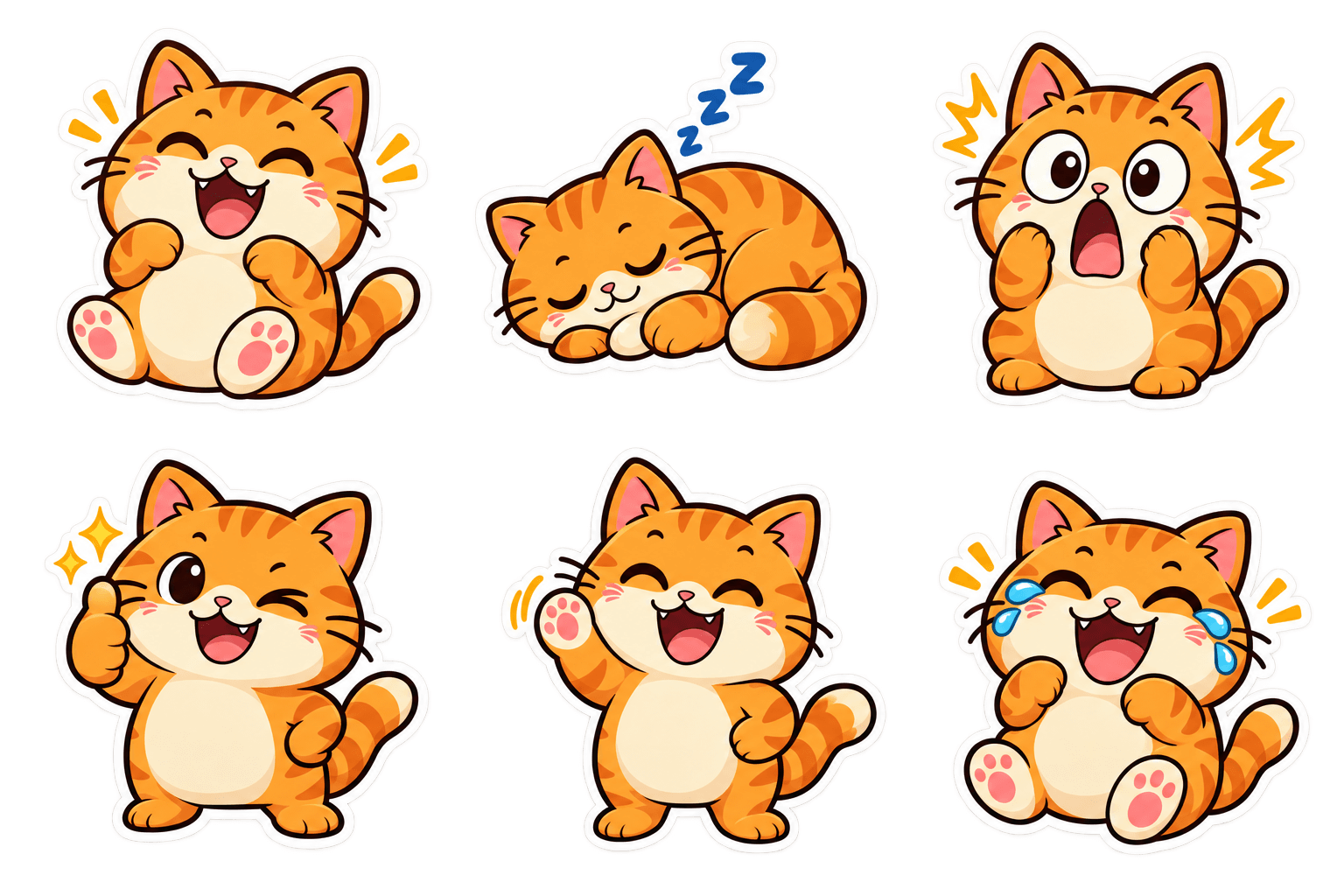
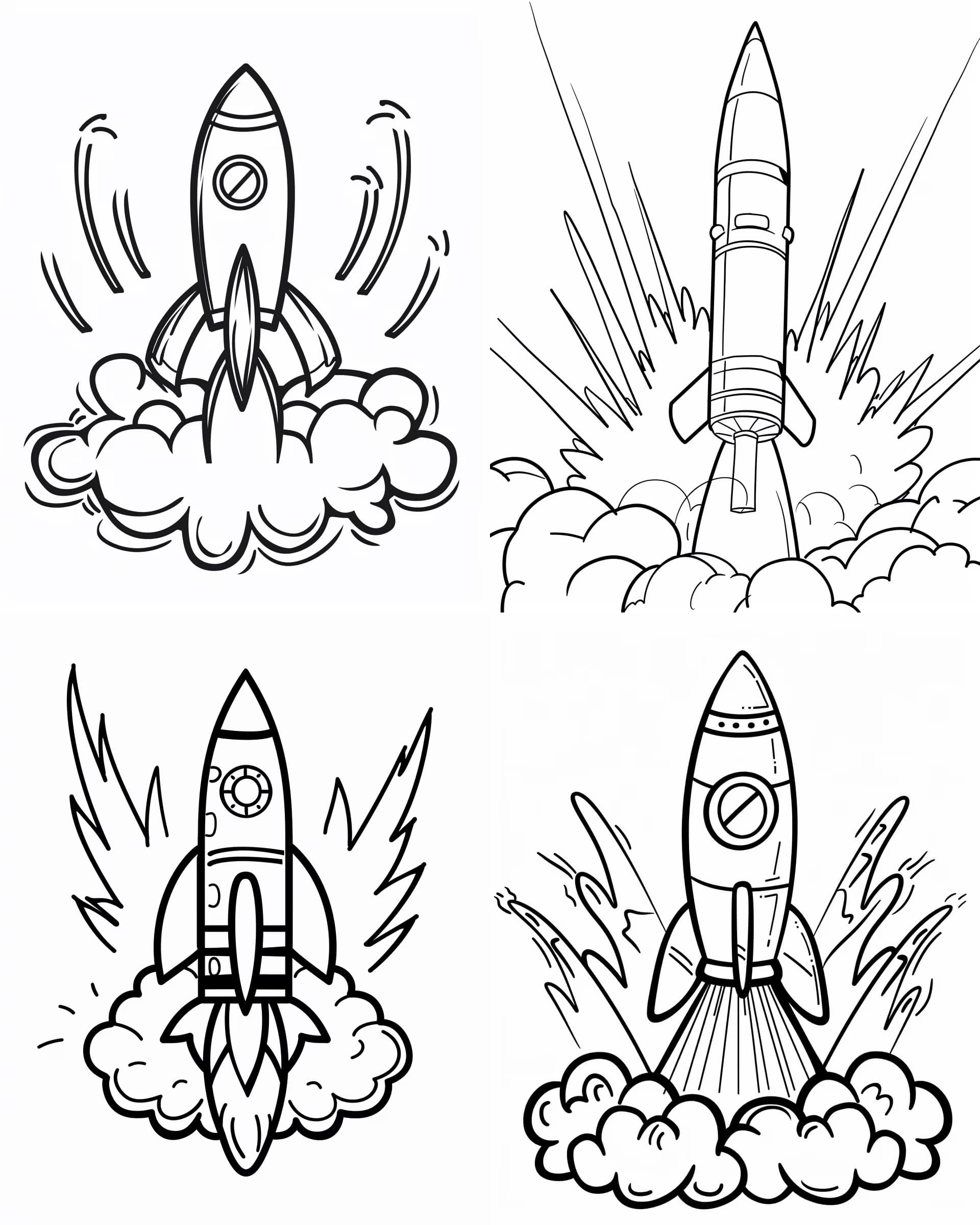
{{subject}} with illustrated googly eyes and stick-figure arms, shown in an exaggerated comedic action, playful cartoon illustration with bold outlines, vibrant colors, expressive character design, high energy pose, whimsical humor --ar 16:9 --v 6 --style raw --no realistic details, photorealism

Googly Eyes Cartoon Character Generator

Generates playful cartoon illustrations that add googly eyes and stick hands to any subject performing exaggerated comedic actions. Runs on Midjourney, Flux, and other AI image generators.
584
Popular
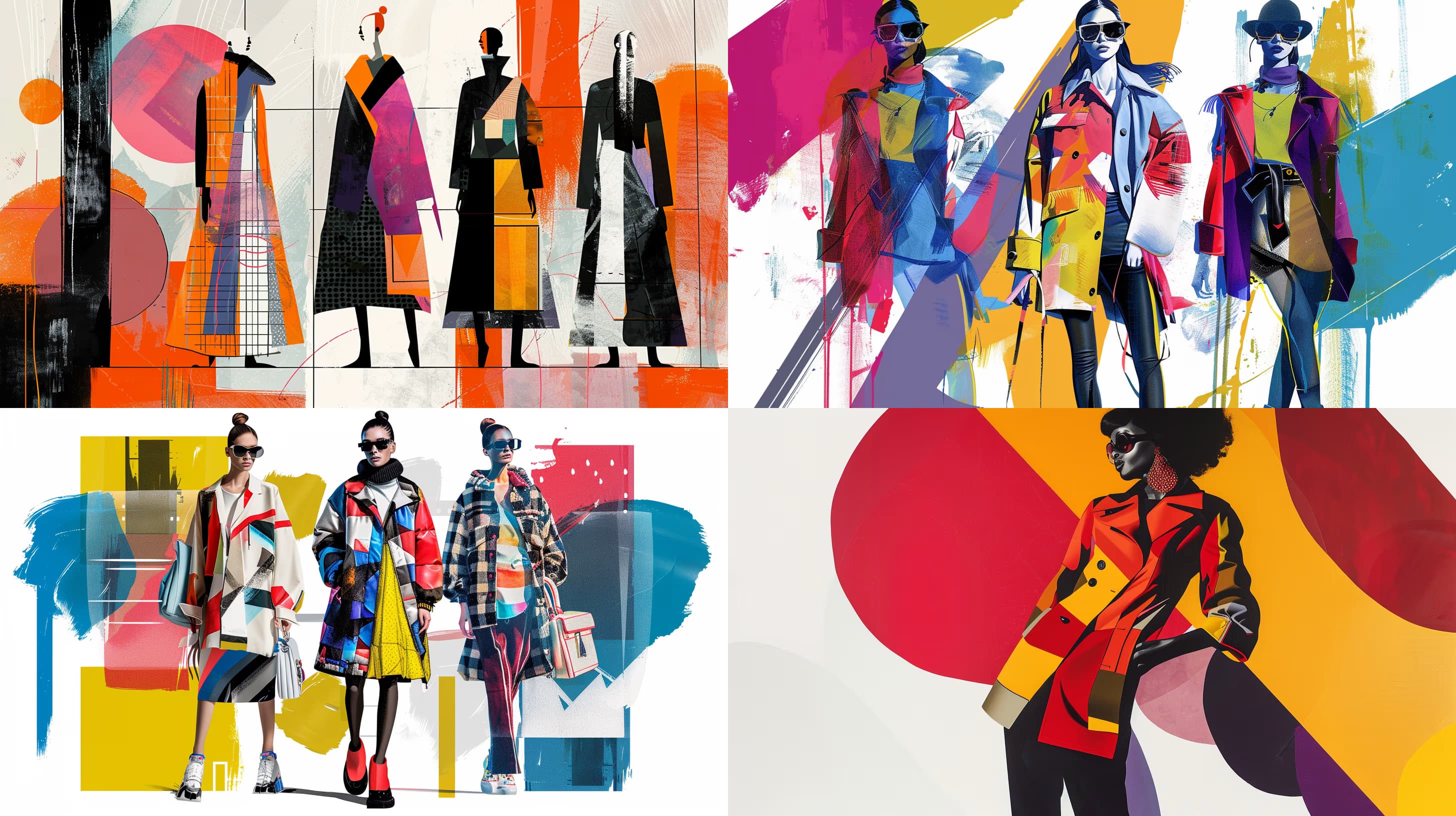
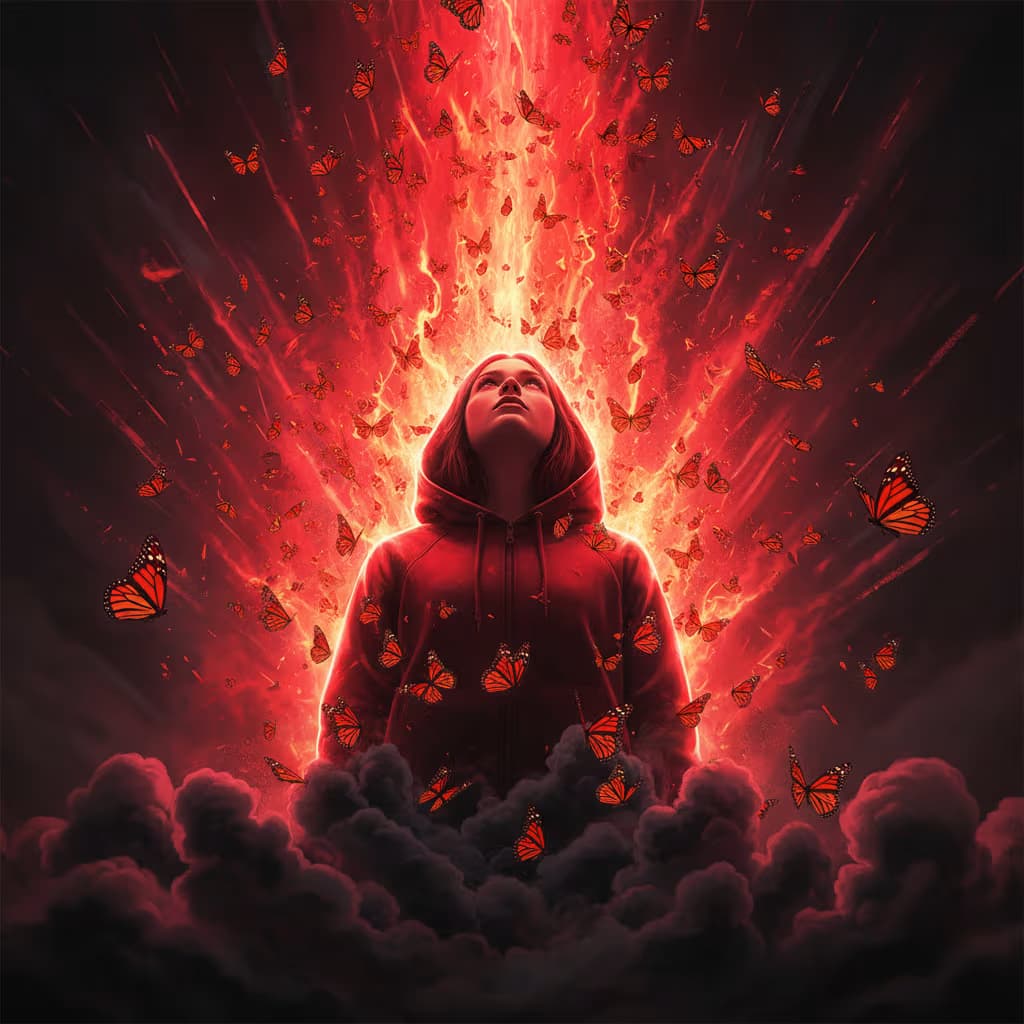
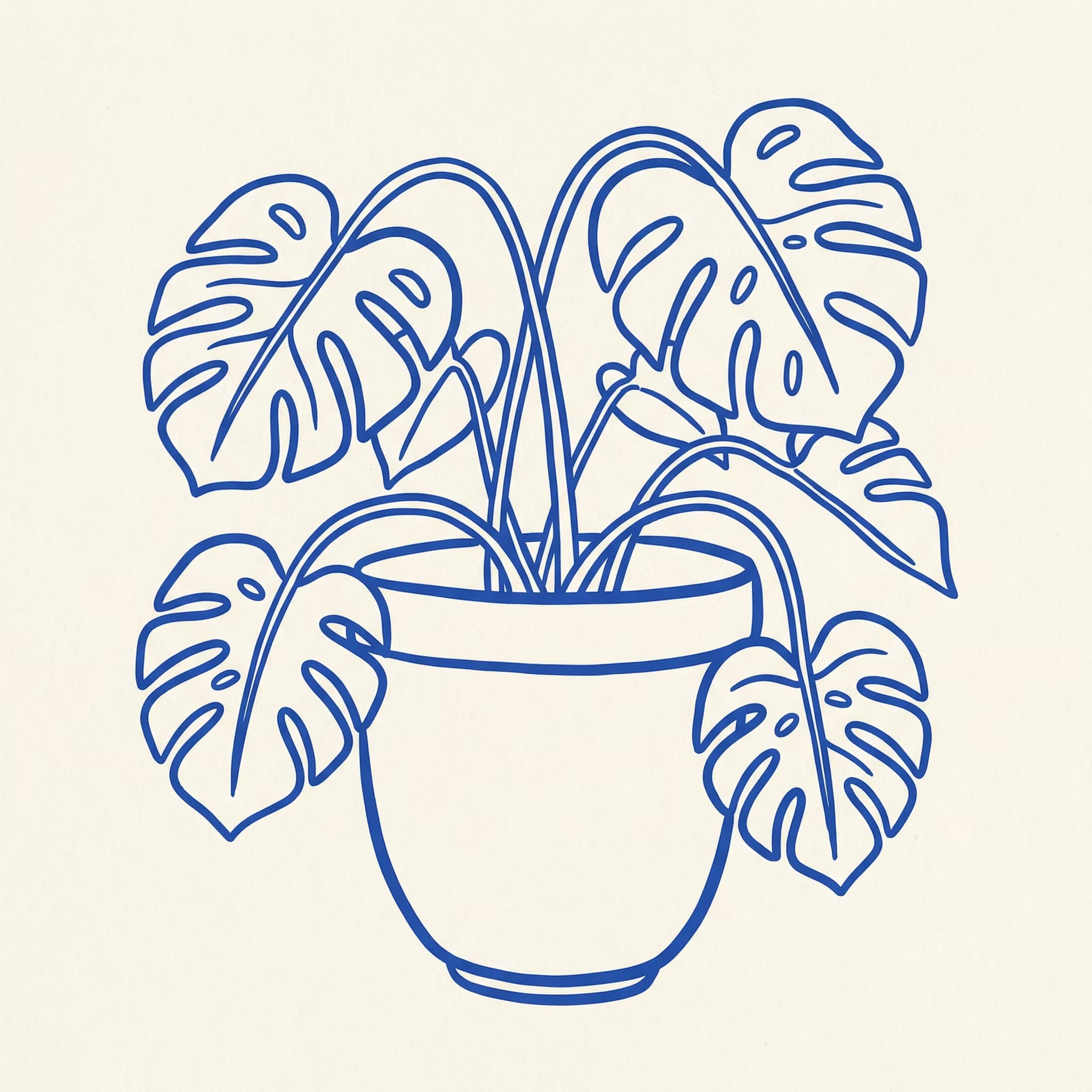
Editorial flat illustration, conceptual graphic aesthetic, {{theme-and-concept}}, simplified human silhouette in {{character-state}}, deep black (#0E0E11) background, white (#FFFFFF) and bright blue (#4D7CFE) accents, very high contrast, flat shading no gradients, centered subject, large negative space, oversized metaphor elements, bold simplified shapes --ar 1:1 --v 6 --style raw --no gradients, shadows, textures

Editorial Flat Illustration

Generates bold, high-contrast editorial illustrations with simplified human silhouettes and conceptual visual metaphors, designed for Midjourney, Flux, and similar image models.

342
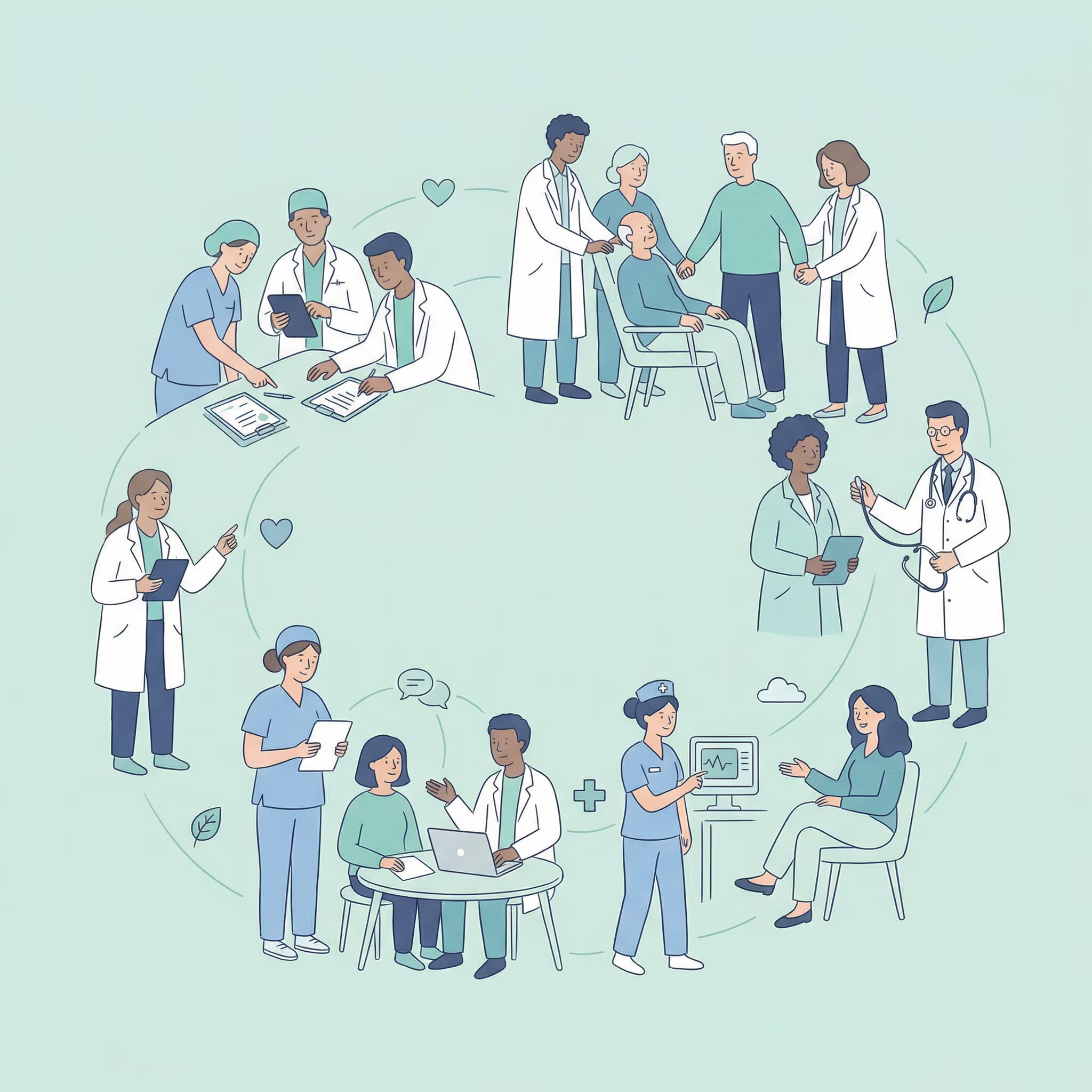
Minimal flat hand-drawn editorial illustration, diverse group of simplified people forming a circular flowing composition that symbolizes {{concept}}, characters standing sitting reading books using laptops discussing teaching learning from each other, rounded simplified human figures with abstract expressive faces minimal eyes and noses, soft outlines, flat rendering no shadows gradients or textures, background soft pastel green or muted mint, clothing and figures in limited palette of blue teal soft navy white light gray with muted cyan accents, open negative space for calm airy human-centered feel, corporate education aesthetic --ar 1:1 --v 6 --style raw --no photorealism, 3D effects, gradients, shadows, symbolic hands, oversized objects, realistic faces, heavy textures, clutter, logos, text

Editorial Learning Illustration Generator

Generates minimal flat editorial illustrations featuring diverse people in collaborative learning scenes, designed for education and corporate training platforms. Runs on Midjourney, Flux, and similar AI image models.

75
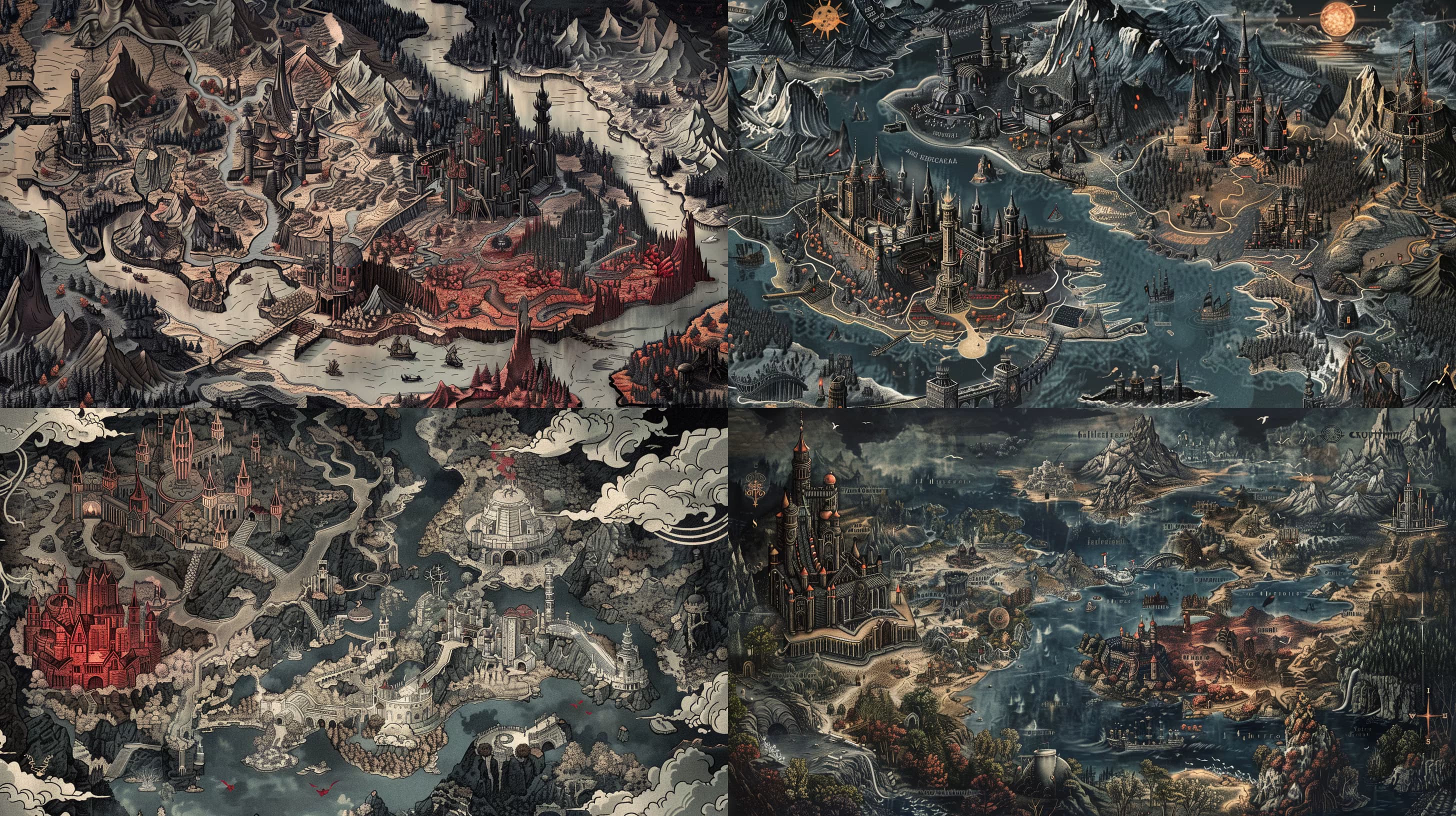
Hand-illustrated fantasy-cartography map of {{subject}}, drawn in the style of an aged explorer's atlas: weathered parchment texture with soft sepia and faded teal tones, decorative compass rose in the corner, fine ink linework for coastlines, mountains rendered as shaded relief, forests as clustered tree icons, rivers tapering naturally to the sea, hand-lettered serif place labels and a scrolled title banner, subtle ornamental border, gentle vignette and tea-stained edges for authenticity, balanced composition with clear visual hierarchy. --ar 16:9 --s 250 --q 2

Fantasy Map Generator for Midjourney

Generates a hand-illustrated fantasy cartography map in an aged explorer's atlas style, complete with weathered parchment texture, decorative compass rose, shaded relief terrain, and hand-lettered labels. Output is a Midjourney image.

71
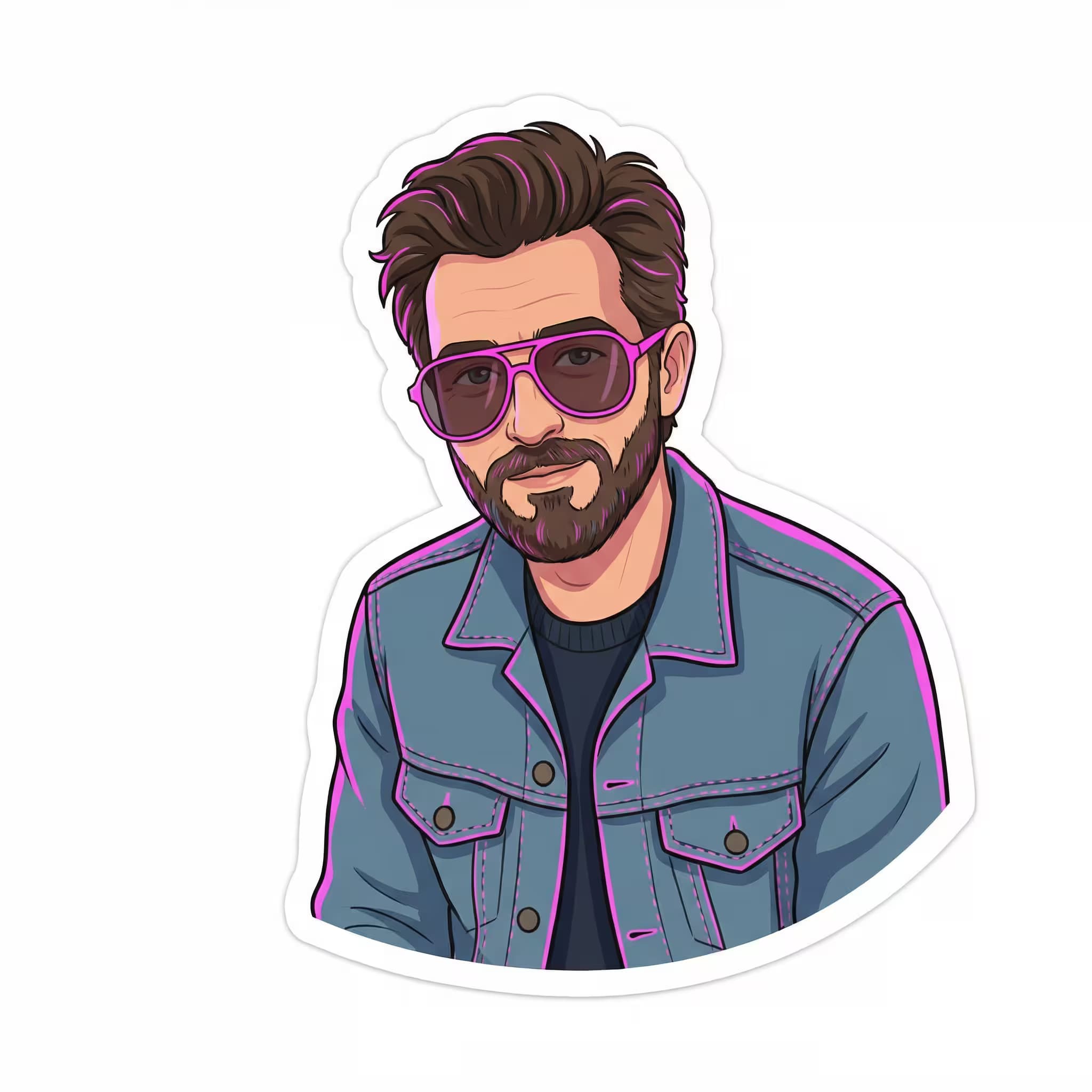
Simple vector illustration of {{subjects-and-interaction}}, both with warm expressions, casual clothing with minimal accessories, {{background}}, rounded proportions, vibrant cheerful colors --ar {{aspect-ratio}}

Vector Style Illustration Prompt

Generates simple vector illustrations with rounded proportions, vibrant cheerful colors, and warm character interactions. Runs on Midjourney, Flux, and other AI image models.

55
A full body shot of {{subject}}, a vintage Japanese painting from the early 18th century, on white paper, symmetrical --chaos 40 --ar 3:4 --exp 50 --sref 59342432 --sw 600 --stylize 300

Vintage Japanese Animal Painting Generator

Generates full-body animal portraits in the style of early 18th-century Japanese paintings on white paper with symmetrical composition. Built for Midjourney with structured style parameters.

55

What are AI prompts for Illustration?

AI prompts for Illustration are engineered instructions that already work. These are not one-line questions. Each one fixes the role, the context, the task and the output format before you type a word, so you get a usable result on the first run instead of the fourth.

They cover the work Illustration actually get asked for: research and briefs, copy and content, analysis and reporting, planning, outreach and the admin that eats the day. Open a card to see the full prompt and the output it returns.

Popular on this page right now: "Googly Eyes Cartoon Character Generator", "Editorial Flat Illustration", "Editorial Concept Illustration Generator".

58 on this page, every one scoped to Illustration. Free to read, free to copy.

Why these prompts work for Illustration

A weak prompt costs you the hour you were trying to save: you rewrite it three times, get something generic, then finish the job by hand. An engineered prompt front-loads that thinking once.

In Illustration that means first drafts you can send, analysis you can act on, and the repetitive work handed off, so the time goes into judgement instead of typing.

Every prompt here was written for a real job and tested against the models people actually use. Nothing scraped from a thread.

How to use these prompts

Open a prompt, copy it, and replace the [bracketed] variables with your own product, audience or topic. The structure around them stays as is. That structure is the part doing the work.

Paste it into ChatGPT, Claude, Gemini, Grok or the model you already use. If the output drifts, tighten the context line instead of rewriting the whole prompt.

No account needed to copy one. No setup, no extension, nothing to install.

Which AI tool works best for Illustration prompts?

Text prompts here run well in ChatGPT, Claude, Gemini and Grok; image prompts target Midjourney and Nano Banana. Each card lists the models it was tested with.

Are these AI prompts free to use?

A big part of the library is free: open a prompt, copy it, use it. Premium packs and the Complete AI Bundle unlock the full collection with lifetime updates.

How do I adapt these prompts to my use case?

Start with the [variables]: niche, audience, constraints. If the result still misses, add one example of the output you want. A single good example beats three extra instructions.

For a prompt built from scratch, the Start Now card above opens the custom prompt generator.

Related resources

Get smarter on AI every week

One email a week with the best new prompts, tools, and model updates. Unsubscribe anytime.

Join 100,000+ subscribers. One email a week, real prompts, tools, and model updates. Unsubscribe anytime.