116 AI Prompts for Product Photography

The best Product Photography prompts in the Art and Design library. Tested on ChatGPT, Claude, Gemini and every major model.

Browse the prompts

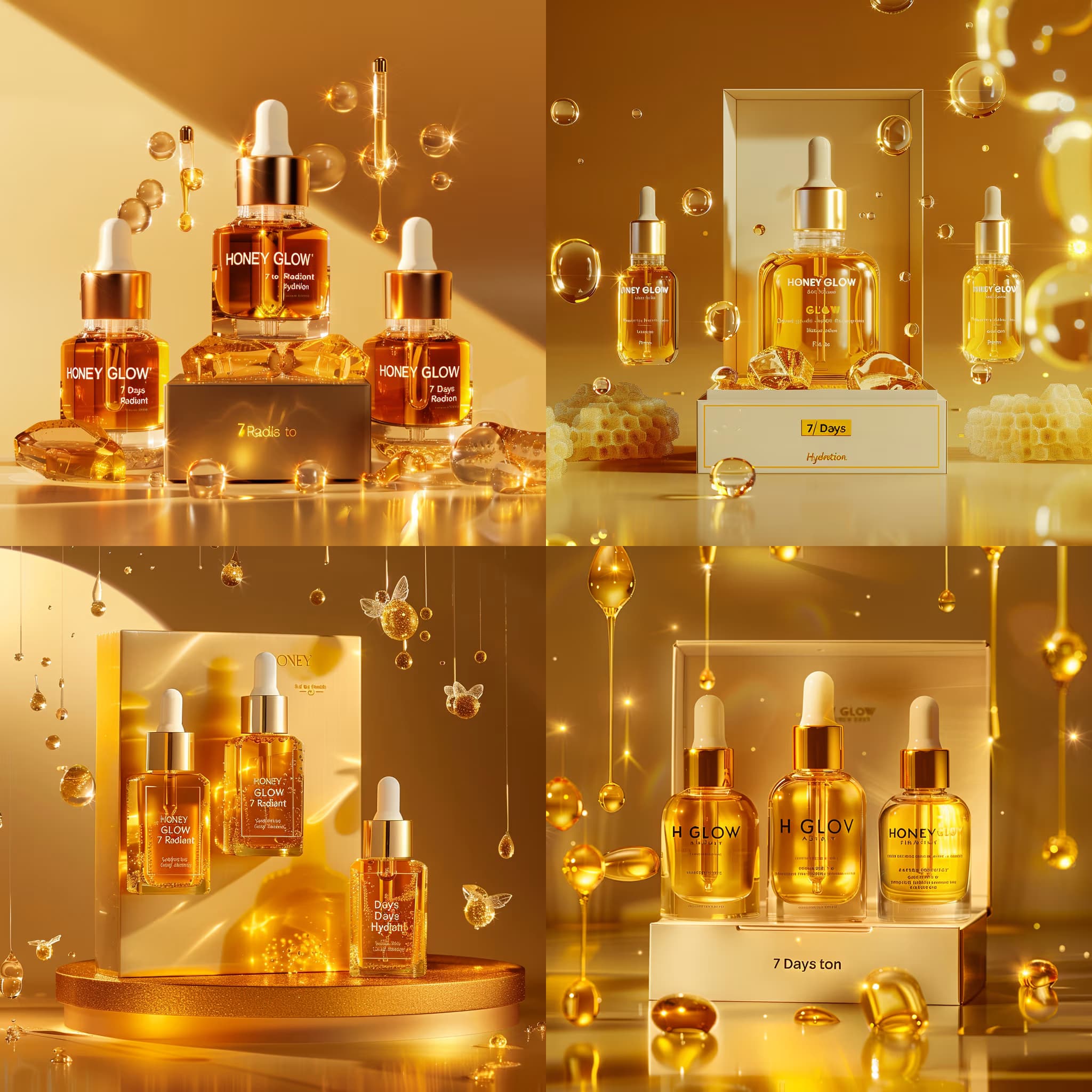
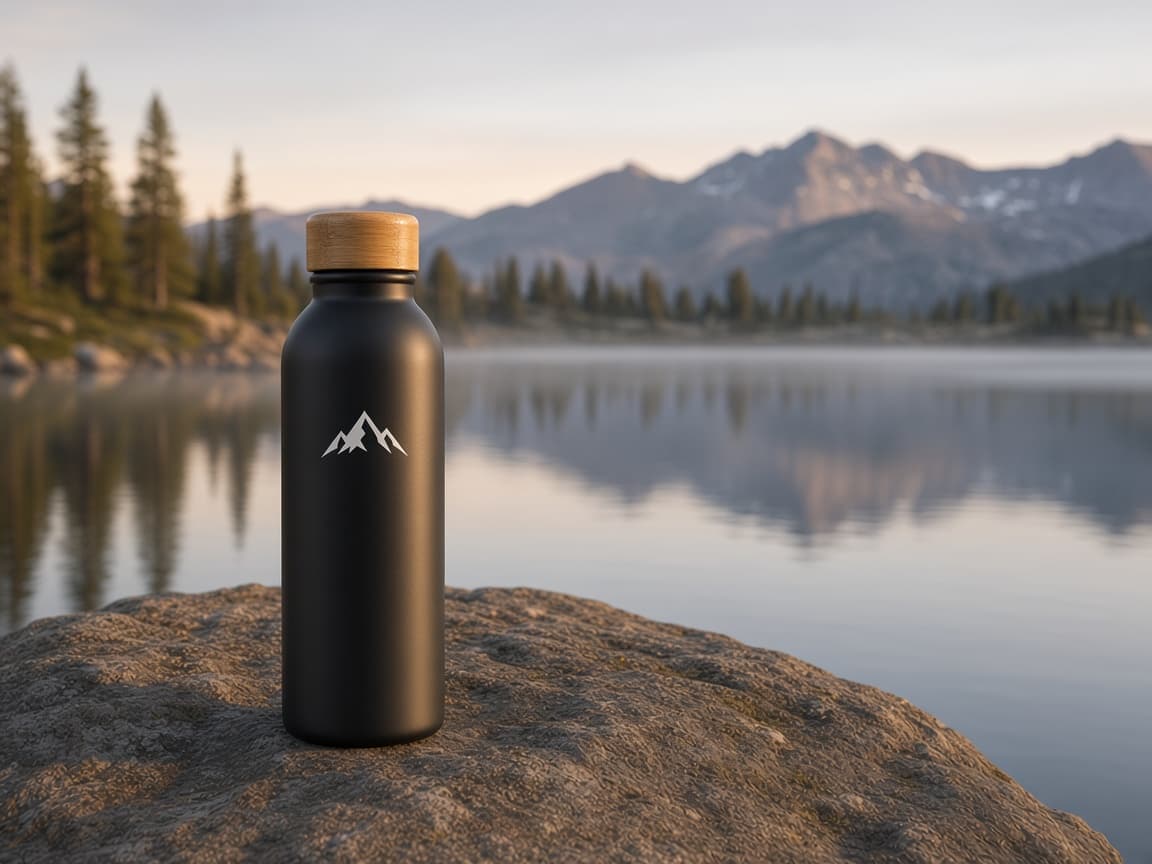
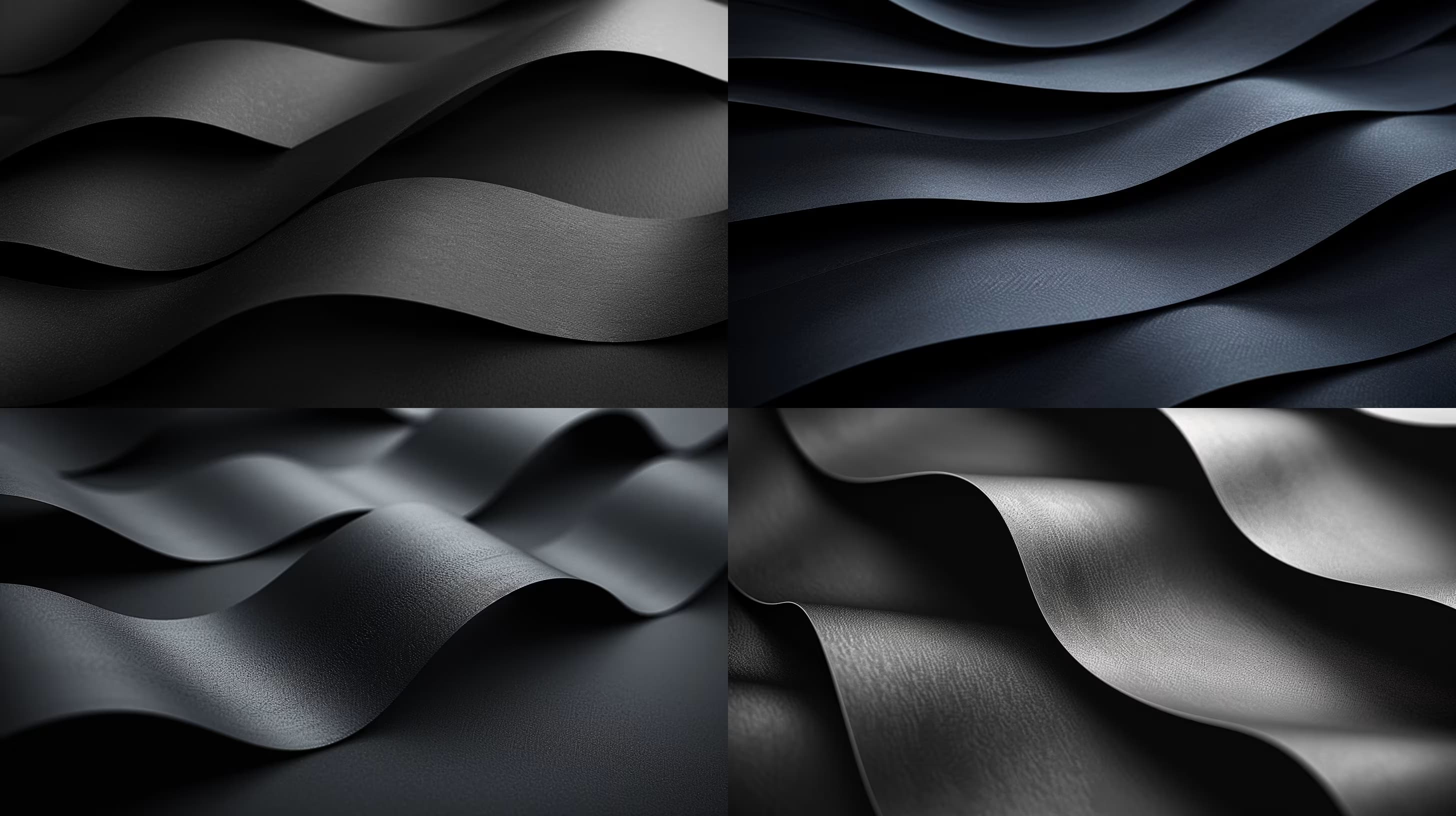
{{medium}} photograph of a {{product}} resting on {{surface-and-setting}}, shot with shallow depth of field creating soft bokeh in the background, natural window light highlights emphasizing form and texture, minimal modern aesthetic --ar 16:9 --q 2

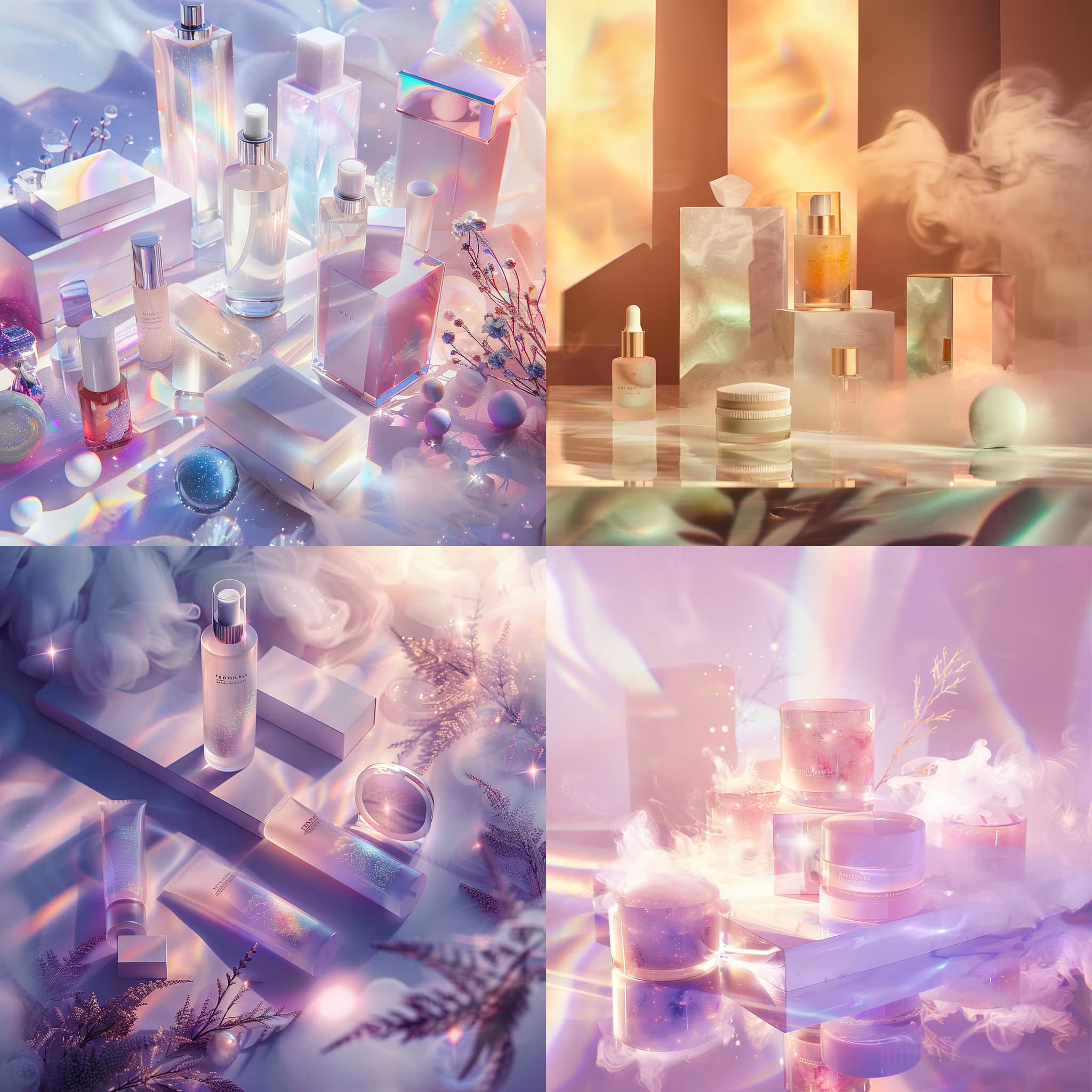
Colorful Product Photography Generator

Generates shallow depth-of-field product photographs with customizable surfaces, lighting, and aesthetic styles. Runs on Midjourney, Flux, and similar AI image models.
32
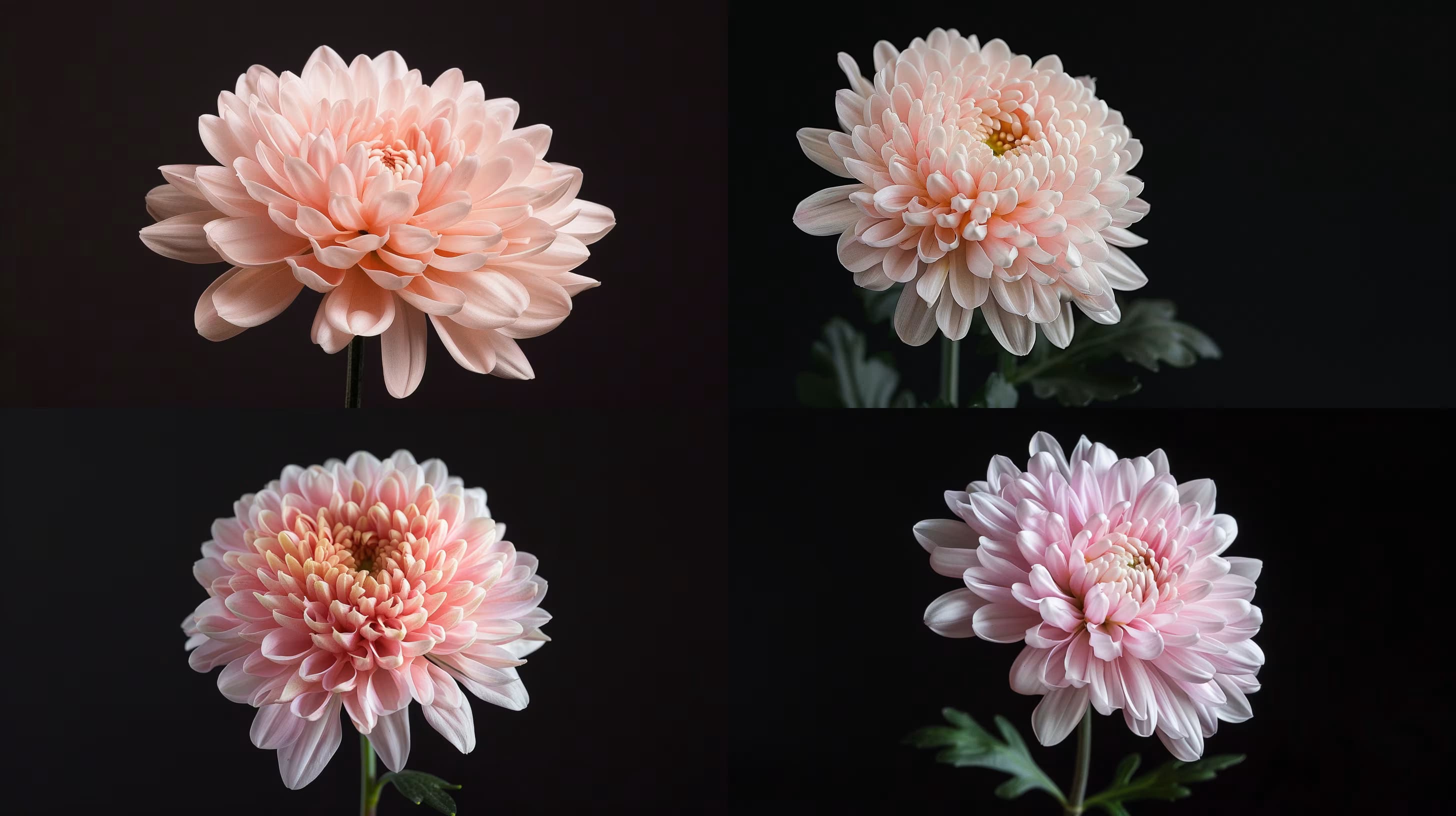
Photograph of golden light atop desert hills and dunes, revealing layered undulating patterns in fine sand texture; {{time-of-day}} sun casting {{shadow-direction}} shadows, warm atmospheric glow, captured on high-resolution full-frame camera with telephoto lens, showcasing sunlight rays, distant mountains, and intricate ripple details --ar {{aspect-ratio}}

Desert Landscape Photography Prompt

Generates golden-hour desert photographs with layered dunes, fine sand textures, and directional shadows. Runs on Midjourney, Flux, and other AI image models.

32
Close-up shot of {{hand-action}} a {{product}} onto a textured brick road, cinematic product lighting, glossy finish with metallic red and chrome details, photorealistic, 8K resolution --ar 16:9

Cinematic Product Launch Shot Generator

Generates close-up, photorealistic product shots showing hands in action against textured surfaces with cinematic lighting. Runs on Midjourney, Flux, and similar image models.

27
Wide-angle shot of {{vehicle-description}} on a winding coastal road approaching a tranquil lake, {{sky-and-lighting}} in the background, serene mood; cinematic Kodak Portra 400 film aesthetic with vintage texture and subtle grain, emphasizing vast landscape and detailed vehicle features --ar 16:9

Vintage Vehicle Photography Prompt for AI Image Generators

Generates wide-angle, cinematic shots of classic vehicles on scenic roads with film-inspired aesthetics. Runs on Midjourney, Flux, and other AI image generators.

26
High-end fashion catalog photography featuring a confident female model in {{outfit-description}}, shot in a modern studio with soft, diffused daylight and warm color grading. The composition presents a dynamic multi-frame collage layout where the same model appears in 3-4 slightly offset, overlapping frames showing different relaxed yet poised stancesβ€”subtle weight shifts, natural hand placements, direct and averted gazes. Each frame uses a gentle perspective tilt (2-5 degrees) to create visual rhythm.

Style direction: seamless fusion of streetwear edge and luxury sophistication. Think contemporary e-commerce hero imagery with editorial polishβ€”clean, minimal UI-inspired composition that feels native to premium shopping platforms like NET-A-PORTER or SSENSE. Negative space around the figure groups, geometric alignment between frames, and breathing room for potential text overlays.

Tech

Fashion Catalog Collage Layout

Generate high-end fashion catalog photography with dynamic multi-frame collage layout for a stylish e-commerce presentation.

16
Transform the described scene into a travel souvenir enamel pin badge with classic cloisonnΓ© styling.

**Scene to depict:** {{subject-description}}

**Composition hierarchy:**
The defining landscape, terrain, or landmark forms the main body of the badge and occupies most of its area. If a person appears in the scene, include them as a small, simplified figure at true relative scale within the landscapeβ€”the person is an accent, the landscape is the hero. Preserve the original spatial relationship and scale between figure and surroundings.

**Figure rendering (when present):**
- Flat enamel color blocks matching real clothing and hair color
- Face rendered as a smooth, plain area of light warm skin-tone enamel with zero facial featuresβ€”no eyes, nose, or mouth
- Skin must read as clearly lighter than clothing; never use dark silhouette or blacked-out head
- Simplified posture that conveys t

Travel Souvenir Enamel Pin Scene

Generate a travel souvenir enamel pin scene from a reference photo, emphasizing the landscape over figures.

7
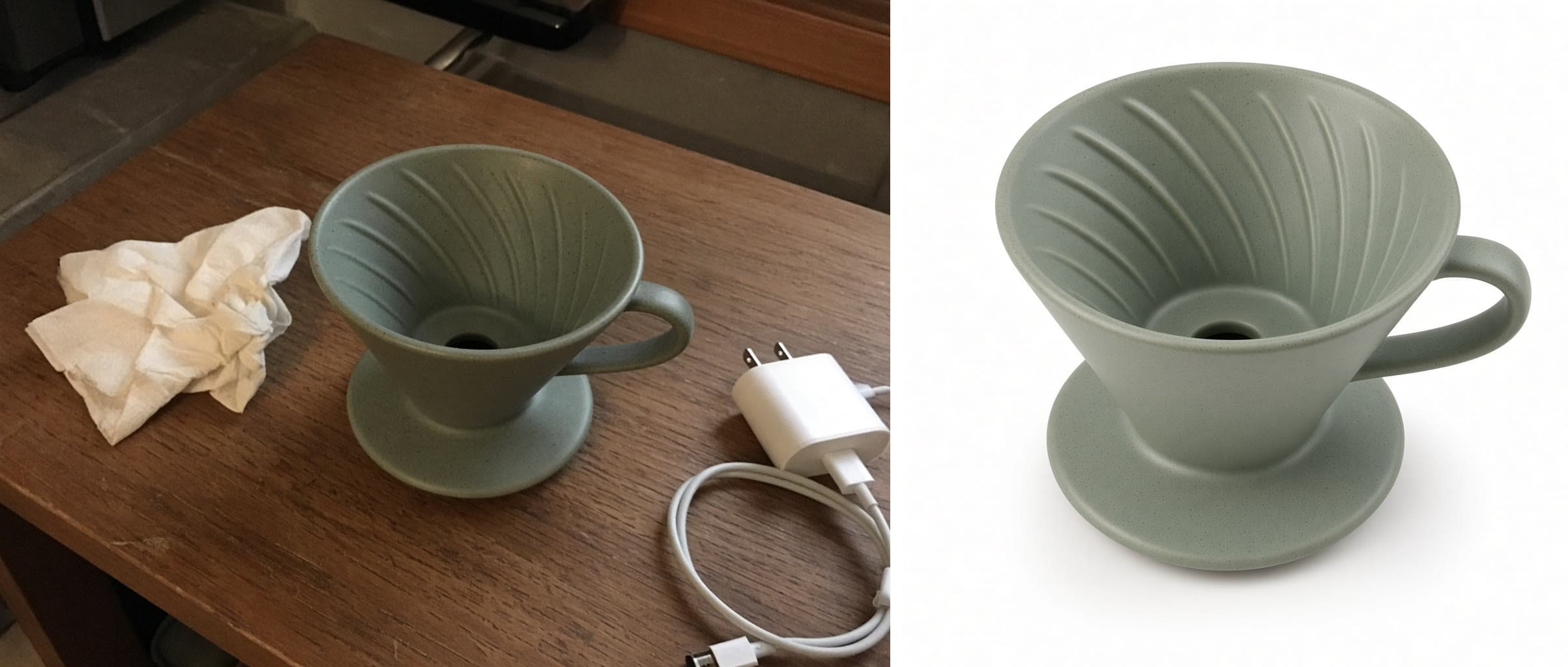
Change the color of one part of the product in the attached photo.

Change: recolor {{product-part}} to {{new-color}}.

Keep: everything else exactly as it is, including the product's shape, stitching, material texture, logos, the other parts and their colors, the background, the shadows, and the camera angle.

Light: preserve the original highlights and shadow falloff so the new color reads as the same material under the same light, not as a flat paint fill.

Style: photorealistic product photography. No added text, no added props.

Product Colorway Variant From One Photo

Generate photorealistic color variants for specific parts of a product from a single photo.

7

What are AI prompts for Product Photography?

AI prompts for Product Photography are engineered instructions that already work. These are not one-line questions. Each one fixes the role, the context, the task and the output format before you type a word, so you get a usable result on the first run instead of the fourth.

They cover the work Product Photography actually get asked for: research and briefs, copy and content, analysis and reporting, planning, outreach and the admin that eats the day. Open a card to see the full prompt and the output it returns.

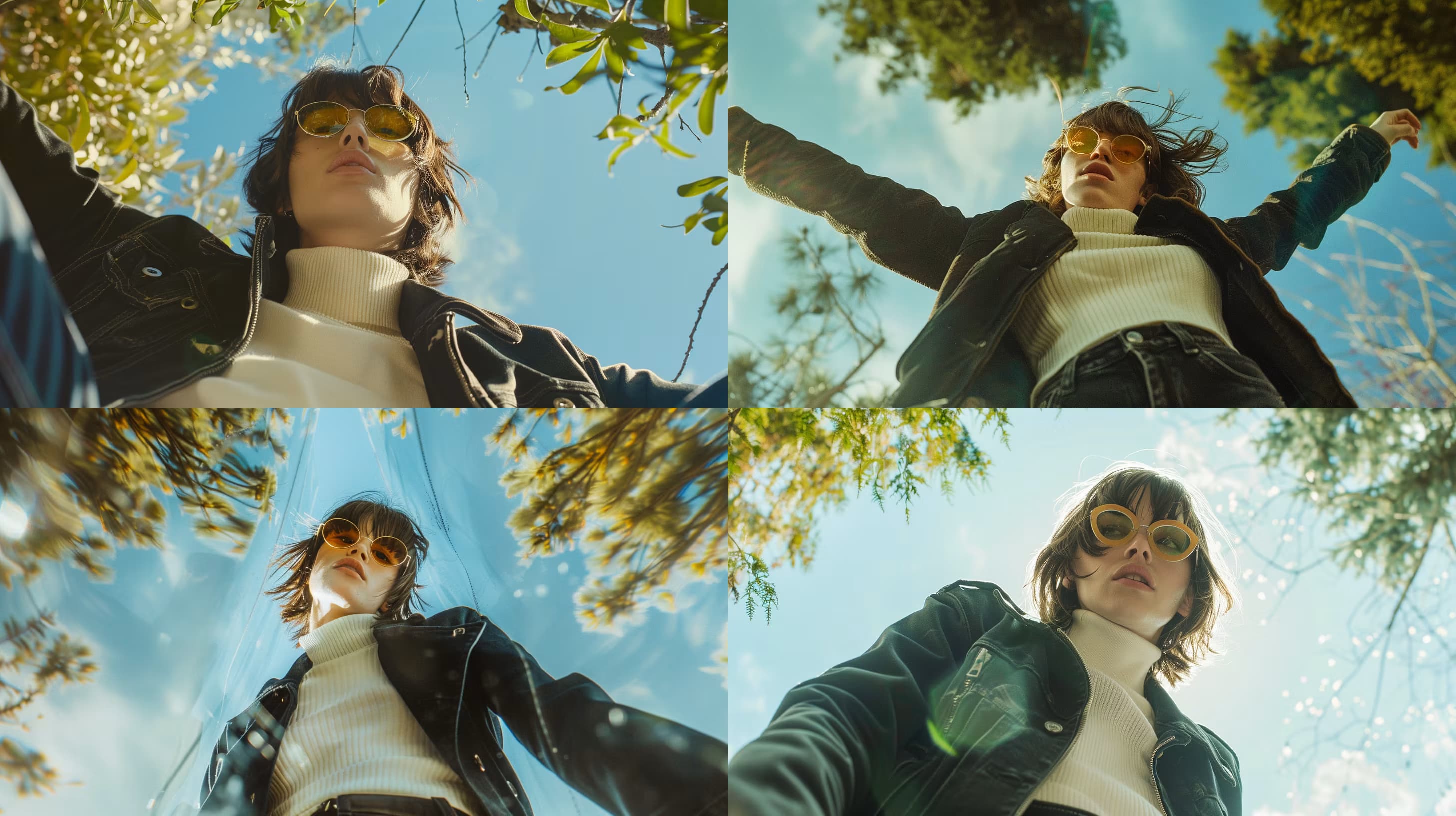
Popular on this page right now: "Colorful Product Photography Generator", "Desert Landscape Photography Prompt", "Fashion Editorial Low-Angle Shot Generator".

116 on this page, every one scoped to Product Photography. Free to read, free to copy.

Why these prompts work for Product Photography

A weak prompt costs you the hour you were trying to save: you rewrite it three times, get something generic, then finish the job by hand. An engineered prompt front-loads that thinking once.

In Product Photography that means first drafts you can send, analysis you can act on, and the repetitive work handed off, so the time goes into judgement instead of typing.

Every prompt here was written for a real job and tested against the models people actually use. Nothing scraped from a thread.

How to use these prompts

Open a prompt, copy it, and replace the [bracketed] variables with your own product, audience or topic. The structure around them stays as is. That structure is the part doing the work.

Paste it into ChatGPT, Claude, Gemini, Grok or the model you already use. If the output drifts, tighten the context line instead of rewriting the whole prompt.

No account needed to copy one. No setup, no extension, nothing to install.

Which AI tool works best for Product Photography prompts?

Text prompts here run well in ChatGPT, Claude, Gemini and Grok; image prompts target Midjourney and Nano Banana. Each card lists the models it was tested with.

Are these AI prompts free to use?

A big part of the library is free: open a prompt, copy it, use it. Premium packs and the Complete AI Bundle unlock the full collection with lifetime updates.

How do I adapt these prompts to my use case?

Start with the [variables]: niche, audience, constraints. If the result still misses, add one example of the output you want. A single good example beats three extra instructions.

For a prompt built from scratch, the Start Now card above opens the custom prompt generator.

Related resources

Get smarter on AI every week

One email a week with the best new prompts, tools, and model updates. Unsubscribe anytime.

Join 100,000+ subscribers. One email a week, real prompts, tools, and model updates. Unsubscribe anytime.