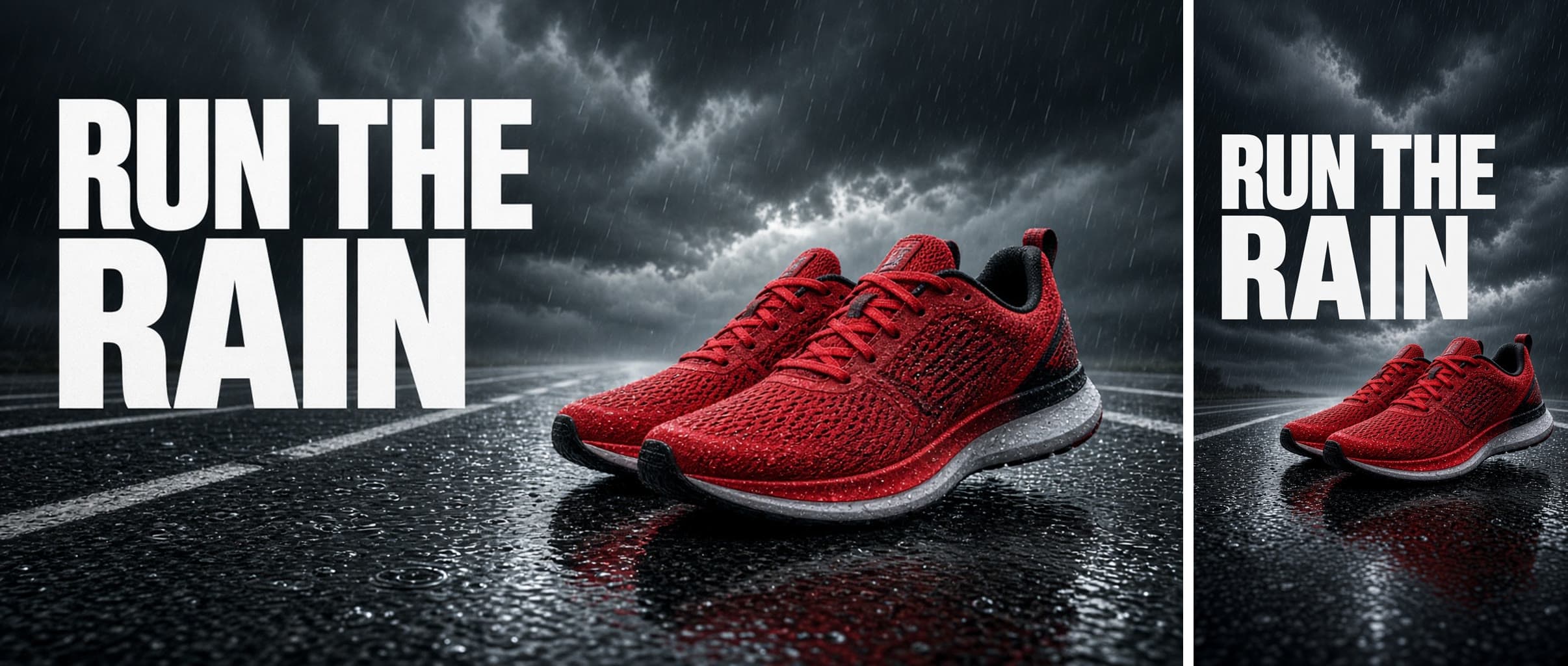
80 AI Prompts for Ad Creatives & Banners

The best Ad Creatives & Banners prompts in the Art and Design library. Tested on ChatGPT, Claude, Gemini and every major model.

Browse the prompts

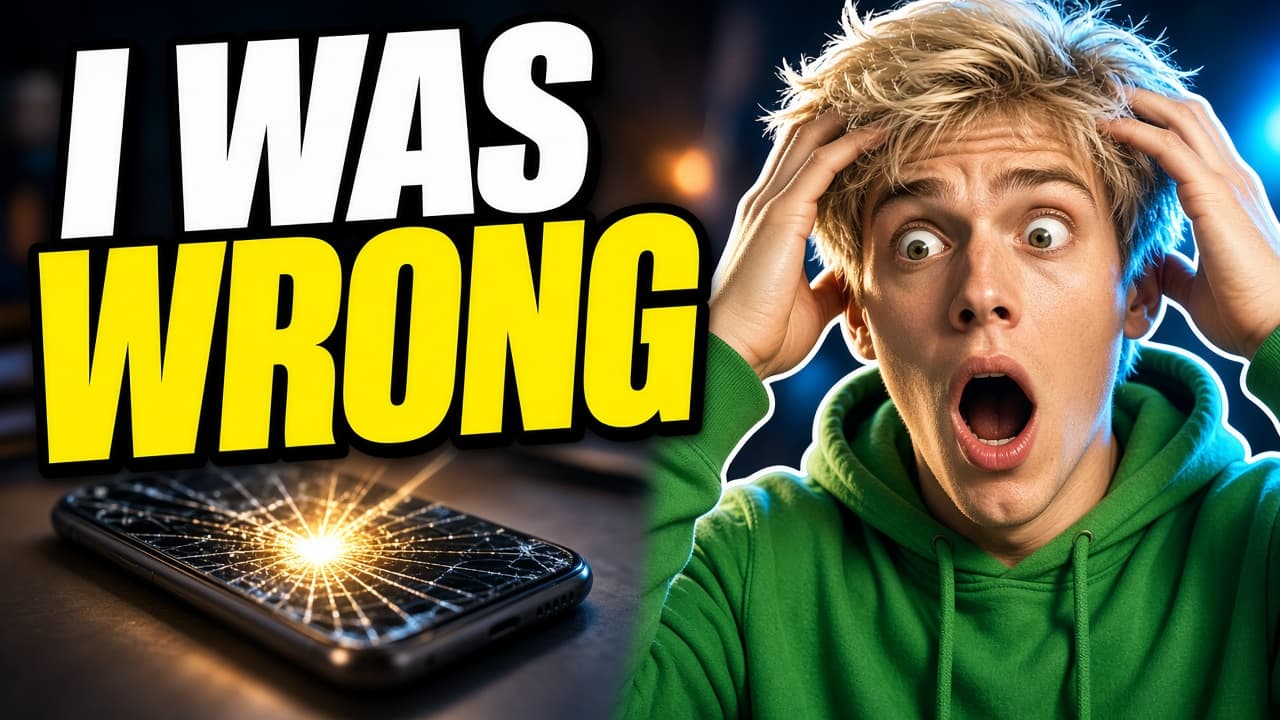
A clean tutorial video thumbnail.

Subject: {{topic-visual}}, angled slightly, large on the right side of the frame.

Layout: a big round badge in the top left holds the number. The title sits to the left of center in two lines. A solid {{brand-color}} background with one soft diagonal lighter band behind the subject. Bottom right corner left empty.

Exact text: the badge reads "{{number}}". The title reads "{{title}}" in bold white sans-serif capitals. No other words.

Style: flat modern design with one realistic object, crisp edges, strong contrast, no clutter.

Light: soft studio light on the object, subtle drop shadow beneath it.

Numbered Tutorial Thumbnail With Badge

Generate a clean and modern tutorial video thumbnail image with a focus on clear visual elements and structured layout design.
13
A square quote card for social media.

Subject: one short quote, set with care.

Layout: the quote centered in the middle of the square across two or three lines. A large quotation mark sits above it as a graphic element. The author name sits beneath the quote after a short rule line. Wide margins on all sides.

Exact text: the quote reads "{{quote}}" in a large elegant serif. The attribution reads "{{author}}" in small spaced capitals. No other words.

Style: {{style}}, subtle paper grain, nothing else decorative.

Light: none, flat color only.

Quote Card With Author Attribution

Generate a square quote card for social media with an elegant serif quote and author attribution. Produces an image output ready for sharing.

13
Create a cinematic character promotional poster in vertical 9:16 format, designed with a refined East Asian ink aesthetic and high-end visual storytelling.

**SUBJECT**
{{subject}}

**NARRATIVE CONTEXT** (optional — scenes, symbols, environment to weave into the composition)
{{story-elements}}

**COMPOSITION STRUCTURE**
Top-heavy hierarchical layout. The upper half features a large, instantly recognizable silhouette of the subject's head, face, mask, or upper body — this bold iconic shape anchors the entire poster.

The middle-lower section contains the full-body figure standing in a stable or subtle action stance, forming the visual core and grounding the composition.

**VISUAL STORYTELLING**
Inside and around the large silhouette, layer a double-exposure collage that integrates:
– Key scenes and moments related to the subject
– Symbolic imagery drawn from their world or journey
– Small

Cinematic Character Poster East Asian Ink

Generate a cinematic character poster with a refined East Asian ink aesthetic, perfect for high-end storytelling visuals.

11

What are AI prompts for Ad Creatives & Banners?

AI prompts for Ad Creatives & Banners are engineered instructions that already work. These are not one-line questions. Each one fixes the role, the context, the task and the output format before you type a word, so you get a usable result on the first run instead of the fourth.

They cover the work Ad Creatives & Banners actually get asked for: research and briefs, copy and content, analysis and reporting, planning, outreach and the admin that eats the day. Open a card to see the full prompt and the output it returns.

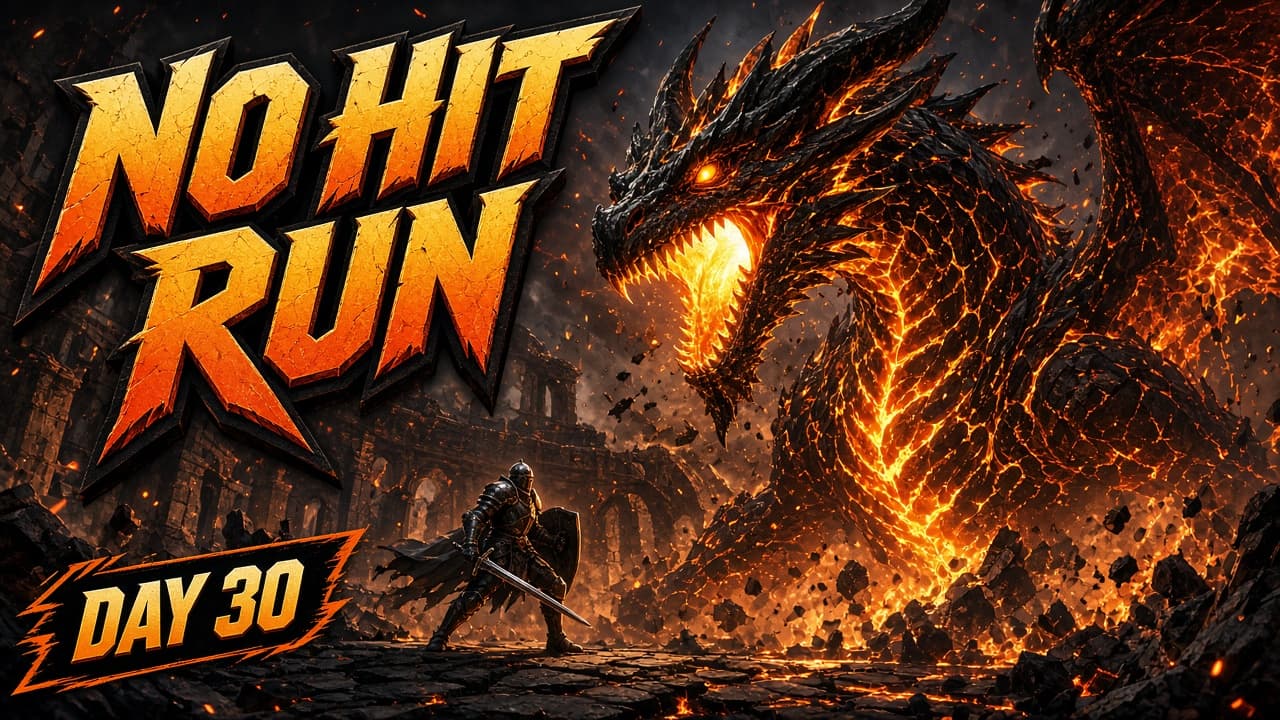
Popular on this page right now: "Numbered Tutorial Thumbnail With Badge", "Quote Card With Author Attribution", "Gaming Stream Thumbnail With Title".

80 on this page, every one scoped to Ad Creatives & Banners. Free to read, free to copy.

Why these prompts work for Ad Creatives & Banners

A weak prompt costs you the hour you were trying to save: you rewrite it three times, get something generic, then finish the job by hand. An engineered prompt front-loads that thinking once.

In Ad Creatives & Banners that means first drafts you can send, analysis you can act on, and the repetitive work handed off, so the time goes into judgement instead of typing.

Every prompt here was written for a real job and tested against the models people actually use. Nothing scraped from a thread.

How to use these prompts

Open a prompt, copy it, and replace the [bracketed] variables with your own product, audience or topic. The structure around them stays as is. That structure is the part doing the work.

Paste it into ChatGPT, Claude, Gemini, Grok or the model you already use. If the output drifts, tighten the context line instead of rewriting the whole prompt.

No account needed to copy one. No setup, no extension, nothing to install.

Which AI tool works best for Ad Creatives & Banners prompts?

Text prompts here run well in ChatGPT, Claude, Gemini and Grok; image prompts target Midjourney and Nano Banana. Each card lists the models it was tested with.

Are these AI prompts free to use?

A big part of the library is free: open a prompt, copy it, use it. Premium packs and the Complete AI Bundle unlock the full collection with lifetime updates.

How do I adapt these prompts to my use case?

Start with the [variables]: niche, audience, constraints. If the result still misses, add one example of the output you want. A single good example beats three extra instructions.

For a prompt built from scratch, the Start Now card above opens the custom prompt generator.

Related resources

Get smarter on AI every week

One email a week with the best new prompts, tools, and model updates. Unsubscribe anytime.

Join 100,000+ subscribers. One email a week, real prompts, tools, and model updates. Unsubscribe anytime.