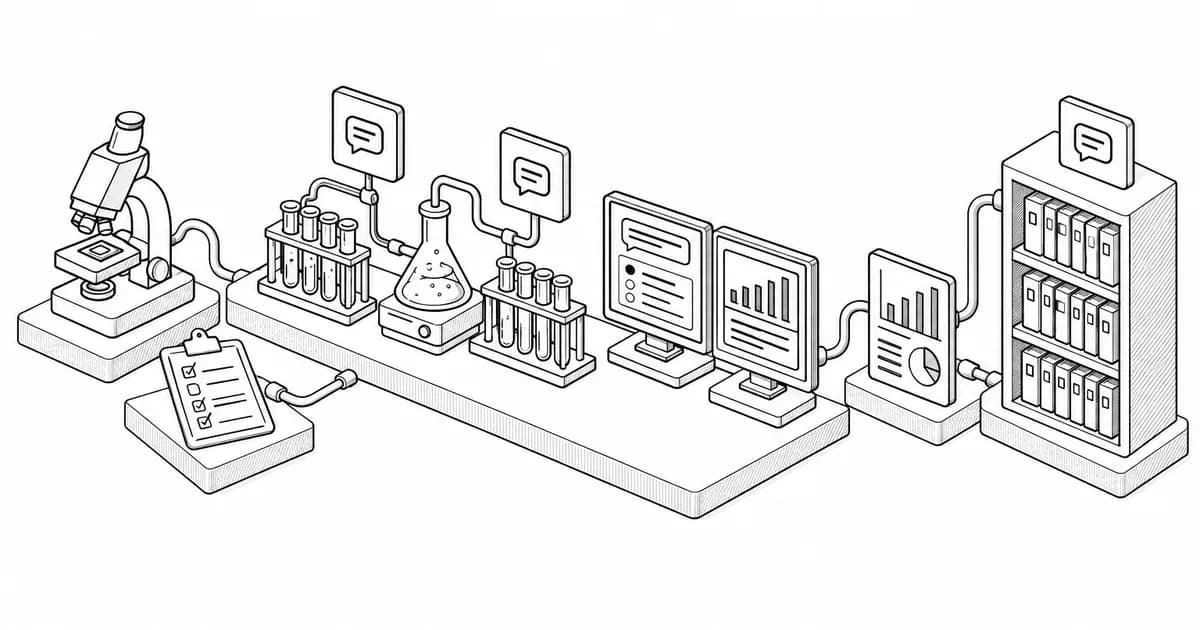
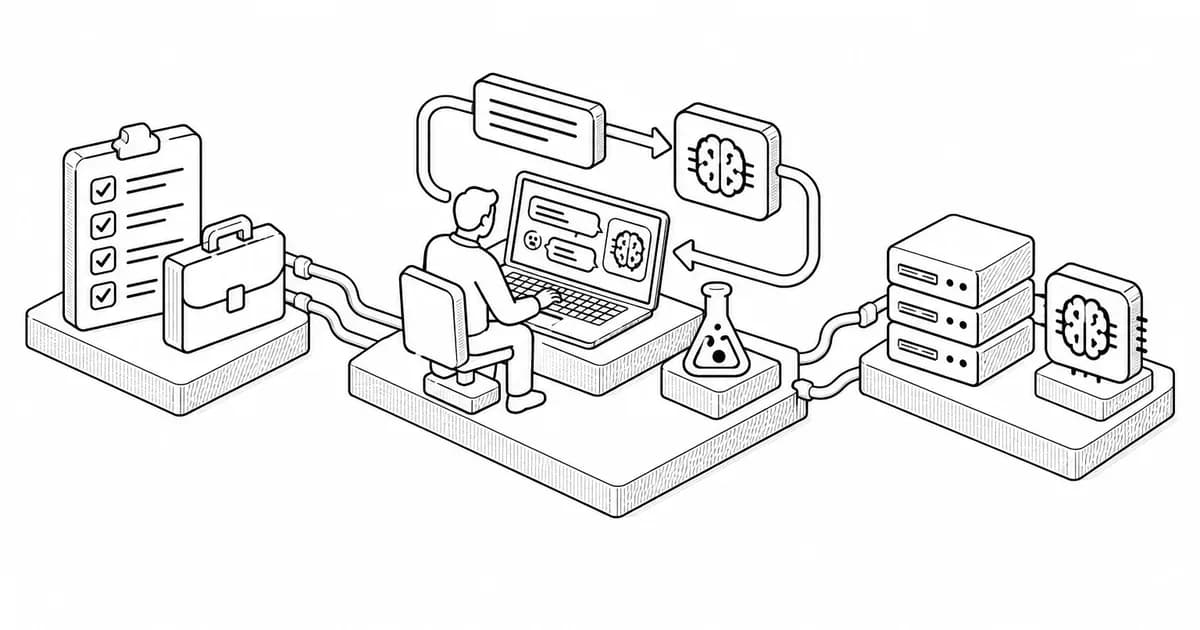
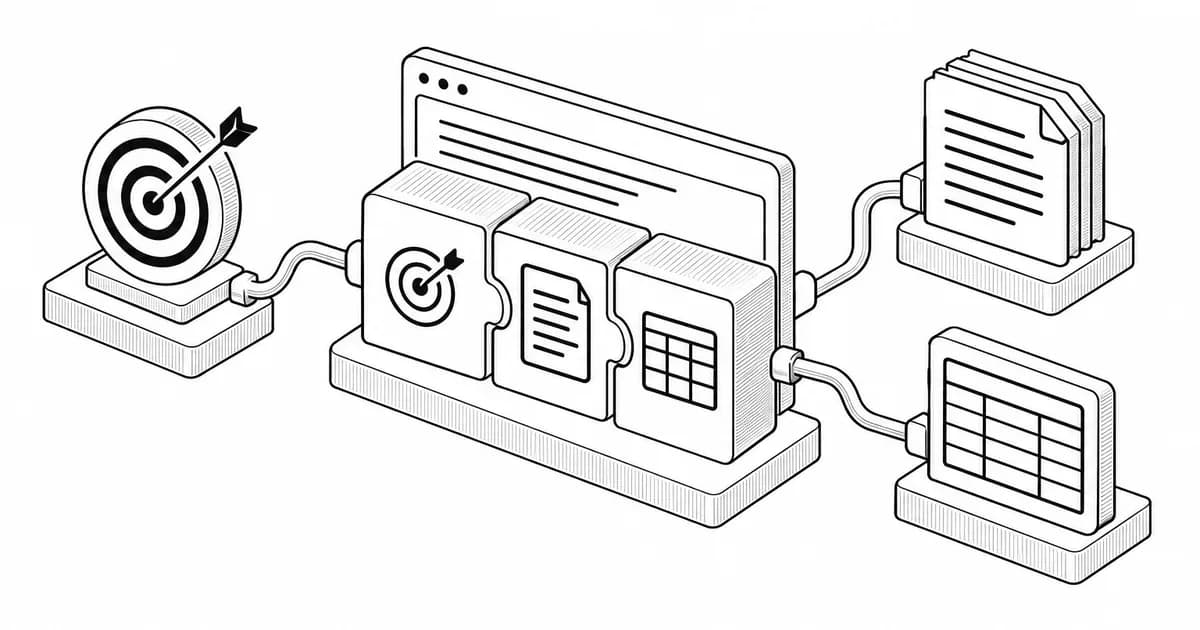
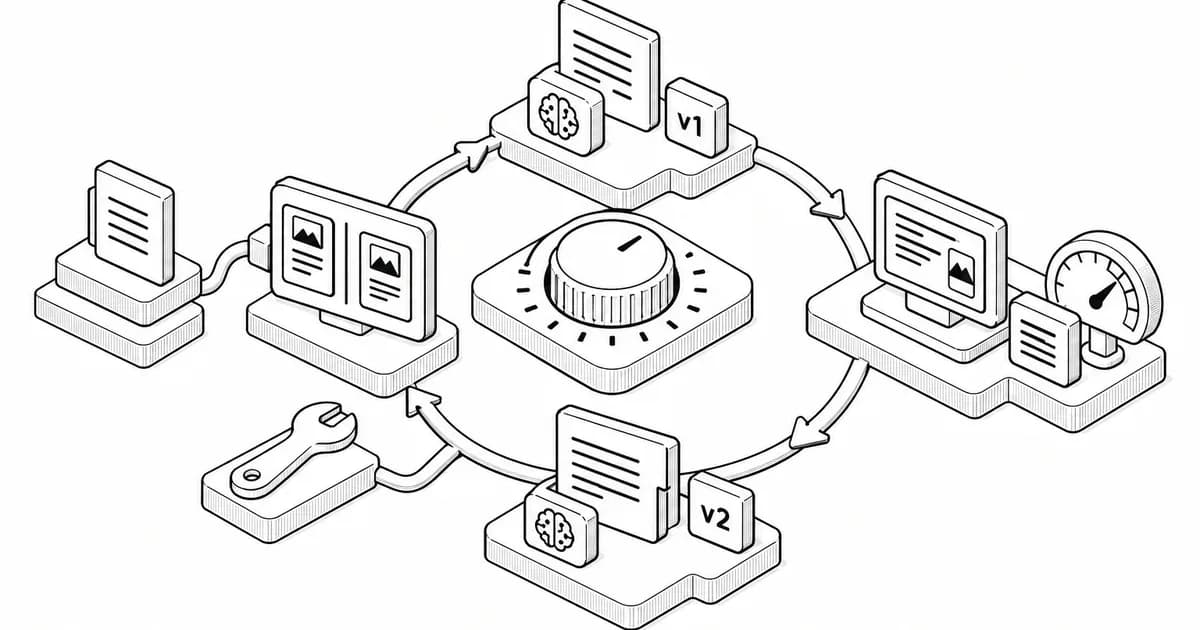
A prompt lab is a place where prompts are tested rather than tried. The difference is that a test has a set of inputs, a definition of a good output and a record of what changed. A try is one input, a glance and a feeling, and a week of tries leaves you with opinions about prompting and no evidence. The lab in this post is a spreadsheet and a habit, it takes an hour to set up, and the twelve experiments at the end will change how you write prompts more than any list of tips.
The three sheets
Inputs. One row per test input, with an id, the input text and a note on why it is in the set: typical, short, long, ambiguous, adversarial. Five to ten rows per task. The inputs are the asset; everything else is derived from them.
Runs. One row per input per prompt version: the prompt version id, the input id, the output, a score and a note. Scores are simple: pass, partial, fail, against a one-paragraph description of a good output that sits at the top of the sheet. Partial needs a note saying what was wrong.
Versions. One row per prompt version: the id, the full prompt text, the date, what changed from the previous version and the pass rate from the runs sheet. This is the change log. Versions that lost stay in the sheet; you will be tempted by the same idea again.
That is the whole lab. A model's playground or a notebook can replace the manual copy and paste, and a product team will eventually automate the scoring, but the structure does not change. If you want a tool rather than a sheet, our prompt generator produces the first version in a testable shape, and the prompt library is a source of tested versions to start from instead of a blank one.
The habit
Change one thing per version. Run every input, not the one that failed. Score before you read the next output, so the scoring does not drift. Write the note. Ten minutes per version is normal; a prompt usually converges in five to eight versions.
Twelve experiments to run in your prompt lab
Each of these takes a prompt you already use and asks one question. Run them in order; the early ones are the cheapest and the most surprising.
Take a prompt whose output format is sometimes wrong. Make one version with the format instruction at the start and one with it at the end. Score both. Nearly everyone finds the end wins, which tells you where the model's attention goes.
2. Replace every adjective with a rule
Find each quality word in the prompt: professional, concise, engaging, clear. Replace each with a measurable rule: a word count, a reading level, a banned phrase list. Score. Watch which adjectives were doing nothing.
3. One example versus three
Add one example of a good output; score. Add two more; score. Three examples often tie with one and cost more tokens, and sometimes the model copies the examples' content. Find your task's number.
4. The example's content leaks
With an example in the prompt, check the outputs for facts, names or numbers that came from the example rather than the input. Then add "the example shows the shape only; never reuse its content" and check again.
5. Cut the prompt in half
Remove every instruction that has never been associated with a failure in your runs. Score. If the pass rate holds, those instructions were costing attention for nothing. If one input now fails, you have found an instruction that mattered and can put it back alone.
6. Ask for the plan first
For a multi-step task, add "list your steps before you start" and compare. Note where the plan differs from what you intended; that is the misunderstanding the output would have carried.
Give the prompt an input that lacks something it needs. Does the model guess, ask or say what is missing? Add a rule for the behaviour you want and confirm it holds on the other inputs too.
8. Self-check
Add "after the answer, check it against the rules above and correct any failures." Score the corrected output against the uncorrected one. Note what the check catches and what it misses; it is rarely nothing and never everything.
9. The same prompt, three models
Run the current version in ChatGPT, Claude and Gemini on the same inputs. Score each. The differences are usually about format compliance and refusal behaviour rather than quality, and they tell you which rules each model needs spelled out.
10. Temperature and sampling
If you have access to the setting, run the same prompt at a low and a default temperature. For tasks with one right answer, low wins; for brainstorming, it kills the useful variety. Find where your task sits.
11. Order of the material
For a prompt with a long document, put the question before the document in one version and after it in another. Then put it in both places. Recall on the question is better when it comes last and best when it comes twice.
12. Drift over time
Re-run your best version on the same inputs a month later, or after a model update. Score. Prompts drift as models change, and the lab is what tells you it happened before a user does.
What the lab gives you after a month
Twenty tested prompts with their inputs and scores, which is a prompt library of your own. A feel for which rules each model needs, which no guide can give you because it depends on your tasks. And a way to say, when someone asks whether a change helped, "yes, from six out of ten to nine out of ten on this set," instead of "I think so." That sentence is the difference between a prompt engineer and someone who writes prompts, and the lab is how you earn it. The prompt optimization guide covers the fixes to try once an experiment shows a failure, and the data analysis prompts handle the statistics when the test set grows large enough to need them.