A prompt that almost works is the normal case. The model does most of what you asked, then adds a paragraph you did not want, or misses one rule, or gets the format right on three inputs and wrong on the fourth. Prompt optimization is the method for closing that gap without starting over. It is closer to debugging than to writing: you need a way to see what is wrong, a way to change one thing, and a way to check that the change helped and broke nothing else.
This guide gives you that method and the eight changes that fix most prompts. It applies to ChatGPT, Claude, Gemini and the rest, and to prompts you run by hand as much as prompts inside a product.
Step 1: write down what a good output is
You cannot optimise toward a feeling. Before you touch the prompt, write three or four sentences that describe a correct output: the format, the length, what it must include, what it must never include, and the one thing that makes it useful. If you cannot write that, the prompt is not the problem yet; the task is.
Then collect inputs. Five real ones is enough to start, chosen to be different from each other: a typical case, a very short one, a very long one, an ambiguous one and one that should make the model refuse or ask. Prompts tuned on one input fail on the second.
Step 2: run the prompt and score the outputs
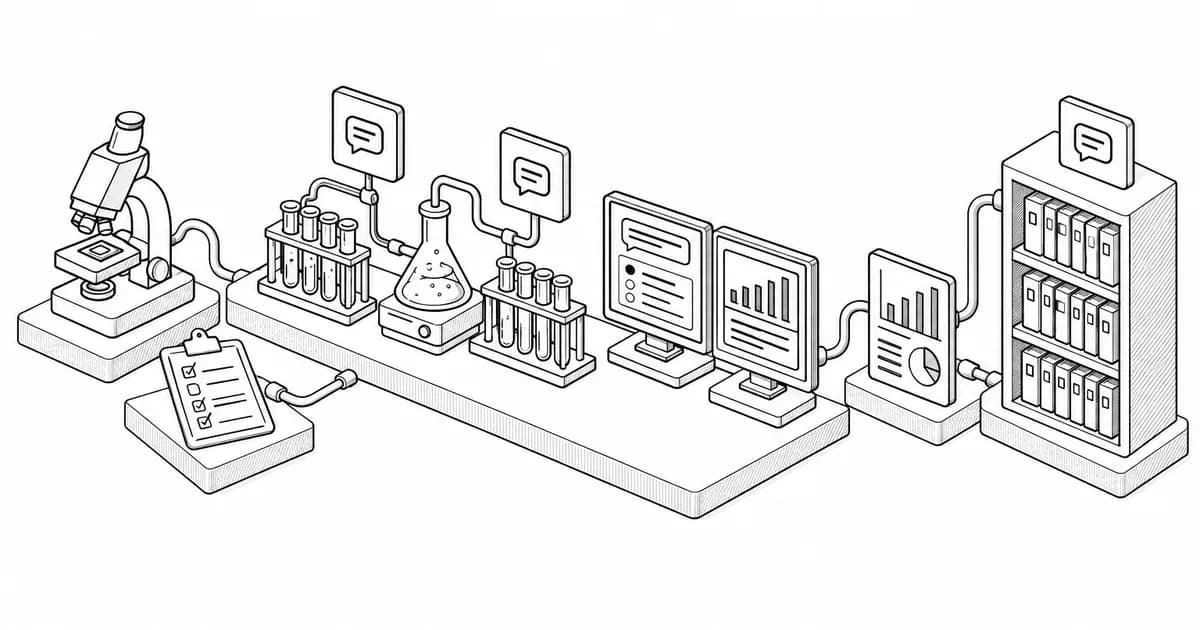
Run all five inputs through the prompt as it is. For each output, mark it against your description: pass, fail, or partial, with a note on what was wrong. Keep the outputs. This is your baseline and the thing you compare every change against.
A pattern usually appears at this point. If every output has the same problem, the prompt is missing an instruction. If one input fails, the prompt has an assumption that input breaks. If the outputs differ in quality at random, the prompt is underspecified and the model is choosing for you each time.
Step 3: change one thing
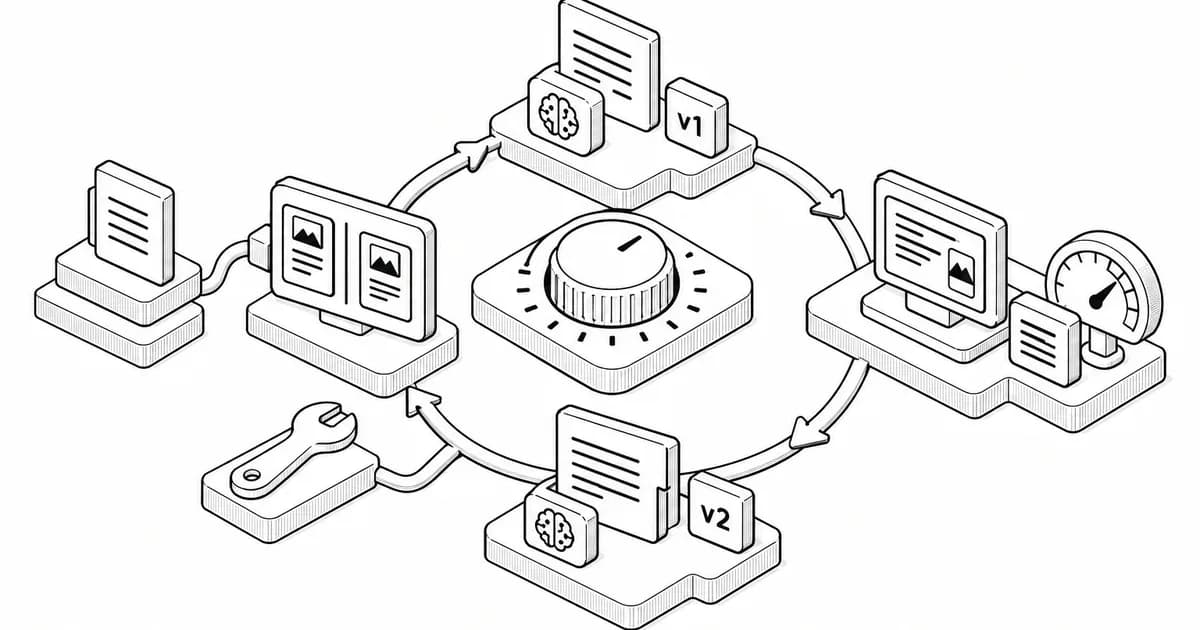
Make one change to the prompt, run the five inputs again, and score again. One change, because two changes at once tell you nothing about which one helped. Keep every version of the prompt in a file with its scores. The versions that lost are as useful as the ones that won; you will be tempted to try the same idea again next month.
The eight changes that fix most prompts
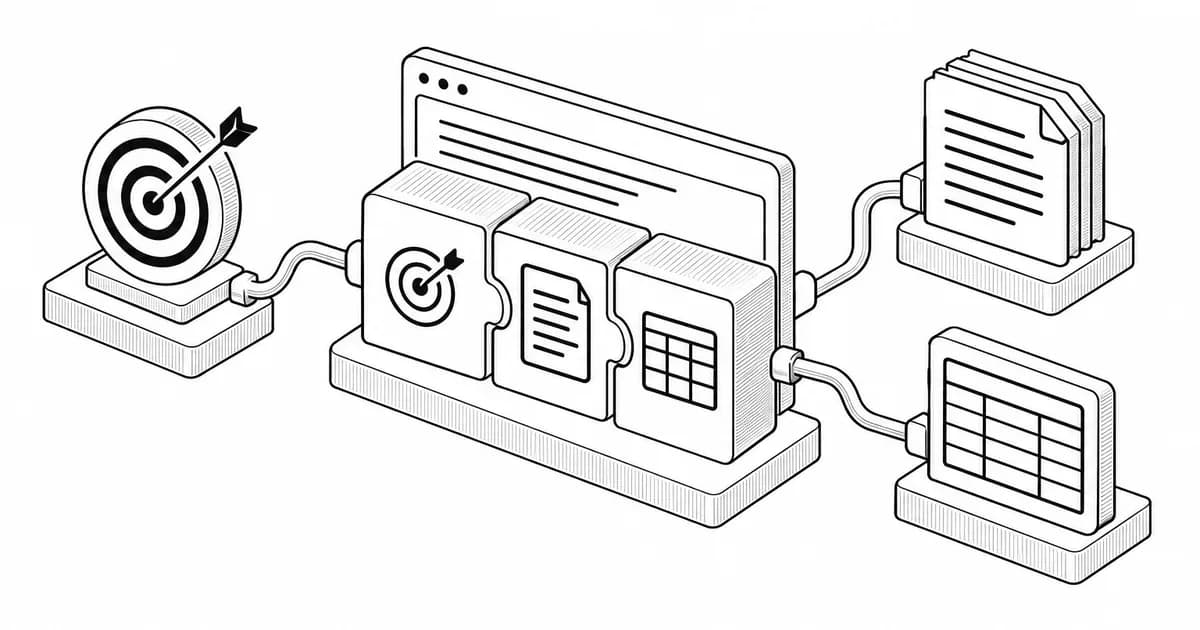
Models follow the last instruction most closely. If the output format is wrong, move the format block to the end of the prompt and make it a template rather than a description: show the headings and the order, with placeholders. This one change fixes more prompts than any other.
2. Replace an adjective with a rule
"Concise" means something different to every model. "Under 150 words" does not. Go through the prompt and replace every quality word, professional, engaging, clear, with the rule you actually mean: a length, a reading level, a list of banned phrases, a structure.
3. Add the negative
If the model keeps adding a summary at the end, say "no summary at the end". If it keeps opening with a restatement of the question, say so. Negatives work when they are specific about the thing you keep seeing; a general "do not be verbose" does nothing.
4. Give it one example
One good example of the output does more than a page of description, especially for format and tone. Put it in its own labelled block and say the example is for shape, not content, or the model will copy its facts.
5. Separate the material from the instruction
When the prompt contains a document, data or a draft, put it in a clearly marked block, after the instruction, and refer to it by that label. Models confuse instructions with material when they run together, and that confusion is the cause of outputs that discuss the prompt instead of doing the task.
6. Tell it what to do when something is missing
The ambiguous input in your set probably produced a confident wrong answer. Add a rule: if the input lacks something needed, say what is missing and stop, or state the assumption and mark it. Which one depends on whether a human reads the output before it is used.
7. Ask for the plan first on long tasks
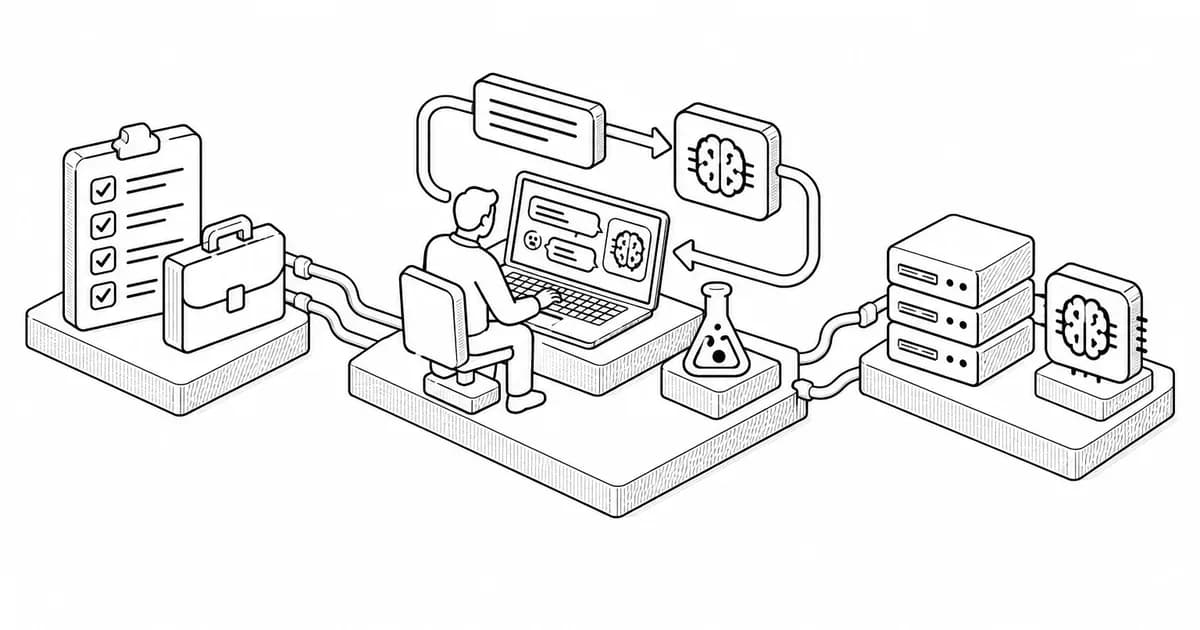
For any task with more than three steps, ask the model to list its plan before doing the work. You will see the misunderstanding in the plan, where it costs one line, instead of in the output, where it costs the whole thing. In a product, you can run the plan step and the execution step as two calls.
8. Cut the prompt in half
Long prompts fail in a particular way: the model drops instructions at random, and which one it drops changes between runs. If your prompt has grown past about 300 words of instruction, cut it to the rules that failed in testing. The rules that never failed were either obvious to the model or never tested; either way they are costing you attention.
Step 4: check you broke nothing
Every change is run against all five inputs, not only the one that failed. A fix for the long input often breaks the short one. When a change improves one input and hurts another, keep the change and add a conditional rule for the case it hurt, then test again.
When five inputs pass, add five more, chosen to be unlike the first five. The prompt that passes ten different inputs is finished for most purposes. In a product with real traffic, keep collecting the failures from the logs and add them to the set; the set is the asset, more than the prompt.
Prompt optimization in a product
Everything above applies to a prompt inside an application, with two additions. First, automate the scoring where you can: a format check, a length check, a banned-phrase check, a check that required fields are present. The judgement calls stay with a person, but the mechanical checks catch most regressions for free. Second, version the prompt like code, with the test set beside it, so a change can be reviewed and reverted. Our agent system prompts ship with the structure this method produces, and the code review prompts cover the evaluation side.
A worked example
A support team's prompt summarised tickets, and the summaries kept including the customer's full name and skipping the product version. Baseline: two of five passed. Change one, adding "never include the customer's name" at the end: four of five passed, the name was gone. Change two, adding a template with a Product version line: five of five, and the summaries got shorter, because the template told the model what to include and it stopped guessing. Total time: twenty minutes, including writing the description of a good output, which was the step the team had skipped for three weeks.
If you are starting from a blank page rather than a broken prompt, start from a working one. Every prompt in the prompt library has been through this method, and editing a tested prompt is faster than optimising a new one. The prompt generator builds the first version in the structure described here, with the format at the end and the material separated.