246 AI Prompts for Portrait & Avatar

The best Portrait & Avatar prompts in the Art and Design library. Tested on ChatGPT, Claude, Gemini and every major model.

Browse the prompts

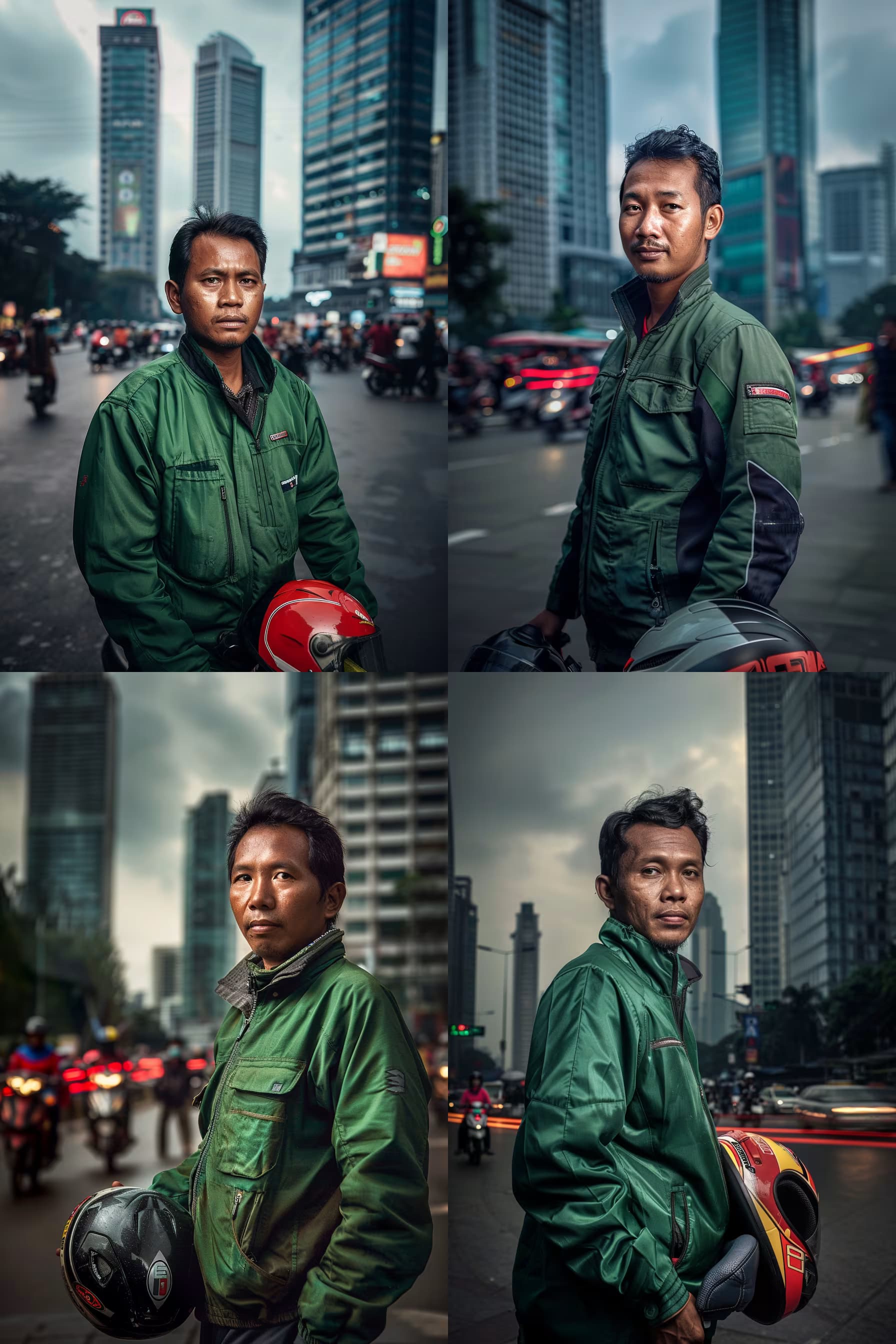
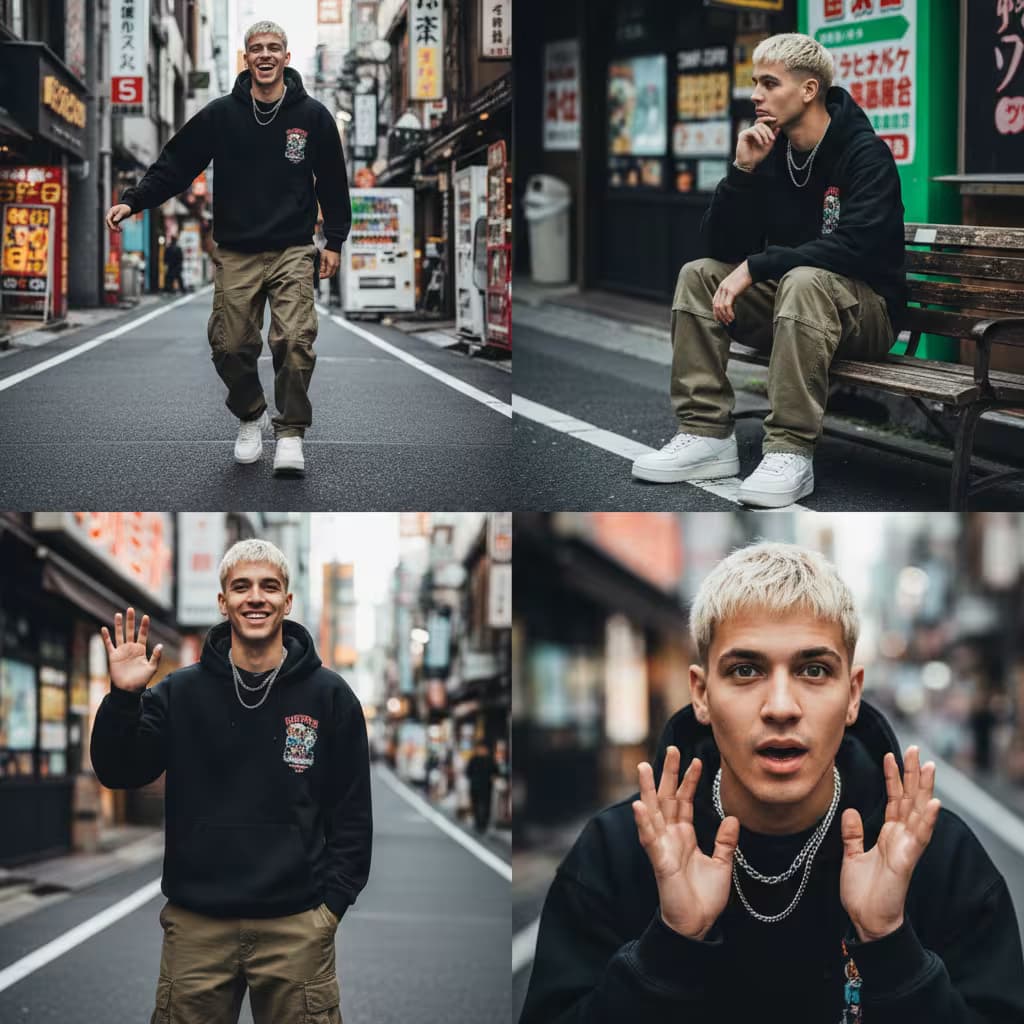
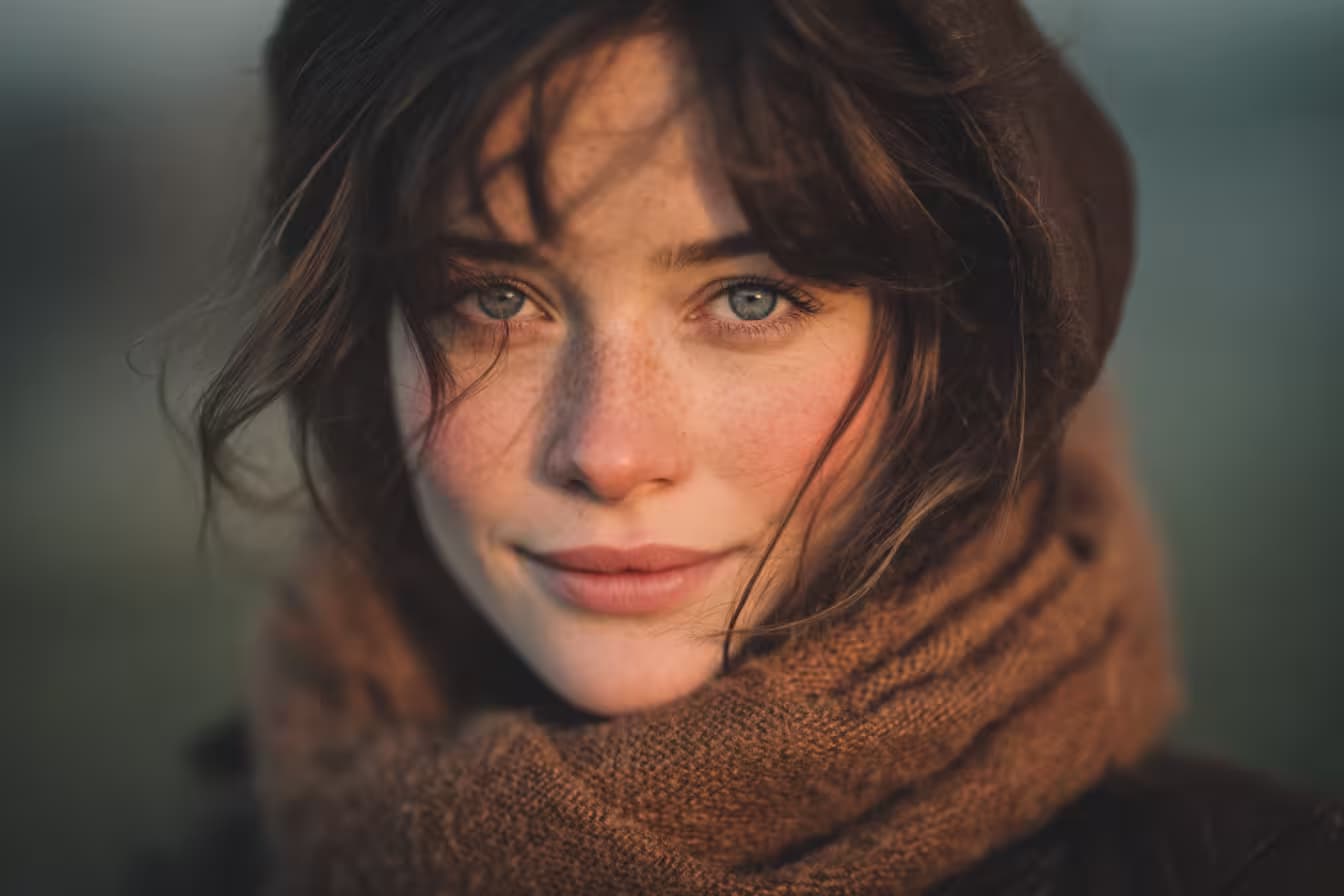
Close-up side-angle portrait of a {{subject-description}} with a calm but intense expression. Short, wavy light gray hair in a modern, slightly messy style partially covering the forehead. Fair skin with sharp features, straight neat dark eyebrows, and naturally pink lips with a slight sheen. Wearing {{headwear}}, a black zip-up jacket left open over a black T-shirt with green and red graphic art on the chest. Thin silver chain necklace and small silver earring. Front lighting highlighting facial features and outfit details. Bright blue sky background. {{aesthetic}} style. Striking, stylish, modern and edgy mood with focus on expression and trendy fashion details --ar 3:4 --v 6 --style raw

Modern Character Portrait Generator

Generates close-up side-angle character portraits with customizable subject features, headwear, and aesthetic style. Runs on Midjourney, Flux, and similar image models.
35
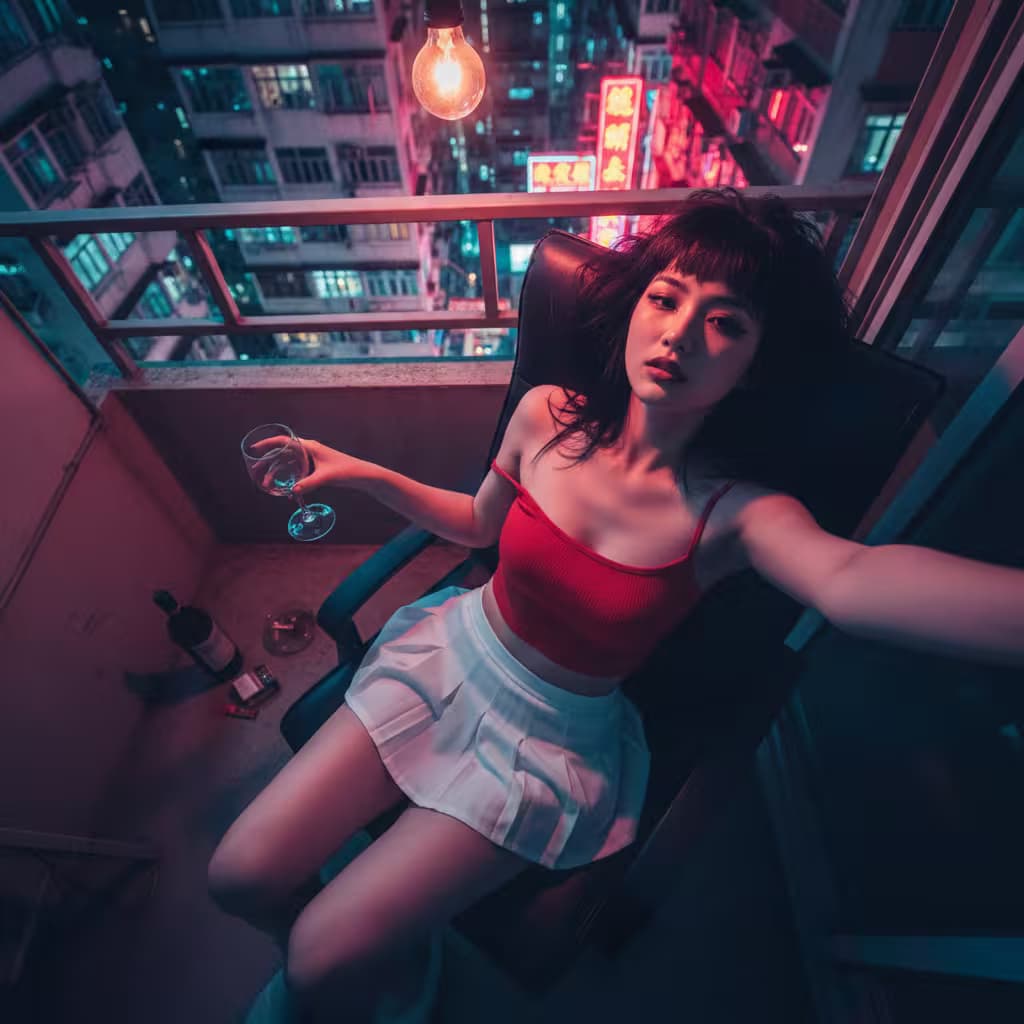
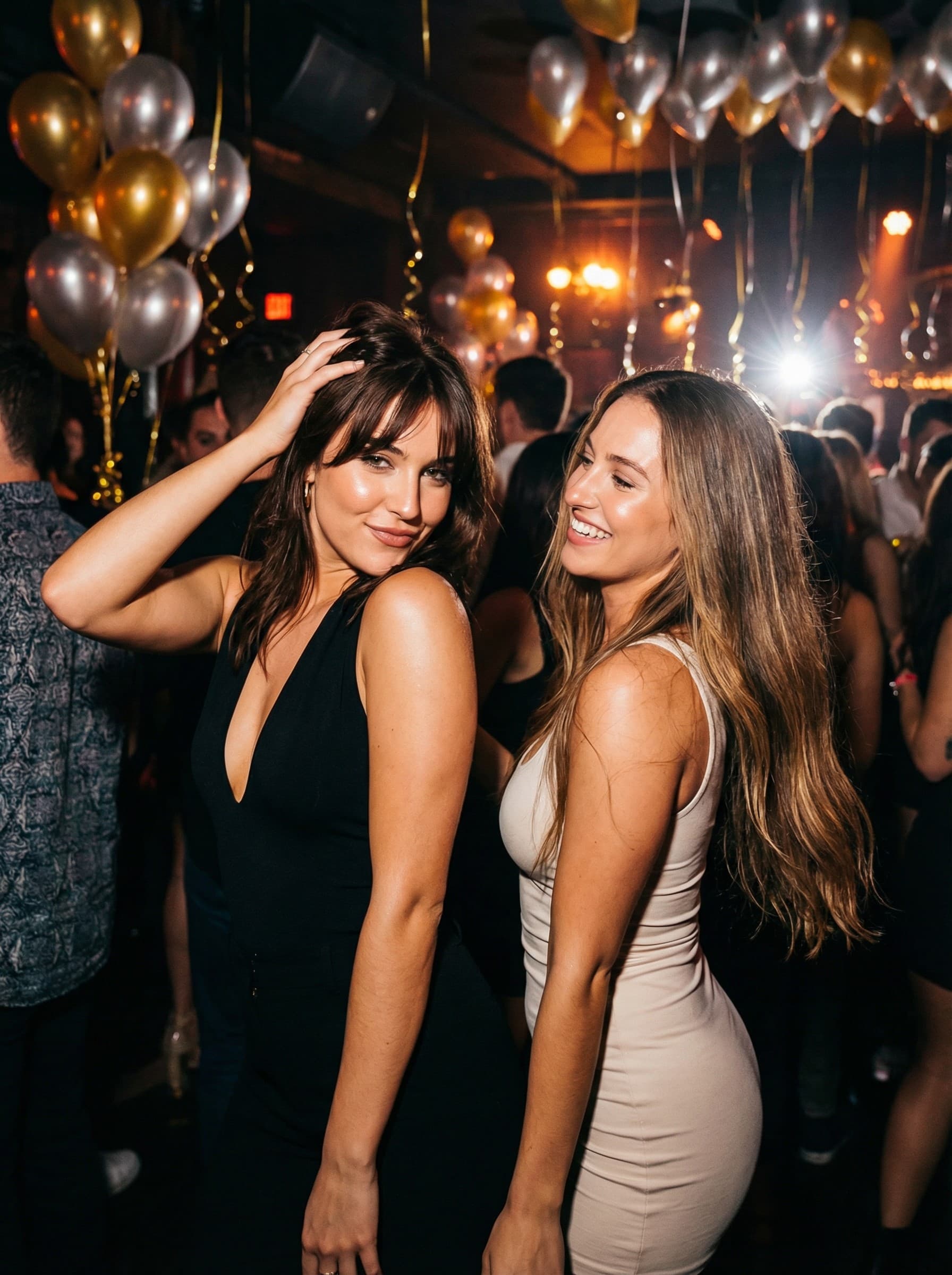
Cinematic, photo-realistic 8K portrait of the uploaded person sitting on a bench, dramatic low-angle perspective, {{subject-styling}}, {{urban-setting}} with wet pavement reflecting vibrant neon lights, atmospheric mist, bokeh trails from passing cars in background, warm streetlights and ambient neon glow creating reflections in puddles, sharp focus on subject with intentionally blurred foreground, cinematic depth of field, high contrast, {{color-grading}}, atmospheric realism with layered depth --ar 16:9 --v 6 --style raw --no distortion, blur, low quality

Cinematic Portrait Transformation Generator

Generates photo-realistic 8K portraits that transform uploaded photos into dramatic urban scenes with neon lighting, atmospheric effects, and cinematic depth of field. Designed for Midjourney, Flux, and Nano Banana image models.

34
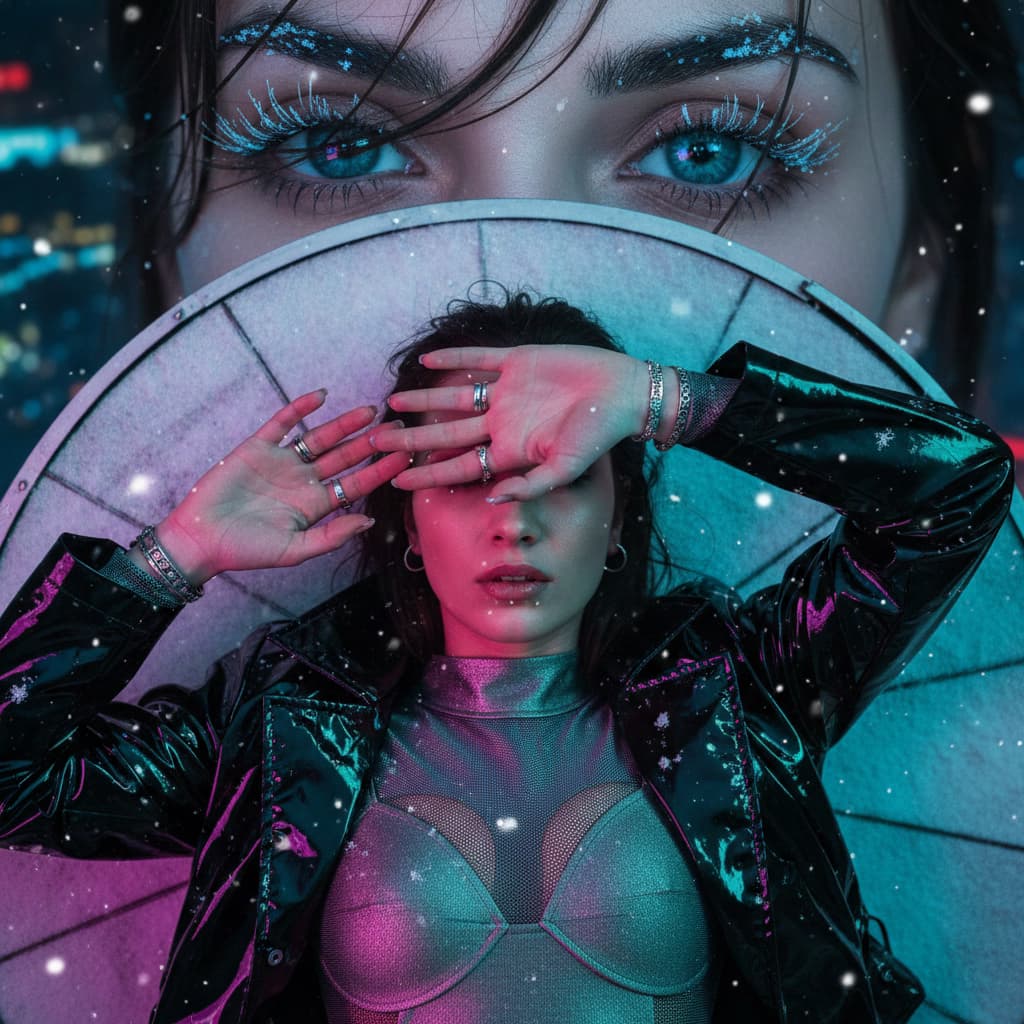
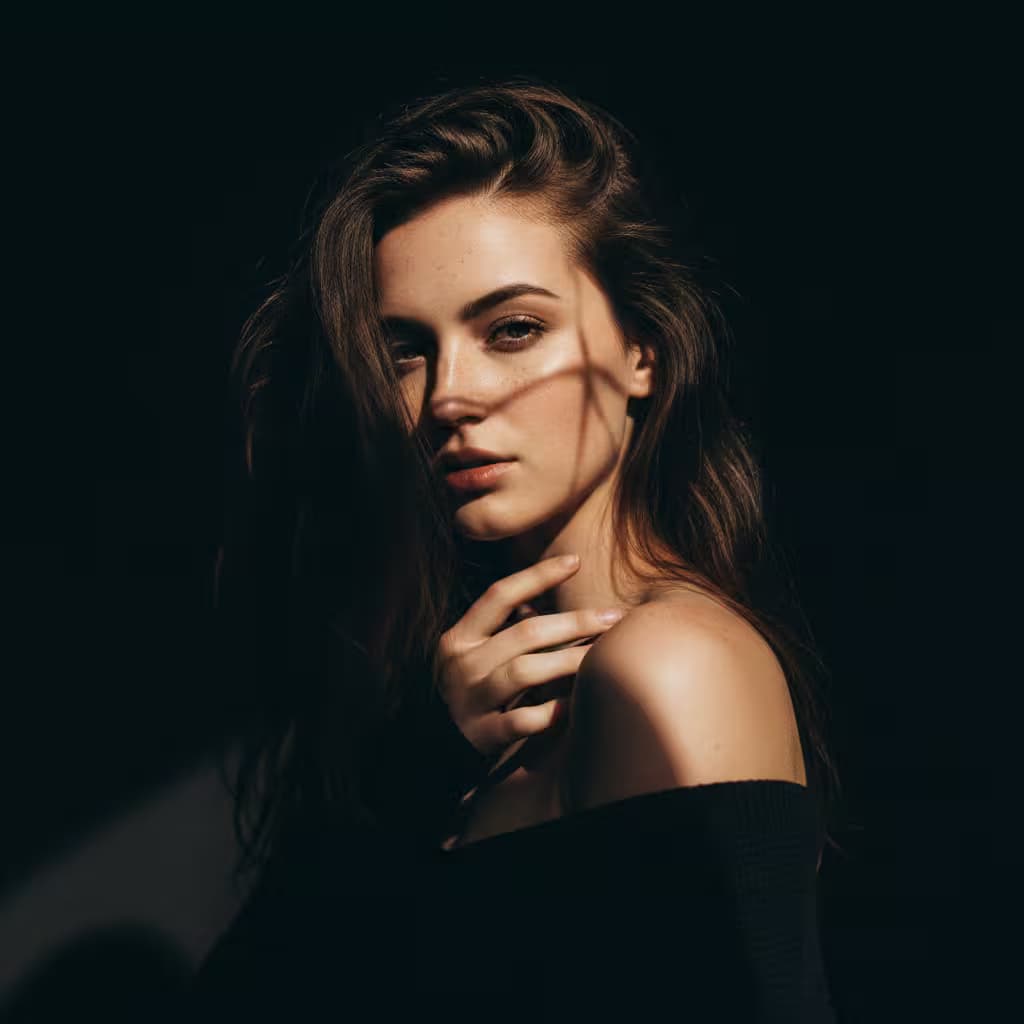
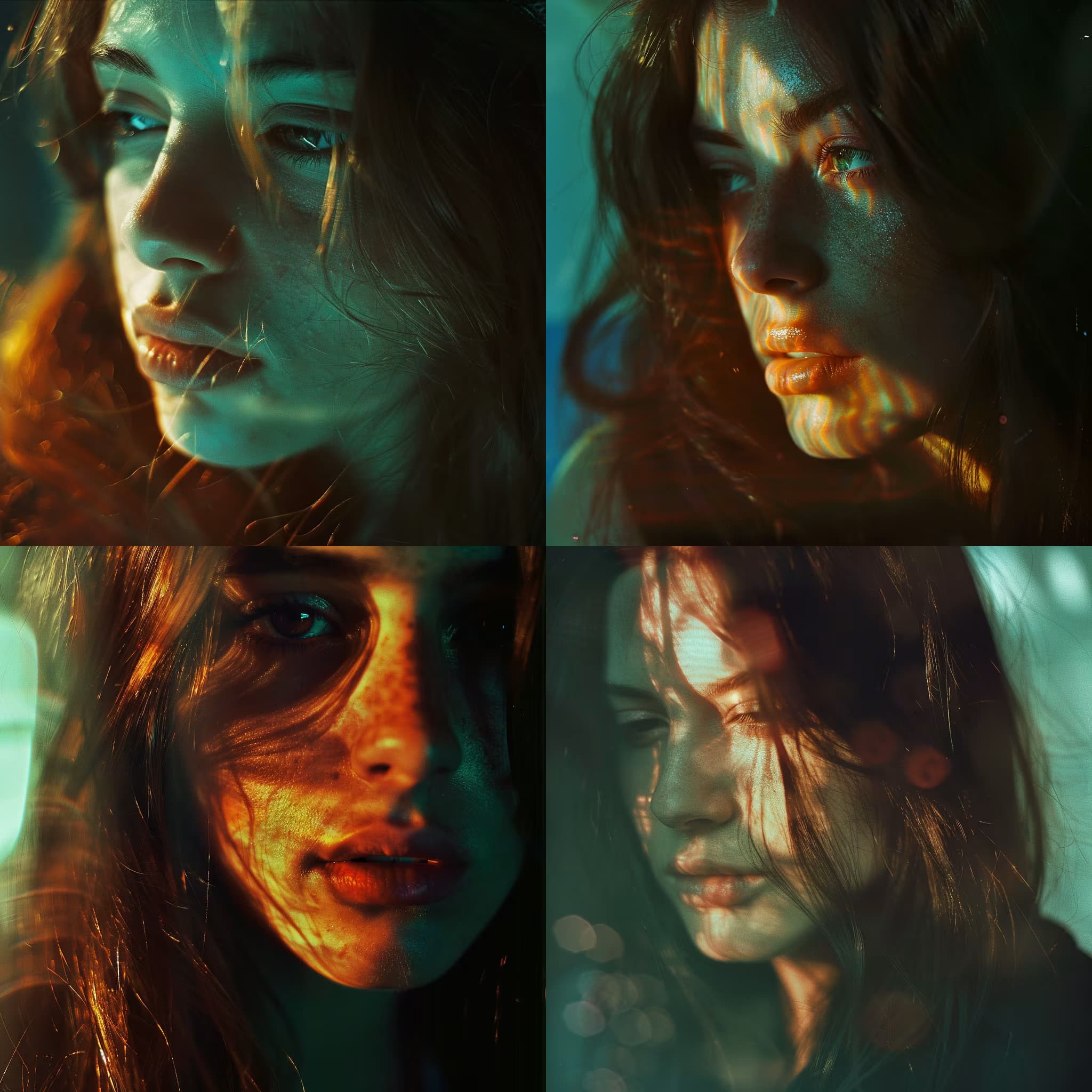
Realistic portrait of {{subject-description}} in futuristic sunglasses, neon reflections on cheeks, cool-toned fashion studio background. --chaos 5 --ar 3:4 --quality 2 --stylize 40

Neon Portrait Studio Prompt for Midjourney

Generates realistic studio portraits with futuristic sunglasses and neon reflections on a cool-toned background. Runs on Midjourney with chaos and stylization parameters for fashion-forward image generation.

32
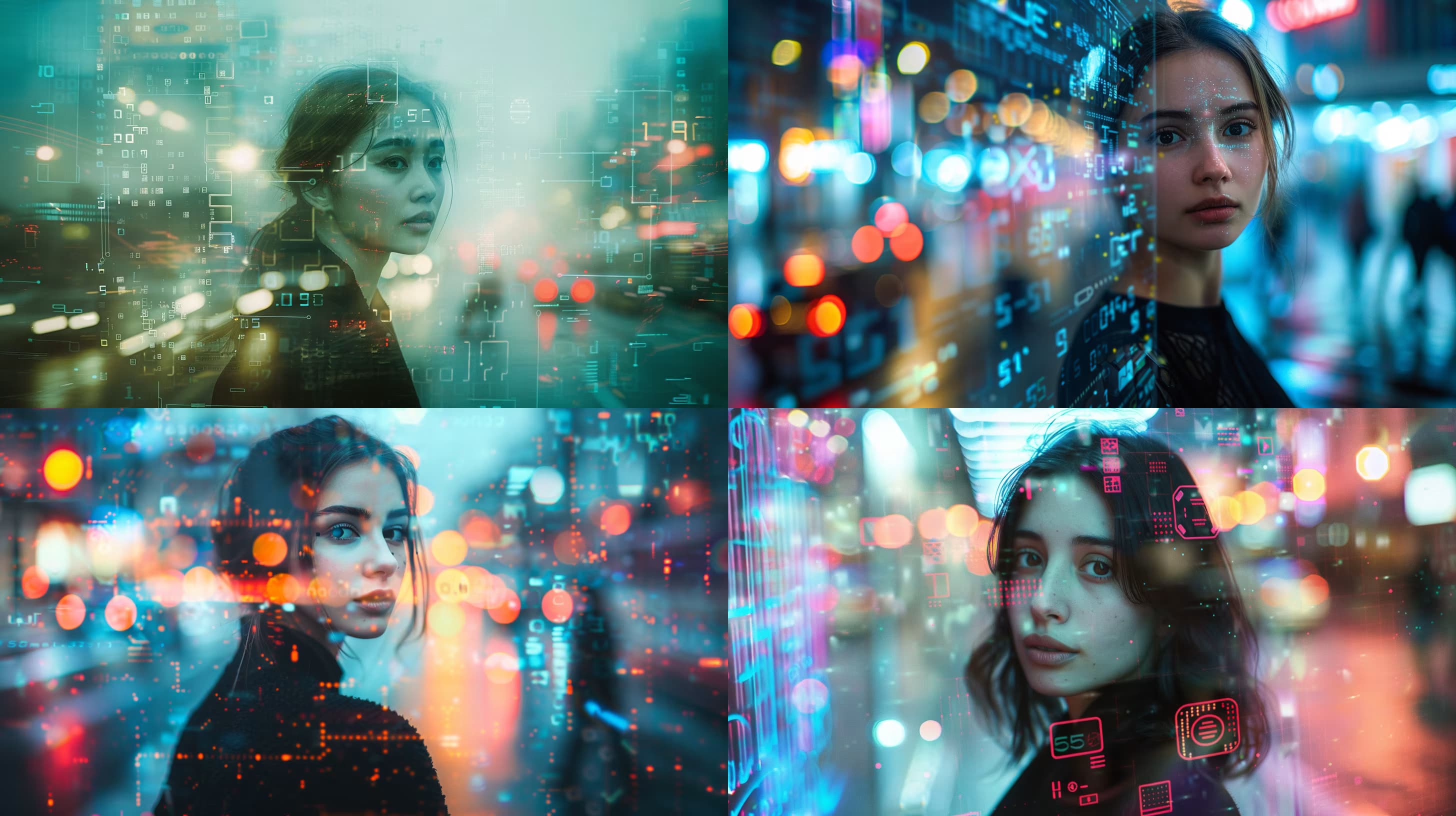
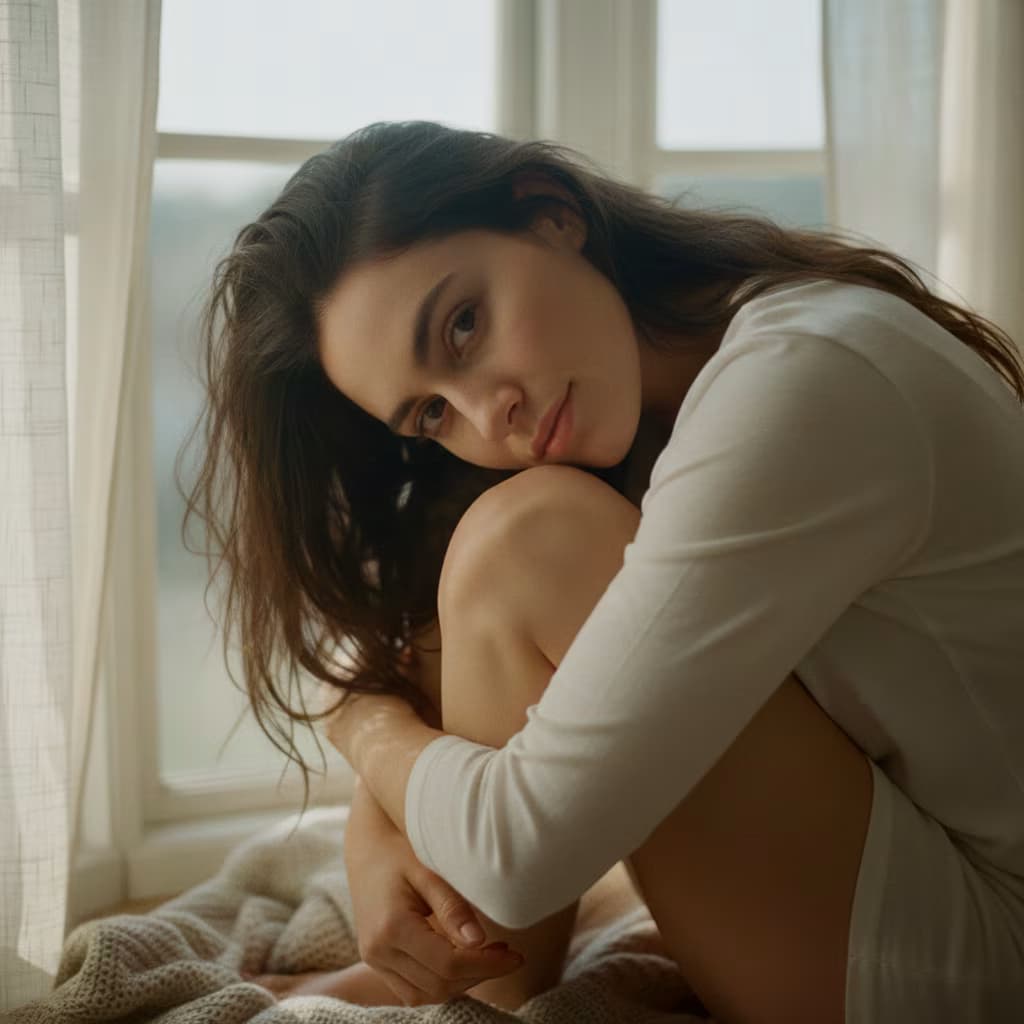
Double-exposure portrait of a woman with curly dark hair and soft freckles, blended with neon cityscapes and flowing light trails. Emotional, dreamy mood with warm rim lighting. Eye-level framing, 50mm lens, shallow depth. --no noise text --chaos 15 --ar 3:2 --quality 2 --stylize 80

Neon Double Exposure Portrait Generator

Generates double-exposure portraits that blend a subject with neon cityscapes and light trails, producing dreamy, emotionally resonant images on Midjourney.

32
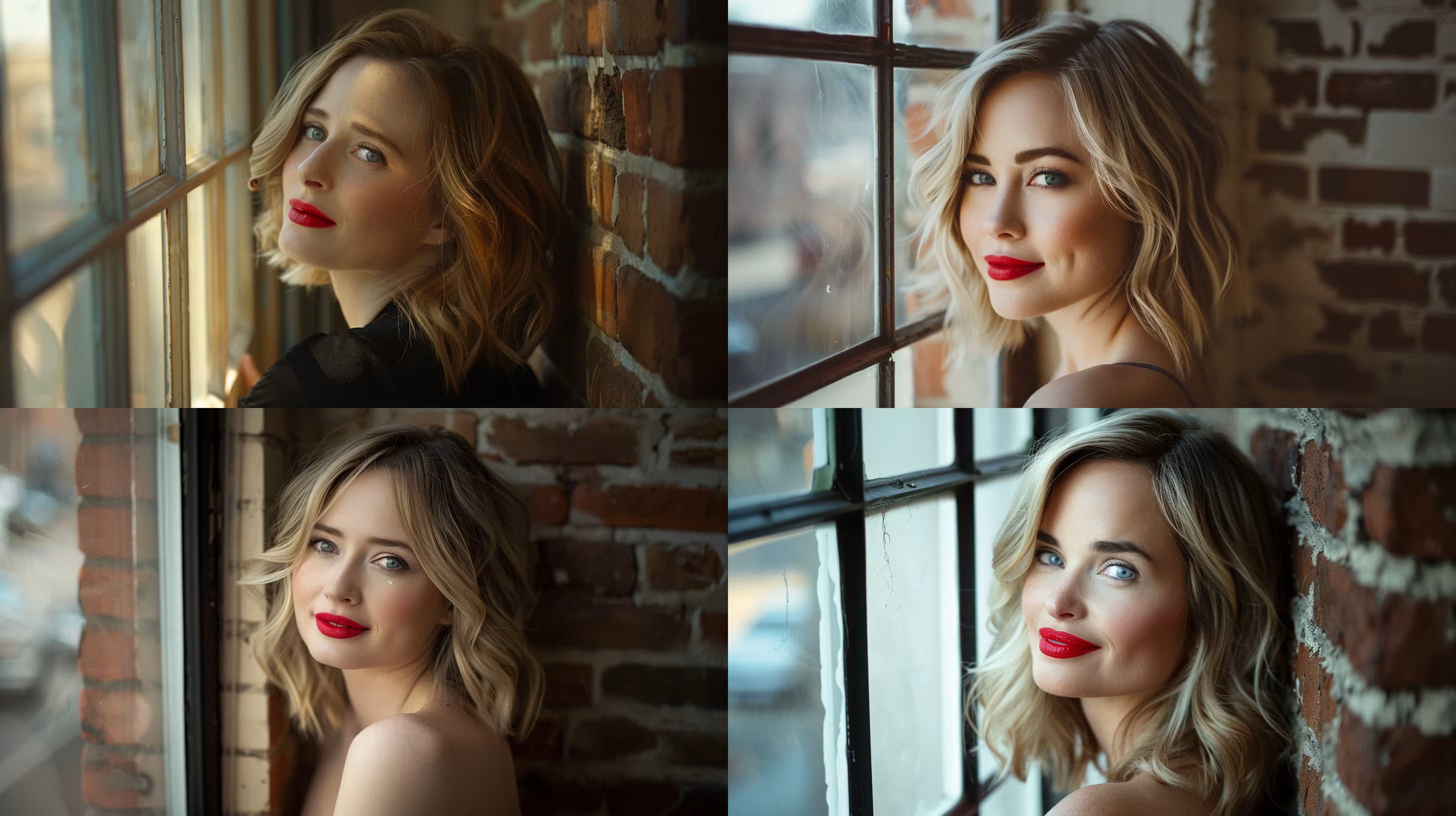
Turn the attached photo into a professional headshot.

Keep: the person's face, bone structure, skin tone, hairline, hair color, and expression exactly as they are. Do not smooth the skin into plastic and do not change their age.

Change: dress them in {{attire}}. Replace the background with a {{backdrop}}. Reframe to a head-and-shoulders crop with the eyes on the upper third and the shoulders turned slightly off-axis.

Light: one large soft key light from the upper left, gentle fill on the right, a faint rim on the hair to separate it from the backdrop.

Style: clean corporate portrait, 85mm lens look, sharp focus on the eyes, natural skin texture, no text, no logo, no watermark.

Casual Photo to Professional Headshot

Transform a casual photo into a professional headshot with specified attire and backdrop.

28
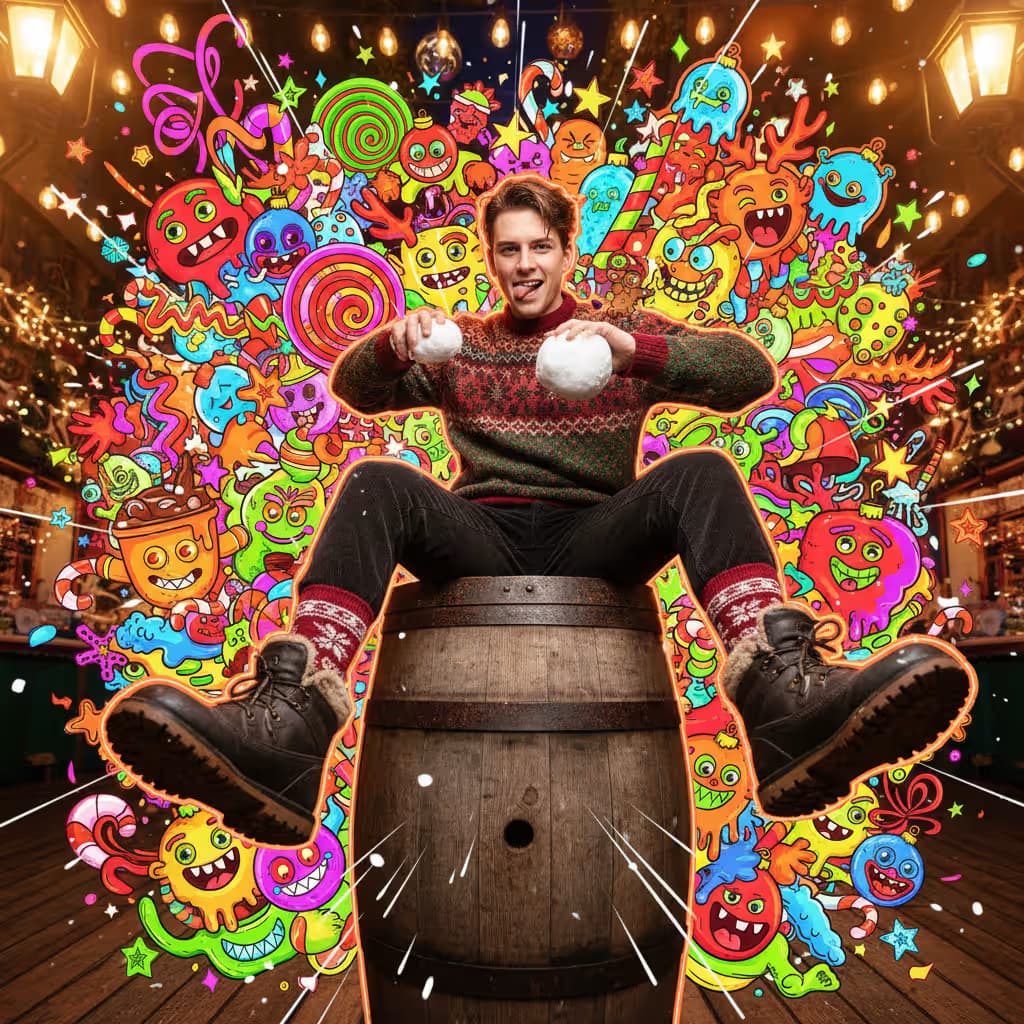
A portrait photograph of a person at an outdoor Christmas market with wooden stalls, twinkle lights, and warm hanging lanterns casting a golden fairy-light glow. {{pose-and-expression}}. {{camera-angle}}. Subject dressed in a cozy winter outfit: winter jacket or sweater, neutral pants, winter socks, and boots. Slight wide-angle lens with warm bloom, subject centered among Christmas lights.

Maximalist Christmas sweets-monster pop-art illustration layered over the photograph. Illustrated elements in flat neon holiday paletteβ€”red, green, gold, icy blue, pink, limeβ€”with thick black outlines: gingerbread goblins, candy-cane worms, snowball blob creatures, hot-cocoa monsters with melting marshmallow faces, cookie reindeer, tiny ornament gremlins, eggnog ghosts, fruitcake beasts. Graphic shapes including neon stars, snowflakes, sparkles, swirls, drips, zigzags, holly leaves, ribbon curls, comi

Christmas Monster Portrait Mashup Generator

Generates photorealistic Christmas market portraits layered with maximalist neon pop-art monsters and festive graphics. Runs on Midjourney, Flux, and Nano Banana.

27

What are AI prompts for Portrait & Avatar?

AI prompts for Portrait & Avatar are engineered instructions that already work. These are not one-line questions. Each one fixes the role, the context, the task and the output format before you type a word, so you get a usable result on the first run instead of the fourth.

They cover the work Portrait & Avatar actually get asked for: research and briefs, copy and content, analysis and reporting, planning, outreach and the admin that eats the day. Open a card to see the full prompt and the output it returns.

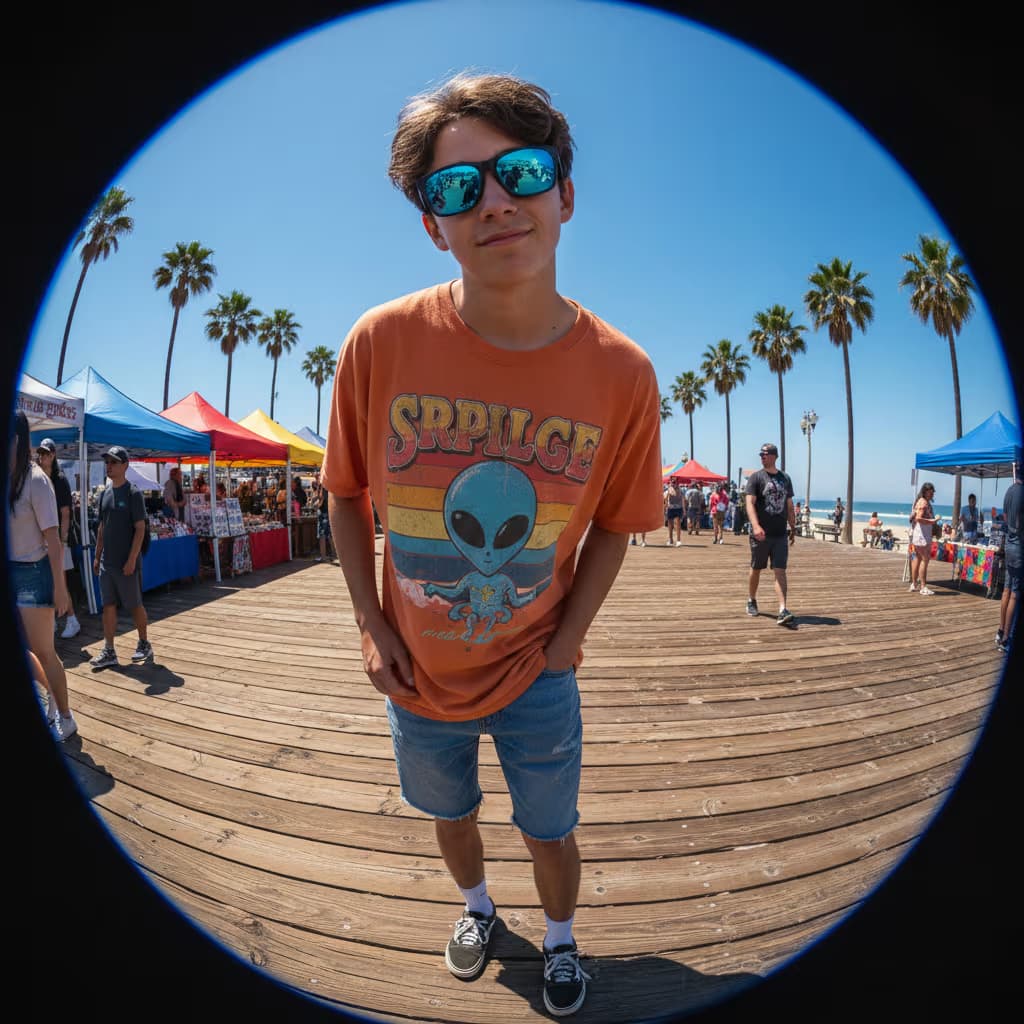
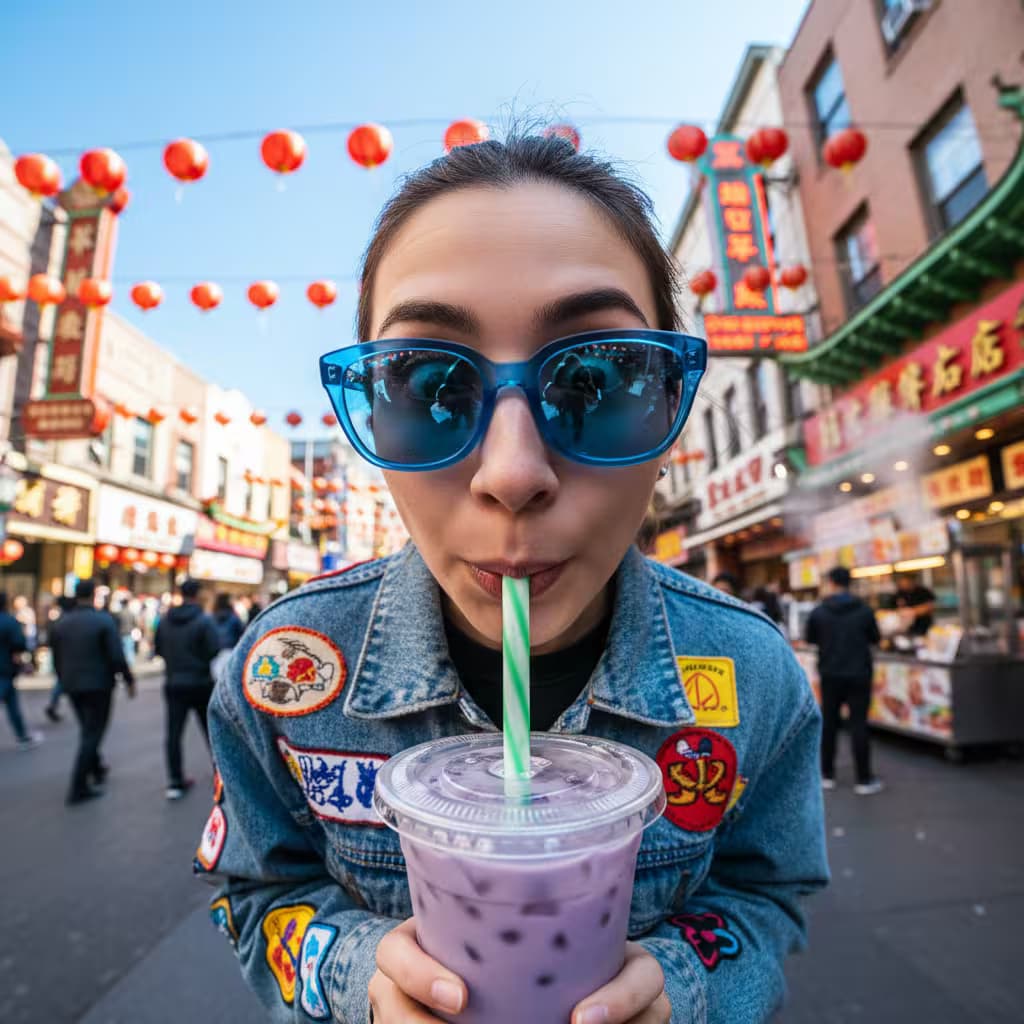
Popular on this page right now: "Modern Character Portrait Generator", "Cinematic Portrait Transformation Generator", "Fisheye Portrait Distortion Generator".

246 on this page, every one scoped to Portrait & Avatar. Free to read, free to copy.

Why these prompts work for Portrait & Avatar

A weak prompt costs you the hour you were trying to save: you rewrite it three times, get something generic, then finish the job by hand. An engineered prompt front-loads that thinking once.

In Portrait & Avatar that means first drafts you can send, analysis you can act on, and the repetitive work handed off, so the time goes into judgement instead of typing.

Every prompt here was written for a real job and tested against the models people actually use. Nothing scraped from a thread.

How to use these prompts

Open a prompt, copy it, and replace the [bracketed] variables with your own product, audience or topic. The structure around them stays as is. That structure is the part doing the work.

Paste it into ChatGPT, Claude, Gemini, Grok or the model you already use. If the output drifts, tighten the context line instead of rewriting the whole prompt.

No account needed to copy one. No setup, no extension, nothing to install.

Which AI tool works best for Portrait & Avatar prompts?

Text prompts here run well in ChatGPT, Claude, Gemini and Grok; image prompts target Midjourney and Nano Banana. Each card lists the models it was tested with.

Are these AI prompts free to use?

A big part of the library is free: open a prompt, copy it, use it. Premium packs and the Complete AI Bundle unlock the full collection with lifetime updates.

How do I adapt these prompts to my use case?

Start with the [variables]: niche, audience, constraints. If the result still misses, add one example of the output you want. A single good example beats three extra instructions.

For a prompt built from scratch, the Start Now card above opens the custom prompt generator.

Related resources

Get smarter on AI every week

One email a week with the best new prompts, tools, and model updates. Unsubscribe anytime.

Join 100,000+ subscribers. One email a week, real prompts, tools, and model updates. Unsubscribe anytime.

Face swap prompt: what the models allow

A face swap prompt has to work inside the rules of the model. Most image models refuse to put a real person's face on another body, and the ones that allow it need a reference image, not a description. What works in every model is keeping the same face across a series: generate one portrait, then ask for the same person in new settings using the reference. The portrait prompts here are written for that workflow.

Using the attached photo as the only face reference, generate the same person as [a chef in a kitchen / an astronaut / a 1970s film still]. Keep the face, hair and skin tone identical to the reference. Change only the clothes, setting and light. Photorealistic, 85mm lens, soft key light.

AI prompt for a professional headshot

A headshot prompt needs four decisions made for the model: the framing, the background, the light and the clothing. Leave one out and you get a stock photo. This prompt produces a LinkedIn-ready portrait from a casual phone photo.

Turn the attached photo into a professional headshot. Head and shoulders, centered, looking at the camera with a slight smile. Plain [light grey / dark navy] studio background. Soft light from the front left, no harsh shadows. [Navy blazer, white shirt]. Keep my face, hair and features exactly as in the photo. Sharp, 4:5 ratio, no retouching that changes my age.