7 Nano Banana Prompts for Teachers

Browse the prompts

Split-screen architectural comparison of {{landmark}}, left side technical blueprint, right side photographic reality. Left half: detailed architectural drawing showing accurate structural proportions, labeled dimensions, elevation views or cutaways, annotated with construction phases and materials in engineering-style typeface, line-art technical pen rendering with metric or imperial units. Right half: high-resolution color photograph of the completed landmark in its natural environment, {{photo-perspective}}, captured with ambient lighting and contextual surroundings visible. Clean vertical divider between halves emphasizing the contrast between design intent and built reality --ar 3:2 --v 6 --style raw

Architectural Landmark Comparison Image Generator

Generates split-screen images pairing a technical blueprint of a famous landmark on one side with a real photograph on the other. Runs on Midjourney, Flux, and Nano Banana to produce high-resolution educational visuals.

43
Minimal flat hand-drawn editorial illustration, diverse group of simplified people forming a circular flowing composition that symbolizes {{concept}}, characters standing sitting reading books using laptops discussing teaching learning from each other, rounded simplified human figures with abstract expressive faces minimal eyes and noses, soft outlines, flat rendering no shadows gradients or textures, background soft pastel green or muted mint, clothing and figures in limited palette of blue teal soft navy white light gray with muted cyan accents, open negative space for calm airy human-centered feel, corporate education aesthetic --ar 1:1 --v 6 --style raw --no photorealism, 3D effects, gradients, shadows, symbolic hands, oversized objects, realistic faces, heavy textures, clutter, logos, text

Editorial Learning Illustration Generator

Generates minimal flat editorial illustrations featuring diverse people in collaborative learning scenes, designed for education and corporate training platforms. Runs on Midjourney, Flux, and similar AI image models.

38

What are Nano banana prompts for Teachers?

Nano banana prompts for Teachers are engineered instructions that already work, written and tested for Nano Banana. These are not one-line questions. Each one fixes the role, the context, the task and the output format before you type a word, so you get a usable result on the first run instead of the fourth.

They cover the work Teachers actually get asked for: research and briefs, copy and content, analysis and reporting, planning, outreach and the admin that eats the day. Open a card to see the full prompt and the output it returns.

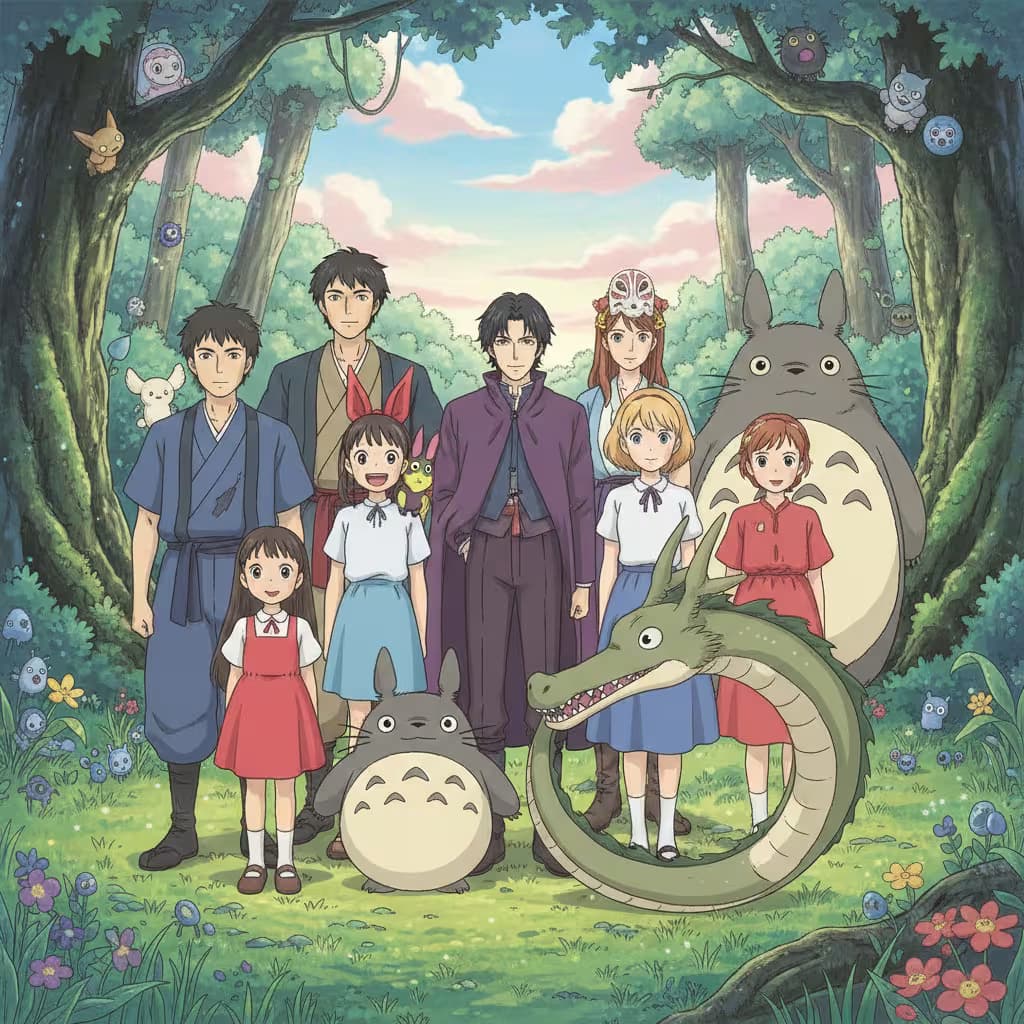
Popular on this page right now: "Architectural Landmark Comparison Image Generator", "Editorial Learning Illustration Generator", "Anime Class Photo Illustration Generator".

7 on this page, every one scoped to Teachers. Free to read, free to copy.

Why these prompts work for Teachers

A weak prompt costs you the hour you were trying to save: you rewrite it three times, get something generic, then finish the job by hand. An engineered prompt front-loads that thinking once.

In Teachers that means first drafts you can send, analysis you can act on, and the repetitive work handed off, so the time goes into judgement instead of typing.

Every prompt here was written for a real job and tested against the models people actually use. Nothing scraped from a thread.

How to use these prompts in Nano Banana

Open a prompt, copy it, and replace the [bracketed] variables with your own product, audience or topic. The structure around them stays as is. That structure is the part doing the work.

Paste it into Nano Banana and run. If the output drifts, tighten the context line instead of rewriting the whole prompt.

No account needed to copy one. No setup, no extension, nothing to install.

Do these prompts only work with Nano Banana?

They are tuned for Nano Banana, but the skeleton of role, context, task and format carries over to any capable model. Swap model-specific settings like tone or length when you move.

Are these AI prompts free to use?

A big part of the library is free: open a prompt, copy it, use it. Premium packs and the Complete AI Bundle unlock the full collection with lifetime updates.

How do I adapt these prompts to my use case?

Start with the [variables]: niche, audience, constraints. If the result still misses, add one example of the output you want. A single good example beats three extra instructions.

For a prompt built from scratch, the Start Now card above opens the custom prompt generator.

Related resources

Get smarter on AI every week

One email a week with the best new prompts, tools, and model updates. Unsubscribe anytime.

Join 100,000+ subscribers. One email a week, real prompts, tools, and model updates. Unsubscribe anytime.