26 Flux Prompts for Developers

Browse the prompts

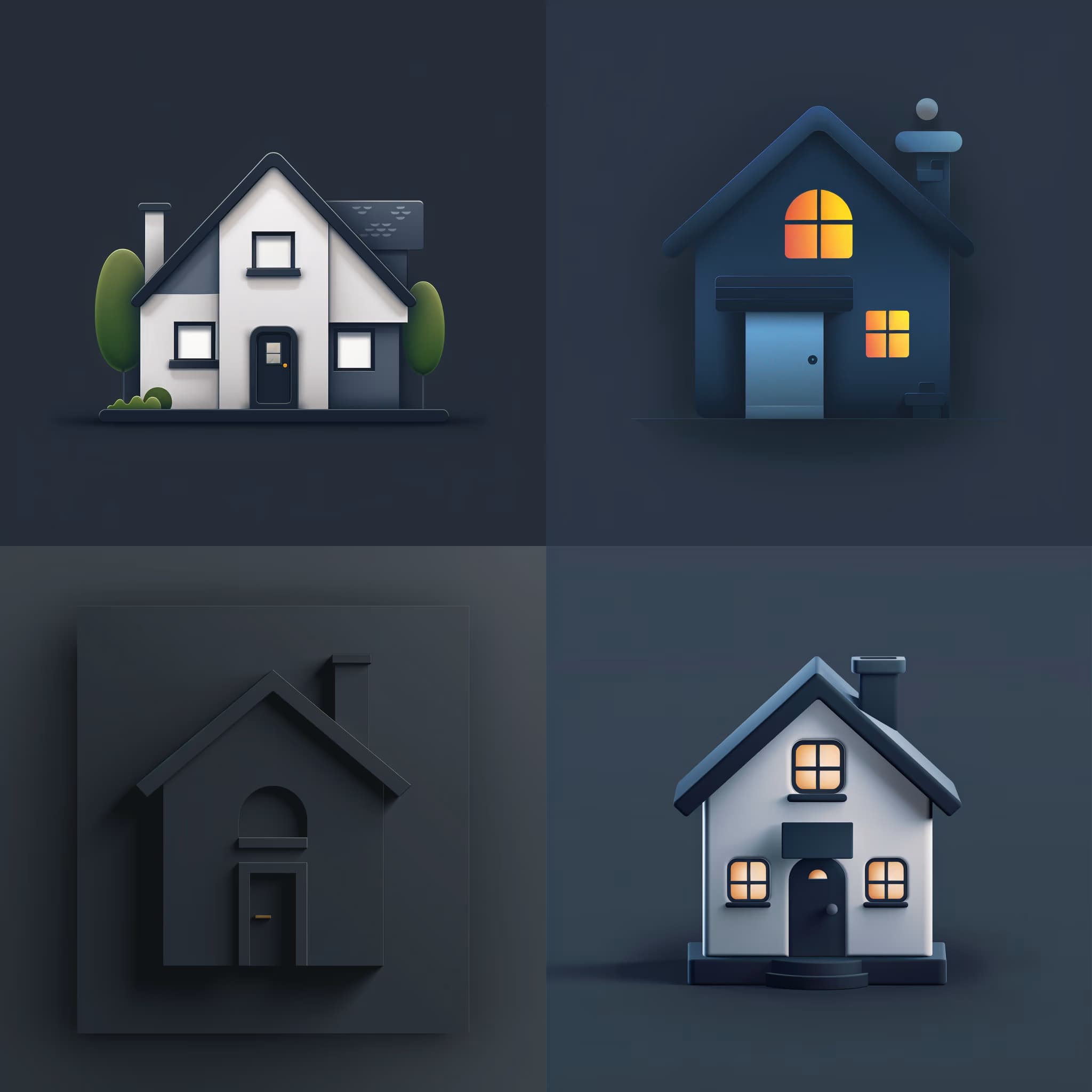
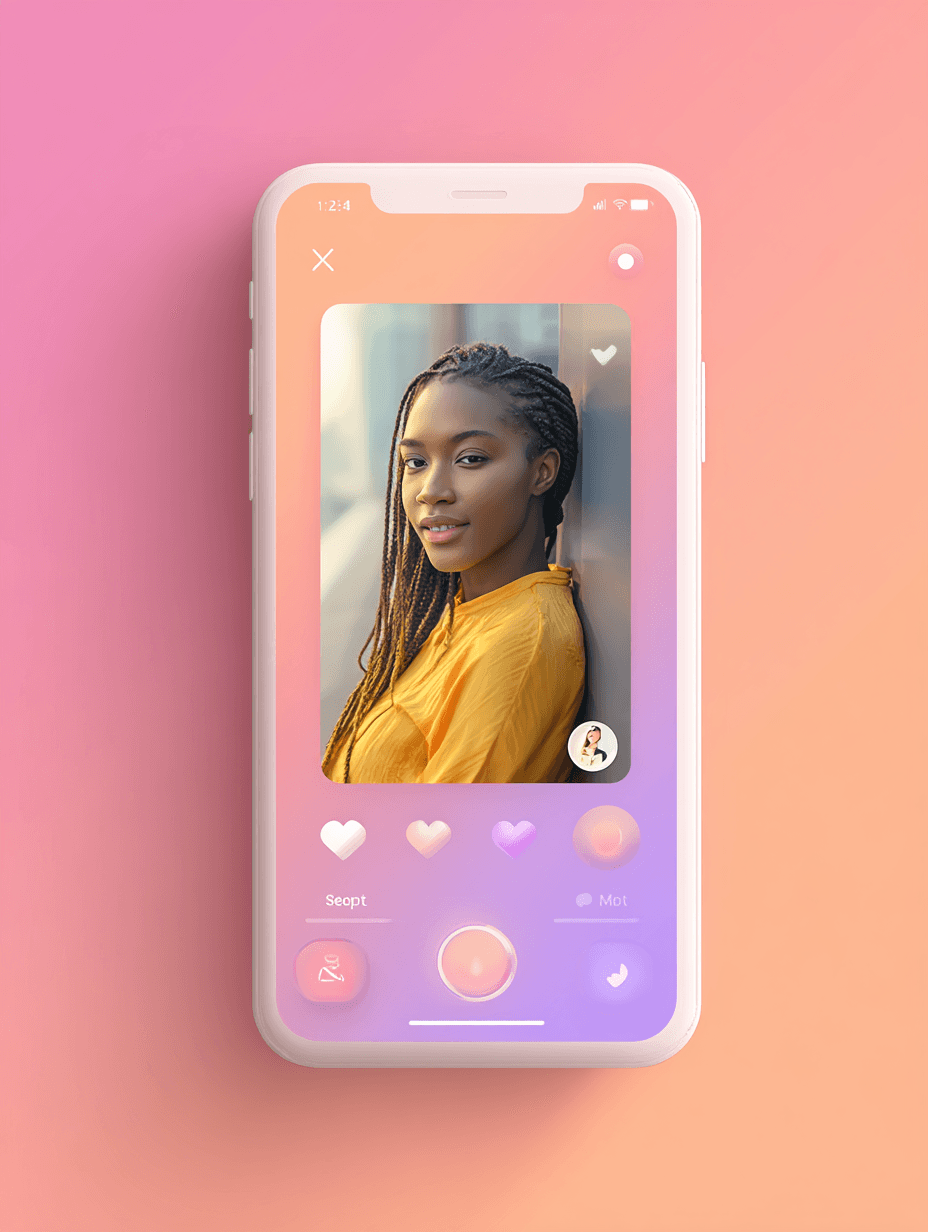
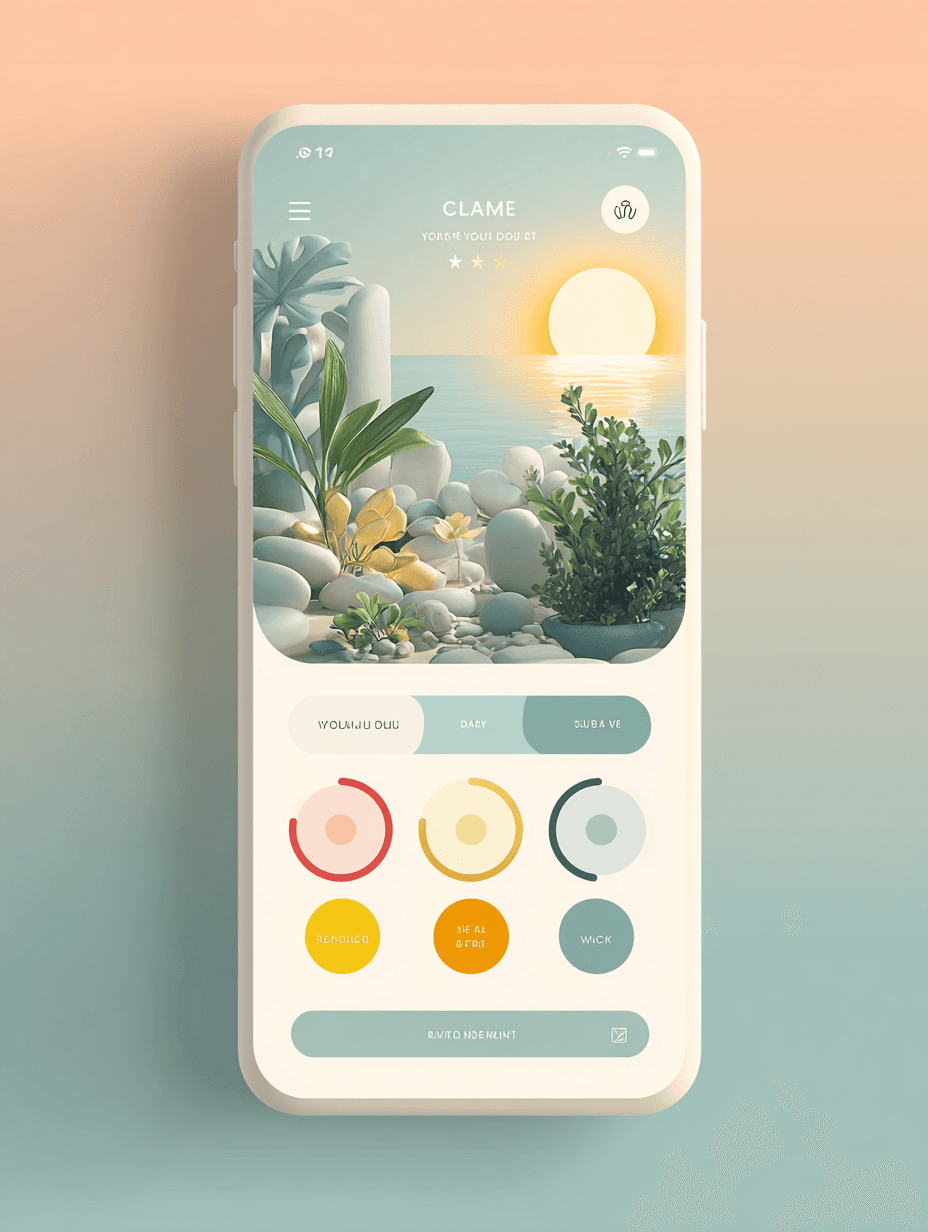
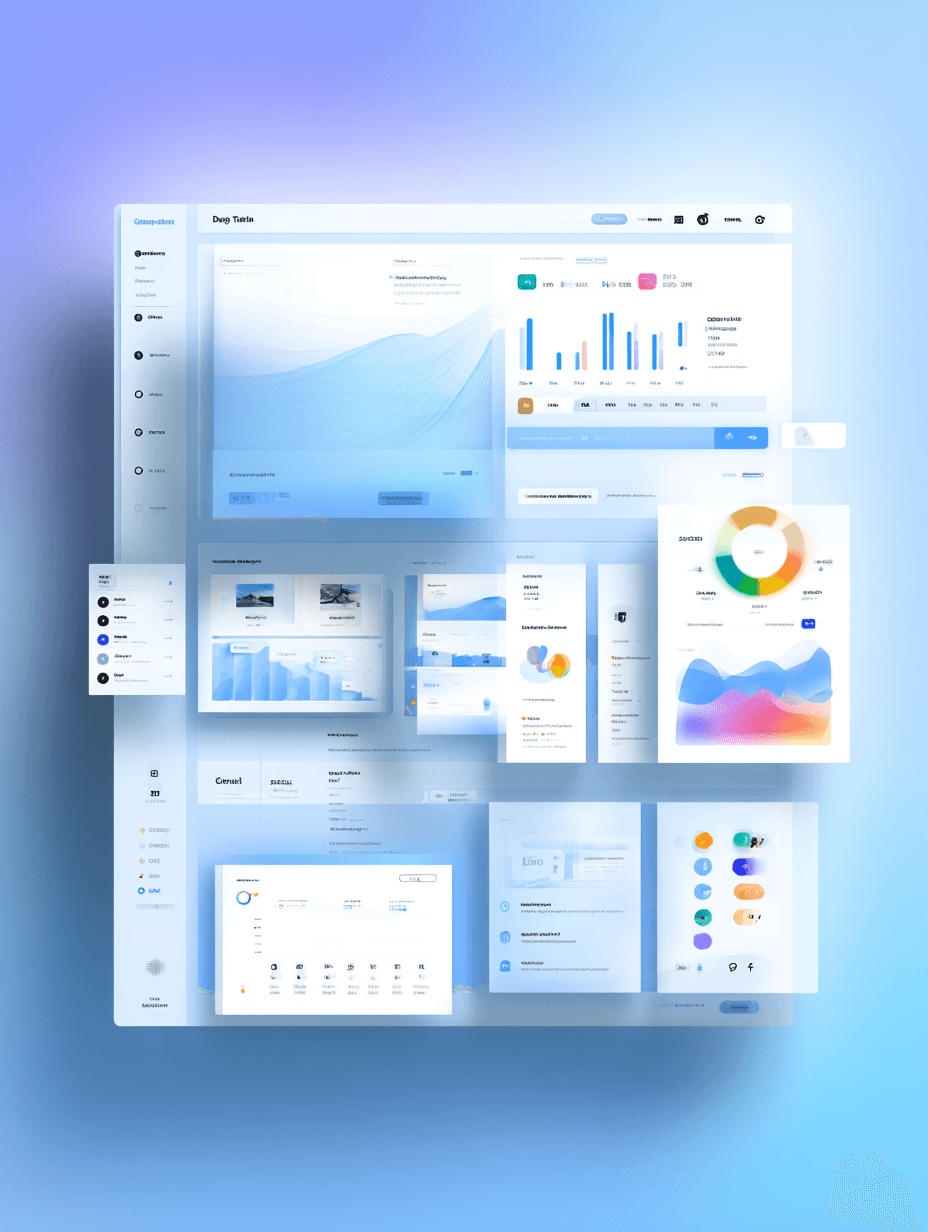
UI design of a {{app-type}}, {{platform}}, flat UI, clean UI/UX design, {{color-palette}} color palette, minimalist modern style, high resolution, white background --no device --ar 16:9 --style raw

Clean UI Design Concept Generator for Apps and Web

Generates flat, minimalist UI design mockups for websites and mobile applications with custom color palettes on a white background. Runs on Midjourney, Flux, and other AI image generators.
100
Ultra clean high-contrast product presentation photograph of a desktop monitor setup with two silhouetted people seated on left and right, straight-on frontal view. The monitor displays {{screen-content}} fitted naturally to the screen with aspect ratio preserved, center-cropped if needed, subtle perspective matching applied to blend with the monitor surface, respecting bezel boundaries, soft screen emission glow. High contrast backlit studio lighting, bright white background light, foreground subjects rendered as dark silhouettes with minimal detail, screen brightness balanced so content remains clearly readable. Clean dark mode presentation aesthetic, accurate monitor proportions, crisp silhouette edges, no anatomical distortion or extra limbs, minimal composition. Commercial tech mockup quality, high resolution, photorealistic --ar 16:9 --v 6 --style raw --no text, UI elements, overla

Minimal Desktop Monitor Mockup Generator

Generates clean, high-contrast desktop monitor mockups with custom screen content displayed on realistic hardware, flanked by silhouetted figures in backlit studio lighting. Runs on Midjourney, Flux, and other AI image generators.
84
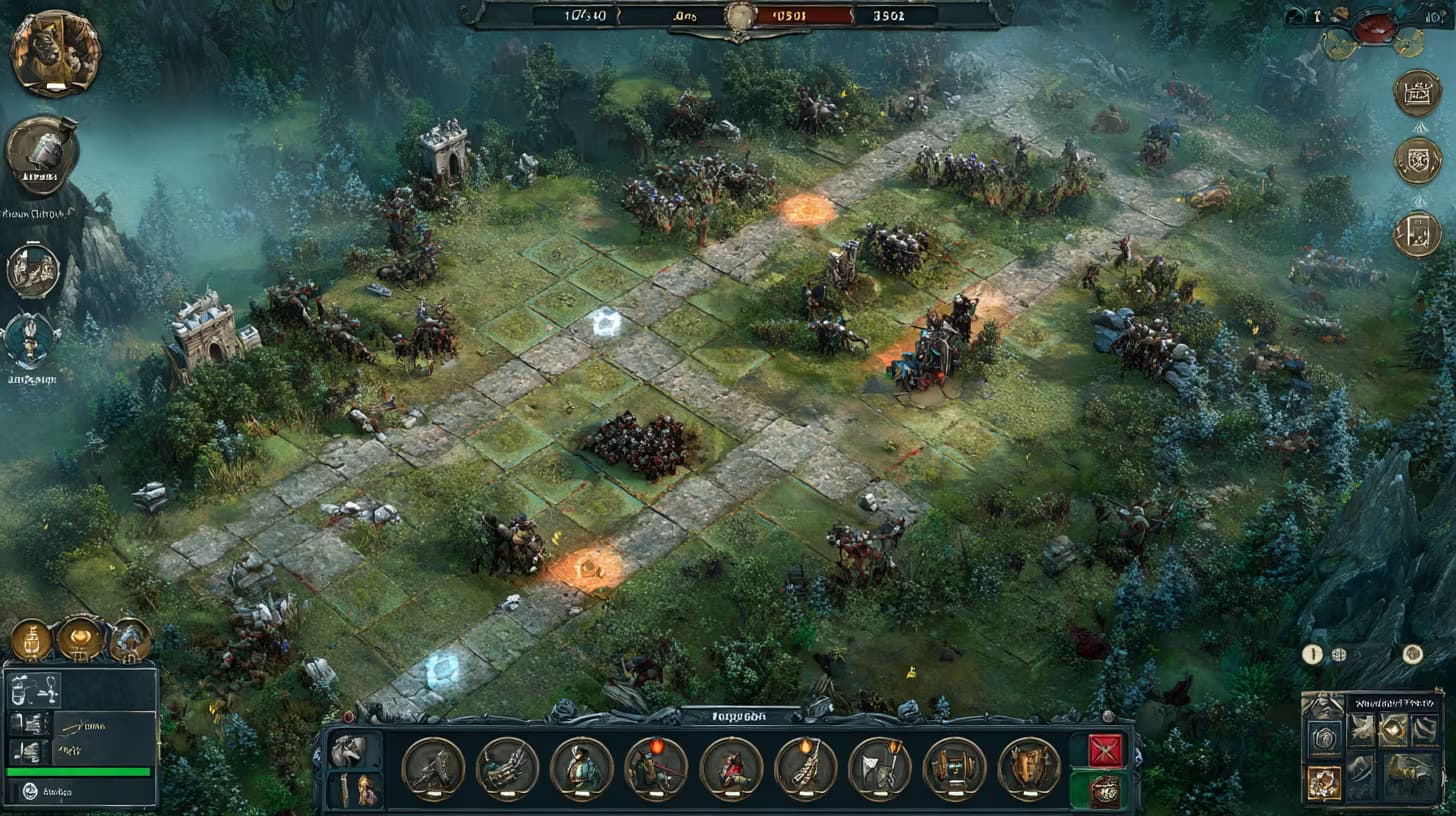
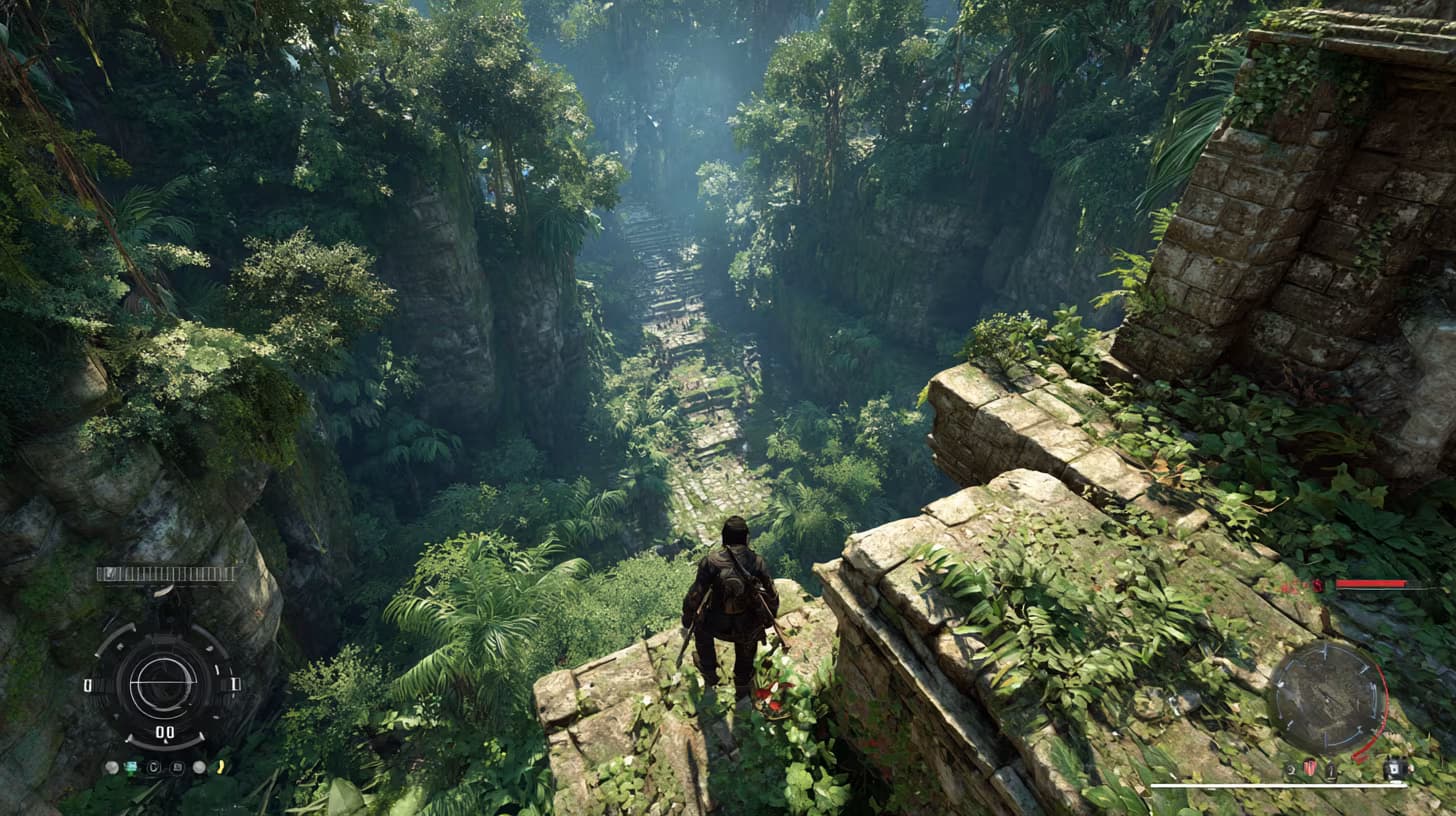
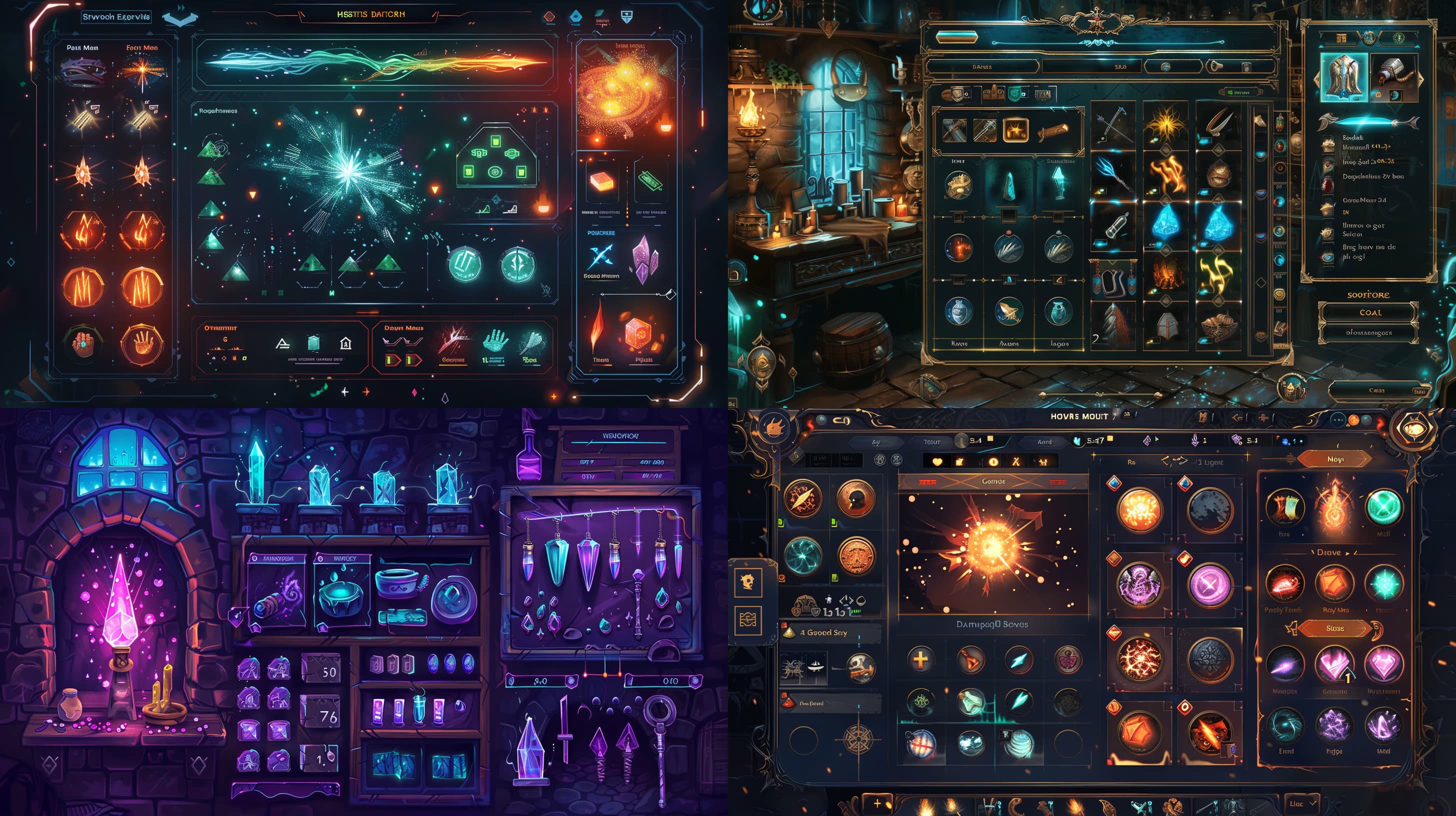
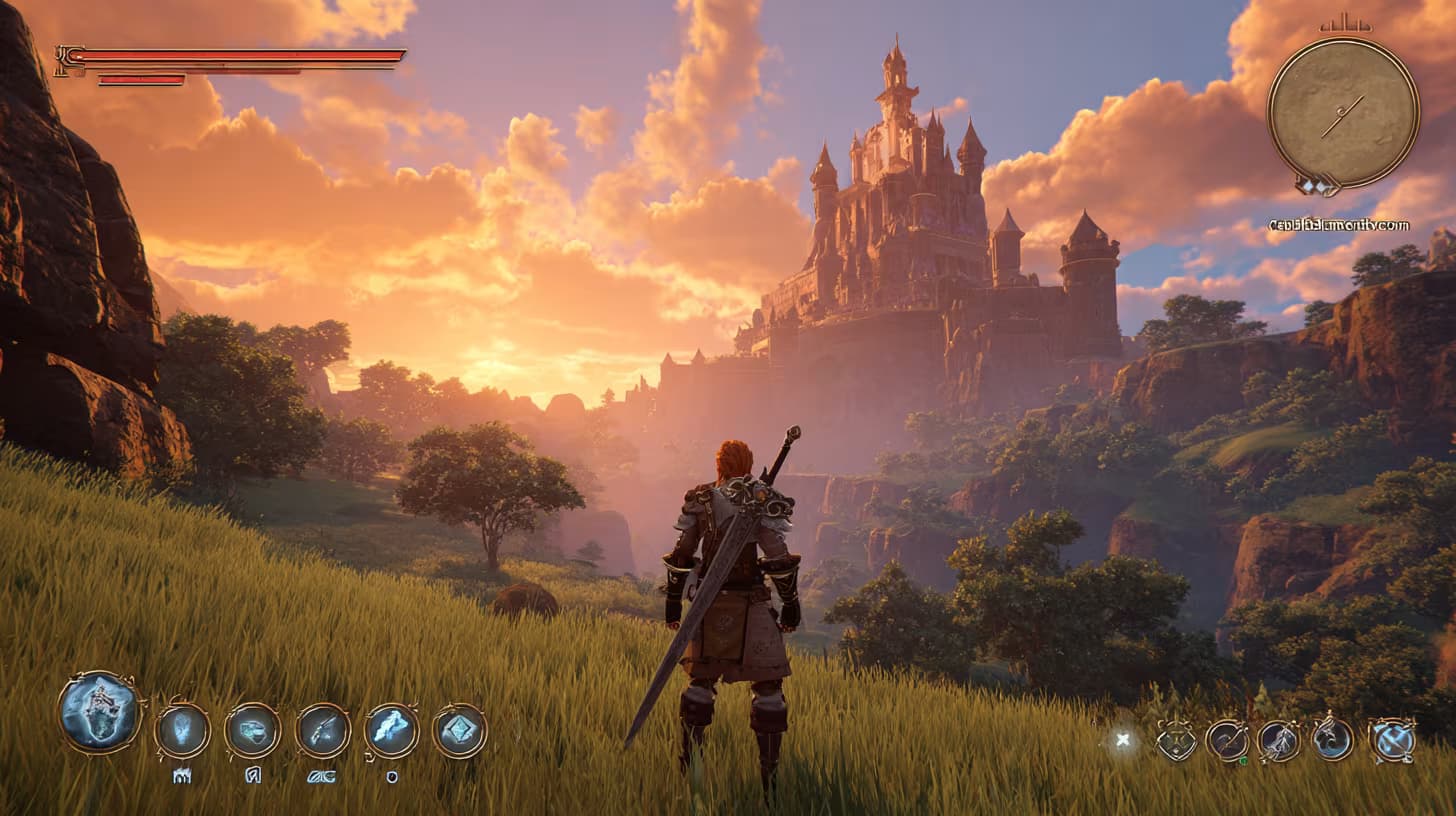
Screenshot of game UI design for third-person fantasy RPG. {{character-and-scene}}: warrior with sword facing glowing castle in distance, lush green valley, dramatic sunset sky. Interface elements: health bar, mana bar, inventory icons, quest tracker. Cinematic immersive fantasy atmosphere. --ar 16:9 --raw

Fantasy Game UI Design Prompt

Generates third-person RPG game interface screenshots with character, scene, and HUD elements. Runs on Midjourney, Flux, and other AI image models.

26
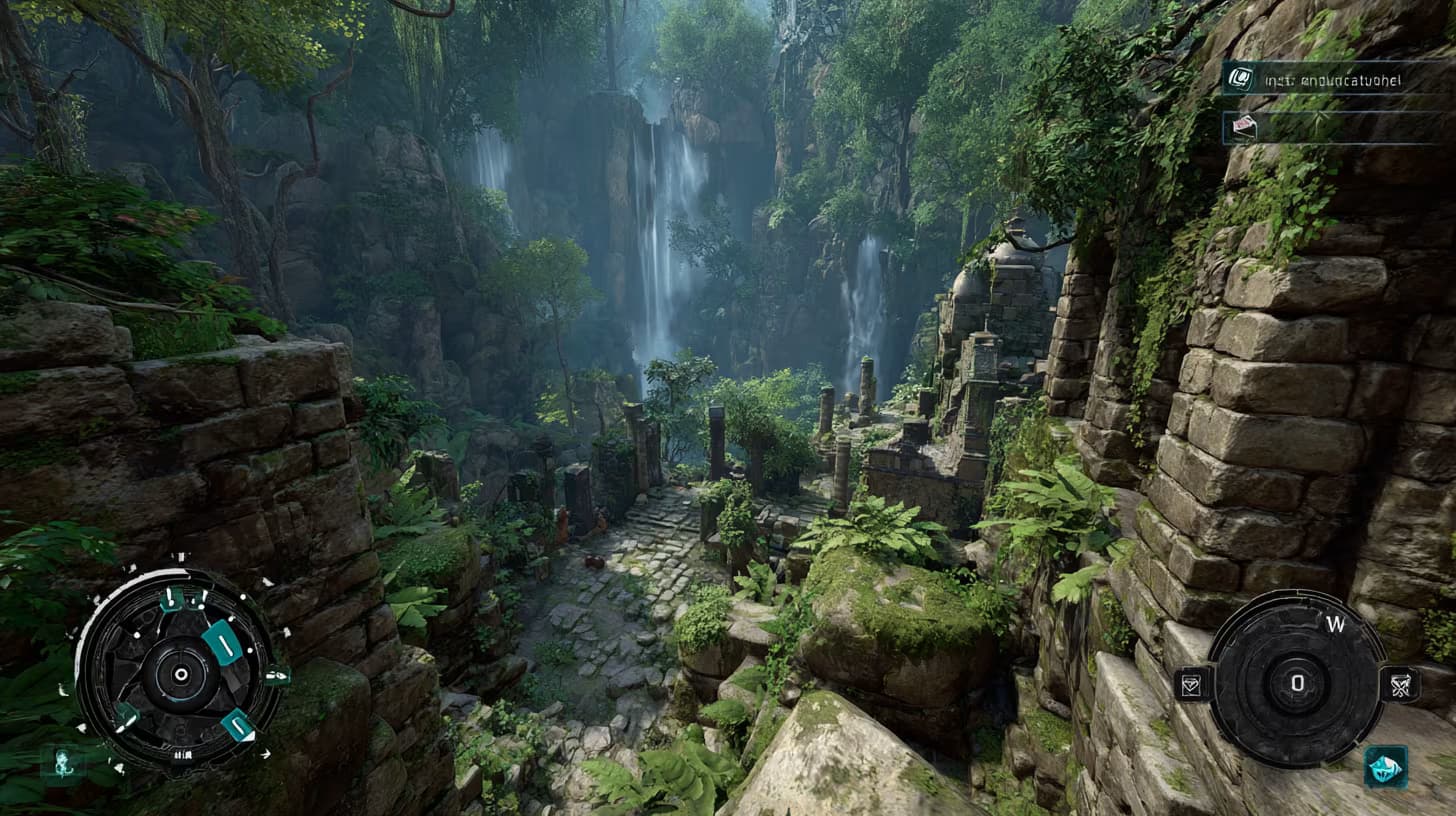
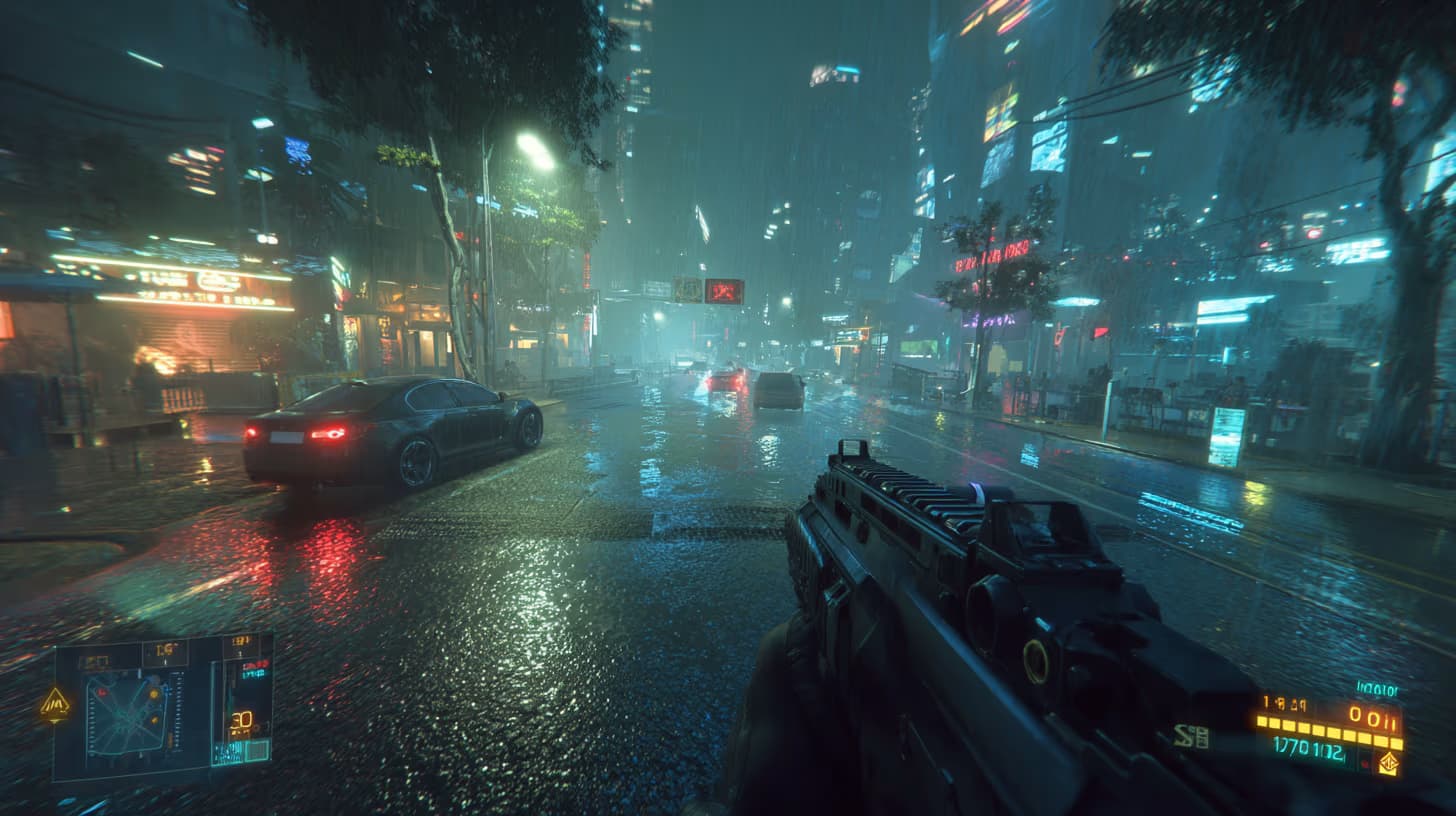
Screenshot of game UI design, first-person {{game-genre}} shooter, neon-lit city street at night, rain-slick pavement reflecting holograms, futuristic weapon visible in foreground. HUD overlay includes {{hud-elements}}, moody neon sci-fi vibe. --ar 16:9 --raw

Game UI Design Concept Generator

Generates first-person game UI screenshots with customizable genre and HUD elements, rendered as cinematic 16:9 concept art for Midjourney, Flux, or similar image models.

24
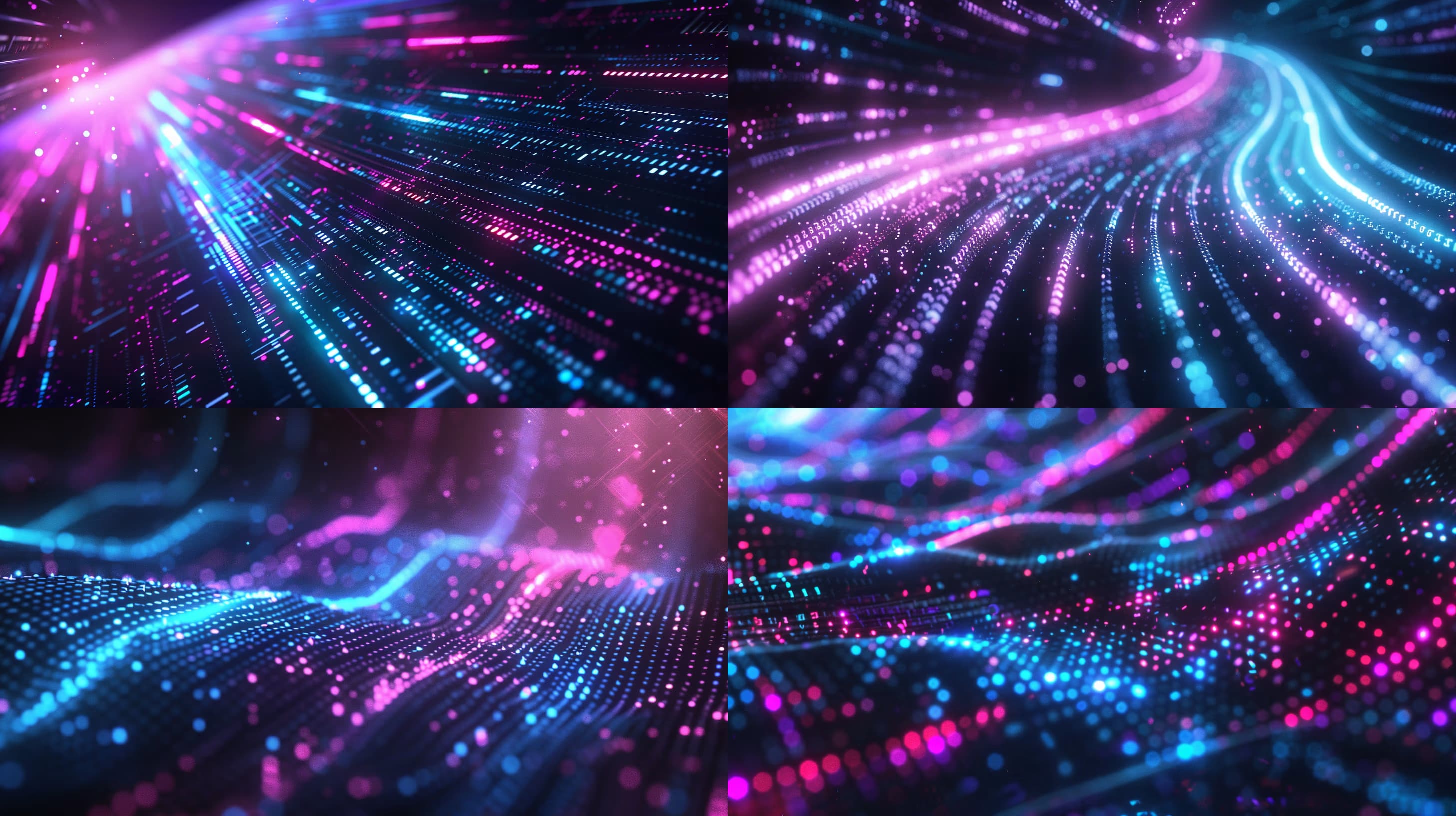
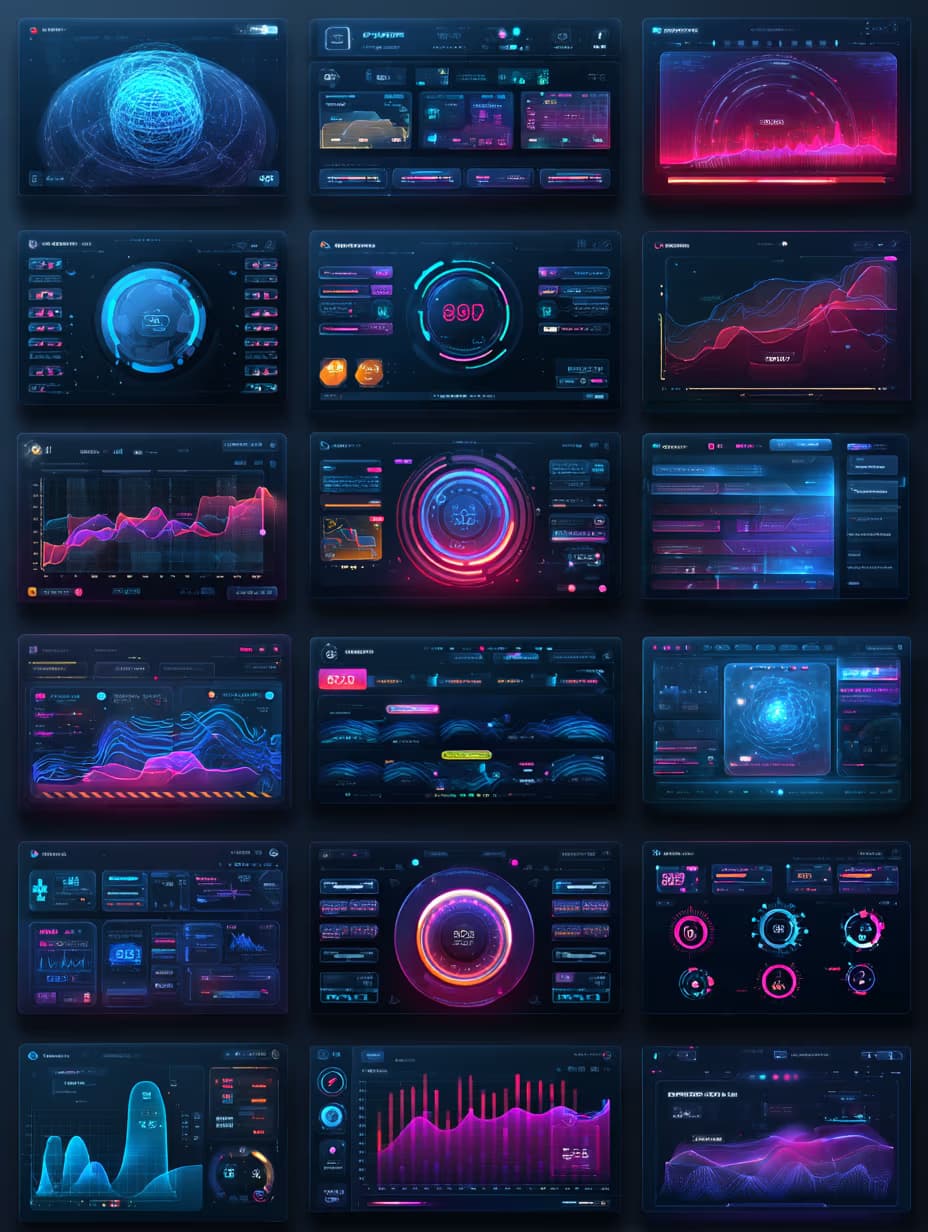
Futuristic digital background featuring {{data-visualization-type}} and code elements, dark background with {{neon-color}} neon accents, conveying themes of big data, innovation, and dynamism; dramatic lighting with motion blur and glitch effects, shallow depth of field with bokeh, diagonal composition with focal cluster --ar {{aspect-ratio}} --style raw --q 2

Futuristic Digital Background Generator for Midjourney

Generates futuristic digital backgrounds featuring data visualizations, code elements, and neon accents on dark backgrounds. Runs on Midjourney, Flux, and similar image models with customizable visualization types, neon colors, and aspect ratios.

16
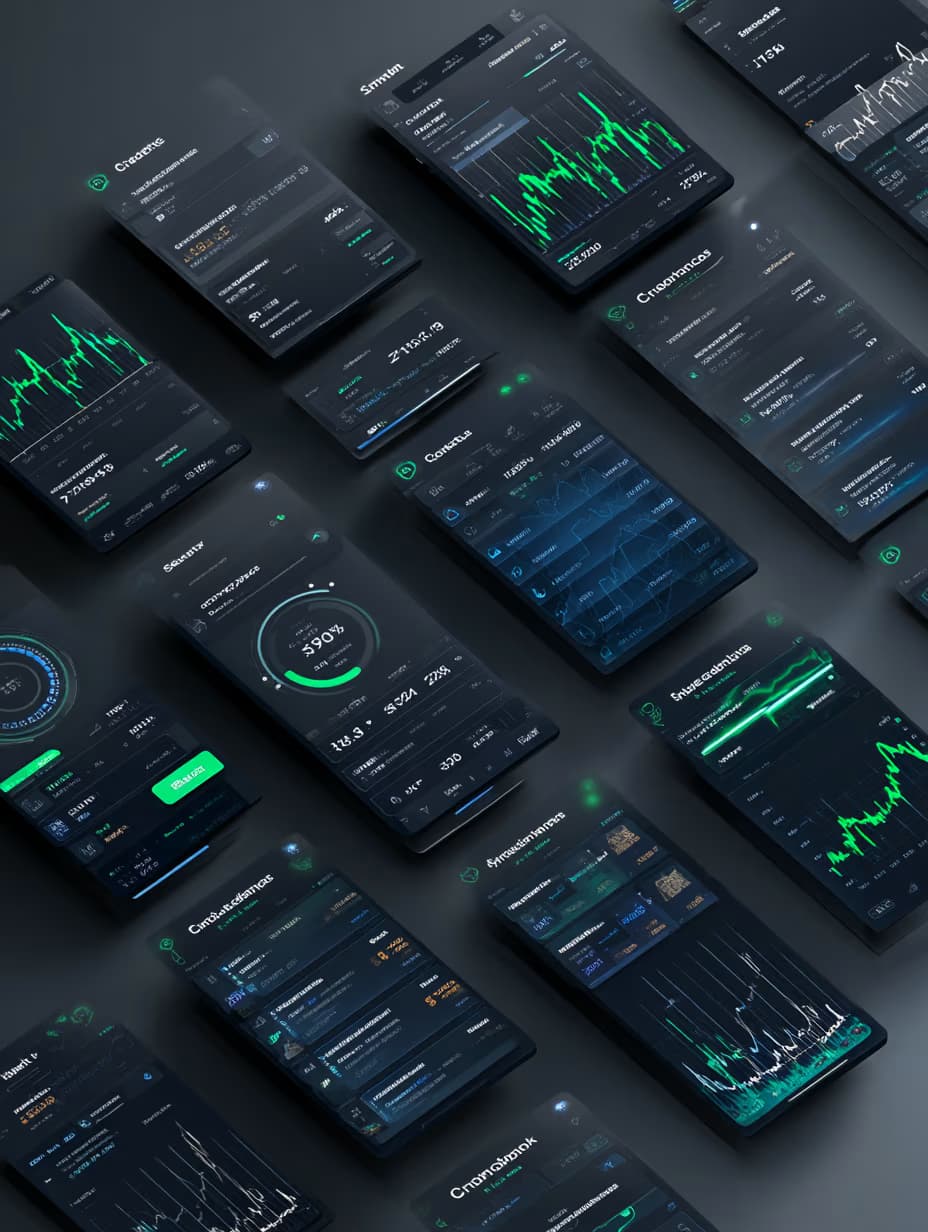
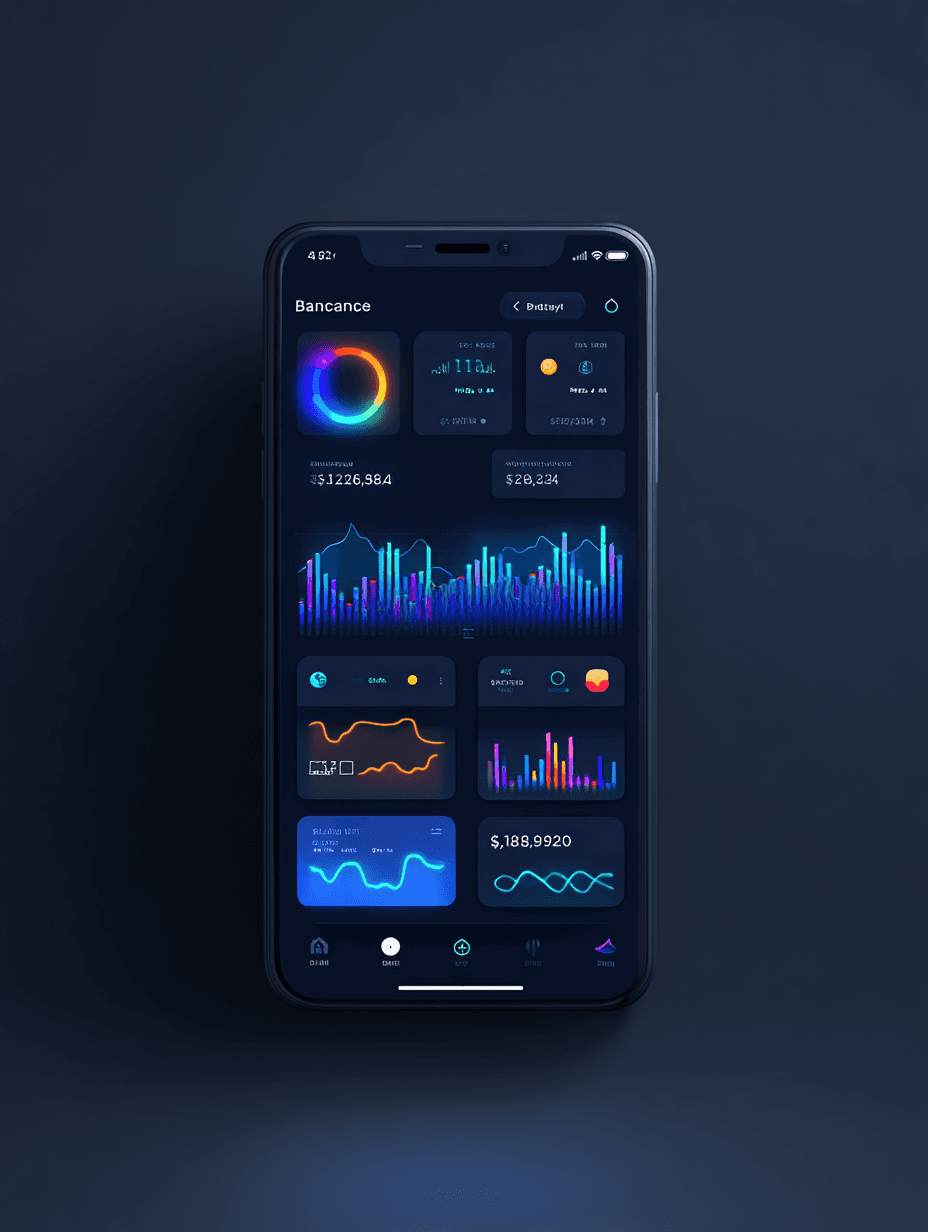
Design front-view banking app mockup, straight-on mobile screen perspective, {{color-scheme}}, dashboard displaying account balance and financial charts, clean sans-serif typography, rounded transaction cards, minimal tab bar at bottom, futuristic yet professional UX aesthetic. --ar 3:4 --raw

Banking App Mockup Design Prompt

Generates a front-view mobile banking app interface mockup with dashboard, transaction cards, and customizable color scheme. Runs on Midjourney, Flux, and other AI image generators.
15

What are flux prompts for Developers?

flux prompts for Developers are engineered instructions that already work, written and tested for Flux. These are not one-line questions. Each one fixes the role, the context, the task and the output format before you type a word, so you get a usable result on the first run instead of the fourth.

They cover the work Developers actually get asked for: research and briefs, copy and content, analysis and reporting, planning, outreach and the admin that eats the day. Open a card to see the full prompt and the output it returns.

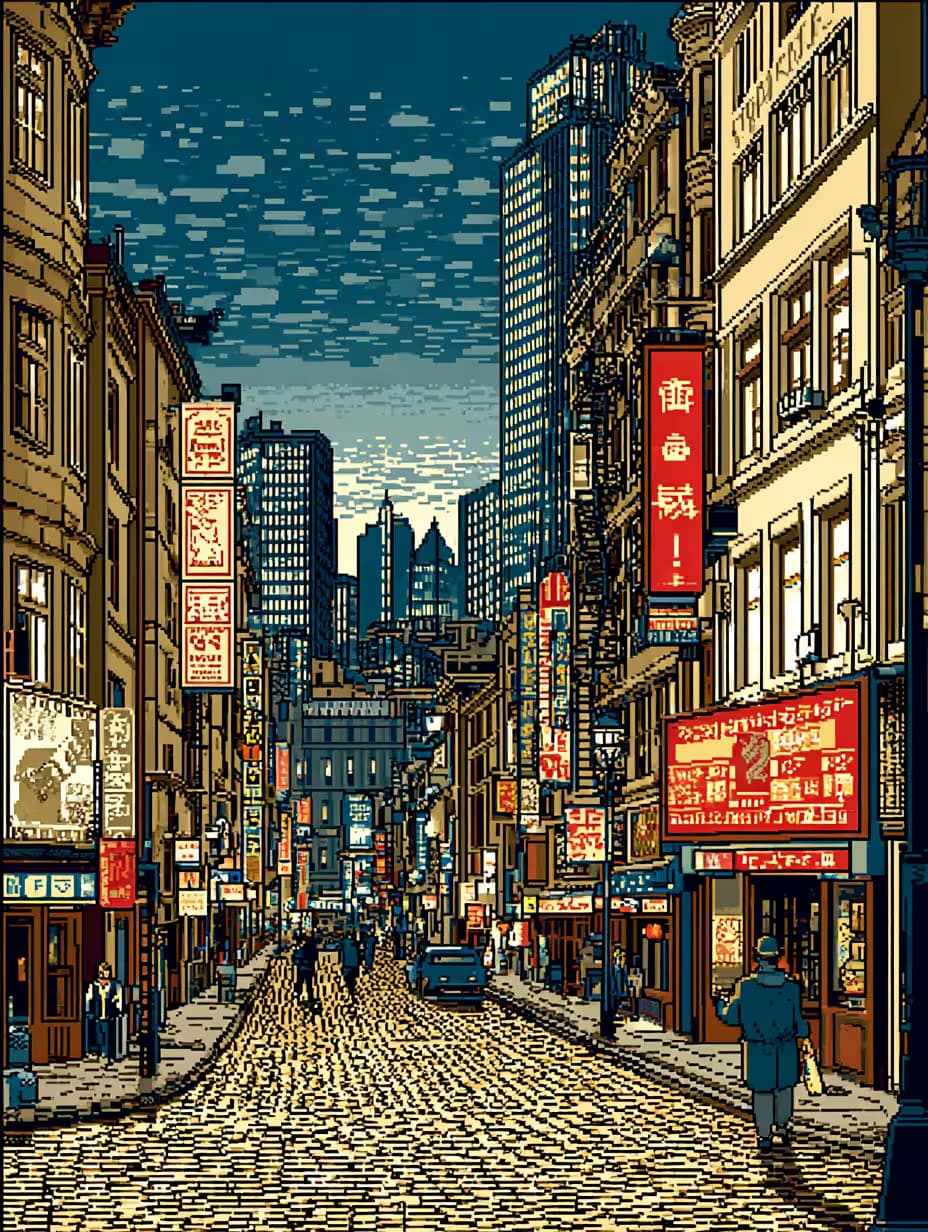
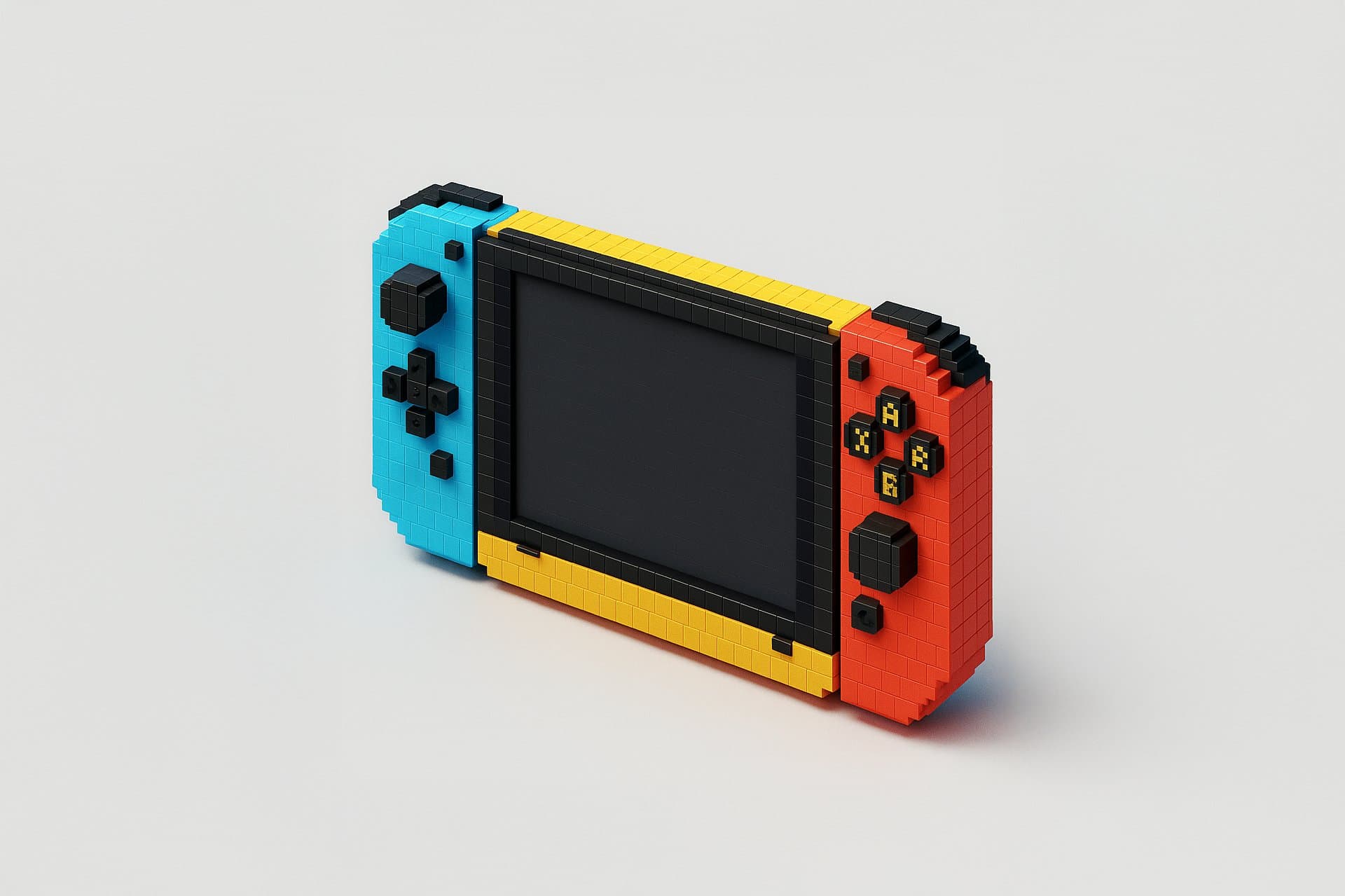
Popular on this page right now: "Clean UI Design Concept Generator for Apps and Web", "Minimal Desktop Monitor Mockup Generator", "Cyberpunk Pixel Art Street Generator".

26 on this page, every one scoped to Developers. Free to read, free to copy.

Why these prompts work for Developers

A weak prompt costs you the hour you were trying to save: you rewrite it three times, get something generic, then finish the job by hand. An engineered prompt front-loads that thinking once.

In Developers that means first drafts you can send, analysis you can act on, and the repetitive work handed off, so the time goes into judgement instead of typing.

Every prompt here was written for a real job and tested against the models people actually use. Nothing scraped from a thread.

How to use these prompts in Flux

Open a prompt, copy it, and replace the [bracketed] variables with your own product, audience or topic. The structure around them stays as is. That structure is the part doing the work.

Paste it into Flux and run. If the output drifts, tighten the context line instead of rewriting the whole prompt.

No account needed to copy one. No setup, no extension, nothing to install.

Do these prompts only work with Flux?

They are tuned for Flux, but the skeleton of role, context, task and format carries over to any capable model. Swap model-specific settings like tone or length when you move.

Are these AI prompts free to use?

A big part of the library is free: open a prompt, copy it, use it. Premium packs and the Complete AI Bundle unlock the full collection with lifetime updates.

How do I adapt these prompts to my use case?

Start with the [variables]: niche, audience, constraints. If the result still misses, add one example of the output you want. A single good example beats three extra instructions.

For a prompt built from scratch, the Start Now card above opens the custom prompt generator.

Related resources

Get smarter on AI every week

One email a week with the best new prompts, tools, and model updates. Unsubscribe anytime.

Join 100,000+ subscribers. One email a week, real prompts, tools, and model updates. Unsubscribe anytime.