19 DALL-E Prompts for Developers

Browse the prompts

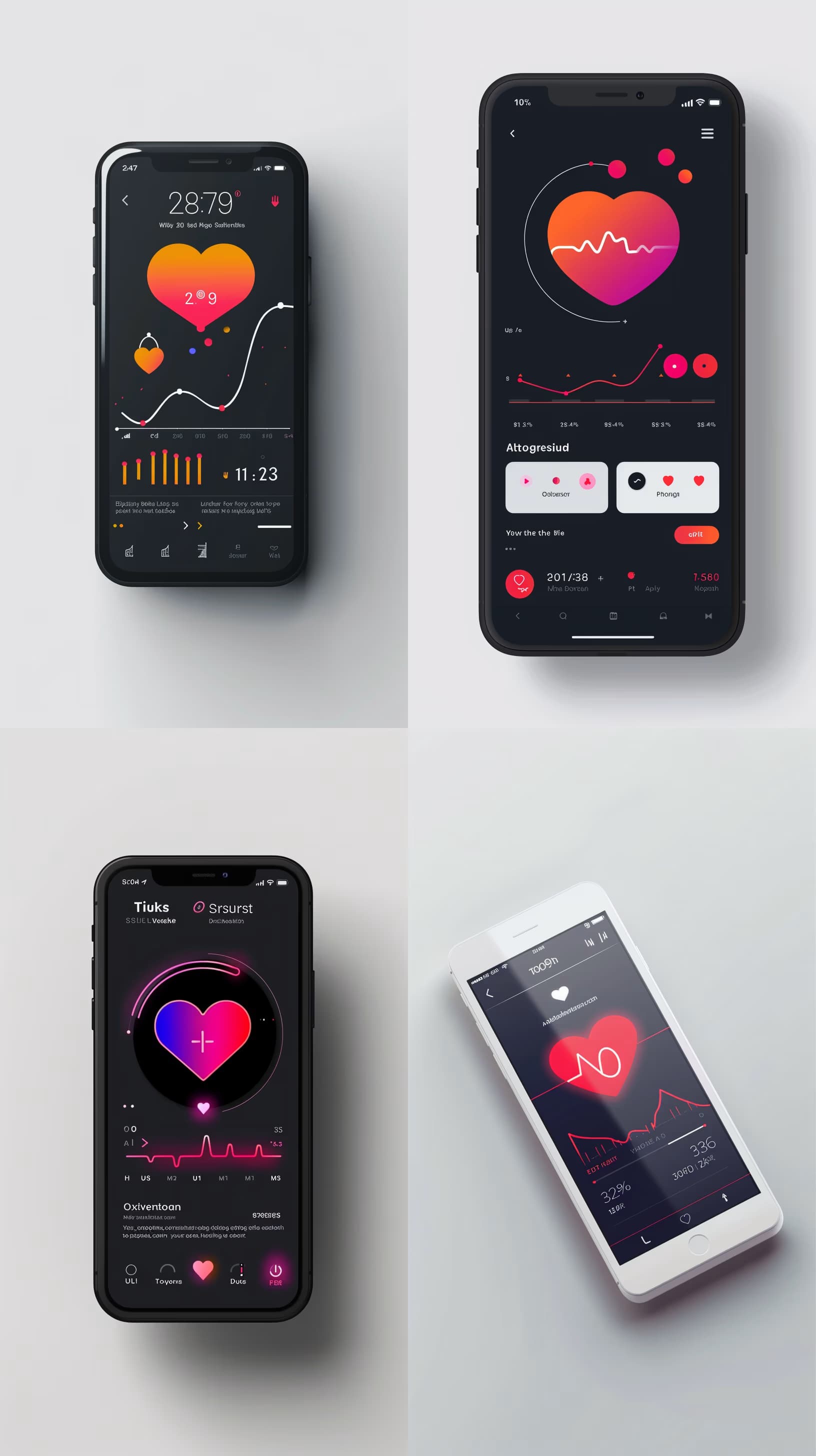
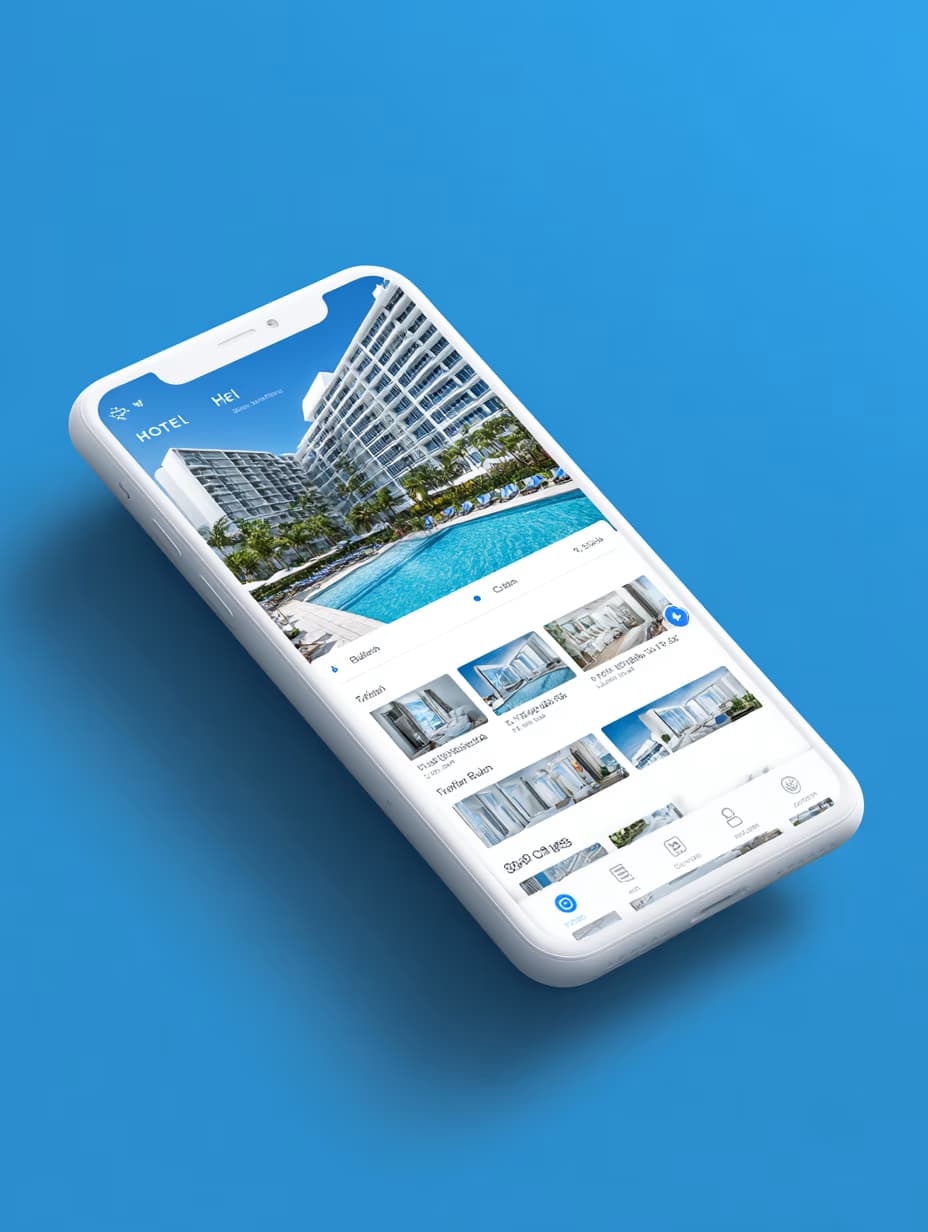
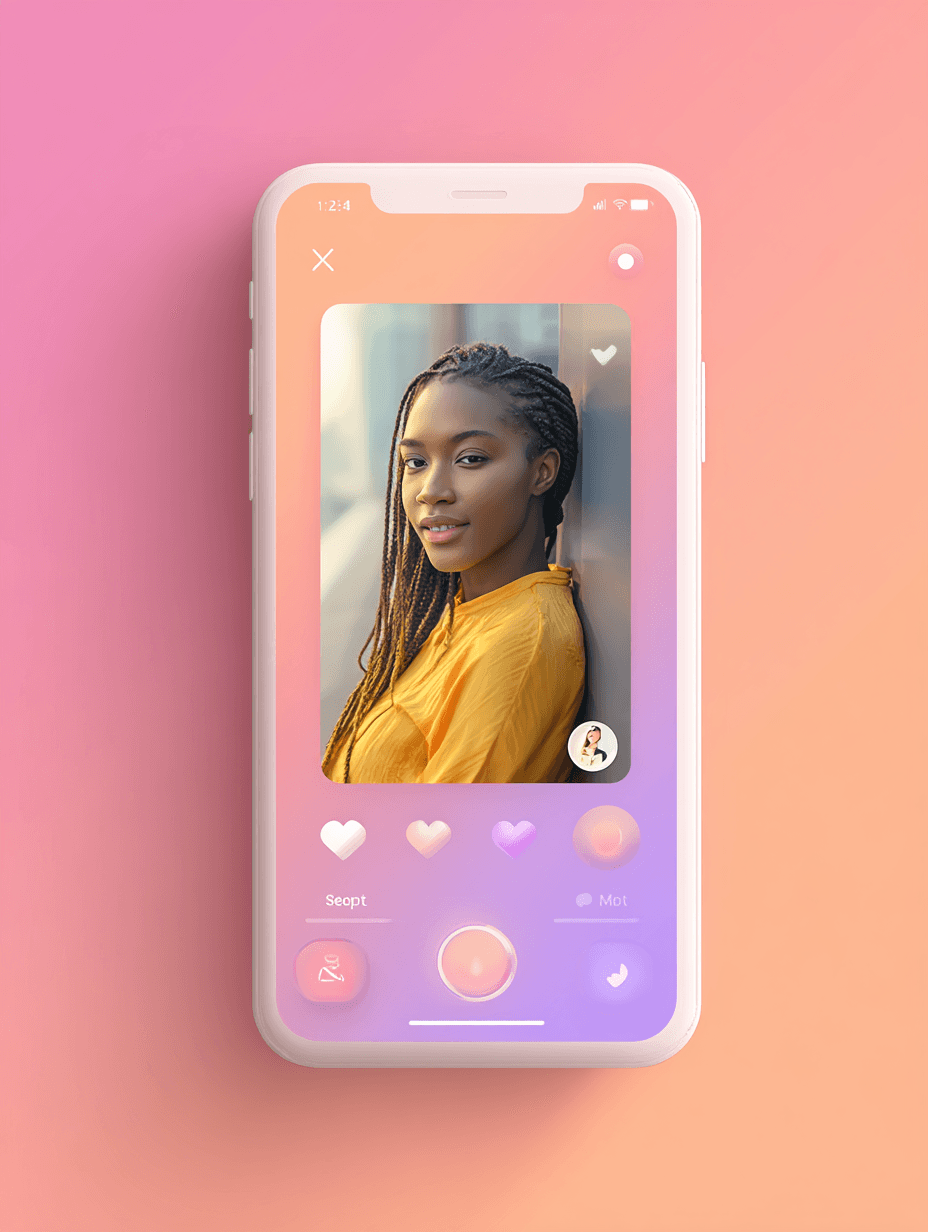
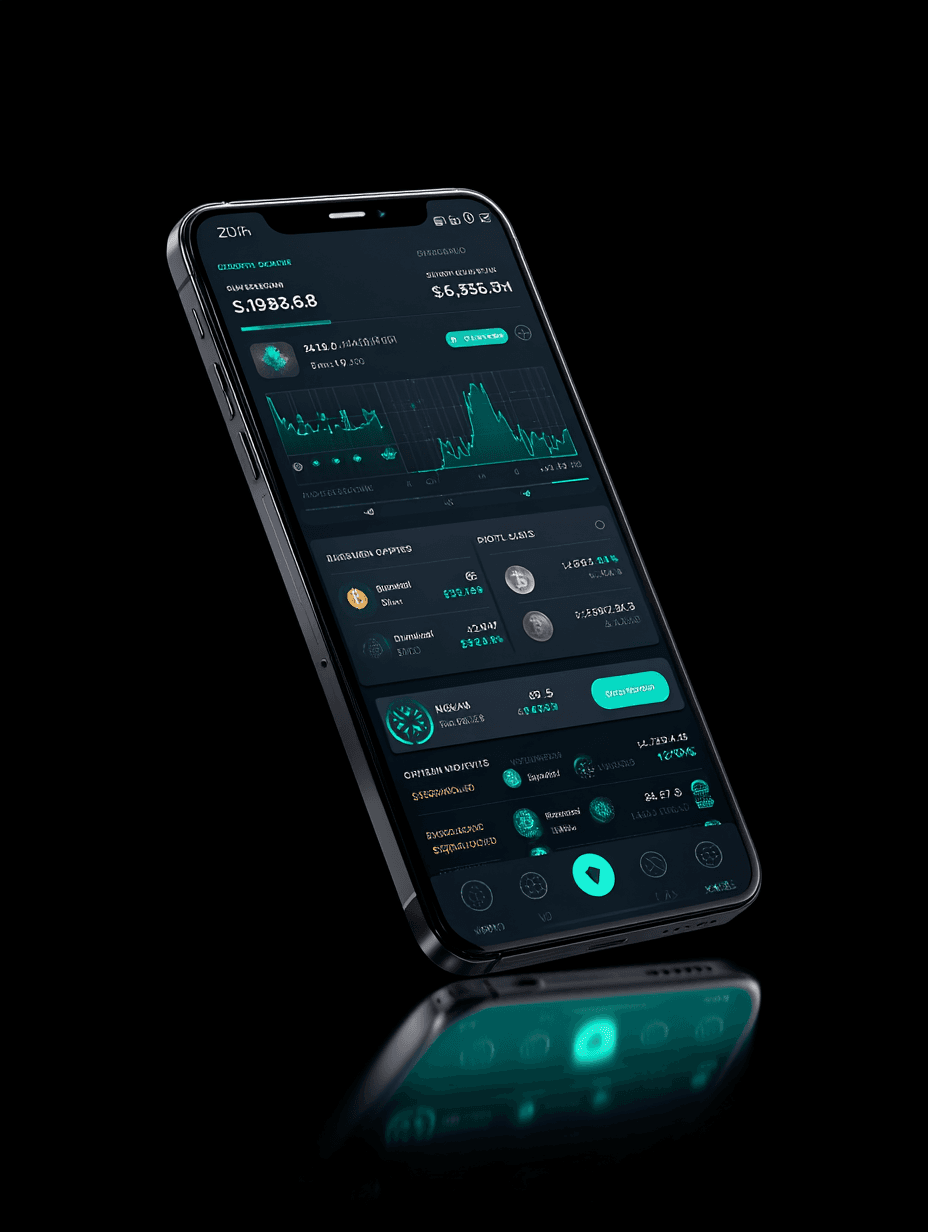
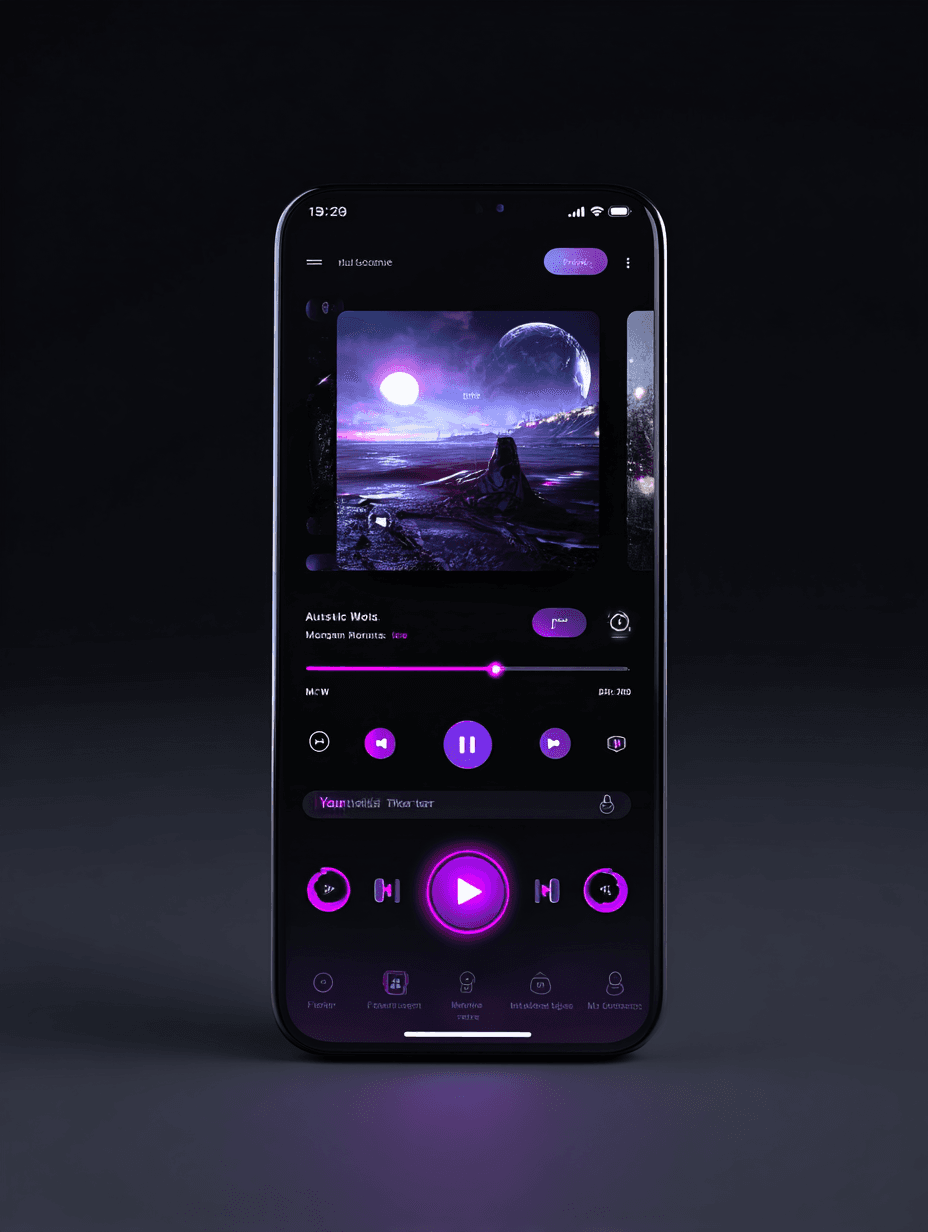
UI design of a {{app-type}}, {{platform}}, flat UI, clean UI/UX design, {{color-palette}} color palette, minimalist modern style, high resolution, white background --no device --ar 16:9 --style raw

Clean UI Design Concept Generator for Apps and Web

Generates flat, minimalist UI design mockups for websites and mobile applications with custom color palettes on a white background. Runs on Midjourney, Flux, and other AI image generators.
101
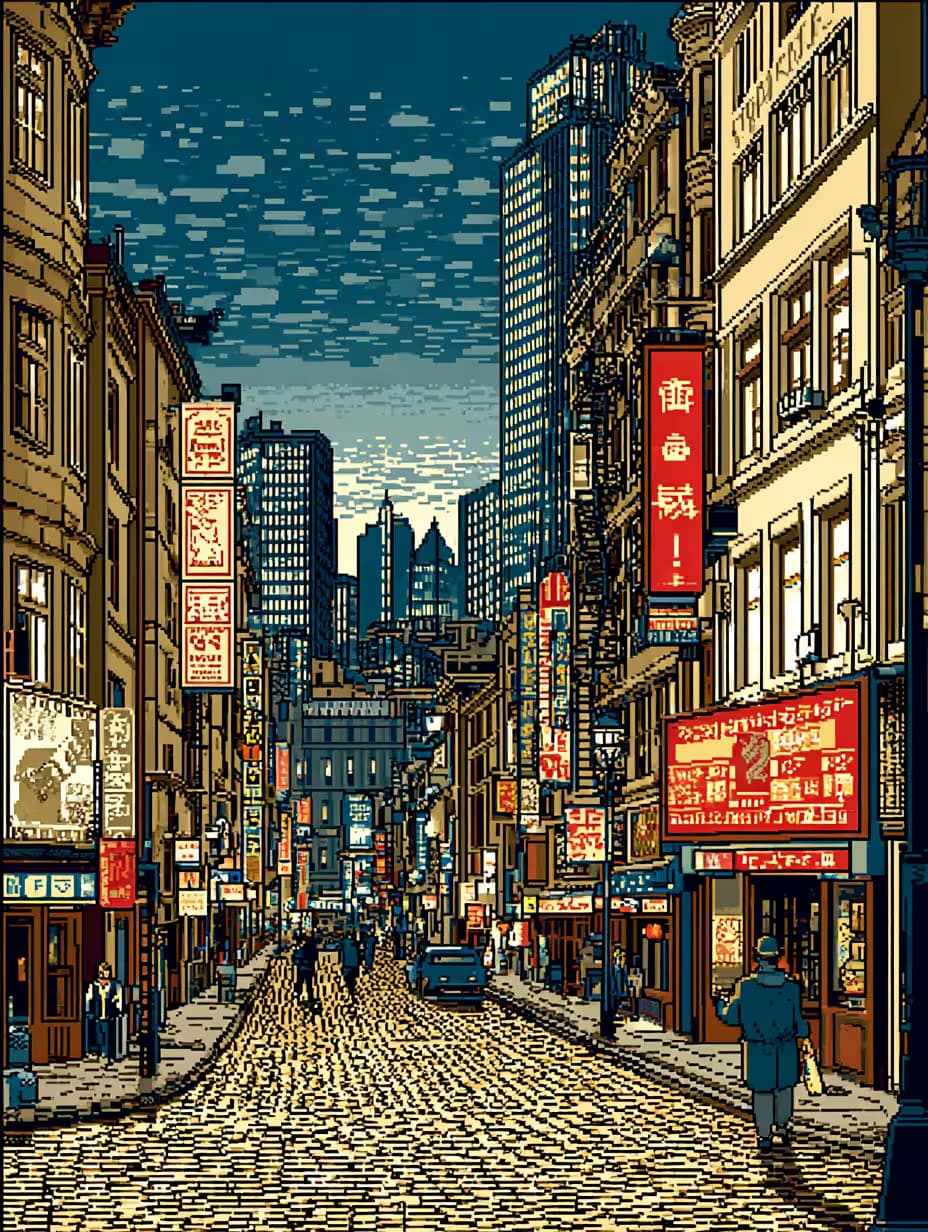
8 bit pixel art, cyberpunk city street at night with neon signs, by eBoy, Cinematic still, hdr --chaos 33 --ar 3:4 --sref 759416501 --sw 800 --stylize 200

Cyberpunk Pixel Art Street Generator

Generates 8-bit pixel art of neon-lit cyberpunk city streets at night in the style of eBoy. Runs on Midjourney with cinematic HDR styling and chaos parameters for varied compositions.

42
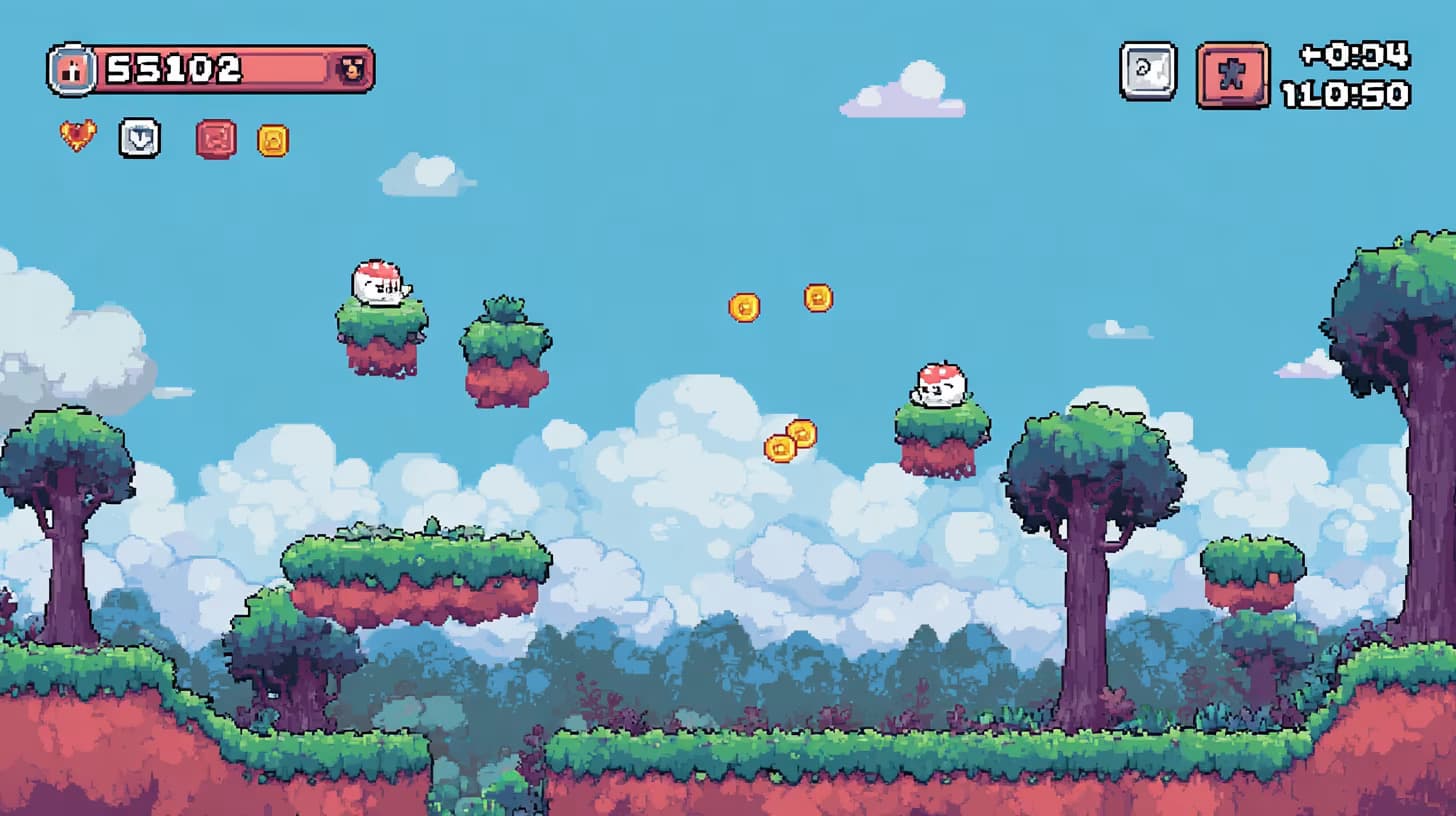
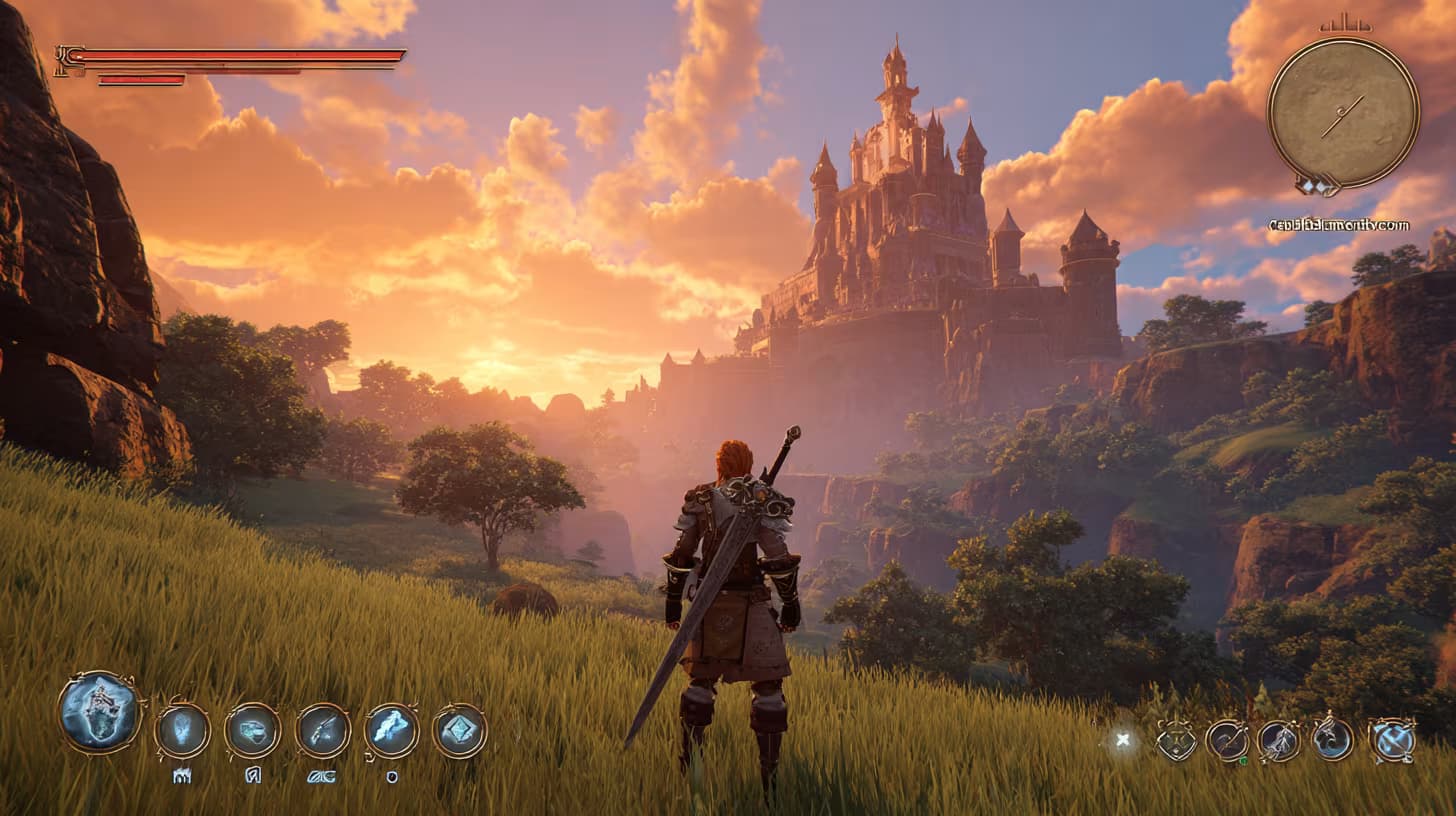
Screenshot of game UI design for a colorful 2D side-scrolling platformer level featuring {{game-elements}}. Interface displays score counter, countdown timer, and remaining lives indicator. Playful cartoon retro-game aesthetic with vibrant colors. --ar 16:9 --style raw

Game UI Design Prompt for 2D Platformers

Generates colorful 2D side-scrolling platformer UI screenshots with score counters, timers, and lives indicators in a playful cartoon retro-game aesthetic. Runs on Midjourney, Flux, and other AI image generators.
19
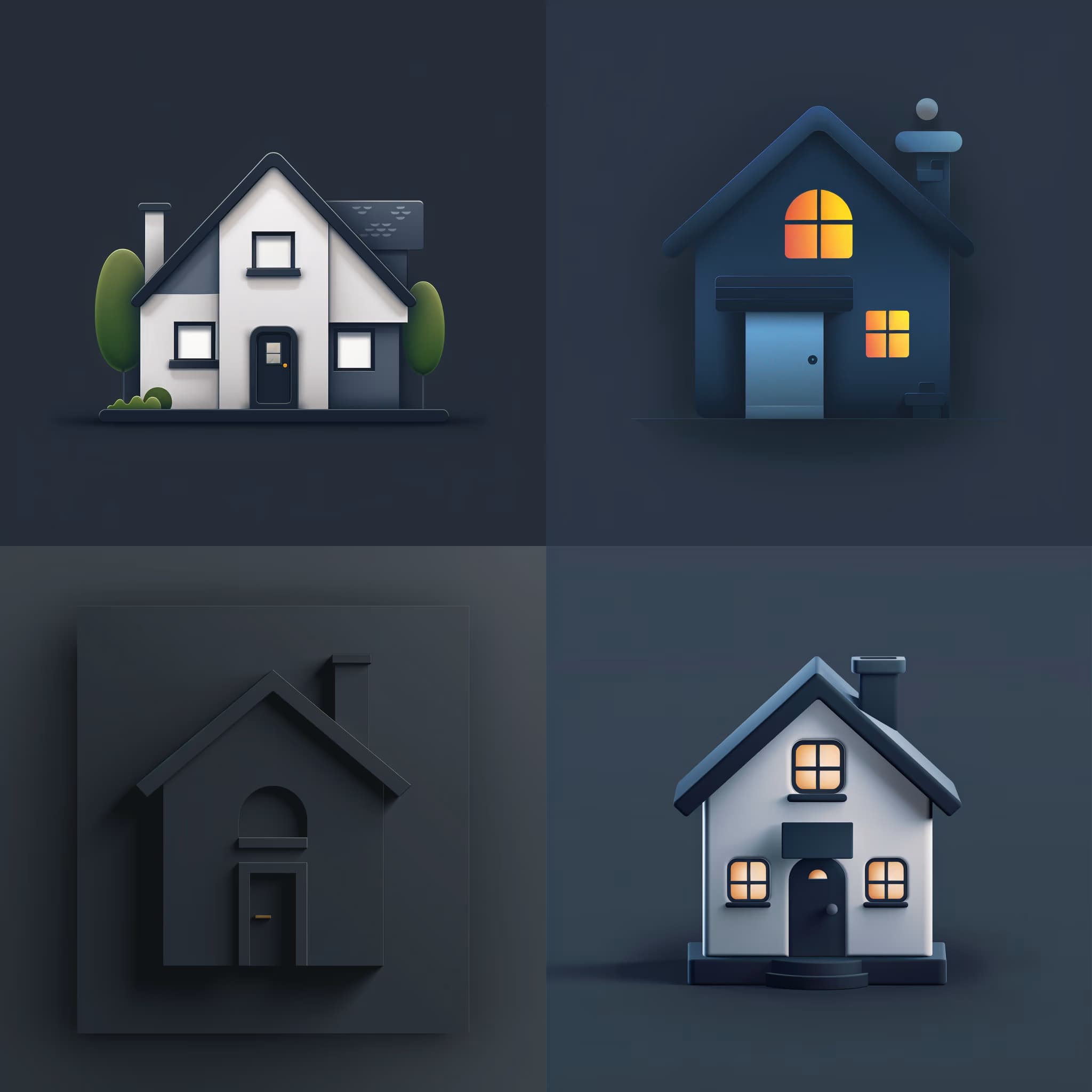
{{subject}} icon design, minimalist flat vector style, {{primary-color}} and {{secondary-color}}, white background, --ar 1:1

Custom Icon Design Prompt for Image AI

Generates minimalist flat vector icons in your chosen subject and two-color palette on a white background. Runs on Midjourney, Flux, and similar image AI models.

17
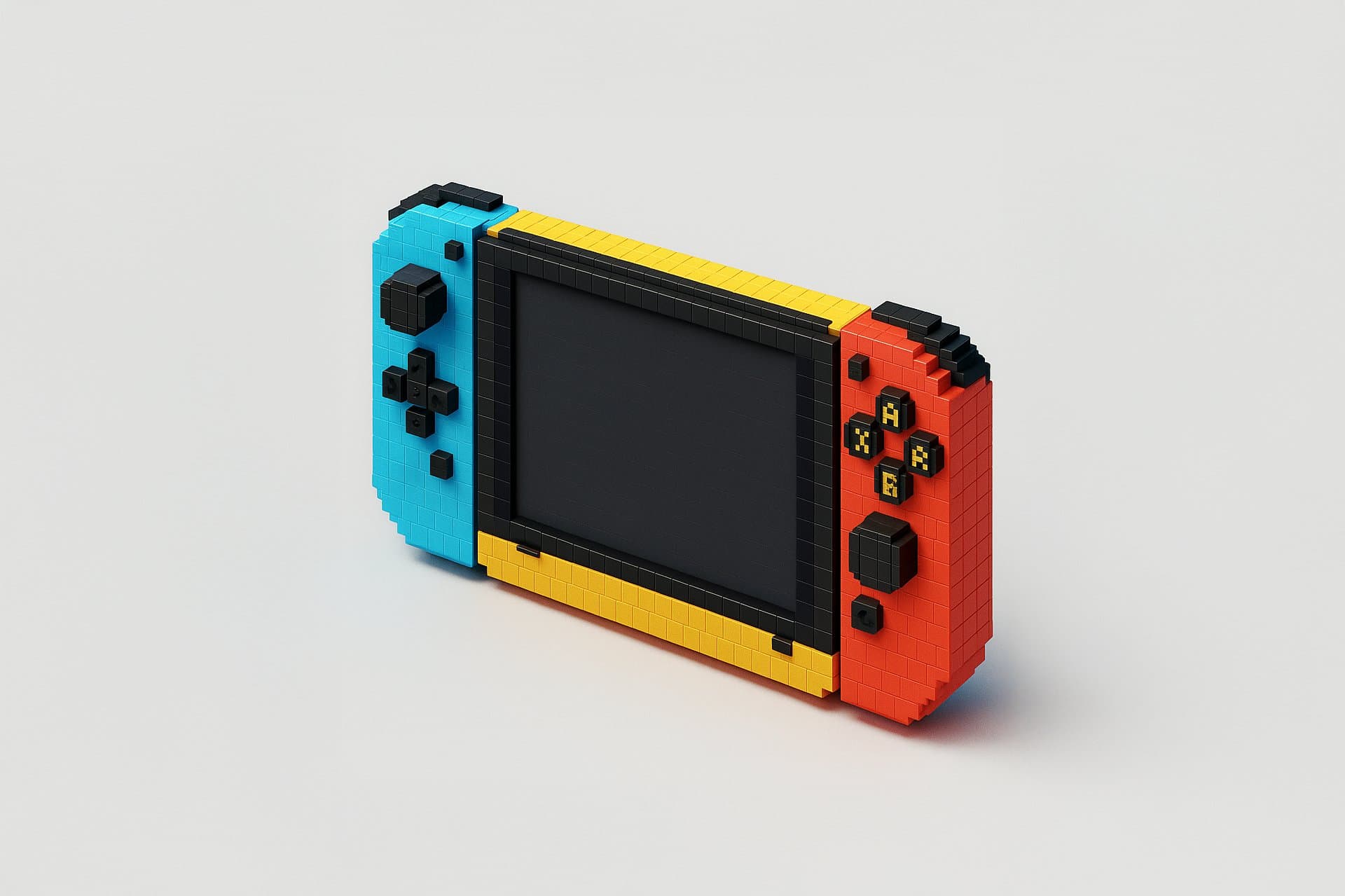
Voxel 3D render of {{subject}}, chunky pixelated blocks, low-poly geometry, simplified structure. Hard plastic material, smooth texture with subtle gridlines, semi-matte finish. Primary colors #ffcc00, #ff3c3c, #000000, #ffffff; accent colors #00cfff, #00cc00, #ff00cc, #666666, high contrast. Studio lightbox lighting, medium intensity, sharp short shadows, mild highlights along block edges. Centered on plain light gray background, single object, angled slightly for dimensional view, clean simplified detail --ar 1:1 --v 6 --style raw --no organic textures, curves, gradients

Voxel 3D Icon Generator

Generates voxel-style 3D icons by retexturing uploaded images with hard plastic material, studio lighting, and chunky pixelated geometry. Runs on ChatGPT, Claude, and other vision-capable models.

11

What are DALL-e prompts for Developers?

DALL-e prompts for Developers are engineered instructions that already work, written and tested for DALL-E. These are not one-line questions. Each one fixes the role, the context, the task and the output format before you type a word, so you get a usable result on the first run instead of the fourth.

They cover the work Developers actually get asked for: research and briefs, copy and content, analysis and reporting, planning, outreach and the admin that eats the day. Open a card to see the full prompt and the output it returns.

Popular on this page right now: "Clean UI Design Concept Generator for Apps and Web", "Cyberpunk Pixel Art Street Generator", "Game UI Design Screenshot Generator".

19 on this page, every one scoped to Developers. Free to read, free to copy.

Why these prompts work for Developers

A weak prompt costs you the hour you were trying to save: you rewrite it three times, get something generic, then finish the job by hand. An engineered prompt front-loads that thinking once.

In Developers that means first drafts you can send, analysis you can act on, and the repetitive work handed off, so the time goes into judgement instead of typing.

Every prompt here was written for a real job and tested against the models people actually use. Nothing scraped from a thread.

How to use these prompts in DALL-E

Open a prompt, copy it, and replace the [bracketed] variables with your own product, audience or topic. The structure around them stays as is. That structure is the part doing the work.

Paste it into DALL-E and run. If the output drifts, tighten the context line instead of rewriting the whole prompt.

No account needed to copy one. No setup, no extension, nothing to install.

Do these prompts only work with DALL-E?

They are tuned for DALL-E, but the skeleton of role, context, task and format carries over to any capable model. Swap model-specific settings like tone or length when you move.

Are these AI prompts free to use?

A big part of the library is free: open a prompt, copy it, use it. Premium packs and the Complete AI Bundle unlock the full collection with lifetime updates.

How do I adapt these prompts to my use case?

Start with the [variables]: niche, audience, constraints. If the result still misses, add one example of the output you want. A single good example beats three extra instructions.

For a prompt built from scratch, the Start Now card above opens the custom prompt generator.

Related resources

Get smarter on AI every week

One email a week with the best new prompts, tools, and model updates. Unsubscribe anytime.

Join 100,000+ subscribers. One email a week, real prompts, tools, and model updates. Unsubscribe anytime.

DALL-E Prompts for Developers | God of Prompt