37 Grok Imagine Prompts for Marketers

Browse the prompts

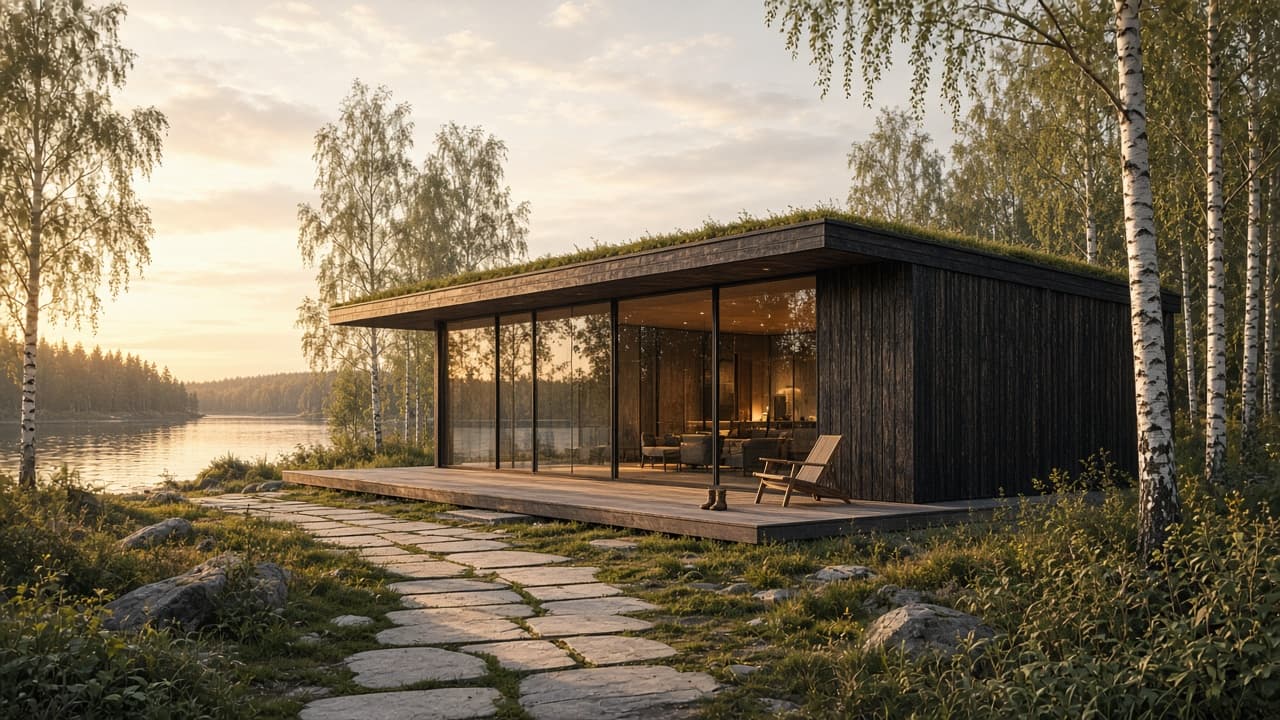
A photorealistic architectural exterior visualisation.

Subject: {{building}}, built from {{materials}}.

Layout: wide three-quarter view from eye level, the building occupying the middle third, foreground landscape leading the eye in, sky taking the top third. Site: {{site}}.

Style: professional architectural render, accurate proportions and joinery, believable material weathering, interior lights just visible through the glass, one or two small human-scale details such as a chair or a pair of boots.

Light: golden hour, low warm sun from the left raking across the facade, long soft shadows, gentle reflections in the glass.

No text, no people, no vehicles, no watermark.

Architectural Exterior Render at Golden Hour

Generate a photorealistic architectural exterior visualization of a building during golden hour with precise detailing and style elements.

18
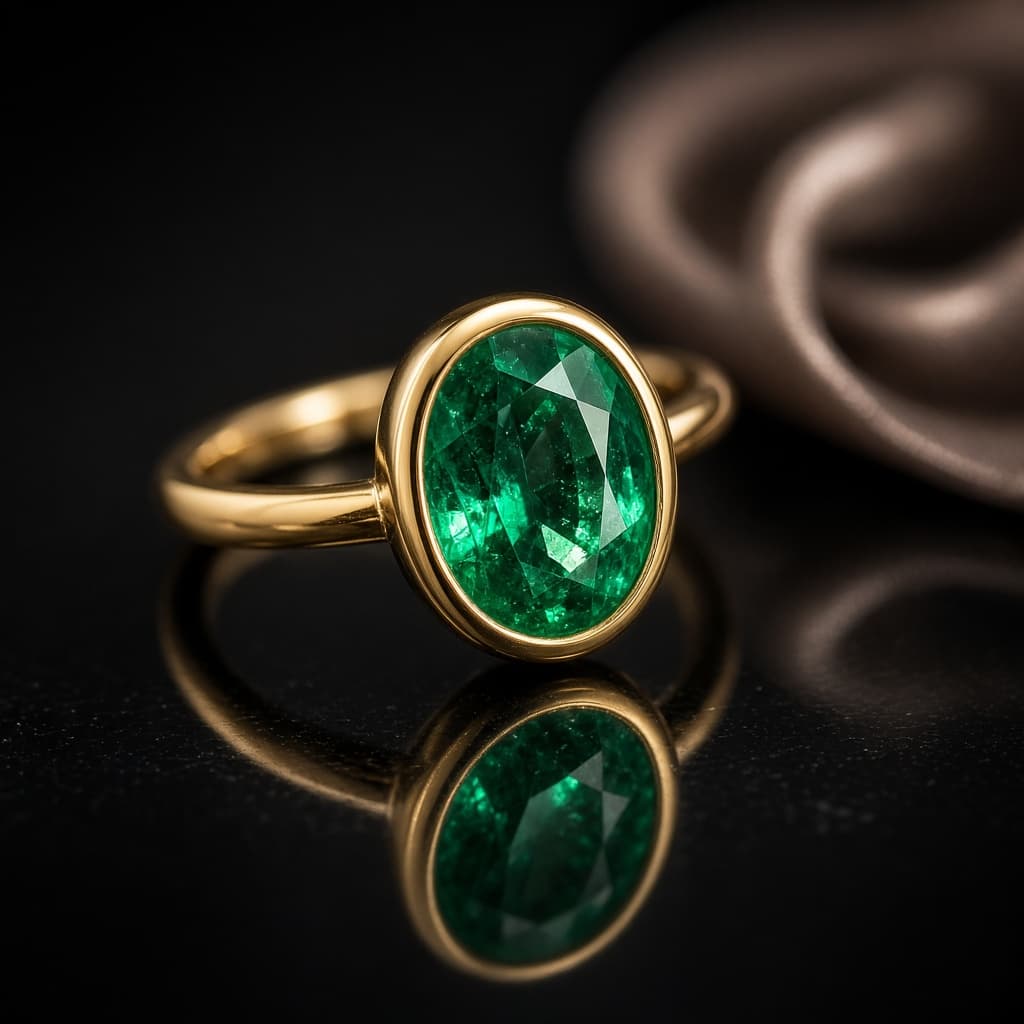
A macro product photograph of a piece of jewelry.

Subject: {{piece}}.

Layout: square frame, the piece centered and angled to show its best face, resting on {{surface}} with a clear mirror reflection beneath it. {{accent-prop}}, far out of focus.

Style: luxury jewelry advertising, razor-sharp focus on the stone and setting, accurate metal color, visible facets and tiny surface detail, shallow depth of field behind.

Light: one large soft light from above for smooth metal highlights, a small hard light from the side to make the stone sparkle, dark gradient background.

No text, no hands, no logo, no price tag.

Jewelry Macro Shot on Reflective Surface

Generate luxurious jewelry macro photographs with reflective surfaces.

16
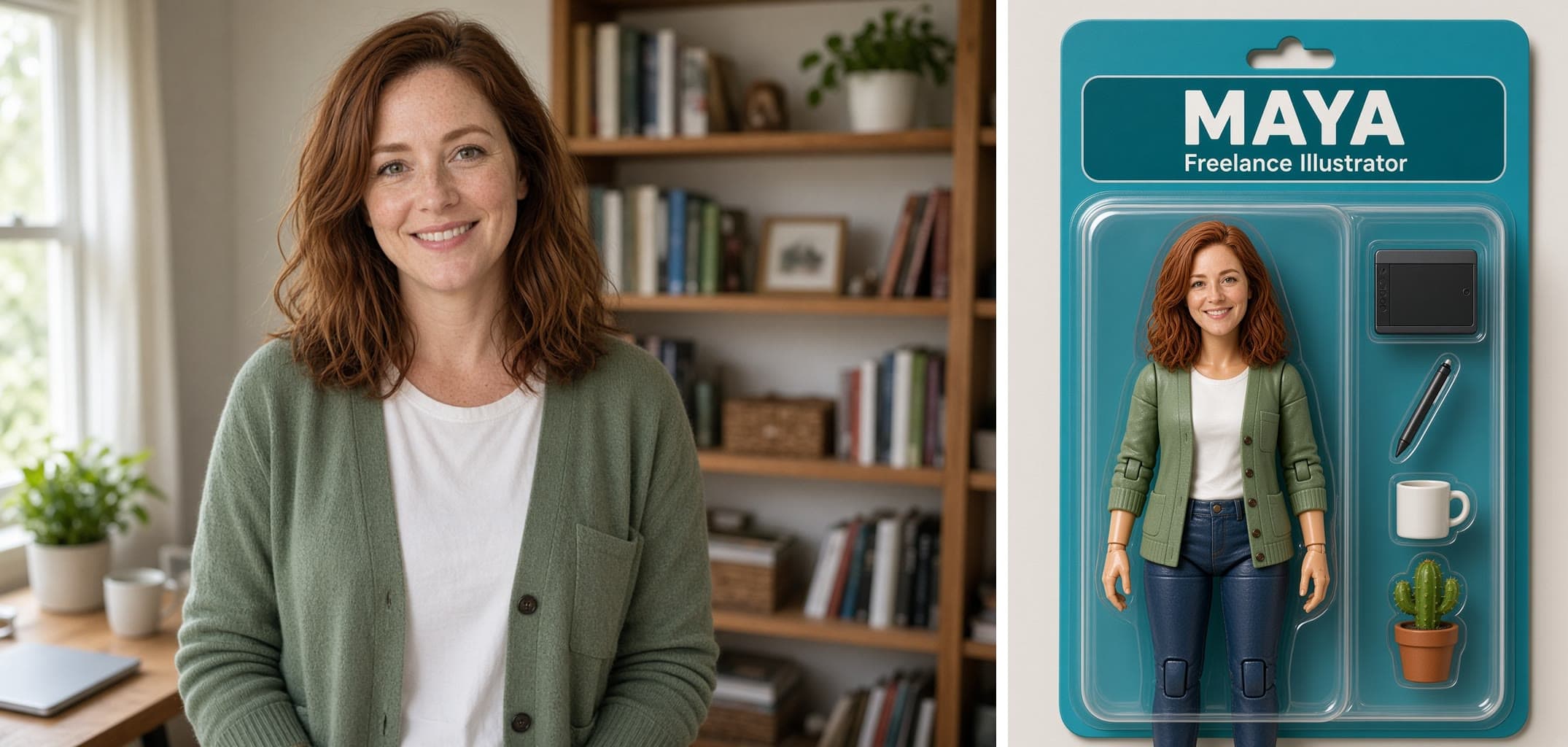
Turn the person in the attached photo into a collectible action figure sealed in retail packaging.

Keep: their face shape, hair color and style, skin tone, and the outfit they are wearing, translated into a toy.

Layout: a blister pack on a printed backing card, shot straight on. The figure stands full-length in the clear plastic bubble on the left. The accessories sit in their own moulded compartments on the right: {{accessories}}. A name panel runs across the top of the card.

Exact text: the top panel reads "{{figure-name}}" in bold capitals. Beneath it, smaller, "{{role-line}}". No other words, no age warning, no barcode.

Style: glossy plastic toy with visible joints at the shoulders, elbows, and knees, slightly stylised proportions, {{card-color}} backing card.

Light: soft studio light with a highlight sweep across the plastic bubble.

Boxed Action Figure of a Person From a Photo

Generate an action figure based on a person's photo, sealed in collectible packaging with custom accessories and card details.

7
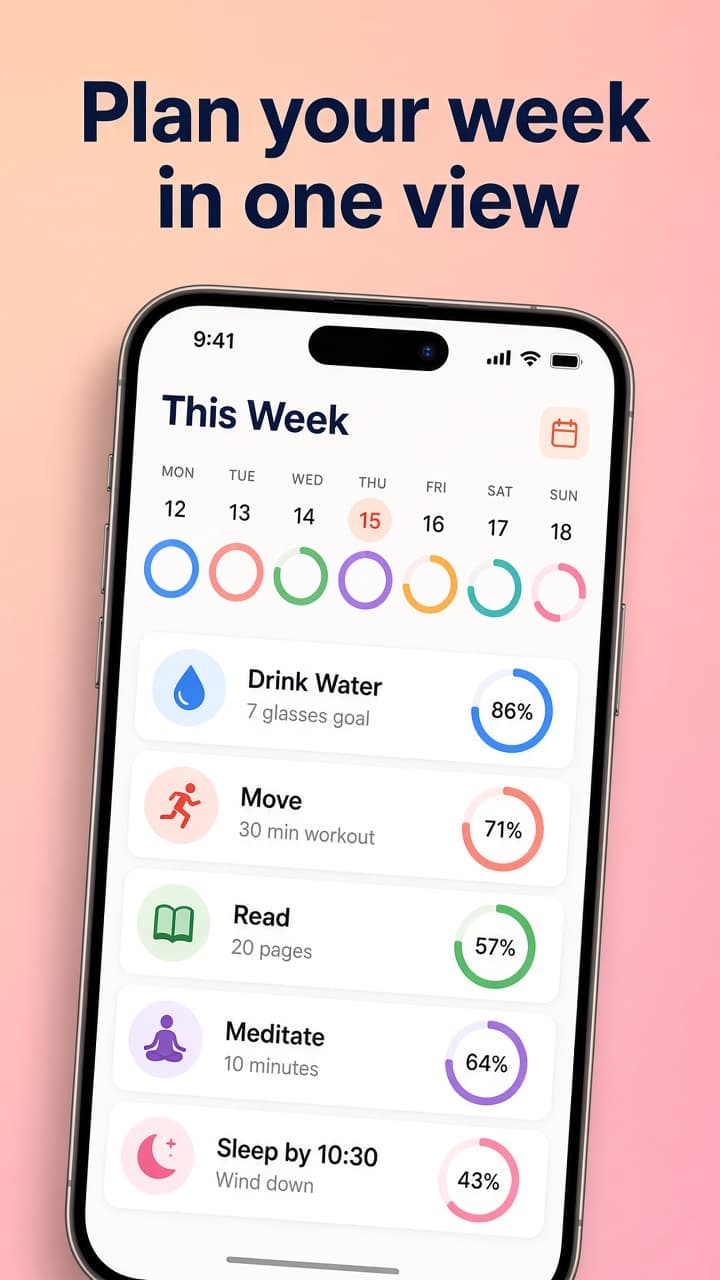
A marketing screenshot for an app store listing.

Subject: a modern smartphone showing {{app-screen}}.

Layout: tall portrait frame. The caption sits across the top quarter in two centered lines. The phone sits below it, large, tilted very slightly, with its bottom edge cropped by the frame.

Exact text: the caption reads "{{caption}}" in a bold rounded sans-serif. Interface labels inside the phone are short, plausible, and correctly spelled. No other words outside the phone.

Style: clean app marketing design on {{background}}, realistic device frame, crisp interface with consistent spacing.

Light: soft shadow under the phone.

App Store Screenshot With Caption

Generate a visually appealing marketing screenshot with a modern smartphone display for app store listings.

6
A wide promotional banner for a live online event.

Subject: {{speaker}}, shown from the chest up on the right third, cut out against a soft circle.

Layout: title and details stacked on the left two thirds, left aligned. A small rounded label above the title. Solid {{brand-color}} background with a lighter abstract shape behind the speaker.

Exact text: the label reads "FREE". The title reads "{{title}}" in bold white sans-serif. The details line reads "{{details}}" in small spaced capitals. No other words.

Style: clean professional event graphic, crisp portrait, plenty of space.

Light: soft studio light on the speaker from the front left.

Webinar Promo Banner With Speaker Photo

Generate a professional promotional banner for a live online event, featuring a speaker photo and event details.

4
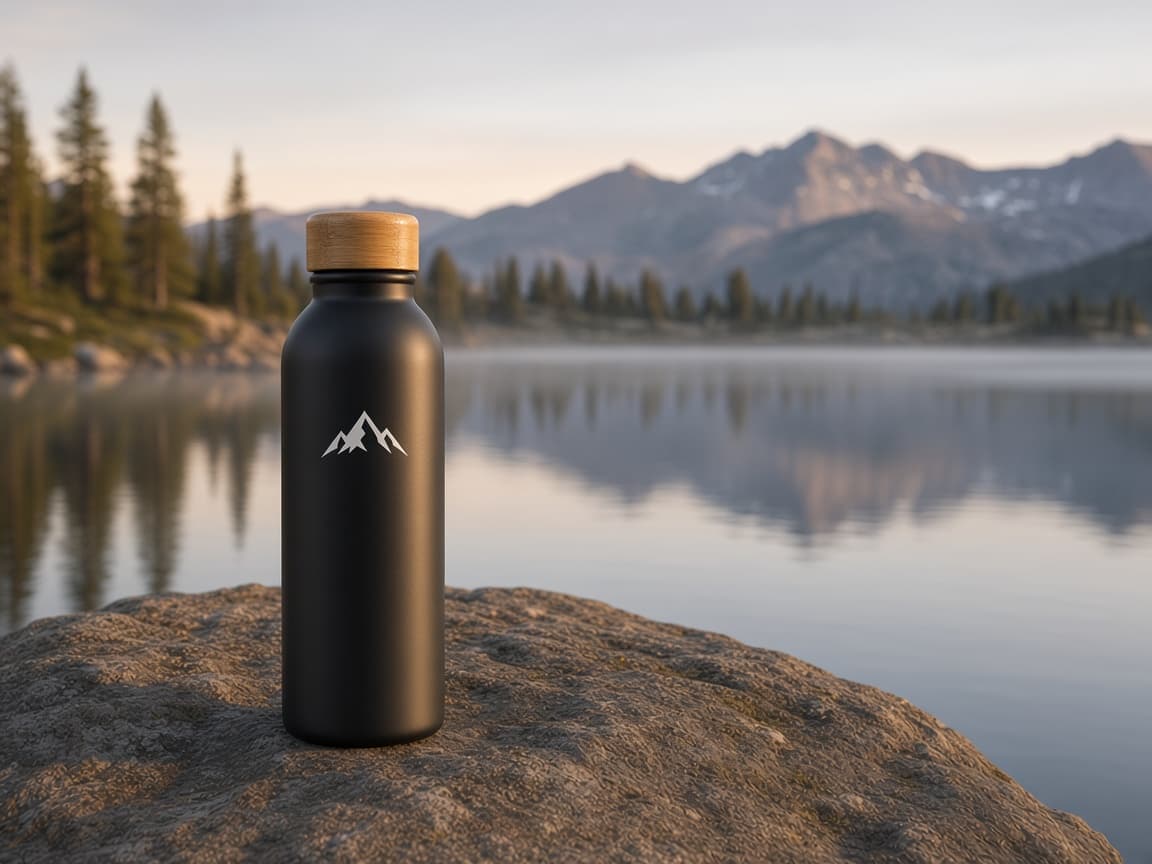
A high-speed drink photograph that freezes a splash.

Subject: {{drink}}, with {{falling-item}} dropping into it and liquid leaping up over the rim in sharp frozen droplets.

Layout: portrait frame, glass centered in the lower two thirds, splash rising into the upper third, plain seamless {{backdrop-color}} background.

Style: commercial beverage advertising, every droplet in focus, condensation beads on the glass, saturated but believable color.

Light: hard flash from behind and to the side so the liquid glows, crisp highlight on the glass edge, clean shadow on the surface.

No text, no label, no hands.

Frozen Splash Drink Action Shot

Creates a high-speed photograph of a drink with a dynamic splash and a striking background for commercial food photography.

3

What are Grok imagine prompts for Marketers?

Grok imagine prompts for Marketers are engineered instructions that already work, written and tested for Grok Imagine. These are not one-line questions. Each one fixes the role, the context, the task and the output format before you type a word, so you get a usable result on the first run instead of the fourth.

They cover the work Marketers actually get asked for: research and briefs, copy and content, analysis and reporting, planning, outreach and the admin that eats the day. Open a card to see the full prompt and the output it returns.

Popular on this page right now: "Architectural Exterior Render at Golden Hour", "Jewelry Macro Shot on Reflective Surface", "Fashion Lookbook Page With Three Looks".

37 on this page, every one scoped to Marketers. Free to read, free to copy.

Why these prompts work for Marketers

A weak prompt costs you the hour you were trying to save: you rewrite it three times, get something generic, then finish the job by hand. An engineered prompt front-loads that thinking once.

In Marketers that means first drafts you can send, analysis you can act on, and the repetitive work handed off, so the time goes into judgement instead of typing.

Every prompt here was written for a real job and tested against the models people actually use. Nothing scraped from a thread.

How to use these prompts in Grok Imagine

Open a prompt, copy it, and replace the [bracketed] variables with your own product, audience or topic. The structure around them stays as is. That structure is the part doing the work.

Paste it into Grok Imagine and run. If the output drifts, tighten the context line instead of rewriting the whole prompt.

No account needed to copy one. No setup, no extension, nothing to install.

Do these prompts only work with Grok Imagine?

They are tuned for Grok Imagine, but the skeleton of role, context, task and format carries over to any capable model. Swap model-specific settings like tone or length when you move.

Are these AI prompts free to use?

A big part of the library is free: open a prompt, copy it, use it. Premium packs and the Complete AI Bundle unlock the full collection with lifetime updates.

How do I adapt these prompts to my use case?

Start with the [variables]: niche, audience, constraints. If the result still misses, add one example of the output you want. A single good example beats three extra instructions.

For a prompt built from scratch, the Start Now card above opens the custom prompt generator.

Related resources

Get smarter on AI every week

One email a week with the best new prompts, tools, and model updates. Unsubscribe anytime.

Join 100,000+ subscribers. One email a week, real prompts, tools, and model updates. Unsubscribe anytime.