23 Grok Imagine Prompts for Ecommerce Sellers

Browse the prompts

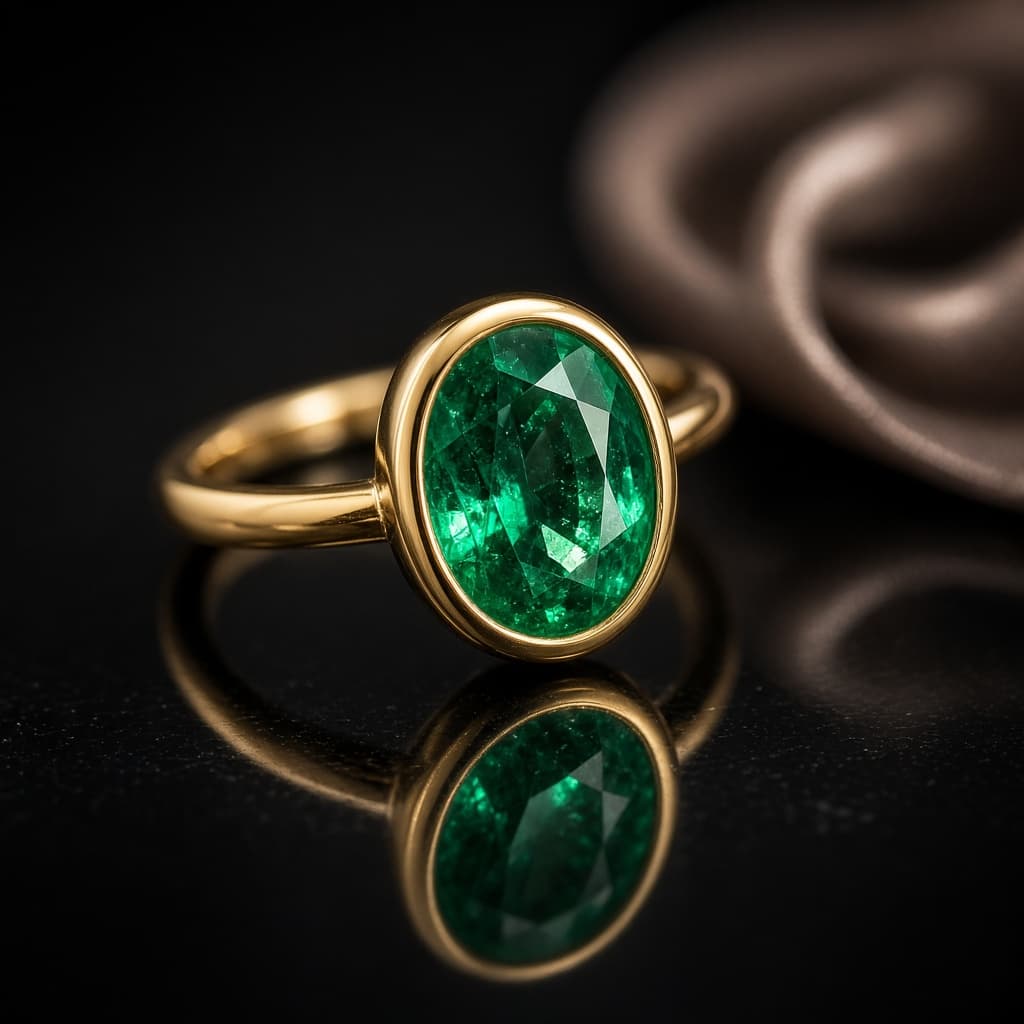
A macro product photograph of a piece of jewelry.

Subject: {{piece}}.

Layout: square frame, the piece centered and angled to show its best face, resting on {{surface}} with a clear mirror reflection beneath it. {{accent-prop}}, far out of focus.

Style: luxury jewelry advertising, razor-sharp focus on the stone and setting, accurate metal color, visible facets and tiny surface detail, shallow depth of field behind.

Light: one large soft light from above for smooth metal highlights, a small hard light from the side to make the stone sparkle, dark gradient background.

No text, no hands, no logo, no price tag.

Jewelry Macro Shot on Reflective Surface

Generate luxurious jewelry macro photographs with reflective surfaces.

18
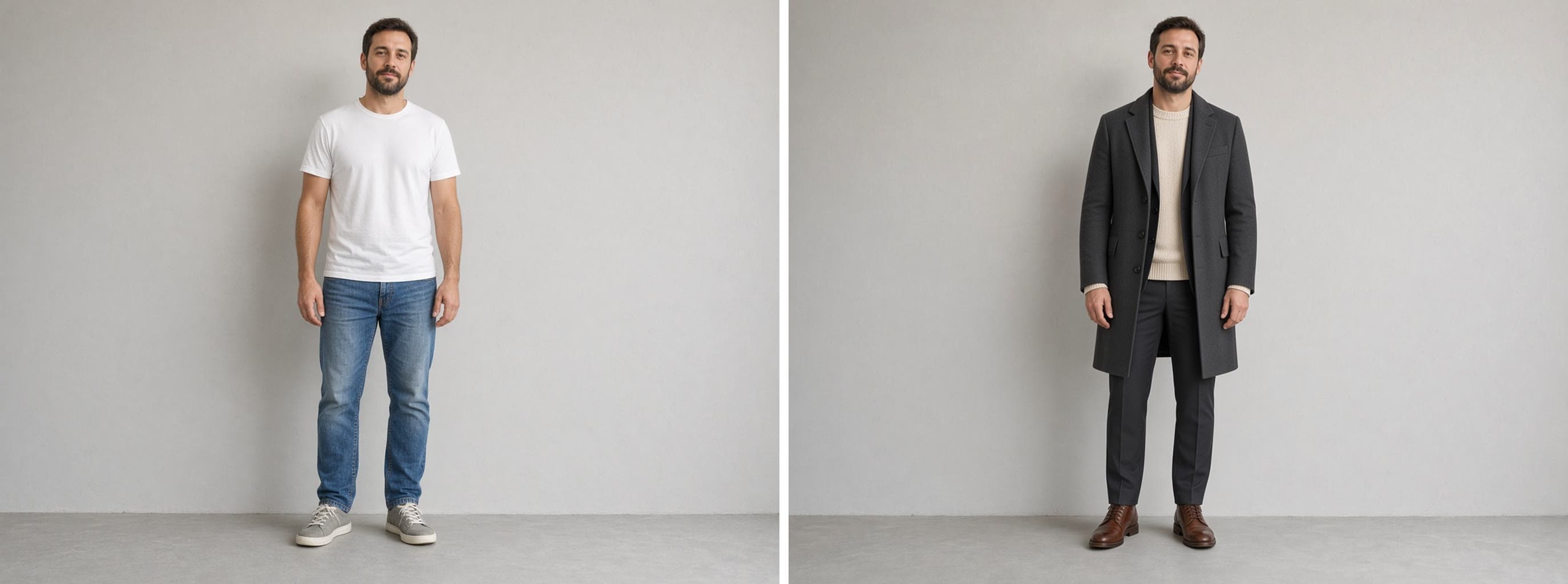
A lookbook page showing three outfits on the same model.

Subject: {{model}}, shown full length three times, wearing: {{looks}}.

Layout: three equal vertical panels side by side, one look per panel, same framing and scale in each, the model in a different relaxed pose each time. A thin caption strip runs along the bottom of the page.

Exact text: the caption strip reads "{{collection-name}}" in small spaced capitals, left aligned. No other words, no prices, no look numbers.

Style: clean studio fashion photography on {{backdrop}}, true fabric texture, natural skin, the same model with the same face and hair in all three panels.

Light: large soft light from the front left, gentle shadow on the floor.

Fashion Lookbook Page With Three Looks

Generate a fashion lookbook page featuring a model in three distinct outfits from a collection. Produces an image showing the model in different poses with clean studio photography.
17
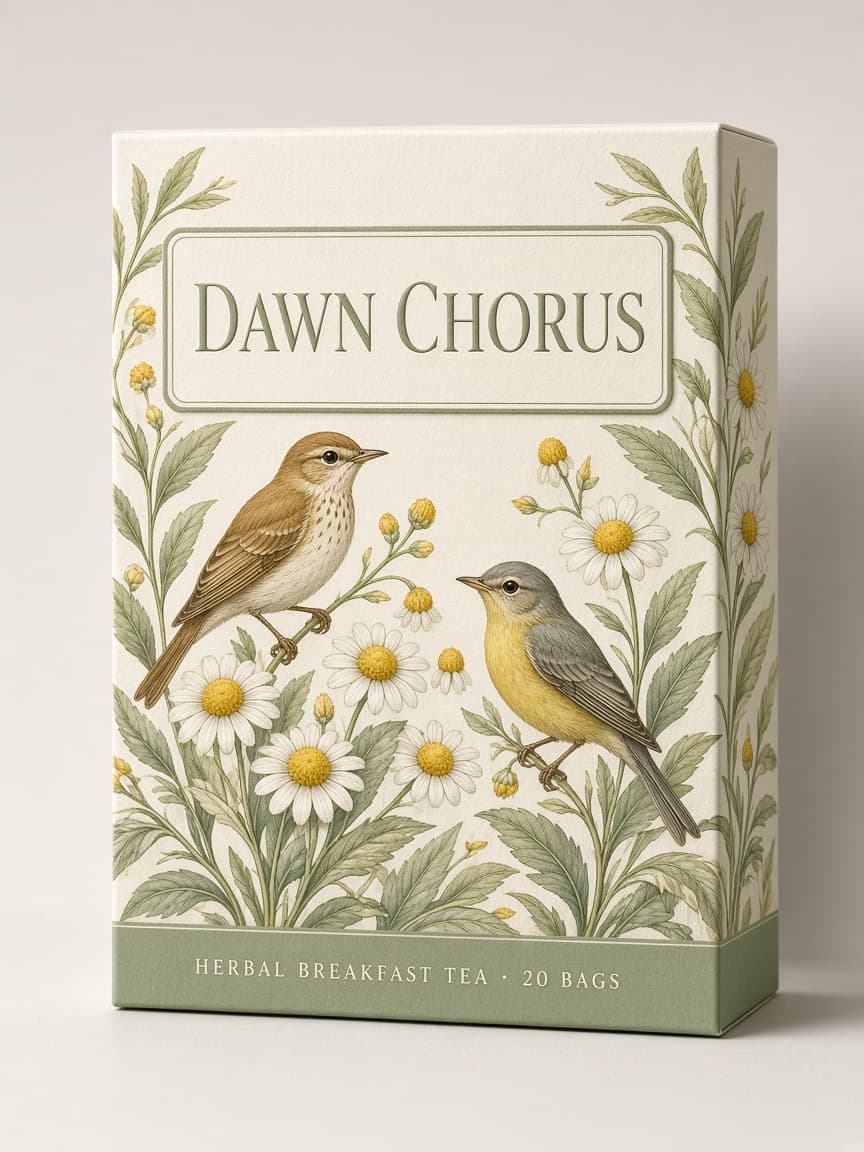
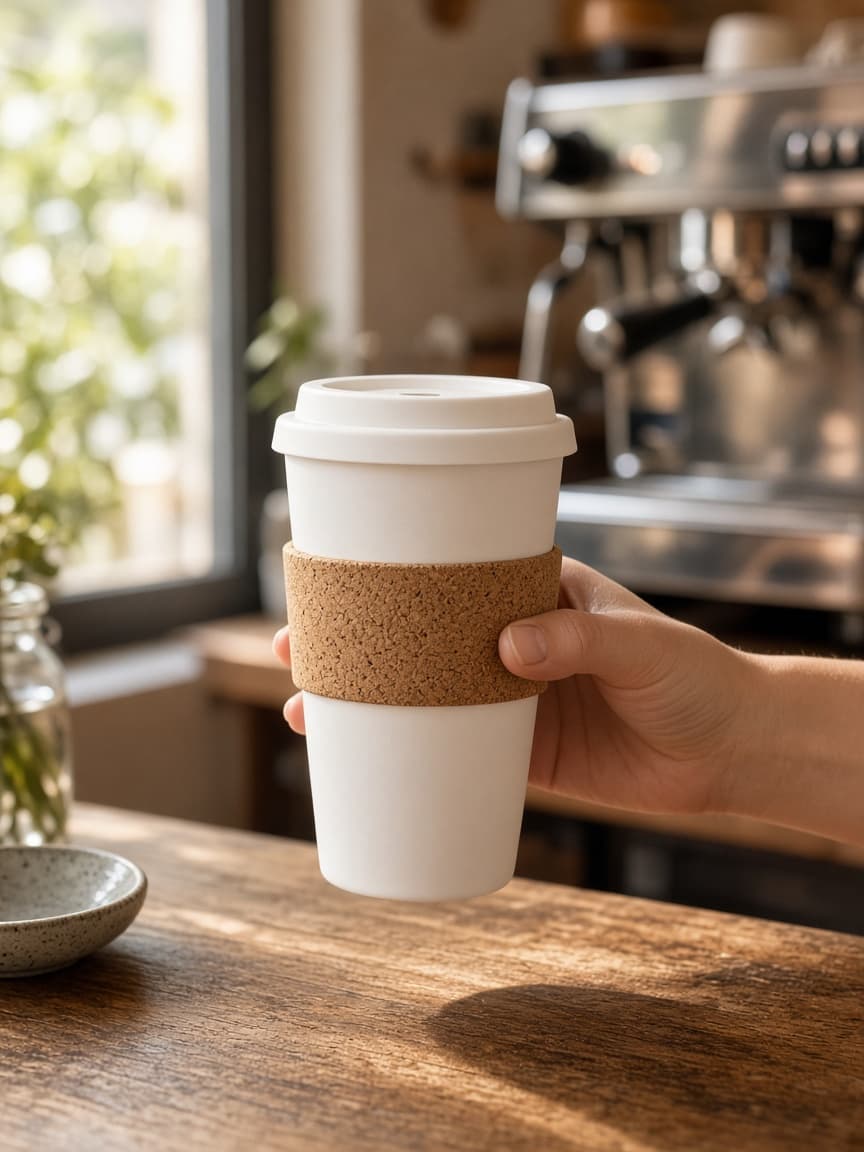
A stand-up coffee bag with a designed label.

Subject: a flat-bottom coffee bag with a resealable top, {{bag-color}}.

Layout: the bag centered and upright. One rectangular label on the front with three stacked lines of text and a small abstract shape above them.

Exact text: line one reads "{{roaster-name}}" in bold wide capitals. Line two reads "{{origin-line}}" in small capitals. Line three reads "{{notes-line}}" in a light italic. No other words.

Style: modern specialty coffee branding, minimal, lots of empty label space, slight paper texture on the label.

Light: soft side light on a plain warm backdrop, a few coffee beans scattered at the base.

Coffee Bag Label With Roast Details

Generate a stylish coffee bag label image with roast details for marketing or branding purposes.

4
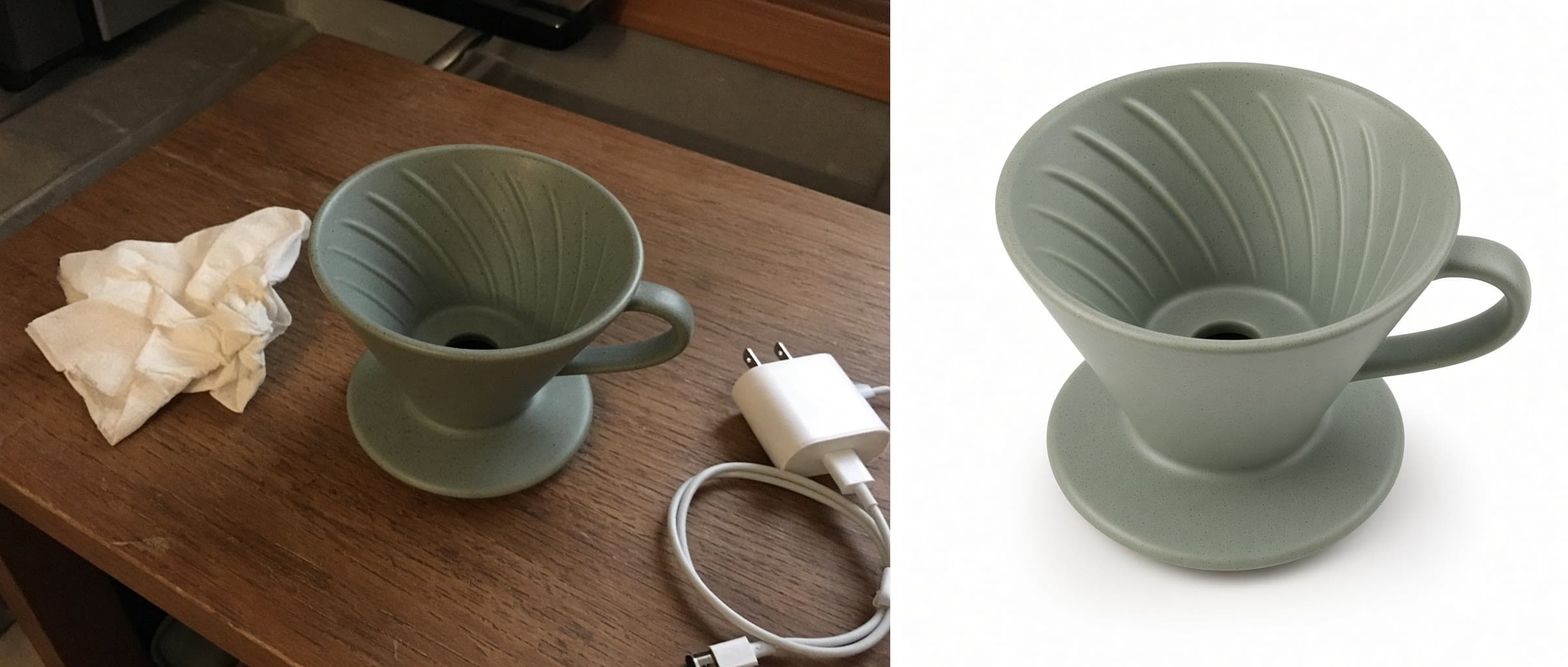
Build one image from the attached references. Each has a single job.

Image 1 is the product: keep its shape, label, color, and material exact.

Image 2 sets the style: match its palette, contrast, and grain.

Image 3 is the scene: use this location and this light.

Layout: place the product {{placement}}, in sharp focus, with the scene falling softly out of focus behind it. Leave clear space on one side for copy.

Style: {{mood}}, photorealistic outdoor product photography.

Light: take the direction and warmth from Image 3 and add a matching contact shadow under the product.

No text, no extra products, no people.

Three-Reference Product Scene Composite

Generate a photorealistic outdoor product composite image by combining the features of three reference images.

3
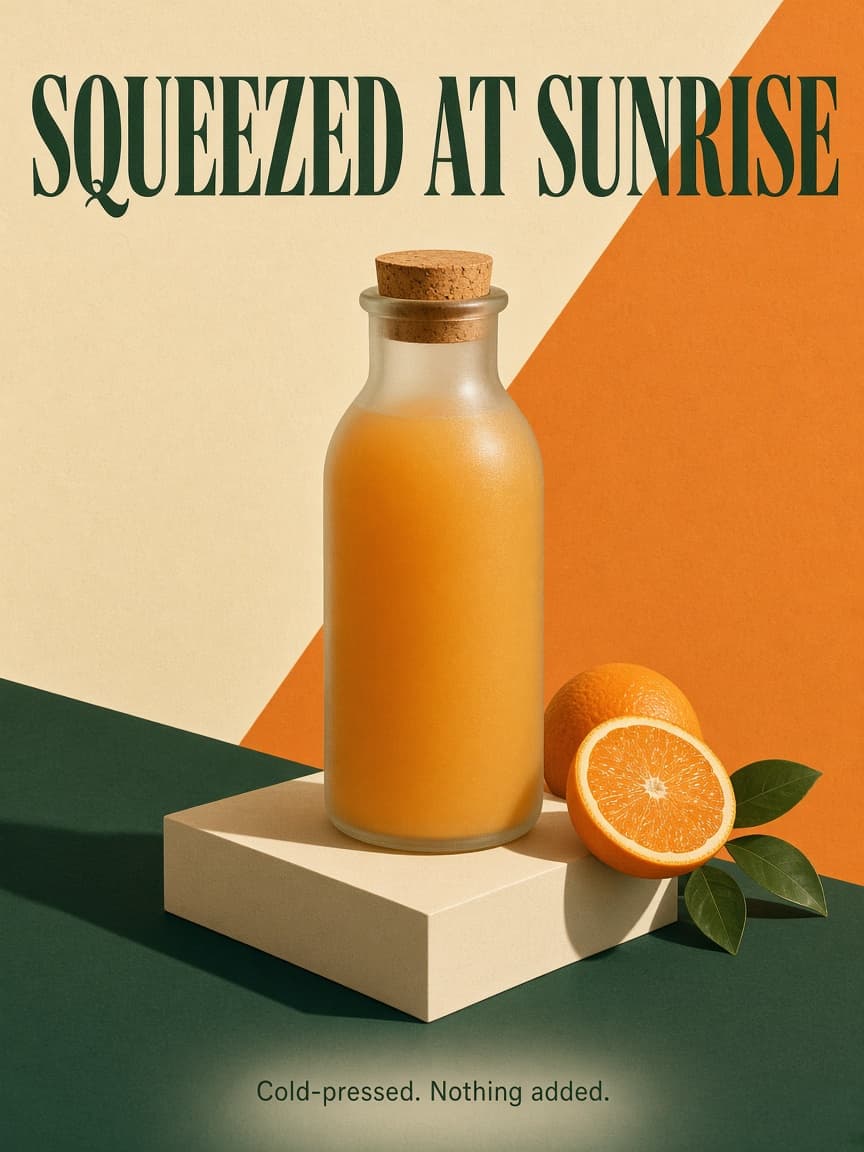
A magazine-style product poster in portrait orientation.

Subject: {{product}}, shown large and slightly below center, standing on a simple plinth.

Layout: the headline sits across the top third, the product owns the middle, and one short line of supporting copy sits at the bottom with generous margin all around.

Exact text: the headline reads "{{headline}}" in a bold condensed serif. The bottom line reads "{{subline}}" in a small clean sans-serif. No other words anywhere.

Style: editorial print ad, flat color-blocked background in {{palette}}, a few props that belong with the product arranged sparingly, subtle paper grain.

Light: hard directional sunlight from the upper right, crisp long shadow falling to the lower left.

Editorial Product Poster With Headline

Generate a magazine-style product poster in portrait orientation featuring a product with a headline and subline using specific design elements and lighting.

0
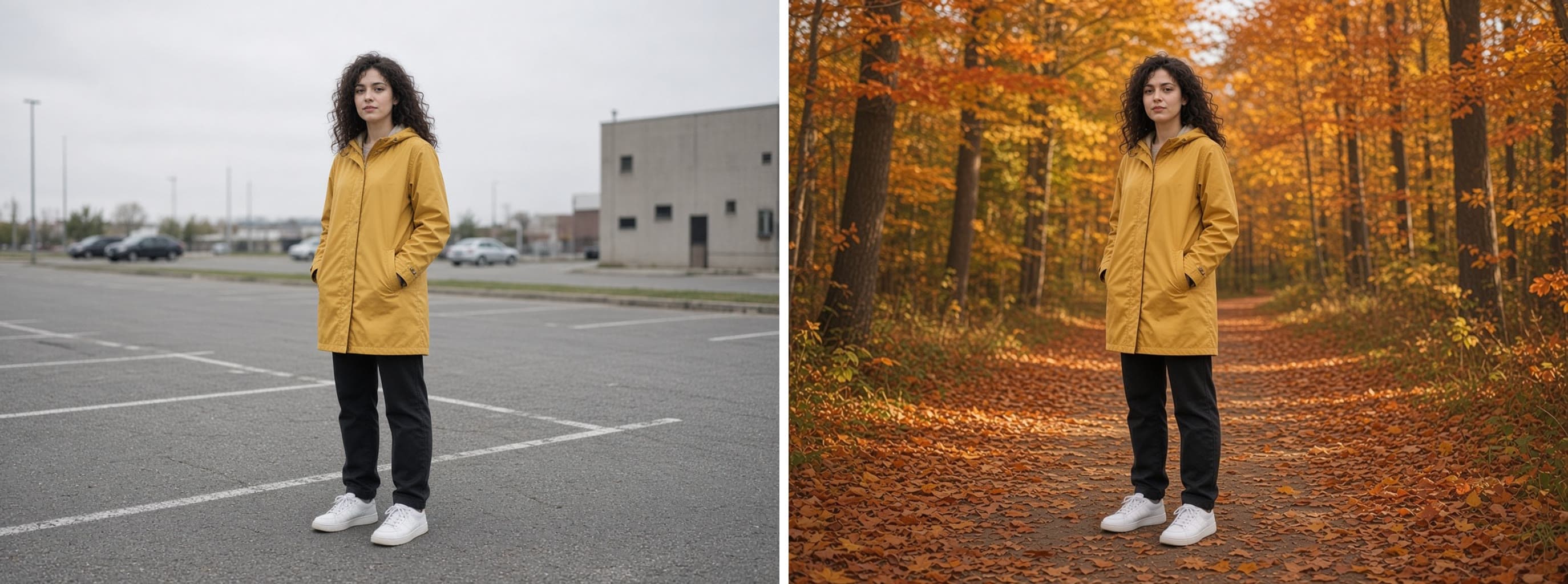
Replace only the background of the attached photo.

Keep: the subject exactly as they are, including face, hair, clothing, pose, framing, and scale. Keep fine edge detail such as loose hair strands and fabric edges.

Change: the background becomes {{new-background}} at {{time-of-day}}.

Light: re-light the subject just enough to match the new scene, with the light direction and color temperature of the new background, and add a natural contact shadow where they meet the ground.

Style: photorealistic, same camera angle and lens feel as the original. No halo around the subject, no cut-out look, no text.

Background Swap That Keeps the Subject Exact

Generate photorealistic image edits where only the background of a photo is replaced while keeping the subject intact.

0

What are Grok imagine prompts for Ecommerce Sellers?

Grok imagine prompts for Ecommerce Sellers are engineered instructions that already work, written and tested for Grok Imagine. These are not one-line questions. Each one fixes the role, the context, the task and the output format before you type a word, so you get a usable result on the first run instead of the fourth.

They cover the work Ecommerce Sellers actually get asked for: research and briefs, copy and content, analysis and reporting, planning, outreach and the admin that eats the day. Open a card to see the full prompt and the output it returns.

Popular on this page right now: "Jewelry Macro Shot on Reflective Surface", "Fashion Lookbook Page With Three Looks", "Exploded View Product Diagram".

23 on this page, every one scoped to Ecommerce Sellers. Free to read, free to copy.

Why these prompts work for Ecommerce Sellers

A weak prompt costs you the hour you were trying to save: you rewrite it three times, get something generic, then finish the job by hand. An engineered prompt front-loads that thinking once.

In Ecommerce Sellers that means first drafts you can send, analysis you can act on, and the repetitive work handed off, so the time goes into judgement instead of typing.

Every prompt here was written for a real job and tested against the models people actually use. Nothing scraped from a thread.

How to use these prompts in Grok Imagine

Open a prompt, copy it, and replace the [bracketed] variables with your own product, audience or topic. The structure around them stays as is. That structure is the part doing the work.

Paste it into Grok Imagine and run. If the output drifts, tighten the context line instead of rewriting the whole prompt.

No account needed to copy one. No setup, no extension, nothing to install.

Do these prompts only work with Grok Imagine?

They are tuned for Grok Imagine, but the skeleton of role, context, task and format carries over to any capable model. Swap model-specific settings like tone or length when you move.

Are these AI prompts free to use?

A big part of the library is free: open a prompt, copy it, use it. Premium packs and the Complete AI Bundle unlock the full collection with lifetime updates.

How do I adapt these prompts to my use case?

Start with the [variables]: niche, audience, constraints. If the result still misses, add one example of the output you want. A single good example beats three extra instructions.

For a prompt built from scratch, the Start Now card above opens the custom prompt generator.

Related resources

Get smarter on AI every week

One email a week with the best new prompts, tools, and model updates. Unsubscribe anytime.

Join 100,000+ subscribers. One email a week, real prompts, tools, and model updates. Unsubscribe anytime.