6 Grok Imagine Prompts for Agencies

Browse the prompts

A high-speed drink photograph that freezes a splash.

Subject: {{drink}}, with {{falling-item}} dropping into it and liquid leaping up over the rim in sharp frozen droplets.

Layout: portrait frame, glass centered in the lower two thirds, splash rising into the upper third, plain seamless {{backdrop-color}} background.

Style: commercial beverage advertising, every droplet in focus, condensation beads on the glass, saturated but believable color.

Light: hard flash from behind and to the side so the liquid glows, crisp highlight on the glass edge, clean shadow on the surface.

No text, no label, no hands.

Frozen Splash Drink Action Shot

Creates a high-speed photograph of a drink with a dynamic splash and a striking background for commercial food photography.

3
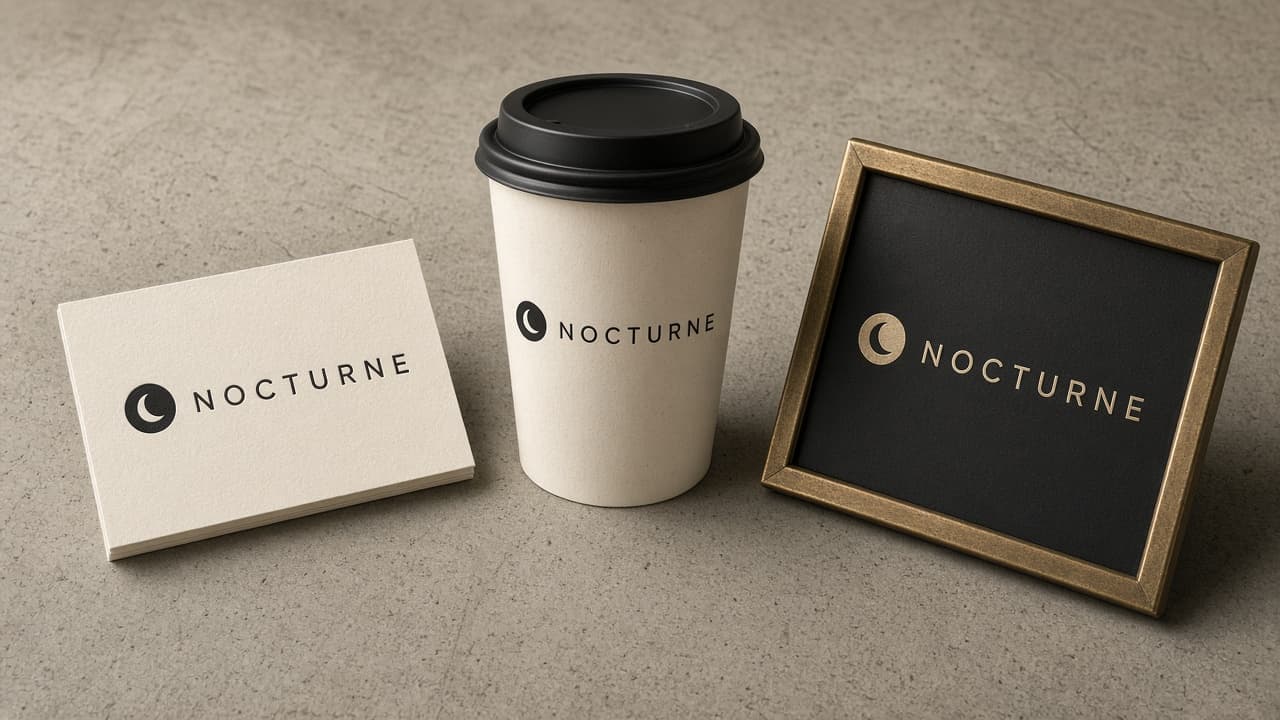
A brand presentation image showing one logo applied to three objects.

Subject: the logo is {{logo-description}} with the wordmark "{{brand-name}}" beside it in a clean wide sans-serif. It looks identical on every object.

Layout: three objects arranged across a neutral concrete surface, shot from a slight top-down angle: an embossed business card on the left, a paper coffee cup in the middle, and a small shopfront sign leaning on the right.

Exact text: only "{{brand-name}}" as part of the logo. No other words.

Style: realistic brand mockup photography in {{brand-colors}}, visible paper texture and print finish.

Light: soft daylight from the left with gentle shadows.

Logo Shown on Three Real-World Mockups

Generate a realistic brand presentation mockup featuring your logo on three distinct objects.

3

What are Grok imagine prompts for Agencies?

Grok imagine prompts for Agencies are engineered instructions that already work, written and tested for Grok Imagine. These are not one-line questions. Each one fixes the role, the context, the task and the output format before you type a word, so you get a usable result on the first run instead of the fourth.

They cover the work Agencies actually get asked for: research and briefs, copy and content, analysis and reporting, planning, outreach and the admin that eats the day. Open a card to see the full prompt and the output it returns.

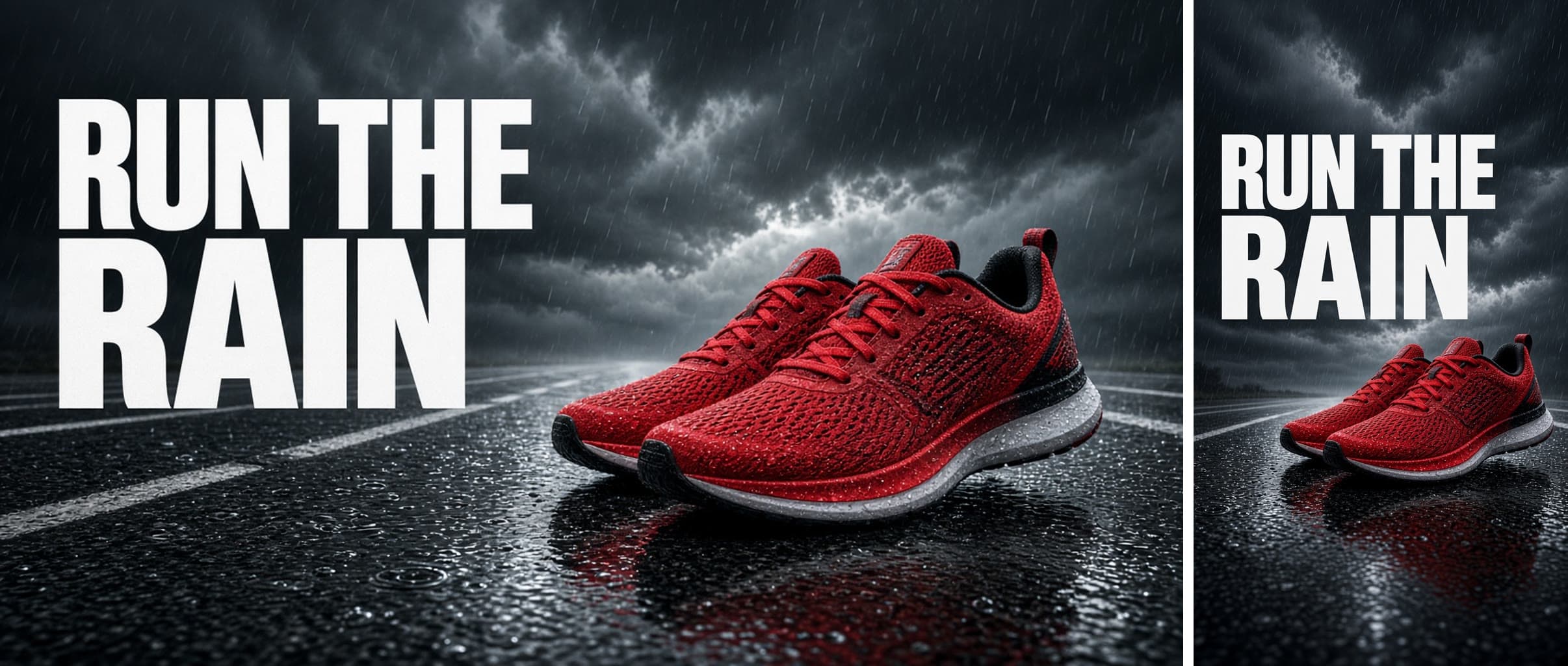
Popular on this page right now: "Frozen Splash Drink Action Shot", "Logo Shown on Three Real-World Mockups", "Hero Image Recomposed for a Vertical Ad".

6 on this page, every one scoped to Agencies. Free to read, free to copy.

Why these prompts work for Agencies

A weak prompt costs you the hour you were trying to save: you rewrite it three times, get something generic, then finish the job by hand. An engineered prompt front-loads that thinking once.

In Agencies that means first drafts you can send, analysis you can act on, and the repetitive work handed off, so the time goes into judgement instead of typing.

Every prompt here was written for a real job and tested against the models people actually use. Nothing scraped from a thread.

How to use these prompts in Grok Imagine

Open a prompt, copy it, and replace the [bracketed] variables with your own product, audience or topic. The structure around them stays as is. That structure is the part doing the work.

Paste it into Grok Imagine and run. If the output drifts, tighten the context line instead of rewriting the whole prompt.

No account needed to copy one. No setup, no extension, nothing to install.

Do these prompts only work with Grok Imagine?

They are tuned for Grok Imagine, but the skeleton of role, context, task and format carries over to any capable model. Swap model-specific settings like tone or length when you move.

Are these AI prompts free to use?

A big part of the library is free: open a prompt, copy it, use it. Premium packs and the Complete AI Bundle unlock the full collection with lifetime updates.

How do I adapt these prompts to my use case?

Start with the [variables]: niche, audience, constraints. If the result still misses, add one example of the output you want. A single good example beats three extra instructions.

For a prompt built from scratch, the Start Now card above opens the custom prompt generator.

Related resources

Get smarter on AI every week

One email a week with the best new prompts, tools, and model updates. Unsubscribe anytime.

Join 100,000+ subscribers. One email a week, real prompts, tools, and model updates. Unsubscribe anytime.