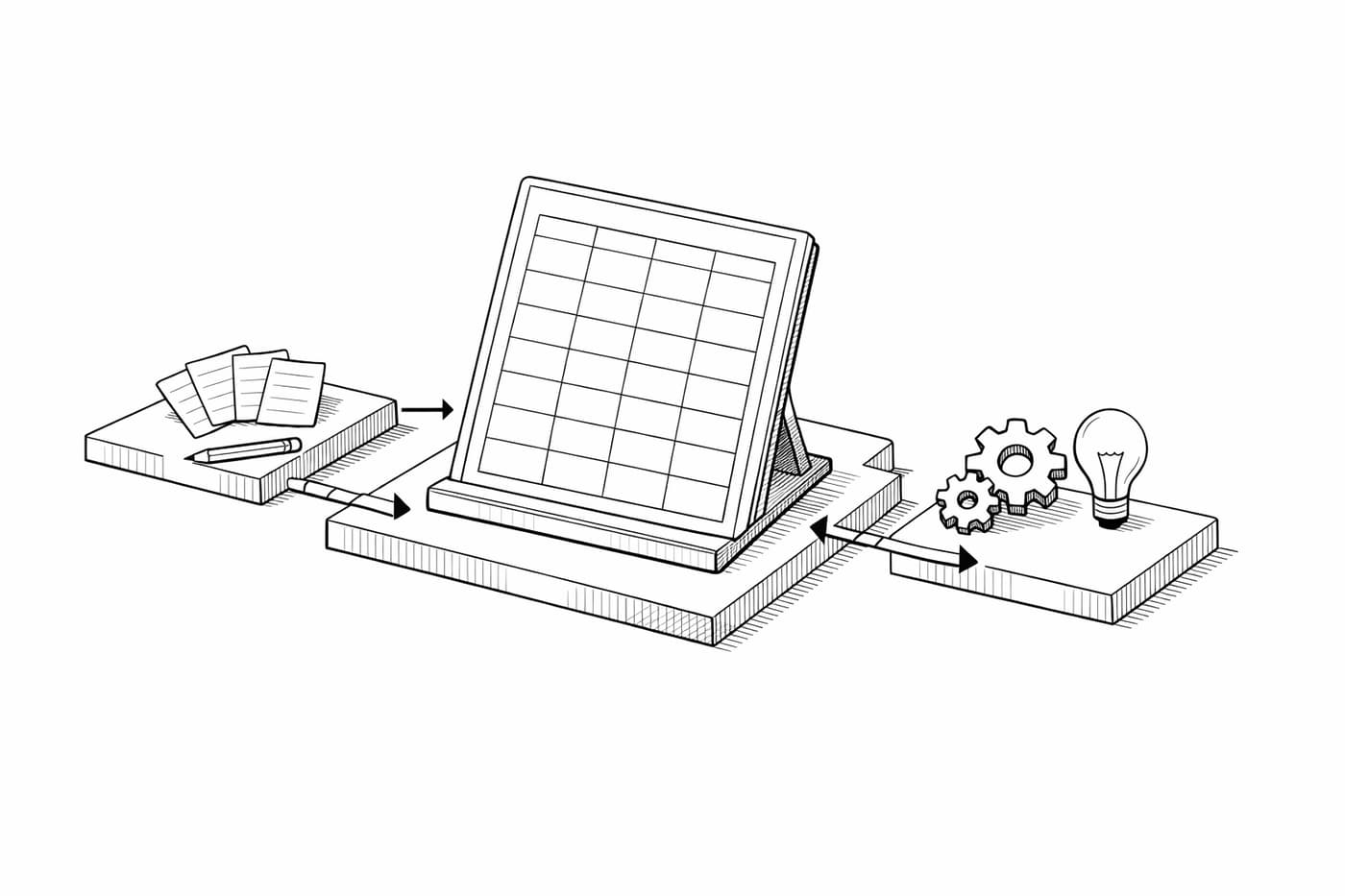
Choosing an AI scribe is no longer just about recording conversations. The right solution produces accurate notes, fits your existing workflow, and meets your privacy and compliance standards — here is how to evaluate before you commit.
Choosing an AI scribe is no longer just about finding a tool that records conversations. The right solution should produce accurate notes, fit naturally into your existing workflow, and meet the privacy and compliance standards your organization requires.
With more AI scribes entering the market, comparing features alone is not enough. Understanding what to evaluate before making a decision will help you choose a solution that saves time, improves documentation quality, and earns your team’s trust from day one.
Understanding AI Scribes and Their Real Impact
Before you compare logos and pricing pages, it helps to get clear on what an AI scribe really does. These tools are no longer basic dictation apps with a fancy label. The better ones turn real conversations into usable records.
What an AI Scribe Does Day to Day
A strong AI scribe listens, transcribes speech, and shapes the result into notes, summaries, tasks, or structured records. In healthcare, law, sales, and media, that can mean less typing, fewer missed details, and a much calmer end of day.
The best systems also adapt. They learn common phrases, preferred note formats, specialty terms, and speaker patterns. That is where the value starts to feel real, not just impressive in a demo.
Where the Technology Is Moving Fast
Real-time capture, stronger voice recognition, and connections to EHR, CRM, calendar, and document systems are now major selling points. For clinicians, a capable AI medical scribe should also understand clinical language and specialty-specific wording.
A practical look at Freed vs Heidi shows why fit matters more than brand popularity. Freed is often recognized for clinician-focused workflows, deep Athenahealth integration, quick onboarding, and strong compliance. Heidi, on the other hand, is known for flexible medical note options and adaptable templates.
Why Workflow Fit Matters
Here’s the blunt truth: if a tool adds extra clicks, people will avoid it. Maybe not on day one, but soon.
The right AI scribe should fit the way your team already works. It should not force everyone into a brand-new process just to get a decent note.
A Practical AI Scribe Comparison for Smarter Shortlists
Once you know what AI scribes can do, the next step is narrowing the field. The most useful comparison usually comes down to accuracy, privacy, integrations, and day-to-day usability.
Accuracy, Privacy, and Custom Notes
Start with transcription accuracy, but do not stop there. Ask whether the tool can format notes by visit type, meeting type, matter type, or client type.
Security is not a “nice to have.” Look for encryption, access controls, audit logs, clear data retention rules, HIPAA support when needed, GDPR readiness, and SOC 2 reports where available. If sensitive information is involved, vague answers should make you pause.
Freed vs Heidi: What to Check
For medical clinics using Athenahealth, the Freed vs Heidi decision often comes down to setup speed, EHR connection quality, cost-effectiveness, and how much editing the final note needs. Freed’s Chrome extension workflow can be especially appealing for small and midsize practices that do not want a complicated IT project.
When comparing Freed vs Heidi, do not rely only on polished demos. Test both with real conversations from your workplace. Include unclear audio, accents, interruptions, and field-specific terminology. That is where the truth shows up.
Tool
Best Fit
Security Focus
Integrations
Pricing Style
Freed
Small to mid-sized medical practices
HIPAA, HITECH, SOC 2
Athenahealth-focused browser workflow
Published self-serve and group tiers
Heidi
Medical teams needing flexible notes
Healthcare privacy controls
EHR and workflow options vary
Free and paid tiers
Abridge
Larger healthcare systems
Enterprise-grade controls
EHR-focused
Custom pricing
Nabla
Clinicians and care teams
Medical privacy support
EHR and app-based workflows
Tiered plans
Otter
Business meetings
Standard business controls
Calendar and meeting apps
Free and paid tiers
If your priorities are high-quality clinical notes, fast implementation, and strong user adoption, keep Freed vs Heidi near the top of your shortlist. Then match each option against your actual workflow, not an idealized version of it.
Matching AI Scribe Features to Your Workflow
There is no universal winner here. The right choice depends on what you document, who reviews it, and where that note needs to go next.
Medical, Legal, Business, and Creative Needs
A medical practice should focus on clinical accuracy, EHR transfer, specialty terminology, and patient data requirements. Business teams may care more about meeting summaries, action items, CRM updates, and searchable transcripts.
Law firms need careful speaker tracking, matter tagging, and clean exports. Creators and journalists may want imported audio, multilingual summaries, and quick editing tools. Different jobs, different headaches.
Common Pitfalls to Avoid
Do not overlook data export. If you cannot move your notes easily, you may feel stuck later.
Also watch for hidden fees, weak accent handling, limited templates, and no human review option. A cheap tool becomes expensive fast if your staff spends extra time fixing every note.
Testing Before You Commit
Run a trial with real work, not a perfect script. Use short meetings, long visits, background noise, and people who are not especially tech-friendly.
The upside can be meaningful. “84% reported a positive effect on communication, while 82% said their overall work satisfaction improved.” But those gains only happen when the tool is easy to trust.
Security, Integration, and ROI Checks
Once your shortlist looks solid, slow down and check the less glamorous stuff. Security, integration, and return on investment will decide whether the tool works in real life.
Security Questions to Ask Vendors
Ask where data is stored, who can access it, and whether your data is used to train outside models without written consent. In healthcare, confirm HIPAA support, a BAA, encryption, and clear deletion options.
For business and legal teams, review permission settings and audit trails. If a vendor dodges details, that is a warning sign.
System Fit and Team Adoption
Your scribe should connect with the systems your team already uses. That may include EHRs, CRMs, calendars, document folders, or case systems.
Usability matters just as much. Voice commands, editable notes, mobile access, shortcuts, and responsive support can determine whether people stick with the product.
Measuring Return Without Guesswork
Track time saved, correction time, missed details, user satisfaction, and cost per user. If the tool reduces admin work but creates review headaches, the return may not be as strong as it first looked.
Decision Checklist for Choosing the Right Tool
A simple checklist keeps the decision grounded. Otherwise, it is easy to get distracted by shiny features you may never use.
Your Fast Selection Steps
Start with your main use case. Then test accuracy, security, integrations, note editing, export options, support, and total cost.
Ask for compliance documents before signing. Also run a short pilot with the people who will use the tool every day.
Final Buying Signals
Choose the tool that creates usable notes with the least cleanup. Strong support, clear privacy terms, and low training time should carry real weight.
If two tools seem close, choose the one your team actually wants to use. Adoption beats a long feature list almost every time.
Common Questions About AI Scribe Tools
A few practical questions usually come up before the final decision. Here are the big ones.
What’s the difference between a general AI scribe and an AI medical scribe?
A general scribe handles meetings, calls, and summaries. A medical scribe is built for clinical language, visit notes, EHR workflows, and privacy rules tied to patient data. Healthcare teams should avoid generic tools for patient records.
Can AI scribe tools handle multiple speakers or accents?
Many can, but quality varies. Test with real users, natural speech, interruptions, and background noise. If your team serves diverse clients or patients, accent handling belongs in the trial.
How do I make sure my data isn’t used without consent?
Ask for the vendor’s data use policy in writing, confirm whether your data is used to train AI models, and verify deletion options and compliance documentation. Choose an AI scribe that saves time, protects your data, and fits your workflow.
Prompts for this topic
Put this article to work with ready-to-use prompts from the God of Prompt library.