How to Add Avatars and Visual Hosts to Your AI Video Podcast
Learn how to add avatars and visual AI hosts to your video podcast using modern creation tools, step-by-step workflows, and simple production tips.


On this page
- Why Add Avatars and Visual Hosts
- Step-by-Step: Adding Avatars and Visual Hosts
- Step 1: Create or Upload Your Podcast Script
- Step 2: Generate and Review the Script
- Step 3: Choose Your AI Voice
- Step 4: Add Your Avatar Host
- Step 5: Preview and Generate Your AI Video Podcast
- Step 6: Download and Share
- Customization Options for Avatars
- Benefits of Using Avatars in AI Video Podcasts
- Real User Example
- Tips for Effective Visual Podcast Creation
- Performance Comparison: AI Avatars vs Traditional Filming
- Why JoggAI Is the Best Choice for AI Video Podcasts
- Conclusion
Video podcasts are quickly becoming one of the most popular ways to reach audiences online.
They combine the storytelling power of traditional podcasts with the visual appeal of video.
But filming, lighting, and editing can take time—and not everyone feels comfortable in front of a camera.
Thanks to Artificial Intelligence, creators can now produce AI video podcasts without recording themselves.
With the JoggAI Podcast Generator, you can add realistic avatars and virtual hosts that speak your content naturally and look like real presenters.
This guide explains how to add avatars and visual hosts step by step, turning your written script into a professional, camera-ready show in minutes.
ALSO READ: Perplexity Comet vs ChatGPT Atlas: Which AI Browser Is Better?

Why Add Avatars and Visual Hosts
Avatars make your podcast more engaging and help establish a consistent visual identity for your show.
They act as digital presenters—speaking, smiling, and moving naturally—so you can connect with your audience visually without appearing on camera.
For brands, educators, and solo creators, avatars also provide flexibility.
You can publish video podcasts at scale, in multiple languages, and maintain a unified visual presence across platforms like YouTube, TikTok, and Spotify Video.

Step-by-Step: Adding Avatars and Visual Hosts
Step 1: Create or Upload Your Podcast Script
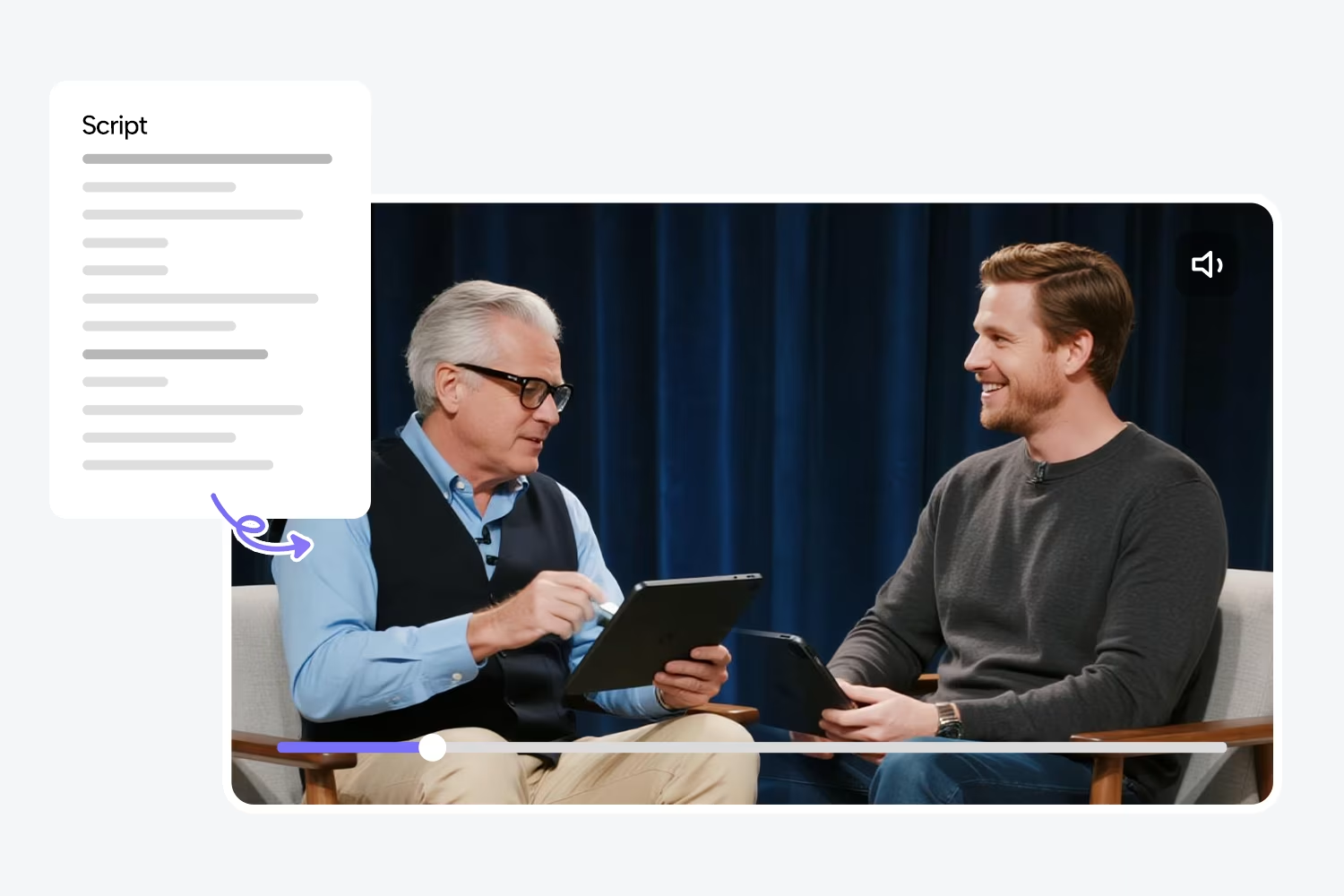
Start by preparing your content. It can be a written script, lecture, article, or set of notes.
Upload it directly to the JoggAI Podcast Generator or paste it into the content editor.
The AI automatically formats the text into a narration-ready script, identifying natural breaks and sentences for smooth delivery.
You can review and make quick edits before moving on.
Step 2: Generate and Review the Script
Once uploaded, click “Generate Script.” JoggAI converts your text into spoken-style language, making it sound conversational rather than written.
You can preview how it will read aloud, modify tone or pacing, and even simplify complex sections. This ensures your avatar’s narration will sound natural when the video is generated.
Step 3: Choose Your AI Voice
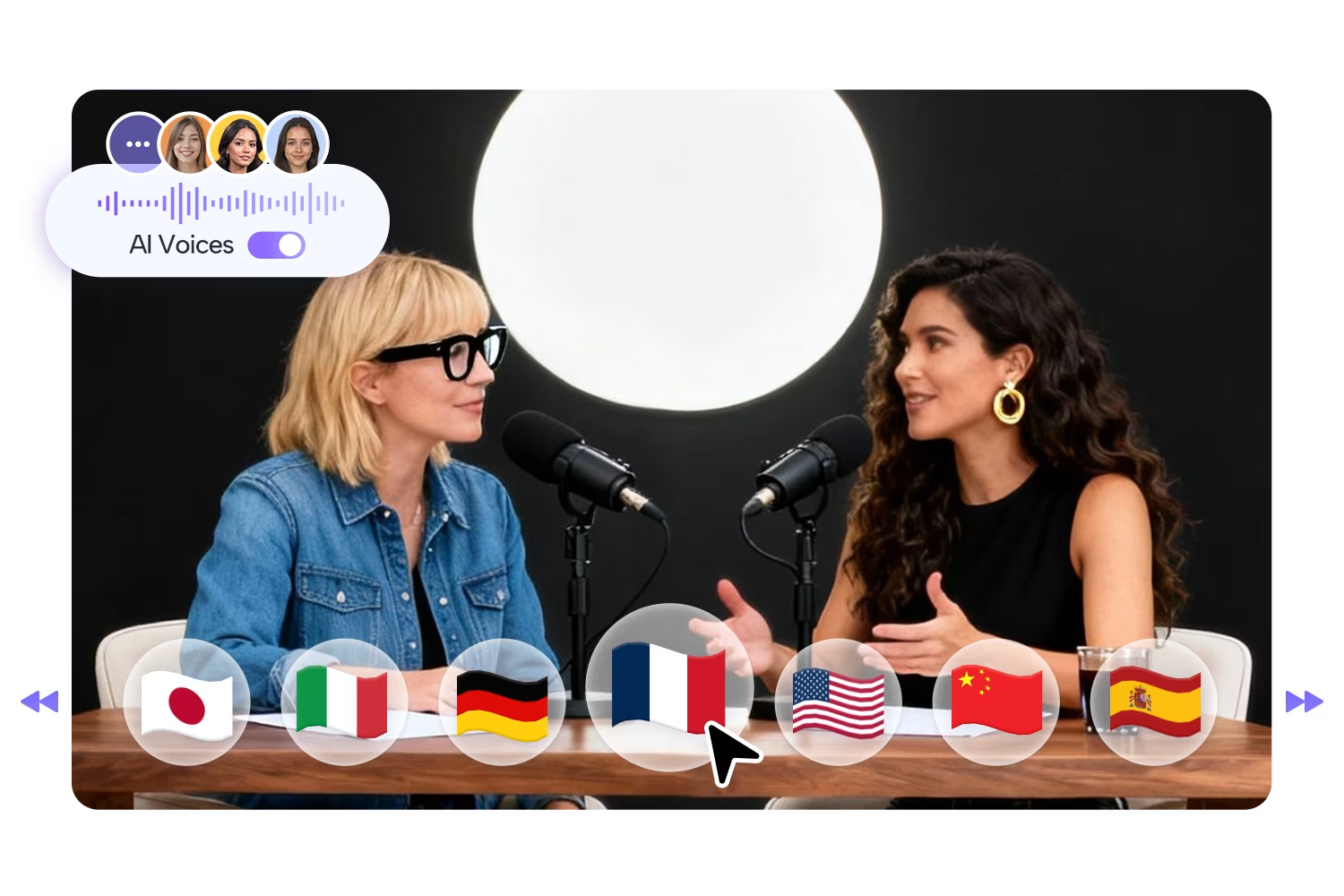
Select your preferred AI voice. JoggAI offers a variety of realistic voices across different genders, accents, and tones. You can adjust the delivery speed, emotion, and pronunciation.
These AI voices are designed to sound natural and expressive, ideal for professional presentations, educational content, or storytelling podcasts.
You can experiment with a few voices before finalizing—the system allows live preview playback for convenience.
Step 4: Add Your Avatar Host
Here’s where the magic happens. After choosing your voice, head to the avatar selection screen.
JoggAI includes a library of pre-designed virtual presenters, each animated with realistic gestures and facial expressions.
You can customize your avatar’s appearance—change clothing, hairstyle, and background—to align with your brand or topic.
For creators who prefer something more unique, JoggAI also supports personalized avatars created with its AI avatar maker. This allows you to design a host that visually represents your style or brand identity.
Step 5: Preview and Generate Your AI Video Podcast
Once your avatar and voice are set, preview a short clip. You’ll see your digital host speaking the script in sync with the AI narration. The lip-sync accuracy is one of JoggAI’s most praised features—every movement matches perfectly with the spoken words.
When you’re satisfied, click “Generate Video Podcast.” Within minutes, JoggAI produces your full video episode in HD quality, complete with visuals, narration, and animations.
Step 6: Download and Share
After generation, download your final video file (MP4). You can publish it directly to YouTube, TikTok, or podcast platforms that support video content such as Spotify.
The video is fully ready for release—no need for post-production editing. The AI automatically adjusts lighting, transitions, and background elements for a professional finish.
Customization Options for Avatars
JoggAI provides extensive customization options for visual hosts:
- Appearance: Choose gender, clothing style, and expression.
- Backgrounds: Use neutral studio backdrops or upload your own branded visuals.
- Gestures: The AI automatically assigns natural hand and head movements for better engagement.
- Languages: Combine any avatar with multilingual voices for international audiences.
These customization tools make it easy to produce consistent, branded video podcasts across multiple platforms.
Benefits of Using Avatars in AI Video Podcasts
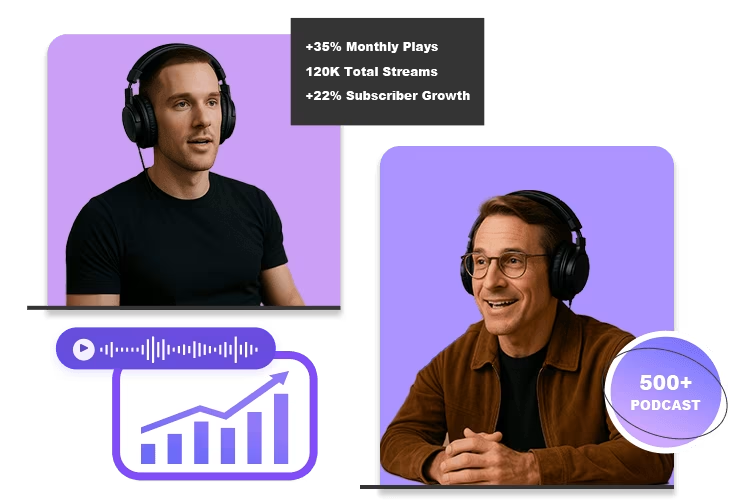
- Professional Look Without Filming
Produce video podcasts that look like they were shot in a studio—no cameras, lighting, or editing software needed. - Save Time and Cost
Traditional filming requires setup and editing. JoggAI automates everything, delivering ready-to-publish content in minutes. - Consistent Branding
Keep your virtual host’s appearance consistent across all episodes to build recognition. - Reach a Global Audience
With multilingual AI voices, you can publish the same podcast in different languages, each with the same avatar host. - Accessibility and Engagement
Visual hosts make podcasts more engaging and accessible for audiences who prefer to watch rather than just listen.
Real User Example
A marketing coach used JoggAI to create a weekly business strategy podcast. Instead of filming herself, she uploaded her written notes, selected a confident English-speaking voice, and paired it with a professional-looking avatar.
The AI generated a 15-minute video podcast within ten minutes. She then uploaded the episode to YouTube and LinkedIn. The video received 4x higher engagement compared to her previous audio-only episodes—proving that avatars help audiences connect visually and emotionally.
Tips for Effective Visual Podcast Creation
- Keep your script concise and conversational.
- Choose an avatar that fits your tone—friendly for casual topics, formal for business ones.
- Use short sentences to make narration smoother.
- Preview before final generation to confirm gestures and lip-sync.
- Add a branded background or logo to reinforce recognition.
These small details make a big difference in how professional and engaging your AI podcast looks.
Performance Comparison: AI Avatars vs Traditional Filming
JoggAI Comparison Table
| Feature | JoggAI with AI Avatars | Traditional Filming |
|---|---|---|
| Setup Time | Minutes | Hours |
| Equipment Needed | None | Camera, lighting, mic |
| Voice Quality | AI-generated, consistent | Depends on speaker |
| Editing | Automated | Manual |
| Cost | Low | High |
| Multilingual Options | Yes | Limited |
The table clearly shows that JoggAI provides similar visual quality with far less effort, making it ideal for frequent content creators.
Why JoggAI Is the Best Choice for AI Video Podcasts
JoggAI stands out because it combines lifelike AI voices, customizable avatars, and a simple workflow in one platform.
It’s not just about automation—it’s about delivering professional-level creativity quickly and affordably.
The system’s intuitive design lets anyone produce shows that look and sound like they came from a professional studio, even with zero technical experience.
Its AI video podcasts feature and avatar customization options make it one of the most advanced podcasting tools available in 2026.
Conclusion
Adding avatars and visual hosts to your AI video podcasts is the easiest way to make your content more dynamic, engaging, and professional.
The JoggAI Podcast Generator allows you to go from written script to visually stunning show in minutes, using expressive voices and customizable avatars powered by the AI avatar maker.
Whether you’re an educator, marketer, or creator, JoggAI helps you produce professional-quality video podcasts—without filming, recording, or editing.
Put this into practice: browse AI design prompts and Midjourney prompts in the God of Prompt library — copy, paste, and run.
Prompts for this topic
Put this article to work with ready-to-use prompts from the God of Prompt library.
Keep reading
Top AI Tools for Multilingual Video Scripts
Compare AI tools for translating, dubbing, subtitling, and generating multilingual video scripts — features, language support, and pricing.

Ultimate Visual Content Prompt Libraries for Businesses
AI prompt libraries let businesses produce polished logos, ads, and product visuals fast, cutting costs and reclaiming hours previously lost to design work.

Ultimate Image Prompt Collections for Visual Marketing
Structured AI image prompts and ready-made libraries turn visual marketing from guesswork into predictable, brand-consistent creative outputs.

The best of the blog, in your inbox
One email when notable prompts, tools, and model updates land. No spam, unsubscribe anytime.
Join 100,000+ subscribers. One email a week, real prompts, tools, and model updates. Unsubscribe anytime.