23 Higgsfield Prompts for Designers

Browse the prompts

{{couple-description}}, two people on a rooftop terrace at dusk, city glowing below them. They've been talking for hours—coffee cups empty, leaning close. A long pause. She looks at him. Camera arcs slowly around both of them, city blurring behind. He reaches over and tucks a strand of hair behind her ear. Cinematic style, golden hour warm tones, shallow depth of field, 16:9.

Rooftop Dusk Romance Video

Generate a cinematic romantic scene set on a rooftop at dusk for concept art enthusiasts. Produces an evocative visual description suitable for Midjourney or similar platforms.
63
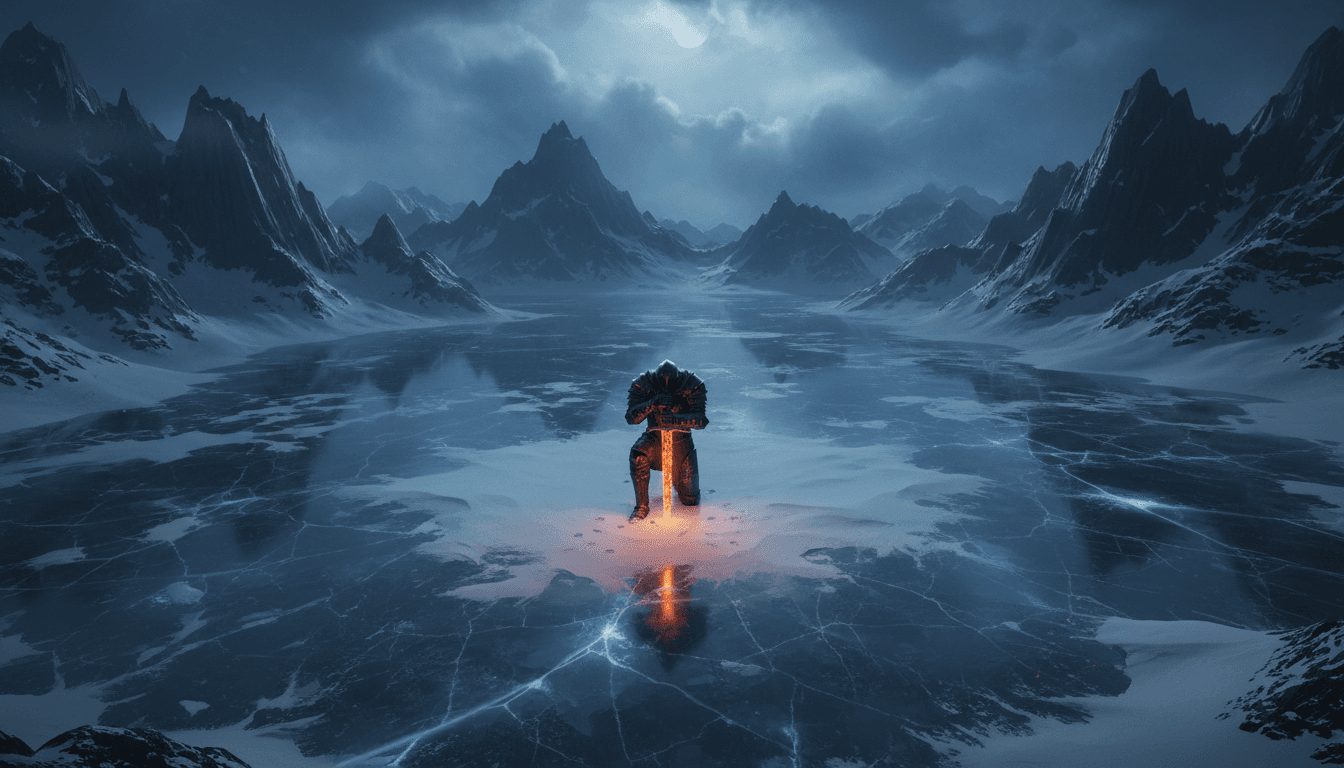
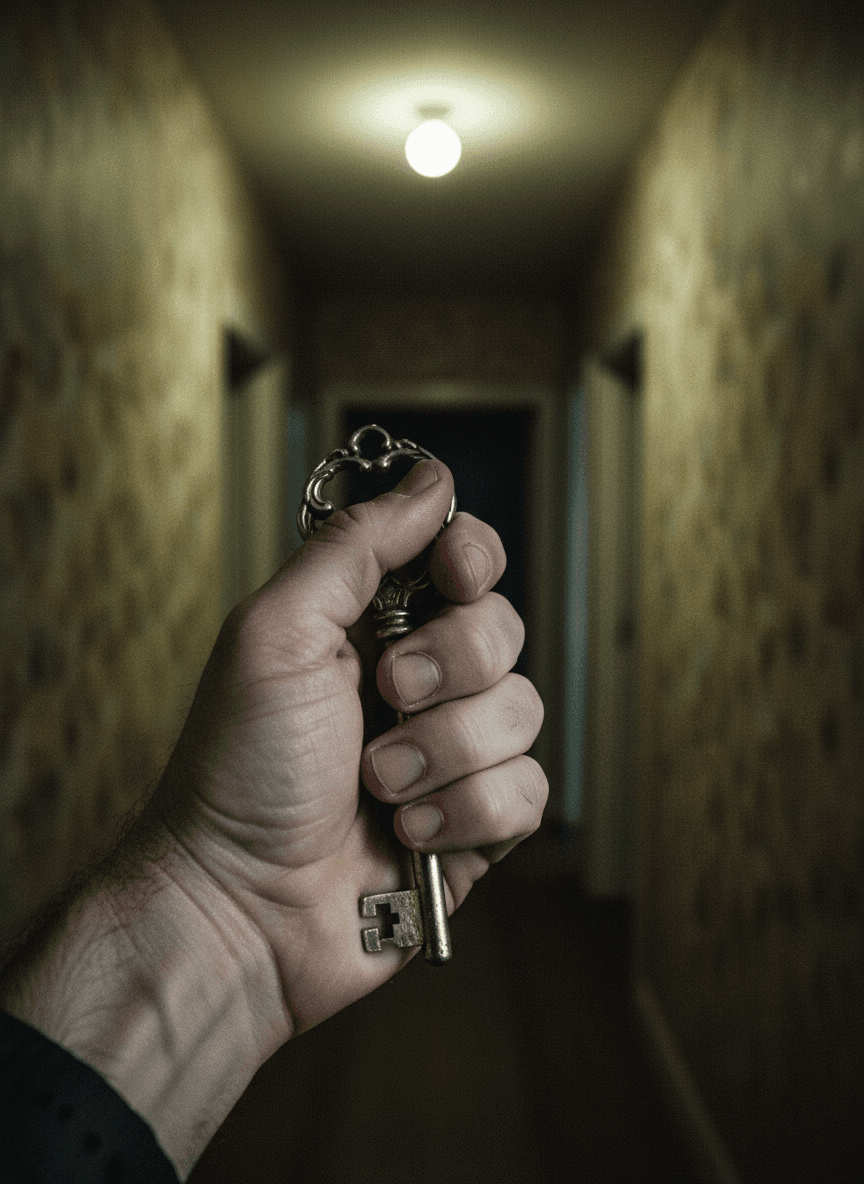
Extreme Wide Shot (EWS) overhead bird's eye view of {{subject}} kneeling in the snow with {{key-object}} planted in the ground. Vast frozen lake surrounded by jagged obsidian mountains. Cold blue hour, soft diffused moonlight piercing through heavy clouds. Dark fantasy concept art, high contrast, 4K resolution.

Dark Fantasy Knight Concept Art

Generate striking dark fantasy concept art featuring a lone knight with a key object. This prompt is tailored for producing high-contrast, 4K resolution imagery.

44
A woman in a tactical jacket sprints through a rain-soaked night market, weaving between {{obstacles-and-environment}}. Steam rises from food carts.

Camera: Action Run — low behind her, matching pace.

A metal gate drops ahead. She slides under it without breaking stride.

Whip Pan to two men in dark coats pushing through the crowd behind her.

Camera: Bullet Time as she leaps from a loading dock onto a moving truck below.

Style: Cinematic. Cold blue shadows, amber market light, high contrast. 16:9.

Night Market Chase Video

Generate a cinematic concept art image depicting a dynamic chase scene in a rain-soaked night market.

26
{{character-description}}, a businesswoman in a grey suit, stands in a sterile office, staring at rain on the window. The lights flicker. She turns. Her eyes begin to glow blue-white. Camera: Crash zoom in on her eyes. Her form expands slowly, suit pulling at the seams. Cinematic lighting: cold fluorescent transitioning to deep electric blue.

Office Awakening Transformation Video

Generate an AI-driven concept art image of a dramatic transformation scene, ideal for visual storytelling.

26
{{main-character}}, a man in his 40s, walks slowly down a hospital corridor. Fluorescent lights flicker above him.
He stops at a door. Hand on the handle. He doesn't open it.
Camera: slow dolly in from behind, stopping just over his shoulder as he stands still.
His head drops slightly. A long exhale.
Style: Cinematic. Desaturated, cool blue-white light. 16:9.

Hospital Corridor Drama Video

Generate a cinematic video concept of a hospital corridor drama scene involving a main character.

20
**Reference image:** {{character-reference}} — use as the main character throughout.

**Style & Mood:** Cold sodium-vapor underground, deep shadows under concrete pillars, faint exhaust haze, anamorphic flares on overhead fluorescents.

**Action:** The character sprints between two rows of parked cars, glances back over her shoulder at footsteps gaining behind her, vaults the hood of a sedan, lands and keeps running toward the ramp at frame right. Camera tracks low and right, matching her pace, losing and regaining her between pillars.

**Environment:** Underground parking level, concrete pillars, sodium overhead lighting, scattered parked cars. Wet patches on the floor catch practical light.

**Camera:** Low tracking shot, parallel right, following at running pace.

**Audio:** Foreground — her breath ragged and close to camera, sneakers hitting wet concrete with each stride right under 

Parking Garage Pursuit Video

Generate a cinematic concept art video featuring a main character in an underground parking garage chase scene. Produces a vivid, action-packed visual for concept artists.

19

What are higgsfield prompts for Designers?

higgsfield prompts for Designers are engineered instructions that already work, written and tested for Higgsfield. These are not one-line questions. Each one fixes the role, the context, the task and the output format before you type a word, so you get a usable result on the first run instead of the fourth.

They cover the work Designers actually get asked for: research and briefs, copy and content, analysis and reporting, planning, outreach and the admin that eats the day. Open a card to see the full prompt and the output it returns.

Popular on this page right now: "Rooftop Dusk Romance Video", "Dark Fantasy Knight Concept Art", "Rooftop Fight Video".

23 on this page, every one scoped to Designers. Free to read, free to copy.

Why these prompts work for Designers

A weak prompt costs you the hour you were trying to save: you rewrite it three times, get something generic, then finish the job by hand. An engineered prompt front-loads that thinking once.

In Designers that means first drafts you can send, analysis you can act on, and the repetitive work handed off, so the time goes into judgement instead of typing.

Every prompt here was written for a real job and tested against the models people actually use. Nothing scraped from a thread.

How to use these prompts in Higgsfield

Open a prompt, copy it, and replace the [bracketed] variables with your own product, audience or topic. The structure around them stays as is. That structure is the part doing the work.

Paste it into Higgsfield and run. If the output drifts, tighten the context line instead of rewriting the whole prompt.

No account needed to copy one. No setup, no extension, nothing to install.

Do these prompts only work with Higgsfield?

They are tuned for Higgsfield, but the skeleton of role, context, task and format carries over to any capable model. Swap model-specific settings like tone or length when you move.

Are these AI prompts free to use?

A big part of the library is free: open a prompt, copy it, use it. Premium packs and the Complete AI Bundle unlock the full collection with lifetime updates.

How do I adapt these prompts to my use case?

Start with the [variables]: niche, audience, constraints. If the result still misses, add one example of the output you want. A single good example beats three extra instructions.

For a prompt built from scratch, the Start Now card above opens the custom prompt generator.

Related resources

Get smarter on AI every week

One email a week with the best new prompts, tools, and model updates. Unsubscribe anytime.

Join 100,000+ subscribers. One email a week, real prompts, tools, and model updates. Unsubscribe anytime.