7 Best AI Chrome Extensions for Work
Want to work smarter, not harder? This post lists 7 best Chrome extensions that use AI to help you be more productive. They can help you write emails, fill out forms faster, and even understand what you’re reading online better.


On this page
- 7 Best AI Chrome Extensions for Work
- How Best AI Chrome Extensions Help Save Hours of Work and Money:
- Best AI Chrome Extensions for Work:
- 1. Harpa AI Extension
- 2. Perplexity AI Extension
- 3. Merlin AI Extension
- 4. Glasp AI Extension (Best AI Chrome Extensions)
- 5. WebChatGPT AI Extension (Best AI Chrome Extensions)
- 6. Superpower ChatGPT Extension (Best AI Chrome Extensions)
- 7. SciSpace Copilot Chrome Extension (Best AI Chrome Extensions)
- Conclusion: 7 Best AI Chrome Extensions
7 Best AI Chrome Extensions for Work
- Efficiency Boost: AI Chrome extensions significantly reduce manual effort by automating routine tasks such as form filling and article summarization, freeing up valuable time.
- Customized Browsing: Personalize your web experience by filtering content preferences and blocking unwanted ads, leading to more enjoyable and relevant online sessions.
- Productivity Enhancement: Streamline email management, scheduling, and task organization, leading to improved daily work efficiency and productivity.
- Language Learning: Facilitate language learning and translation, offering instant translations and pronunciations, making it easier to navigate foreign websites and learn new languages.
- Financial Management: Assist in managing personal finances online by tracking prices, finding discounts, and applying codes automatically, helping to save money.
- Educational Aid: Glasp AI Extension stands out for its educational benefits, allowing users to highlight, organize, and share notes, enhancing research and collaborative learning.
- Current Information: WebChatGPT and Superpower ChatGPT Extensions enrich ChatGPT interactions with live web results and advanced features, ensuring information is up-to-date and more relevant.
- Scientific Research: SciSpace Copilot simplifies complex scientific material, making research papers more accessible and understandable to a broader audience.
- Privacy Consideration: Extensions like Harpa AI prioritize user privacy while offering essential services for free, highlighting the balance between functionality and user data protection.
- Creativity and Interaction: Extensions such as Merlin AI introduce novel ways to interact with web content, including chatting with pages and content summarization, fostering a more engaging web experience.
Artificial intelligence (AI) is quickly changing the way we work and live.
AI-powered Chrome extensions are a great example of this, offering a variety of tools that can help you save significant time and money.
That’s why we tested and hand-picked the 7 very best ones to save your time.
Here are a few tips on how AI Chrome extensions can benefit you:
How Best AI Chrome Extensions Help Save Hours of Work and Money:
- Automate Tasks: AI Chrome extensions can handle tasks like filling out forms or summarizing articles, freeing up your time to focus on other activities.
- Enhanced Web Browsing: They can personalize your browsing experience, recommending content you like or blocking unwanted ads.
- Improved Productivity: AI Extensions can help manage your emails, schedule, and to-do lists more efficiently.
- Language Translation and Learning: They offer an instant translation of web pages and can aid in language learning by providing definitions and pronunciations.
- Financial Management: Some extensions can track prices, apply discount codes, and help you manage your personal finances better online.
Best AI Chrome Extensions for Work:
Here are the top 5 AI Chrome extensions that can help you save time and money:
1. Harpa AI Extension
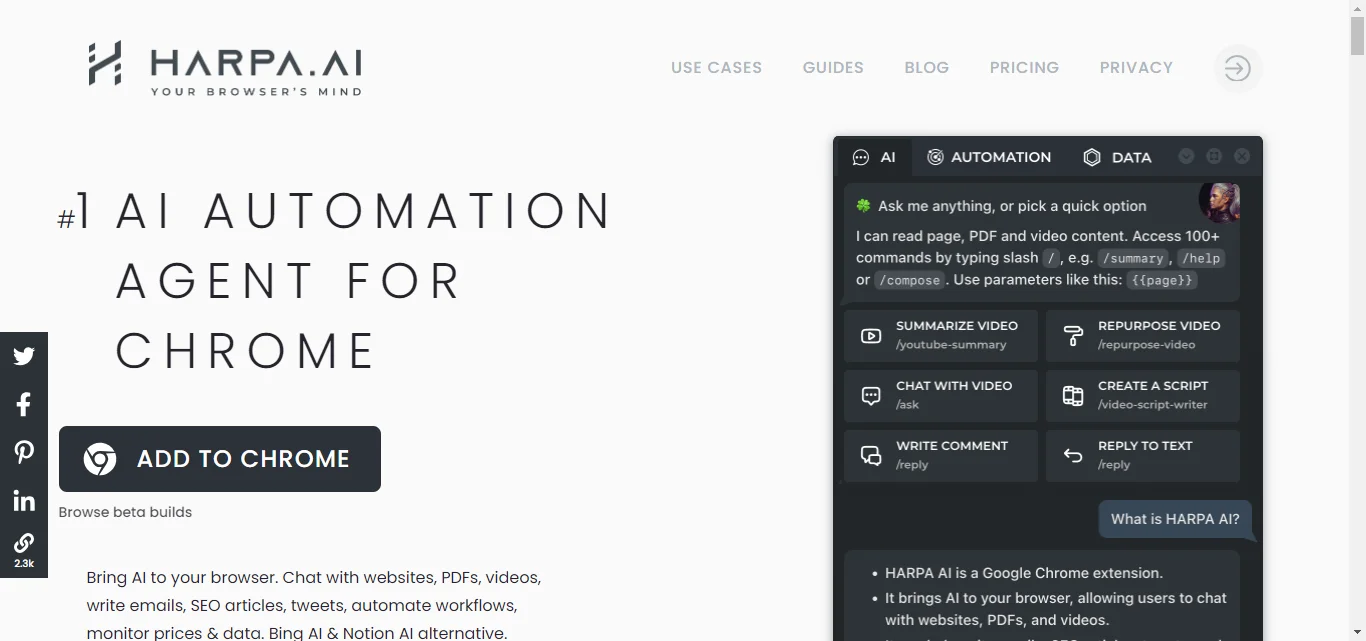
The Harpa AI Chrome Extension is a simple tool that makes online jobs like filling in forms and finding information easier, helping you get more done.
It integrates GPT technologies and ClaudeAI to work with websites smoothly in Chrome.
This extension offers essential features for free and prioritizes user privacy.
How To Get Started With Herpa AI Extension
To use the HARPA AI browser extension:
1. Ensure you have Google Chrome browser installed on your computer.
2. Download and install the HARPA AI extension from the Chrome Web Store.
3. To activate HARPA AI on any webpage, either click the HARPA AI icon in the browser’s toolbar or use the shortcut Alt+A on Windows (or ^+A on Mac).
4. Finally, in the HARPA AI user interface, find and connect to a preferred Large Language Model (LLM) provider, such as GPT-3.5 or GPT-4, to use the extension.
2. Perplexity AI Extension
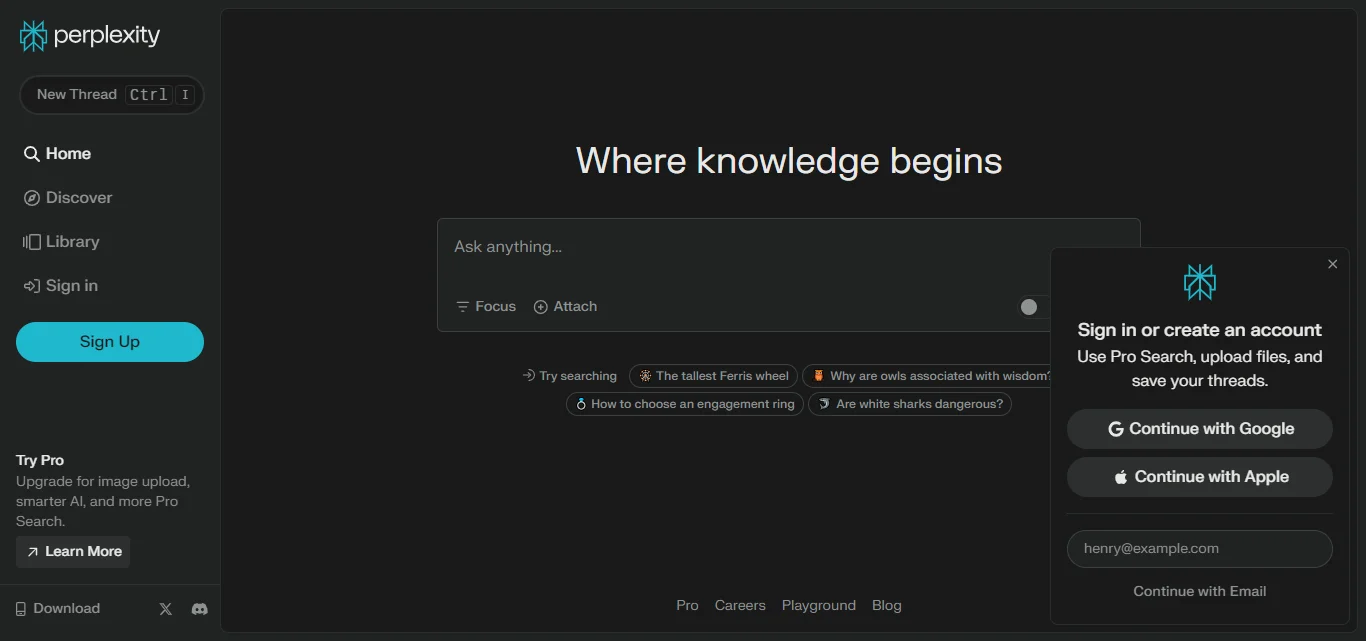
Perplexity AI is a Chrome extension that lets you search the web and get answers with sources right from your browser toolbar.
It combines the power of artificial intelligence with the reliability of search engines, making it easier to research and create content.
It’s free to use for basic features, but there’s a paid version with more options.
How To Get Started With Perplexity AI Extension
To use the Perplexity AI extension:
1. Download and Install it from the Chrome Web Store.
2. Click the browser extension tab, and select the “Perplexity Extension”.
3. A window will appear to enable you write your prompt.
3. Merlin AI Extension
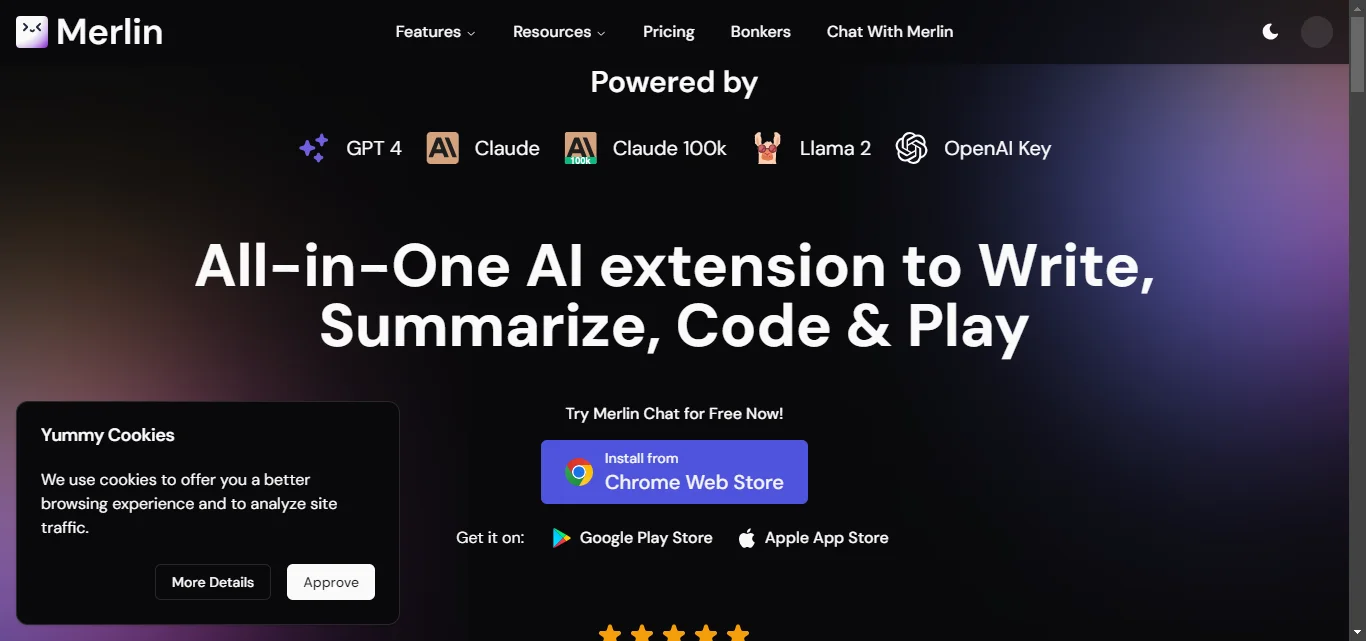
Just like Merlin in the movies, this AI extension creates magic, but differently.
The Merlin AI is a Chrome extension that uses powerful AI to improve your browsing experience.
It lets you chat with web pages, summarize content, and even generate images.
Merlin offers both free and paid plans.
How to Get Started With Merlin AI
1. First, visit the Chrome Web Store and search for “Merlin AI Chrome Extension.” and Click “Add to Chrome”.
2. Once installed, open the extension by clicking on its icon in your browser toolbar.
3. After the account creation process, you can customize settings or preferences.
4. Glasp AI Extension (Best AI Chrome Extensions)
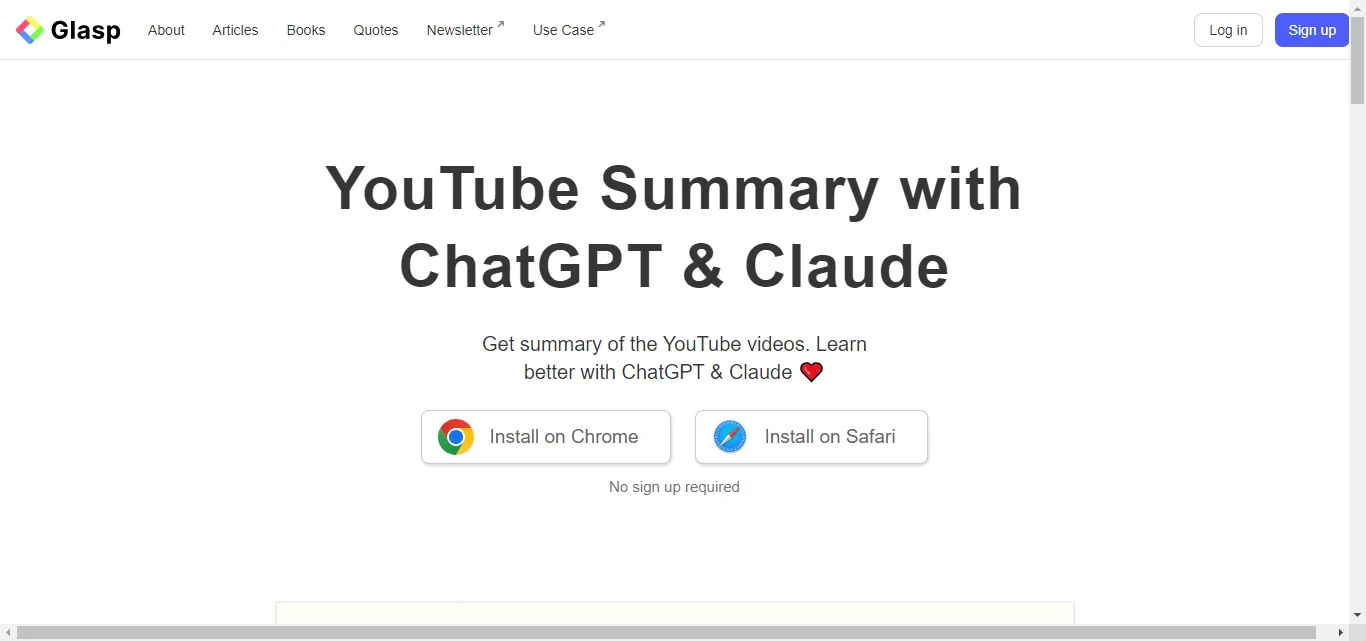
Glasp AI is a tool that helps you learn and research online better.
It lets you highlight text on websites and PDFs, keep them organized, and search through them easily.
It can also summarize videos and other media using AI.
You can even share your notes with others and see theirs, making it great for studying together or learning from others.
How To Get Started With Glasp Extension
1. Search for Glasp AI Extension in the Chrome Web Store and click “Add to Chrome.”
2. Visit any webpage or PDF and select text to highlight and save to your Glasp account.
3. Use the Glasp interface to tag and manage your highlights for easy access.
5. WebChatGPT AI Extension (Best AI Chrome Extensions)
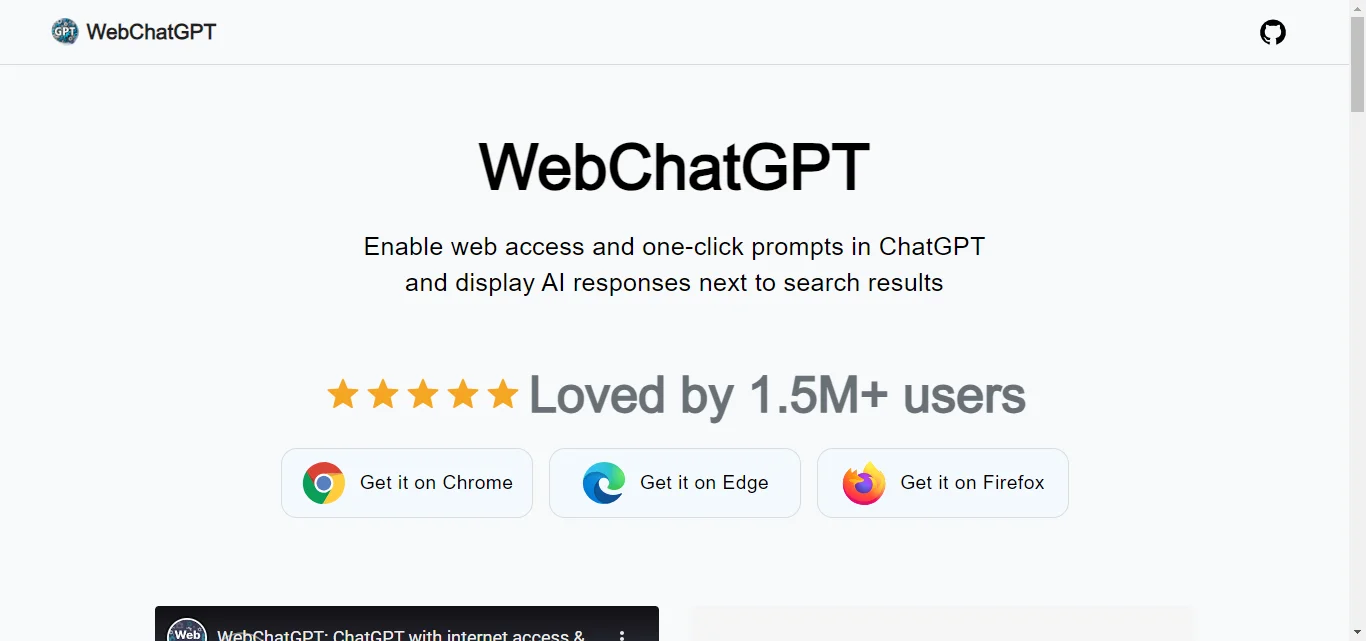
The WebChatGPT extension enhances ChatGPT by integrating live web results, making responses more current and relevant.
It features web access for queries, one-click prompts for easy use, and AI-powered search answers alongside traditional results.
The tool is also available for Edge, and Firefox users.
How To Get Started With WebChatgpt Extension
1. To use the WebChatGPT AI Extension, start by installing it from the Chrome Web Store, Edge Add-ons, or Firefox Browser Add-ons.
2. After installation, ensure the extension is visible on your browser’s toolbar for quick access.
3. While you use ChatGPT, the extension automatically enriches responses with up-to-date web results, enhancing the depth and relevance of the information provided.
6. Superpower ChatGPT Extension (Best AI Chrome Extensions)
The Superpower ChatGPT Chrome Extension adds advanced features to ChatGPT, including a GPT store with custom models, an image gallery, voice interaction, chat organization with folders and search, prompt management with chains and history, language and style customization, and various utilities like custom instruction profiles and model switching.
How To Get Started With SuperPower Chrome Extension
1. To use the SuperPower AI Chrome Extension, first, find and add it from the Chrome Web Store.
2. After installation, ensure it’s pinned to your browser’s toolbar for easy access.
3. You can then activate its features on webpages by clicking the SuperPower icon or using the right-click context menu, allowing you to highlight text, summarize content, and manage notes efficiently.
7. SciSpace Copilot Chrome Extension (Best AI Chrome Extensions)
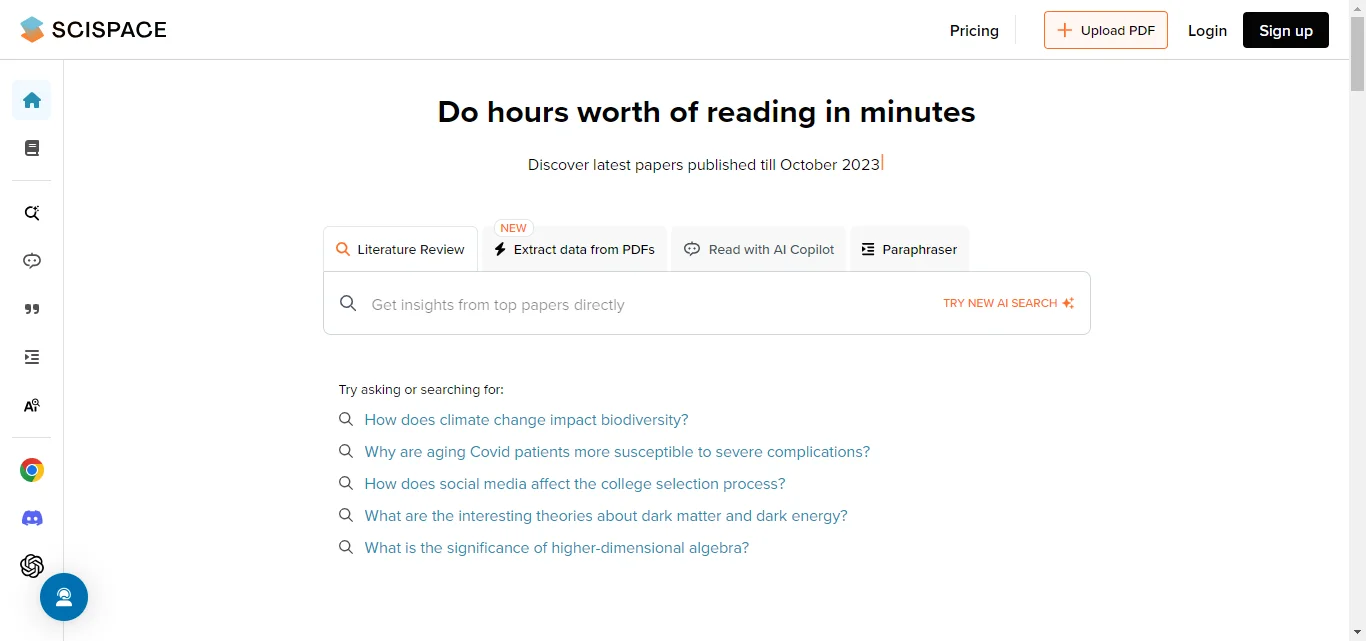
The SciSpace Copilot Chrome Extension helps users understand complex scientific papers by breaking them down into simpler language.
How To Get Started With SciSpace Copilot Chrome Extension
1. Search for it in the Chrome Web Store and install it.
2. Once added, click on the SciSpace Copilot icon in your browser’s toolbar to access the tool.
3. When done, you can easily ask questions and get explanations, summaries, and insights on research papers directly in your browser.
Conclusion: 7 Best AI Chrome Extensions
These seven AI Chrome extensions are like super tools for your browser.
They can help you summarize information, organize your work, and even interact with websites in new ways.
They’re perfect for anyone who wants to be more productive and do things in new and creative ways. By using these extensions, you can make your work life much easier.
Put this into practice: browse the 30,000+ prompt library and Gemini prompts in the God of Prompt library — copy, paste, and run.
Prompts for this topic
Put this article to work with ready-to-use prompts from the God of Prompt library.
Keep reading

Prompt Library Chrome Extension or Standalone Library: Which One Fits How You Work
A prompt library Chrome extension puts prompts inside ChatGPT; a standalone library keeps them in one place for every model. Here is what each does well, where each breaks, and the setup that uses both.


Best Alternatives to Browser-Based Prompt Extensions
Explore alternatives to browser-based prompt extensions that enhance AI workflows with offline access, multi-model support, and cost-effective solutions.

The Developer’s Dilemma: GPT-5 vs Claude Sonnet for Real Coding Work (Spoiler: One’s a Clear Winner)
Discover the truth in The Developer’s Dilemma: GPT-5 vs Claude Sonnet for Real Coding Work. We compare performance, accuracy, and usability—spoiler: one AI clearly outshines the other.

The best of the blog, in your inbox
One email when notable prompts, tools, and model updates land. No spam, unsubscribe anytime.
Join 100,000+ subscribers. One email a week, real prompts, tools, and model updates. Unsubscribe anytime.