What Are No-Code Automations? (Automations For Beginners)
Learn how no-code automation simplifies workflows, saving time and enabling non-technical users to streamline processes efficiently.


On this page
- Key Benefits of No-Code Automation:
- Popular No-Code Tools:
- How to Get Started:
- Zapier AI Tutorial for Beginners: Automation Made Simple
- Popular No-Code Tools Overview
- Zapier, Make, and Airtable Comparison
- Key Features of Each Tool
- Choosing the Right Tool for You
- Creating Your First Automation
- Steps to Set Up Basic Workflows
- Tips for Designing Workflows
- Troubleshooting Common Issues
- Business Automation Examples
- Marketing and Social Media Tasks
- Finance and Accounting Tasks
- CRM Process Automation
- Making Automations More Powerful
- Connecting Multiple Tools
- Using AI Tools
- Growing Your Automation System
- Conclusion
- Main Points
- Steps to Get Started
- Related Blog Posts
No-code automation lets you build workflows and automate tasks without writing any code. Think of it as using drag-and-drop tools to simplify repetitive processes, saving time and effort. by 2026, 70% of new business apps are expected to use no-code or low-code platforms.
Key Benefits of No-Code Automation:
- Time Savings: Cuts development time by up to 90%.
- Accessibility: Non-technical users can create automations.
- Scalability: Helps businesses automate and grow faster.
- Innovation: Test and launch processes quickly.
Popular No-Code Tools:
- Zapier: Great for simple automations, starting free.
- Make: Best for complex workflows with visual tools.
- Airtable: Combines data management and automation.
| Tool | Best For | Starting Price | Key Feature |
|---|---|---|---|
| Zapier | Simple automations | Free | Pre-built templates |
| Make | Complex workflows | $9/month | Drag-and-drop workflow builder |
| Airtable | Data organization | Free | Spreadsheet-like interface |
How to Get Started:
- Identify repetitive tasks to automate.
- Choose a no-code platform that fits your needs.
- Start small with basic workflows (trigger + action).
- Test and refine your setup for smooth operation.
No-code automation is transforming businesses by making automation accessible, fast, and effective. Start small and expand as your needs grow.
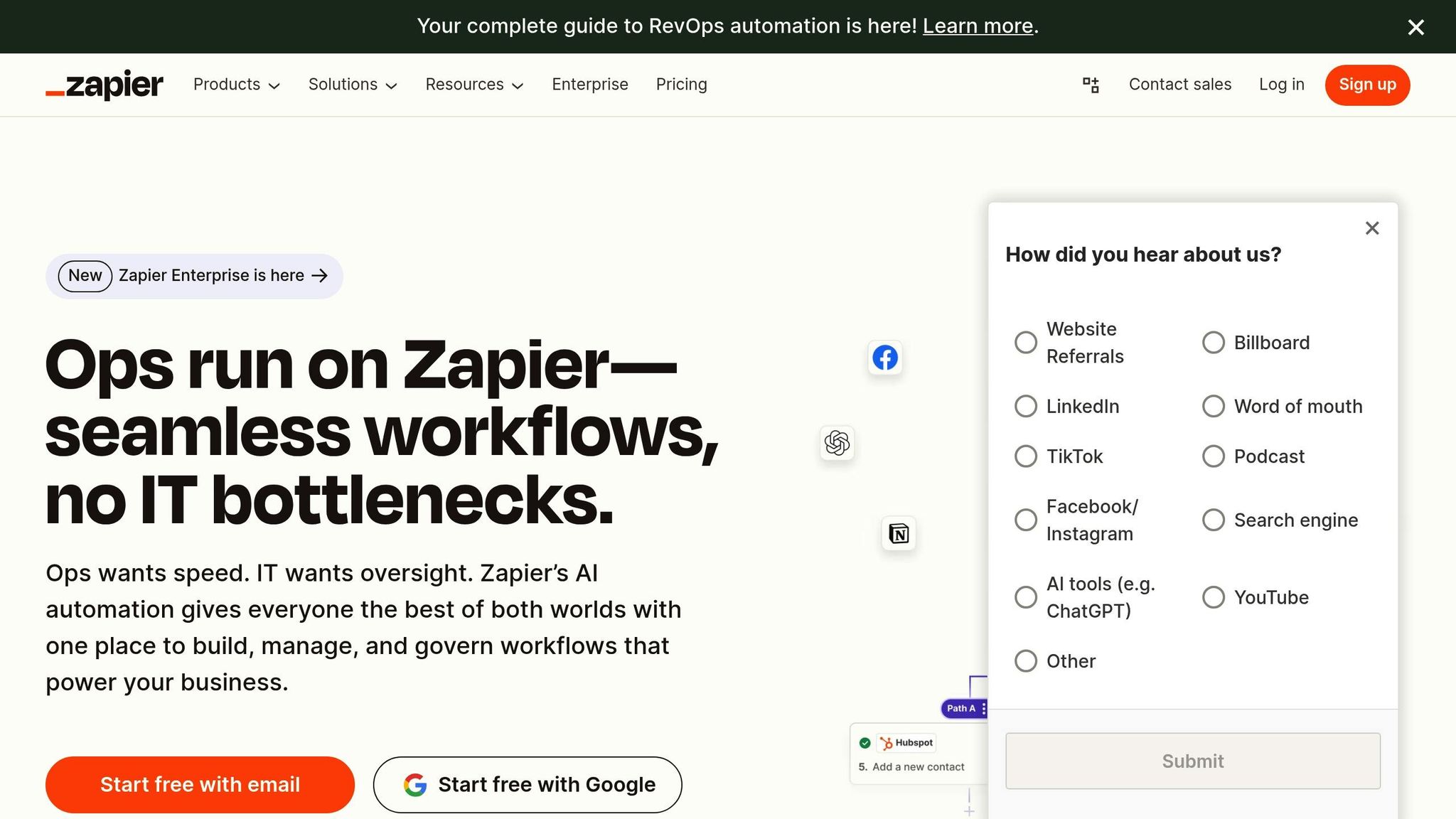
Zapier AI Tutorial for Beginners: Automation Made Simple
Popular No-Code Tools Overview
No-code automation is making waves, and here’s a closer look at the tools leading the charge.
Zapier, Make, and Airtable Comparison
Each of these no-code platforms caters to different automation needs. Here’s a breakdown of their key features:
| Feature | Zapier | Make | Airtable |
|---|---|---|---|
| Interface | Simplified text interface | Visual drag-and-drop | Spreadsheet-like |
| Starting Price | Free plan available | Free plan; Paid plans start at $9/month | Free plan available |
| API Endpoints | Basic API access | Twice as many per app than Zapier | N/A |
| Best For | Simple automations | Complex workflows | Data organization |
| App Integrations | Extensive | Integrates with over 1,400 apps | Native integrations |
These details highlight how each tool addresses specific needs, making it easier to evaluate their strengths.
Key Features of Each Tool
Make’s Highlights:
- Visual workflow builder with drag-and-drop tools
- Advanced flow control and data manipulation
- HTTP/Webhooks for custom integrations
- Built-in monitoring tools for tracking workflows
Zapier’s Strengths:
- Pre-built automation templates for quick setups
- Workflow sharing to improve team collaboration
- Delay functions for scheduling tasks
- Features designed for seamless teamwork
"Make really helped us to scale our operations, take the friction out of our processes, reduce costs, and relieved our support team. It is difficult to not become a fan."
These features make it easier to decide which tool aligns with your workflow and goals.
Choosing the Right Tool for You
Your choice depends on your primary needs:
-
For Marketing Teams: Zapier is ideal for marketing automation.
"Zapier gives us unlimited flexibility and creativity. With Zapier, you’re like an artist with a blank canvas. I don’t know what we’d do without it."
-
For Complex Workflows: Make’s visual interface simplifies building intricate automations.
"The simplicity, flexibility and ability to build real complex automations without any knowledge of programming makes it the best thing since sliced bread."
- For Data Management: Airtable combines database functionality with automation, perfect for organizing data-driven workflows.
If you’re just starting out, Zapier offers a straightforward way to automate basic tasks. As your needs grow, Make provides flexibility for advanced workflows, while Airtable is a go-to for managing data-heavy projects with ease.
Creating Your First Automation
Follow these steps to set up your first automation and get it running smoothly.
Steps to Set Up Basic Workflows
Automation relies on two key elements: a trigger and an action. Here’s how to get started:
-
Pick Your Trigger Event
Decide what will kick off the automation, like a form submission, an email, a calendar event, or a file upload. -
Define Your Action
Specify what happens next – this could be sending an email, creating a task, updating a record, or posting on social media. -
Link Your Apps
Log in to your apps, authorize API access, and confirm any required security permissions to connect them.
Tips for Designing Workflows
- Start with straightforward triggers and actions to avoid overcomplicating things.
- Map out your process to spot required integrations and potential bottlenecks.
- Use sample data to test your setup and include error-handling steps to catch issues early.
Troubleshooting Common Issues
| Problem | Solution | Prevention |
|---|---|---|
| Trigger Failures | Check app connections and permissions | Test connections regularly |
| Data Formatting | Standardize input formats | Define clear data requirements |
| Timing Problems | Add delays between actions | Monitor workflow timing |
| Integration Errors | Review API limits and quotas | Account for service limitations |
Once you’ve mastered these basics, dive into business automation examples to see how these steps come to life.
sbb-itb-58f115e
Business Automation Examples
No-code automation is changing how businesses operate. Here are some practical ways it’s being used to tackle everyday challenges.
Marketing and Social Media Tasks
No-code tools simplify social media and marketing workflows, cutting down on repetitive tasks while keeping branding consistent. These tools allow businesses to schedule posts, automate follow-ups, and track engagement – all from a single dashboard.
Finance and Accounting Tasks
Automation in finance speeds up processes and improves accuracy. In fact, it can reduce time spent on routine financial tasks by up to 70%. Tools like Zoho Books (priced $12–$36/month) and FreshBooks ($19–$60/month) are popular with small businesses for handling invoicing, expense tracking, and generating reports.
CRM Process Automation
CRM automation minimizes manual data entry and makes sales processes more efficient. by 2026, the global CRM market is expected to hit $101.41 billion.
"With Creatio, we were able to grow our deal size by 60% over 5 years. The platform helped us to structure all sales processes and lead the enterprise-wide transformation of the revenue function. BSN Sports achieved 100% user adoption with Creatio and managed the 2,600-user deployment with a team of just three people." – Jim Slomka, CRO at BSN Sports
Some standout CRM automation features include automated lead scoring, syncing data across platforms, and better pipeline management.
Making Automations More Powerful
Take your no-code automations up a notch by integrating tools and incorporating AI. Here’s how to make your automation system more effective and scalable.
Connecting Multiple Tools
Integrating different tools can streamline your workflows. Here are some common methods:
| Integration Method | Ideal Use | Key Benefit |
|---|---|---|
| API Integration | SaaS platforms | Enables secure data exchange |
| iPaaS (e.g., Zapier) | Quick implementations | Requires no coding |
| Webhooks | Real-time updates | Provides instant data transfer |
| Database/File Exchange | Systems without API support | Handles large data volumes |
Once you’ve connected your tools, AI can take these integrations even further.
Using AI Tools
AI tools can simplify processes and improve efficiency. For instance, freelance writer Afoma Umesi combined Trello and Zapier to automate client onboarding. This setup allowed her to handle 2–3 times more work without sacrificing quality.
"Zapier Central brings AI interactions to automation, making it easier to draft emails, summarize content, and trigger workflows with simple prompts. This feature exemplifies how AI can simplify tedious tasks and enhance efficiency."
– Alex Danvers, Systems and Automation Consultant
With smarter automations in place, the next step is scaling them strategically.
Growing Your Automation System
To scale your automation system, focus on areas where it can have the biggest impact. Building on your initial automations can significantly improve productivity across your operations.
"Tailor your automation strategy to your organization’s strengths. The key is to be prepared and focus on impactful use cases no matter how fast you travel."
– Sumit Johar, Chief Information Officer at Automation Anywhere
A Center of Excellence (CoE) can help you scale effectively by:
- Sharing automation expertise across teams
- Standardizing best practices
- Identifying new automation opportunities
- Ensuring quality control
Modern no-code platforms are designed to handle larger data volumes and more complex workflows with minimal adjustments. This adaptability ensures your automation system evolves with your business needs while staying efficient and reliable.
Conclusion
Main Points
Here’s a quick recap of what we’ve covered. No-code automation simplifies business workflows, cutting development time by as much as 90%. These tools make automation accessible to everyone, regardless of technical expertise.
By using no-code solutions, businesses can integrate with existing tools, manage workflows more easily, and scale operations as they grow. This allows for streamlined processes while staying flexible for future needs.
"No-code automation is a game-changing concept that revolutionizes how businesses manage automation. By eliminating the need for specialized coding, you can automate your processes with ease and greater efficiency."
– Team Kissflow
Steps to Get Started
- Spot Repetitive Tasks: Begin by identifying tasks that are repetitive and time-consuming.
- Pick the Right Platform: Look for a no-code tool that works well with your current software stack.
- Start Small: Focus on impactful use cases that don’t require a large investment to get going.
- Test and Adjust: Test your automation thoroughly before rolling it out and keep an eye on its performance.
For example, the Mass General Brigham hospital system in Boston used no-code automation to transform their finance department in 2018. By automating provider tracking with a dedicated automation team, they freed up employees to focus on higher-value tasks, all while ensuring the system could grow with their needs.
These practical steps can help you tap into the potential of no-code automation. Start small, refine as you go, and watch your workflows become more efficient and productive.
Related Blog Posts
- 10 Time-Saving AI Prompts for Small Business Automation
- How To Create An AI Agent With Relevance.ai (Quick & Easy Guide)
- How I Automated My Business With No-Code Automations
- What Is An AI Agent? (AI Agents For Beginners)
Next step: turn this article into output with AI coding prompts, or go deeper with Claude prompts.
Prompts for this topic
Put this article to work with ready-to-use prompts from the God of Prompt library.
Keep reading

How I Automated My Business With No-Code Automations
Learn how no-code automation tools can streamline your business processes, save time, and reduce errors without any programming skills.


Vibe Coding with Claude Code: Build Tools Instead of Paying for SaaS (2026)
Learn how to vibe code custom business tools with Claude Code instead of paying for SaaS. Step-by-step guide for non-technical business owners. No coding experience needed.


Claude Code vs Cursor (2026): Which AI Coding Tool Wins?
Claude Code vs Cursor compared for 2026. Features, pricing, and honest verdicts to help you pick the right AI coding tool, even if you’re not a developer.

The best of the blog, in your inbox
One email when notable prompts, tools, and model updates land. No spam, unsubscribe anytime.
Join 100,000+ subscribers. One email a week, real prompts, tools, and model updates. Unsubscribe anytime.