10 ChatGPT Prompts for Business-Ready Visual Content
Need fast, professional visuals for your brand? Use these 10 ChatGPT prompts to create polished graphics, banners, and presentations that look sharp and on-brand—no design skills needed.

On this page
- Understanding Business Visual Needs
- How to Use Visual Prompts with ChatGPT
- Prompt for Branded Social Media Graphics
- Prompt for Professional Presentation Slides
- Prompt for Client Proposal Graphics
- Prompt for Business Infographics
- Prompt for Website Banners
- Prompt for Email Header Graphics
- Prompt for Product or Service Spotlights
- Prompt for LinkedIn Post Visuals
- Wrapping Up: 10 ChatGPT Prompts for Business-Ready Visual Content
Good visuals help businesses look sharp, build trust, and get noticed.
But making them takes time. That’s where this ChatGPT prompts can help.
Choose the right prompts, you can create clean, on-brand visuals fast—no design skills needed.
Just upload your image (or describe it), use these prompts, and get business-ready results.
ALSO READ: 10 Viral ChatGPT Prompts For Image Generation
Understanding Business Visual Needs
Business visuals need to be clear, clean, and on-brand.
They should match your style, speak to your audience, and look professional on any platform.
Examples include:
• Branded social posts
• Presentation slides
• Infographics
• Proposal graphics
• LinkedIn visuals
How to Use Visual Prompts with ChatGPT
To get results:
1. Upload your image or describe what you want.
2. Replace the placeholders in the prompts.
3. Be clear—add brand colors, audience, tone, and where it’ll be used.
Now let’s get to the prompts.
Prompt for Branded Social Media Graphics
“Using the uploaded brand logo and [Brand Colors], create a clean social media graphic that promotes [Campaign or Message]. The design should match [Platform] style and include a short, bold headline, clear spacing, and a call to action that encourages clicks or engagement.”
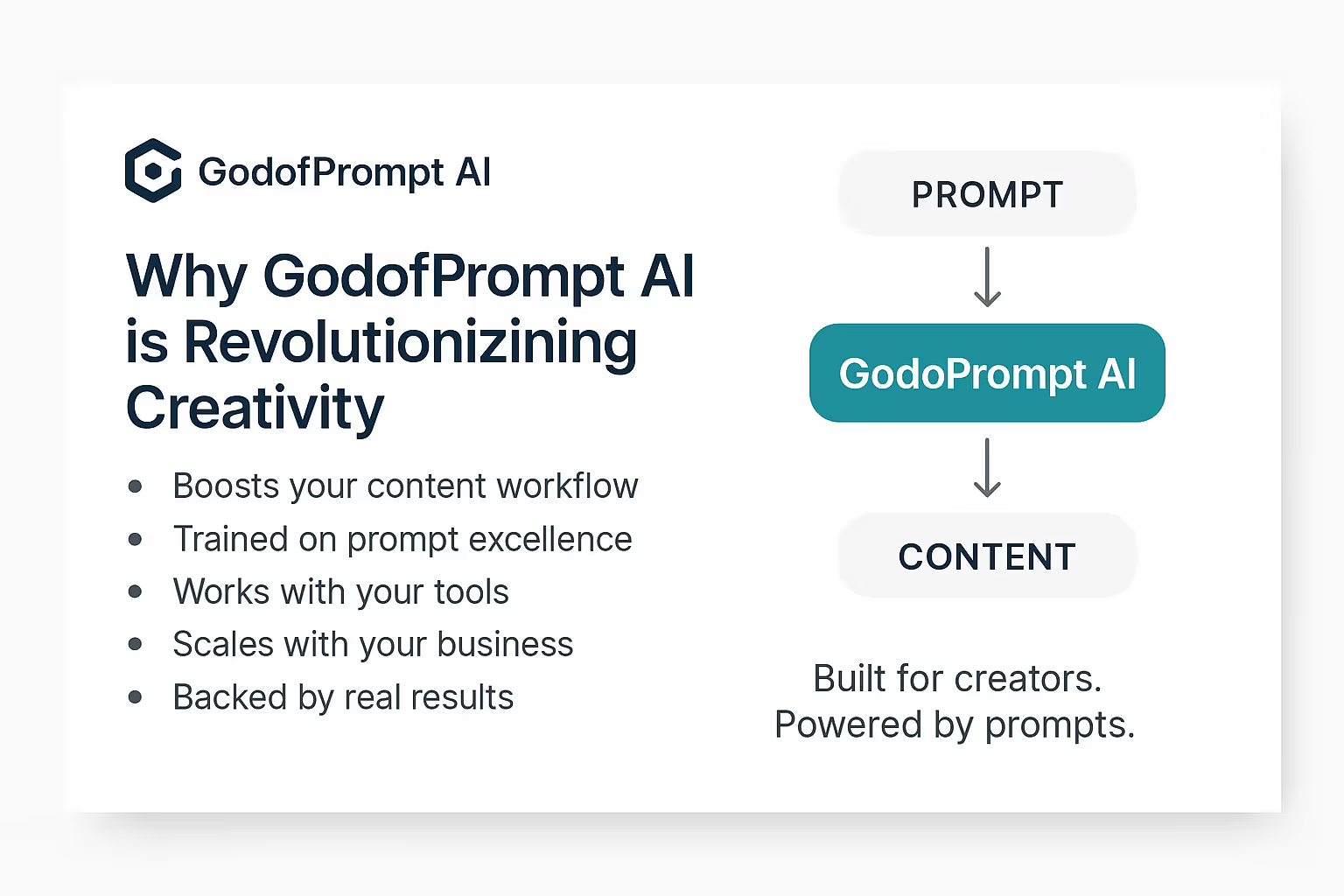
Prompt for Professional Presentation Slides
“Design a modern, professional slide using [Brand Style] and the uploaded logo. The slide should include space for a headline, 3–5 bullet points, and one key visual. Make it look clean and sharp, perfect for [Audience or Topic].”
ChatGPT Response:
Prompt for Client Proposal Graphics
“Create a visual graphic for a client proposal about [Proposal Topic]. Use [Brand Visual Identity] to design a clean layout with key stats, benefits, and one bold element that makes the proposal stand out.”
Prompt for Business Infographics
“Design an infographic based on [Topic or Data]. Use [Color Palette] and [Font Style] to match brand guidelines. Keep the layout structured, easy to read, and ready for business use, with icons or visuals to support key points.”
Prompt for Website Banners
“Create a website banner for [Page or Offer] that follows [Visual Theme]. Use bold text for the message, include a clear CTA like ‘Learn More’ or ‘Sign Up,’ and keep the design aligned with professional, clean aesthetics.”
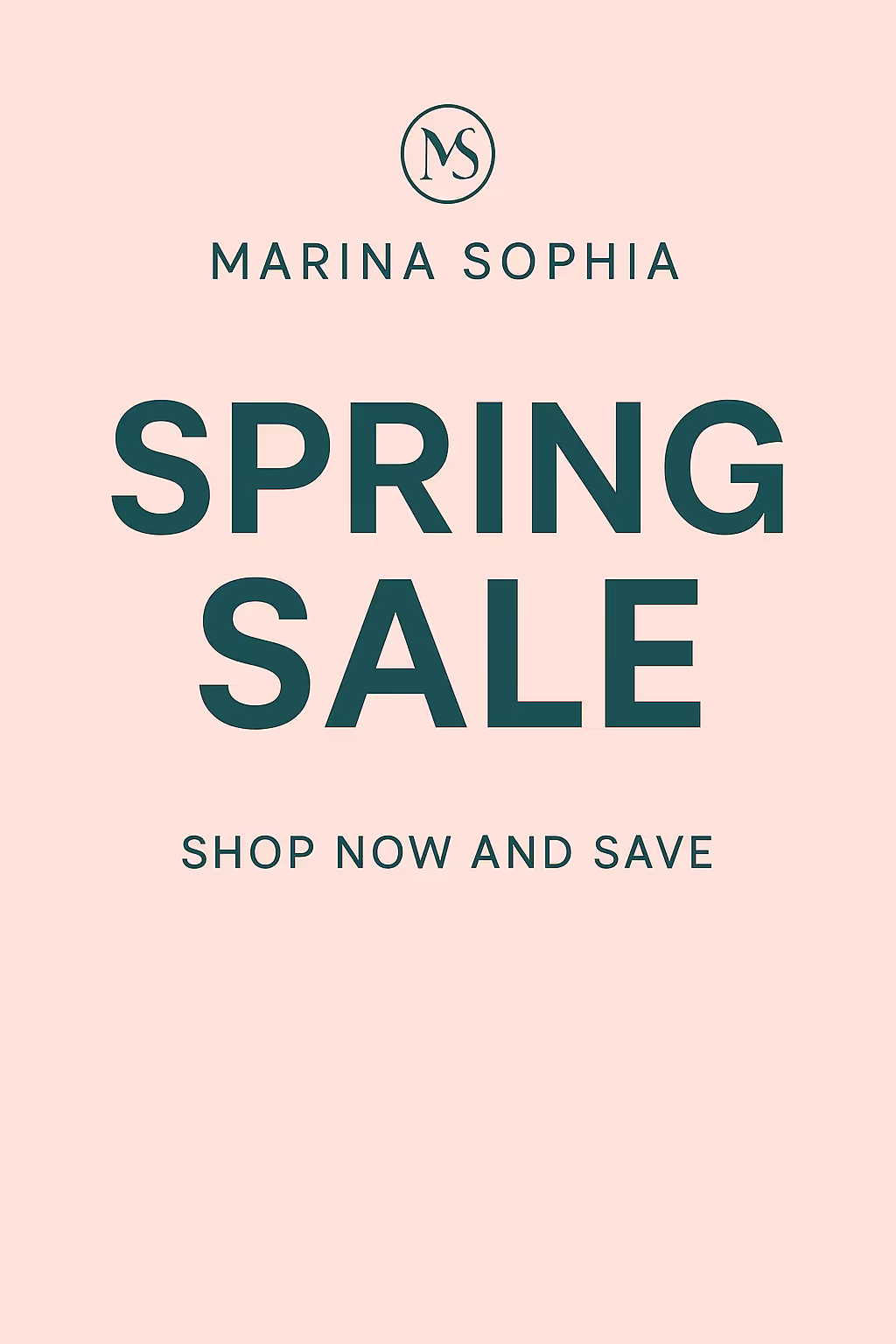
Prompt for Email Header Graphics
“Design a professional email header for [Campaign or Promotion] using [Brand Colors]. Keep it clean, responsive, and attention-grabbing. Include the campaign title or hook, and make sure it looks great on mobile and desktop.”
ChatGPT Response:
Prompt for Product or Service Spotlights
“Using the uploaded image or description of [Product/Service], create a polished visual that highlights the main features and benefits for business users. Make it look trustworthy, clean, and ready for web or ads.”
Prompt for LinkedIn Post Visuals
“Create a professional graphic for a LinkedIn post about [Topic]. Match [Industry Tone], use concise copy, clean fonts, and make sure the layout fits LinkedIn’s feed style. Add subtle branding for a trustworthy look.”
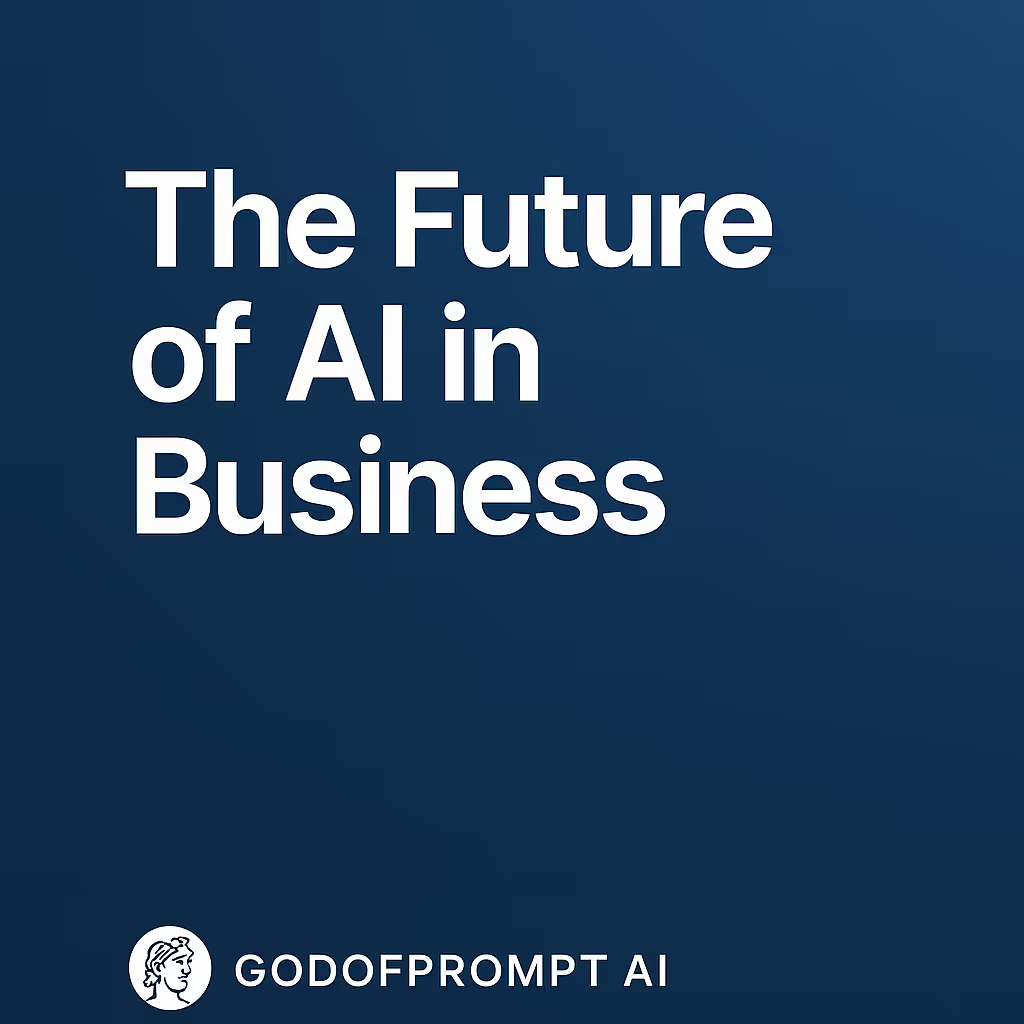
ChatGPT Response:
Wrapping Up: 10 ChatGPT Prompts for Business-Ready Visual Content
Good design helps you look professional.
With these prompts, you can create sharp business visuals fast. Adjust them to match your brand—and you’re ready to go.
Keep going: the prompt library has AI design prompts and Midjourney prompts ready to copy and run.
Prompts for this topic
Put this article to work with ready-to-use prompts from the God of Prompt library.
Keep reading
Ultimate Visual Content Prompt Libraries for Businesses
AI prompt libraries let businesses produce polished logos, ads, and product visuals fast, cutting costs and reclaiming hours previously lost to design work.

Best Visual Content Prompt Libraries for Marketing
Compare AI-powered prompt libraries that speed up marketing visual creation with ready-made templates for social, ads, and branded assets.
5 AI Visual Content Strategies That Boost Engagement By 400%
Explore 5 AI-driven visual content strategies that can increase engagement by 400% through automation, personalization, and storytelling.

The best of the blog, in your inbox
One email when notable prompts, tools, and model updates land. No spam, unsubscribe anytime.
Join 100,000+ subscribers. One email a week, real prompts, tools, and model updates. Unsubscribe anytime.