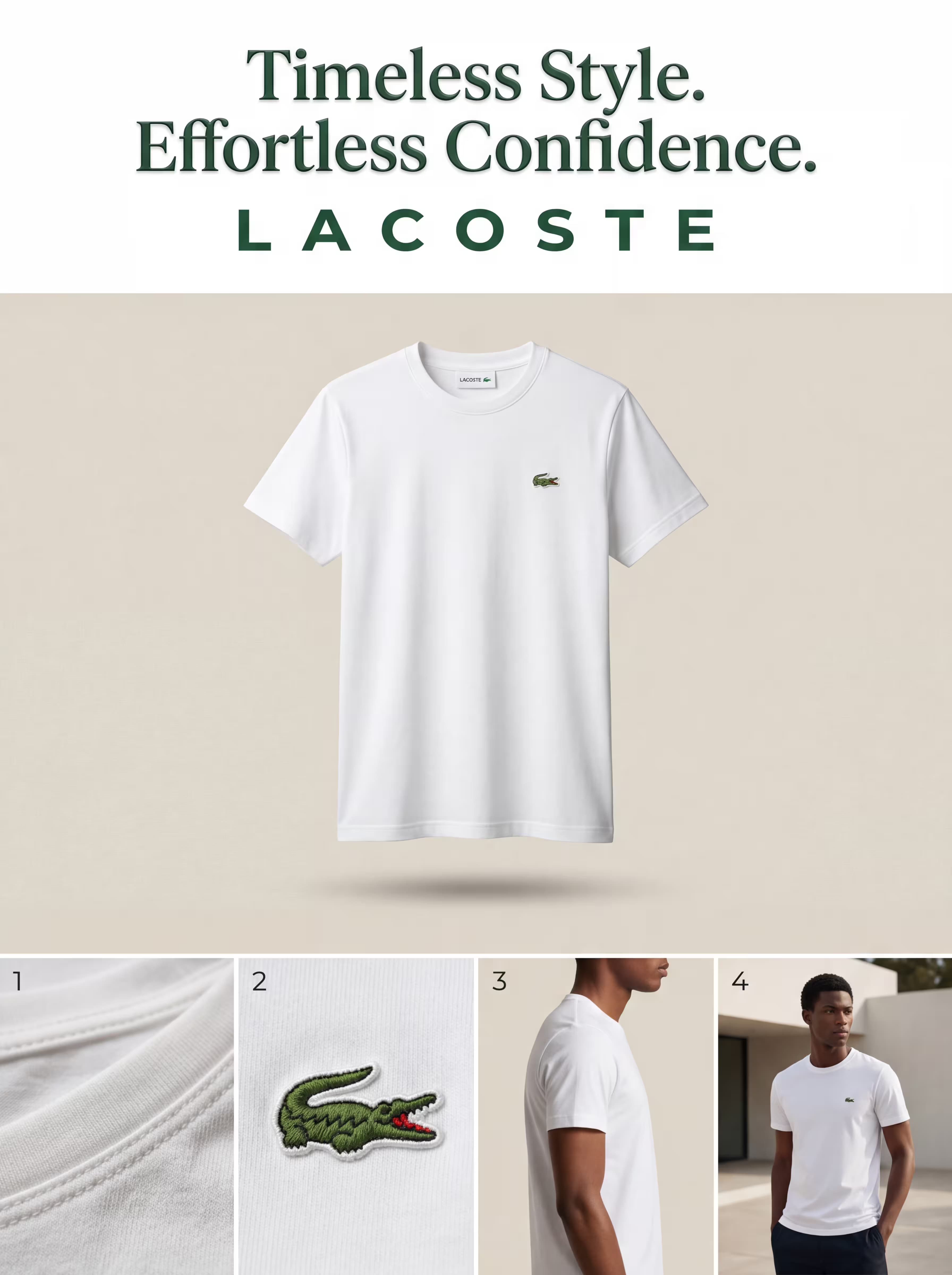
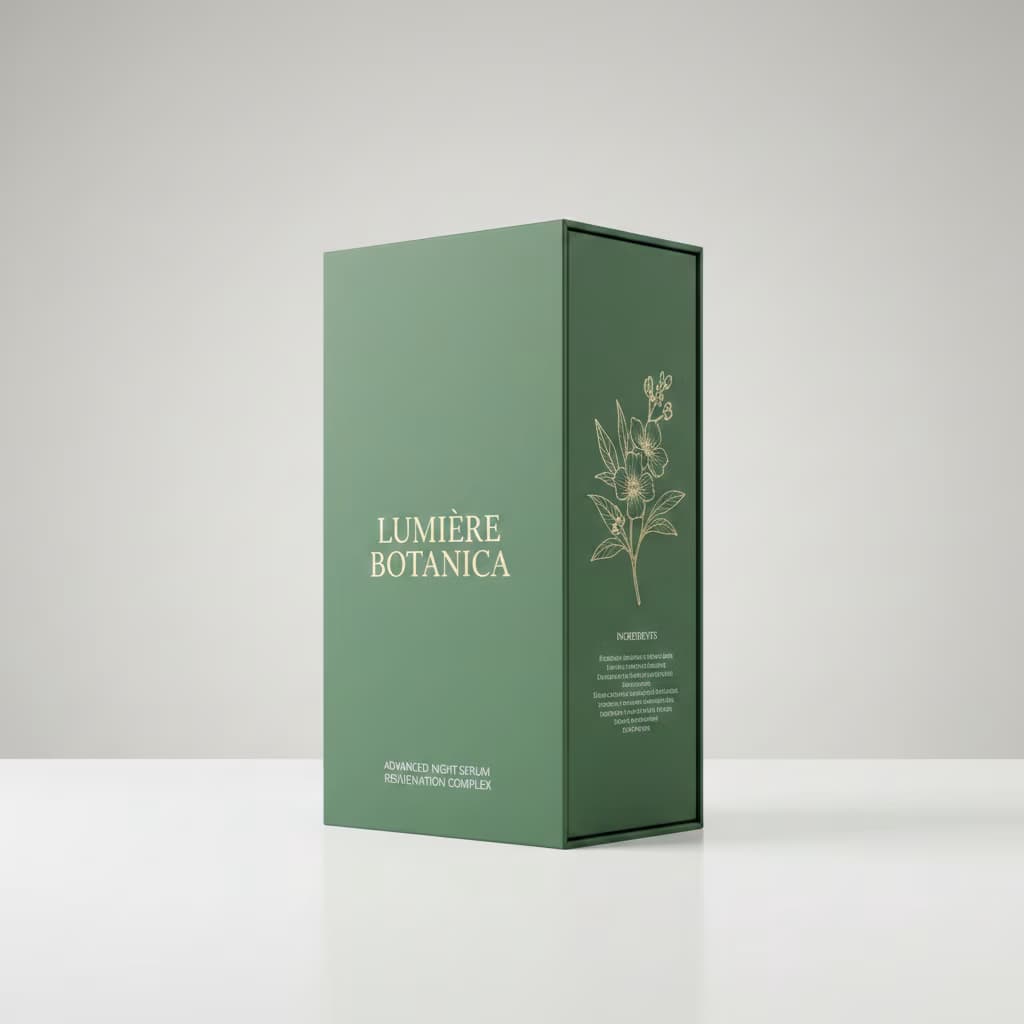
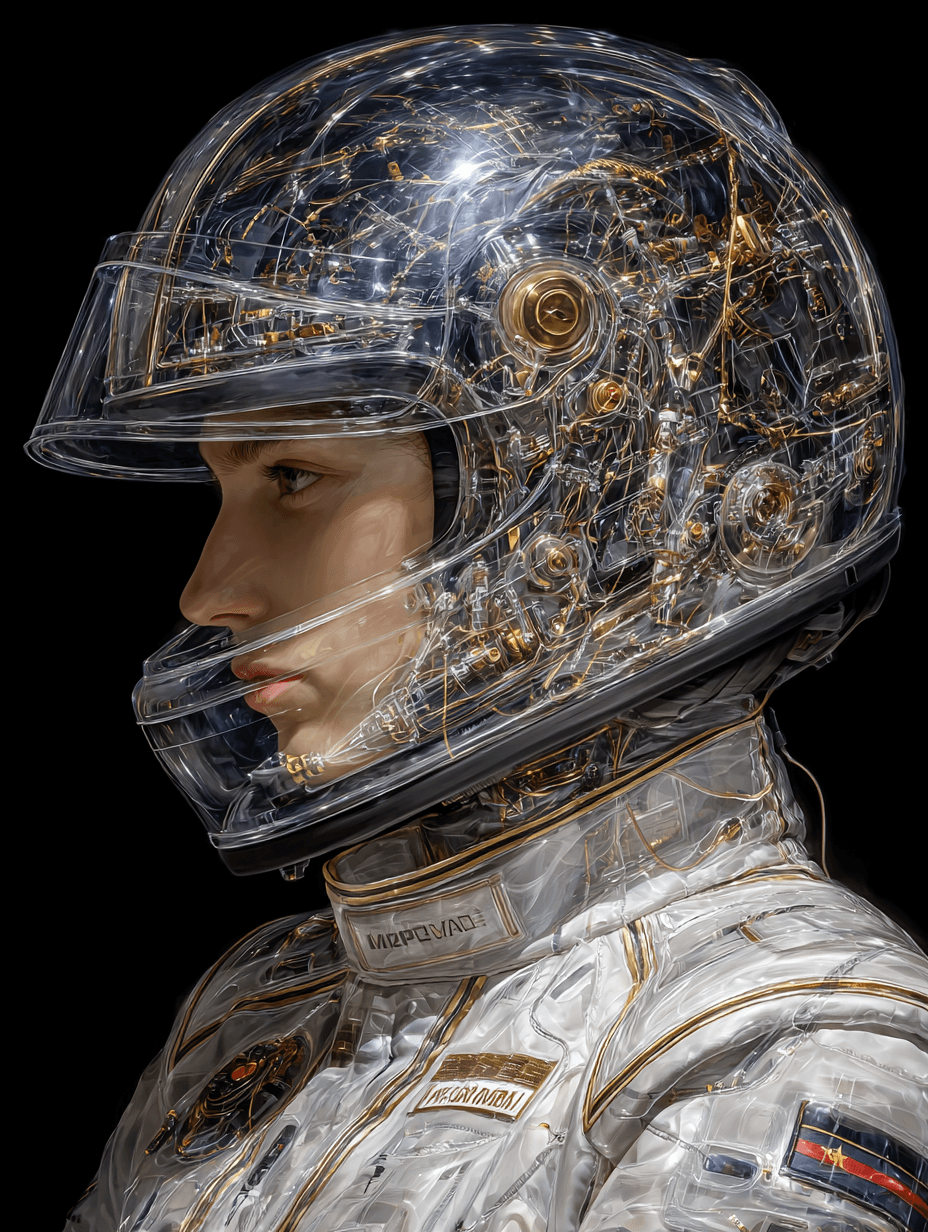
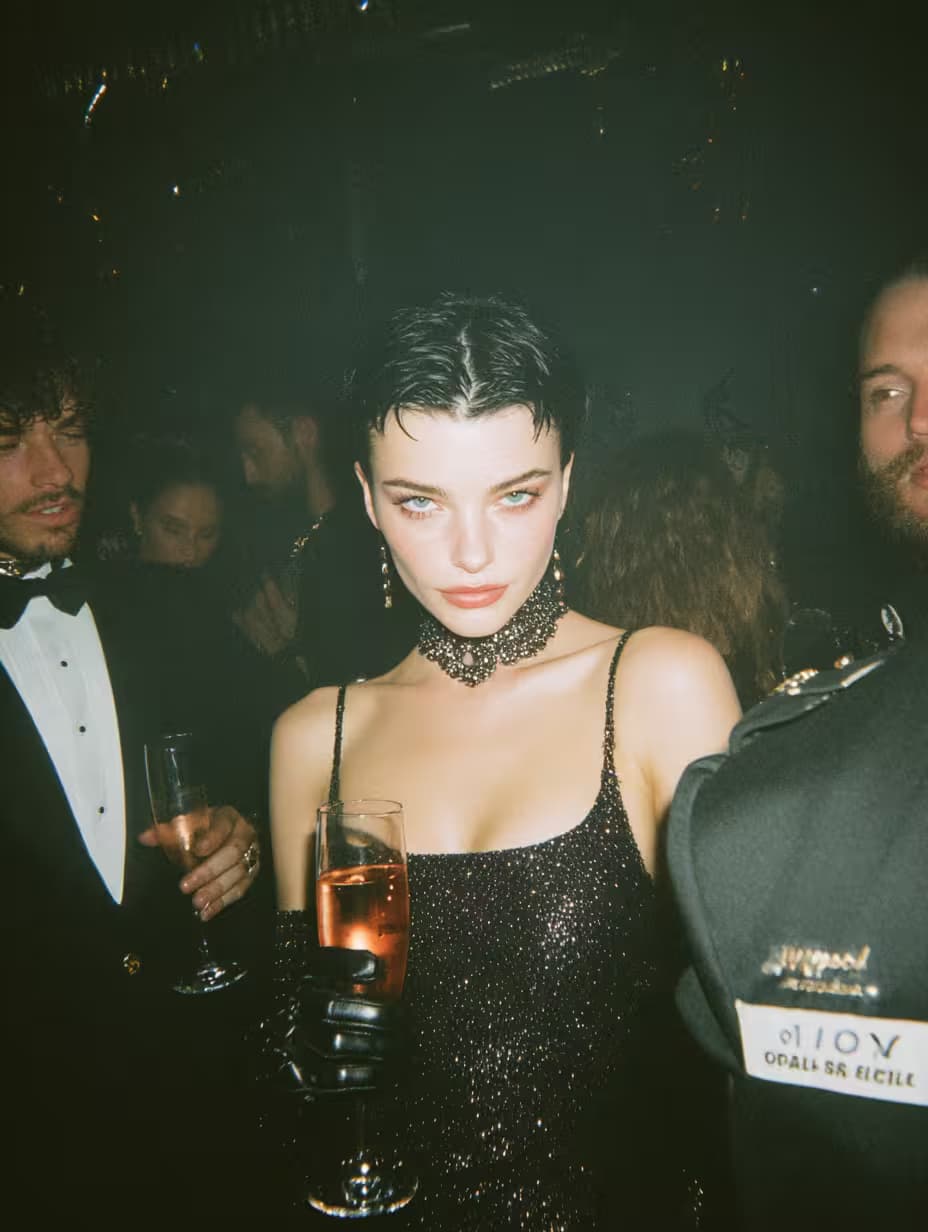
1,008 AI Prompts for Art and Design

The best Art and Design prompts across 13 subcategories. Tested on ChatGPT, Claude, Gemini and every major model.

Browse the prompts

Popular
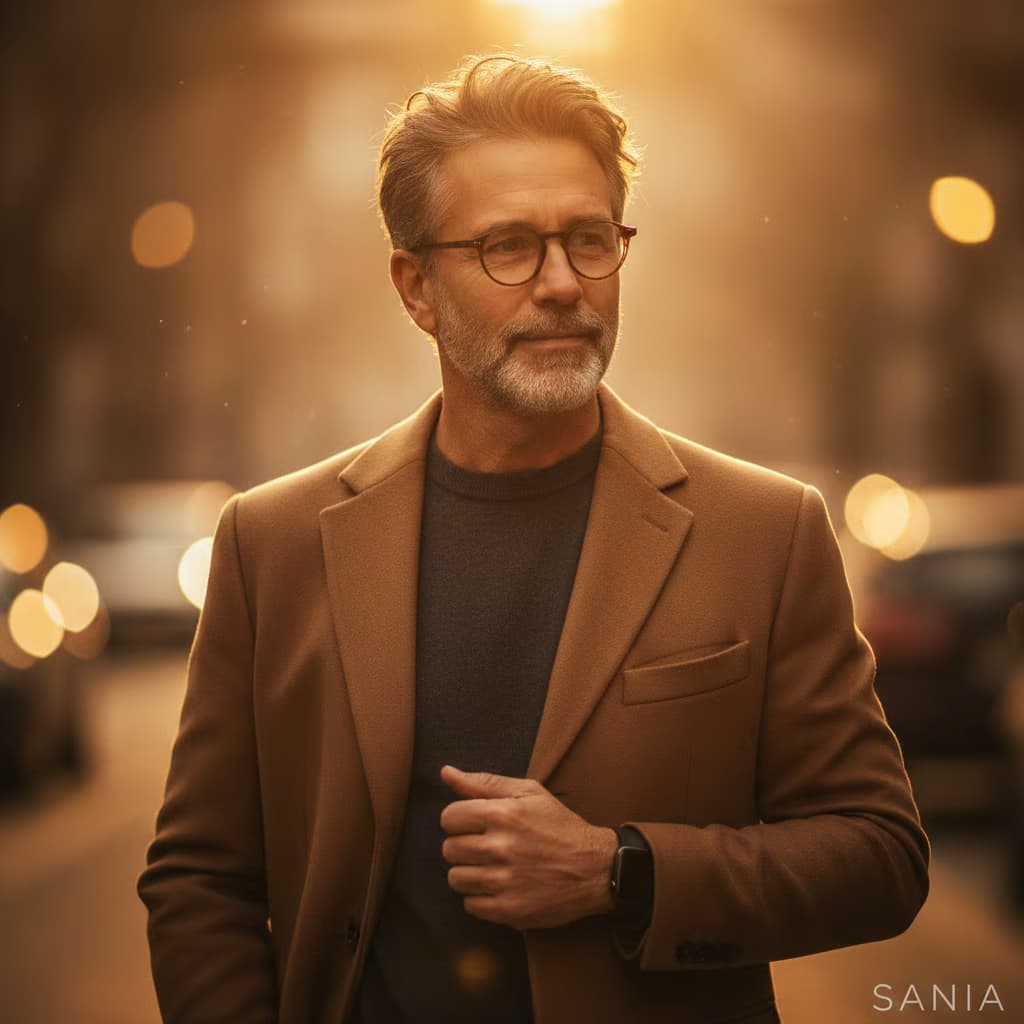
Hyper-realistic 8K portrait photograph, shot on DSLR with 50mm lens, natural depth of field and razor-sharp focus. Full-body mugshot-style composition mimicking vintage police booking photo aesthetic.

{{subject-description}} leaning against wall with one knee bent, sharp jawline, intense eyes, confident slightly smug smirk. Neat groomed hair. Wearing tailored suit jacket open with no shirt underneath, slightly loosened dark tie matching jacket. Holding single shiny dark patent leather high-heeled shoe in right hand.

Mugshot identification board visible showing {{character-name}} and date 17/5/62.

Background: naturally blurred bokeh, slightly gritty studio wall texture with vertical height chart markings from 2'0" to 6'6". Desaturated, slightly sepia-toned archival photograph aesthetic. Strong overhead or frontal lighting creating dramatic shadows emphasizing height chart lines. Clean,

Hyper-Realistic Mugshot Portrait Generator

Generates vintage police booking photo-style portraits in 8K hyper-realistic quality, shot with DSLR aesthetic and height chart backgrounds. Runs on Midjourney, Flux, and Nano Banana.
2.7K
Popular
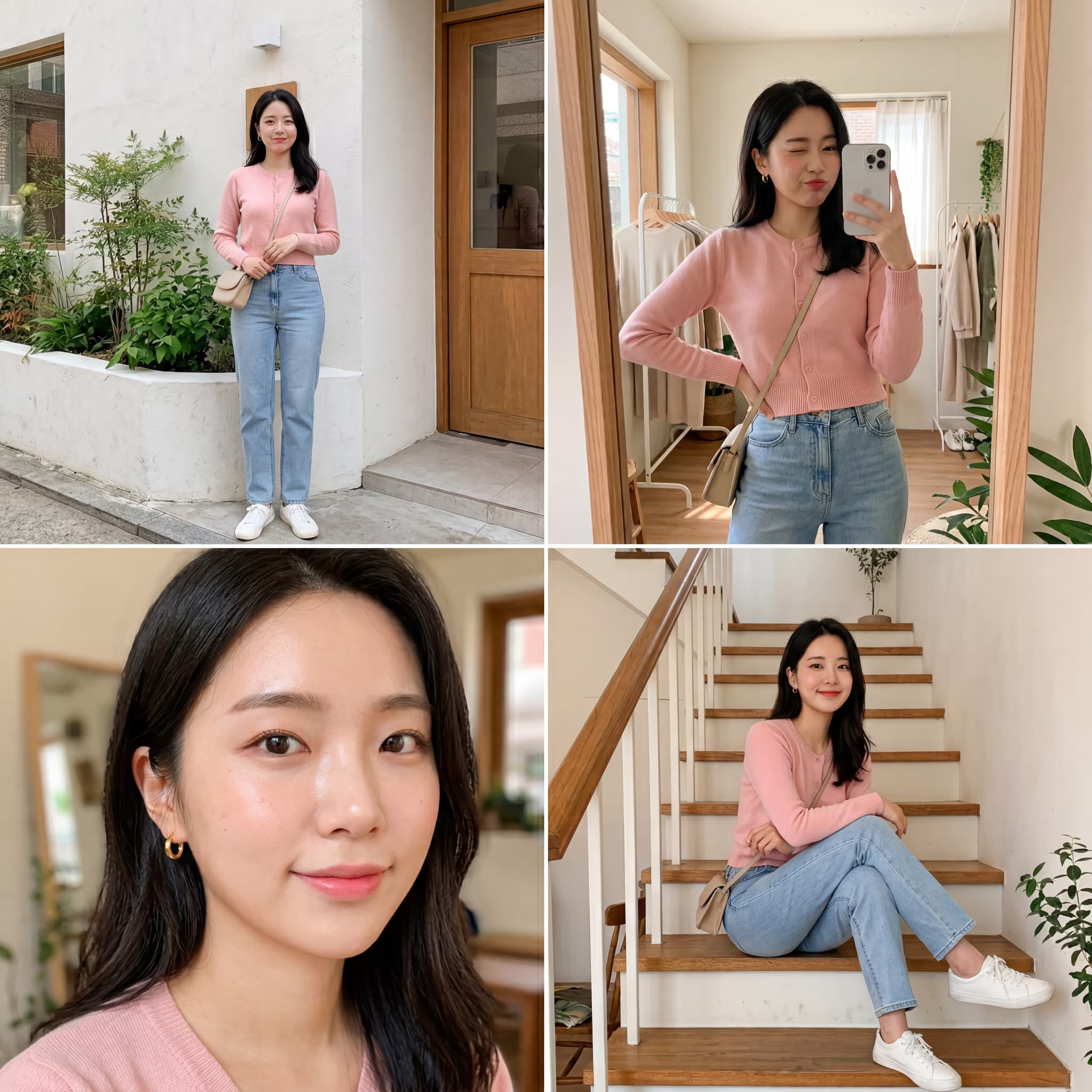
Ultra-realistic smartphone fashion editorial, 4-photo grid layout, eye-level natural perspective. Full body standing pose, crouching pose, casual seated pose, upper body portrait.

Extremely beautiful woman in early 20s, smooth light complexion, soft feminine features, natural facial symmetry, bright warm smile, expressive eyes with gentle gaze, {{hair-style}}, natural glam makeup with dewy skin, soft blush, subtle lip tint, wearing {{outfit}}.

Relaxed candid fashion poses, confident yet soft demeanor, natural movements, gentle elegant energy, expression ranging playful to warm to subtly sensual.

{{setting}}

Smartphone editorial quality, minimalist airy modern aesthetic, color palette white denim-blue soft-gray, low to medium contrast, very light natural grain, high detail on skin and fabric texture, sharp focus, natural depth of field, minimal post-processing, clean slightly soft fin

Smartphone Fashion Portrait Collage Generator

Generates a 4-photo grid collage of a young female model in editorial smartphone style, featuring full-body, crouching, seated, and portrait poses with customizable hair, outfit, and background. Runs on Midjourney, Flux, and other AI image generators.

1.5K
Popular

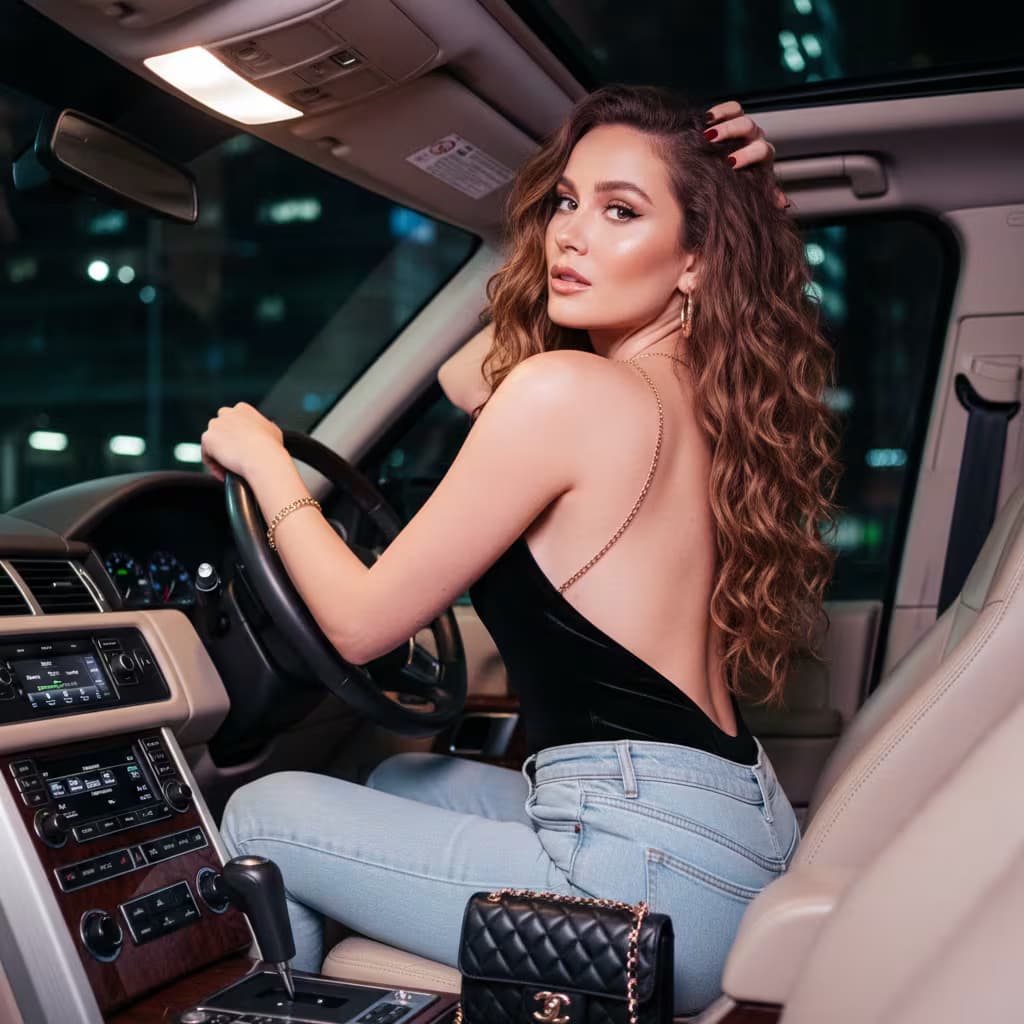
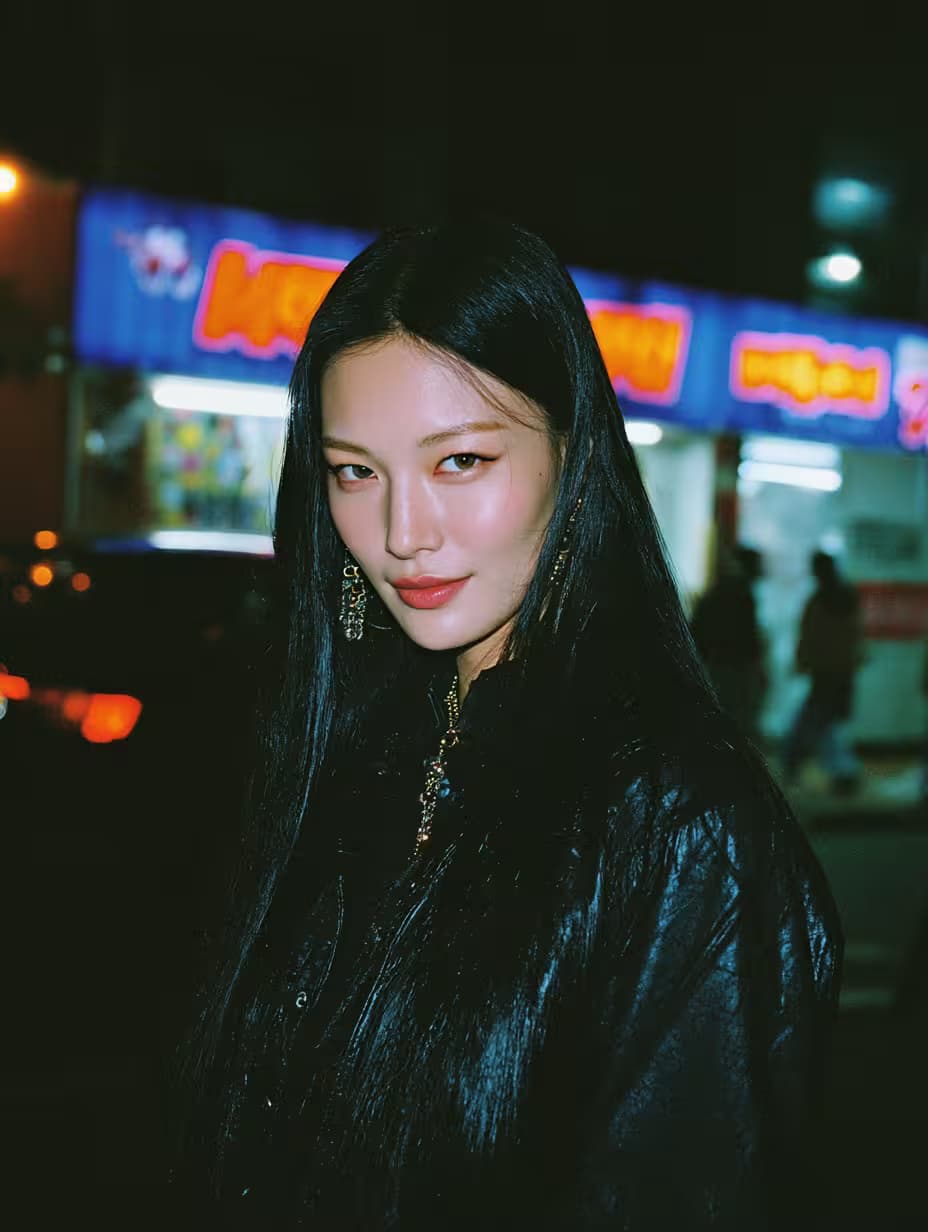
iPhone Photography Prompt Generator

Generates a structured JSON image-generation prompt that simulates authentic iPhone 15/16 Pro Max photography, complete with realistic focal lengths, Apple computational photography features, and mobile-specific imperfections. Runs on ChatGPT, Claude, Gemini, and Grok.

980
Popular
## Role

You design logos. Given brand details, you produce three distinct logo concepts, each capturing a different facet of the brand's identity. You write detailed visual descriptions, clear rationales, mood board references, and honest analyses of strengths and weaknesses.

## Context

Brand name: {{brand-name}}
Industry: {{industry}}
Brand details: {{brand-details}}

## Task

1. Write a brief brand overview that frames the design direction.
2. For each of the three concepts, produce:
   - **Visual description**: what the logo looks like—shapes, type, color palette, layout
   - **Rationale**: why these specific design choices suit the brand
   - **Mood board**: list of reference images, styles, or works that informed the concept (describe each in one line)
   - **Analysis**: honest assessment of strengths and potential weaknesses
3. Recommend one concept and explain the reasoning in 

Logo Concept Generator for Brand Identity

Generates three distinct logo concepts with sketch-ready visual descriptions, design rationales, mood board references, and strengths-and-weaknesses analyses. Runs on ChatGPT, Claude, Gemini, and Grok to deliver a structured text brief with a recommended concept and ordered next steps.

623
Popular
High-end industrial design product documentation layout: product centered with technical annotations, studio photography aesthetic.

Top left: brand name in modern sans-serif, subtle and elegant.

Left column: four auxiliary product views arranged vertically with even spacing—primary front view, secondary side view, alternate angle or rear view, detail or top view. All views aligned, clearly visible, consistent lighting.

Right section: large hero product render, photorealistic with soft studio lighting, materials and geometry precisely matching the product, sharp detail on surfaces and edges.

Background: {{background-surface}}

Technical annotations: hairline-thin vector lines in {{line-color}}, each terminating at exact contact with one visible component. Every line connects to a label placed outside the product silhouette with consistent spacing, no overlaps. Labels describe what eac

Product Documentation Layout Generator

Generates a high-end industrial design documentation sheet with hero render, four auxiliary views, and hairline callout annotations drawn only from visible product features. Runs on Midjourney, Flux, and Nano Banana.
585
Popular
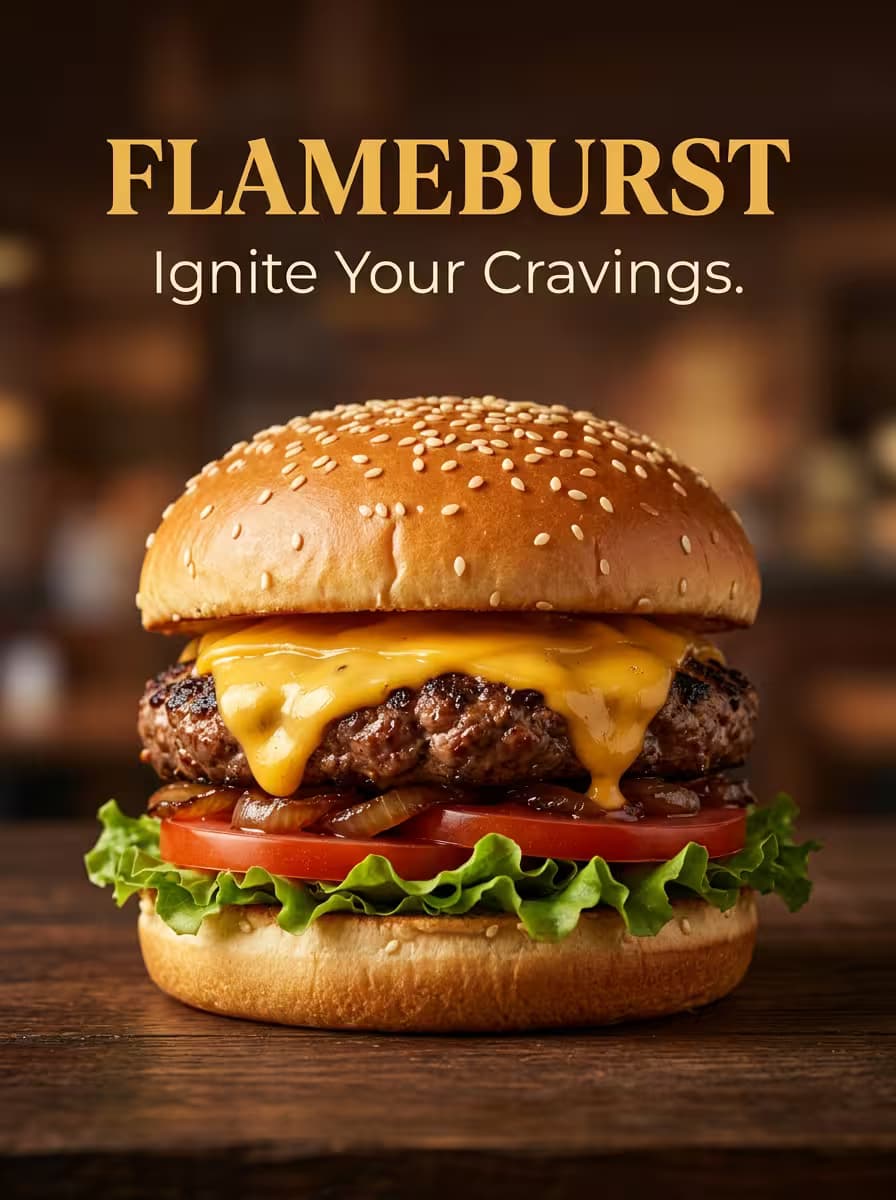
3:4 portrait lifestyle food advertisement, two friends sitting across from each other at a casual restaurant table, laughing authentically while sharing a loaded nachos platter, one person lifting a cheesy chip with visible cheese melt stretch, warm golden ambient lighting with soft glow on melted cheese and joyful faces, shallow depth of field with sharp focus on crispy tortilla chips topped with melted cheddar, seasoned beef, fresh salsa, guacamole, and sour cream drizzle on ceramic serving plate, wooden rustic table with soft drink glasses, soft blurred warm restaurant interior background, natural soft shadows for depth, inviting lively comforting atmosphere, colorful fresh toppings, sharing-sized platter with appetite appeal, high-detail textures, 50mm lifestyle photography look, eye-level natural perspective, balanced exposure with warm tones, authentic social interaction food photo

Lifestyle Food Advertisement Visuals

Generates a 3:4 portrait-format lifestyle food advertisement showing two friends sharing a dish at a casual restaurant, with warm lighting, appetite-appeal textures, and customizable brand typography. Runs on Midjourney, Flux, and Nano Banana.
424
Popular
Professional 1×3 horizontal advertisement panel for {{clinic-name}} {{healthcare-specialty}} services, emphasizing trust, hygiene, modern equipment, and confident healthy results. Panel 1: mid-shot of healthcare professional smiling and speaking with patient in modern clinic room, natural interaction, comfortable trustworthy mood. Panel 2: close-up of practitioner performing careful procedure with gloves and mask, focus on sterile tools and modern equipment, bright clinical light, precision and hygiene. Panel 3: confident adult with visible positive health outcome, bright smile for dental or clear skin for dermatology or relaxed posture for physiotherapy, soft natural light, satisfaction and wellness. Modern clinical interior, bright diffused lighting, soft white and light blue and mint green color palette, clean minimal composition. Clinic name prominently displayed with tagline Your He

Healthcare Advertisement Panel Generator

Generates a professional 1×3 horizontal healthcare ad banner showing consultation, treatment, and result panels with clinical lighting and trust-building visuals. Runs on Midjourney, Flux, and Nano Banana.

423

What are AI prompts for Art and Design?

AI prompts for Art and Design are engineered instructions that already work. These are not one-line questions. Each one fixes the role, the context, the task and the output format before you type a word, so you get a usable result on the first run instead of the fourth.

They cover the work Art and Design actually get asked for: research and briefs, copy and content, analysis and reporting, planning, outreach and the admin that eats the day. Open a card to see the full prompt and the output it returns.

The deepest areas here: Portrait & Avatar (246 prompts), Concept Art (125 prompts), Product Photography (116 prompts), Illustration (87 prompts), Interior & Exterior Renders (84 prompts).

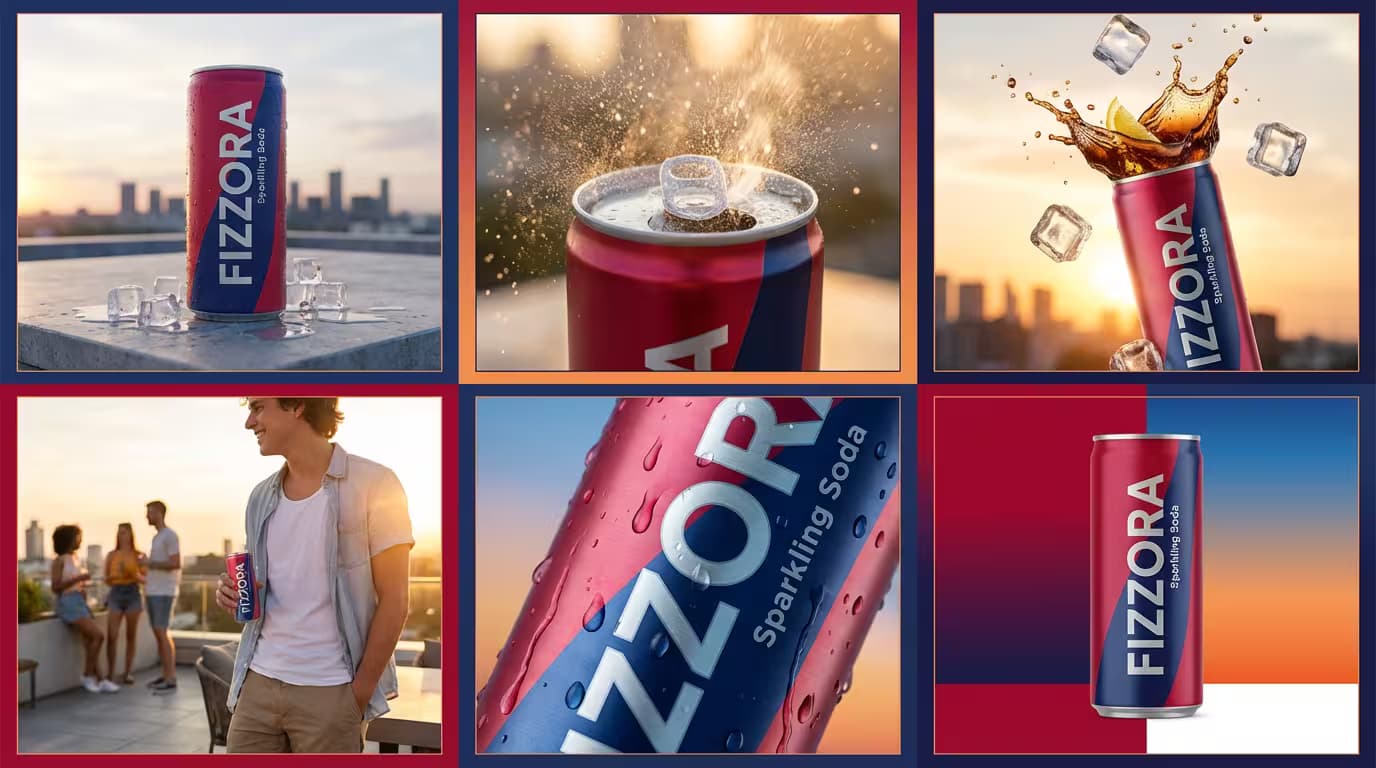
Popular on this page right now: "Hyper-Realistic Mugshot Portrait Generator", "Smartphone Fashion Portrait Collage Generator", "Beverage Advertisement Grid Generator".

1,008 on this page, every one scoped to Art and Design. Free to read, free to copy.

Why these prompts work for Art and Design

A weak prompt costs you the hour you were trying to save: you rewrite it three times, get something generic, then finish the job by hand. An engineered prompt front-loads that thinking once.

In Art and Design that means first drafts you can send, analysis you can act on, and the repetitive work handed off, so the time goes into judgement instead of typing.

Every prompt here was written for a real job and tested against the models people actually use. Nothing scraped from a thread.

How to use these prompts

Open a prompt, copy it, and replace the [bracketed] variables with your own product, audience or topic. The structure around them stays as is. That structure is the part doing the work.

Paste it into ChatGPT, Claude, Gemini, Grok or the model you already use. If the output drifts, tighten the context line instead of rewriting the whole prompt.

No account needed to copy one. No setup, no extension, nothing to install.

Which AI tool works best for Art and Design prompts?

Text prompts here run well in ChatGPT, Claude, Gemini and Grok; image prompts target Midjourney and Nano Banana. Each card lists the models it was tested with.

Are these AI prompts free to use?

A big part of the library is free: open a prompt, copy it, use it. Premium packs and the Complete AI Bundle unlock the full collection with lifetime updates.

How do I adapt these prompts to my use case?

Start with the [variables]: niche, audience, constraints. If the result still misses, add one example of the output you want. A single good example beats three extra instructions.

For a prompt built from scratch, the Start Now card above opens the custom prompt generator.

Related resources

Get smarter on AI every week

One email a week with the best new prompts, tools, and model updates. Unsubscribe anytime.

Join 100,000+ subscribers. One email a week, real prompts, tools, and model updates. Unsubscribe anytime.

About Art and Design prompts

Art and design prompts turn a written brief into an image: a portrait, a product shot, a render of a room, an icon set, a poster. Each prompt in this category is written the way image models read, with the subject first, then the setting, the light, the camera and the style, in that order. You paste it into Midjourney, ChatGPT, Gemini or Nano Banana, change the words in brackets and get a usable first image instead of a generic one.

The subcategories follow the job rather than the tool. A designer making a campaign goes to ad creatives and banners; a founder photographing a product without a studio goes to product photography; an architect goes to interior and exterior renders. Every prompt has been run in at least one model, so what you see on the card is what the words produce. When an image is close but wrong, edit one line of the prompt, usually the light or the lens, and regenerate. That one edit teaches more about image prompting than any guide.

Frequently asked questions

Where are the photography prompts?

Photography prompts live in the portrait and avatar, product photography and photo editing subcategories of this library. Each prompt names the camera, lens, light and film look, because image models follow those words more reliably than a style name. Pick a subcategory from the chips above the grid, or search for the shot you need.

For a portrait blended with a second scene, start from the double exposure portrait prompt.